.svg)
%20(1).svg)


Updated September 4, 2026
TL;DR: Send a real email to a checker's seed address, or run a seed test, then check your score and whether you landed in the inbox or spam. Free tools like Mail-Tester, EasyDMARC, and MxToolbox flag SPF, DKIM, DMARC, content, and blacklist issues. For ongoing testing at scale, Instantly.ai's Inbox Placement runs the checks automatically. Aim for roughly 85%+ inbox placement, or 8/10 on a spam-score tester, before a big send.
Roughly one in five emails never reaches the inbox. If you send cold outreach, newsletters, or transactional email, an email deliverability test tells you whether your messages are landing in the inbox or the spam folder before you scale a campaign. This guide covers how to test email deliverability, the best free checker tools, and how to read your score. For the wider playbook, see Instantly’s guide to cold email.
Internet service providers are some of the champions against spam. They put in place filters, checks, and ban accounts that appear to be sending spam. It’s great for the end user, but it’s difficult for those wanting to reach recipients with a genuine message.
What this article covers:
- Email Deliverability Explained
- How To Test Email Deliverability (with the best free tools)
- Tracking Email Deliverability
- Improving Email Deliverability
Email deliverability explained
Email deliverability is the measure of how likely an email is to land in a recipient’s inbox. That means their actual inbox, not the spam folder. This is an important distinction. An email can still be delivered but to the spam folder of an account. We want to gauge how successful an email will be at making it to the recipient’s main inbox.
Emails are sent for all kinds of reasons, from product updates to cold outreach, newsletters, to password resets. It might shock you, however, to learn that as a rough estimate, only around 80% of genuinely sent emails make it to the recipient's inbox. A fifth of emails don't make it or end up in spam. If you're sending a cold email campaign or even just wanting to remind customers of account credentials, this figure should concern you.
The foundations of good deliverability
You might want to know what percentage equates to a good deliverability rate. Unfortunately, you’re going to be disappointed to find out that there isn’t a hard and fast answer. That said, as a general rule of thumb, anything over 85% is a good sign.
A great deal of deliverability depends on your industry, your sending patterns, the content of your email, and the purpose. Seeing as this varies hugely from industry to industry and email to email. There are a lot of variables.
The type of email is one of the best determiners and delivers a set of benchmarks that you might like to compare your campaigns to. Marketing emails, for example, get a low amount of engagement, sitting around a 20-25% open rate. Transactional emails fare far better and tend to get opened around 80-85% of the time.
What is a good email deliverability score?
As a rough benchmark, a good email deliverability score is 85% inbox placement or higher. On a spam-score tester like Mail-Tester, that maps to 8 out of 10 or above. On a reputation score like Sender Score, aim for 90 or higher out of 100. Below 80% inbox placement, treat authentication, content, or reputation as the problem to fix before you scale.
How to test email deliverability
This isn’t, thankfully, a manual process. There are a whole host of tools that you can use to test the deliverability of your emails.
Here is how to test email deliverability in five steps, whichever tool you use:
- Pick a checker and get its seed address, or connect your sending account.
- Send a real campaign email to that address, or run a seed test across Gmail, Outlook, and Yahoo.
- Read your deliverability score and where the email landed, inbox or spam.
- Review the flagged issues: SPF, DKIM, and DMARC alignment, spam-trigger content, and blacklist status.
- Fix the issues, warm the domain if reputation is low, and re-test before your next big send.
The free tools below cover most one-off checks. Here is how they compare:
| Tool | What it checks | Free | Best for |
|---|---|---|---|
| Mail-Tester | Spam score out of 10, SpamAssassin, authentication, blacklists | Yes (limited daily) | A quick one-off spam-score check |
| MxToolbox | Domain and DNS health, blacklists, authentication | Yes | Checking DNS, MX, and blacklist status |
| EasyDMARC Inbox Checker | Inbox-versus-spam placement, authentication | Yes | A free placement test with a DMARC focus |
| MailGenius | Spam-trigger and deliverability audit | Yes | Content and spam-trigger checks |
| Warmy | Free placement test alongside warmup | Free test | Testing while you run a warmup tool |
| Instantly Inbox Placement | Recurring seed tests, spam-trigger analysis, blacklist monitoring, pairs with High Bounce Auto-Pause | Free tier (2 one-time tests), paid for automated/ongoing | Ongoing testing at scale, not a one-off |
Honest note: for a single spot-check, a free tester like Mail-Tester or EasyDMARC is all you need. Instantly's Inbox Placement is built for ongoing, at-scale testing and monitoring, so it is more than a one-off check requires.
SenderScore
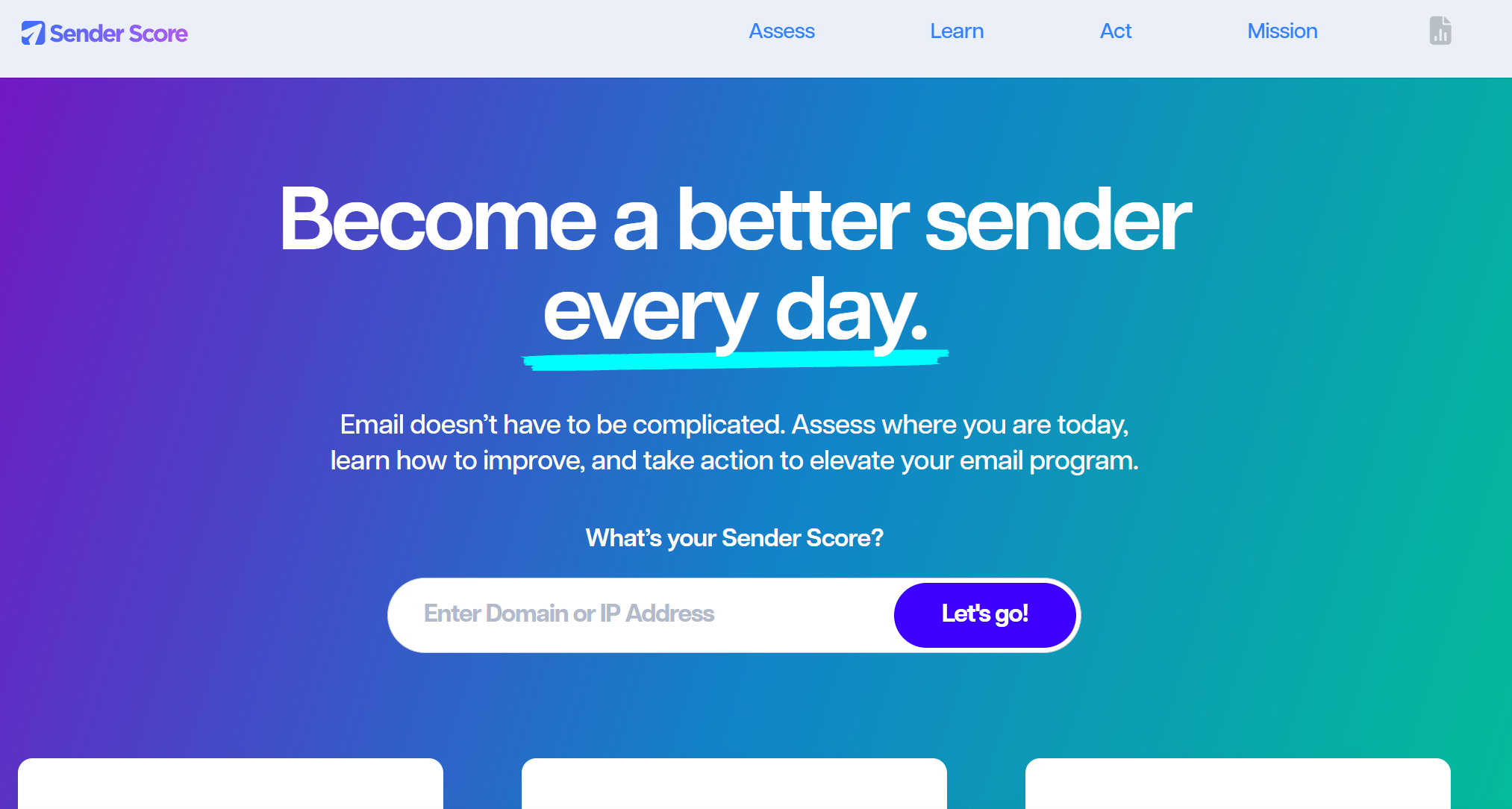
SenderScore works by assessing the reputation of your domain. Input your domain and a few other details, such as the volume of emails that you’re sending. You’ll then be shown a score per IP address from 0 to 100. This is a representation of your key reputation measures that are deemed important by ISPs and the recipients of the email. The higher the score, the better.
You’ll also receive information on your MX records, SPF records, and SSL. Plus, there’s a handy button that can show you the WHOIS data in a quick click.
Once you’ve got your score, you can then head into the Learn section of the website. That offers podcasts, courses, and curated learning tips from the email community.
Mail Tester

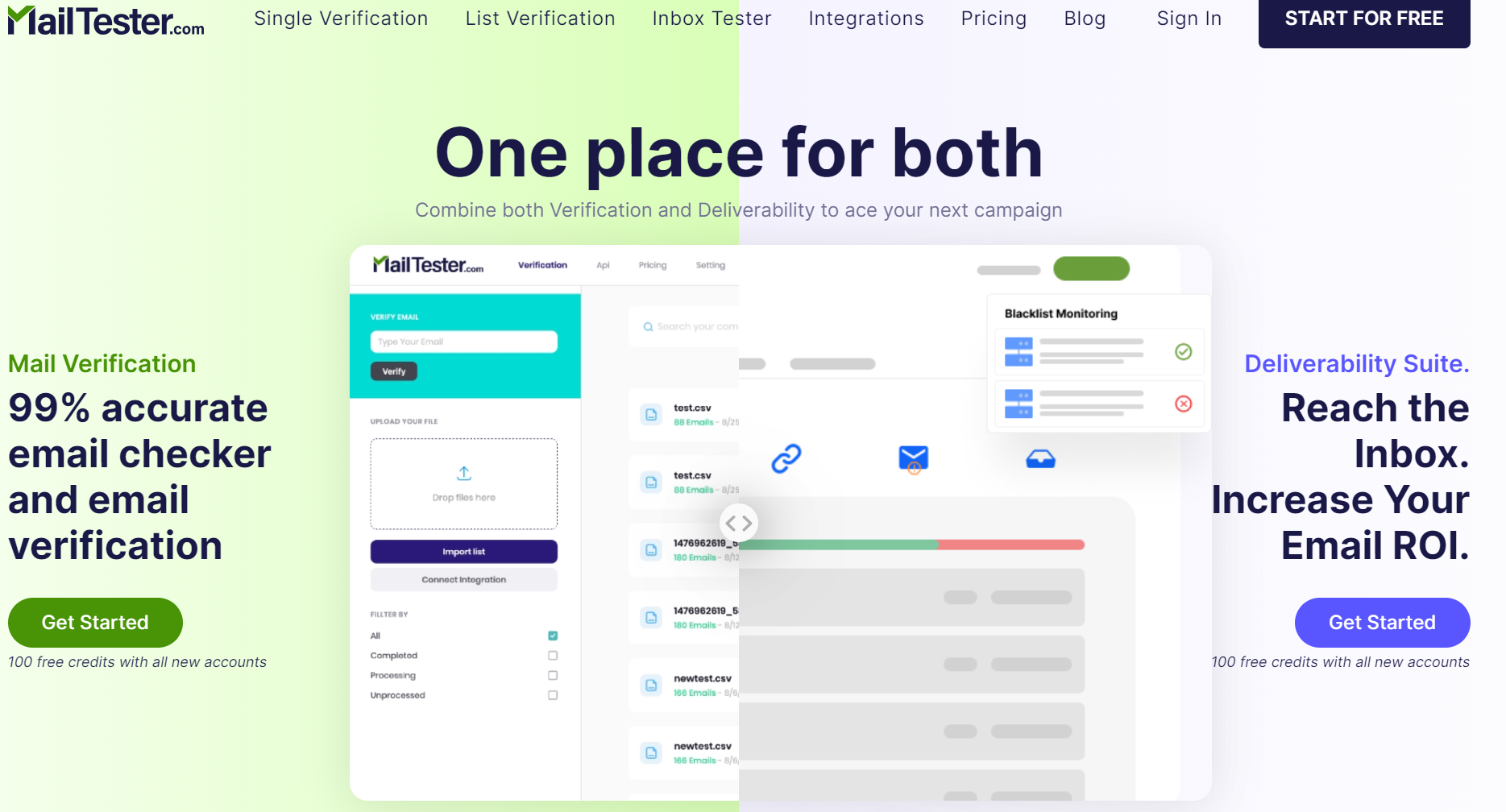
The jovial nature of Mail Tester, with its nautical theme, might make it seem simplistic, but this is a sophisticated piece of software. The tool requests that you send an email to a random address that they provide you with. Once sent, simply hit the check button and watch as the rowboat paddles across the sea of email testing.
You’ll get a score out of 10, plus an indicator of what that might mean. You can then:
- See your message in HTML, HTML without external images, text, and source.
- Check if SpamAssassin likes you or not. This is based on factors such as a DKIM signature, ratio of text to images, SPF records, and any external images.
- See authentication results. So you can check SPF, DKIM, DMARC, and host data.
- Check for body message errors.
- Check if you’re blacklisted on any iPv4 blacklists.
- Check for broken links sent in your email.
The benefit of Mail Tester is that if you find any errors, it will quickly show you how you might be able to remedy them.
Other free testers to know
Beyond the two above, three free tools round out most testing needs. MxToolbox checks your DNS, MX records, authentication, and whether your domain sits on any blacklist. EasyDMARC's Inbox Checker sends a test and shows inbox-versus-spam placement with a DMARC focus. MailGenius audits your content for spam triggers and hands back a fix list. All three are free for a spot-check, which is usually enough before a send.
Paid options
There are a few paid options on the market, such as SendForensics, Kickbox, and GlockApps. These options deliver the strongest and most detailed deliverability reports. Great, but that data and information don't come cheap. If you're starting out, the free options will likely serve you well. Then, as your campaigns ramp up to larger sending volumes, you can consider the paid options or a platform with testing built in, like Instantly's Inbox Placement, so ongoing monitoring lives in the same place you send from.
Tracking email deliverability
If you’re faced with a troublesome score, you need to rectify it before launching any major campaigns. It’s also important that you keep tracking your deliverability score to maximize your campaign’s effectiveness.
Yes, you can keep running your campaign through an email tester and hoping that the result is the same for every inbox that you send to. That isn’t a particularly accurate method. There is no way of knowing if an email has been delivered to an inbox rather than a spam folder. You can, however, know if someone has opened an email.
Email tracking has been part of major email tools for a long time. Almost all tools will offer some form of analytics that will let you know open rates and response rates. The best tools will offer granular data such as what device the email was opened on or even what app they used. For the full monitoring framework, see Instantly’s guide to hitting 90%+ cold email deliverability.
Improving email deliverability
If you’ve run those tools and found that your deliverability scores leave something to be desired, then chances are you’ll want to remedy that. There are a number of options for you to consider. They vary in complexity of implementation, time scales, and importance. Consider each of these when creating your improvement plan.
Reputation
Your credibility with ISPs is paramount. They hold the keys to the deliverability gates. A poor reputation means that your emails will be doomed to the spam folder or won’t be delivered at all.
Reputation takes time to build as it does in the offline world. There are ways to keep your good reputation and avoid landing on an ISP’s blacklist.
- Always Give Users The Option To Unsubscribe: Yes, you’ve worked hard to get them onto your list, and that makes it incredibly tempting to trap them there. The truth is, however, that if you hold email accounts hostage, your reputation with ISPs will be damaged. Always make the unsubscribe option clear and easy to implement.
- Keep Bounce Rate Low: If a large proportion of your emails bounce, it looks bad to ISPs. They get the feeling that you’re trying to brute force emails, and this certainly looks like spam. Reduce your bounce rate by monitoring your campaigns and cleaning your email lists of any bounced email addresses.
- Send Expected Emails: Users should have given you explicit consent to email them before you send anything.
- Be Consistent: ISPs will look for consistency in sending habits. To avoid suspicion, don’t go from sending zero emails to thousands the following week.
Invest in email warmup
Email account warmup does more for deliverability than almost anything else you can do. The process works by increasing your profile, building up your reputation, and increasing your sending rates in a way that ISPs like to see.
It works by sending an incremental amount of emails on a regular basis. These emails need to be sent to an account that will open them and engage with them. As emails are successfully delivered and engaged with, your reputation and standing increase. This process should continue until you reach the point where you can successfully launch a campaign.
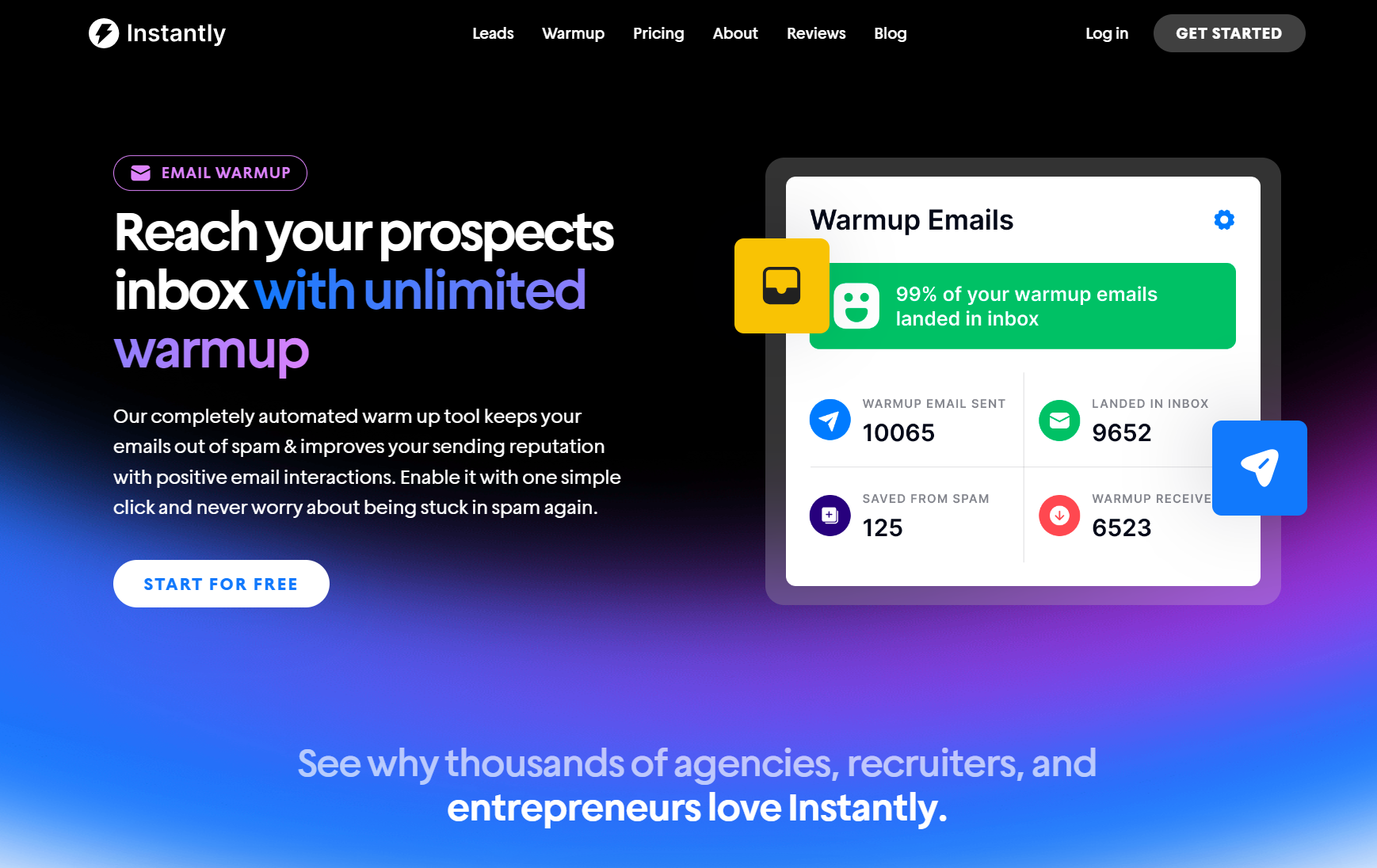
As you can imagine, doing this manually would be a Herculean task. That's why Instantly's built-in warmup removes a separate tool from your stack. Using an AI-powered automated account warm-up means that by the time you're ready to send your first campaign, your reputation is there and ready.
Frequently asked questions about testing email deliverability
How can I check my email deliverability?
Send a test email to a deliverability checker such as Mail-Tester or EasyDMARC for a free one-off check, or Instantly Inbox Placement for ongoing paid monitoring. It returns a score, shows whether you landed in the inbox or spam, and flags what to fix, usually authentication, content, or blacklist issues.
How do you test email deliverability?
Run seed tests: send your email to a set of inboxes across Gmail, Outlook, and Yahoo, or to a tester's seed address, then measure where it lands and check SPF, DKIM, and DMARC alignment plus blacklist status. Fix any flags and re-test before scaling.
What is a good email deliverability rate?
As a rough benchmark, around 85% inbox placement or higher is healthy. Under 80% signals authentication, content, or reputation problems worth fixing before a big send. Rates vary by industry and email type, so track your own baseline over time.
What is an email deliverability score?
A deliverability score is a single number that summarises how likely your email is to reach the inbox, based on domain reputation, SPF, DKIM, and DMARC authentication, spam-trigger content, and blacklist status. Different tools score differently, so read the score alongside the issues it flags.
Key takeaways
Testing your email deliverability is a worthwhile undertaking. It’ll ensure that your campaigns aren’t only successful but actually reach the right part of their inbox. The last thing you want is for your hard work to end up in a spam folder.
- "Use a deliverability tester before every send that matters.
- Use a free tester like Mail-Tester or EasyDMARC for a one-off check, and a platform like Instantly Inbox Placement for ongoing testing at scale.
- There are ways of managing a damaged reputation.
- Account warmup improves your reputation and deliverability.
Combining an email marketing tool with deliverability enhancement is a no-brainer. That’s precisely what Instantly has done. Ready to try it yourself? Get started for free today.



