


Last update: December 2, 2025
Website visitor identification software tells you which companies are visiting your website and what piqued their interest. It works by using tracking code (like a pixel) to match a visitor's IP address to a company database. This turns anonymous traffic into a list of semi-warm, targeted leads.
For the best outcomes, you'll want software that provides accurate, compliant data and connects easily to your sales workflow, so you can reach out while a prospect's interest is high.
Instantly provides dozens of resolved visitor profiles monthly, with filters for industry, revenue, department, and seniority so you can engage prospects already familiar with your business.
You know that feeling when you see your website traffic spike in Google Analytics? It's exciting. And then it's frustrating, because all you see are numbers and vague locations. You're left wondering, "Who are these people, and why aren't they reaching out?"
Normally, you’d wait for someone to fill out a contact form or chat with support. Most don’t. They just browse, compare, and disappear. Website visitor identification software gives this story a more satisfying ending.
Where possible, the software shows you the companies your visitors work for, which pages they browsed, and sometimes, the actual person behind the visit. You can then add them to a personalized email outreach campaign while intent is still hot.
Below, we break down how this tech works, a few privacy considerations to note, and our top software options to turn your website traffic into a consistent revenue engine.
What is a Website Visitor Identification Software?
Website visitor identification software turns anonymous traffic into qualified, contactable leads. Instead of guessing who’s browsing your site, you see the person/company behind the visit, the pages they viewed, their job titles, and how to reach them.
With this context, you can follow up with outreach that feels timely and relevant. "Saw you were checking out our enterprise pricing" sounds much better than "I think our product might be relevant to you."
Once identified, these visitors can flow straight into your cold email sequence. And because these visitors already showed intent, your outreach becomes a continuation of their buying journey, not an interruption.
How Website Visitor Identification Works
Most tools combine multiple data sources to turn a browser session into a usable lead profile. Understanding the mechanics helps you pick software that fits your accuracy needs and privacy standards.
- IP Tracking: Identifies the IP addresses and matches them to company databases
- Cookies: Tracks user behavior, visited pages, time spent on the site, and actions taken
- Database Integrations: Integrates with CRMs to enrich and verify contact details
- Tracking pixel: Embeds an invisible image on your website to track lead data
Most mainstream tools rely heavily on IP and cookie data, which is why accuracy can swing widely between vendors.
Instantly’s Website Visitor software, on the other hand, uses a proprietary matching method that doesn’t break when a visitor switches networks or moves between devices.
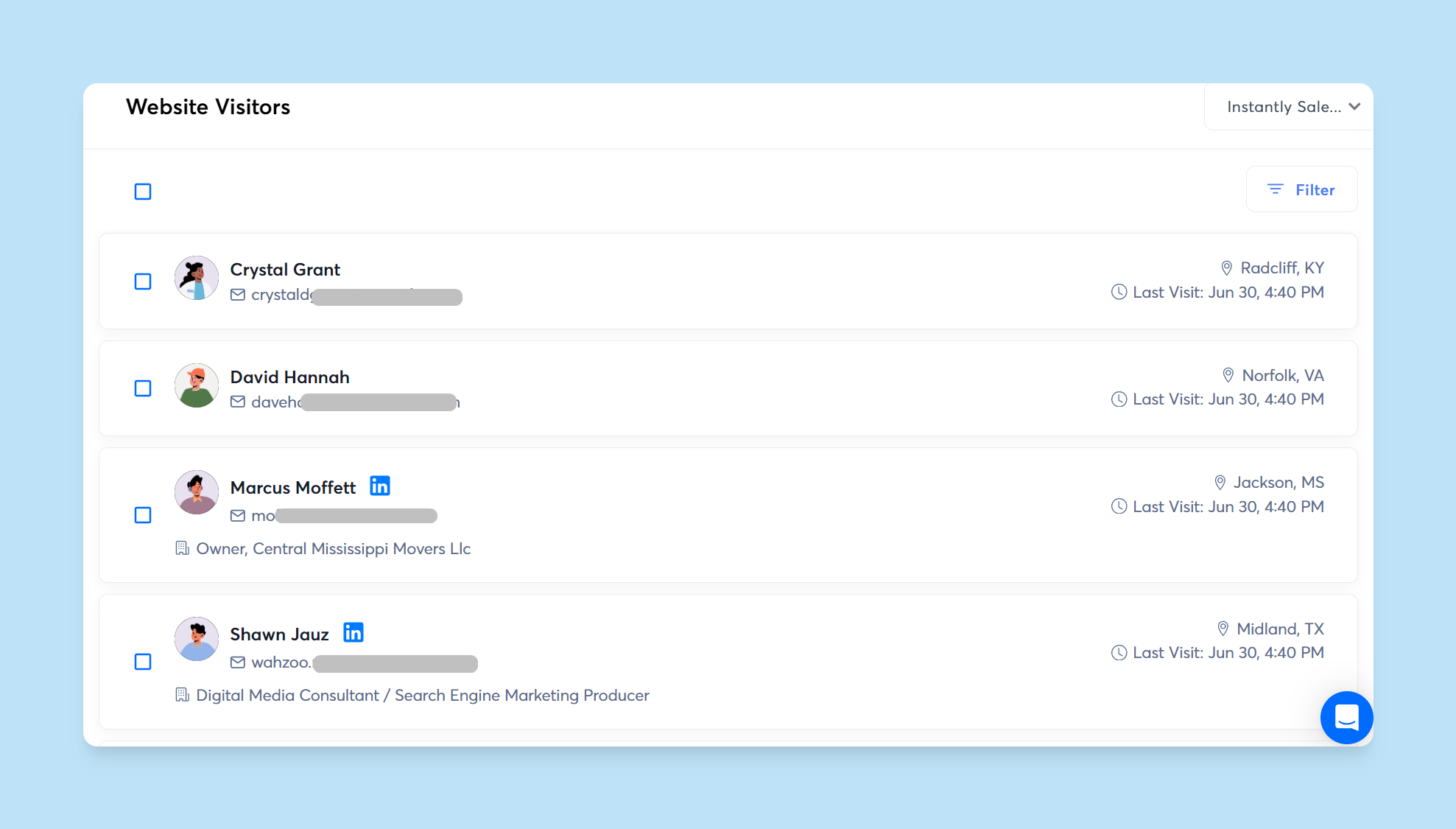
The accuracy of your data depends entirely on how sophisticated the matching logic is. Cheap tools give you company names and nothing else. Premium tools give you verified contacts with job titles, direct emails, and even behavioral context that tells you exactly when to reach out.
Privacy Considerations When Using Website Visitor Identification Tools
Website visitor identification is legal, but it operates inside a tightly regulated data privacy framework. The line between smart lead generation and privacy violation depends entirely on how you collect, store, and use people's data.
Here’s what you need to keep in mind.
Be Transparent About Data Collection
Transparency is the cornerstone of the GDPR, CCPA/CPRA, CAN-SPAM, and many other modern privacy laws. If you’re collecting behavioral or device-level data, you must, at a minimum, disclose the following information:
- What you collect: IP addresses, page history, referral source, session behavior, or enriched firmographic data.
- Why you collect it: lead generation, personalization, or sales follow-up.
- Who can access it: internal sales/marketing teams and any third-party processors involved.
This information must appear in your website's privacy policy in clear, accessible language. Anything vague or buried in legalese increases your compliance risk.
Get Valid Consent Where Required
In some jurisdictions, tracking isn’t allowed until the user explicitly opts in (e.g., they clicked an ). The GDPR, for instance, requires affirmative "opt-in" consent before you can track users with cookies, pixels, or similar tech. That means your cookie consent banner needs clear "I Accept" and "I Reject" options.
The CCPA/CPRA is slightly more lenient. You can track by default, but you must clearly disclose this and provide an easy way for users to opt out.
The technical implementation matters too. If someone declines tracking, your site needs to actually stop tracking them. Otherwise, you risk privacy violations and the hefty fines attached. To stay legally compliant:
- Let visitors accept, reject, or customize tracking categories.
- Block non-essential tracking tools until consent is given.
- Keep consent logs so you can prove compliance if regulators ask.
Use Personal Data Responsibly
Website visitor identification can help you match anonymous traffic to real companies or contacts, but it comes with strict expectations. Using enriched contact data to send high-volume, untargeted outreach is both unethical and risky.
Tactics like over-personalizing email outreach to an absurd degree or hitting newly identified leads with aggressive sequences are frowned upon by recipients, ESPs, and email marketing laws.
Responsible teams take the opposite approach. They use visitor signals to craft helpful, context-aware outreach. Nothing spammy, nothing overly personal, and always aligned with their stated privacy practices.
How to Choose Website Visitor Identification Software
Solid website visitor identification software does more than reveal who’s on your site. It gives you verified profiles, meaningful buying signals, and clean integrations that slot directly into your outreach workflow. Use the checklist below to evaluate options with confidence.
Key Features and Capabilities
Start with data quality. Strong tools deliver resolved visitor profiles, which means the visitor’s company, role, business email, and browsing activity are verified and enriched before reaching your CRM.
You also want built-in lead scoring. Some visitors are casual readers; others hit your pricing, demo, or comparison pages multiple times. A scoring layer helps your team prioritize the ones with real intent.
Integrations are equally important. Your tool should sync seamlessly with the sales CRM and email platform you already use, so high-value visitors automatically trigger timely outreach based on what they viewed.
Compliance with Privacy Laws
Any tool you choose must support global privacy requirements like the GDPR, CCPA, CAN-SPAM, etc. That includes adhering to consent standards (where necessary), offering anonymization settings, and providing clear opt-out paths.
You’re accountable for how data is collected and stored, so confirm that the vendor uses secure handling practices and gives you the controls to stay compliant from day one.
Ease of Use
Setup shouldn’t require a developer. Most website visitor ID platforms use a lightweight script or pixel you can drop into your site’s HTML.
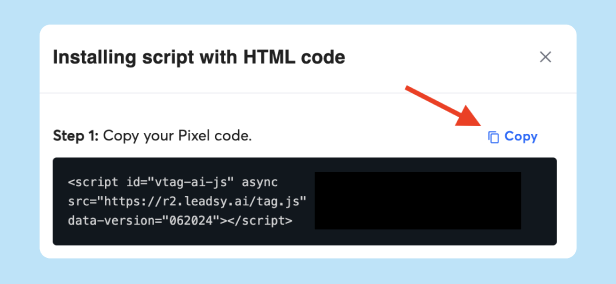
From there, the dashboard should make it easy to filter leads, review activity timelines, and share insights with sales.
Even simple tools require onboarding, so check whether the vendor offers walkthroughs, documentation, or hands-on support to help your team get productive fast.
Data Accuracy
Accurate, up-to-date data is non-negotiable. Look for tools that validate email addresses, cross-check company details, and refresh profile information regularly.
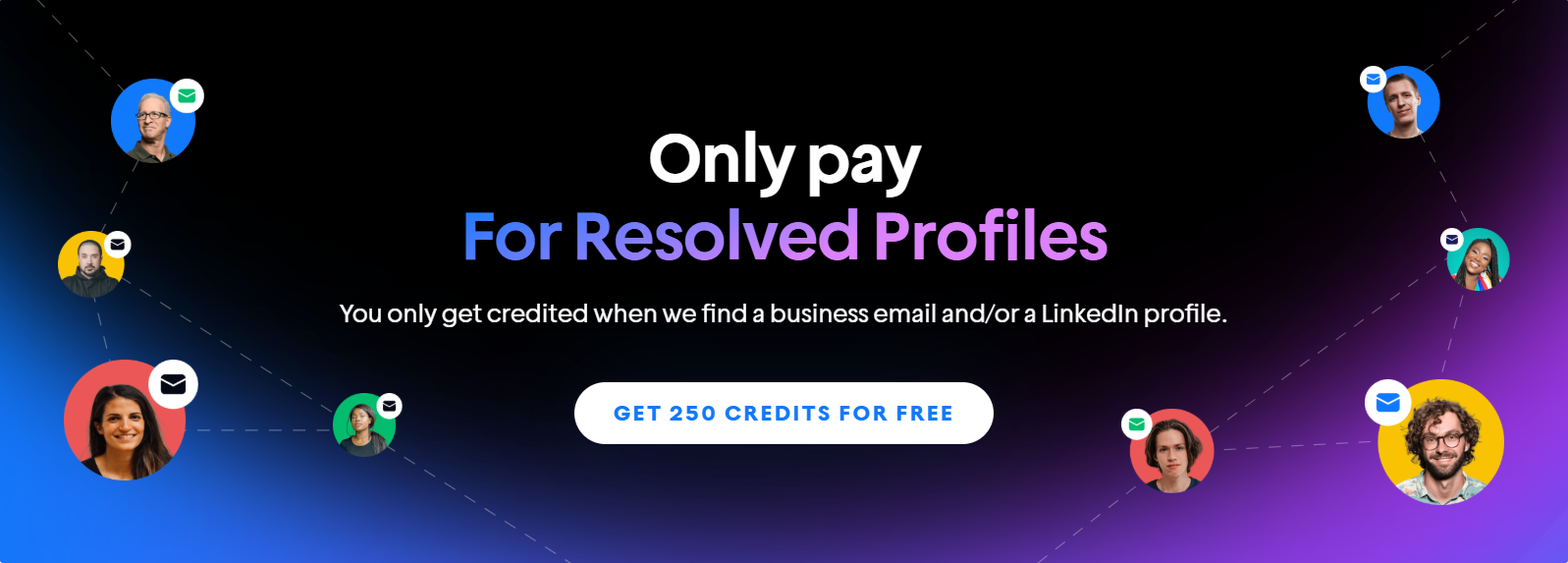
Some platforms offer real-time resolution so reps can act while interest is high. Instantly’s visitor identification tool takes this further by only crediting you when the lead has either a valid business email or an active LinkedIn profile.
Pricing and Scalability
Pricing structures vary. Some vendors charge per resolved lead, others by traffic volume, and some gate essential features like data enrichment or integrations behind higher tiers.
Choose a plan that fits your current demand but can scale as your traffic and data needs grow. Instantly makes it easy to start small: you get 50 business email resolutions and 200 LinkedIn resolutions free each month, forever. Ideal for small teams, and equally useful as a low-risk way to test the workflow.
3 Top Website Visitor Identification Software Worth Considering
Now that you know what to look for, let’s break down our top options so you can choose the right fit and start converting warm, high-intent website traffic into a real pipeline.
Instantly Website Visitor Identification
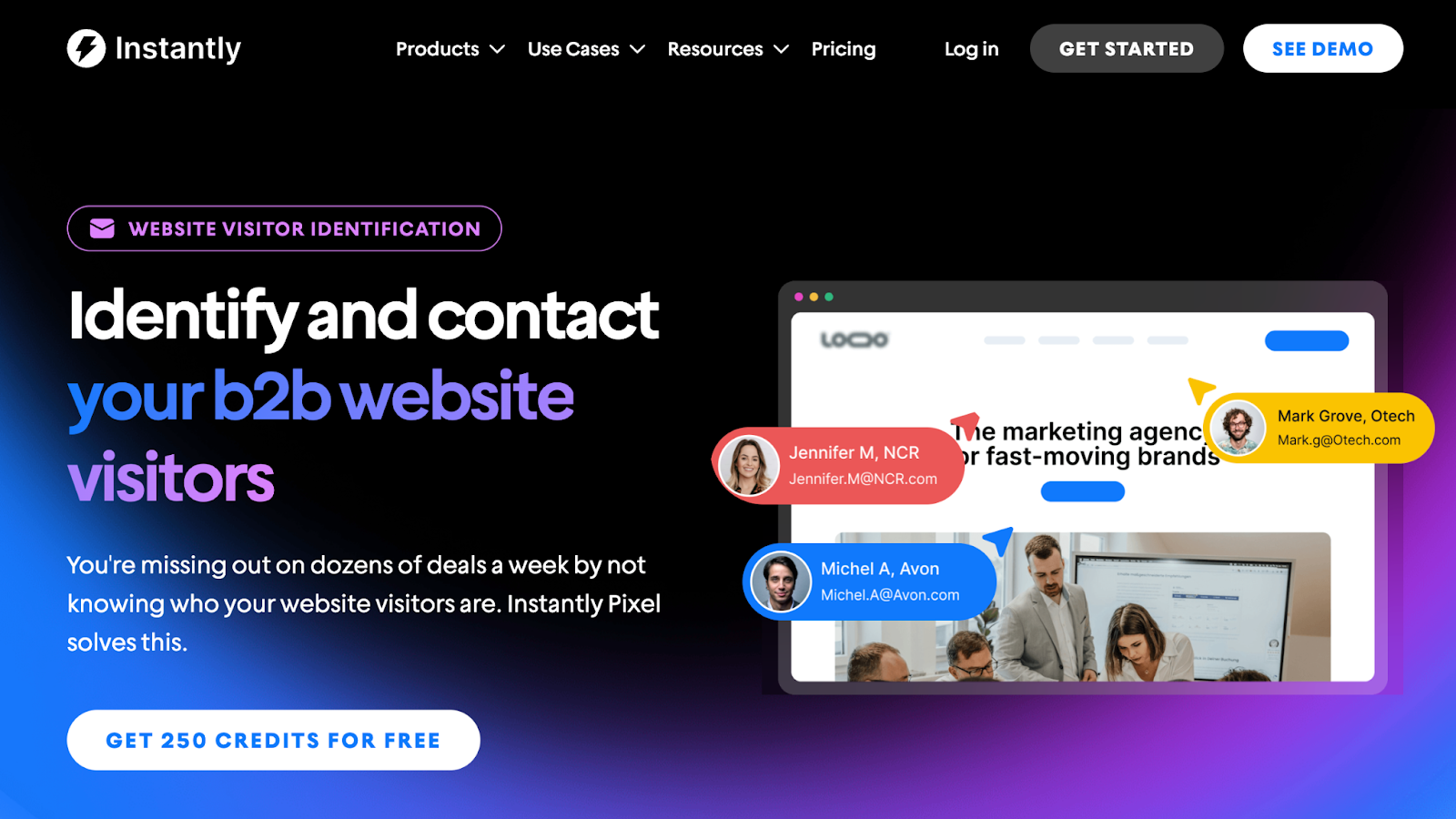
Cold email is powerful, but it’s even more effective when you’re reaching people who already know your brand. Instantly’s Website Visitor Identification helps you turn anonymous website traffic into qualified leads you can engage immediately.
Once you install the Pixel, Instantly begins resolving visitors inside your Website Visitors dashboard. You can filter by revenue, seniority, department, or industry to narrow in on the accounts that match your ICP.
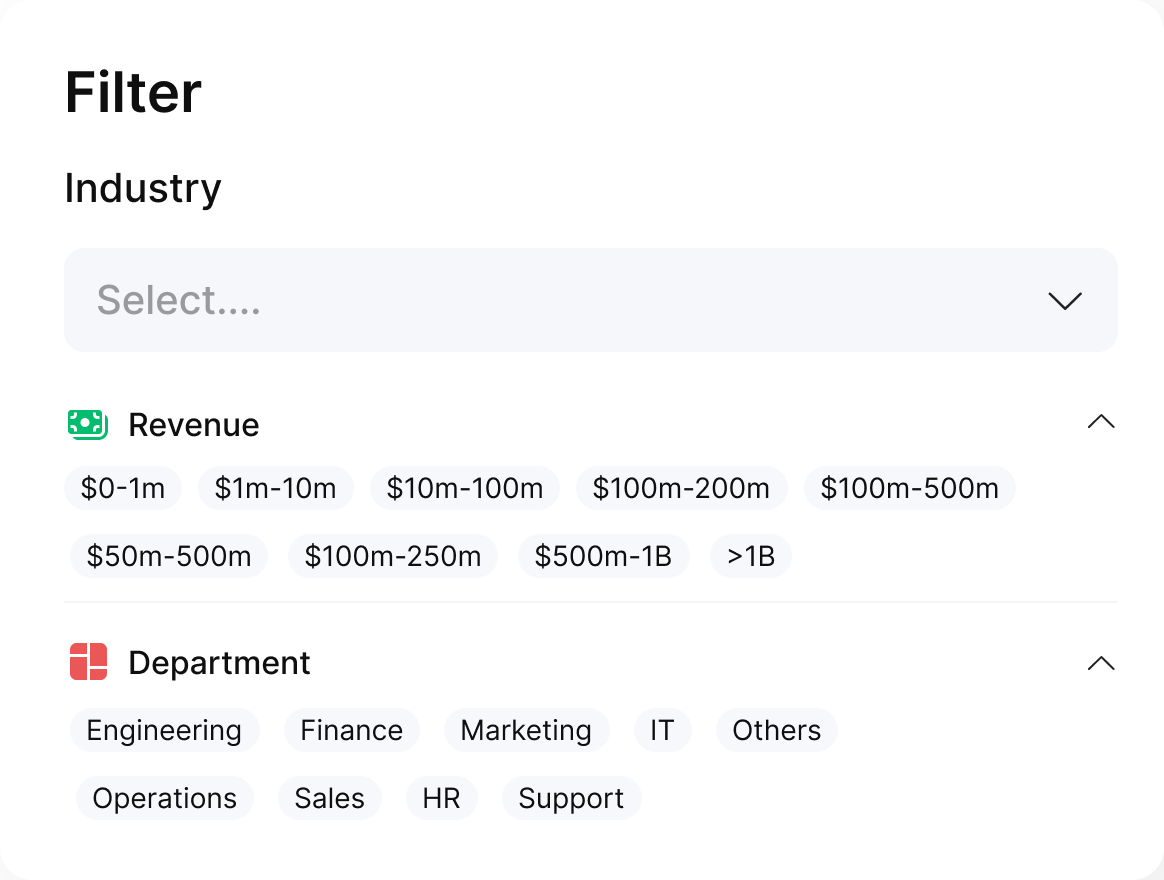
From there, adding leads to a live Instantly campaign takes one click with "Add to Campaign." No extra setup, no third-party connectors, no spreadsheets.
Instantly also handles the cleanup work for you with built-in duplicate checks and verification. Prefer your own verification workflow? You can export your data to CSV anytime.
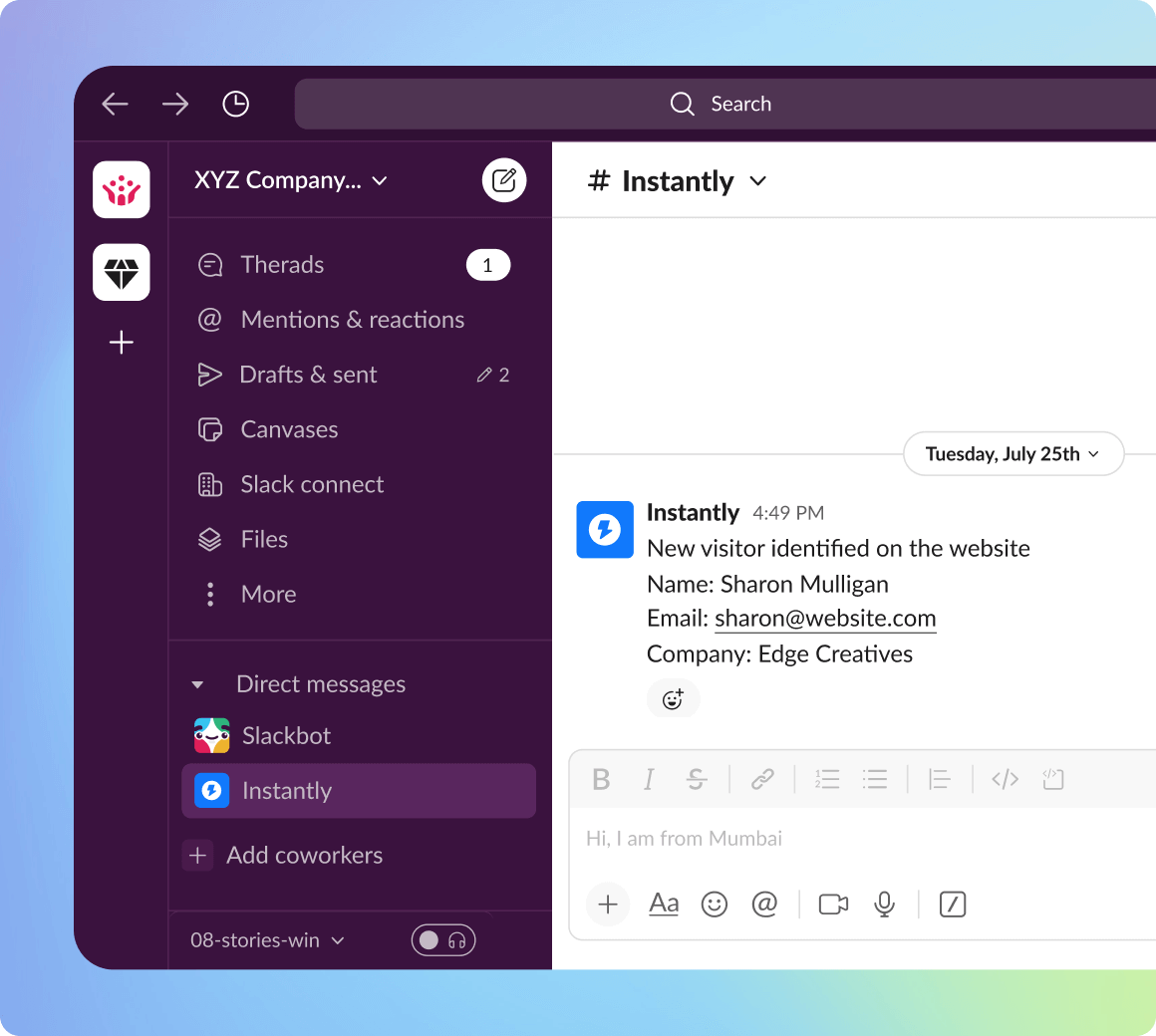
Within the Website Visitor View, you can enable auto-lead verification and route qualified leads directly into campaigns in real time. You can even trigger Slack alerts whenever a high-fit visitor meets your filter criteria, so your team can act the moment buying intent appears.
Pricing
Instantly Website Visitor Identification offers all Instantly users 50 free emails and 200 LinkedIn resolutions for free each month. You can get a free Instantly trial and test out the Website Visitor Identification tool today.
If you’re ready to scale lead generation, we offer two paid plans:
- Hyper Visitors: Includes 500 credits for $97/month
- Lightspeed Visitors: Includes 5,000 credits for $397/month
Both plans include free company-only resolutions. One credit equals one resolved visitor profile, where we find a business email and a LinkedIn profile.
Best For
The Instantly Website Visitor Identification tool is perfect for B2B and SaaS businesses looking to optimize lead generation and sales outreach.
ZoomInfo
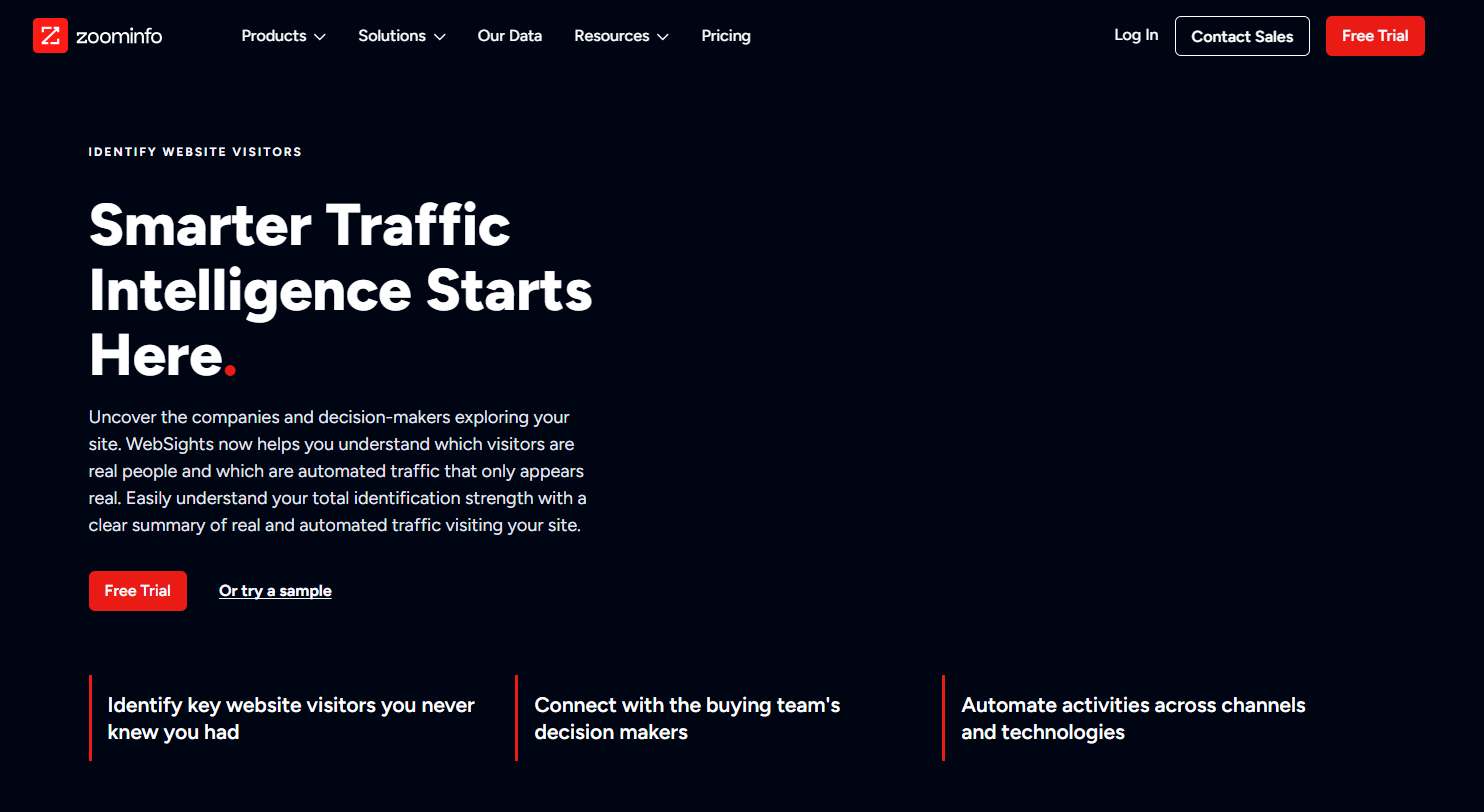
ZoomInfo is a full-fledged go-to-market platform for B2B companies. It’s known for its extensive account-based marketing, sales, and demand generation capabilities.
ZoomInfo combines visitor tracking with intent data, enriched forms, and precise audience targeting to help businesses connect with their ideal buyers. Here’s what to look out for.
Key Features
ZoomInfo’s WebSights Visitor Identification tool reveals companies that visit your website. Sales teams get to focus on high-value leads through buying signals, and everything is integrated seamlessly into their GTM ecosystem.
The platform's extensive B2B database offers precise, up-to-date company and contact information. It also supports advanced lead targeting with over 300 attributes to create hyper-targeted campaigns aimed at in-market accounts.
Pricing
ZoomInfo offers custom pricing packages based on company needs. It's worth noting that you'll need to pay for other tools and features, but the pricing may well be worth it if you want something comprehensive. However, this might not be the tool for budget-conscious businesses or early-stage startups.
Best For
ZoomInfo website visitor identification is a great choice for mid-sized and enterprise businesses that require precise targeting and seamless data integration to support large-scale account-based marketing (ABM) or demand generation.
Hubspot
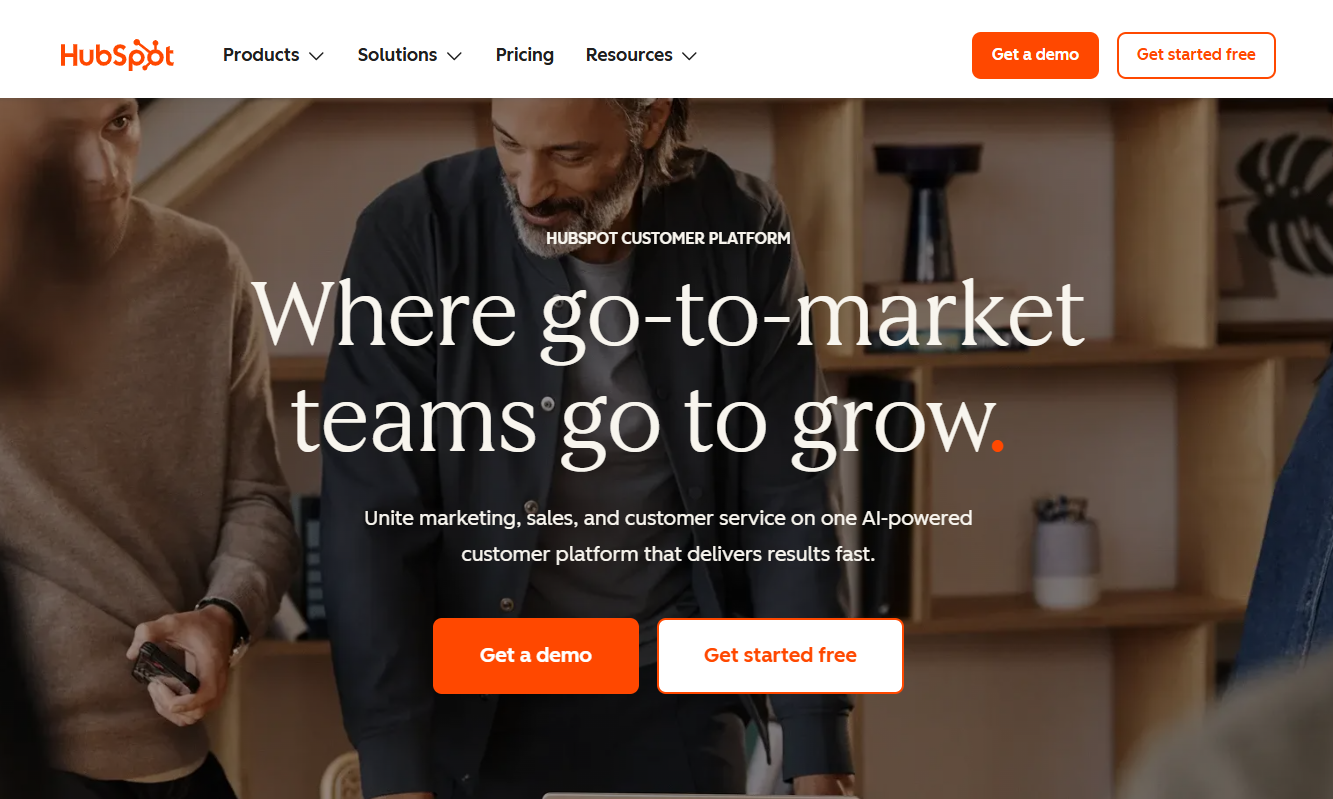
HubSpot’s website visitor identification tool leverages its robust CRM and marketing ecosystem to help businesses track, analyze, and act on visitor data.
Integrating seamlessly with HubSpot’s suite of tools allows teams to turn website traffic into actionable insights and leads, all while maintaining compliance with data privacy standards.
Key Features
HubSpot’s visitor identification tool combines its robust tracking code with extensive CRM capabilities. It uses browser cookie tracking to log visitor activity and match it to contact records once a form is completed.
If the site visitor isn’t in your records, HubSpot will use IP address tracking to find publicly available information about visiting companies.
Another critical feature is HubSpot’s notifications and alerts. Teams are updated on prospect activity and can use filters for location, industry, or company size.
Pricing
HubSpot’s website visitor identification is included in its broader CRM and marketing suite. Pricing ranges from a free CRM plan with basic tracking capabilities to paid Marketing Hub and Sales Hub tiers that offer advanced features:
- Free Plan: Basic visitor tracking and CRM integration for startups or small businesses.
- Paid Plans: Pricing starts at $20/month for the Starter plan, scaling to Professional and Enterprise tiers for larger teams with more advanced needs.
Best For
HubSpot website visitor identification is perfect for businesses looking for an all-in-one solution that integrates lead tracking, CRM, and marketing automation.
Key Takeaways
Website visitor identification tools turn site visitors into actionable leads. But before using leads in a campaign, ensure they’re verified. Even if these leads are technically “warm,” reaching out means following cold outreach fundamentals.
To recap, consider the following before committing to a website identification software:
- Choose a website visitor identification tool with quality data
- Ensure that the tool has built-in verification tools
- The tool must be compliant with privacy laws and regulations
- Find a tool with seamless CRM integrations
- Go for a tool that’s easy to use and has options for scaling
Instantly has all of that and fundamental tools and features for successful outreach. Try it out for free today.


