


Updated February 3, 2026
TL;DR: Most sales teams confuse multichannel spam with omnichannel strategy. True omnichannel coordinates email, social, and phone as one conversation where a LinkedIn reply pauses your email sequence automatically. B2B buyers use 10+ channels and companies with strong omnichannel strategies retain 89% of customers vs. 33% for weak strategies. You need unified data, channel-specific roles, real-time SLAs, and AI coordination. Stop blasting the same pitch everywhere and start building conversation threads that convert at 250% higher rates. See data-driven strategies for multichannel B2B outreach in the Cold Email Benchmark Report 2026.
Prospect fatigue is killing pipelines across B2B sales. For more on this, see our cold email methodology guide. The pattern is common: one lead receives a cold email, a voicemail, and a LinkedIn InMail in two hours, all with zero coordination and nearly identical pitches. The prospect marks the company as spam across every channel.
This disconnect costs meetings and damages reputation. More than half of B2B buyers say they switch suppliers when the experience feels disconnected across channels. The fix is not adding more channels. The fix is unifying them into a single conversation that builds trust instead of annoyance.
Omnichannel vs. Multichannel vs. Cross-Channel: Key Differences
Multichannel means you use multiple sales channels (email, LinkedIn, phone) but these channels operate independently with separate databases and no coordination. Your email team does not know what your LinkedIn team sent. Your phone team does not see the email bounce. Leads get redundant, contradictory messages.
Cross-channel marketing coordinates multiple channels with interactions between channels tracked in your analytics. You can see that a prospect opened the email before you sent the LinkedIn connection request, but the systems still operate in silos and cannot trigger automatic actions.
Omnichannel gives you a seamless experience across all channels where all touchpoints are aligned and share a unified customer profile that updates in real time. When a lead replies on LinkedIn, your email sequence pauses automatically. When they book a call, every channel stops outreach and shifts to nurture mode.
| Dimension | Multichannel | Cross-Channel | Omnichannel |
|---|---|---|---|
| Data flow | Siloed databases | Linked analytics | Unified real-time profile |
| Customer experience | Disconnected, redundant | Smoother handoffs | Seamless conversation |
| Channel awareness | None | Limited | Full visibility |
| Setup complexity | Low, disconnected tools | Medium, integration layer | Medium, unified platform |
Why Single-Channel Outreach Is Failing
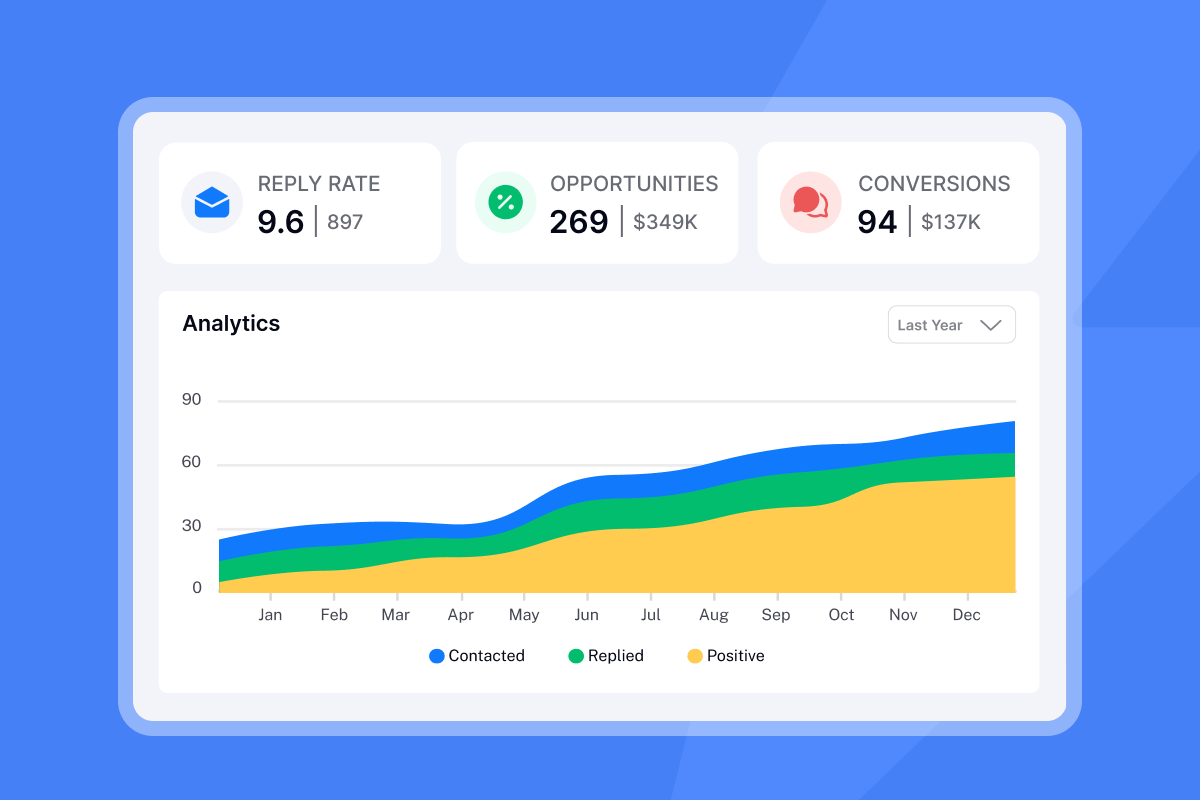
Your prospects face real channel saturation. They receive 120+ emails per day, ignore 90% of LinkedIn requests, and send most cold calls to voicemail. Single-channel strategies force you to compete in the noisiest channel only. Coordinated use of cold email, cold calling, and LinkedIn messaging yields up to 250% higher conversion rates than single-channel outreach.
Forty-two percent of B2B respondents say they used more than 11 different touchpoints during their buying journey. Because buyers are present on so many interaction channels, the quality and seamlessness of the experience matters more than ever. Sixty-five percent of B2B seekers say they are likely to switch suppliers if they run into hiccups across channels.
Building Your Omnichannel Strategy: The 5-Step Framework
You need five operational steps to move from multichannel chaos to omnichannel coordination.
Step 1: Map the buyer journey and preferred channels
Start by researching where your persona actually hangs out. LinkedIn generates 80% of all B2B leads from social media and delivers 277% better results than Facebook or Twitter, making it your primary social channel for executive buyers. For technical buyers, GitHub activity and Slack communities often signal intent before LinkedIn engagement.
Build a contact map for your ICP: awareness happens via LinkedIn content, consideration via email sequences, and decision via phone or Zoom. Tag each lead with channel preference in your CRM. Some buyers reply fastest on LinkedIn. Others prefer email for detailed discussion. Respect those preferences instead of forcing your favorite channel.
Use Instantly's SuperSearch to enrich contact records with LinkedIn URLs, verified emails, and mobile numbers so you have every channel available when needed. Instantly's built-in lead finder pulls from 450M+ contacts with waterfall enrichment, giving you verified data across multiple channels from one source.
Step 2: Unify your data and CRM infrastructure
Omnichannel dies without a central source of truth. If your email tool, LinkedIn automation, and CRM do not talk to each other, you are running multichannel, not omnichannel. All touchpoints must write to one unified customer profile that updates in real time.
Instantly's Hyper CRM offers unlimited seats for a flat $97 per month, more economical for teams compared to per-seat pricing models. The CRM includes Master Inbox, Advanced Opportunities, Detailed Lead View, Tasks & Follow-Ups, and native Calling & SMS integration alongside email, so all activity lives in one place.
"Good deliverability, easy spin tax, can add in lots of personalization clean and simple UI, one click email responses using tags, smooth Zapier integration, and powerful tracking with subsequences." - Joshua Blacklidge on Trustpilot
Sync your CRM with your outreach platform via API or native integration. Instantly supports HubSpot and Salesforce via OutboundSync, plus Zapier, Make, and Pabbly for custom workflows. Set up bidirectional sync so replies, LinkedIn accepts, and call notes all update the same contact record in real time.
Step 3: Define channel-specific roles
Use email for asynchronous, detailed information and formal proposals. Email nurtures relationships during the buyer's journey with product comparisons, case studies, pricing breakdowns, and any message that needs a paper trail or attachments.
LinkedIn excels at initial connection, social proof through shared connections, and casual rapport-building. Use LinkedIn to comment on their posts, share relevant content, and send short, conversational messages that reference mutual connections or recent company news.
Phone and SMS handle urgency and high-intent follow-up. Use voice when a prospect replies "interested" via email or LinkedIn, when a deal is time-sensitive, or when you need to clarify complex objections.
Do not duplicate content across channels. If your email explains the three-step onboarding process, your LinkedIn message should reference that email and offer a quick call to answer questions. If your phone call goes to voicemail, the follow-up email should say "left you a voicemail" and provide the TLDR in text. Instantly's Campaign Options let you control send windows, daily limits, and follow-up cadence by channel, so each channel plays its role without overlap.
Step 4: Establish SLAs for response times
A well-defined SLA sets clear response-time targets, for example under 5-10 minutes for high-intent inbound leads, which directly improves connection and qualification rates. In B2B sales development, an SLA is a documented contract between marketing, SDR teams, and sales leadership that defines how quickly leads will be followed up, how many touchpoints will be made, and what qualifies as a sales-ready opportunity. Leads contacted within 5 minutes are up to 21 times more likely to qualify compared with those contacted after 30 minutes.
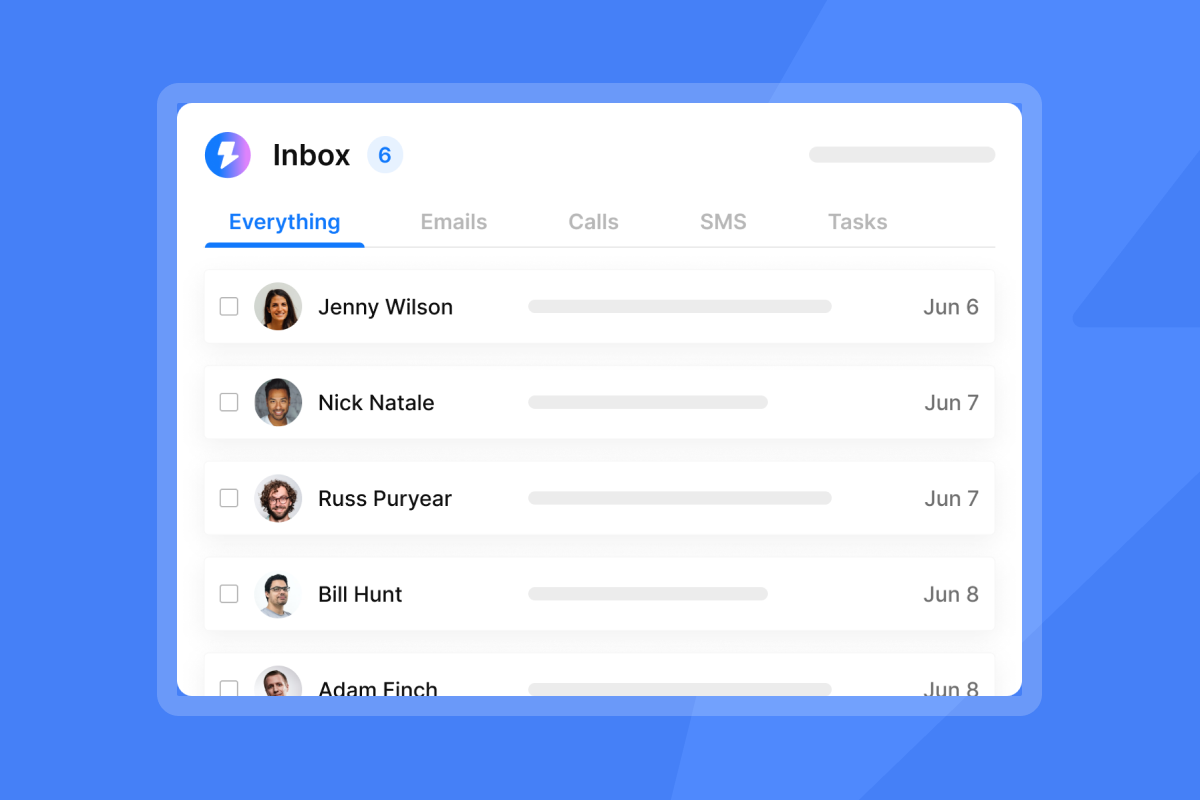
Define pause rules across channels. If a lead replies on LinkedIn, stop the email sequence within 5 minutes. If they book a meeting, pause outreach across all channels immediately. Instantly's Unified Inbox centralizes replies from all email accounts so you never miss a follow-up.
"The inbox management is clean, the sending setup is straightforward, and scaling campaigns feels smooth. Great deliverability tools, great UX, and it just works." - Jesse on Trustpilot
SLA types include First Response Time (maximum time before responding to initial customer message), Next Response Time (response time for subsequent messages), and Resolution Time (total time to resolve a request). Document these SLAs in your CRM and track them weekly.
Step 5: Ensure data privacy and compliance
GDPR requires explicit consent before collecting EU resident data, while CCPA gives California residents the right to opt out of data sale and request deletion. For B2B cold outreach, you can use legitimate interest as your legal basis, but you must provide clear opt-out links in every email and honor unsubscribes across all channels within 24 hours.
Do not upload restricted data to your outreach platform. Instantly's Data Processing Agreement lists prohibited data categories (PHI, payment card data, biometric data). Use only business contact information, verify your data sources provide proper consent coverage, and scrub your list monthly to remove invalid records.
Executing the Playbook: Coordinating Email, Social, and Phone
How to use LinkedIn to inform email personalization
If you comment on a prospect's LinkedIn post, your follow-up email should reference that interaction, creating a cohesive narrative and strengthening the connection over time. Do not send generic "I saw your post" emails. Quote a specific line from their post or article and tie it to your value prop.
One effective tactic is sending a LinkedIn message shortly after an initial email, referencing the email and suggesting LinkedIn as an alternative communication channel. Use a sequence like this: Day 1 email, Day 3 LinkedIn profile view, Day 5 LinkedIn connection request mentioning the email, Day 7 email referencing the LinkedIn request.
Pull LinkedIn activity into your email copy. If their company just announced a funding round or the prospect changed jobs, AI incorporates these details naturally into the message, with data enrichment from multiple providers enabling real-time personalization like recent blog posts or funding news. Instantly's personalized lines feature lets you upload custom first-line research for each lead and inject it into your email template.
Using AI to coordinate messaging and timing
AI Copilot is Instantly's in-app assistant for research, lead targeting, sequence writing, and campaign prep. You give it your product context and Ideal Customer Profile, and it returns a targeted lead list from the integrated SuperSearch database, then drafts a multi-step sequence you can refine in minutes. Copilot pulls context from your website, PDFs, and ICPs so outputs stay relevant and personalized.
Use AI to decide which channel comes next. If Copilot sees high email open rates but zero replies, it can suggest switching to a LinkedIn touch. If a lead views your LinkedIn profile but ignores your connection request, Copilot can draft a softer email that references the profile view. Watch this AI workflow demo showing how to get 140% more replies using AI-powered personalization.
The switching tactic: Capturing interest on one channel, nurturing on another
The switching tactic means starting on the channel with the highest reach and moving to the channel with the highest engagement once you capture attention. Send an email on Day 1. If they open but do not reply, send a LinkedIn connection request on Day 3 that says "saw you opened my email, thought LinkedIn might be easier." If they accept the connection but still do not reply, send a short LinkedIn message on Day 5 offering a single resource (not a pitch).
Track cross-channel paths in your CRM. Use multi-touch attribution to determine which channels are effective, along with marketing qualified leads (MQLs) and sales qualified leads (SQLs).
I I greatly appreciate the excellent customer success, especially Talha, who has been fantastic. The integration with Clay is also incredibly useful." - Frank S. on G2
Use Instantly's subsequences and webhooks to trigger channel switches automatically. If a lead moves to "interested" status, pause email and trigger a Slack alert for your SDR to call within 5 minutes. If they book a meeting, stop all outreach and shift to a pre-call nurture sequence.
The Tech Stack: Tools Required for Unified Outreach
Most sales engagement platforms charge per seat, increasing costs with headcount. Instantly offers a flat monthly fee with unlimited sending accounts and built-in deliverability, allowing you to scale outreach safely with predictable costs. Instantly's private deliverability network includes 4.2M+ accounts that participate in automated warmup.
All Outreach plans include unlimited email accounts and unlimited warmup, keeping base costs flat for agencies. Growth Outreach costs $47/mo (or $30/mo annual with 19% discount), Hypergrowth costs $97/mo (or $77.6/mo annual), and Light Speed costs $358/mo (or $286.3/mo annual) and adds SISR (dedicated/private server & IP rotation). Hyper CRM costs $97/mo and includes Calling, SMS, Salesflows, Website Visitor Tracking, and Advanced Reporting.
Set up email warmup filters for Google and Microsoft and enable warmup on every sending account. Instantly's rotating IPs and sending algorithms protect deliverability at scale.
"I like that it's easy to use and to setup. I like the deliverability of the emails (it's not the only tool I use and I can compare)." - Mihail M on G2
Scale your campaigns with secondary sending domains to protect your primary domain reputation. Set up SPF, DMARC, and DKIM records and configure domain forwarding to centralize replies. Watch our cold email setup tutorial for step-by-step guidance.
SuperSearch gives you access to 450M+ B2B leads with waterfall enrichment using 5+ providers. Growth SuperSearch costs $47/mo (1,500-2,000 credits), Supersonic costs $97/mo (5,000-7,500 credits), and Hyper Credits costs $197/mo (10,000 credits). Sync Instantly with HubSpot or Salesforce, and import leads from multiple CRMs. Access 600 email templates to speed up campaign creation.
Measuring Success: Key Metrics for Cross-Channel Synergy
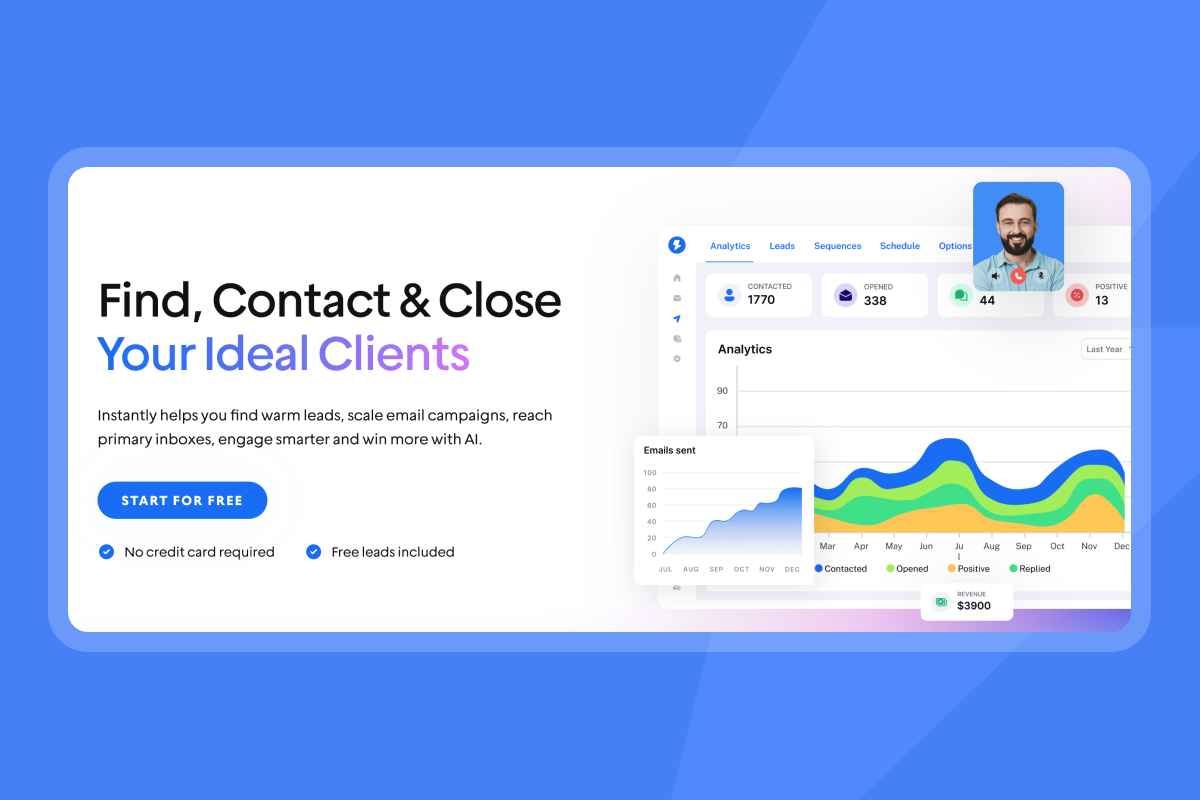
You should track five categories of metrics to prove omnichannel ROI and optimize your channel mix.
Core metrics to track:
- Channel attribution: Which channel gets first touch, which gets last touch before conversion, and which assists in between.
- Cross-channel conversion rate: Percentage of leads that engage on multiple channels before converting vs. single-channel.
- Time to conversion by path: Email to LinkedIn to Phone vs. LinkedIn to Email to Phone. Which path converts faster?
- Response rate by channel: Compare email reply rate, LinkedIn accept rate, and phone connect rate.
- Cost per meeting by channel: Calculate CAC for each channel and each channel combination.
Pipeline created, booked appointments, and new closed revenue are metrics that allow sales and marketing to focus on what is meaningful to the business as a whole. Monitor the amount of time customers visit and engage in digital channels, conversion rates from those visits, and average order value to analyze trends and determine what combination of journeys are proving most effective.
Build custom reports in Instantly or export data to your BI tool via API. Tag campaigns with channel labels and compare performance weekly. Adjust send volumes, message angles, and channel order based on what the data shows, not what you assume works.
Common Pitfalls That Kill Conversion Rates
Common pitfalls:
- The copy-paste error: Sending identical messages on email and LinkedIn within hours. Prospects see this and delete both.
- Ignoring opt-outs on one channel: A lead unsubscribes from email but still gets LinkedIn InMails. This is a compliance and reputation risk.
- Bad data hygiene: Marketing collects rich intent data but sales cannot see it or lacks context to act on it. SDRs chase leads without intel while buyers continue down self-directed paths.
- Superficial personalization: Merely adding a first name or company name without real substance won't get you far, and over-reliance on automation can backfire if messages become obviously canned or mechanical.
- No SLAs or pause rules: Sending the next scheduled email after a prospect already replied on LinkedIn. This shows your team is not listening.
Fix these by building pause rules, shared dashboards, and weekly hygiene audits. Use Instantly's global blocklist to suppress opted-out contacts across all channels.
Checklist: Is Your Team Ready for Omnichannel?
Use this checklist to audit your current setup and identify gaps before you scale omnichannel outreach:
Data Infrastructure:
- CRM contains unified contact records with activity from all channels
- Email, LinkedIn, and phone tools sync data bidirectionally in real time
- Opt-outs and unsubscribes apply across all channels within 24 hours
- Data enrichment includes verified emails, LinkedIn URLs, and mobile numbers
Channel Strategy:
- Each channel has a defined role (email for detail, LinkedIn for rapport, phone for urgency)
- Templates and scripts are distinct per channel, not copy-pasted
- Sequences reference activity on other channels (email mentions LinkedIn accept)
- Channel preference is tagged in CRM and respected
SLAs and Automation:
- Response time SLAs documented for each lead source and signal type
- Pause rules configured so replies on one channel stop outreach on others
- AI or automation handles first-touch personalization at scale
- Webhooks trigger alerts for high-intent replies within 5 minutes
Compliance and Privacy:
- Privacy policy explains data collection, sources, and usage
- GDPR/CCPA opt-out links included in every email
- DPA signed with outreach platform
- No restricted data (PHI, payment card, biometric) uploaded
Measurement:
- Multi-touch attribution tracks which channels assist and convert
- Cross-channel conversion rate measured and compared to single-channel
- CAC calculated per channel and per channel combination
- Weekly review of channel performance and optimization decisions documented
If you checked fewer than 16 of 20 boxes, focus on unifying your data and setting SLAs before scaling outreach. If you checked 16 or more, you are ready to run coordinated omnichannel campaigns that convert.
Conclusion
Omnichannel outreach is not about adding more channels. It is about unifying them into a single, respectful conversation that meets prospects where they are and moves them toward a decision without fatigue or frustration. Companies with strong omnichannel strategies achieve 89% customer retention while those with weak strategies retain just 33%, and omnichannel buyers deliver up to 30% higher lifetime value.
The shift from volume to context requires infrastructure. You need a CRM that holds a single source of truth, an engagement platform that coordinates email and social, AI that personalizes at scale, and SLAs that respect prospect time. Instantly gives you unlimited sending accounts, a 4.2M+ deliverability network, Unified Inbox, Hyper CRM with Calling and SMS, and AI Copilot to run this playbook without hiring a RevOps team.
Start building your omnichannel engine with Instantly's unified platform. Get unlimited sending accounts, built-in deliverability, and a CRM that keeps every channel in sync. Try Instantly free and turn disconnected touchpoints into continuous conversations that convert.
FAQs
What is the difference between multichannel and omnichannel?
Multichannel uses multiple independent channels with no data sharing. Omnichannel unifies all channels into a single customer profile so engagement on one platform informs the next move on another.
How many channels should I use for B2B sales?
Focus on email, LinkedIn, and phone as your core three, then add SMS or chat based on persona preference and verified data showing where your ICP engages most.
Do I need a CRM for omnichannel outreach?
Yes, and it must offer unified contact records with bidirectional sync across all channels. Without a CRM that updates in real time, your channels operate in silos and you risk duplicate messaging.
How fast should I respond to a lead who replies on a different channel?
Leads contacted within 5 minutes are up to 21 times more likely to qualify. Set SLAs for sub-5-minute response on high-intent signals and pause all other outreach immediately.
Is omnichannel outreach GDPR compliant?
GDPR requires explicit consent before collecting EU data. We cover this topic further in our best cold email templates resource. Use legitimate interest for B2B cold outreach, include opt-out links in every email, and honor unsubscribes across all channels within 24 hours.
What is the best tool for omnichannel outreach?
Instantly combines unlimited email accounts, built-in warmup, Unified Inbox, Hyper CRM with Calling & SMS, and 450M+ lead database in one platform for flat-fee pricing starting at $37/mo.
Glossary of Key Terms
Omnichannel: A unified sales strategy where all channels share data and coordinate messaging to create a seamless, customer-centric experience.
Multichannel: Using multiple sales channels that operate independently with no data integration or coordination.
Unified Inbox (Unibox): A centralized dashboard that aggregates replies from all email accounts and channels into one view for faster response.
SLA (Service Level Agreement): A documented contract defining response time, touchpoint volume, and qualification standards between sales, marketing, and leadership.
Lead Nurturing: The process of building relationships with prospects across multiple touchpoints until they are ready to buy.
Primary Inbox: The main inbox folder (not spam, promotions, or social tabs) where recipients check email first and most often.
Multi-Touch Attribution: A method of tracking which channels and touchpoints contributed to a conversion across the buyer journey.
CAC (Customer Acquisition Cost): The total cost of marketing and sales efforts divided by the number of customers acquired in a period.


