

Updated January 31, 2026
TL;DR: For agencies running cold email at scale, integrated verification beats standalone tools on both cost and workflow. ZeroBounce and NeverBounce deliver 95-99% accuracy but charge per verification, which becomes a "growth tax" as your lists expand. We combine a 450M+ B2B lead database with built-in verification, unlimited sending accounts, and warmup on a flat fee. You verify leads where you find and email them, with no per-seat penalty. If you want standalone accuracy and can absorb the cost, ZeroBounce wins. If you want agency-scale economics with verification baked in, we built Instantly for exactly that workflow.
It takes three months to warm up a domain and three seconds to burn it with a bad list.
Any serious cold email outreach guide puts list hygiene at the top of the stack. Verification isn't a nice-to-have, it's the foundation that makes warmup and deliverability work.That math haunts every agency operator I know. You spend weeks ramping send volume, nurturing sender reputation, and building trust with mailbox providers. Then one campaign with outdated data pushes your hard bounce rate past 2%, and suddenly your client's domain is flagged or blacklisted. The industry benchmark is to keep total bounces below 2%, with top performers targeting hard bounces under 1%. f your domain is already showing deliverability problems, work through this email API troubleshooting guide to diagnose authentication issues and silent failures before rebuilding sender reputation.
Most agencies already know they need verification. The real question is which tool gives you accuracy without bleeding margin.
Standalone verifiers like ZeroBounce charge per credit. Integrated platforms like Instantly, the best cold email platform for agency workflows, bundle verification into a flat-fee model so your cost doesn't compound as your lists expand. Integrated platforms like Instantly bundle verification into a flat-fee model with unlimited accounts. This guide benchmarks the top 8 email verification tools for 2026 based on accuracy, speed, and cost so you can protect your domains and your bottom line.

Key terminology for email verification and lead generation
Before we compare tools, here are the terms you need to know:
- B2B leads: Business-to-business potential customers, meaning companies or professionals who might buy your product or service rather than individual consumers.
- Corporate email finder: A tool that discovers professional work email addresses (like john@company.com) by searching databases, LinkedIn, and company websites.
- Email verification: The process of checking if an email address is valid, active, and safe to send to. This helps reduce bounce rates and improve deliverability.
- Catch-all server: A server configured to receive emails sent to any address at that domain, even if the specific mailbox does not exist. Verifiers cannot definitively confirm whether a catch-all mailbox is active.
- SMTP handshake: The verification method where systems "ping" a mail server to check the status of an inbox without actually sending mail. Think of it as knocking on the server's door to see if someone is home.
- Syntax check: The first validation step that confirms an email address is properly formatted with an @ symbol, valid characters, and correct structure.
- Hard bounce: A permanent failure where your email will not go through no matter how often you try. This occurs when the email address does not exist or the domain is invalid.
- Soft bounce: A temporary failure caused by issues like full mailboxes or server downtime. Your email may go through if you try sending it later.
Why email verification accuracy makes or breaks agency growth
High bounce rates do not just waste sends. They trigger a cascade that can sideline your entire operation.
The 2% rule
Mailbox providers interpret a high hard bounce rate as a sign of poor list hygiene. According to Campaign Monitor's deliverability benchmarks, anything above a 2% bounce rate is worthy of attention. Top performers aim for hard bounces under 1%, but 2% is the widely accepted threshold before ESPs start flagging your sending behavior.
The cost of a burned domain
When a domain gets blacklisted, you lose more than that inbox. You lose the three months of warmup time invested, the cost of replacing the domain, and potentially the client relationship. For agencies managing 10-150+ sending inboxes across multiple client domains, one bad list can create a domino effect.
The hidden risk of unknowns
Catch-all emails present a unique challenge. These domains accept all mail, so verifiers cannot confirm whether a specific mailbox is active. Some tools label catch-all emails as "risky" while others try to score them. But accuracy varies widely, and a list heavy with catch-alls can spike your bounce rate without warning.
The bottom line: verification is not optional. The question is whether you pay per verification (and watch costs compound as you scale) or use an integrated platform where verification is part of the workflow.
Top 8 email verification tools compared (2026 benchmark)
Here is how the leading tools stack up on the metrics that matter most to agencies:
| Tool | Accuracy Claim | Cost per 1K | Pricing Model | Free Tier | Best For |
|---|---|---|---|---|---|
| Instantly | Not published | ~$8-16 (varies by plan) | Credit-based (integrated) | None for verification | High-volume agencies wanting all-in-one |
| ZeroBounce | 99% | $10 (at 2K minimum) | Pay-as-you-go + subscription | 100/month | Enterprise compliance needs |
| NeverBounce | 97-99% | $8 | Pay-as-you-go + subscription | 10 credits | Fast bulk cleaning with CRM sync |
| Hunter | Not published | ~$24.50 | Unified credits | 50 verifications/month | Finding + verifying in one workflow |
| Apollo | 91% | Per-seat model | Subscription | Limited | Sales intelligence + multichannel |
| DeBounce | 97%+ | $1.50-2 | Pay-as-you-go | None (not accepting new users) | Budget-conscious bulk verification |
| MillionVerifier | 99%+ | ~$3.70 | Pay-as-you-go + EverClean | None | Periodic high-volume list cleaning |
| Findymail | 98%+ | ~$49 (basic tier) | Subscription | 10 one-time | Finding + verification combined |
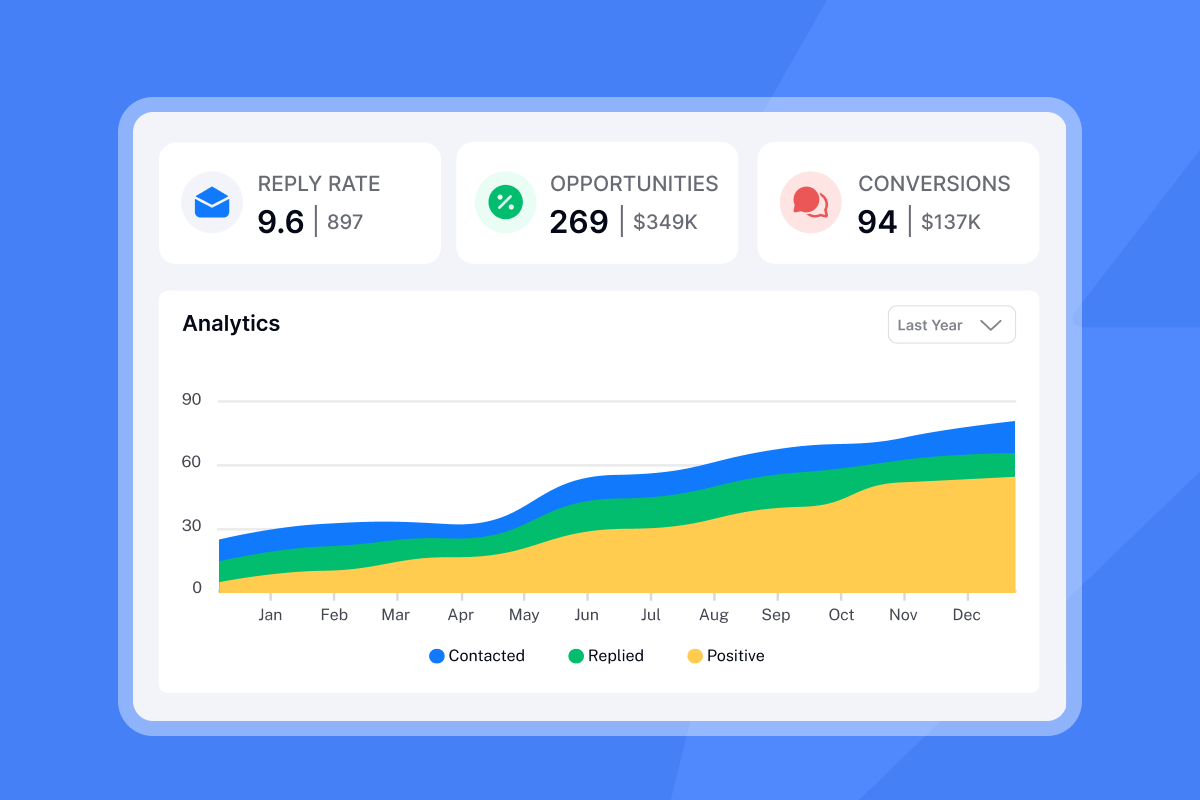
Deep dive: Pros, cons, and accuracy scores by tool
Instantly
Snapshot: We built Instantly as an all-in-one cold email platform. You get unlimited sending accounts, built-in verification, warmup, and a 450M+ B2B lead database with AI personalization.
Pros:
- Flat-fee pricing with unlimited email accounts on every Outreach tier
- Verification happens inside the platform where you find and send leads
- SuperSearch uses waterfall enrichment across 5+ providers
- Built-in warmup and deliverability monitoring
- Invalid and risky leads blocked from campaigns by default
Cons:
- Credits required separately for verification and AI features
- More complex pricing structure with multiple add-ons
Pricing: 0.25 Instantly credits verify 1 lead (roughly $0.008-0.016 per verification depending on your plan). Growth plans include 1,500-2,000 credits monthly. Hyper plans include 5,000-7,500 credits.
Verification method: We run verification across multiple providers. When you upload a CSV, check the "Verify leads" option before clicking "Upload all." You can also verify already-uploaded leads from the Leads tab using the "Verify leads" button.
Best for: Agencies and teams sending thousands of emails daily who want prospecting, verification, warmup, and sending in a single workflow.
"Deliverability tools that actually move the needle: warmup, inbox rotation, and smart sending windows help us land in Primary instead of Promotions/Spam." - Anthony V on G2
For a full walkthrough of our deliverability features, watch our guide on:
ZeroBounce
Snapshot: Pairs email verification with broader deliverability tools like inbox placement testing and domain diagnostics.
Pros:
- Claims 99% accuracy including detection of spam traps, abuse emails, and disposable addresses
- 45 direct integrations with platforms like ActiveCampaign, HubSpot, and Brevo
- Strong compliance (GDPR, HIPAA, CCPA)
- Credits never expire
Cons:
- Cost adds up quickly when verifying large lists frequently
- Must pay extra to score catch-all emails
- Email validations get deleted after 30 days
Pricing: The minimum purchase is 2,000 credits for $20 ($0.01 per credit). ZeroBounce ONE subscription provides 25,000 credits monthly for $99/month ($79/month annually). Free tier: 100 monthly credits.
Verification method: Multi-step verification with AI scoring. Catches risky categories like spam traps, abuse emails, and catch-all domains.
Best for: Users who prioritize enterprise-grade security along with dependable verification, especially those handling sensitive data in regulated industries.
NeverBounce
Snapshot: Built for speed and automation with clean CRM and signup form integrations.
Pros:
- Processes 10,000 emails in 3-10 minutes typically
- 20+ step verification process
- Sync feature for automated list cleaning
- Real-time verification API
Cons:
- Higher price compared to budget alternatives
- Catch-all emails labeled but not precisely verified
- Processing time increases significantly for very large lists
- Credits expire 12 months after purchase
Pricing: Pay-as-you-go at $8 per 1,000 credits. Bulk rates drop to $0.004 per email at 250,000+. Free tier: 10 credits upon registration.
Verification method: Real-time verification with high accuracy rate. Claims 99% accuracy, though independent tests show 93-97% in practice.
Best for: Teams who want fast verification and automatic list cleaning tied directly to their ESP or CRM.
Hunter
Snapshot: Combines lead finding, email verification, and cold outreach in one platform.
Pros:
- All-in-one prospecting platform with Chrome extension and Google Sheets add-on
- Domain Search and Email Finder tools
- Good for finding and verifying in the same workflow
Cons:
- More expensive compared to pure verification services
- Higher cost per verification as standalone tool
Pricing: Hunter now uses a unified credit system where credits can be used for search, verification, or enrichment. Starter plan at $49/month includes 500 unified credits. Each verification uses 0.5 credits, so 1,000 verifications cost 500 credits. Free tier: 25 searches and 50 verifications monthly.
Verification method: Checks for syntax errors, invalid domains, and catch-all emails. Hunter does not publish a specific accuracy percentage on their website.
Best for: Small teams that want to find and verify contacts in a single workflow without managing multiple tools.
Apollo
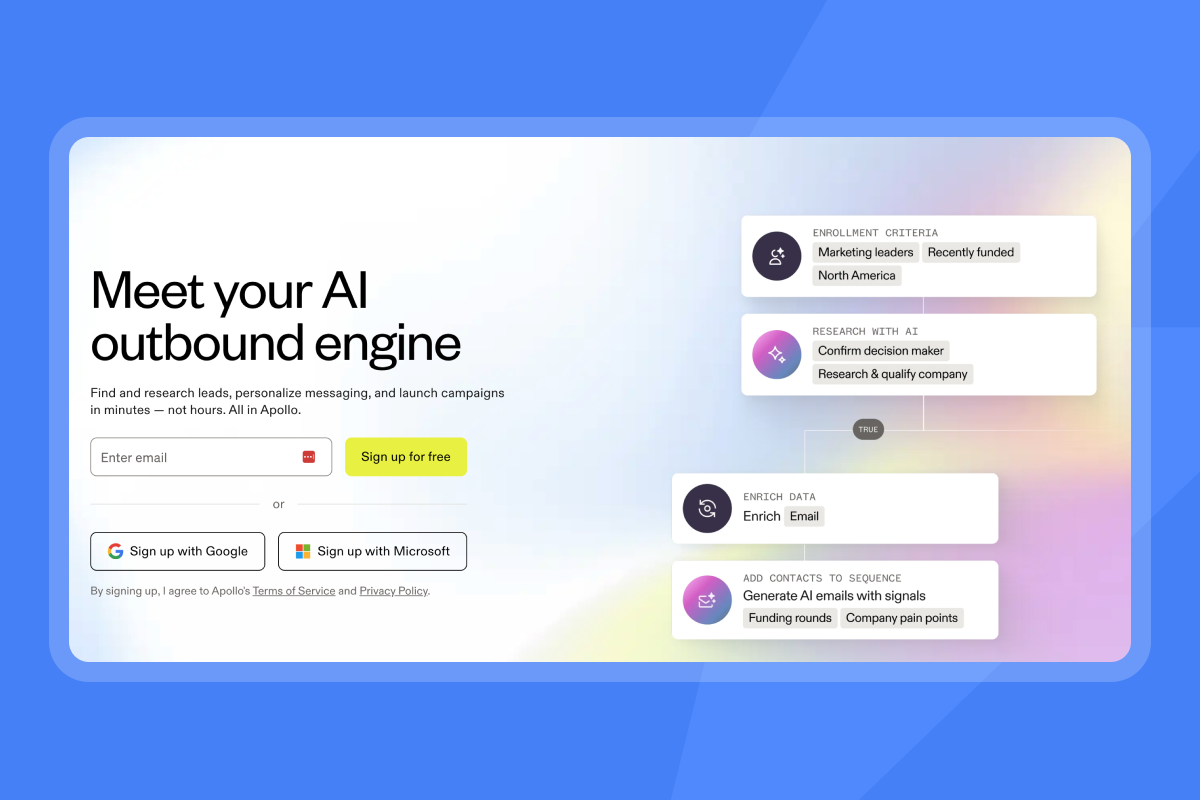
Snapshot: Powerful sales intelligence suite with multichannel outreach and deep CRM integrations.
Pros:
- Comprehensive B2B database
- Native CRM integrations
- Multichannel capabilities beyond email
- Built-in verification with 91% accuracy rate
Cons:
- Per-seat pricing adds friction for agencies
- Credit limits can restrict verification at scale
- More complex for pure cold email use cases
Pricing: Per-seat subscription model with credit allocations varying by tier.
Best for: Teams wanting sales intelligence with outreach capabilities. For a detailed side-by-side comparison, Savvy Search Solutions has a great video on the topic:
DeBounce
Snapshot: Real-time API and integrations with major ESPs delivering dependable accuracy at a fraction of enterprise pricing.
Pros:
- Lowest cost at approximately $2 per 1,000 verifications at entry tiers, dropping lower at scale
- Multi-step verification: syntax, MX, SMTP, and domain checks
- Detects invalid, disposable, duplicate, and catch-all emails
- Credits never expire
Cons:
- Cleaned emails automatically removed 10 days after upload or validation
- Some users report slow processing times
- As of January 2025, not accepting new user registrations
Verification method: Advanced engine analyzes server responses, mailbox behavior, and multiple verification signals. Claims the ability to verify catch-all addresses with higher confidence than basic tools.
Best for: Budget-conscious senders who need reliable verification at scale.
MillionVerifier
Snapshot: Budget-friendly verification with automated EverClean subscription for ongoing list hygiene.
Pros:
- 99%+ accuracy claimed with credit refunds for unknowns and catch-alls
- Ready-to-use integration with 17 email marketing providers
- EverClean verifies emails daily and automatically removes bad addresses
- Credits never expire
- 100% money-back guarantee
Cons:
- Weak catch-all detection compared to premium tools
- Does not work well with Yahoo addresses
- Support responses can take up to 72 hours
- Sporadic downtime reported
Pricing: Approximately $3.70 per 1,000 verifications at the 10,000 credit tier. EverClean subscription starts at $0/month for up to 1,000 emails.
Best for: Budget-conscious senders who run periodic or high-volume list cleaning.
"I have used it for verifing the emails before sending for promotional email using amazon ses because i already only have boundation on 5% bounce rate so i am requiring the email verifier so i have used it for verify my email as well as knowing as bounce emails as well in it in bulk as well." - Rajiv. on G2
Findymail
Snapshot: Dual-purpose solution that finds and verifies emails with 98%+ accuracy, charging only for verified results.
Pros:
- Only pay when a verified email is found
- Built-in verification with claimed sub-2% bounce rates
- LinkedIn Sales Navigator and Apollo automation
Cons:
- Sometimes returns limited data (300 emails from a 1,000-person list)
- Accuracy drops on enterprise domains
- More expensive per credit than pure verification tools
Pricing: According to Findymail's pricing page, Basic plan starts at $49/month for 1,000 finder credits + 1,000 verifications. Starter at $99/month for 5,000 credits. Business at $249/month for 15,000 credits. Free tier: 10 finder credits and 10 verifications (one-time only).
Best for: Small to medium businesses wanting an all-in-one email finding and verification solution.
How email verification actually works: SMTP vs. syntax checks
Understanding the technical process helps you evaluate which tools are thorough and which cut corners.
Stage 1: Syntax check
The first filter is basic pattern matching. Does the address have an @ symbol? Are there valid characters? Is the structure correct? This catches obvious typos like "john@companycom" but misses addresses that look right but do not exist.
Stage 2: DNS and MX record lookup
Next, the verifier checks if the domain actually exists and has mail servers configured. The MX (mail exchanger) record specifies which server is responsible for accepting email messages on behalf of that domain. A domain with badly configured MX records might be open to exploitation or simply unable to receive mail.
Stage 3: SMTP handshake
This is where real verification happens. The verifier initiates an SMTP handshake with the mail server. The server responds with a status indicating whether the mailbox exists. The key is the RCPT TO command, where the system asks the server if it will accept a message for the target email address. The server's response tells you whether that user likely exists.
We use a combination of these methods with verification across multiple providers. When one provider returns an "unknown" status, we check additional sources before marking the lead as risky.
Stage 4: Catch-all detection
Catch-all servers accept all mail to any address at that domain. This makes it impossible to confirm whether a specific inbox is active. Some tools like DeBounce analyze server responses, mailbox behavior, and multiple signals to estimate whether an email truly exists. MillionVerifier refunds credits for both unknown and catch-all results instead of attempting to score them.
For agencies, the practical advice is to treat catch-all emails as "risky sends" and either exclude them from cold campaigns or accept a higher potential bounce rate on those segments. For a deeper look at how waterfall enrichment across multiple providers handles catch-all and risky addresses before they enter your campaign, see the email API data enrichment guide.
"Lead management at scale: easy list import, deduplication, and automatic verification keep our lists clean and reduce bounce rates." - Anthony V on G2
For more on protecting sender reputation, watch:
Legal and ethical considerations for email finding
Verification is legal. The legality question centers on how emails were obtained in the first place.
GDPR and legitimate interest
For B2B cold outreach in GDPR jurisdictions, "legitimate interest" is the typical legal basis. This means you have a genuine business reason to contact someone, and that interest outweighs their privacy expectations. But this does not give you a free pass to buy scraped lists or email anyone without research.
Why purchased lists are risky
Using outdated email addresses or purchased lists usually leads to a high number of invalid contacts, causing elevated bounce rates. Email lists decay by roughly 22-28% per year as people change jobs and companies restructure. Even "trusted" lists often include catch-all, disposable, or outdated addresses that verification cannot fully fix if the underlying collection was unethical.
Best practices for compliant prospecting
- Build first-party data: Collect emails through opt-in forms with clear consent language.
- Use verified databases: Our SuperSearch taps into verified B2B contacts with waterfall enrichment rather than scraped lists.
- Re-verify before sending: Lists go stale. Re-verify every 1-3 months for active segments, or whenever sending to a list you have not contacted recently.
- Document your process: Keep records of how leads were obtained and verified. This protects you if questions arise.
"I really value how Instantly helps me find leads effectively by allowing me to search based on specific titles, locations, and industries, which makes it incredibly user-friendly for targeted lead finding." - Verified user review of Instantly
Start protecting your domains today
The agencies that win at cold email are not the ones sending the most volume. They are the ones maintaining the highest deliverability over time. That requires clean lists, proper warmup, and verification built into every campaign.
If you are currently exporting leads from one tool, verifying them in another, and importing them to a third for sending, you are adding friction and cost at every step. Once your lists are clean and warmup is running, see this email deliverability guide to confirm your authentication, content, and sending patterns are all aligned for primary inbox placement.
We built Instantly to remove that tax. You find leads in SuperSearch, verify them with one click, warm up your inboxes automatically, and send campaigns, all without leaving the platform.
Try Instantly free and run your first verification test on your existing list. Upload your contacts, check the verification box, and see how many risky leads get flagged before they can hurt your sender reputation.
For a complete walkthrough of setting up cold email verification and deliverability, watch directly from us:
Frequently asked questions about email verification
How accurate are email verifiers?
Most professional tools claim 95-99% accuracy, but real-world testing shows meaningful variation. Independent benchmarks typically place top performers like ZeroBounce and Findymail at 95%+ while budget tools range from 87-95%.
Can I verify catch-all emails?
Not definitively. Catch-all servers accept all mail, so verifiers cannot confirm whether a specific mailbox is active. Treat catch-alls as risky and either exclude them or accept higher potential bounce rates.
What is a good bounce rate?
Keep hard bounces under 1% and total bounces below 2%. According to Campaign Monitor's benchmark data, top performers achieve under 0.5% hard bounce rates.
How often should I clean my list?
Lists decay 22-28% per year. Re-verify every 1-3 months for active segments and always verify before major campaigns.
What happens if my bounce rate is too high?
A bounce rate above 5% will hurt your sender reputation, and 20%+ may cause your ESP to suspend your account. Mailbox providers track bounce trends when deciding whether to accept your future emails.
Key terms glossary
Waterfall enrichment: A verification method that checks an email across multiple data providers in sequence, using each source until a valid result is found.
Sender reputation: A score mailbox providers assign to your sending domain based on bounce rates, spam complaints, and engagement metrics. Lower scores mean more emails land in spam.
Warmup: The process of gradually increasing send volume from a new inbox to build trust with mailbox providers. Typically takes 2-4 weeks for cold email accounts.
ESP (Email Service Provider): The platform or service that handles email delivery. Examples include Google Workspace, Microsoft 365, and dedicated sending infrastructure.
Blacklist: A database of IP addresses or domains identified as spam sources. Being blacklisted can prevent your emails from being delivered at all.


