.svg)
%20(1).svg)

Inbox Placement Tool: Run Unlimited Inbox Placement Tests
Skip the spam folder and land in the primary inbox. Start with 2 free tests, then run unlimited inbox placement tests on a paid plan.
Used by the world's leading companies


%202.svg)
%20(1).png)


What it is
Instantly's Inbox Placement Tool
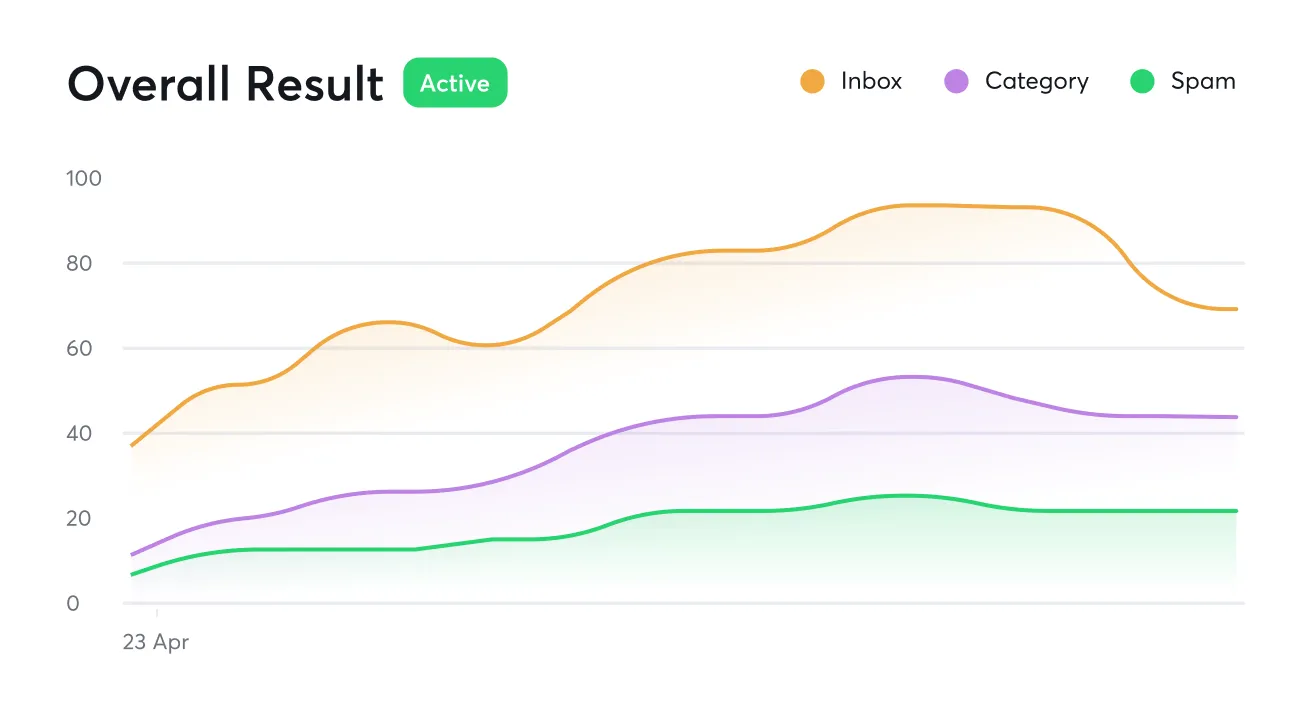
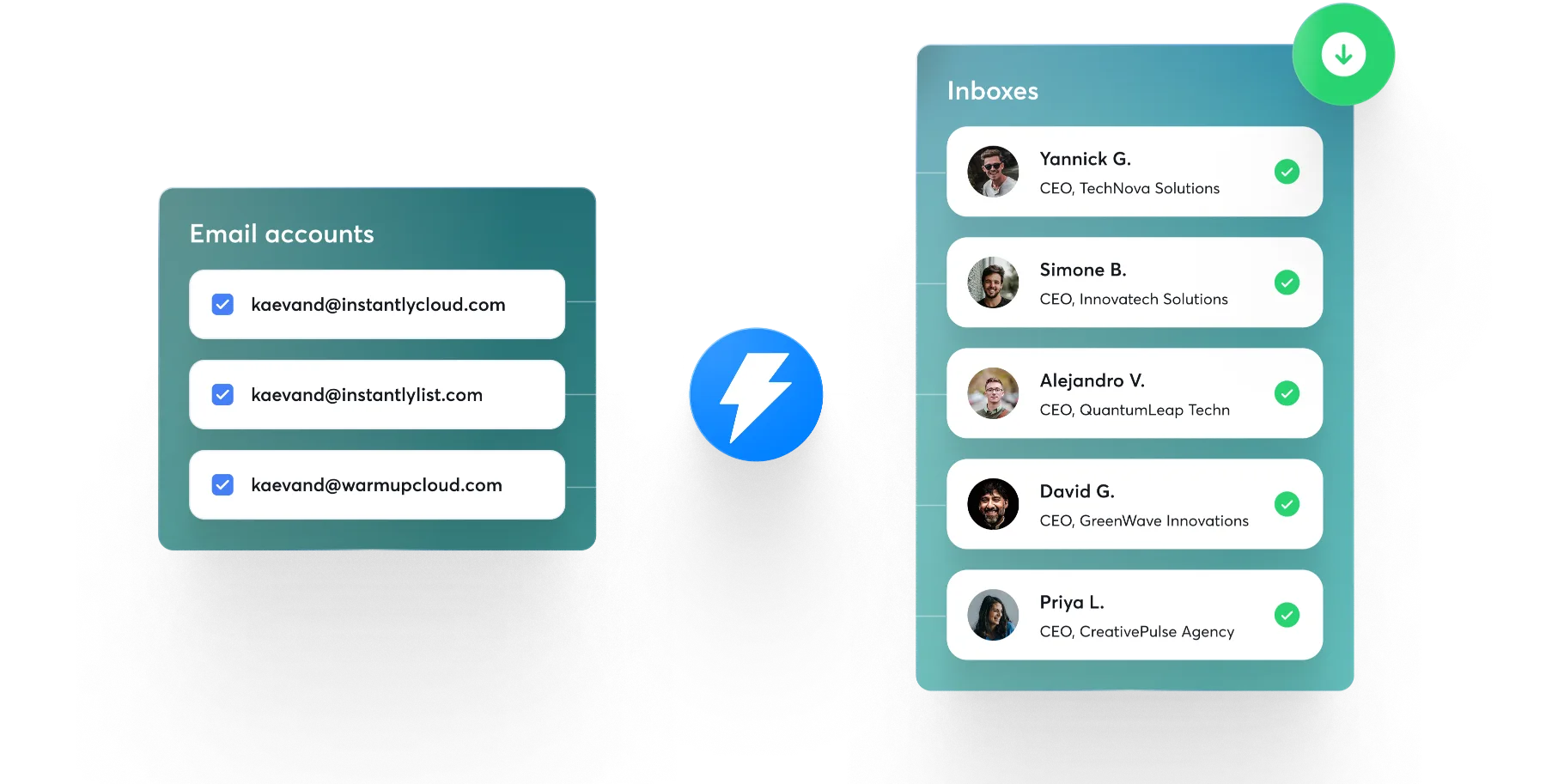
Run an inbox placement test that shows exactly where your cold emails land. The Inbox Placement Tool checks whether each message reaches the primary inbox, the promotions tab, or spam across Gmail, Outlook, and Yahoo. Tests are unlimited and automated on paid plans, and they run inside Instantly, synced to the accounts and campaigns you already send from.
.svg)









Why teams use it
Why teams run an inbox placement test
See where you really land
A high delivery rate only means the provider accepted your email. An inbox placement test shows the folder it reached, so you know if spam filters are quietly capping your replies.
Fix issues before you send
Automated triggers flag authentication, blacklist, and spam-content problems, so you catch a deliverability dip before it reaches your campaign results.
Test as often as you need
Start with 2 free tests, then run unlimited inbox placement tests on a paid plan without watching a counter.
%20(1).svg)




Use cases
When to run an inbox placement test or checker
Use inbox placement testing throughout your outreach workflow to catch deliverability issues before they impact campaign performance.
Before a campaign launch
Confirm your emails reach the primary inbox on every major provider before you send to real prospects.
Best for Agencies
When replies drop
Run a test to see whether placement, not your copy, is the reason your reply rate fell.
Best for Sales Teams
After changing your sending setup
Re-test when you add domains, rotate inboxes, or edit copy, since each change can move placement.
Best for Founders
Monitoring at scale
Get notified the moment a sending account starts landing in spam, so one bad inbox does not drag down the rest.
Best for Recruiters
How it Works
How a free inbox placement test works
Set Your Filters
Connect the sending accounts and campaigns you already run in Instantly.
--
Review Matches
Send your test to a seed list of addresses across Gmail, Outlook, Yahoo, and more.
Verified contacts only
Verify And Enrich
See a per-provider breakdown of what reached the inbox, the promotions tab, or spam.
Verified contacts only
Add To Campaign
Fix the flagged problems, authentication, blacklists, or spam triggers, then re-test to confirm.
--
What customers say
What 40,000+ teams say About Us
"We've tested a lot of sequencers & ultimately Instantly has been the most helpful in generating revenue for our clients. It has all the functionality any advanced cold email initiative needs, while still being super user friendly."

"4x increase in reply rates. 2x faster to start campaigns. 30% higher inbox placement. Instantly has been a game-changer for how we run outbound for our clients."

"Instantly is the exact email outreach solution / always wished existed. None of the others even comes close to the combination of features and ease of use."

.png)
Instantly User Ratings


Related Resources




What is inbox placement?
Inbox placement is where a delivered email actually lands in the recipient's mailbox: the primary inbox, the promotions or social tab, or the spam folder. It goes a step beyond delivery, which only confirms the mailbox provider accepted the message. For cold email, landing in the primary inbox is what decides whether a prospect ever sees and replies to your outreach.
What is an inbox placement test, and how does it work?
An inbox placement test sends test emails from your sending accounts to seed inboxes across providers, then reports which folder each one reaches: inbox, promotions, or spam. Instantly runs these tests inside the platform, syncing your connected accounts and campaigns, and notifies you if any sending account starts landing in spam. Tests are unlimited and automated, so you can check placement before and during a campaign.
What is the difference between inbox placement and deliverability?
Deliverability is whether the mailbox provider accepted your email at all, while inbox placement is where that accepted email lands: the primary inbox versus promotions or spam. A campaign can show a high delivery rate and still miss the inbox if messages are filtered to spam. Inbox placement is the more useful metric for cold email because it reflects whether prospects actually see your message.
Which email providers does Instantly test inbox placement for?
Instantly tests inbox placement across Gmail, Outlook, Yahoo, and other leading mailbox providers. This lets you confirm your cold emails reach the primary inbox on each major platform your prospects use, rather than the promotions tab or spam folder. Testing across providers matters because inbox and spam filtering rules differ between Gmail, Outlook, and Yahoo.
Is there a free inbox placement test?
You get 2 free one-time inbox placement tests to start. Unlimited one-time tests are included on the Growth plan, and unlimited automated tests are included on Hypergrowth. No credit card is required to begin, so you can test placement before committing to a paid plan.
What is a good inbox placement rate?
A higher inbox placement rate is better, and email deliverability providers commonly cite around 90% or above as a strong result. The rate is the share of sent emails that reach the inbox rather than the spam or promotions folder. Running regular tests helps you catch a drop early, before poor placement quietly cuts your replies.
How can I improve or fix poor inbox placement?
To improve inbox placement, fully authenticate your sending domains with SPF, DKIM, and DMARC, keep your accounts off blacklists, and remove content that trips spam filters. Instantly supports this by monitoring 400+ blacklists, detecting spam triggers with SpamAssassin, and checking SPF, DKIM, and DMARC in one place. Automated triggers flag deliverability issues before they reach your campaign results.
How often should I test and monitor inbox placement?
Test inbox placement regularly, ideally before launching a campaign and continuously while sending, since sender reputation and filtering rules change over time. Instantly makes this practical with unlimited, automated tests that run inside the platform and notify you the moment a sending account starts landing in spam, so you can act before placement problems spread across your accounts.
Start Building Your AI Sales Engine
Start free and run an inbox placement test across major email providers.
Stop letting poor deliverability kill your pipeline. Join 50,000+ sales teams who've made the switch to Instantly for better inbox placement, higher response rates, and more closed deals.
No credit card required.