.svg)
%20(1).svg)


%202.svg)
%20(1).png)



.svg)





Like ChatGPT for Outreach & Sales
AI-powered prompts that write high-converting outreach in seconds.
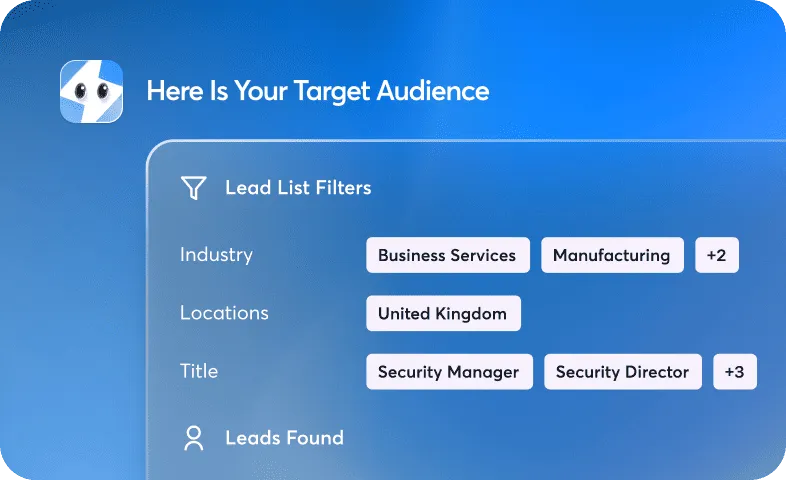
Find your ideal target audience
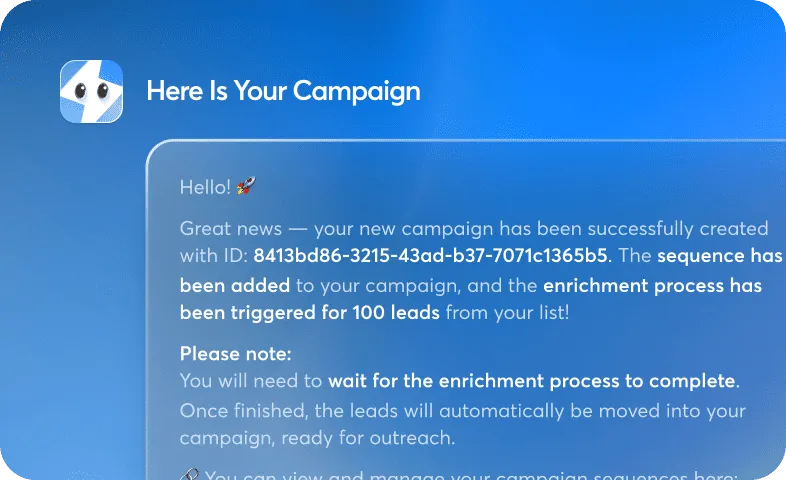
Generate a full campaign
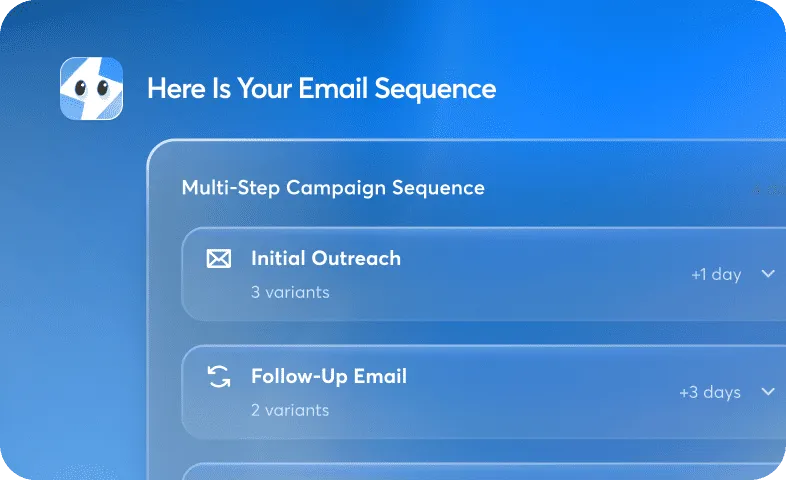
Write a full email sequence
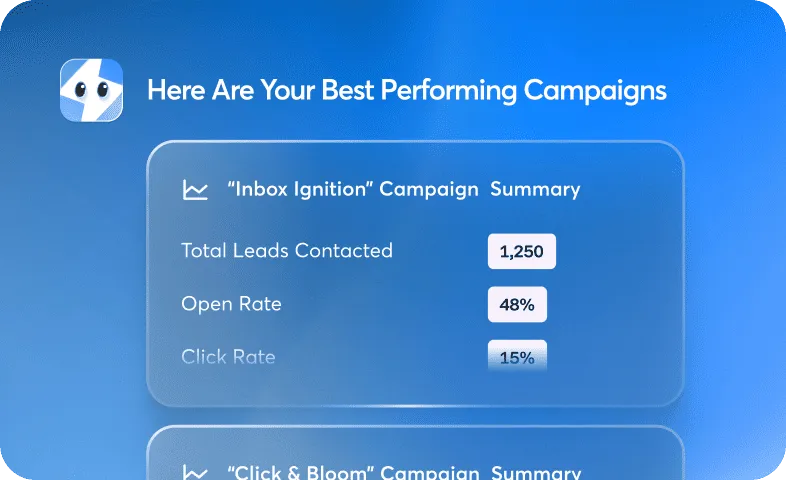
Summarize my best performing campaigns


Customer testimonials
Real Results. Real Customers.

4X
Increase in reply rates
2X
Faster-to-start campaign
30%
Higher inbox placement
“We've tested a lot of sequencers & ultimately Instantly has been the most helpful in generating revenue for our clients.
It has all the functionality any advanced cold email initiative needs, while still being super user friendly & intuitive.
With co-pilot enabling detailed analysis as well, At this point I truly believe it's the best all around sequencer for cold email which is why it's the platform we use for our clients. “



4X
Increase in reply rates
2X
Faster-to-start campaign
30%
Higher inbox placement
“Instantly became the backbone of our outreach — over 100,000 emails sent across 20+ domains with 20%+ reply rates and a steady stream of qualified leads. It’s not just a sending tool, it’s our growth engine.”


4X
Increase in reply rates
2X
Faster-to-start campaign
30%
Higher inbox placement
"Instantly nails what most email tools get wrong - it's actually intuitive to set up and use. The integrations work seamlessly, and the UX doesn't make you want to pull your hair out."

What is Instantly's AI Copilot?
Instantly's AI Copilot is an AI assistant built into the Instantly platform that helps you run outreach using natural language. It writes cold email campaigns, finds ideal buyers, builds lead lists, and summarizes campaign performance from simple prompts. Its Copilot Memory analyses your business, offers, and target groups so suggestions stay specific to your accounts, letting you turn ideas into outreach campaigns just by typing.
How does the AI Copilot write cold email campaigns?
The AI Copilot writes cold email campaigns from AI-powered prompts, generating outreach in seconds once you describe your idea. You can ask it to write a full email sequence or find your ideal target audience, and it drafts the copy for you. Because Copilot Memory understands your offers and target groups, the campaigns and lead lists it produces are personalised to your business rather than generic templates.
Can the AI Copilot automate recurring tasks and send reports to Slack?
Yes. Copilot Tasks lets you set daily, weekly, or monthly recurring actions so routine outreach work runs on schedule. You can create new campaigns daily, send analytics summaries weekly, find more leads monthly, and send notifications to Slack. This keeps campaign creation, reporting, and lead sourcing running automatically instead of requiring manual steps each time.
How is Instantly's AI Copilot different from ChatGPT?
Instantly's AI Copilot works like ChatGPT but is purpose-built for outreach and sales inside the Instantly platform. Unlike a general chatbot, it has Copilot Memory of your business, offers, and target groups, and it acts on your actual campaigns and lead data. That means it can write full email sequences, build lead lists, and summarize your best performing campaigns directly, not just return text you then move elsewhere.
What is the difference between an AI sales copilot, an AI email agent, and an AI SDR?
An AI sales copilot assists you as you work, suggesting and drafting outreach while you stay in control, whereas an AI email agent or AI SDR runs outreach steps more autonomously. Instantly provides both layers: its Copilot writes campaigns, finds buyers, and summarizes results from your prompts, and it can also launch AI agents to run outreach. A copilot suits teams that want speed with a human still directing the work.
How much does Instantly's AI Copilot cost?
Instantly's AI Copilot uses Instantly Credits to power AI features that help you create outreach campaigns, find ideal buyers, build lead lists, and summarize campaign performance. Check the Instantly pricing page for current credit allowances, plan pricing, and usage details.
Do I need copywriting or technical experience to use the AI Copilot?
No experience is needed to use Instantly's AI Copilot. You can turn your ideas into outreach campaigns just by typing, so you describe what you want in plain language and Copilot drafts the campaign, sequence, or lead list. It handles the copywriting and targeting work, which lets non-specialists launch outreach without learning campaign setup first.
Can the AI Copilot find leads and build a target audience for me?
Yes. The AI Copilot can find your ideal target audience and build lead lists as part of its outreach workflow. Copilot Memory analyses your business, offers, and target groups, then uses that context to create targeted campaigns and lead lists, and Copilot Tasks can find more leads on a recurring monthly schedule. Instantly describes analysing your site, finding ideal buyers, and crafting personalised messages from that data.
Start building your AI sales engine
Get started now to access exclusive templates and elevate your projects to the next level.
Stop letting poor deliverability kill your pipeline. Join 50,000+ sales teams who've made the switch to Instantly for better inbox placement, higher response rates, and more closed deals.
No credit card required.