.svg)
%20(1).svg)


Updated January 31, 2026
TL;DR: Manual follow-ups cap throughput at what one human can type and cost roughly $2 to $4 per email when you factor in SDR labor. Automation drops per-email cost to near zero and lets one operator manage thousands of leads monthly with flat-fee pricing. The winning model is hybrid: automated sending with warmup, spintax, and human or AI reply handling. Manual works for ultra-high-value enterprise deals and early offer validation, but for agency growth, automation protects margins and sanity.
Send 50 emails a day. Get 2 replies. Now try to scale that to 500 emails manually. You hired 3 people to do a robot's job.
The choice between manual and automated follow-ups defines your growth curve. The best cold email outreach tips consistently point to automation as the path to predictable pipeline, but only when infrastructure like warmup, spintax, and account rotation are built in from the start. Manual ensures control but creates a linear cap on revenue. Automation creates the leverage agencies need to scale pipeline without hiring more SDRs or burning domains. Here is the data-backed comparison to help you decide which approach fits your stage, volume, and margins.
The economics of manual vs. automated outreach
Manual follow-up means typing one email at a time. Automated follow-up means building sequences that send based on triggers and schedules. The cost difference is exponential, not incremental.
Sales development reps average 36.2 emails per day across all activities. When you factor in research, personalization, and tracking, practitioners estimate each manual follow-up takes 5 to 10 minutes. At an average SDR hourly rate of $26.45, labor cost per personalized email runs roughly $2 to $4.
Now scale that to volume. One inbound SDR can handle approximately 300 leads per month. To manage 10,000 leads monthly, you need approximately 33 SDRs. At a typical SDR OTE of $75,000, that is $6,250 per month per rep, or about $206,000 total monthly payroll.
The automated scenario flips the equation. Instantly's Hypergrowth Outreach plan runs $97 per month with unlimited email accounts and 125,000 emails monthly. For 10,000 leads with 4 emails each (40,000 total sends), your base cost stays flat at $97 plus one manager to oversee campaigns (roughly $5,000 per month). Total monthly cost is around $5,097, a 97% reduction compared to manual labor. Instantly, the cold email automation platform built for agency-scale economics, keeps costs flat whether you're managing 3 client campaigns or 30, no per-seat penalties as your list grows.
"Being able to set up bulk outreach campaigns... with a fraction of the time & energy that manual outreach requires is priceless." - Verified user review of Instantly
Automation delivers more than cost savings. The real gain is pipeline velocity. Automated sequences never forget to follow up on day 3, never send at inconsistent times, and allow you to A/B test subject lines with statistical significance. Manual sending introduces human error, forgotten tasks, and variance in send windows that hurt deliverability and reply rates.
When to keep follow-ups manual (and why it rarely scales)
Manual outreach still wins in narrow, high-value scenarios where every sentence must reference recent news or earnings calls.
Personal touch can help build stronger relationships, especially in B2B where decision-making processes are complex and relationship-driven. When targeting Fortune 500 CEOs or strategic partnerships in Account-Based Marketing (ABM) campaigns, manual research and customization signal investment and credibility that generic automation cannot match.
The quantitative limit is clear: this approach breaks when you need consistent pipeline at scale. Manual works for Dream 100 clients where deal sizes justify the hours spent. Manual fails when you try to scale to 50 or 100 leads weekly.
The downside of manual at scale:
- Human error: Forgotten follow-ups and inconsistent messaging dilute your brand.
- No testing: You cannot run statistically significant A/B tests manually.
- Time drain: SDRs spend 64% of their time on non-selling activities, with only about 2.5 hours per 8-hour day in direct sales conversations.
For agencies managing multiple clients and campaigns, manual outreach creates a linear cap on pipeline. To double output, you double headcount, which doubles payroll and complexity.
Why automation is the only path to profitable agency growth
We hear operators worry that automated emails look robotic or kill deliverability. That concern is valid only when automation is done poorly. Modern cold email platforms solve the deliverability problem with three infrastructure pieces: warmup, unlimited accounts, and variation.
Consistency beats memory.
Automation never forgets to send the day-3 follow-up or the day-7 nudge. Cold email campaigns with 1 to 3 emails have around 9% reply rates, and the first follow-up boosts reply rates by 49%. Manual senders miss follow-ups due to workload spikes or context switching. Automated sequences execute every step on schedule.
Testing at scale.
You cannot A/B test manually with statistical significance. Automation allows you to run two subject line variants across 500 leads each and measure which one drives more opens and replies. Over time, this iterative testing compounds into higher conversion rates.
The robotic myth debunked.
Spintax (spinning syntax) creates variations of the same message using curly brackets and pipes. For example, {Hi|Hello|Hey} {{FirstName}} generates "Hi John" or "Hello John." If you send the exact same message to 500 people, your chances of ending up in spam increase dramatically. Spintax prevents that by ensuring slight variation in every send.
AI personalization layers on top of spintax. Instantly's AI Reply Agent handles incoming responses in under 5 minutes, either in autopilot mode or with human-in-the-loop approval. This hybrid approach gives you the throughput of automation with the judgment of a human on high-value replies.
"The AI reply agent... efficiently drafts responses based on client replies, saving me valuable time by simply requiring a review before sending." - Sachin J on G2
Optimization through data.
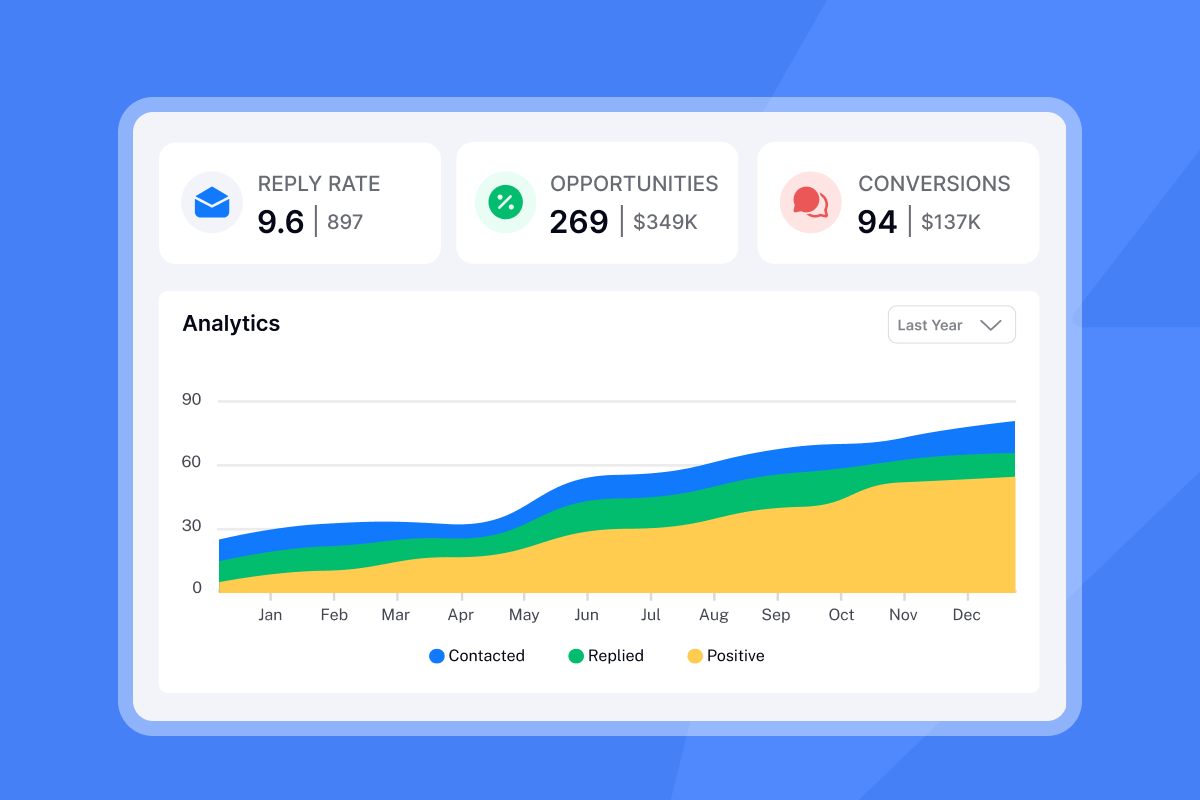
Automation platforms track open rates, reply rates, and positive reply rates in real time. A good cold email reply rate is 5 to 10% for most B2B teams, with positive response rates ranging from 0.5 to 2%. Top performers hit 15% or higher on focused, well-timed campaigns. You cannot achieve this level of optimization when sending manually because you lack the volume and tracking to spot patterns.

Automated vs. manual: A direct comparison
| Factor | Manual Follow-Up | Automated Follow-Up |
|---|---|---|
| Cost per email | $2 to $4 in labor | Near zero after setup |
| Scale | 36 emails/day per SDR | 10,000+ leads/month per operator |
| Personalization | High if time allows | High with spintax and AI variables |
| Deliverability risk | Low volume, inconsistent timing | Controlled via warmup and rotation |
Automation wins on cost, scale, and analytics. Manual has an edge only for ultra-deep personalization on a handful of high-value targets per week.
How to automate follow-ups without burning domains
The biggest fear when moving to automation is killing your primary domain. This fear is well-founded if you scale recklessly. Sending too many emails too quickly from a new or untrusted domain triggers spam filters or causes mailbox providers to throttle your messages.
The solution is infrastructure, not luck. Here is how to automate safely.
1. Spread volume across unlimited sending accounts
Instantly's pricing model includes unlimited email accounts on all plans. Spread 300 emails across 10 inboxes at 30 per day each instead of sending from one inbox and risking a block. Best practice is to keep sends at or below 30 per inbox per day. This protects sender reputation across your entire domain portfolio.
"What sets Instantly apart is the Easy DFY Mailbox Setup. It's incredibly straightforward to get mailboxes up and running with the correct settings like DMARC, DKIM, and SPF applied automatically." - Robert B on G2
2. Warm up every new inbox for 30 days
Email warmup uses a private network of real inboxes to gradually send, receive, open, and reply to emails on your behalf. This builds a positive sender reputation before you launch campaigns. Instantly operates a deliverability network of 4.2 million plus accounts for warmup. Enable warmup for every new inbox and let it run for 30 days before ramping volume.
3. Use spintax to create variation
If Google sees you sending thousands of identical messages, they could flag you as a mass emailer and tank your deliverability. Spintax creates multiple versions of the same message using a single block of text. Example: {Hi|Hello|Hey} {{FirstName}} generates "Hi John," "Hello John," or "Hey John." Instantly's campaign builder supports spintax natively.
4. Use secondary sending domains and Unibox
Never send cold email from your primary company domain. Use secondary sending domains to isolate risk. If one domain gets flagged, your main brand stays clean.
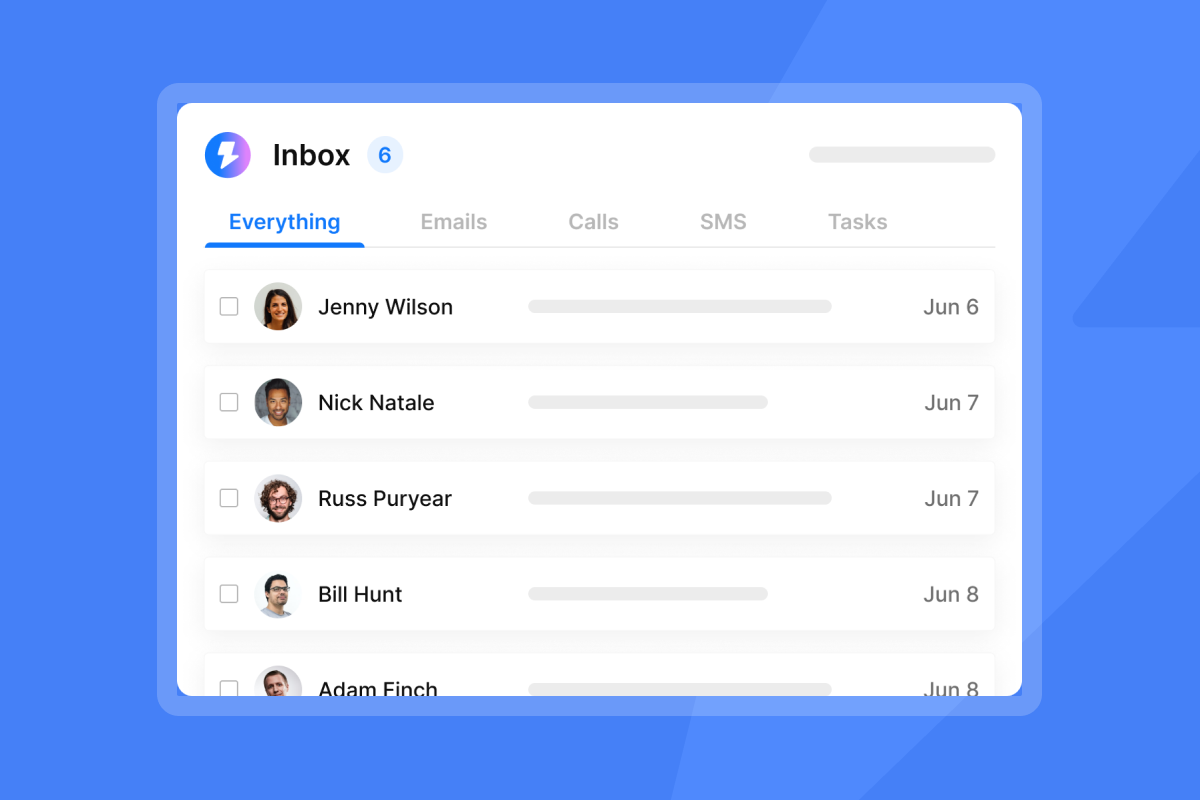
Unibox is a centralized master inbox where you get all replies from your leads across all connected inboxes. Instead of logging into each Gmail account individually, you access all emails in one view.
"The unlimited email accounts feature and the automated warm-up are essential for protecting domain reputation while reaching a high volume of leads. I especially value... the Unibox, which consolidates replies from hundreds of inboxes into one place." - Robert B on G2
5. Implementation steps for your first sequence
- Set up 3 to 5 secondary sending domains and connect them to Instantly.
- Enable warmup for 30 days on each inbox before sending campaigns.
- Build a 3-step sequence: intro email, value-add follow-up, final ask.
- Apply spintax to subject lines and opening sentences to create variation.
- Set send windows to 8:30 to 10:30 a.m. recipient local time for best engagement.
- Launch at 20 sends per day per inbox, ramp to 30 after week one if health stays green.
For a visual walkthrough of setting up automated campaigns, watch:
Decision framework: Choosing the right approach for your stage
Your decision should map to your stage, volume, and margin pressure.
Stage 1: Validation (Manual)
- Goal: Test the offer and market fit.
- Action: Manual outreach with deep personalization to the first 50 to 100 prospects.
- Why: You need direct feedback to validate messaging before automating. Every reply teaches you something about product-market fit.
Stage 2: Growth (Hybrid)
- Goal: Build repeatable pipeline without hiring more SDRs.
- Action: Automated sending with manual or AI-assisted replies.
- Why: Automated workflows ensure that follow-ups happen when prospects are most likely to engage. Consistency is difficult to achieve through manual outreach at this scale.
Once your automated sequences are generating positive replies, have a dedicated meeting scheduling email follow-up system ready to convert that interest into booked calls without losing momentum.
Stage 3: Scale (Fully Automated)
- Goal: Increase throughput and protect margins as you add clients.
- Action: Automated sequences with AI Reply Agent handling responses.
- Why: By outsourcing 80% of SDR-related tasks to automation, you can dramatically scale your outbound sales strategy without growing your team.
For the infrastructure blueprint agencies use when scaling email to 10,000 daily sends, including domain provisioning, warmup schedules, and API-driven campaign orchestration, see the full agency case study.
Metrics to track at each stage:
- Reply rate: 5 to 10% is a solid benchmark for cold outreach in 2026.
- Positive reply rate: 0.5 to 2% is typical for cold B2B campaigns. Exceptional campaigns achieve 5% or higher.
- Meetings booked: The ultimate measure of pipeline created.
You will get the best results from a hybrid strategy: automate where you can, but never underestimate the power of a well-timed personal interaction. In today's B2B market, success comes from finding the right balance. For more on converting replies into meetings, see Turning interested leads into meetings.
Manual is for learning. Automation is for earning.
The choice is mathematical, not philosophical. Manual follow-ups give you control and deep personalization, but they cap your revenue at what one human can type. Automation gives you leverage, consistency, and the ability to test at scale.
Automation is not "set it and forget it." You need to design proper warmup protocols, use spintax for variation, spread volume across multiple inboxes, and handle replies with judgment (human or AI-assisted). When you do this, automation becomes the safe path to scale, not the risky one.
"I built my entire client acquisition system through instantly.ai & also sell the product as a service to my clients which is my entire business model. Life changing tool, allowed me to hit 6 figures & provide for my family of 5!" - Joshua Blacklidge on Trustpilot
Do not let the fear of technology cap your pipeline. Start with a small pilot, measure reply rates, and scale what works. Try Instantly free and use the ramp template to automate follow-ups while you focus on live conversations.
For a complete guide to cold email strategy, check out these useful tips:
Frequently asked questions
Does automation hurt deliverability?
Not if you keep volume at or below 30 emails per inbox per day, use warmup for 30 days before sending, and apply spintax to create variation. Spreading sends across unlimited accounts protects sender reputation.
Can I personalize automated emails?
Yes. Use variables like {{FirstName}} and {{CompanyName}}, and apply spintax to create sentence variations. AI-powered personalization can also reference job titles, industry, or recent company news.
How many follow-ups should I send?
The optimal number is 2 to 3 follow-ups for a total of 3 emails within a 2-week window. Cold email campaigns with 1 to 3 emails show strong reply rates.
What is a good reply rate for cold email?
5 to 10% overall reply rate is solid for most B2B teams. Positive response rates range from 0.5 to 2%. Top performers hit 15% or higher on focused, well-timed campaigns.
Key terms glossary
Throughput: The maximum number of emails you can send per day across all your email accounts without damaging your sender reputation or getting flagged as spam.
CAC payback: How many months it takes for a new customer's payments to cover the cost of acquiring them, including all marketing and sales expenses.
Pipeline velocity: How quickly a potential customer moves from first contact to a closed deal, measured in days or revenue generated per day. Formula: opportunities multiplied by average deal size multiplied by average win rate, divided by length of average sales cycle in days.
Spintax: A formatting technique using curly brackets {} and pipes | to generate multiple variations of a text string. Example: {Hi|Hello|Hey} randomly selects one option per send.
Unibox: A centralized inbox that aggregates replies from all team email accounts into one shared view, eliminating the need to log into individual inboxes.
Sender reputation: A score assigned by mailbox providers (Gmail, Outlook) based on your sending patterns, engagement rates, and spam complaints. Low reputation sends emails to spam.



