


Updated March 05, 2026
TL;DR: The highest-converting B2B SaaS subject lines look nothing like marketing. They're lowercase, short (1-4 words), and read like a message from a colleague. Personalized subject lines can reach 46% open rates compared to 35% without personalization, but that only matters if the email hits the primary inbox. This guide gives you 25+ copy-ready examples by category, the research behind why each works, and a testing system to stop guessing and start scaling.
According to HubSpot, 47% of recipients decide whether to open an email based on the subject line alone. If your team gets this wrong, half your leads are wasted before they read a single word of your pitch.
Your SDRs might spend hours crafting "perfect" subject lines while open rates stay stuck below 30%. The problem isn't effort, it's that most reps write subject lines the way a marketer would, not the way a colleague would. Without purpose-built cold email software, there's no systematic way to test what actually works. In B2B SaaS, the goal of a subject line is not to sell the product. It's to sell the open.
This guide covers 25+ data-backed subject lines organized by use case, the technical setup that ensures they hit the inbox, and the A/Z testing method that removes guesswork from the process.
Why B2B SaaS subject lines fail (and how to fix them)
The root cause is almost always the same: reps write subject lines that look like marketing blasts, not peer messages.
Every prospect applies a mental spam filter. Before they read your subject line, they ask one question: "Did a real person send this, or is this a campaign?" If it looks like a campaign, it gets ignored or deleted, regardless of how clever the copy is.
The internal vs. external test is a fast way to audit your current lines. Ask: does this look like a message a colleague would send, or a marketer? "Boost your pipeline by 300% with our AI-powered platform" fails immediately. "quick question" passes.
Inconsistent rep execution compounds the problem. When different reps use wildly different subject line styles, you lose the data signal you need to improve. Standardizing templates across the team is a deliverability play as much as an efficiency one, because consistent send behavior keeps domain health predictable. Instantly's cold email copywriting framework is worth reviewing with your SDR team to align on the fundamentals.
The psychology of a high-converting subject line
Three mechanics consistently drive opens in B2B cold email. Understanding them helps you write subject lines that work, not just ones that sound clever.
Curiosity gap: Give enough information to provoke a click, but not enough to satisfy the question. "quick question" works because the prospect doesn't know what the question is. "quick question about your onboarding flow" narrows it just enough to feel relevant while keeping the curiosity intact.
Relevance over novelty: A Saleshive analysis of open rate metrics confirms that relevance to the prospect's context matters more than creative phrasing. "question about [Competitor]" outperforms "I love what you're building" because it signals you've done real research, not just fired off a template.
Mobile truncation: Mobile clients cut subject lines at 33-43 characters. A subject line like "How [Your Company] can help [Prospect Company] reduce churn and improve net revenue retention" is already truncated before "reduce" appears on most phones. Keep it short enough to display in full.
Instantly's cold email anatomy walkthrough from the copywriting masterclass covers these mechanics in more depth if you want to share it with your team.
Instantly's subject line conversion guide covers how to pair each of these triggers with spin syntax for deliverability-safe variation at scale, and includes AI Copilot prompts for generating on-brief variants across different ICP segments.
25+ best cold email subject lines for B2B SaaS (categorized)
The tables below organize 27 subject lines by category, with a note on why each works. Treat these as starting points to test, not guaranteed performers. List quality and inbox health will move your results significantly.
Short and direct subject lines (1-3 words)
Subject lines of 2-4 words yield the highest open rates in B2B cold email, reaching 46% across large datasets. On a well-warmed domain with a verified list, that number climbs considerably.
Subject line | Why it works |
|---|---|
quick question | Triggers curiosity with no product signal |
thoughts? | Ultra-casual, reads like a reply request from a peer |
[Company] idea | Company name + vague promise creates a curiosity gap |
intro | Direct, low-friction, reads as a human introduction |
[First name] | A name-only subject line is aggressive in its simplicity and hard to ignore |
[Your name] / [Their name] | Formatted like a calendar invite, bypasses the mental spam filter |
These work because they look nothing like a marketing email. As our Instantly platform demo shows, pairing these with a well-structured opening line inside the email is where conversion actually happens.
Instantly's subject line conversion guide covers how to pair each of these triggers with spin syntax for deliverability-safe variation at scale, and includes AI Copilot prompts for generating on-brief variants across different ICP segments.
Personalized subject lines for high-ticket sales
Personalized subject lines hit a 46% open rate vs. 35% without, with reply rates jumping from 3% to 7% when personalization is added. That's nearly a third more visibility before a single word of body copy is read. The most effective versions show that you've researched the prospect specifically, not just filled a first-name field.
Subject line | Why it works |
|---|---|
question about [Competitor] | Signals competitive awareness, relevant to their vendor context |
idea for [Company name] | Company specificity + vague promise triggers curiosity |
your post on [Topic] | Signals you've actually read their content |
congrats on [recent milestone] | Timely, positive, feels genuinely human |
[Their name], thoughts? | Name + casual ask mimics peer-to-peer communication |
Watch Instantly's cold email personalization deep-dive for frameworks on building personalization variables into sequences at scale, including using AI to generate them at volume. For 600 ready-to-use templates, our cold email template library is a practical starting point.
Pain-point driven subject lines
These work by naming a problem the prospect is actively aware of. Specificity is the key: "fixing deliverability" works better for a SaaS ops team than "fixing a problem," because it tells them you know their world. Pain-point subject lines consistently rank among the highest-converting categories for complex B2B sales.
Subject line | Why it works |
|---|---|
fixing [specific problem] | Names the pain and implies you have a solution |
resources for [specific goal] | Low-threat positioning, offering not pitching |
churn at [Company name]? | Bold, signals you understand their KPIs |
better way to [current process] | Frames value as improvement, not replacement |
struggling with [pain point]? | Mirrors how prospects think about their own problem |
Referral and mutual connection subject lines
Referral subject lines borrow trust from a third party before the email is even opened. Data shows that subject lines framed as referrals or questions hit a 46% open rate. When someone the prospect knows is mentioned, their perceived risk of opening drops to near zero.
Subject line | Why it works |
|---|---|
[Referral name] suggested I reach out | Borrowed trust eliminates the "who is this?" question |
spoke with [Colleague name] | Creates a continuity narrative before the first read |
following up from [Event name] | Contextual relevance, not a cold start |
[Mutual connection] thought you'd want this | Social proof plus a curiosity hook in one line |
Follow-up and breakup subject lines
Your follow-up subject lines need to be as considered as your first touch, because most sales require five or more follow-ups yet many salespeople give up after just one attempt. Breakup emails, sent as the final email in a sequence, consistently generate replies because they create a low-stakes decision point for the prospect.
Instantly's cold email follow-up masterclass walks through sequencing strategy in detail, including how to time follow-ups to avoid deliverability drops. The important part is to be effective with your follow-up subject lines and know what works, as well.
Subject line | Why it works |
|---|---|
any updates? | Casual, non-threatening, sounds like a genuine check-in |
one last thing | Implies brevity and finality, low friction to open |
circling back | Familiar business phrase, reads as a courteous follow-up |
re: our conversation | References prior context (only use if a conversation actually happened) |
permission to close your file? | Breakup framing with a documented high response rate on final-touch emails |
closing the loop | Polite, professional, signals this is the last touch |
should I stay or should I go? | Light humor plus a direct question, stands out in a long sequence |
Note on "permission to close your file?": this line reportedly has a high response rate on final-touch emails, not necessarily open rate. Use it as a genuine last email, not as a tactic in the middle of a sequence.
How to optimize preview text to boost open rates
The subject line gets the attention. The preview text (also called preheader text) seals the deal. Emails with custom preview text drive higher open rates, a measurable lift from one small change most reps ignore entirely.
Preview text is the snippet visible next to your subject line in the inbox before the email is opened. If you don't set it manually, your email client defaults to the first line of body copy: "View this email in your browser," "Unsubscribe," or a boilerplate header.
Here's how to pair subject lines with preview text to increase opens:
Subject line | Preview text |
|---|---|
quick question | about how your team currently handles onboarding |
[Company] idea | that could cut your CAC by 20% this quarter |
thoughts? | on your product launch last week, spotted something |
Think of the subject line and preview text as one unit. The subject line sets the hook. The preview text deepens the relevance. Together they give the prospect two reasons to open instead of one.
A/Z testing: how to find your winner
The biggest mistake teams make is picking a subject line based on intuition, running it for a week, and calling it a winner. Intuition is wrong at least half the time. The data is what matters.
Standard A/B testing compares two variants. If Subject A gets a 30% open rate and Subject B gets a 60% open rate, B doubles your leads from the same contact list. But with only two options, you might miss Subject C that would have hit 70%. Instantly's A/Z testing feature supports up to 26 variants in a single campaign step, with auto-optimization that detects the winner based on your chosen metric (open rate, reply rate, or click rate) and automatically deactivates underperforming variants. No manual review required.
Our testing platform comparison covers how variant volume affects the speed of reaching statistical significance on high-volume sends.
Practical setup for a 5-variant subject line test:
- Pick your pool: Choose 5 subject line variants from different categories (one ultra-short, one personalized, one pain-point, one referral, one follow-up style).
- Set the winning metric: Use open rate for subject line tests. Reply rate is better for body copy tests.
- Set the sample size: Run until each variant reaches at least 1,000 sends before drawing conclusions. With 5 variants, that's 5,000 total sends minimum.
- Let auto-optimize run: Instantly identifies the statistically meaningful winner and deactivates the rest.
- Document the winner: Add it to your team's template library for that persona segment.
A/Z testing only produces reliable results when your deliverability infrastructure is sound. Instantly's cold email strategy guide covers the full ramp plan from domain setup to send pacing, which ensures your test results reflect copy performance, not inbox placement variance.
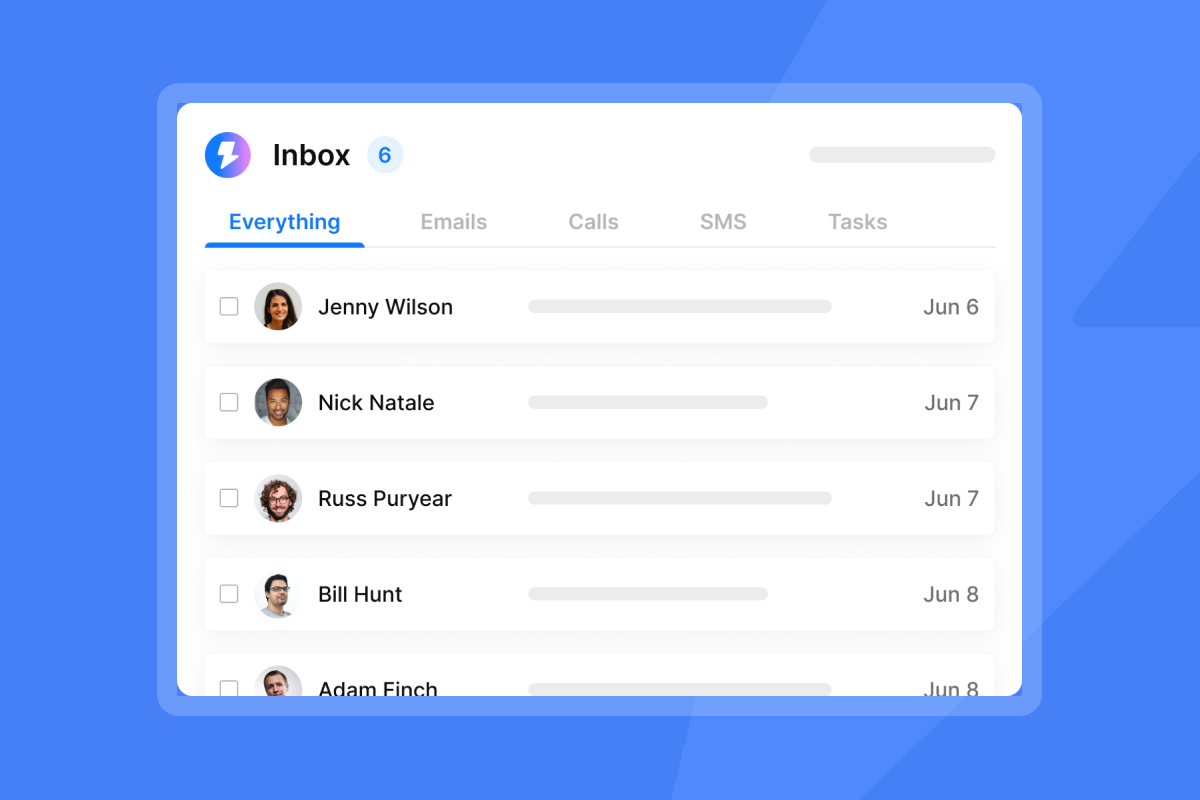
Running an Inbox Placement test before scaling any variant confirms where emails land across Gmail, Outlook, and Yahoo, so open rate differences between variants reflect copy performance, not inbox placement variance.
Common subject line mistakes that trigger spam filters
Most deliverability damage from subject lines comes from formatting and deceptive tactics, not spam trigger words alone. Here's what to avoid:
Spam-flagged words and phrases:
- "Free," "Guarantee," "Act Now," "Urgent," "Risk-Free," "100%," "Prize," "Winner"
Formatting red flags:
- ALL CAPS anywhere in the subject line
- Multiple exclamation points ("Ready to scale!!!")
- Excessive emojis in a B2B SaaS context
- Dollar signs or percentage symbols used promotionally
The "Re:" and "Fwd:" trap: Using "Re:" or "Fwd:" when no prior conversation exists is deceptive. HackedBD's B2B subject line research shows that while it gets the email opened, it immediately creates dislike toward the sender. The result is spam reports, which compound into a deliverability problem that damages your entire sending domain.
One important nuance: According to SpamResource's analysis, mailbox providers don't classify emails as spam based on a single trigger word. Spam scores are driven by behavioral signals like high bounce rates, low engagement, and spam complaints. Subject line style matters, but list hygiene and domain health matter more.
If open rates drop below 15%, diagnose deliverability first. Check bounce rates, inspect domain health, and verify your list before touching copy. Instantly's low open rate guide walks through each diagnostic step in sequence.
Key takeaways
Three things to act on this week:
- Audit current subject lines against the internal/external test. If they look like a marketing campaign, rewrite them to look like a peer message. Start with the short, lowercase formats in the tables above.
- Add preview text to every email. The open rate lift from preheader text takes five minutes to implement and requires no changes to the body of your email.
- Run an A/Z test on your next campaign. Pick five subject line variants from different categories, set open rate as the winning metric, and let the data pick the winner. This single change is consistently the fastest path to measurable open rate improvement for teams that haven't tested systematically before.
"I've been using Instantly for my cold email campaigns and it's made a big difference. The platform is straightforward to set up, easy to run multiple campaigns, and keeps deliverability strong... Personalization, sequencing, and reporting are all built in without adding extra complexity. I can see what's working right away and adjust quickly." - Taylor G. on G2
The B2B SaaS open rate benchmarks put the category average at 25.71%. Hitting 40-50% is achievable with the right subject line approach, a verified list, and properly warmed sending infrastructure. Cold email reply rate benchmarks show 5-10% reply rates are solid across B2B, with 10-15% considered excellent on focused, high-intent plays. Subject lines are the front door. The deliverability system is what gets your team close enough to knock.
To apply this playbook with A/Z testing built in, AI-assisted subject line generation, and warmup handled automatically, try Instantly free for your first A/Z test inside your first campaign.
Frequently asked questions about B2B SaaS subject lines
How long should a cold email subject line be?
Lettercounter's subject line length guide shows that most mobile email clients cut off at 33-43 characters, so anything longer risks being truncated before the prospect reads the full line.
Should I use emojis in B2B SaaS subject lines?
Generally, no. In B2B SaaS, emojis can often read as informal or may flag spam filters depending on the email client. Use them only if your prospect's industry skews casual, and test with a small segment before rolling out at scale.
What is a good open rate for B2B cold email in 2026?
The average B2B SaaS cold email open rate sits at 25.71%, according to Martal's B2B cold email statistics. Aim for 40-50%+ with strong list hygiene and warmed inboxes, and treat anything below 15% as a deliverability issue, not a copy problem.
Does personalization in the subject line actually improve results?
Yes. Personalization data shows a 46% open rate with personalized subject lines vs. 35% without, and reply rates jump from 3% to 7%. The lift is real, but the personalization needs to be contextually relevant, not just a first-name variable.
How many subject line variants should I test at once?
Four to five variants is a practical starting point. Run each until it reaches 100 sends before drawing conclusions. Instantly's A/Z testing documentation supports up to 26 variants per campaign step with auto-optimization, which removes the need for manual winner selection.
Glossary of key terms
Open rate: The percentage of recipients who opened your email. Calculated as unique opens divided by emails delivered. A useful leading indicator, but subject to tracking limitations with Apple's Mail Privacy Protection (MPP), which pre-loads images and can inflate open counts.
Preview text (preheader): The snippet of text visible next to the subject line in the inbox before the email is opened. If not set manually, the email client defaults to the first line of body copy.
Spam trap: An email address typically used by mailbox providers to identify senders with poor list practices. Hitting one can signal that your list includes unverified or purchased addresses, potentially degrading your sender reputation.
Sender reputation: A score that mailbox providers assign to your sending domain and IP address based on behavioral signals like bounce rates, spam reports, and engagement. Low sender reputation can cause emails to land in spam or promotions folders.
A/Z testing: A method of testing multiple variants of an email element simultaneously, beyond the standard two-variant A/B test. Instantly supports up to 26 variants with auto-optimization based on a chosen winning metric.
Warmup: The process of gradually increasing send volume from a new inbox to build sender reputation before running full campaigns. Skipping warmup is a common cause of deliverability crashes on new domains.


