


Updated March 05, 2026
TL;DR: Standard transactional APIs like SendGrid explicitly ban cold email, expose you to shared-IP reputation risk, and require you to build warmup logic from scratch. Our outreach API includes built-in warmup across a 4.2M+ account network, inbox rotation, bidirectional webhooks, and unlimited accounts on a flat $97/month Hypergrowth plan. Most builders assume they need an SMTP relay to power an AI SDR tool. They actually need a reputation management engine, and that distinction determines whether their tool lands in primary inboxes or gets blacklisted in month one.
Writing the email is easy. Getting it into a primary inbox at scale is the hard engineering problem, and most AI SDR builders don't realize that until their domains are on a blocklist.
Standard transactional APIs handle delivery for opt-in traffic: password resets, receipts, notifications. They are built for that job and do it well. Cold outreach is a different job entirely, and it requires purpose-built cold email software with sender reputation management, warmup, inbox rotation, and bidirectional reply parsing. This guide covers the specific API requirements for building AI SDR tools, why transactional APIs fail for this use case, how our outreach API compares, and the exact integration steps for a production-grade setup.
Core API requirements for AI-driven outreach
What an AI SDR tool actually does
An AI SDR tool automates prospecting, personalization, and sending, and then feeds replies into an LLM for triage or response. The sending side is straightforward. The tricky parts are managing sender reputation across dozens or hundreds of inboxes, handling inbound replies programmatically, and maintaining deliverability as volume scales.
To do all of this via API, you need four capabilities working together:
- Account management: Add, warm, and rotate sending inboxes programmatically.
- Campaign control: Launch, pause, and update sequences without touching the UI.
- Lead operations: Push lead data with personalization variables and track status changes.
- Event streaming: Receive real-time notifications for replies, bounces, opens, and meeting bookings.
Our API V2 covers all four, providing a complete interface for campaigns, leads, accounts, and webhooks via REST, which maps directly to what an AI SDR tool needs at the infrastructure layer.
Instantly's full integration guide covers how to connect the API to CRM systems, enrichment tools like Clay, and automation platforms in sequence — including the trade-offs between native connectors, iPaaS automation, and direct API builds so agencies can match integration depth to their operational requirements.
Inbound parsing and reply handling
Sending is only half the loop. The AI agent needs to know when a prospect replies, what they said, and the sentiment behind it before taking the next action. That means your API must support webhooks that fire on reply_received events and deliver a clean payload your LLM can process.
Without bidirectional sync, your AI agent is blind after the send. It can't route hot replies to a human, mark leads as interested, or trigger follow-up logic. This is where most builders using raw SMTP fall short. They build sending logic and then realize reply parsing requires a full IMAP polling layer built from scratch.
Throughput and latency: speed vs. safety
Speed is the wrong optimization target for cold outreach. Inbox providers use sending velocity as a spam signal, and an AI tool that fires emails as fast as possible will burn its domains quickly. The right target is consistent, human-like sending patterns.
Cap at 30 emails per single inbox per day, a limit our IP rotation and sending guide explains in detail. Spread sends across multiple inboxes using rotation, add delays between sends to mimic human behavior, and ramp new inboxes gradually before hitting full throughput. The API should handle this logic for you rather than forcing you to build it yourself.
Why standard transactional APIs fail for AI SDRs
The SendGrid and Mailgun problem: policy bans and shared IPs
The most common mistake AI SDR builders make is starting with a transactional API because it's familiar. SendGrid and Mailgun are excellent tools for opt-in email but the wrong tool for cold outreach.
SendGrid prohibits sending unsolicited emails in bulk and bans scraping emails from social media and third-party sources. Mailgun prohibits acquiring or sending to third-party mailing lists and requires consent through confirmed opt-in. If your AI tool sends cold email through either platform, you violate their terms on day one and risk account suspension mid-campaign.
Even if a transactional API tolerated cold email, the shared IP model creates a structural deliverability problem. On shared IP pools, sending activity from your emails can be impacted by other users on the same infrastructure. The core problem is simple: you have zero visibility into who shares your IP pool and no control over their behavior. Your AI tool's deliverability degrades because of someone else's spam campaign, and you only find out when clients report zero replies.
No warmup, no reputation
Transactional APIs have no warmup capability. A new domain or inbox needs 30+ days of gradually increasing volume before it can send at scale without triggering spam filters. On a raw SMTP provider, you build that warmup engine yourself, which adds significant engineering overhead to your build.
Instantly's warmup network removes that engineering layer entirely. Warmup is included on all Outreach plans, runs programmatically via API, and operates across a private 4.2M+ account network so engagement signals are genuine rather than simulated by a small closed loop.
We include unlimited email warmup across all Outreach plans, with programmatic control via API to enable or pause warmup on any account. That removes an entire layer of infrastructure work from your stack.
Top email API providers for AI and automation
API type and cold email policy
Provider | Primary use case | Cold email allowed |
|---|---|---|
Instantly | Cold outreach, AI SDR, agencies | Yes |
SendGrid | Transactional (receipts, resets) | No (AUP ban) |
Mailgun | Transactional, developer apps | No (AUP ban) |
Apollo | Sales intelligence + outreach | Limited |
Smartlead | Cold outreach, white-label | Yes |
Pricing model and warmup infrastructure
Provider | Pricing model | Warmup included |
|---|---|---|
Instantly | Flat fee, unlimited accounts | Yes |
SendGrid | Per-email volume tiers | No |
Mailgun | Per-email volume tiers | No |
Apollo | Per seat | No |
Smartlead | Tiered by lead volume | Yes |
Our 2026 API comparison draws a clear line between "Infrastructure APIs" designed for transactional messages and "Growth APIs" purpose-built for sales sequences with "unlimited account rotation, programmatic warm-up, and deliverability controls."
We are a strong choice for AI SDR infrastructure because we combine flat-fee pricing with unlimited accounts, built-in warmup, and a full bidirectional API. The Growth plan at $47/month ($37.60/month annual) covers foundational outreach features via the UI, while full API V2 access begins at Hypergrowth at $97/month, which adds webhooks and analytics.
SendGrid and Mailgun work well for transactional traffic within opt-in applications. For cold prospecting, they're the wrong infrastructure choice for the reasons covered above. We do support custom SMTP provider setup via SendGrid and Mailgun if you have specific infrastructure requirements outside of cold outreach.
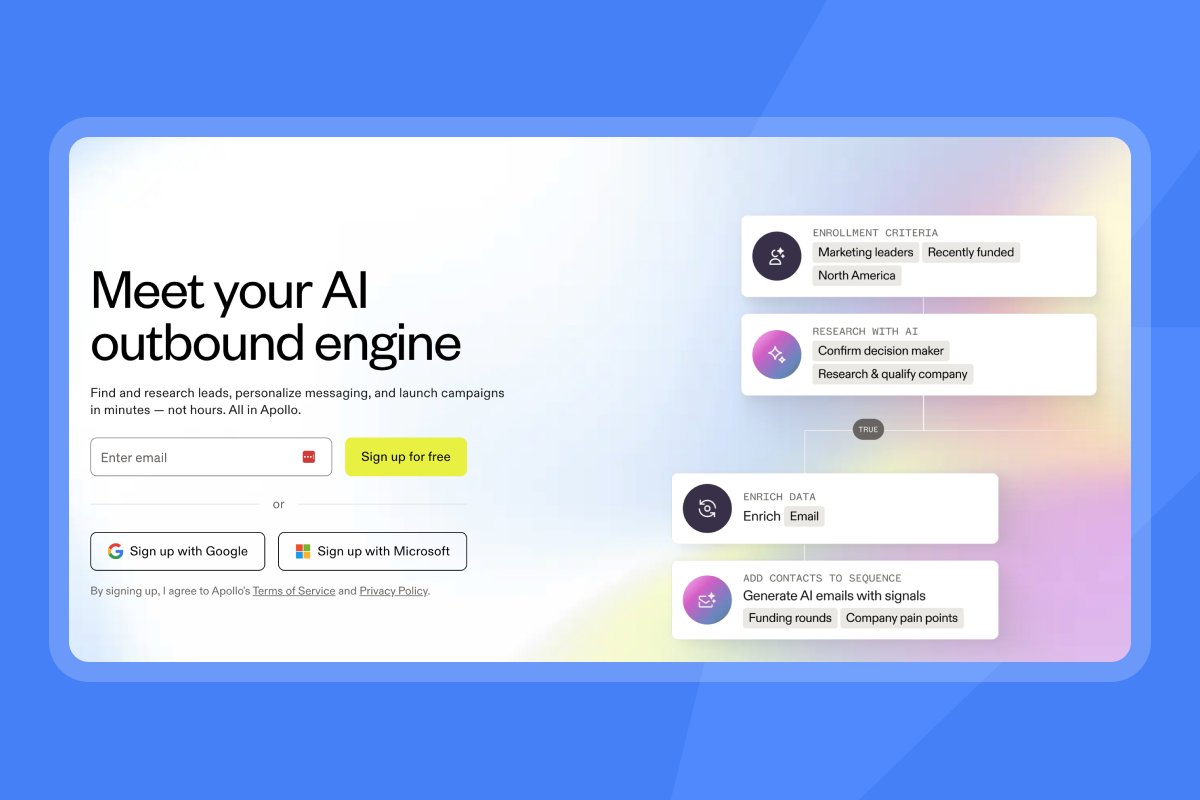
Apollo's API gives access to its contact database and outreach features, but it follows a per-seat pricing model. For agencies managing many inboxes across multiple clients, that cost structure compounds quickly.
"I use Instantly for Cold Outreach Emails for me and my clients. It pretty much covers everything I need like domains, emails, deliverability, AI Integration, and API." - Riccardo C. on G2
Case study: scaling agency infrastructure with Instantly
Automating agency infrastructure at scale
Managing 50 clients with 200 inboxes manually isn't scalable. Each campaign needs warmup monitoring, sequence management, reply tracking, and reporting, which becomes a full-time job when done through a UI for every client workspace. With our API V2 reference, you can automate the entire backend programmatically:
- Add email accounts with IMAP/SMTP credentials and a
sending_gapparameter to control pacing - Enable or pause warmup on any account without logging into the UI
- Create campaigns, add leads with personalization variables, and launch sequences
- Pull campaign analytics including reply rates, open rates, and meeting bookings
- Manage blocklists across client workspaces
- Receive real-time event notifications via webhooks
The flat-fee math
This is where our model creates a real economic advantage for agencies. According to our email API pricing guide, the Hypergrowth plan stays at $97/month "whether you send 50,000 or 100,000 emails," removing the volume variable from your cost structure entirely.
For agencies managing 100 inboxes:
Platform | Model | Monthly cost at 100 inboxes |
|---|---|---|
Instantly Hypergrowth | Flat fee, unlimited accounts | $97/month |
Per-seat competitor | Per seat / per inbox | Scales linearly with inbox count |
Note: Annual billing reduces Hypergrowth to $77.60/month.
At 1,000 inboxes, Instantly still costs $97/month on Hypergrowth or $358/month with the LightSpeed SISR tier for dedicated IP infrastructure. Per-seat tools scale that cost by a multiplier of the inbox count, which eliminates agency margins fast.
For a full walkthrough of the platform's capabilities, the official co-founder demo covers campaign setup and core features in detail.
"I love how easy Instantly is to set up, which significantly reduces the time I spend managing my B2B email marketing for my AI automation agency... It simplifies the process of buying email addresses and warming them up, automatically integrating these steps with their records in the account." - Thomas D. on G2
Integration guide: webhooks, parsing, and reply handling
Step 1: Sending via the lead API
The primary method for injecting prospects into your outreach flow is via the POST /api/v2/leads endpoint, documented in our lead API reference. The JSON payload structure is:
{
  "campaign": "019ca9a5-4d04-720b-8724-5d7753852767",
  "email": "prospect@company.com",
  "first_name": "Jane",
  "last_name": "Smith",
  "company_name": "Acme Corp",
  "personalization": "Saw your post on the Series B, congrats on the raise.",
  "website": "https://acmecorp.com",
  "variables": {
    "past_customer": false,
    "has_tried_competitors": true
  }
}
The campaign field takes the UUID of an existing campaign, and personalization maps to a merge variable in your email sequence. The variables object accepts any metadata you want to carry through the lead record, which is useful for segmentation logic inside your AI agent.
Step 2: Setting up the reply_received webhook
Webhooks are how your AI agent learns what happens after the send. We support events for "Email sent, opened, clicked, bounced," "Reply received, lead unsubscribed," and "Status updates like Meeting booked or Not interested."
Setup steps:
- Go to Settings -> Integrations -> Webhooks
- Click "Add Webhook"
- Paste your HTTPS endpoint URL
- Select the campaign scope and choose "Reply received" as the event type
- Save and send a test payload
When a reply lands, we deliver a POST to your endpoint with this payload structure:
{
  "timestamp": "2026-03-04T09:15:22.042Z",
  "event_type": "reply_received",
  "workspace": "workspace-uuid-here",
  "campaign_id": "campaign-uuid-here",
  "campaign_name": "Q1 SaaS Outreach",
  "lead_email": "prospect@company.com",
  "email_account": "sender@yourdomain.com"
}
We retry failed webhook deliveries up to three times within 30 seconds. Use the Webhook Activity Monitoring dashboard to check delivery status and debug failed events. The full webhook integration detail is in our real-time reply tracking guide.
Step 3: Parsing the reply and feeding it to an LLM
The raw reply payload includes the prospect's text along with HTML markup and email signatures. Before sending it to an LLM, strip the HTML and cut the signature block. Most reply bodies follow a structure where the fresh prospect text appears above a -- separator or a quoted original message block, so parse above that line only.
Once you have clean text, send it to your LLM with a classification prompt: categorize as interested, not interested, objection, or auto-reply. Route interested and objection replies to a human for follow-up. Auto-replies trigger a lead status update via the API. Not interested replies trigger the unsubscribe endpoint.
For a practical example of connecting this flow using N8N, the N8N and Instantly automation guide covers the full architecture.
"I like the integration with Hubspot and the ease with which I can import lists of leads and also the ease of export. I also like the AI bot that answers my questions - easy, fast, at any hour." - Mihail M. on G2
For teams using Zapier or Make rather than N8N, Instantly's Zapier and Make automation guide covers the full reply-routing workflow: webhook trigger, router branching by intent label, CRM object creation, and Slack alert on human-review required.
Performance benchmarks and cost analysis
Deliverability benchmarks for outreach-specific infrastructure
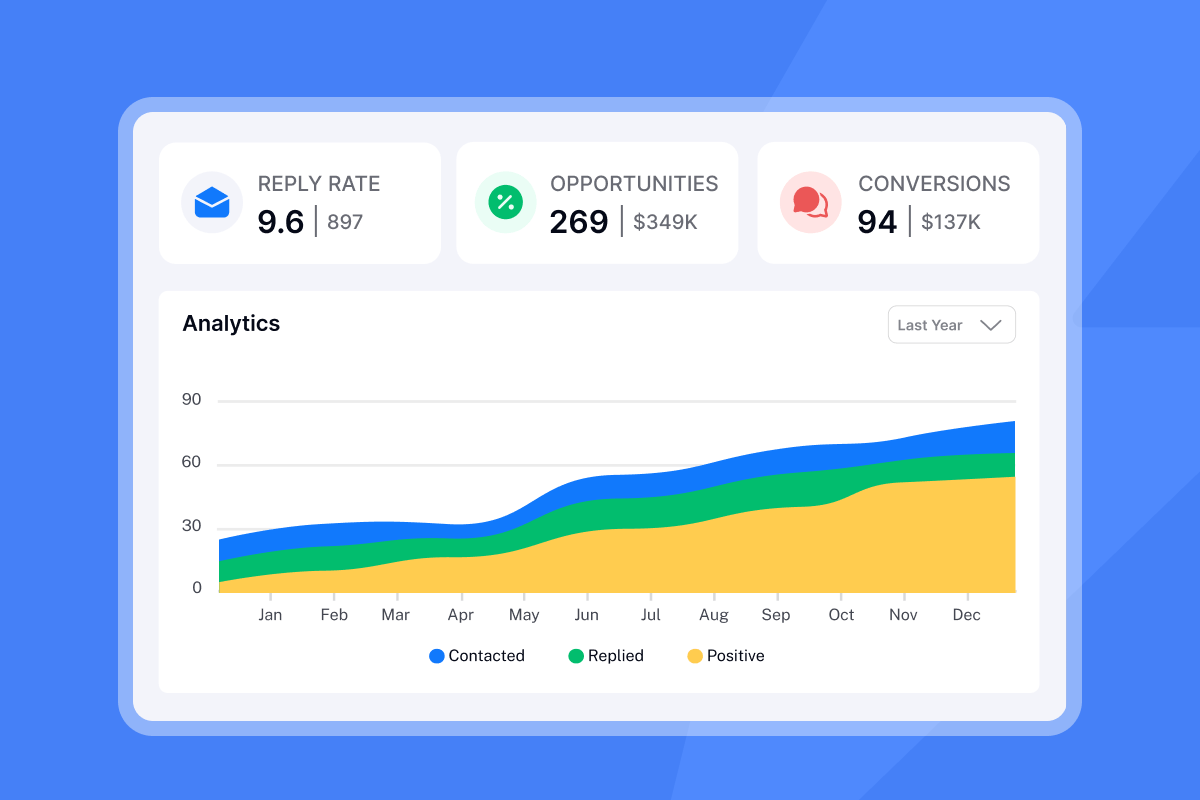
According to cold email open rate research from Peer to Peer Marketing, the average cold email open rate is 44%, with top performers hitting 70% to 88% through strong deliverability and clean copywriting. B2B cold email statistics from Martal show an average open rate of 27.7% and a 5.1% reply rate as of 2024 across the full market. Campaigns using warmed infrastructure, dedicated IP pools, and verified lists consistently outperform those on shared transactional IPs. If your AI SDR tool is hitting below 20% opens, the problem is usually deliverability infrastructure, not copy. Run an Inbox Placement test to get provider-level data on where your sends land across Gmail, Outlook, and Yahoo, so you can confirm whether a below-benchmark open rate is a deliverability problem, a copy problem, or a list quality problem before making infrastructure changes.
Our help center covers fingerprinting and deliverability at high volume and the text-only email optimization tool that removes HTML from outgoing emails to improve inbox placement. Try Instantly and connect your first inbox to see how the API handles warmup, rotation, and reply parsing out of the box.
"Having used Salesloft, Apollo, and other tools, Instantly gives me the highest reply rate by far. The ability to send emails as text only, without HTML, significantly boosts deliverability, especially after Google's updates concerning image display and spam filtering." - Josh G on G2
Reply rate targets and rate limit handling
Target a 5%+ reply rate for healthy cold campaigns. Below 3% usually signals a list quality or deliverability problem, not a copy problem. According to the Sales Hive B2B metrics guide, "an average open rate of 27.7% and a 5.1% reply rate" characterizes healthy outbound programs.
On the API side, we apply rate limits at the workspace level shared across all API keys. If you exceed the limit, requests fail with a 429 status code. Implement exponential backoff on 429 and 5xx responses. For bulk operations like updating 10,000 leads, batch requests and spread them across 2-4 runs per day rather than a single large burst.
Cost per thousand emails
At Hypergrowth ($97/month for 100,000 emails), the CPM is approximately $0.97. At LightSpeed ($358/month), CPM scales down as volume increases. Transactional APIs charge per email but ban the use case entirely, making their CPM irrelevant for cold prospecting. Per-seat tools charge per inbox regardless of volume, so cost scales with infrastructure size rather than email count.
Our pricing page shows all current plan details, and our email API pricing guide includes a full cost comparison framework for agencies calculating cost per meeting across different infrastructure models.
For a video overview of how our features and pricing work in practice, the Instantly AI platform review from Digibase Media covers the full platform in the context of 2025 deliverability requirements. Lead Gen Jay's inbox guide covers achieving high inbox rates under current Google filtering rules.
Scaling with secondary domains
At scale, distribute sending load across multiple domains. A single domain sending 300 emails/day across 10 inboxes hits rate limits and raises flags faster than 3 domains sending 100 emails/day each. Our help center covers the secondary sending domain strategy in detail, including how to structure your domain portfolio across client workspaces.
Instantly's cold email infrastructure guide covers the full domain architecture for scale, including the 20 to 40 domain benchmark for high-volume teams, how many inboxes to assign per domain,
"I like that Instantly makes it easy to create email campaigns and insert leads with API support... The ability to track each lead's response is useful, and managing warmup emails is simple with just a click, ensuring my domain health is maintained through a pure network." - Fares on G2
Building an AI SDR tool is primarily an AI problem at the intelligence layer and an infrastructure problem at the delivery layer. Standard transactional APIs ban cold traffic, force you to build warmup engines from scratch, and expose you to shared-IP reputation damage. Don't build the engine. Build the car and let us run the engine.
API V2 access starts at $47/month on the Growth plan, and the Hypergrowth plan at $97/month gives you the full webhook, analytics, and unlimited account infrastructure needed for serious scale. Try Instantly and its API features free.
Frequently asked questions
Can I use SendGrid for cold email outreach?
Their acceptable use policy explicitly prohibits bulk unsolicited email, and accounts sending cold traffic are suspended without warning. Use a purpose-built outreach API for any cold prospecting.
What is the difference between an SMTP relay and a REST API for email?
An SMTP relay routes email through a mail server using the SMTP protocol with no programmable logic layer. A REST API gives you programmatic control over sending, account management, campaign logic, and event handling via HTTP requests and JSON payloads, which is what AI SDR tools require.
Does Instantly's API support unlimited sending accounts?
Yes. All Instantly Outreach plans include unlimited email accounts and warmup at a flat fee. The Outreach plans comparison shows the full breakdown across Growth ($47/month), Hypergrowth ($97/month), and LightSpeed ($358/month) tiers.
How many emails can I send per day through the Instantly API?
The safe limit is 30 emails per single inbox per day. With inbox rotation across multiple accounts, total daily throughput scales with the number of warmed inboxes in your stack, not a platform-level cap.
What happens if my AI agent sends a reply and the webhook fails to deliver?
We retry failed webhook deliveries up to three times within 30 seconds, and you can monitor delivery status through the Webhook Activity Monitoring dashboard in your account settings.
Which plan includes webhook support?
Webhooks are available on the Hypergrowth plan ($97/month or $77.60/month on annual billing) and above with no per-event fees. Hypergrowth is also the entry point for full API V2 access. The Growth plan covers foundational outreach features through the UI but does not include API or webhook integrations.
Key definitions
Outreach API: An email API built for cold prospecting and sales sequences, including warmup, inbox rotation, reply detection, and deliverability controls. Distinct from a transactional API, which handles opt-in notification traffic.
Webhook: A real-time HTTP POST notification sent to your server endpoint when a specific event occurs, such as reply_received, email_bounced, or meeting_booked. Unlike polling, webhooks push data to you immediately without requiring a request.
SMTP relay: A server that accepts outgoing email from a client application and routes it through established mail infrastructure to the recipient's mail server using the Simple Mail Transfer Protocol.
Throughput: The number of emails processed and delivered within a specific time window. In cold outreach, safe throughput is 30 emails per inbox per day rather than the maximum speed the infrastructure can physically handle.
Inbox rotation: Distributing outgoing email volume across multiple sending inboxes and domains to avoid triggering volume-based spam signals on any single account.
Warmup: The process of gradually increasing sending volume on a new email account over 30 or more days to build positive engagement signals and establish sender reputation with inbox providers like Gmail and Outlook.
Sender reputation: A score calculated by inbox providers based on bounce rates, spam complaints, engagement rates, and sending patterns. Reputation determines whether email lands in the primary inbox, promotions tab, or spam folder.
Rate limit: A cap on the number of API requests allowed within a given time window. Exceeding the limit returns a 429 Too Many Requests response, and applications should implement exponential backoff to retry gracefully.


