


Updated April 13, 2026
TL;DR: Poor client onboarding emails cause early churn and hurt sender reputation. The fix is a phased sequence with single-action CTAs, verified contacts, and built-in warmup on every sending account. Avoid data-dump emails, copy-paste templates, and missing DNS records. Agencies that automate this sequence with a platform like Instantly protect client domains at scale without per-seat penalties.
Many agency operators focus heavily on lead generation while the onboarding emails that actually secure the retainer get less attention. A client who signs but never activates, never replies, and never shows up to the kickoff call is a churn event waiting to happen, and the first email you send often decides which way it goes.
This guide breaks down the most common client onboarding email mistakes, gives you the concrete fix for each one, and shows how to build a scalable, automated sequence that protects your sender reputation and keeps clients engaged from day one.
Poor onboarding emails: a path to early client churn
Poor onboarding is the third most important factor driving customer churn, after wrong product fit and lack of engagement. For agency retainers, newly acquired clients churn at rates up to 15% in the first twelve months, and most of that attrition is preventable.
The financial cost compounds quickly because acquiring a new client costs 5 to 25 times more than keeping an existing one, and a 5% improvement in retention can increase profits by more than 25% over time. The ROI on a better onboarding sequence is measurable and immediate.
Why initial emails fail to engage
Generic welcome emails are the most common offender. Sending one long email packed with links, attachments, portal credentials, and a list of next steps asks the client to do too much at once. The result is inaction, which you often misread as disengagement. The reality is cognitive overload.
Onboarding email mistakes that cause churn
Watch for these early warning signs:
- Low open rates on the welcome email (below 40% is a red flag, given that welcome emails average 86% open rates when done right)
- Clients asking questions you already answered in the email
- No reply to asset-collection requests after 48 hours
- Clients who go dark before the kickoff call
- Emails landing in Promotions or Spam on day one
Mistake 1: Skipping phased client onboarding steps
Sending one massive welcome email is the fastest way to lose a new client and damage your sender reputation. A single long email with ten links and three attachments does not just overwhelm the reader; it also triggers spam filters.
Why long emails fail
HTML emails packed with links to multiple domains are a common cause of false positives in spam filters. Excessive images, large file sizes, and malformed HTML all add negative points to your spam score. For a new client domain that hasn't been fully warmed, even a marginal score increase can push your email out of the primary inbox. Our guide on HTML in email sequences covers exactly when to use HTML and when to keep it plain.
Even when the email arrives, clients don't read walls of text. Onboarding email sequences that achieve the highest open rates are short, focused, and sent in phases over the first 7 to 30 days. Data-dump emails often get archived, not actioned.
How to structure your first email
Replace the data-dump with a phased sequence. Best practice calls for 3 to 7 emails sent over the first 1 to 2 weeks, with each email covering one objective. Here is a proven framework:
Day | Email purpose | Key element |
|---|---|---|
Day 1 | Welcome and next step | One CTA (e.g., book kickoff call) |
Day 3 | Asset collection | One CTA (e.g., submit brand brief) |
Day 7 | Campaign or setup confirmation | One CTA (e.g., confirm go-live date) |
Day 14 | First progress check-in | One CTA (e.g., reply with feedback) |
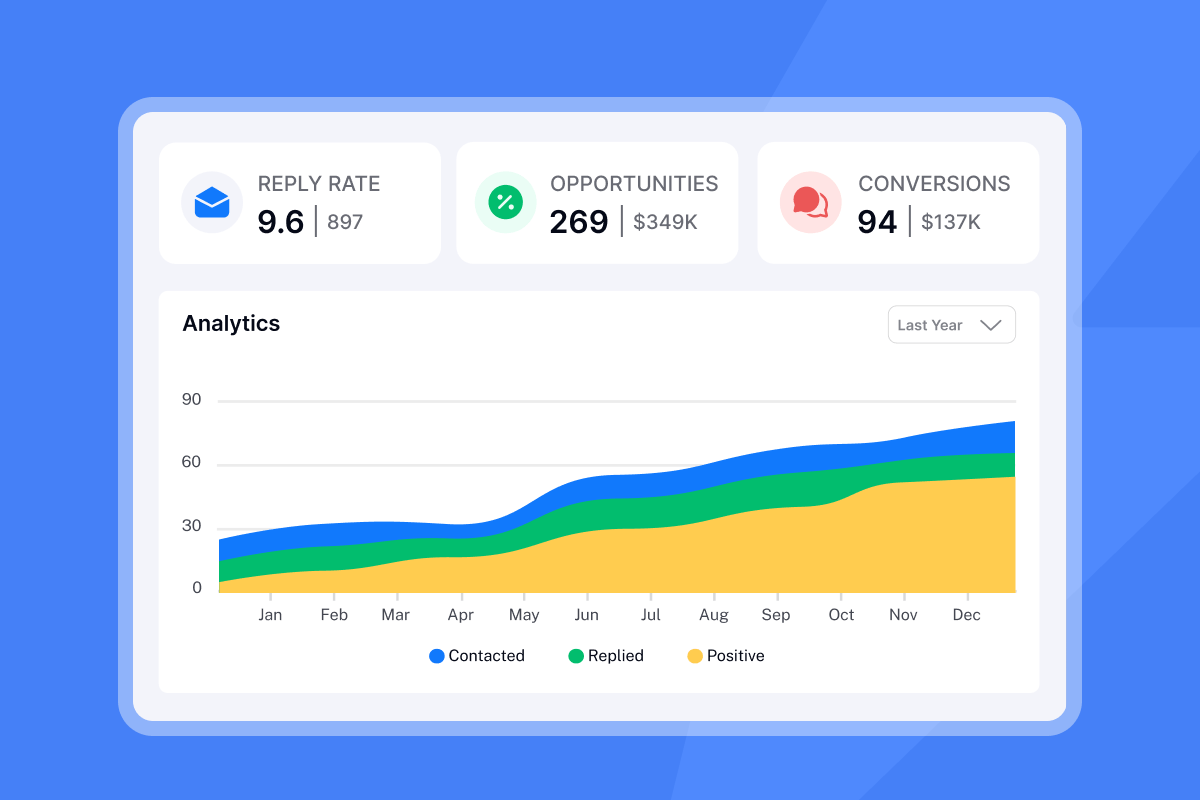
We built the campaign builder to schedule these phases as a sequence, with send windows, daily caps, and automatic follow-ups included, so you can remove the manual coordination and keep each touchpoint on schedule.
Mistake 2: Not customizing client onboarding emails
Agencies that manage 10 to 50 active clients often fall into the copy-paste trap. They use a single template, swap the client name, and call it personalized. Clients notice immediately.
Real example: the copy-paste onboarding
A generic welcome email looks like this: "Hi [First Name], welcome to [Agency Name]. Please find attached your onboarding checklist, brand questionnaire, portal login, and next steps document. Let us know if you have questions." That email has four asks, no clear priority, and zero context about why this client specifically chose to work with you.
Scale safely with customized onboarding
Personalization at scale does not mean writing every email from scratch. It means using spin syntax and custom variables to insert client-specific details, industry context, or campaign goals into a template. Watch the dynamically change your email copy tutorial for a practical walkthrough of liquid syntax inside Instantly.
Strategies for personalized onboarding
- Segment by client type: SaaS clients, e-commerce clients, and professional services clients need different onboarding prompts.
- Use custom variables: Pull in the client's company name, campaign start date, and primary goal from your CRM or contact list.
- A/Z test subject lines: Test two or three subject line variants across your client cohort to find what drives the highest open rate for each segment.
Our A/Z testing feature, available on all plans, lets you run up to 26 variants simultaneously so you can identify which personalized approach drives the best engagement before you roll it out to the full client base.
"I also like how we don't miss emails anymore as we can track our sequences in one place, which helps with optimizing spam, bounce rates, and open rates, thus enhancing our sequences." - Sohaib I. on G2
Mistake 3: No clear CTA in your welcome email
A welcome email that just says "hello" and offers a vague "reach out if you need anything" is not an onboarding email. It is a missed opportunity. Without a specific next step, clients sit idle, campaigns stall, and you waste the highest-engagement window in the entire client relationship.
How missing CTAs derail client progress
When clients don't know what to do next, they don't do anything. Asset collection drags. The kickoff call doesn't get booked. Campaigns launch two weeks late, and the client's first impression is that the agency is disorganized.
Optimize your onboarding email CTAs
Use one CTA per email. Make it specific, low-friction, and time-bound. Here is a comparison of what works and what doesn't:
Bad example | Good example | Why it works |
|---|---|---|
"Let us know if you have questions" | "Book your 30-minute kickoff call this week" | Specific action, clear time frame |
"Please review the attached documents" | "Reply to this email with your brand colors and logo by Friday" | One task, clear deadline |
"Feel free to explore the portal" | "Log in and complete step 1 of your setup checklist" | Scoped effort, low friction |
"We look forward to working with you" | "Confirm your campaign start date by replying with a date that works" | One decision, removes ambiguity |
For a deeper walkthrough of email copy principles that apply directly to onboarding sequences, the cold email copywriting masterclass from Instantly covers subject line structure, body copy length, and CTA placement in detail.
Mistake 4: Failing to ensure primary inbox placement
Your onboarding email is useless if it lands in spam. New client domains that haven't been warmed are especially vulnerable because they have no sending history and no established trust with inbox providers.
Why your emails go straight to spam
Missing or misconfigured SPF, DKIM, and DMARC records tell receiving servers they can't verify your identity. Sending from a cold IP with no warmup history looks like spam behavior, and excessive links in HTML emails raise your spam score before the first human reads a word.
Fix onboarding email deliverability
Problem: New client domains have no sending history and no warmup, which means onboarding emails frequently miss the primary inbox.
Impact: Clients never see your welcome email. Onboarding stalls. Trust erodes before the relationship starts.
Quick fix: Authenticate every domain with SPF, DKIM, and DMARC before you send anything. Keep bounces at or below 1% by verifying your contact list before import, and follow the guidance in our campaign bounce troubleshooting guide.
Long-term approach: Run a 30-day warmup on every new client domain before using it for onboarding sends. Start low and ramp gradually; our 30-day warmup and hygiene guide details the full schedule and hygiene checks to run at each stage.
Preventive measures: Monitor domain health weekly. Check blacklist status. Run automated inbox placement tests before major sends. Use our inbox placement tool to diagnose where mail lands before you activate any sequence.
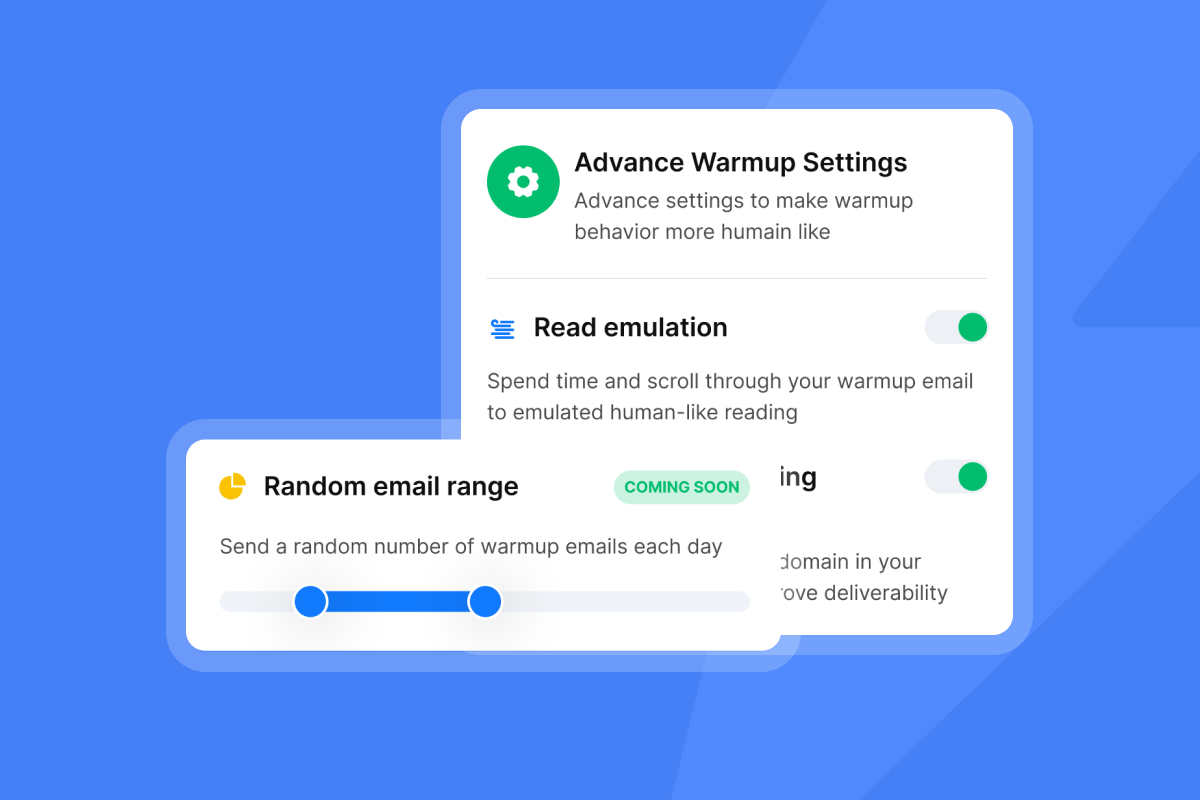
How Instantly helps: We built email warmup into every plan and use a private deliverability network of 4.2M+ accounts to build sender trust through human-like interactions. We include unlimited email accounts and unlimited warmup on every tier, which means you can protect every client domain without adding per-seat costs.
Implementation steps:
- Connect the client domain to Instantly.
- Enable warmup immediately after DNS records are verified.
- Start at a low daily send count and increase gradually over 30 days per the ramp guide.
- Run an inbox placement test after 14 days before activating the onboarding sequence.
"I really like the warm-up email and the setup they offer you." - Djiby S. on G2
"I also appreciate the deliverability dashboard, which helps me to monitor the health and performance of connected email accounts." - Aryan P. on G2
Mistake 5: No follow-up sequence or abandoned onboarding
Sending one welcome email and waiting is not a strategy. It is a gamble. A single email produces a single chance for things to go wrong, and without automated follow-ups, drop-off is almost guaranteed.
Why one email hurts client onboarding
When clients don't reply to asset-collection requests, campaigns often sit idle. Agencies often interpret silence as the client being "busy," when the issue may be that the original request was unclear, went to spam, or got buried. The follow-ups masterclass from Instantly breaks down how to structure each touchpoint in a sequence so no step is left to chance.
Prevent onboarding drop-off
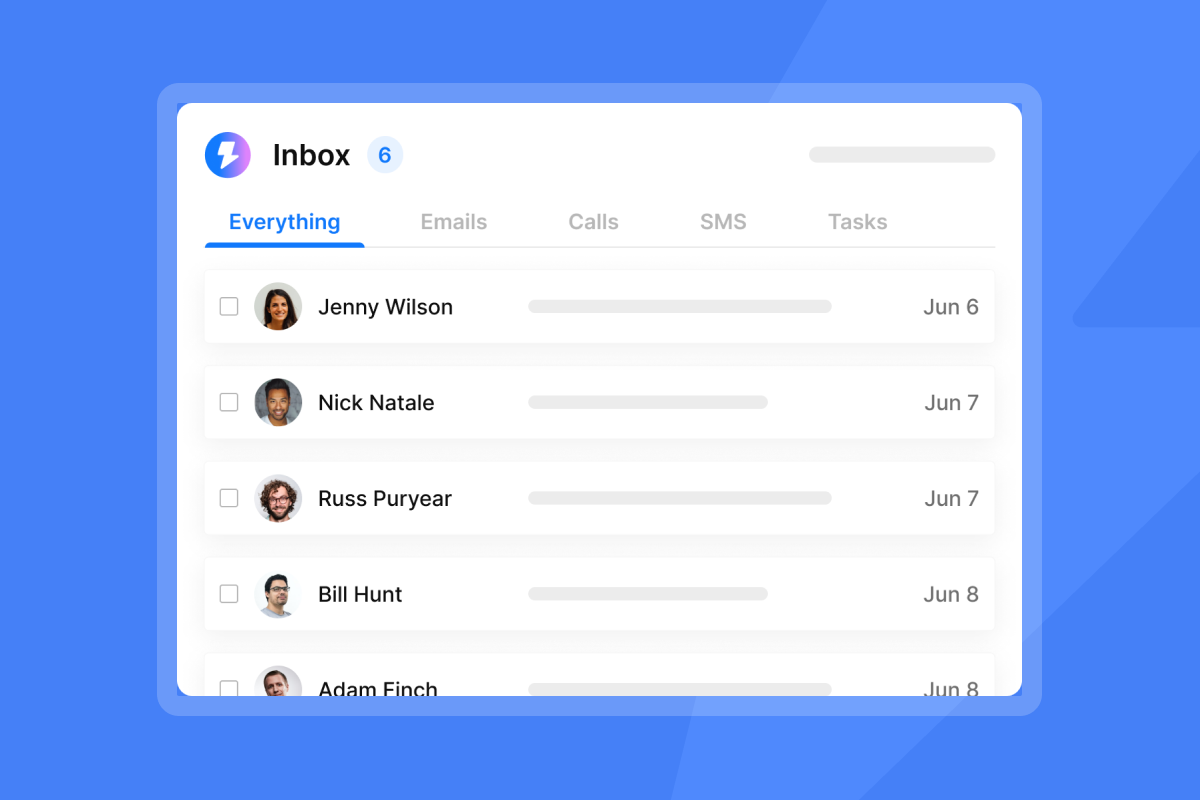
Automate follow-ups based on engagement signals. If a client doesn't engage with the Day 1 email, trigger a follow-up with a revised subject line before moving to Day 3. If they open but don't click, simplify the ask. Our Unibox consolidates all client replies across every connected inbox into one dashboard, so you catch responses and act on them without logging into multiple accounts.
"It lets you send bulk email campaigns with customization. It's easy to upload leads in bulk and track responses to multiple campaigns through the Unibox." - Verified user on G2
Mistake 6: Hiding critical information and setting wrong expectations
Transparency in the first email is not optional. Clients who discover unexpected fees, hidden scope limits, or surprise billing conditions after signing lose trust immediately, and that trust is almost impossible to rebuild during onboarding.
Trust-killers in onboarding communication
- Overpromising timelines ("you'll see results in week one")
- Unclear communication about support availability
- Using vague language about what will be delivered
- Burying revision limits in the onboarding checklist without surfacing them upfront
Set clear client expectations
State your SLAs, response windows, and revision policies in plain language in the Day 1 email. Be direct about what is included in the retainer, when the first campaign goes live, and how revisions work. One clear paragraph in the welcome email can help prevent more churn than multiple follow-up attempts.
Building your onboarding email system
Here is the consolidated framework that covers all six mistakes, built as a repeatable timeline:
Day | Email purpose | Focus |
|---|---|---|
Day 1 | Welcome and kickoff booking | Single CTA: book kickoff call; clear SLA statement |
Day 3 | Asset collection | One specific ask; clear deadline; minimal HTML |
Day 7 | Go-live confirmation | Progress summary; confirmed start date; single approval CTA |
Day 14 | First results check-in | One metric; one open question; invite reply |
Diagnosing onboarding email issues: Check these metrics weekly. Low open rates may signal a subject line or deliverability problem. Low click rates can indicate your CTA needs simplification or your ask is too large. If you get zero replies through the sequence, test a clearer, lower-friction request. Use the low open rate troubleshooting guide to diagnose and fix issues systematically.
Timing and testing your onboarding sends
Consider sending the Day 1 email as soon as a contract is signed to capture peak client momentum. Testing subject line variants can help improve engagement. Cap daily sends at 30 per inbox maximum, and space each email 2 to 3 days apart to avoid overwhelming the recipient in a short window.
The B2B email benchmark for 2026 puts median open rates at 36.7% to 42.35%, but a properly executed onboarding sequence should exceed that range significantly because welcome emails carry far higher intent and engagement than standard outreach.
Handling unresponsive onboarding clients
If a client goes dark after the Day 3 email, follow this playbook:
- Consider sending a follow-up with a revised subject line and a simplified single ask.
- If there is still no response after a second follow-up, one option is to try a brief phone call to confirm email delivery and re-establish the connection.
- If assets still haven't arrived after your agreed window, consider sending a clear hold notice stating that campaign launch is paused until the outstanding items are received, and include a specific resolution date.
We let agencies manage every touchpoint from a single workspace, with unlimited sending accounts on a flat monthly fee and built-in warmup that protects client domains throughout the onboarding process.
Try Instantly free and build your automated client onboarding sequence without per-seat penalties or extra tools.
"I find Instantly incredibly efficient for email outreach as it saves a lot of my time in finding leads and sending emails... it not only enhances my workflow but also protects my email reputation, ensuring that my outreach efforts are successful and well-received by recipients." - mohammad s. on G2
FAQs
What is a client onboarding email?
A client onboarding email is a structured message or series of messages sent after a client signs, covering the welcome, asset collection, kickoff confirmation, and early progress check-in. A full sequence typically runs across 3 to 7 emails over 1 to 2 weeks.
How many emails should a client onboarding sequence include?
Best practice calls for 3 to 7 emails sent over the first 1 to 2 weeks, with each email covering one objective and including a single CTA. More complex client engagements may extend to 30 days with milestone-based triggers.
What open rate should I expect from a welcome email?
A well-executed welcome email typically achieves a 40% to 86% open rate, well above the B2B median of 36.7% to 42.35%. If your welcome email falls below 40%, audit your subject line, sender domain health, and send timing.
How does poor onboarding affect client retention?
Poor onboarding is the third biggest driver of churn in SaaS and service businesses. Given that acquiring a new client costs 5 to 25 times more than keeping one, improving onboarding email quality is one of the highest-ROI actions an agency can take.
How do I protect client domains during onboarding?
Authenticate every domain with SPF, DKIM, and DMARC before sending. Run a 30-day warmup sequence before activating any outreach or onboarding sends. Keep bounces at or below 1% and cap sends at 30 per inbox per day maximum.
Read next
- How to Write Follow-Ups by Scenario
- Follow-Up Timing: Send Time Optimization
- AI Cold Email Reply Management for Agencies
Key terms glossary
Client onboarding email: A structured message or sequence sent after a client signs, covering welcome, asset collection, kickoff confirmation, and early progress check-in across 3 to 7 emails over 1 to 2 weeks.
Sender reputation: A score assigned to your sending domain and IP by email providers based on engagement, bounce rates, and spam complaints. A low score pushes emails to spam and damages all future sends from that domain.
Warmup: A gradual ramp of sending volume over 14 to 30 days designed to build trust with inbox providers before launching full campaigns from a new domain or inbox.
List hygiene: The practice of removing invalid, inactive, or low-quality email addresses from your contact list to keep bounce rates below 1% and protect sender reputation.
A/Z testing: Running up to 26 variants of an email element (subject line, CTA, or body copy) simultaneously to identify the highest-performing version before rolling it out to your full client base.
Unibox: A centralized inbox inside Instantly that consolidates replies from all connected email accounts into one dashboard, removing the need to log into multiple accounts to manage client conversations.


