


Updated April 13, 2026
TL;DR: A structured client onboarding kickoff email aligns campaign goals, sets a strict 30-day warmup boundary, and requests every technical asset before you send a single email. Without it, clients push for immediate high-volume sends that burn domain reputation and stall results. Instantly helps agencies manage warmup, sending, and replies across unlimited client inboxes for $47/month flat, so you scale campaigns without per-seat penalties or tool sprawl.
Agencies often face profit erosion when clients demand immediate sends, domains are not warmed, and campaigns burn before they can prove ROI. A structured kickoff email prevents all three failures by formalizing goals, collecting technical access, and enforcing a 30-day warmup boundary in writing.
Why the kickoff email sets your campaign up for success
The kickoff email is not the same as an internal team brief. It establishes a written record of expectations and technical requirements before the first send.
Align client goals to prevent drift
Documenting goals in writing before a campaign starts prevents scope creep. When a client later asks you to 'just add 500 more contacts' or 'switch the ICP next week,' you have a signed-off reference point that protects both parties. Boosting customer retention by just 5% can increase profits by up to 95%, according to research referenced by Harvard Business Review. The kickoff email is where that retention-protecting alignment begins.
Clarify roles and responsibilities
The kickoff email names who handles what:
- Your agency: Domain setup, warmup, copy, and reporting.
- The client: DNS access, CRM credentials, and ICP criteria.
When roles are vague, both sides assume the other is handling critical tasks. That assumption kills launch timelines. Introduce your account manager and escalation contact clearly, and specify exactly what the client must deliver and by when.
Kickoff email speeds campaign launch
Every day a client delays providing DNS access is a day the 30-day warmup clock cannot start. Getting technical assets confirmed in writing during the kickoff email gives you a formal record to reference when following up. Confirm asset deadlines in writing so both sides treat them as binding, not optional.
Build your client onboarding email
The most effective kickoff emails include five core components. Each one prevents a different category of launch failure.
Campaign goals and success metrics
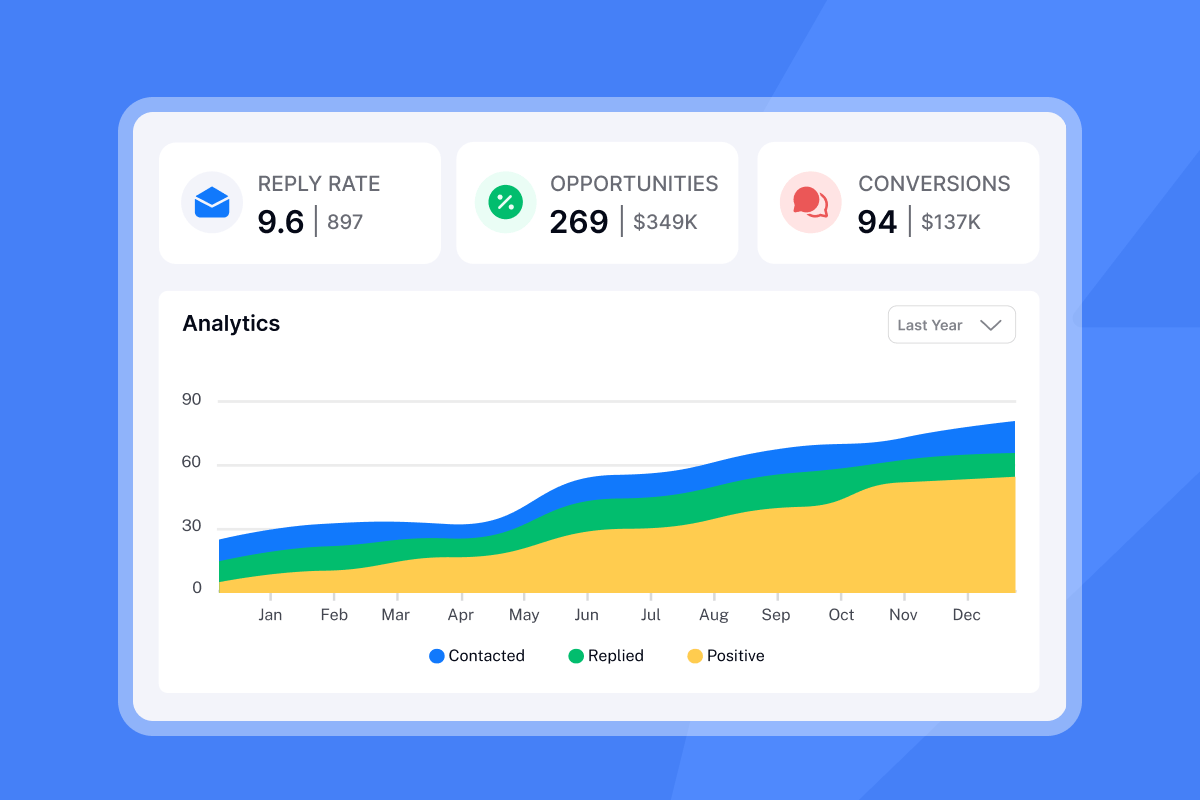
State the target reply rate and meeting goal in numbers. A good B2B cold email reply rate sits between 5% and 10%, with elite senders reaching 15%+ through tight segmentation and the current industry average at 3.43%, according to Instantly's cold email benchmarks. Commit to a specific number with your client, for example, "We target a 5% reply rate and 3 booked meetings by week six."
Deliverables and scope boundaries
List exactly what your agency will deliver: campaign copy, sequence setup, warmup management, weekly reporting. Then list what falls outside scope: CRM data cleaning, ad creative, content strategy.
In scope:
- Domain setup, inbox warmup, sequence writing, A/B testing
- Unibox reply management
- Weekly performance reports
Out of scope:
- CRM data hygiene, inbound lead handling
- Paid media
Onboarding ramp plan & dates
Share the exact warmup schedule in the kickoff email. Clients who understand the ramp plan are far less likely to pressure you for early sends. State the go-live date, the first check-in date, and the date you expect the first batch of replies. This turns a vague "we're working on it" into a visible timeline.
Who to reach: key onboarding contacts
Identify your agency's account lead, the technical setup contact, and the client's primary decision-maker. Include email addresses and response time expectations. Having named contacts per client workspace in Instantly's Unibox prevents reply delays across multiple campaigns.
Platform access for onboarding
Request all technical credentials in one place. Use a checklist so nothing slips:
- Google Workspace or Microsoft 365 admin access (or delegated access) for all sending inboxes
- DNS manager access, or confirmation that the client's IT team will implement records promptly
- CRM API key (if integrating with HubSpot, Salesforce, Pipedrive, etc.)
- Existing suppression lists (previous clients, opted-out contacts)
- ICP definition document or target account list
Crafting your first client kickoff email
The kickoff email itself needs to earn an immediate open and reply. Treat it with the same discipline you apply to cold outreach copy.
Crafting high-open subject lines
Keep subject lines short, specific, and action-oriented. According to Instantly's cold email benchmarks, Tuesday open rates peak at 10 AM (48.7%) and Wednesday at 11 AM (48.5%), so your kickoff email sent on those days needs a subject line that cuts through a crowded inbox. Three formats that reportedly work well:
- "Kickoff and next steps for [Client Company] + [Your Agency]"
- "Action required: Getting your lead generation campaign started"
- "Your [Client Company] onboarding plan and 30-day timeline"
For additional subject line techniques, see these email subject line tactics.
Campaign ramp-up plan and onboarding milestones
Share the exact ramp with your client: weeks 1 to 2 are warmup only (5 to 15 sends per inbox per day), weeks 3 to 4 add campaign sends alongside warmup (15 to 25 per day), and week 4 onward reaches full ramp at 25 to 30 per day. Cap all sends at 30 per inbox per day. Going higher risks triggering spam filters and burning the domain.
Pair this with a week-by-week roadmap:
- Day 1 to 2: Kickoff email sent, DNS records requested, access credentials collected.
- Day 3 to 5: DNS records verified, email accounts connected to Instantly, warmup started.
- Day 7: First warmup health check, confirm engagement rates are tracking correctly.
- Day 14: Mid-warmup review, share deliverability health report with client.
- Day 21: First campaign sequences drafted and approved.
- Day 30: Full campaign launch, ramp to 30 sends per inbox per day.
How to confirm campaign goals and KPIs
Getting verbal agreement on goals is not enough. Every KPI needs to be in writing before you send the kickoff email.
Setting client reply and meeting goals
A good B2B reply rate is 5% to 10%, with the current industry average at 3.43% according to Instantly's cold email benchmarks and elite senders hitting 15%+ on micro-segmented campaigns. Set this context with clients so they understand that a 5% reply rate is a strong result, not an underperformance. Agree on a primary KPI (reply rate, meetings booked, or cost per meeting) and a reporting frequency before launch.
Defining send volume and ramp
The math on safe scaling is straightforward. With 5 client inboxes, each capped at 30 sends per day, total daily throughput is 150 emails, or roughly 4,500 emails per month from that domain cluster. Use this math to set client volume expectations early and prevent campaign email bounces. Keep bounce rates below 2%, per the deliverability checklist, to protect domain reputation.
Campaign reporting schedule
Set a fixed reporting cadence in the kickoff email. Consider weekly reports during the first 30 days, then bi-weekly once campaigns are stable. Each report covers reply rate, bounce rate, inbox placement status, and meetings booked. This prevents mid-campaign panic calls when a client goes two weeks without an update.
Setting deliverability and timeline expectations
This is the most important section of your kickoff email. Mismanaged expectations here cause more client churn than any other single factor.
30-day warmup and ramp schedule
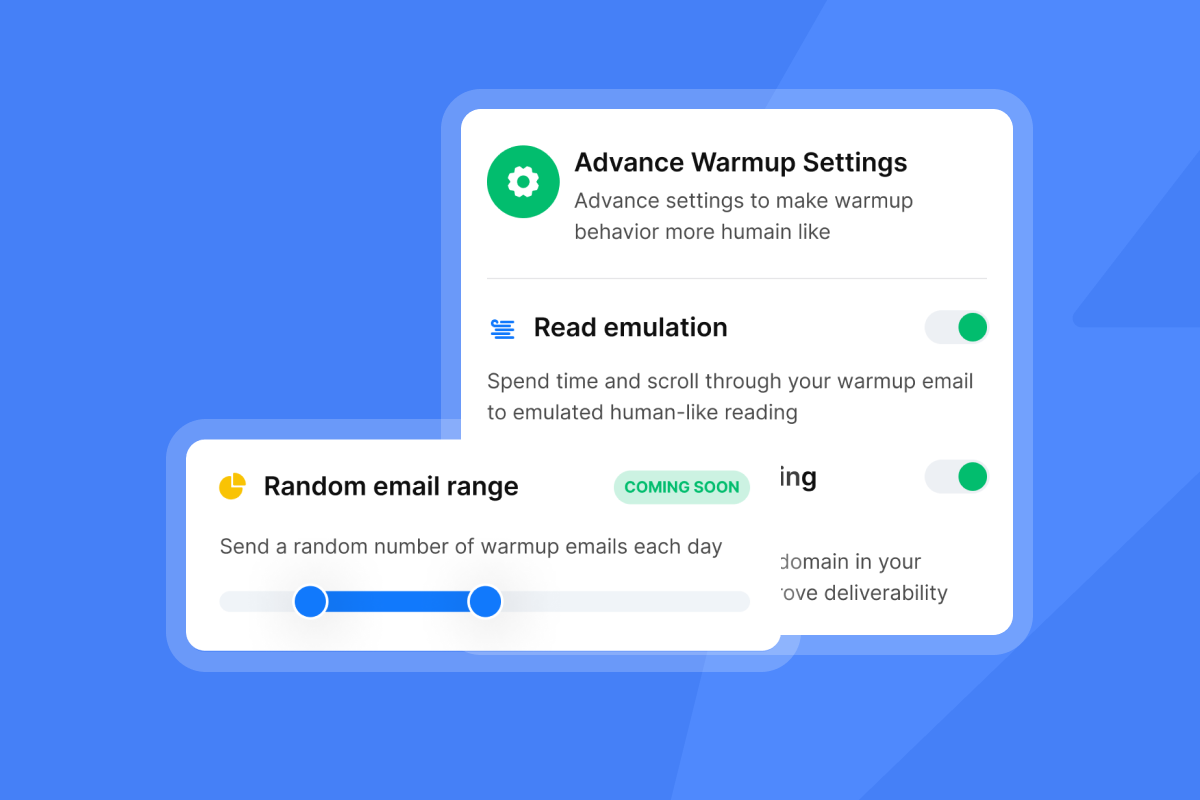
The 30-day warmup is non-negotiable. Explain it to clients this way: email providers assign a reputation score to every sending domain, and new or cold domains start with no sending history. Sending at volume from day one triggers spam filters immediately. The Instantly 30-day warmup ramp starts at 2 emails daily per inbox, ramps to 30 by day 30, and maintains warmup alongside live campaigns to sustain inbox placement.
Instantly's warmup runs through a private deliverability network of 4.2M+ accounts, which ensures warmup emails get genuine engagement signals across major inbox providers. See this step-by-step warmup setup tutorial for a walkthrough, and confirm inbox readiness using Instantly's account readiness guide before launching.
"Instantly's warm-up capabilities are quite good too, and I find the program intuitive. For cold emails, Instantly is far and away the best tool I've used." - Michael S. on G2
Ensuring steady deliverability: domain health
List hygiene is your second line of defense after warmup. Keep bounce rates below 2%. Rates above that threshold damage sender reputation because ISPs begin throttling delivery, and at 5%+ you risk blacklisting. Verify all contacts before import and run the pre-launch campaign checklist to confirm every requirement is met before your first send. Pair list verification with a proper email warmup process to build sender reputation before launch. Use Instantly's Inbox Placement tests to confirm primary inbox delivery before your first live send.
Achieving faster first meetings
Proper setup compresses time to first meeting. DNS verification, warmup completion, and list hygiene done before day 30 give your campaign the best conditions to generate replies quickly once active sending begins. Set this expectation explicitly in the kickoff email so clients understand the 30-day investment is what enables results at scale.
Technical setup essentials for client onboarding
Client email account setup
Flat-fee pricing changes the math for every agency managing multiple client inboxes. Compare the cost of running 50 inboxes:
Platform type | Pricing model | Cost for 50 inboxes |
|---|---|---|
Instantly | Flat fee | $47/mo |
Per-seat platforms | $49-99/seat | $490-990+/mo |
Instantly's Growth Outreach plan at $47 per month for unlimited sending accounts means an agency managing 50 inboxes pays a fraction of per-seat platform costs. That margin difference compounds as you add clients. For a practical walkthrough of building a client campaign inside Instantly, see how we get clients with cold email.
Setup client domains for deliverability
Request these DNS records from the client's IT team or domain registrar before warmup begins:
- SPF: Authorize all sending services in one TXT record. Keep DNS lookups at or below 10.
- DKIM: Generate a key pair in your email platform and publish the public key as a TXT record at
selector._domainkey.yourdomain.com. - DMARC: Start with
p=noneplus a reporting address at_dmarc.yourdomain.com. Move top=quarantineorp=rejectonce all sources pass alignment.
All three records must be verified at least 48 hours before warmup starts.
CRM connection requirements
Document the CRM integration steps in the kickoff email so there are no surprises. Instantly connects natively with HubSpot and Salesforce via OutboundSync integration, and supports Zapier and Make for other platforms. Request the API key or admin login from the client and confirm which contact fields map to your campaign variables (first name, company, industry, etc.).
Streamline client inbox setup
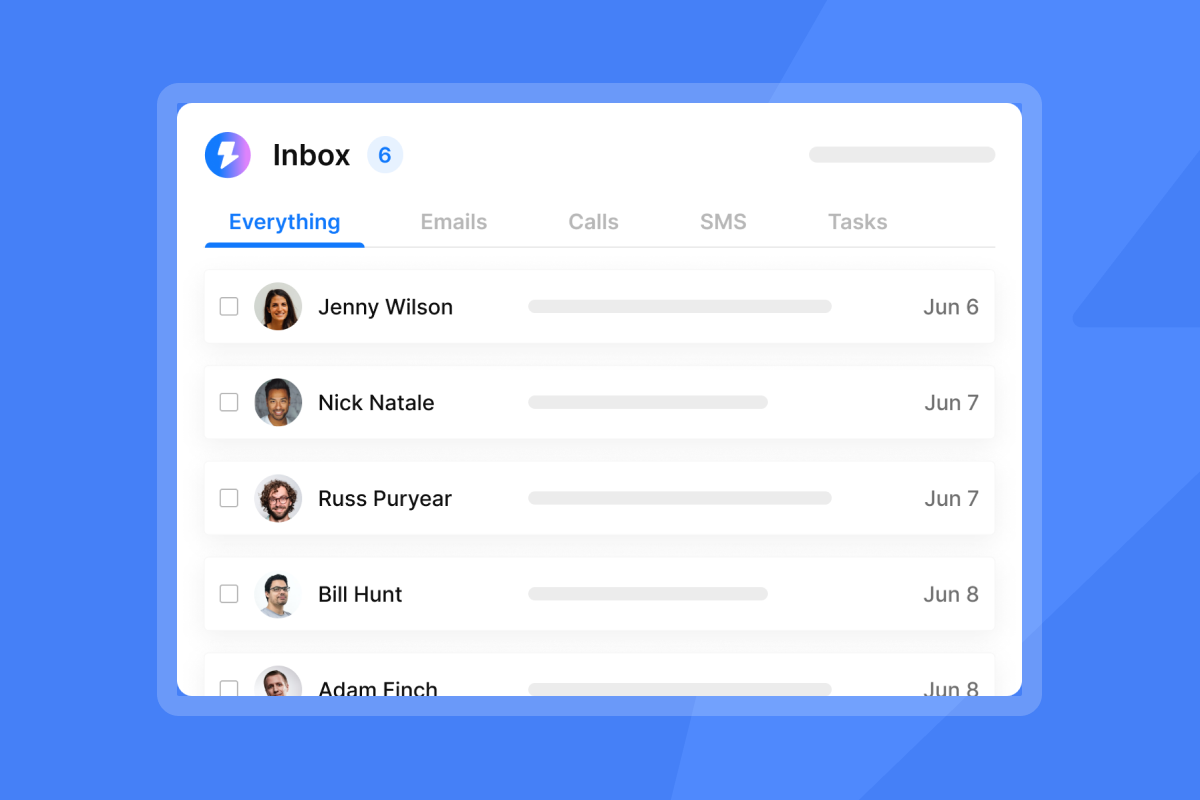
The Instantly Unibox consolidates replies from every sending account into one dashboard, so you manage all client conversations without logging into 50 separate inboxes. Filter by campaign, workspace, or reply status, and tag high-intent replies from one screen.
"I like the unified inbox because it allows me to manage conversations from multiple inboxes without the inefficiency and mess, and it helps me focus on high-intent, positive replies without the distraction of managing separate email clients for each sending account." - Jethu Ram p. on G2
For setup best practices, the Unibox management guide walks through filtering, tagging, and team assignment workflows.
Fatal flaws in client onboarding emails
Even a well-structured kickoff email can fail if you make these four common mistakes.
Misaligning client expectations early
The most common mistake is letting a client believe they will see meetings in week one, then ignoring their actual ICP input during setup. Promising immediate results forces you into a corner: either burn the domain to deliver early sends, or manage an angry client who expected meetings and got a warmup period. At the same time, many clients have specific insights about job titles, company sizes, or prospect pain points that agency research will not surface. Build a short discovery section into the kickoff email that asks the client to confirm or correct your ICP assumptions before you build the lead list. Set the 30-day warmup as a firm boundary and reference the deliverability math to explain why it is required. The cold email masterclass intro covers this framing in depth.
Client tech not ready for kickoff
Delayed DNS records are a common cause of campaign launch delays. If a client's IT department takes two weeks to implement SPF, DKIM, and DMARC, your entire 30-day warmup timeline shifts by two weeks. Make DNS record delivery a condition of campaign launch in the kickoff email and set a specific deadline, for example, "DNS records must be verified by [Date + 5 days] to maintain the scheduled launch date."
Who's the main contact?
Campaigns stall when there is no named decision-maker on the client side. If approval requests go to a general inbox or a team member without authority, you wait days for answers that should take hours. Identify the single point of contact who can approve copy, confirm ICP changes, and sign off on the weekly report. Name them in the kickoff email and confirm their response time commitment.
Optimize your client onboarding email
Send window and follow-up timing
Send the kickoff email Tuesday or Wednesday, 9 to 11 AM in the client's timezone. According to Instantly's cold email benchmarks, Wednesday sees the highest response rate at 5.8%, with Tuesday close behind. After sending, follow this sequence to maintain momentum:
- Day 3: Follow up if DNS records are not yet confirmed.
- Day 5: Confirm all credentials are received and warmup is active.
- Day 7: Send first warmup health update with engagement rates and inbox placement status.
- Day 14: Mid-ramp check-in with preliminary deliverability data.
- Day 30: Campaign launch confirmation and first week send plan.
For optimizing send timing across campaigns, the send time optimization guide covers timezone-aware scheduling in detail. For a deeper look at follow-up sequence construction, see the cold email follow-up masterclass.
Disclosing project costs in email
Be transparent about fees in the kickoff email. Clients who discover unexpected costs after launch are more likely to churn. Confirm your monthly retainer, the platform cost structure (flat fee, not per seat), and any credit consumption rules for AI features like the AI Reply Agent. Flat-fee pricing like Instantly's Growth plan at $47/month for unlimited accounts is easy to explain and easy for clients to trust because the cost does not grow as you add inboxes.
Ready to manage every client campaign, warmup, and reply from one dashboard without per-seat penalties? Try Instantly free and use the ramp template inside the app to launch your first client campaign. Unlimited accounts, flat fee, no surprises.
Read next
- Email Warmup Process: How It Works and Why It Matters
- Cold Email Reply Rate Benchmarks
- AI Cold Email Reply Management for Agencies
FAQs
What should a client onboarding kickoff email include?
A kickoff email should confirm campaign goals and reply rate targets (5% to 10% for B2B), outline deliverables and scope boundaries, share the 30-day warmup ramp schedule, list all required technical assets (DNS records, CRM access, suppression lists), and name primary contacts on both sides. Set a clear asset delivery deadline to keep the launch timeline on track.
How long does email warmup take before a client campaign can launch?
A standard warmup takes 30 days, ramping from 2 emails per day per inbox to 30 by day 30. DNS records (SPF, DKIM, DMARC) must be verified at least 48 hours before warmup starts. Campaigns can begin alongside warmup in weeks 3 to 4, with warmup continuing to run in the background.
What is the target reply rate for a cold email campaign?
A good B2B reply rate is 5% to 10%, with an industry average of 3.43% according to Instantly's cold email benchmarks and elite senders hitting 15%+ on micro-segmented campaigns. Set client expectations at 5% as a realistic first-month target, then optimize from that baseline.
What bounce rate limit should I set for client campaigns?
Keep bounce rates below 2%. Rates above that threshold signal low-quality lists to inbox providers, leading to throttling and potential blacklisting as they climb above 5%. Verify all contacts before import and monitor bounce data using Instantly's bounce management guide.
How does Instantly pricing work for agencies managing multiple client inboxes?
Instantly's Growth Outreach plan costs $47/month and includes unlimited email accounts and unlimited warmup. There is no per-seat or per-inbox fee, so an agency running 50 client inboxes pays the same $47 as an agency running 10. Per-seat models charging $49-99/seat would cost significantly more to manage the same 50 inboxes.
Key terms glossary
Deliverability: The ability of an email to reach the recipient's primary inbox rather than the spam folder or being bounced as undeliverable. Deliverability depends on domain authentication (SPF, DKIM, DMARC), sender reputation, bounce rate, and list quality.
Sender reputation: A trust score assigned by inbox providers like Gmail and Outlook to a sending domain and IP address, calculated from sending volume, bounce rates, spam complaints, and engagement history. A low score results in emails being filtered to spam or rejected outright.
Warmup: The process of gradually increasing daily send volume from a new or cold domain over 30 days to build positive sending history with inbox providers before launching high-volume campaigns.
Unified inbox (Unibox): A single dashboard that consolidates all incoming reply emails from multiple sending accounts and campaigns. Instantly's Unibox lets agencies manage replies from all client inboxes without logging into each account separately, with filtering by status, campaign, and workspace.


