.svg)
%20(1).svg)


Updated March 12, 2026
TL;DR: Email tracking is worth it for cold outreach teams running at scale, but only when you use it to optimize campaigns rather than obsess over individual open counts. Tracking pixels introduce a real, measurable deliverability risk, especially when paired with heavy HTML or low-reputation domains. The right approach: toggle tracking on per campaign, treat open rate as an A/B testing signal rather than a success metric, and keep reply rate as your north star. If your domain health is already suffering, turn tracking off until you recover it.
Email tracking is a double-edged tool. The pixel that tells you a prospect opened your proposal might be the exact reason they never saw it in the first place. Used correctly, tracking gives you the data to optimize campaigns, time follow-ups, and cut underperforming sequences. Used poorly, it destroys deliverability and raises privacy red flags. This guide helps you decide whether, and how, you should use it.
Is email tracking worth the deliverability risk?
Yes, with conditions. You should use tracking when your goal is campaign optimization, specifically A/B testing subject lines and identifying which sequences generate clicks. It's optional, and often counterproductive, when you're doing 1-to-1 account management or sending into privacy-sensitive industries.
The core trade-off is straightforward. Tracking pixels add a spam signal to your emails, and the severity of that signal depends on the domain hosting your pixel, the volume of HTML in your message, and how many links you include. If your sender reputation is already strong and you're spreading volume across multiple inboxes, the risk stays low, but if you're running a brand-new domain with a single inbox, tracking is one more variable that can push you into spam before you've built any trust.
The verdict for cold email teams: tracking is essential for scaling intelligently, optional for small teams doing high-touch outreach.
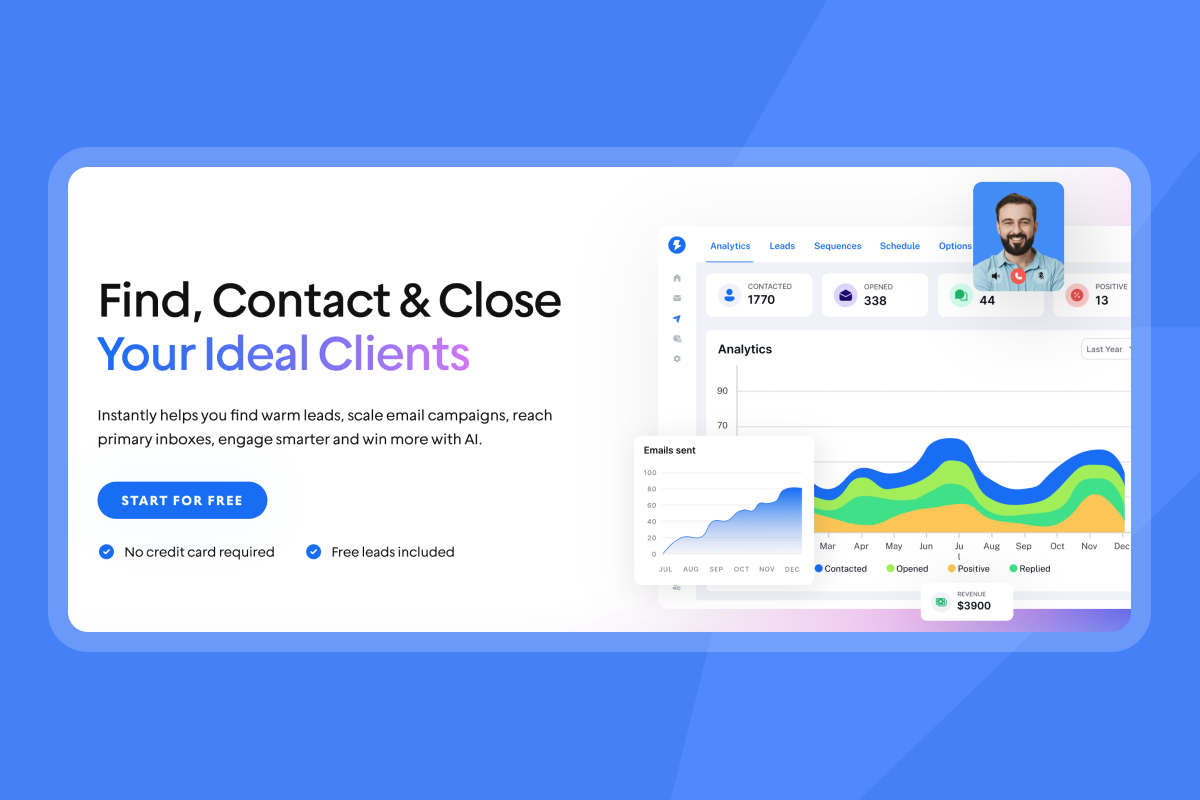
How email tracking software works under the hood
Email tracking uses two main mechanisms: open tracking pixels and link click tracking.
Open tracking embeds a 1x1 transparent image in the email's HTML, and recipient gets a unique pixel URL so the platform can match open events to specific contacts. When their email client loads the image, it pings your tracking server, which logs the timestamp and device type.
Link tracking works through redirects. Every link in your email points to a tracking server first, which logs the click before forwarding the recipient to the destination URL.
The problem with open data today is Apple's Mail Privacy Protection (MPP). Apple preloads emails and images through proxy servers before users open them. As Omeda's MPP impact study found, unique open rates jumped nearly 14 percentage points after MPP rolled out, from 15.2% to 29%. Those inflated numbers aren't real opens. They're Apple prefetching your content. Apple Mail now leads the global email client market with approximately 56% market share, meaning a significant portion of your open data is likely ghost opens from proxy prefetching, not genuine reads.
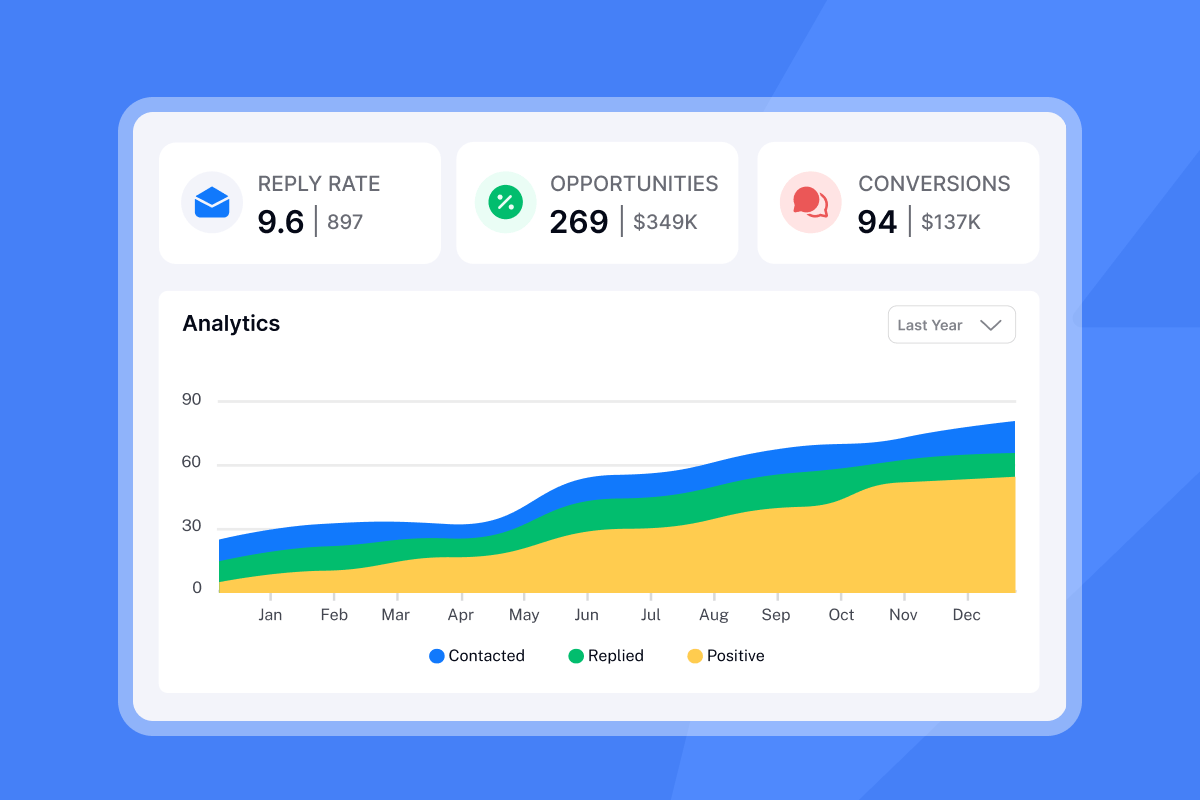
Diagnostic: 5 questions to determine if you need tracking
Work through these before enabling tracking on your next campaign.
- Are you running cold outreach at scale? If you're sending hundreds or thousands of emails per week across multiple sequences, tracking gives you the A/B testing data to systematically improve rather than guessing which subject lines work. Our guide on subject line A/B testing breaks down exactly how to structure those tests.
- Is your team three or more reps? Tracking helps sales leaders prioritize follow-ups by showing which prospects engaged most recently or clicked a link multiple times. A rep calling the prospect who clicked your proposal link five times that morning works a warm signal, not a cold lead. For teams of one or two, the manual overhead of interpreting tracking data may outweigh the benefit.
- Do you use opens to trigger calls or follow-ups? If yes, you need tracking, but be aware of false positives from MPP and secure email gateways (SEGs) that scan links and images automatically. Instantly's SEG detection documentation explains how these systems register phantom opens in your dashboard.
- Is your domain reputation currently low? If your bounce rate sits above 1% or you saw a recent spike in spam complaints, turn tracking off immediately. Adding pixel load requests on a struggling domain adds fuel to the fire. Recover health first, then reintroduce tracking at low volume.
- Are you selling into cybersecurity, finance, government, or healthcare? These industries configure Outlook and enterprise email gateways to block external images by default, as covered in Instantly's open tracking help guide. You'll see near-zero open data regardless, so tracking provides no usable signal. In cybersecurity specifically, recipients who notice a tracking pixel may flag your email as suspicious before you've had a conversation.

The trade-off: When tracking hurts your sender reputation
Spam filters weigh multiple signals simultaneously. Your tracking pixel rarely causes spam placement alone, but it contributes to a cluster of signals that push you toward the spam folder when combined with other risk factors.
As Suped's deliverability analysis explains, the critical factor is the reputation of the domain hosting the pixel, not the pixel itself. If your tracking domain sits on shared infrastructure associated with spamming, every email you send carries that reputation risk.
Glockapps' pixel deliverability research adds another layer. Heavy HTML wrappers around tracking links increase the code-to-text ratio in your email, which spam filters treat as a negative signal. Plain text emails consistently outperform HTML-heavy emails in deliverability tests.
You need a structural fix, not just a settings toggle. Spreading your sending volume across many inboxes on separate domains means that if one account's reputation dips, it doesn't poison the rest. Our help documentation on scaling with secondary sending domains covers exactly how to implement this. You can also use Instantly's delivery optimization tool to switch campaigns to text-only mode at the campaign level, and IP rotation and sending algorithms help distribute load in ways that reduce fingerprinting risk.
Best use cases for email tracking in 2026
Use tracking in these four specific scenarios.
- A/B testing subject lines: This is the strongest case for tracking. You split your list, run two subject line variants, and let open rate tell you which one earns attention. Clean lists and relevant subjects drive open rates. Tracking gives you the feedback loop to act on that.
- Lead qualification by click behavior: A prospect who clicks your pricing page link twice in one day signals intent. Tracking click events, not just opens, lets your reps prioritize those contacts for same-day follow-up. Click tracking is a more reliable signal than opens because it doesn't suffer from MPP inflation.
- Sequence optimization: Comparing open rates across email steps tells you where you lose attention. If step three consistently underperforms steps one and two, rewrite step three before assuming your list is bad.
- Content performance: Which links get clicked in newsletters or multi-link campaigns tells you what your audience actually cares about, not just what they read.
Watch this cold email campaign analysis for a practical breakdown of how campaign-level data drives better iteration cycles.
Privacy laws and ethical tracking: What you need to know
Email tracking sits in a legal gray zone. Under GDPR, you can invoke "legitimate interest" for B2B outreach but must document that basis. Tracking pixels that capture IP addresses and device data are forms of data processing that fall under GDPR's scope. Under CCPA, which expanded B2B coverage on January 1, 2023, you must provide notice at data collection for business contacts, including job titles and email addresses. Usercentrics recommends disclosing pixel use in your privacy policy and preference centers.
The ethics matter as much as the law. Telling a prospect "I saw you opened my email 10 minutes ago" reads as surveillance and damages trust before you've built any. Use tracking to inform your sequence strategy and prioritize outreach, not to lead with "I know you read this." Mention tracking in your website privacy policy and keep data use focused on campaign optimization rather than individual-level surveillance.
Top email tracking software for sales teams
Here's how the main tools compare on the factors that matter most for a cold outreach team.
Tool | Price (monthly) | Per-seat or flat | Unlimited accounts | Warmup included | Best for |
|---|---|---|---|---|---|
Instantly | $37.6/mo (annual) | Flat fee | Yes, all plans | Yes, all plans | Cold outreach at scale |
HubSpot Sales Hub | $20/seat/mo | Per seat | No | No | Inbound/warm leads with CRM |
Mailtrack | Free / $2.49/mo | Per user | No, Gmail only | No | Individual Gmail users |
Mixmax | Free / $34/user/mo | Per user | No | No | Gmail power users |
Instantly includes unlimited email accounts and warmup on every Outreach plan, starting at $37.6/month on annual billing. You can toggle open and click tracking independently per campaign, running tests on a segment while keeping the rest of your sending volume clean.
HubSpot integrates tracking into its CRM, and Guideflow's tool review flags certain tracking configurations as a deliverability risk for cold outreach. Mailtrack's free tier adds a "Sent with Mailtrack" signature to every email, which looks unprofessional and can hurt trust with prospects. Mixmax starts at $34/user per month with strong Gmail tracking features but no built-in warmup.
How to track emails safely with Instantly
Follow these steps to get useful tracking data without burning your domain health.
- Connect your sending accounts. Add inboxes across multiple domains and cap each inbox at 30 emails per day. Use the secondary sending domains strategy to spread volume and isolate reputation risk.
- Enable tracking selectively. In campaign settings, toggle "Track Opens" on and keep "Track Clicks" optional based on your recipient industry. For cybersecurity or finance audiences, consider leaving both off and focusing on reply rate instead.
- Run A/B tests with open rate as the signal. Set up two subject line variants, let Instantly's A/Z testing feature run until you have statistical confidence, then apply the winner to the full send.
- Read campaign-level data, not individual opens. Go to the Analytics tab and compare open rate, click rate, and reply rate across sequence steps and variants. The goal is identifying which steps lose engagement, not calling out individual contacts who opened your email twice.
"For cold emails, Instantly is far and away the best tool I've used...It's particularly good at getting inbox placement when everything is properly set up with Microsoft." - Michael S. on G2
"The email warmup feature has notably improved deliverability, and the email sequencing capability allows for automated mass emailing, which would be unfeasible manually." - Daksh K. on G2
Our warmup and AI reply agent guide explains how to keep warmup running alongside active campaigns, and the cold email deliverability guide covers the full system in detail.
Tracking is a tool, not a strategy
Open rate tells you which subject line earned attention. Reply rate tells you whether your message was worth responding to. Meetings set tells you if your outreach actually moves pipeline. Run tracking to sharpen the inputs, then measure success by the outputs that matter to your CFO.
Try Instantly free and use the campaign analytics tab to benchmark your first sequence before scaling.
Frequently asked questions about email tracking
Can email tracking be blocked by recipients?
Yes. In those cases, treat zero-open contacts as untrackable rather than unengaged.
Is email tracking illegal under GDPR or CCPA?
Not for B2B outreach, but GDPR requires a documented legal basis (typically legitimate interest) and CCPA requires a notice-at-collection disclosure for B2B contacts as of January 1, 2023. Disclose tracking in your privacy policy to stay compliant.
Does Outlook block tracking pixels by default?
Often, yes. Outlook blocks external images in many default configurations, and enterprise deployments using email security gateways may simulate image loads during scanning, generating false positive opens. Factor this in when interpreting open data from Outlook-heavy prospect lists.
Glossary of key terms
Tracking pixel: A 1x1 transparent image embedded in an email's HTML that pings a tracking server when loaded.
Open rate: The percentage of delivered emails that triggered a pixel load event. Increasingly unreliable due to Apple MPP prefetching and SEG scanning.
Click-through rate (CTR): The percentage of recipients who clicked at least one tracked link. A more reliable intent signal than open rate.
False positive: An open or click event logged by automated systems (bots, proxies, SEGs) rather than a human recipient.
Mail Privacy Protection (MPP): Apple's feature that preloads email content through proxy servers, masking the user's IP and inflating open rates. Covered in Inboxmonster's tracking pixel guide.
Sender reputation: Email providers assign your sending domain and IP a score based on bounce rates, spam complaints, and engagement history. The fingerprinting risks at high send volumes article explains how scale affects this score.
Bounce rate: The percentage of sent emails that could not be delivered. Keep this at or below 1% to protect domain health.



