


Updated March 05, 2026
TL;DR
Cold email APIs differ fundamentally from transactional APIs. Transactional APIs like SendGrid explicitly prohibit cold outreach, use shared IP pools, and will suspend your account for sending to unverified lists. A purpose-built cold email API manages inbox rotation, warmup, and send-window controls programmatically. Our API gives you unlimited sending accounts on a flat monthly fee starting at $37/month, dedicated endpoints for enabling warmup and pulling health scores, and webhooks for real-time CRM sync. The result: you run 100+ client inboxes without a per-seat bill that destroys your margins.
Managing 10 client domains is a spreadsheet problem. Managing 100 is an infrastructure problem. Every new client inbox is a new login, a new warmup schedule, a new deliverability risk, and another line in a cost model that compounds fast. If you pay per seat or per inbox, adding clients punishes you for growing, so the agencies that escape this ceiling stop treating outreach as a manual task and start using purpose-built cold email software to build a sending engine that ingests leads, manages accounts, and outputs booked meetings. They use an API to build a sending engine that ingests leads, manages accounts, and outputs booked meetings, without adding headcount for each client they onboard.
This guide covers what a cold email API actually is, why the transactional API path violates terms of service and ruins deliverability, and how to safely scale from 100 to 1,000+ daily sends using a programmatic 30-day ramp plan.
What is a cold email API and how does it work?
A cold email API is a programmatic interface that lets your code or automation tool connect to a cold outreach infrastructure over HTTP. It manages SMTP and IMAP connections, account warmup, inbox rotation, and send-window controls without requiring you to log into a UI.
This is fundamentally different from a standard transactional API, and the distinction has real consequences for your business.
Transactional APIs vs. cold outreach APIs
Transactional email APIs like SendGrid and Mailgun optimize for millisecond delivery of expected messages (password resets, receipts) using shared IP pools, while cold outreach APIs optimize for reply rates by managing individual inbox connections, distributing sends to mimic human behavior, and exposing warmup controls that protect domain reputation over time.
Feature | Transactional API (e.g., SendGrid) | Cold email API (purpose-built) |
|---|---|---|
IP model | Shared IP pools | Individual account + IP rotation |
Warmup management | Automated warmup at shared IP pool level | Per-account inbox warmup, configurable via API |
Send window control | None | Yes, per account |
Inbox rotation | None | Yes, campaign-level |
Bounce-triggered auto-pause | Automated bounce handling | Yes, via API logic |
Cold outreach permitted | No (TOS violation) | Yes |
The TOS issue is not theoretical. SendGrid's opt-in requirements explicitly prohibit "sending unsolicited or unwanted emails in bulk" and ban emails sent to addresses scraped from the internet. Mailgun's Acceptable Use Policy states that "acquiring or sending to a third-party mailing list is prohibited. "Twilio's email service country-specific terms apply the same standard. Using any of these platforms for cold outreach leads to account suspension, not just a deliverability dip.
For an agency running multi-client campaigns, the core functions are:
- Account management: Add new sending accounts, check their status, and update settings via the accounts endpoints in the API v2 documentation, without touching the UI.
- Warmup control: Enable or disable email warmup programmatically and pull health scores to monitor inbox placement using dedicated enable and analytics endpoints.
- Lead injection and event management: Push contacts from your database directly into campaigns and receive real-time webhook events like
reply_receivedorlead_meeting_bookedto update your CRM without polling.
Why agencies are shifting to API-first outreach
Escaping the per-seat pricing model
Most sales engagement platforms charge per inbox connected, so your infrastructure bill grows every time you add a client account. Enterprise platforms like Outreach.io typically cost $100-160 per user per month, making them economically unviable for lean agencies scaling across dozens of clients, as the 2026 email API comparison guide details. The more inboxes you add, the more punishing the invoice.
Our flat-fee model changes this completely, as the agency pricing breakdown shows. Every Instantly plan includes unlimited sending accounts, which means your base cost stays flat as you add inboxes.
Inboxes | Per-seat model ($100/inbox, enterprise) | Our Hypergrowth plan ($97/mo flat) |
|---|---|---|
10 | $1,000/mo | $97/mo |
50 | $5,000/mo | $97/mo |
100 | $10,000/mo | $97/mo |
Our unlimited outreach pricing model decouples cost from scale. You add a new client account and the only variable that changes is your send volume, not your per-seat invoice.
Centralizing multi-client management
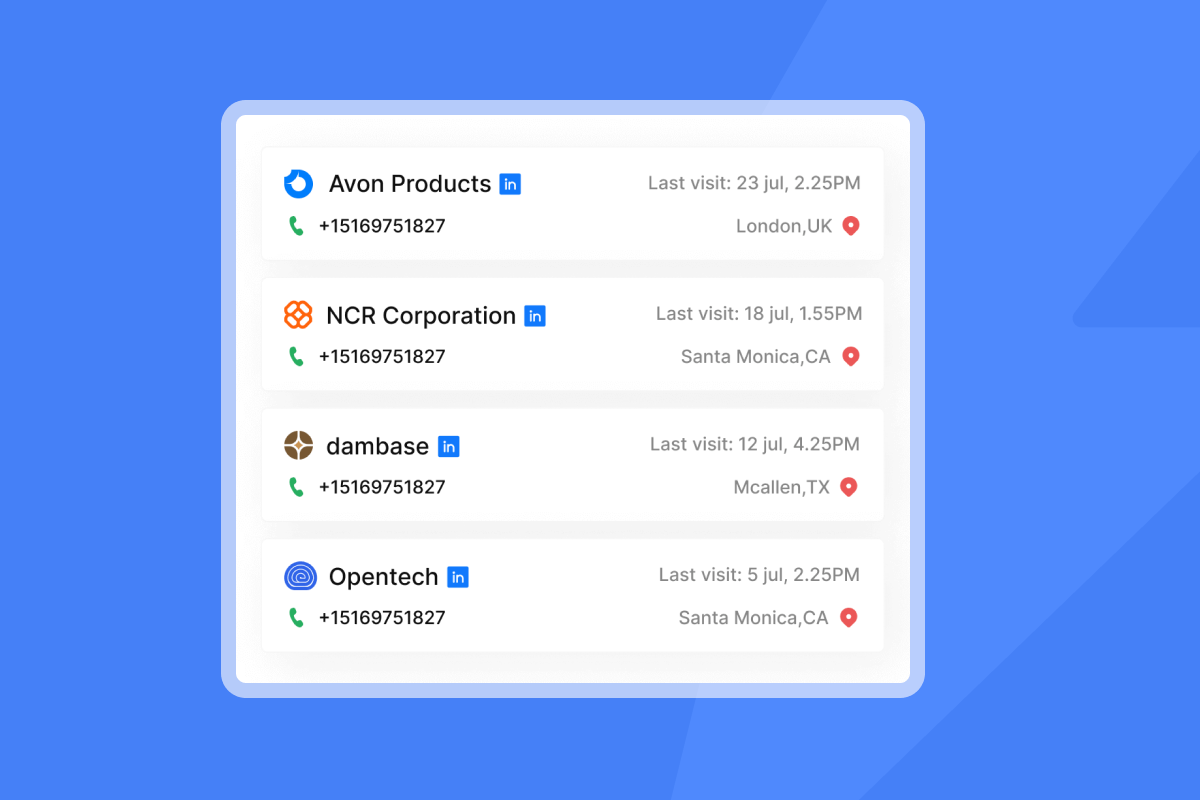
Without an API, managing 50 client workspaces means 50 logins, 50 manual warmup checks, and 50 reporting exports each week. The error rate grows with each new account you add.
A single API key gives you one control surface for all of it. Pull campaign analytics for every client with one authenticated request, push new accounts into warmup automatically when you onboard a client, and route bounce events to your blocklist without anyone logging in. The API v2 help article also covers API scopes, which let you issue restricted keys to junior staff without granting full account access.
Reducing human error at scale
Humans forget to enable warmup. They misconfigure send windows. They miss a blacklist alert during a busy week. Automated API calls don't.
When you poll the warmup analytics endpoint daily, a health score below your threshold can trigger an automatic pause and a Slack notification to your team, without any manual monitoring required. This is what lets a small operations team run 150+ client inboxes without burning any of them.
"Instantly makes it much easier to manage and run multiple campaigns simultaneously, allowing me to handle outreach at scale with ease... Their customer support is excellent and resolves issues promptly." - Sachin M. on G2
Critical features for a scalable cold email API
Unlimited sending accounts and inbox rotation
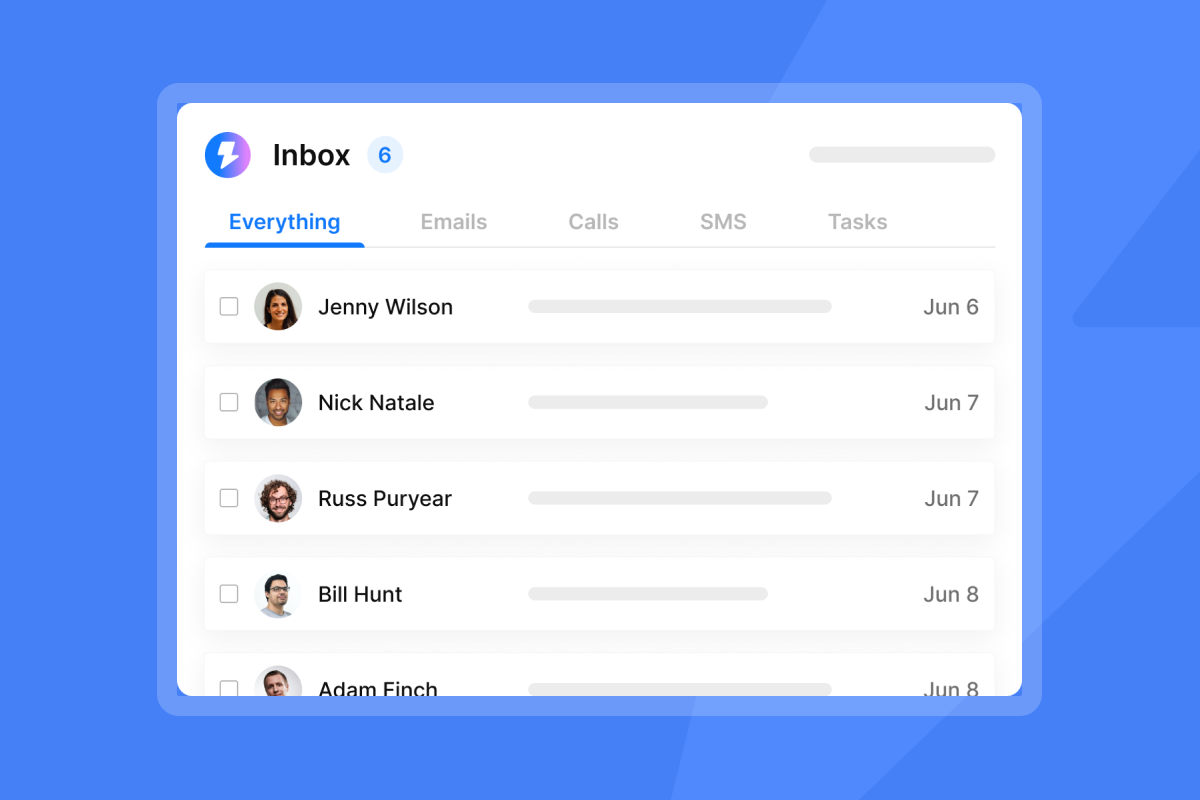
Inbox rotation distributes your daily send volume across multiple connected accounts within a single campaign. Instead of one inbox sending 100 emails per day (a pattern spam filters flag easily), you run 10 inboxes at 10 emails each.
The sends look human-paced, protect individual domain reputation, and let you hit higher aggregate volume safely.
Therotating IPs and sending algorithms guide explains how our distribution logic maintains inbox placement across shared campaigns. Thescale with secondary sending domains guide walks through building the domain portfolio that makes rotation effective at scale.
The practical ceiling to keep in mind: cap each individual inbox at 30 cold emails per day. Above this limit, ISPs start treating sends as bulk behavior rather than individual outreach.
"I love how Instantly significantly eases my cold outreach efforts... I also appreciate the email warming tool, which allows me to send bulk numbers of legitimate emails efficiently." - Arshan K. on G2
On the Light Speed plan ($358/month), SISR (server and IP sharding and rotation) adds dedicated IP rotation on top of account-level rotation, which is the right layer for agencies pushing north of 500,000 emails per month.
Programmatic warmup and deliverability controls
Warmup builds inbox trust by gradually increasing send volume and generating positive engagement signals with our email warmup network of 4.2 million+ accounts. You control the entire warmup process through three API calls:
POST /api/v2/accounts/warmup/enable- Start warmup for one or more accountsPOST /api/v2/accounts/warmup/disable- Stop warmup when transitioning to full send volumePOST /api/v2/accounts/warmup-analytics- Pullhealth_score,landed_inbox, andlanded_spamper account
The analytics response returns data like this:
{
  "example@example.com": {
    "sent": 15,
    "landed_inbox": 13,
    "landed_spam": 2,
    "health_score_label": "87%",
    "health_score": 87
  }
}
A health score falling below 80% typically signals a need to pause cold sends and audit list quality before resuming. The pre-warmed domains and accounts guide covers how to use pre-warmed domains when you need to onboard new clients fast without waiting through a full warmup period.
Lead injection and webhook integration
Two API workflows handle the full campaign lifecycle without manual intervention.
Lead injection. Push verified contacts from your database directly into campaign sequences via the leads endpoint. List verification is a core deliverability variable. Run verification before injection, not after bounce rates spike.
Webhooks for real-time sync. We fire a POST request to your endpoint whenever a tracked event occurs. The complete event set covers:
- Email lifecycle:
email_sent,email_opened,email_bounced,link_clicked - Lead status:
reply_received,lead_interested,lead_not_interested - Meeting events:
lead_meeting_booked,lead_meeting_completed - Compliance:
lead_unsubscribed
When lead_unsubscribed fires, your handler adds the email to the global blocklist via API, removing it from all active sequences across every client workspace. Compliance stays automatic. Webhooks are available on Hypergrowth and above.
For implementation examples, the AI-powered N8N outreach system shows how to connect a scraper output to our platform via N8N.
Implementation guide: the 30-day API ramp plan
Don't send 1,000 emails on day one. The purpose of a ramp plan is to let ISPs build trust in your sending pattern before you ask them to deliver high volume. Use this API-managed schedule for every new inbox you add to a client campaign.
New accounts should start at 2-5 emails per day and increment gradually. Sending beyond double the previous day's volume during early ramp phases risks triggering ISP filters.
Week 1: Authentication and warmup initialization
Goal: Connect accounts, enable warmup, send zero cold emails.
- Generate your API key in our platform under Settings > Integrations. The API v2 documentation covers scope selection. Use the minimum required scopes rather than
all:all. - Add each account via
POST /api/v2/accountswith SMTP and IMAP credentials. - Enable warmup via
POST /api/v2/accounts/warmup/enablefor each account immediately after adding it. - Monitor health daily via
POST /api/v2/accounts/warmup-analytics. Aim for a health score above 80% before starting any cold sends.
Cold send cap this week: 0. Warmup starts at 2 emails per day and increments automatically, as described in the email warmup guide.
Weeks 2-3: Volume throttling and load balancing
Goal: Begin cold sends at low volume while warmup runs in parallel.
Days | Cold sends per inbox/day | Action if bounce rate exceeds 2% |
|---|---|---|
8-10 | 5-10 | Pause, re-verify list segment |
11-14 | 10-15 | Pause, re-verify list segment |
15-17 | 15-20 | Pause, reduce send cap by 50% |
18-21 | 20-25 | Pause, audit DNS and domain setup |
Keep warmup running throughout this phase because warmup emails generate positive engagement signals that offset any negative signals from new outreach, so disabling warmup early loses you the protection you spent two weeks building.
Build bounce-rate monitoring into your API logic. If warmup analytics returns a falling health score alongside rising bounce counts, trigger an automatic pause rather than waiting for a manual review. Building that logic takes one afternoon. Repairing a burned domain takes weeks.
Week 4 and beyond: Full throughput and maintenance
Goal: Reach target volume and maintain it with automated health checks.
- Days 22-25: Scale toward 30 cold emails per inbox per day.
- Days 26+: Hold at a maximum of 30 cold emails per inbox per day.
The cold email deliverability masterclass covers what to watch for as volume stabilizes. The ongoing maintenance workflow is:
- Poll
warmup-analyticsdaily for every active account. - Rotate out any inbox with a falling health score and replace it with a warmed backup account.
- Check for blacklist flags weekly and pause any affected accounts immediately.
- Run inbox placement tests periodically. Inbox placement testing is available as an add-on, with two free trial tests to start.
This system runs itself once it's in code. The cold email strategy guide provides the campaign-level setup that sits on top of this infrastructure layer.
Security and compliance best practices
A compromised API key gives an attacker unrestricted access to your entire sending infrastructure and every client domain attached to it. Security here is not optional.
API key management:
- Issue one key per integration, not one key for everything.
- Use our scope system to restrict each key to the minimum permissions it needs.
- Store keys in environment variables or a secrets manager. Never hardcode them in application code or commit them to version control.
- Rotate keys on a quarterly schedule or immediately after any suspected exposure.
Unsubscribe handling:
Wire a webhook handler for lead_unsubscribed events to add the email to your global blocklist via API. This removes the contact from every active campaign across your workspace and prevents re-contact across clients. This must run automatically and in real time, not as a weekly batch job.
Tracking domain setup:
Set up a dedicated tracking domain for each client rather than sharing a single tracking subdomain across accounts. Shared tracking domains create cross-client reputation contamination. When one client's campaign triggers spam complaints, it affects every other client running on the same tracking subdomain.
List quality:
Only inject verified contacts. Unverified lists inflate bounce rates faster than any other single variable, and bounce rates are among the key signals ISPs use to downgrade sender reputation.
"I find Instantly incredibly efficient for email outreach... I particularly like the email moment tool because, with its help, I'm able to handle multiple emails effortlessly, preventing them from going into spam folders, which significantly improves my communication with clients." - mohammad s on G2
Choosing the right API provider for your growth stage
The comparison that matters for agencies is economics at scale combined with deliverability infrastructure. Feature parity is not the deciding factor when cost structures differ by 10x at 100 inboxes.
Criteria | Transactional API | Per-seat competitor | Our flat-fee API |
|---|---|---|---|
Cold email permitted | No (TOS violation) | Yes | Yes |
Warmup built-in | No | Sometimes (add-on cost) | Yes, all plans |
Account limits | No concept of inboxes | Per seat or inbox fee | Unlimited |
Cost at 50 inboxes | N/A | $5,000+/mo (enterprise range) | From $97/mo |
Webhooks | Limited | Yes | Yes (Hypergrowth+) |
API warmup control | No | Rarely | Yes |
The 2026 email API comparison guide covers technical differences across platforms in depth, and the email API pricing and ROI guide walks through how to calculate cost per meeting at different volume tiers.
For agencies at early scale running 10-30 client inboxes, our Growth plan at $47/month gives API access with unlimited accounts and built-in warmup. For agencies managing 50+ inboxes with webhook requirements, our Hypergrowth plan at $97/month is the right tier. The pricing page shows the full plan breakdown.
The first campaign setup walkthrough is a practical starting point for onboarding new team members once your API integration is live.
Building your outreach engine
Cold email at agency scale is an infrastructure problem, not a copywriting problem. The teams that consistently produce pipeline for clients are running systems, not clicking through 50 inboxes every morning.
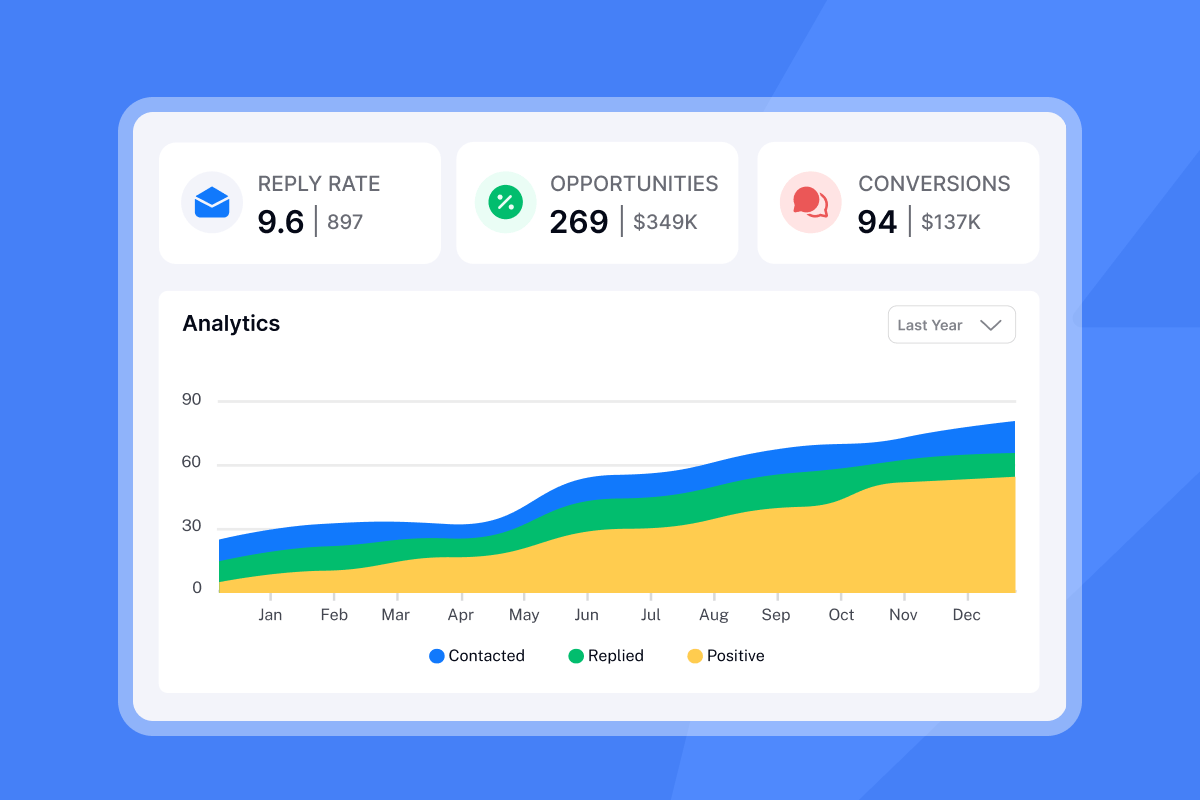
API-first outreach with unlimited accounts gives you a flat cost structure, programmatic warmup control, automated health monitoring, and real-time CRM sync via webhooks. The 30-day ramp plan above is repeatable for every new client domain you add. Once it's in code, it runs the same way every time, with no missed warmup steps and no manual bottlenecks.
For the messaging layer on top of this infrastructure, the cold email copywriting framework and the 600 cold email templates guide give you proven starting points. The 200 sales calls per month breakdown shows this system operating at full throughput with real results.
Ready to scale to 1,000+ daily sends? Get your API key with Instantly Free and use the ramp template above to build your first automated client campaign.
FAQs
Can I use SendGrid for cold email outreach?
No. SendGrid's terms prohibit sending to unverified or scraped lists, and cold email by definition lacks prior opt-in, which leads to immediate account suspension. Use a platform specifically built for cold outreach where cold sending is an intended and supported use case.
How many cold emails can I send per inbox per day?
Cap each individual inbox at 30 cold emails per day. Use inbox rotation to spread sends across multiple accounts and hit higher aggregate daily volume while keeping each account's send pattern well within safe limits.
Does the API handle warmup automatically after I add an account?
Warmup does not start automatically. You need to call POST /api/v2/accounts/warmup/enable for each account. Once enabled, the incremental ramp schedule runs automatically and you monitor progress via POST /api/v2/accounts/warmup-analytics.
How do I handle replies and meeting bookings through the API?
Configure a webhook receiver for reply_received and lead_meeting_booked events. We post a JSON payload to your endpoint in real time, so you can update your CRM or trigger team notifications without polling. Webhooks are available on the Hypergrowth plan and above.
What plan do I need for API access and webhooks?
API access is included on all plans, starting with Growth at $37/month. Webhooks require Hypergrowth or above at $97/month. Unlimited email accounts and built-in warmup are included on every tier. Full plan details are on the pricing page.
Key terms glossary
Endpoint: A specific URL where the API receives and processes requests. For example, POST /api/v2/accounts is the endpoint for adding a new sending account to your workspace.
Webhook: An automated HTTP POST request that we send to your server when a tracked event fires, such as a reply or bounce. Your server receives the event data in real time instead of polling the API for updates.
Throughput: The number of emails your system processes and sends per unit of time. Throughput is constrained by the per-inbox daily limit (30 per day recommended) and your plan's monthly email quota.
SMTP: Simple Mail Transfer Protocol. The standard protocol for sending email. We handle SMTP connections on your behalf once you provide credentials via the accounts endpoint.
IMAP: Internet Message Access Protocol. Used to receive and read email. The API uses IMAP credentials to monitor replies and bounce signals on each connected inbox in real time.
Health score: A percentage metric returned by the warmup analytics endpoint showing the ratio of inbox placements to total warmup sends. Scores trending downward toward or below 80% indicate a need to pause cold sends and audit domain and list quality.
Inbox rotation: Distributing a campaign's daily sends across multiple connected accounts so each individual inbox stays well under its daily limit while the campaign's aggregate volume stays high.
SISR: Server and IP sharding and rotation. An advanced deliverability layer available on our Light Speed plan that rotates dedicated sending IPs alongside account-level rotation for high-volume sending scenarios.


