.svg)
%20(1).svg)


Updated March 16, 2026
TL;DR: Most B2B support teams run on a shared inbox password. That breaks down fast when you scale: you miss emails, two reps reply to the same customer, and you have no data on how long customers wait. Customer service email tracking software gives you visibility into response times, open rates, and thread resolution so you can hold your team accountable and protect retention. Instantly's Unified Inbox handles this for lean B2B teams without the per-seat costs or rigid conversation-numbering workflows of enterprise help desks.
A support email that disappears into a shared support@ inbox is one of the most reliable ways to lose a renewal. 89% say a quick response to an initial inquiry influences their purchase decision, yet most teams can't tell you what their average first response time actually is. The problem isn't effort. It's visibility.
You can't improve what you don't measure. Email tracking software bridges the gap between a chaotic shared inbox and a rigid, expensive ticketing system, giving your team the analytics, accountability, and automation to protect retention without turning every customer interaction into a numbered queue.
What is customer service email tracking software?
Customer service email tracking software monitors inbound and outbound support emails to measure response times, flag unanswered threads, track open and click rates, and surface team performance data. A service level agreement (SLA) defines the response targets you commit to. Tracking software is the system that tells you whether you're actually meeting them.
This is different from a sales email tracker. A sales tracker tells you if a prospect opened your cold email. A customer service tracker tells you whether your rep replied within four hours, whether the customer read the troubleshooting steps you sent, and whether that conversation was ever resolved. The unit of work is accountability and resolution speed, not just open rate.
Why support teams need dedicated email tracking
Visibility is the foundation of a manageable team. Without tracking, you're flying blind. You don't know which rep is overloaded, which conversations are stalled, or which customer has been waiting since Tuesday. Shared inboxes without accountability mean customers never receive a response or receive multiple conflicting replies from different reps. As a manager, you have no oversight unless something escalates.
SLA compliance drives retention. 46% expect replies under four hours, but the average business takes 12 hours to respond. Companies responding under one hour reportedly see 3.5x higher retention than those responding after 24 hours, which makes response time one of the highest-leverage metrics you can own.
The collision problem is invisible until it damages a relationship. Two reps replying to the same thread with different answers is a direct consequence of shared Gmail or Outlook logins with no assignment system. Alias credentials create security risks and eliminate any audit trail for who handled what.
Speed also connects directly to revenue. 88% say service drives repeat purchases, and 52% stop buying after slow responses.
Key features to look for in support tracking tools
Not all email tracking tools are built for support workflows. These are the features that separate a customer service tool from a generic sales tracker.
Shared inbox and collision detection
A unified inbox brings conversations from multiple email addresses (support@, billing@, success@) into a single interface so your team sees every thread without juggling accounts. Collision detection prevents duplicate sends by alerting reps in real time when a teammate is already composing a reply, which eliminates the double-reply problem before it reaches the customer.
Response time analytics
The core metric for support performance is First Response Time (FRT): the time elapsed from when a customer sends an email to when a human agent sends their first substantive reply. Automated acknowledgments don't count. Look for tools that surface this per rep and per inbox, not just as a team aggregate, so you know if one rep is consistently slow or if a specific inbox is being neglected.
FRT benchmarks from Fullview show businesses should target one hour, with 15 minutes representing top-quartile performance. If you're not measuring this today, you likely don't know where you stand.
Email open and click tracking
Tracking whether a customer opened the troubleshooting guide you sent is actionable intelligence. If they didn't open it, follow up. If they opened it but haven't replied, your instructions likely didn't resolve the issue. Instantly's open tracking and link click tracking show exactly how customers engage with your replies.
Automated workflows
Email automation via Zendesk's guide shows how routing rules assign emails to the right rep, prioritize urgent issues, and trigger templated acknowledgments. A follow-up sequence that nudges customers who haven't responded in 48 hours reduces loose threads without manual chasing.
Reporting dashboards
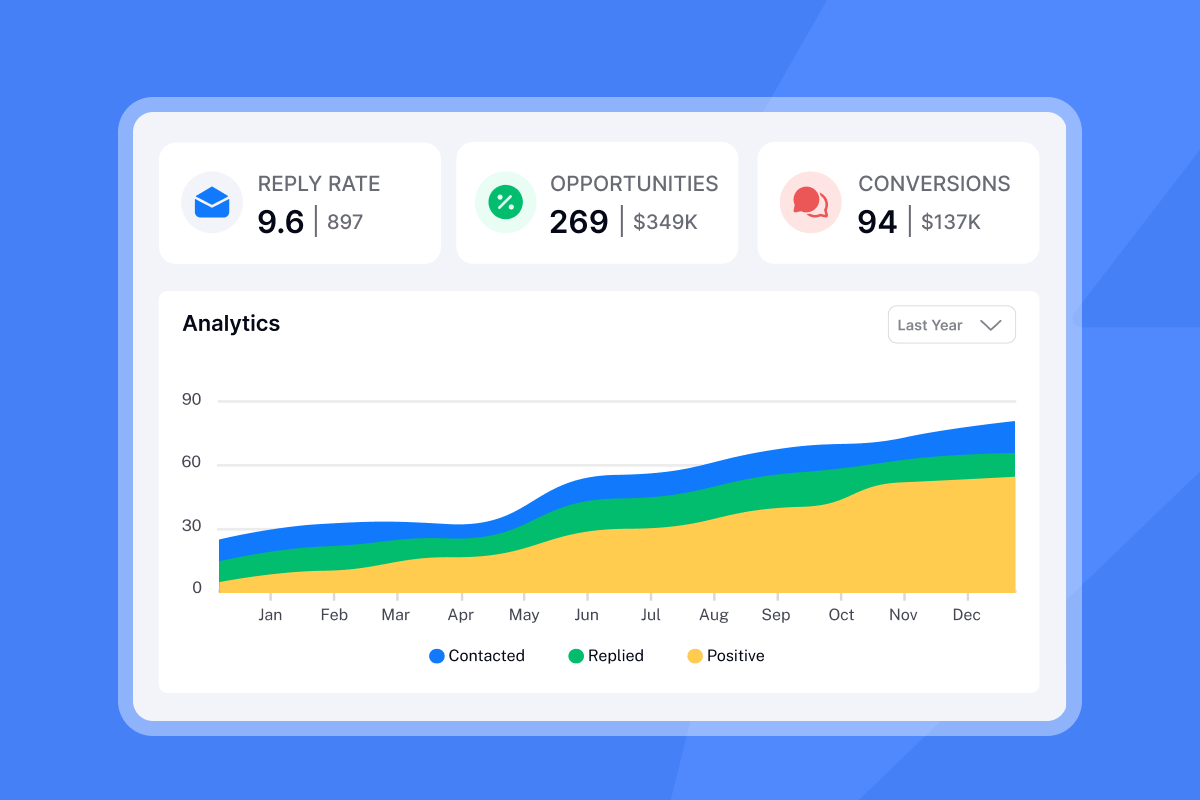
SLA analytics from ProProfs confirm you need real-time and historical data to track whether you're hitting response targets and to identify peak volume periods for staffing. You want rep-level breakdowns, inbound volume trends, and resolution rate data, not a raw export.
Top email tracking tools for customer service teams
Here's how the main options compare for B2B support workflows.
Tool | Shared inbox | Analytics depth | Pricing model | Best for |
|---|---|---|---|---|
Instantly | Yes (Unibox) | Open rate, reply rate, link clicks, per-account | $47/mo | Lean B2B teams wanting personal-feel support with strong tracking |
Zendesk | Yes (ticketing) | Deep: CSAT, SLA reporting, agent stats | Per-agent, scales steeply | High-volume B2C teams with complex routing requirements |
Front | Yes | Strong team-level analytics | Per-seat, higher cost | Collaborative inbox workflows |
HubSpot Sales Hub | Limited | Individual email tracking | Per-seat | Individual sales email tracking |
Instantly sits in a distinct position. It's built for teams that want analytics and automation without transforming customer relationships into numbered queues. One user captures the practical value well:
"I also like how we don't miss emails anymore as we can track our sequences in one place, which helps with optimizing spam, bounce rates, and open rates, thus enhancing our sequences." - Sohaib I. on G2
Zendesk and Freshdesk are the right choice for B2C operations running at volume where complex routing, SLA management, and omni-channel support are table stakes. For a 20-person B2B team, the implementation complexity and per-agent pricing frequently outweigh the benefits.
Front offers solid collaborative inbox features but at a per-seat cost that adds friction as the team grows. The CS tool comparison from TheCXLead provides a detailed feature breakdown if you want to go deeper.

How to measure success: Key support metrics
Track these five metrics as your baseline scorecard. Every number should be measurable inside your email tracking tool.
- Average First Response Time: Target under four hours. B2B four-hour response benchmark data shows this is the standard expectation even for complex products and longer sales cycles. Measure per rep, not only as a team average.
- Resolution time: The total time from first contact to a closed conversation. Track this alongside CSAT to confirm that faster replies are also accurate ones.
- CSAT score: Automate a short "how did we do?" email after a thread closes. Pairing CSAT with response time data tells you whether speed is translating into satisfaction.
- Volume trends: Track inbound volume by day and hour to identify peak times for staffing and realistic SLA targets.
- Reply rate by rep: This is the accountability metric. If one rep's reply rate is 30% lower than the rest of the team, that's a coaching conversation. Getting the resolution right the first time is worth optimizing alongside raw speed.
The HubSpot CS tracking guide adds useful context on linking these metrics to broader CRM reporting for RevOps teams.
How Instantly helps teams master response times
Instantly was built for email-first teams that need to scale without adding headcount or tool sprawl. Here's how the core features apply directly to customer support workflows.
Unified Inbox (Unibox)
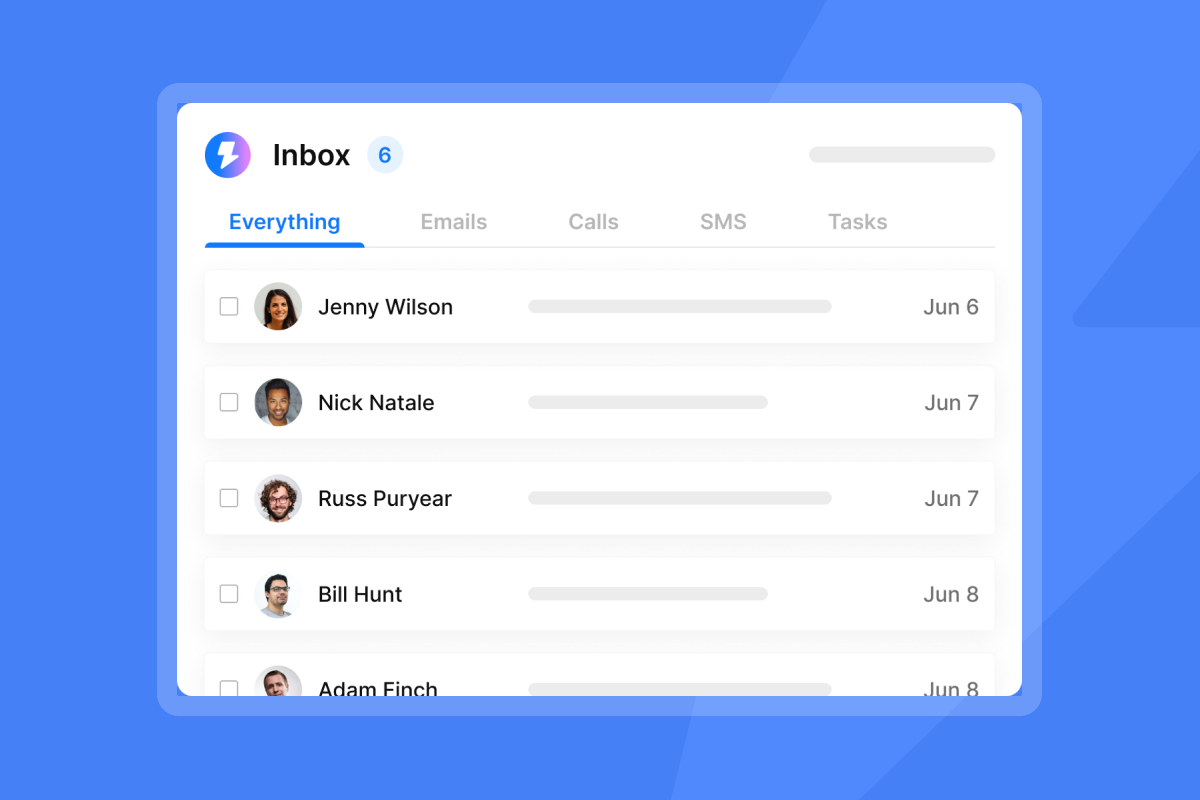
The Unibox aggregates all your email accounts into one interface, so your team manages support@company.com, billing@company.com, and success@company.com from one view. Your team stops switching between accounts and stops missing threads in forgotten inboxes.
"The interface is simple to navigate and the unibox makes managing communication easy. We've yet to find any features this platform is lacking when it comes to campaign creation and management." - Antony on G2
The Unibox supports tagging, filtering, and conversation assignment, so managers can route threads to the right rep without a full ticketing system overhead. Email threading in Instantly keeps follow-ups linked under the same sending account within a campaign thread, so reply history stays visible and reps can pick up exactly where the outreach left off.
Analytics dashboard
Instantly's analytics tracks open rates, reply rates, link clicks, and bounce rates per account and per campaign. For support use cases, this means you can see which conversations are getting responses and which are going cold, down to the individual account level.
"It shows clear data like open rates, replies, and bounce rates, which I can easily use for analysis and integrate with other BI dashboards. It makes performance tracking very transparent and data-driven." - Anjali T. on G2
If open tracking isn't firing, see the open tracking troubleshooting guide. For reply rate discrepancies, the reply rate reconciliation guide walks through the steps.
Sequence builder for automated follow-ups
Support teams lose customers when follow-ups fall through, not because the first reply was bad. A sequence handles this automatically. For example: "We haven't heard back from you. If we don't receive a reply in 24 hours, we'll close this thread and follow up next week." This type of structured follow-up keeps conversations from going stale without manual effort from the rep.
"I like that Instantly makes it easy to create email campaigns and insert leads with API support... The ability to track each lead's response is useful, and managing warmup emails is simple with just a click, ensuring my domain health is maintained." - Fares on G2
Built-in warmup across a 4.2m+ account deliverability network is designed for outbound sales and lead generation campaigns, keeping your sending domains healthy so prospecting emails land in prospects' primary inboxes rather than spam. The Instantly email warmup setup walkthrough by Patrick Walsh covers the full configuration process for new accounts.
Choosing the right software for your team size
The right tool depends on your current pain points, team size, and how much implementation complexity you can absorb this quarter.
Small and lean teams (3-15 reps) need flat pricing, fast setup, and tools the team adopts in days, not quarters. Instantly's Outreach Growth plan at $37/mo and CRM Growth plan at $47/mo let you start with conversation management and analytics without per-seat costs that compound as you hire. The Digibase Media Instantly AI review covers what the onboarding experience looks like in practice.
Mid-size teams (15-50 reps) need formal SLA tracking and role-based permissions. Instantly's Hyper CRM at $97/mo adds calling, SMS, and advanced team reporting while keeping the stack consolidated.
Enterprise teams (50+ reps) are generally better served by dedicated ticketing platforms for omni-channel routing at scale, though per-agent pricing compounds quickly and implementation timelines stretch into quarters.
Evaluation checklist before you commit:
- Pricing model: Flat fee or per-seat? Does cost compound as you add accounts or inboxes?
- Setup time: Can a non-technical admin configure this in a day?
- Shared inbox: Does it prevent collision and show assignment status per thread?
- Analytics: Does it surface rep-level data, or only team aggregates?
- Auditability: Can you export conversation history for CRM sync or compliance audits?
- Deliverability: Does it include warmup so support replies land in the primary inbox?
Teams that measure response times consistently outperform those that rely on inbox intuition. The gap between personal support and impersonal ticketing isn't the technology. It's the visibility layer you put between your inbox and your team.
If your current setup is a shared password and fingers crossed, the path forward is straightforward. Track response times, assign ownership, and automate follow-ups so nothing falls through. Try Instantly free and use the Unibox to manage all your support accounts in one place.
FAQs
What is the average email response time for customer service?
The average company takes 12 hours and 10 minutes to reply to a customer email, according to Geckoboard's FRT benchmark data. B2B teams should target under four hours, with top-quartile performance at under one hour.
How does email tracking improve customer satisfaction?
Tracking surfaces which conversations are stalled or unread so no thread goes unanswered. Response speed is the primary driver of customer satisfaction in B2B contexts, and Timetoreply's response time research reportedly shows companies that respond in under one hour see 3.5x higher retention than those taking 24 hours or more.
Can I use sales tracking software for customer service?
Yes, if it supports shared inboxes, collision detection, and team-level analytics. Pure individual sales trackers miss the accountability layer support teams need. Instantly handles both use cases through its Unibox and analytics. The Instantly AI reply agent review shows how reply management works in a multi-thread environment.
What metrics should I prioritize for support email performance?
Start with First Response Time (FRT), resolution time, CSAT score, and reply rate per rep. FRT is the strongest predictor of retention outcomes, making it the right first metric to baseline.
How do I prevent two reps from replying to the same customer email?
Use a shared inbox tool with built-in collision detection and conversation assignment. Help Scout's collision detection documentation explains how it works at the technical level. Instantly's Unibox provides thread-level assignment and filtering to manage this across your full team.
Key terms glossary
SLA (Service Level Agreement): A documented commitment between a service provider and a customer that defines measurable performance targets such as response times and resolution rates. Atlassian's SLA guide covers how to structure these for support teams.
First Response Time (FRT): The time elapsed from when a customer sends a support email to when a human agent sends their first substantive reply. Automated acknowledgments do not count. A target of under four hours is standard for B2B teams, with under one hour representing top performance.
Collision Detection: A feature that prevents two agents from simultaneously sending replies to the same customer thread. It alerts a rep in real time if a teammate is already composing a reply, stopping duplicate sends before they reach the customer.
Unified Inbox: A single interface that aggregates email conversations from multiple accounts and channels, allowing a team to manage all customer threads without switching between accounts. Instantly's implementation is called the Unibox.



