


Updated January 31, 2026
TL;DR: Follow-up fatigue tanks sender reputation, triggers spam filters, and can burn client domains in weeks. Four warning signs: unsubscribe rates above 2%, direct "stop emailing me" replies, decaying open rates, and spam complaints in Google Postmaster Tools. Recovery requires pausing campaigns, enabling warmup in Reply mode, cleaning non-engaged contacts, and restarting at 50% volume. Scale horizontally across accounts, not vertically from one inbox.
Persistence wins deals. Pestering kills domains. Follow-up fatigue happens when you send too many emails too fast, training Gmail and Outlook to mark your domain as spam. You cross the line when your frequency outpaces the value you deliver. The result is damaged sender reputation, lower inbox placement, and eventually a burned domain that can take weeks to recover.
A cold email tool with built-in warmup, inbox rotation, and horizontal account scaling gives you the infrastructure to maintain persistence without crossing into fatigue territory. This guide breaks down the data signals that prove you've crossed the line and provides a recovery plan to save your sender reputation before your open rates hit zero.
What is follow-up fatigue in cold outreach?
Follow-up fatigue occurs when excessive or poorly-timed follow-up emails trigger negative engagement signals that damage sender reputation and inbox placement. Every cold email outreach system eventually faces this inflection point. The gap between strategic persistence and low-value repetition determines whether you build pipeline or burn domains. It represents the inflection point where additional emails decrease the probability of positive replies while increasing the probability of deliverability damage.
Research from Belkins shows that the third email brings 20% fewer responses in 2024 compared to a 9% lift in 2023. Campaigns with just one email got the highest reply rate of 8.4%, and anything beyond that sees replies gradually decline.
Space your follow-ups with genuine value adds and monitor engagement metrics. That's strategic persistence. Generic "just checking in" bumps sent too frequently train mailbox providers to distrust your domain. That's low-value repetition.
4 data-backed signs you are annoying your prospects
Don't guess. Look at the dashboard. These four metrics tell you when follow-ups have crossed from helpful to harmful.
Your unsubscribe rate spikes above 2 percent
For cold outreach, the average unsubscribe rate is around 2.17%. Anything above that threshold requires intervention. Industry benchmarks show cold email unsubscribe rates should stay below 2%. A rate higher than this indicates that your emails are not well-targeted, too frequent, or not providing enough value.
If your unsubscribe rate reaches 5%, it will impact your sender's reputation. One agency operator reported,
"Deliverability tools that actually move the needle: warmup, inbox rotation, and smart sending windows help us land in Primary instead of Promotions/Spam." - Anthony V on G2
Monitor this weekly. A sudden spike from 1.5% to 3% in a single campaign signals your list quality or your content is off. Visible opt-outs are a legal requirement under CAN-SPAM and GDPR, not just a best practice. See this email compliance guide for the full checklist of mandatory elements before scaling any follow-up sequence.
You receive direct "stop emailing me" replies
One negative reply is feedback. A cluster is a crisis. When recipients take the time to write "stop emailing me" or "remove me from your list," it signals that your cadence or tone has triggered emotional resistance. Mailbox providers interpret user engagement as consent. When emails are ignored, deleted without reading, or marked as spam, your reputation suffers.
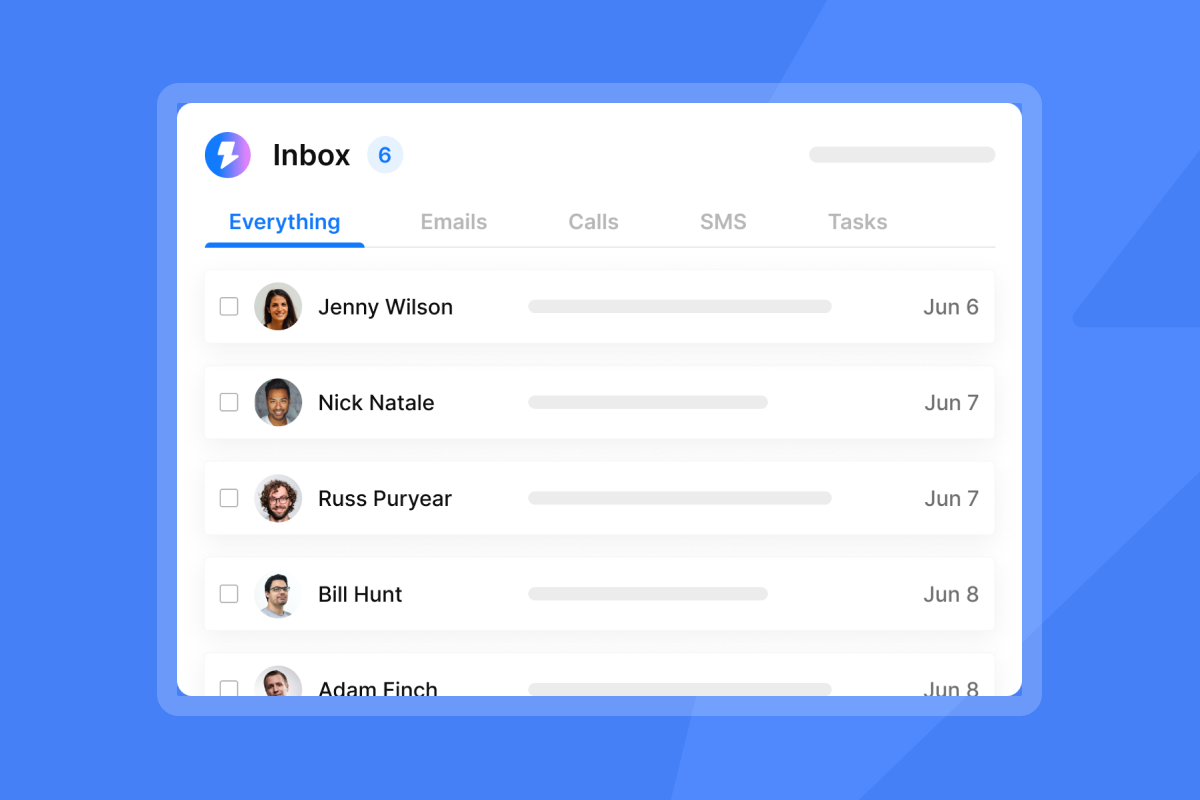
Track sentiment in your Unibox. Watch for patterns where negative replies cluster in specific campaigns or list segments. This helps you identify whether your issue is targeting, timing, or tone.
Your open rates decay week-over-week
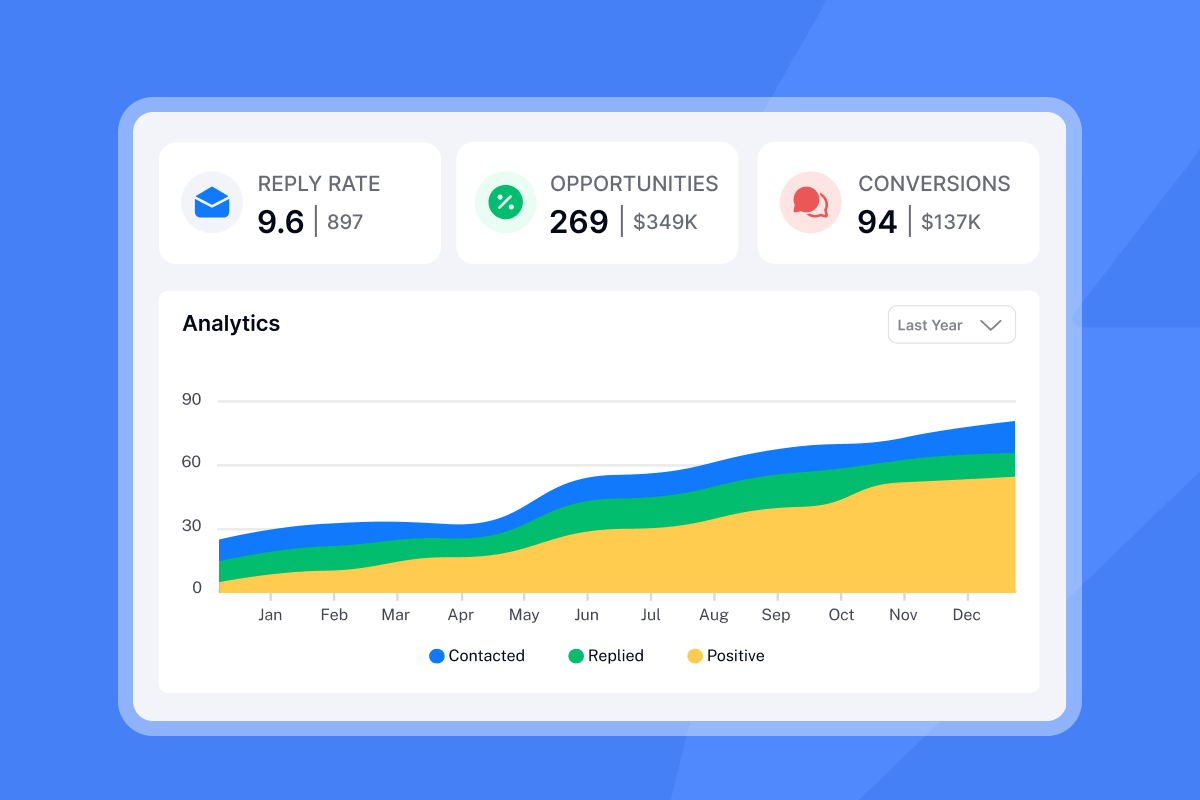
Declining open rates are an early warning sign that mailbox providers are shadow-banning your account. When recipients consistently ignore or delete your emails without opening them, Gmail and Outlook interpret this as lack of interest and begin filtering future messages to spam or the Promotions tab. For a framework on tracking open rate decay, reply latency, and step-level performance across your sequences, see this email metrics guide covering the KPIs that reveal fatigue before it becomes irreversible damage.
For Gmail specifically, user engagement is paramount. If users frequently open, click, reply, or move your emails from spam to inbox, your reputation improves. The inverse destroys it.
If you see this decay pattern, pause new sends and shift those contacts to a re-engagement sequence with a single high-value offer.
Spam complaints trigger domain health warnings
The ultimate red flag. Google requires all senders to keep spam rates reported in Postmaster Tools below 0.10% and avoid ever reaching a spam rate of 0.30% or higher. To comply with Gmail and Yahoo's sender requirements, you must maintain a spam complaint rate of 0.3%, or no more than three spam reports for every 1,000 messages.
Even one complaint per 1,000 emails (0.1%) puts you at the edge of acceptable limits. If you reach three complaints per 1,000 (0.3%), you're violating provider policies and risking account suspension. Check Google Postmaster Tools weekly to monitor your spam rate and domain reputation score.
The technical cost: How fatigue destroys sender reputation
When recipients mark your emails as spam, delete them without opening, or ignore them consistently, mailbox providers lower your sender score. User behavior drives reputation. Opens, clicks, and replies improve it. Spam complaints and deletions destroy it.
Sender reputation works like a credit score. Once it tanks, recovery requires sustained effort. Domain reputation typically requires 6-12 weeks or longer to move from a bad to a good state. For a complete infrastructure guide on how to keep reminder emails out of spam through authentication, warmup, and content hygiene, before reputation damage compounds, see the full deliverability guide.
The business impact for agencies is severe. You lose weeks of outreach capacity during recovery. You risk client contract termination because you can't deliver pipeline. You incur domain acquisition costs, DNS setup time, and email account creation overhead. Instantly's deliverability network of 4.2M+ accounts helps maintain reputation while you send production emails.
Watch our ultimate guide on cold email deliverability for a full technical breakdown.
How to fix follow-up fatigue without stopping outreach
You still need to follow up. Do it safely with these four tactics.
Audit your cadence: The 3-day vs. 7-day rule
From your first email, wait three days or 72 hours between each touch. Make sure that it is business days. Space your follow-up emails with at least a 2-day delay between the first and second contact, followed by 4-day intervals up to the 4th email, and 5+ days after that.
Example 4-step sequence:
- Day 1: Initial email
- Day 4: Follow-up 1 (3 days later)
- Day 8: Follow-up 2 (4 days later)
- Day 13-15: Follow-up 3 (5-7 days later)
Gaps should increase over time to avoid fatigue. By the time you hit follow-up #4 (your fifth email), response rates drop 55% compared to earlier emails. Configure these delays in your campaign options to enforce spacing automatically.
Add value, don't just "bump"
Generic "just checking in" emails are wasted inventory. Every touchpoint must offer new information or a different angle. Here are three value-add examples:
- Case study: Link to specific results achieved for similar companies in their vertical.
- Industry insight: Mention a recent report, trend analysis, or news article relevant to their business challenges.
- Trigger event: Call out a recent funding round, product launch, or hiring signal you found on LinkedIn.
Keep your messages concise (around 120 words) and focused on what the prospect gains, not what you need. Check out the best way to follow up on cold emails for tactical templates.
Use Spintax to vary your language
Repeating the exact same "bump" email triggers spam filters. Spam filters search for patterns, and identical emails sent in bulk often land in junk. Instantly's Spintax feature generates unique variations for each recipient, bypassing fingerprinting algorithms that flag bulk sends.
Example:
{Hello|Hi|Hey} {{firstName}},

{I noticed|I saw|I came across} your {recent|latest} {post|article} on {topic}.
This simple pattern generates dozens of unique variations. Each recipient sees a different version, which helps you avoid pattern detection by spam filters.
Scale accounts, not volume per inbox
Instead of sending 100 follow-ups from one address, send 20 from five addresses. Distributing throughput across many healthy inboxes keeps per-inbox volume low, reduces risk of spam placement, and allows controlled experiments.
Sender rotation distributes your campaign across multiple email accounts, ensuring no single sender approaches spam-triggering volumes. Stick to conservative sending volume around 30-50 emails per inbox daily.
Instantly's unlimited email accounts on flat-fee plans enable horizontal scaling without compounding costs. One agency reported,
"Love how Instantly can warm up email domains, taking away all that manual work. Its also super easy to set up campaigns and integrates with Clay so I can just push my contacts from directly from Clay to instantly." - Holly B on G2
Learn more about rotating IPs and sending algorithms for high deliverability.
Recovery mode: Steps to save a damaged domain
If you've already triggered fatigue signals, follow this protocol to rebuild reputation.
Step 1: Pause all campaigns on the affected domain for 7-14 days
Stop cold outreach immediately. If inbox placement drops, cut daily caps by 30-50 percent, re-verify your list, and resume at a lower send cap. Use the pause window to audit what went wrong with list quality, cadence, or content.
Step 2: Enable Instantly Warmup (set to "Reply" mode)
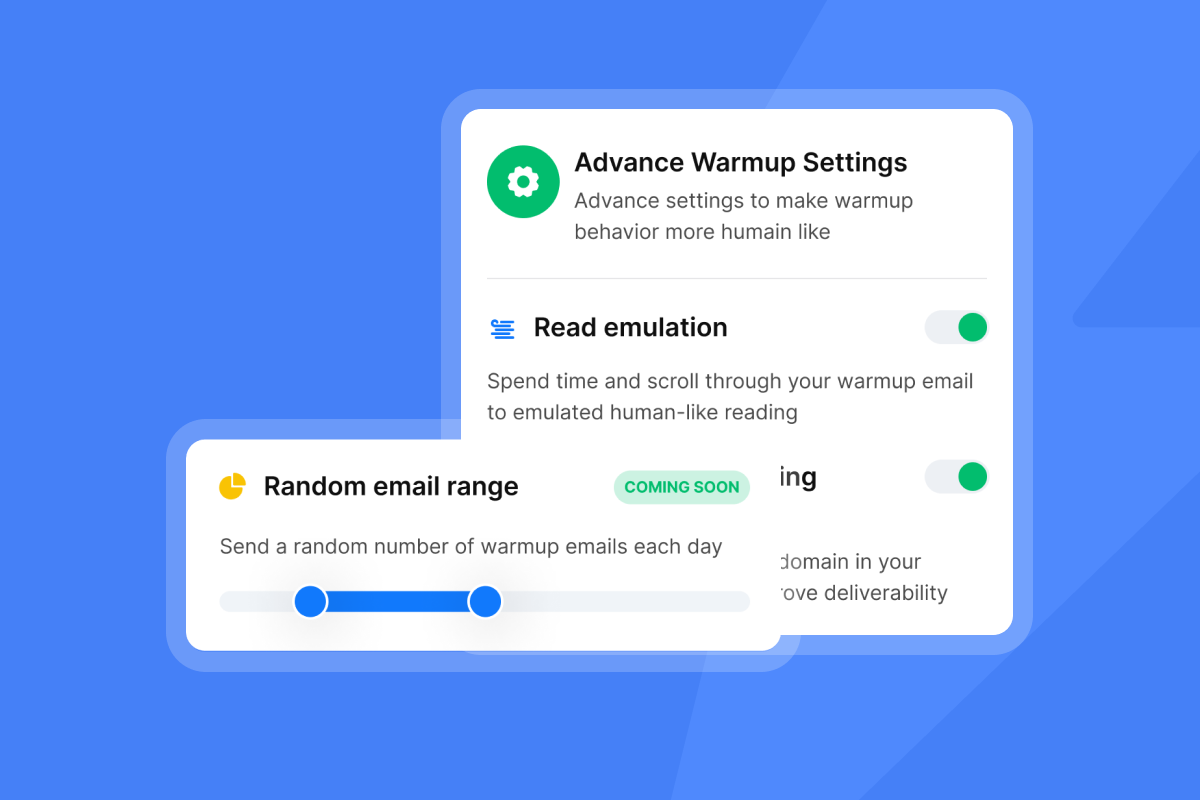
Keep automated warmup running to generate positive engagement signals that tell Gmail and Outlook your domain is trustworthy. Use "Reply" mode for the strongest reputation signal. Configure warmup filters for Google and Microsoft to match your target mailbox providers.
Step 3: Clean the lead list
Remove anyone who hasn't opened the last 3-5 emails. Keep bounce rate at or below 1 percent and spam complaints below 0.1 percent. Export your campaign leads, filter by engagement, and delete or suppress non-responders before the next send. Instantly's high bounce auto-pause feature helps prevent runaway damage.
Step 4: Restart at 50% volume
Start at 20-40 emails per inbox per day. Ramp over 2-4 weeks. Keep spam complaints under 0.3 percent. Pause immediately if health scores drop again. Monitor inbox placement tests weekly. Ramp slowly. If health scores dip, cut volume and extend the recovery window.
The "Am I Annoying?" pre-send checklist
Run this before launching any new sequence:
- Does this email offer new information? Not a copy-paste "bump."
- Is the gap at least 3 days? Longer as the sequence progresses.
- Is my unsubscribe link visible? Clear opt-out reduces spam complaints.
- Is my list freshly verified? Bounces under 1% before send.
- Am I sending text-only? Use Instantly's delivery optimization to improve placement.
- Have I tested on a small segment? Run 100 contacts before scaling to 1,000.
- Are daily sends under 50 per inbox? Horizontal scale beats vertical volume.
If you answer "no" to any of these, pause and fix it. Check out these 39 things to know when starting a cold email for more pre-launch tips.
Conclusion
Follow-up fatigue is a technical deliverability problem, not a copywriting issue. Fix it with data, not guesswork. Monitor unsubscribe rates, spam complaints, open rate decay, and negative reply sentiment every week. Space follow-ups with increasing gaps. Add value in every touchpoint. Scale horizontally across accounts instead of vertically from one inbox.
Your domain is your most valuable asset. Burn it with aggressive follow-ups, and you lose weeks of revenue while you rebuild. Protect it with smart pacing, list hygiene, and warmup automation, and you build a repeatable system that compounds client results over time.
Try Instantly free to access unlimited accounts, built-in warmup, and analytics that spot fatigue before it kills your reputation.
Frequently asked questions about follow-up fatigue
How many follow-ups are too many?
Most cold email sequences perform best with 3-5 total emails (initial plus 2-4 follow-ups). Response rates drop significantly after the fourth email, making additional follow-ups less effective and more likely to trigger fatigue.
Should I use a break-up email?
Yes, when done well. Psychology-optimized breakup emails can achieve response rates of 33-76%, compared to 5-10% for standard follow-ups. The key is creating urgency through withdrawal while acknowledging the prospect's autonomy, not using guilt-tripping language.
Does AI writing help avoid fatigue?
Only if used to personalize, not just to generate spam. Instantly's AI templates and enrichment in SuperSearch help you add relevant context, but cadence and volume matter more than copy polish.
What is the fastest way to check my sender reputation?
Use Google Postmaster Tools to monitor spam rate, domain reputation, and IP reputation. Aim to keep spam rates below 0.1% and never exceed 0.3%. Check out this detailed guide to Postmaster metrics for setup and interpretation.
Can I recover a burned domain or should I start fresh?
You can recover, but it takes sustained effort over multiple weeks. If the domain is critical to your brand, invest in recovery. If it's a secondary sending domain, starting fresh may be faster.
Key terms glossary
Sender Reputation: A score assigned by ISPs like Gmail and Outlook that determines if your mail lands in the inbox or spam folder, based on recipient engagement signals and complaint rates.
Spintax: A format used to create multiple variations of a sentence to avoid spam filters detecting templated content, using curly brackets and pipes like {Hello|Hi|Hey}.
Burned Domain: A domain with such poor reputation that it cannot land emails in the primary inbox, requiring weeks of recovery or complete replacement.
Horizontal Scaling: Distributing email volume across many inboxes to keep per-account sends low, reducing fatigue and spam risk compared to vertical scaling from a single account.
Warmup: Automated process of gradually increasing email volume and generating positive engagement signals to build sender reputation before launching cold campaigns.


