


Updated January 31, 2026
TL;DR: Cold email timing isn't luck. Tuesday through Thursday, 9-11 AM local time delivers the highest B2B engagement. Static spacing (every 2 days) looks automated and hurts deliverability. Use graduated spacing instead: 2, 4, 7, 14 days between follow-ups to mimic human behavior. Instantly automates this with smart scheduling and campaign controls, so you scale timing across unlimited inboxes without hiring VAs or risking sender reputation. Set your framework once, then let the platform handle the math.
When you send a follow-up matters more than what you write in it. 55% of all cold email replies come from follow-ups, not initial emails. Yet most operators wing the timing, sending whenever they remember or batching sends at random hours. That approach buries your message under newsletter avalanches, triggers spam filters with robotic patterns, and wastes credits on emails that land at 3 AM local time.
This guide breaks down the optimal days, hours, and spacing intervals for B2B outreach, and shows you how to automate them so your campaigns run 24/7 without manual babysitting.
The mathematics of timing: Why "whenever" kills conversion
Poor timing creates three failure modes that compound over time.
Inbox burial. If you send outside business hours, your email gets buried under the morning pile. Research shows emails sent early in the day, between 6-9 AM, tend to see higher reply rates because they sit at the top when prospects open their inbox. Send at 3 PM and you compete with 50 other emails. Send at 9 AM local time and you own the screen.
Spam filter triggers. Email providers track your sending patterns. Erratic volume kills deliverability. When you send 500 emails Monday, nothing Tuesday through Thursday, then 1,000 Friday, you look suspicious. Static timing (every message at exactly 10:00 AM) creates same-slot blindness. Providers learn your pattern and start filtering automatically.
Response decay. If you wait too long, you lose context. Research shows next-day follow-ups reduce replies by 11%, while waiting three days results in a 31% increase. The sweet spot is 2-3 days for cold outbound. Anything shorter feels pushy. Anything longer loses momentum.
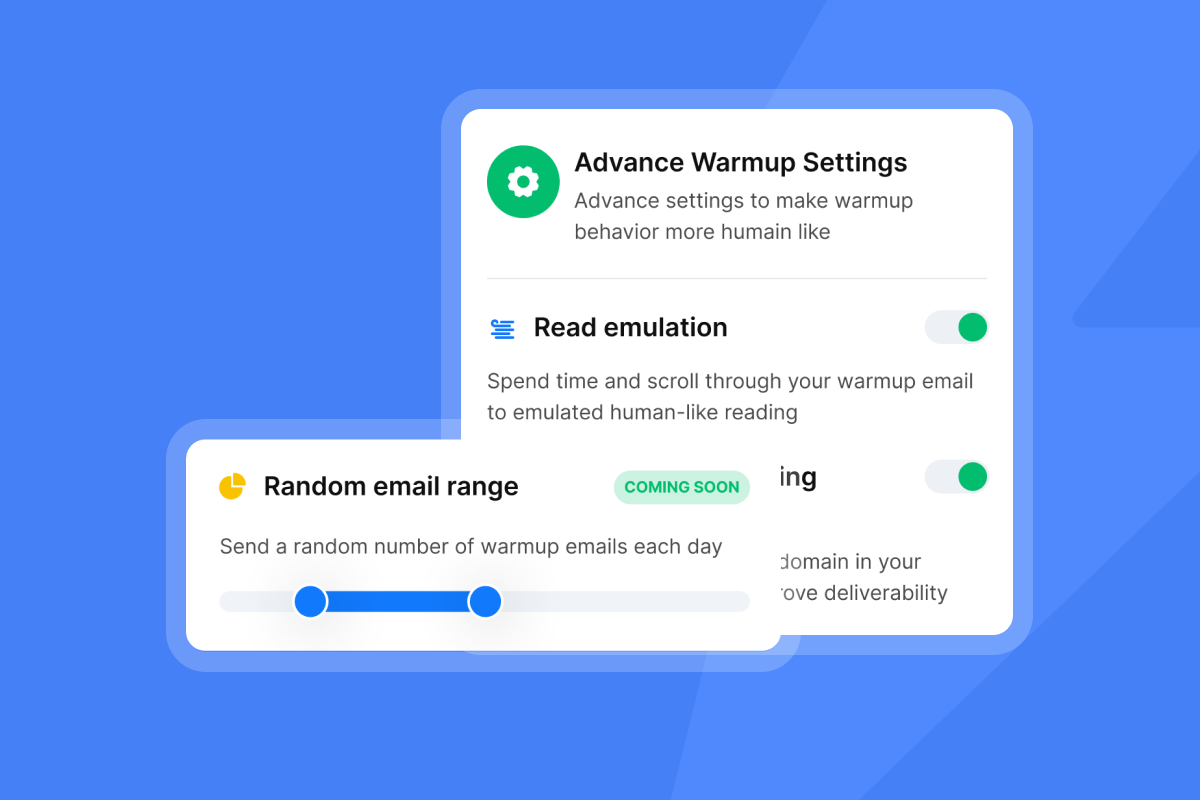
For agency operators managing 10-150+ inboxes, you can't time sends manually. You need automation that mimics human behavior at scale. Instantly handles this with campaign scheduling that controls send windows and throttles throughput to keep engagement stable.
"I love how Instantly has revolutionized my email marketing efforts. Its ability to solve the problem of sending bulk emails across different time zones is essential for global campaigns..." - Sachin J on G2
The golden window: Best days and times to send follow-ups
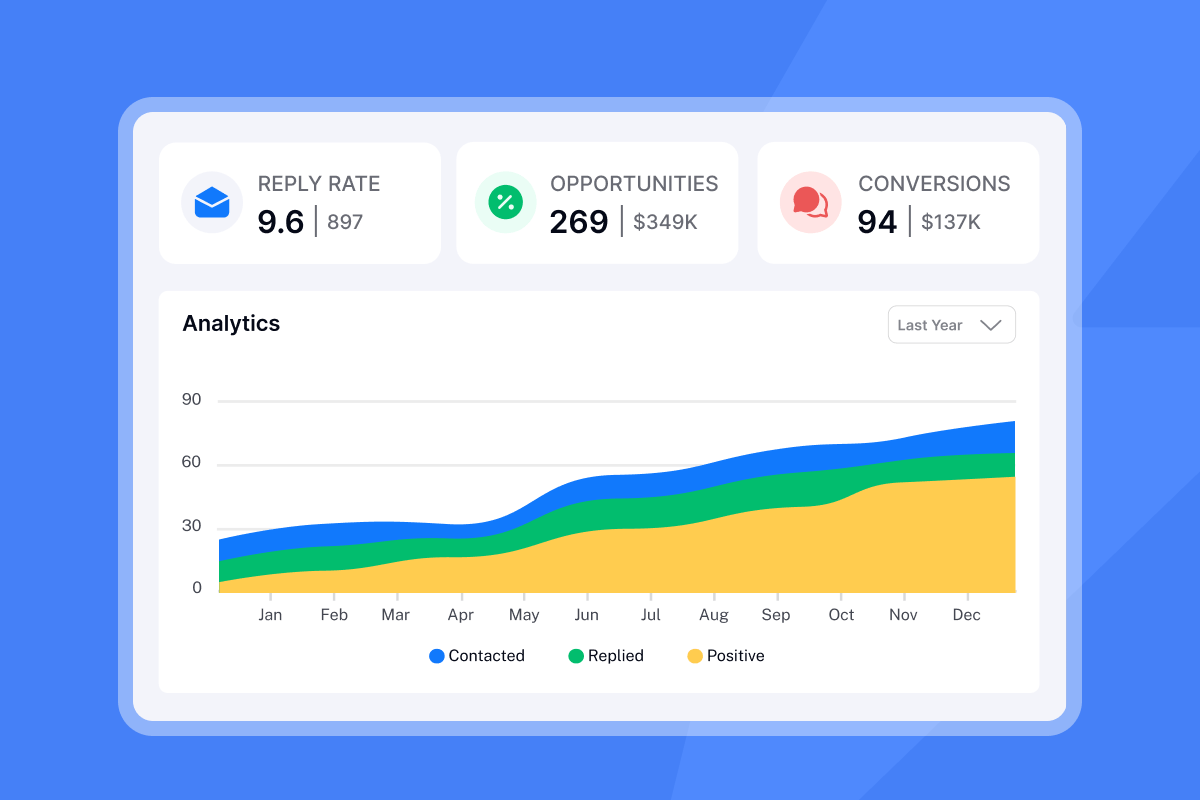
Mid-week mornings consistently outperform other windows. Multiple studies show Tuesday, Wednesday, and Thursday mornings between 9 AM and 11 AM deliver the strongest B2B engagement in the recipient's local timezone.
Tuesday through Thursday: The green zone
By Tuesday morning, people have cleared Monday's backlog and settled into execution mode. Wednesday and Thursday maintain strong performance because decision-makers are present, focused, and working through their pipeline. Salesforce confirms 9-11 AM works best for B2B specifically.
Monday and Friday: Triage and checkout
Monday open rates are decent but reply rates lag because people skim their inbox to triage, not engage. Friday afternoons are dead zones as people mentally check out by 2 PM. If you send Friday, aim for early morning (8-10 AM) before the weekend wind-down starts.
Weekends: Skip for B2B
Saturday has the lowest open rates of any day. Save your credits for business days.
The 1-hour rule vs. the 2-day rule
There's a debate: send within 1 hour or wait 2 days? The answer depends on lead source.
Inbound leads expect near-instant response. Research shows contacting an inbound lead within five minutes makes you 100 times more likely to connect than waiting an hour. That's the 1-hour rule, and you should apply it to warm leads only.
Cold outbound requires the opposite. For prospects who never asked to hear from you, the optimal time between a cold email and follow-up is 2-5 days. Anything shorter feels aggressive. Anything longer loses context. The 2-day rule is your baseline for step 2.
| Day of Week | Best Send Time | B2B Performance |
|---|---|---|
| Tuesday | 9-11 AM | Strong engagement, high reply rates |
| Wednesday | 9-11 AM | Consistent performance across studies |
| Thursday | 9-11 AM | Solid performance, drops after 2 PM |
| Monday | 10 AM-12 PM | Decent opens, lower replies (triage mode) |
| Friday | 8-10 AM | Poor afternoon performance (checkout mode) |
| Weekend | Skip | Lowest engagement of the week |
Watch our cold email follow-up strategy video for a full walkthrough of timing best practices.
The Fibonacci sequence of sales: How to space your frequency
When you send every 2 days on a static schedule, you kill deliverability and annoy prospects. Graduated spacing works because it mimics how humans actually follow up. Start tight to build awareness, then back off to avoid being pushy.
Here's the framework agencies use to book 200+ sales calls per month.
The 5-step graduated spacing framework
- Step 1: Initial email (Day 0)
Goal: Introduce value and make one clear ask. Tone: Professional, curious, specific. - Step 2: Quick bump (Day 2-3)
Goal: Resurface your message with a new angle. Tone: Light, non-pushy, add context. Why this wait: Research shows 2-3 days is optimal for cold sequences. You stay top-of-mind without being aggressive. - Step 3: Value add (Day 6-8, so 4-5 days after step 2)
Goal: Provide a resource, case study, or insight. Tone: Helpful, educational, no hard sell. Why this wait: You create breathing room and reframe the conversation around value. - Step 4: New angle (Day 13-15, so 7 days after step 3)
Goal: Try a different pain point or use case. Tone: Exploratory, open-ended question. Why this wait: The Fibonacci-style cadence starts to back off so you avoid seeming annoying. - Step 5: Break-up or pause (Day 27-29, so 14 days after step 4)
Goal: Acknowledge silence and offer a graceful exit. Tone: Respectful, low-pressure, leave the door open. Why this wait: Two weeks signals you respect their time. It's the last touch before you pause the sequence.
Why graduated spacing beats static intervals
When you send at the same day and hour repeatedly, you create same-slot blindness and lower engagement. Email providers also watch for robotic patterns in your sends. Static timing (every Tuesday at 10:00 AM) looks automated. Graduated spacing with varied send windows (sometimes 9 AM, sometimes 11 AM, different days) looks human.
Our cold email benchmark report confirms that when you keep results strong, you need to vary both the day and the time across touches, which increases visibility and improves email timing.
Instantly's sequence builder lets you configure wait steps between each email. You set step 2 to wait 2 days, step 3 to wait 5 days, step 4 to wait 7 days. The platform handles the math and respects your send windows automatically.
"I like the automation features in Instantly because they save me a lot of time and effort in doing my work, especially in setting up multiple campaigns and email sequences in a personalized way with follow-ups." - Faisal K on G2
Solving the global inbox: Managing time zones at scale
When you send US-time emails to EU prospects at 3 AM local time, you waste credits and tank engagement. For agencies running global campaigns, manual timezone management doesn't scale.
If you manage 50+ inboxes across clients in US, EU, and APAC markets, you can't manually adjust send times for every lead. The solution: separate your leads by timezone into different campaigns with tailored send windows.
How to manage timezones in Instantly
Option 1: Segment campaigns by region
- Create separate CSV files for US, EU, and APAC leads
- Build region-specific campaigns with appropriate send windows
- Set US campaign schedule to 9 AM-2 PM EST/PST
- Set EU campaign schedule to 9 AM-2 PM GMT/CET
- Set APAC campaign schedule to 9 AM-2 PM local business hours
This approach gives you precise control and ensures your message arrives during business hours in each market.
Option 2: Use multiple schedules within campaigns
For mixed lists, you can layer schedules by creating multiple send window rules based on contact properties. This works when your list size makes regional segmentation impractical.
"Love how Instantly can warm up email domains, taking away all that manual work. Its also super easy to set up campaigns..." - Holly B on G2
Watch this cold email deliverability guide to see how timezone management fits into a broader deliverability strategy.
How to automate smart send windows in Instantly
Here's the step-by-step process to configure optimal timing in Instantly so your campaigns run on autopilot.
Step 1: Set your campaign schedule
Open your campaign in Instantly, click the "Schedule" tab, select active sending days (typically Mon-Fri for B2B), and define your send window (9 AM-5 PM is standard, or narrow to 9 AM-2 PM for the golden window).
Step 2: Configure graduated wait steps in the sequence
Open the sequence editor for your campaign, add your initial email (Step 1), click "Add Step" and select "Wait," set the first wait to 2-3 days, add Step 2 (your first follow-up), then repeat with increasing intervals (4-5 days, 7 days, 14 days) for subsequent steps.
Step 3: Throttle throughput to protect sender reputation
- Set daily send limits: Go to Campaign Options and cap sends at 30-50 emails per inbox per day
- Enable inbox rotation: Distribute volume across multiple accounts using inbox rotation
- Monitor warmup health: Check your Warmup tab to ensure health scores stay above 90
- Add accounts as you scale: Instantly lets you connect unlimited sending accounts, so you scale volume horizontally
You send 30-50 emails per account daily for optimal deliverability, then add more accounts as you grow. Your base cost stays flat because outreach plans include unlimited email accounts and warmup on every tier.
Subject lines that work with timing
Timing works best when you pair it with strong copy. Here are proven follow-up subject lines from 600+ tested templates:
- "Quick question" - Low-pressure and curiosity-driven, works for step 2
- "Next steps" - Achieves up to 70.5% open rate and 49.6% reply rate because it implies continuation
- "Thoughts on [specific pain point]?" - Value-oriented, works well in steps 3-4
Keep subject lines consistent across your sequence to maintain email threading. Threading shows the full conversation history and builds credibility.
"I've been using Instantly for about 4 months, and I have never had an issue with using their features... It has everything needed for sending personalized cold outreach campaigns." - yassine raji
Consistency beats luck
The difference between agencies that book meetings and those that burn domains is a timing system. Right day (Tuesday-Thursday) plus right spacing (2, 4, 7, 14 days) plus automation (smart scheduling, send controls) equals meetings. Stop guessing when to hit send. Use Instantly's campaign scheduling to land in the primary inbox at the right time, then scale across unlimited accounts without compounding software costs. Start your free trial and apply the graduated spacing template in the campaign builder.
Frequently asked questions about follow-up timing
How many follow-up emails should I send?
Send 4-7 follow-ups for cold outbound. Sending 4-7 emails in a sequence results in triple the responses compared to 1-3 emails, and research shows 80% of sales require 5+ follow-ups.
Is it better to follow up in the morning or afternoon?
Morning wins. Emails sent early in the day, between 6-9 AM, tend to see higher reply rates. Aim for 9-11 AM local time for B2B prospects.
Should I send follow-ups on weekends?
No for B2B. Weekends typically see the lowest open rates, and decision-makers rarely book meetings on Saturdays or Sundays.
How many emails per inbox per day is safe?
Keep daily sends at 30-50 per inbox maximum. Erratic volume kills sender reputation, so use inbox rotation to scale total throughput while keeping per-account volume conservative.
Does send time really impact reply rates?
Yes. The right send time can increase reply rates by 15-30%. Mid-week mornings (9-11 AM local time) consistently outperform early mornings, afternoons, and weekends.
Can I test different send times in Instantly?
Yes. Instantly supports A/Z testing automation. Split your list into variants, set different send windows for each, and compare reply rates after 2-3 weeks to find your optimal timing.
Key terms glossary
Send window: The designated time period (by day and hours) during which your campaign is allowed to send emails, configured to align with recipients' business hours.
Graduated spacing: A follow-up cadence where the time between emails increases with each step (2, 4, 7, 14 days), mimicking natural human behavior and reducing spam filter triggers.
Inbox rotation: The practice of distributing email volume across multiple sending accounts to keep per-inbox send rates low (30-50/day) while achieving higher total throughput.
Sender reputation: A score email providers assign based on your sending patterns, engagement rates, bounce rates, and spam complaints. This score determines whether your emails reach the inbox or spam folder.
Throughput: The total volume of emails sent across all accounts and campaigns over a specific time period, managed to maintain deliverability while achieving campaign goals.


