


Updated January 31, 2026
TL;DR: Turn a single B2B email into a full account profile and org chart with this four-step workflow: validate the domain, run a reverse lookup for firmographics, map the org chart using company-wide searches, and verify before outreach. Corporate emails yield 85-92% enrichment accuracy compared to under 50% for personal addresses because they link directly to company data. Manual OSINT works for ten leads but breaks at scale. Agencies need automated B2B databases with waterfall enrichment to maintain margins and protect sender reputation.
Every agency operator knows this problem: you have a list of valid email addresses but zero context about decision makers, departments, or buying authority. Any serious cold email outreach guide for agencies treats data enrichment as a prerequisite to personalization. Without firmographic context, you're guessing at relevance rather than engineering it. Sending generic messages to that list wastes sends and risks your sender reputation.
This playbook shows you how to reverse-engineer a corporate email address into a complete account profile. You will learn why corporate domains outperform personal emails for enrichment, how to execute each step of the discovery workflow, and how to scale the process without burning hours on manual research. The goal is simple: turn one contact into a full org chart so you always pitch the right person. The best cold email platform for agencies combines corporate email enrichment, waterfall verification, and flat-fee sending. So every step from domain validation to campaign launch happens in one workflow without CSV handoffs.
Why B2B account discovery relies on corporate email patterns
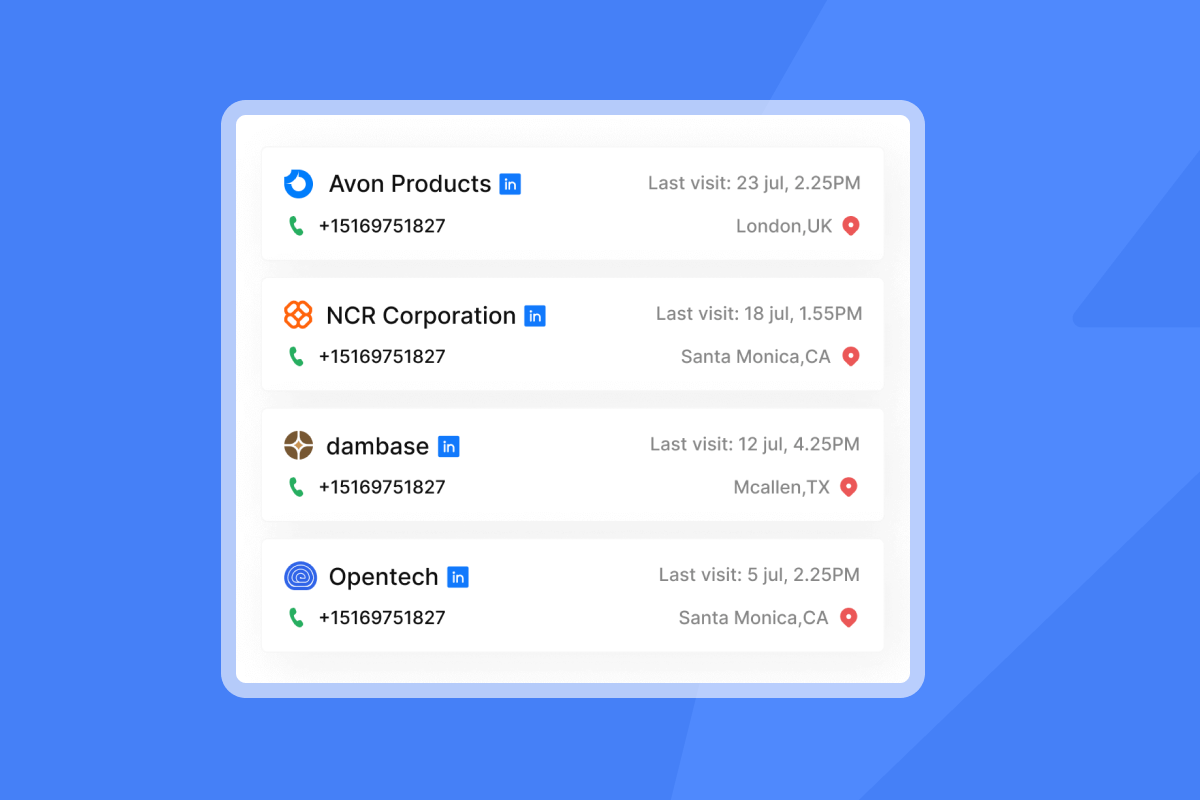
Corporate email addresses are the keys to company data. Unlike personal emails (Gmail, Yahoo, Outlook.com), a business email like jane.doe@company.com connects directly to public registries, LinkedIn company pages, and website metadata. That connection makes enrichment faster and more accurate.
The accuracy gap: Professional vs. personal emails
Contact enrichment for B2B prospecting shows an 85-92% match rate when working with corporate domains. Personal emails perform far worse. Industry testing shows personal Gmail and Yahoo addresses yield match rates below 50% because they lack structured company metadata. The gap exists because corporate domains link to structured company data while personal emails live in isolation.
Why does this matter for agencies? Every unmatched email is a wasted credit or a potential bounce. High bounce rates damage sender reputation and push your clients' messages into spam. Prioritizing corporate email workflows protects deliverability and improves campaign ROI.
"Deliverability tools that actually move the needle: warmup, inbox rotation, and smart sending windows help us land in Primary instead of Promotions/Spam." - Anthony V on G2
Understanding the digital footprint of a corporate domain
Every company leaves a digital footprint online. LinkedIn profiles, press releases, job postings, and website metadata all create a trail of public data. OSINT (Open-Source Intelligence) refers to the practice of using this publicly available information to gather intel on prospects.
A single corporate email syntax reveals the company's naming convention. Common patterns include firstname.lastname, firstinitial.lastname, and firstname formats. Once you identify the pattern from one verified email, you can predict addresses for other employees. That pattern reveals the entire org chart. Reverse email lookup tools employ these OSINT techniques to search and analyze public sources for names, job titles, company details, and LinkedIn profiles.
Step 1: Analyze domain patterns and verify validity
Before you enrich a single contact, confirm the email domain is active and accepting mail. Skipping this step leads to bounces that kill sender reputation.
For a benchmarked comparison of how accurately the major verification tools handle catch-all detection across different industries, see the email verification benchmark with accuracy scores for 8 providers. Once your org chart data is enriched and verified, make sure your sending infrastructure supports the volume. See this email deliverability guide covering authentication, warmup, and inbox placement monitoring at agency scale.
MX record and SMTP verification
Start with an MX record lookup. Tools like MXToolbox check whether the domain has valid mail exchange records pointing to active mail servers. If the MX records are missing or misconfigured, the domain cannot receive email.
Next, run an SMTP verification. An SMTP check connects to the target mail server and tests whether it will accept messages for a specific address without actually sending an email. Email verification services check syntax, domain information, and server response to confirm deliverability.
Identifying catch-all domains
A catch-all domain is configured to accept all emails sent to any address at that domain, even if the specific mailbox does not exist. Catch-alls sound helpful but they create hidden risk. Many catch-alls accept first and reject later, which increases bounce rates and damages sender reputation.
Including catch-all emails without verification can lead to significantly higher bounce rates. Verification tools often return "unknown" or "catch-all" results for a substantial portion of B2B contact lists. Segregate these addresses and send in small volumes to manage risk.
Syntax pattern testing
Corporate email addresses follow predictable patterns:
Once you identify the pattern from one verified email, you can predict addresses for other employees. This technique becomes powerful when combined with org chart extraction in Step 3.
For guidance on scaling sending domains safely, review Scale Your Cold Email Campaigns With Secondary Sending Domains.
Step 2: Execute reverse email lookup for firmographics
Reverse email lookup is the process of inputting an email address to retrieve the owner's name, job title, location, company details, and social profiles. This step transforms an anonymous email into a qualified prospect.
Manual method
The manual approach works for your first few leads. After that, it destroys your margins:
- Google search: Enter the email in quotes (e.g.,
"jane.doe@company.com") and review results for LinkedIn profiles, press mentions, or company pages. - LinkedIn search: Search the name and company to locate the profile. Free LinkedIn accounts hit a commercial use limit around 300 searches per month.
- Company website: Check the "About" or "Team" page for executive bios.
The problem? Reps working at scale report spending 12+ hours per week on manual research. That time compounds across clients and campaigns.
Automated method
Automated reverse email lookup tools query multiple databases simultaneously. They return structured data including:
- Name and job title (critical for segmentation and personalization)
- Location (for time zone-based send windows)
- LinkedIn URL (for social research)
- Company size and industry (for ICP qualification)
Tools work best with professional email addresses. Privacy protections mean personal Gmail or Yahoo addresses yield limited information, while corporate emails typically deliver full contact profiles.
"Lead management at scale: easy list import, deduplication, and automatic verification keep our lists clean and reduce bounce rates." - Anthony V on G2
Watch this guide below for a walkthrough of automated lead workflows.
Step 3: Extract the org chart and identify decision makers
This is the step that separates agencies from amateurs. Once you have the domain from a single email, you can query the database for every contact at that company. That single email becomes the entry point to the entire buying committee.
Domain-based org chart mapping
The workflow is straightforward:
- Extract the domain from your initial email (e.g.,
jane.doe@company.com→company.com). - Query your database for all contacts at that domain.
- Filter by job title and department to identify decision makers.
Most B2B databases let you filter by Management Level and Department. Target titles containing "VP," "Head of," "Director," or "Chief" to build a map of the buying committee. For mid-market and enterprise accounts, you typically need to reach multiple stakeholders across different functions.
Building the buying committee
A practical example for a mid-market SaaS sale:
| Role | Purpose | Example Title |
|---|---|---|
| Champion | Day-to-day user who wants the solution | Marketing Manager |
| Decision Maker | Signs the contract and owns the budget | VP Marketing |
| Technical Evaluator | Validates integration and security | Director of IT |
| Executive Sponsor | Provides top-down approval | CMO or CEO |
Using domain-based search, you can identify all four roles from a single starting email. This approach is especially valuable for agencies running account-based campaigns across multiple client accounts.
For a step-by-step video on building campaigns from scratch, see Instantly AI Full Tutorial.
Step 4: Verify data and enrich for outreach
Before sending a single email, run your list through verification. Skipping this step can result in bounced emails, blacklisted domains, and damaged client relationships.
Pre-outreach data hygiene checklist
Use this checklist before every campaign:
- Verification status confirmed: Aim for 95%+ deliverability. Use email list cleaning services and keep bounce rate under 3-5%.
- No generic or role-based emails: Filter out info@, contact@, admin@, sales@, and support@ addresses. These are not tied to individuals and do not constitute personal data under GDPR enforcement patterns.
- Job title verified: Data decays fast. Contact data accuracy drops roughly 30% per year due to role changes and company moves.
- Company matches ICP: Confirm firmographics (size, industry, location) align with your ideal customer profile.
- Data freshness validated: Refresh data every 90 days. Company information should be updated at least quarterly for accuracy.
For a technical breakdown of how waterfall email API data enrichment across multiple providers maximizes match rates and reduces bounces before leads enter your campaign, see the full enrichment guide.
Waterfall enrichment explained
Single-source enrichment fails because no single provider has complete coverage. Waterfall enrichment takes your contact data through multiple providers in sequence. If Provider A cannot find the email, Provider B tries next.
This layered approach improves verified email coverage compared to single-source tools. Data vendors' databases rarely overlap, so combining sources fills gaps that would otherwise result in missed contacts.
"I really value how Instantly helps me find leads effectively by allowing me to search based on specific titles, locations, and industries, which makes it incredibly user-friendly for targeted lead finding." - adnan k on G2
For details on email authentication setup, review SPF, DMARC and DKIM configuration.
Tool comparison: Manual OSINT vs. automated B2B databases
Different tools serve different scales. Here is how the options compare:
| Method | Speed | Cost | B2B Accuracy | Scalability |
|---|---|---|---|---|
| Manual OSINT (Google/LinkedIn) | Minutes per lead | Free | Variable | Low |
| Generic People Finders (Spokeo, Social Catfish) | Seconds per lead | $5-30/month | Low for B2B | Consumer focus |
| Enterprise B2B (ZoomInfo tier) | Near instant | $15K-25K/year | High | High, expensive |
| Instantly SuperSearch | Near instant | $47-197/month for credits | High (waterfall) | Unlimited accounts |
Manual OSINT works for a handful of leads. Generic people finders aggregate consumer data (court records, property ownership) and struggle with B2B lookups. Enterprise tools deliver accuracy but charge per-seat fees that compound as you scale.
SuperSearch combines a 450M+ contact database with waterfall enrichment from 5+ providers. The flat-fee model means your costs do not rise as you add team members or client workspaces.
How to scale account discovery with Instantly SuperSearch
Here is the practical workflow we built for turning a single email into a full org chart using SuperSearch.
Step-by-step process
1. Search by domain or company
Open SuperSearch and enter the company domain or name. You can also type a natural language description like "Marketing Directors at SaaS companies in Austin with 50-200 employees" and click AI Search.
2. Apply filters to identify decision makers
Use the left-hand filters to narrow results:
- Job Title: Include or exclude specific titles
- Management Level: Filter for Director, VP, C-Suite
- Department: Target Marketing, Sales, Operations, or IT
3. Enrich contacts with verified emails
Click to reveal verified emails for each contact. SuperSearch queries multiple data providers in sequence to maximize coverage. Credits cost 0.5 per optional enrichment (company technologies, recent news, funding data).
4. Export directly to campaign
Push leads directly into an Instantly campaign with one click. No CSV exports or manual imports required. The workflow moves from search to enrich to launch in a single UI.
5. Enable Evergreen for automatic list building
Turn on Evergreen to automatically add new leads matching your filters on a daily, weekly, or monthly schedule. Your lists stay fresh without manual intervention.
"I love how Instantly allows me to efficiently conduct cold email outbound efforts. The warmup and mass cold email feature are incredibly beneficial. I can email 2,000 new contacts a week using a variety of accounts without being rate limited by the ESPs." - Hunter H on G2
Why flat-fee pricing matters for agencies
Per-seat pricing creates a hidden tax on growth. As your team expands or you add client accounts, costs compound while margins shrink faster than revenue scales. Enterprise tools like ZoomInfo can cost $15K-25K annually for small teams.
We built Instantly to flip this equation. All Outreach plans include unlimited email accounts and warmup. Your sending cost does not rise as you add inboxes. SuperSearch credits scale independently based on how many leads you need, not how many people touch the tool.
A practical comparison for a 10-person agency:
- Per-seat model: $99/user/month × 10 users = $990/month
- Flat-fee model: Starting at $47/month for unlimited accounts + SuperSearch credits as needed
- Result: Margins protected regardless of team size
That margin protection lets you invest in better data, more domains, or expanded client services instead of software overhead.
Your account discovery workflow starts here
Finding an account by email is not about knowing a name. It is about mapping the decision-making structure so your message reaches the right person with the right context. Corporate email patterns give you the entry point. Automated enrichment gives you the scale.
We built this four-step workflow (domain verification, reverse lookup, org chart extraction, and pre-send hygiene) to protect your sender reputation while maximizing enrichment accuracy. Manual OSINT breaks at scale. Agencies running 10+ client campaigns need automated B2B databases to maintain margins and deliver results.
Ready to turn single emails into full org charts? Try Instantly free and let SuperSearch find verified contacts, map buying committees, and launch campaigns from one dashboard while you focus on closing deals.
Frequently asked questions
Can I find all accounts linked to an email address?
You can find accounts linked to a corporate email through reverse lookup and domain-based searches. Personal emails (Gmail, Yahoo) have limited data due to privacy protections and yield significantly lower match rates.
Is reverse email lookup legal for B2B prospecting?
Yes. In B2B contexts, legitimate interest under GDPR covers processing work email addresses for commercial purposes when targeting people who would reasonably expect and benefit from your outreach. Avoid consumer personal emails (Gmail, Yahoo) and focus on corporate domains to stay within safe boundaries.
What is the difference between a catch-all and a verified email?
A verified email is confirmed to exist and accept mail at a specific address. A catch-all domain accepts all emails sent to any address at that domain, even nonexistent ones. Catch-all addresses carry higher bounce risk and should be segregated in campaigns.
How accurate are free email lookup tools?
Free tools have significant limitations. LinkedIn caps free users at around 300 searches monthly. Google searches lack structure and require manual extraction. B2B accuracy from consumer people-finders is low.
How often should I refresh enriched contact data?
Refresh data every 90 days. B2B contact data decays at roughly 30% per year due to job changes, promotions, and company moves.
Key terminology
OSINT (Open-Source Intelligence): Using publicly available information (LinkedIn, company websites, press releases) to gather intel on prospects without requiring private access or special permissions.
Reverse Email Lookup: The process of inputting an email address to retrieve data about the owner, including name, job title, company, location, and social profiles.
Digital Footprint: The collective trail of public data a company and its employees leave online through websites, social profiles, press mentions, and business registries.
Sender Reputation: A score assigned by email service providers (Gmail, Outlook) based on your sending behavior. High bounce rates, spam complaints, and poor engagement damage reputation and push emails to spam.
Waterfall Enrichment: A sequential approach that routes contact lookups through multiple data providers. If the first provider cannot find the email, the system automatically tries the next, increasing overall match rates.
Catch-All Domain: A mail server configuration that accepts all emails sent to any address at the domain, regardless of whether the specific mailbox exists. Requires careful handling to avoid bounces.


