


Updated on April 06, 2026
TL;DR: According to Martal's follow-up research, 80% of sales require five or more follow-ups to close, yet nearly half of reps quit after one attempt. Your follow-up sequence is where deals are won or lost. A common approach for proposal follow-ups is Day 2-3, Day 7, Day 14, and a final close-out at Day 21-25, with each email adding new value rather than just "checking in. "Aggressive, daily follow-ups damage your sender reputation and spike your spam complaint rate. Structure beats volume every time. Automating your sequence saves the manual tracking overhead and keeps follow-ups running while you focus on live conversations.
Following up on a business proposal is not the same as cold outreach. You already have a relationship and a live opportunity. The goal now is a structured cadence that adds value at each touch, surfaces hidden objections early, and drives a clear decision without burning the rapport you built to get here.
Top mistakes that kill proposal replies
Most founders treat proposal follow-up as an afterthought: a quick "just checking in" email sent whenever they remember. Martal's research confirms that 44% of salespeople give up after one follow-up, despite 80% of deals requiring five or more touches. That gap costs real revenue, and it comes from three compounding mistakes.
Why your send windows are failing
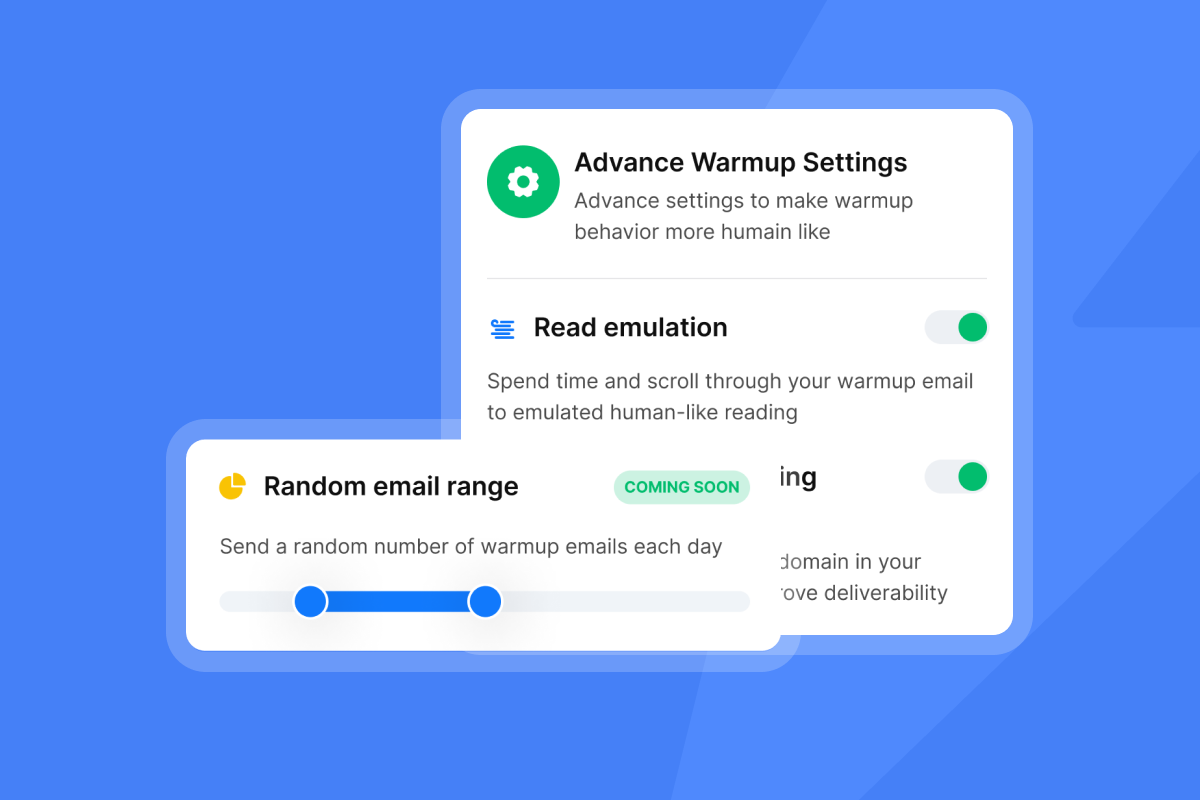
Timing your follow-ups directly affects whether your email lands in the primary inbox or gets filtered out. Industry research suggests Tuesday through Thursday between 10 AM and 12 PM in the prospect's local time zone delivers the highest B2B engagement rates. Start daily sends at 50 emails per day per inbox to protect your sender reputation and ensure strong deliverability. Mature, warmed domains can scale higher, but deliverability depends primarily on engagement metrics and complaint rates rather than hitting a specific volume threshold. Our inbox placement tool, backed by our deliverability network of 4.2m+ accounts, shows you exactly where your follow-ups land before a live send, which removes the guesswork entirely.
Stale messages kill proposal replies
Generic "following up on my email" messages signal to the prospect that you have nothing new to offer. Our cold email copywriting framework makes this clear: every follow-up needs a fresh hook, whether that is a relevant stat, a short case study, or a reference to something specific in their business. Our follow-up by scenario guide maps distinct value types to each stage of the sequence so you are never repeating yourself.
Pushy follow-ups: damaging trust
The average B2B deal requires eight touchpoints to close, and B2B sales cycles average 84 days according to Flowlu's sales statistics. Cramming those touchpoints into a three-day sprint signals desperation and ignores the reality that enterprise decisions involve multiple stakeholders, budget cycles, and internal approvals. Research on sales call reluctance confirms that fear of being perceived as pushy is one of the top reasons founders under-follow-up, but the solution is a structured system, not more willpower.
Ideal follow-up timing for proposals
The data points consistently to one cadence for proposal follow-ups. Space your emails as shown below, then decide based on signals whether to escalate or close the loop.
Step | Timing | Goal |
|---|---|---|
Follow-up 1 | Day 2-3 | Confirm receipt, surface quick questions |
Follow-up 2 | Day 7 | Add new value, introduce social proof |
Follow-up 3 | Day 14 | Create urgency, pivot angle |
Final touch | Day 21-25 | Breakup email, invite a clear yes or no |
Follow-up 1: 2-3 days after sending
Send this email two to three days after the proposal, not the next morning. Follow-up timing research confirms that emails spaced two to three days apart outperform same-day or next-day follow-ups in reply rate. Keep this message short, assume they may have missed the original, and ask one direct question: "Did the proposal land okay, and do you have any immediate questions on the scope?" One question beats a paragraph every time.
Follow-up 2: The 7-day check-in
By day seven, the prospect has had time to review the proposal internally, making this the right moment to introduce a new piece of evidence: a short case study from a similar company, an ROI calculation, or a benchmark metric. Our follow-up emails by scenario guide recommends naming a specific company you helped at this stage to make the value tangible rather than theoretical.
Follow-up 3: The 2-week pivot
By day fourteen, shift your angle rather than repeating the original pitch. Introduce a benefit or use case your first proposal only touched on lightly, then ask a direct question about a specific concern: "Is the integration timeline the main sticking point, or is it more about budget approval?" This surfaces hidden objections and creates a natural opening for the prospect to re-engage.
Final proposal follow-up: When to send?
At day 21-25, send a clean breakup email. State you do not want to keep filling their inbox, offer an easy out ("happy to reconnect next quarter if timing is off"), and ask for a simple yes or no. This approach consistently pulls responses from prospects who had been silently stalled, because it removes pressure and gives them a clear path to respond without feeling obligated.
Adapt your offer as the deal progresses
Each follow-up should function as its own mini-pitch with a different angle, not a copy of the original message with "re:" added. Our YouTube series on cold email copywriting covers this in detail: vary your hook, your social proof type, and your CTA at each step to keep the conversation fresh without repeating yourself.
First proposal check-in email
Focus exclusively on removing friction. Ask open-ended questions that surface hidden objections early: "Is the timeline realistic for your team?" or "Are there stakeholders we haven't looped in yet?" The goal is not to push for a decision but to identify what is blocking one. Our cold email strategy guide recommends this low-pressure approach as the most effective way to keep momentum in the early stages.
Second follow-up: add new value
Introduce a benefit or use case that your original proposal only touched on lightly. Pair this with a one-line mention of a company in a similar situation, framed as social proof rather than a full case study. Our video on closing a $6,500 client shows how this two-layer approach, pairing a feature with a proof point, consistently moves stalled prospects forward.
Third follow-up: decide next steps
By the third email, pipeline hygiene matters as much as deal closure. Ask directly for a yes or a no so you stop carrying dead weight in your pipeline. A simple framing works well here: "If now is not the right time, that's completely fine. Should I follow up in Q3, or is it best to close this out?" This prompt drives a decision and prevents deals from quietly dying with no resolution.
Adding new information without sounding repetitive
Effective follow-up emails typically include a fresh hook tied to new information, a brief restatement of the core value (two sentences maximum), a reference to their specific situation, and one clear call to action. More than one CTA per email dilutes the response rate. Our 6 steps to better responses covers this structure in detail.
Show ROI and timely data
A one-sentence case study can work well in follow-up emails compared to a multi-paragraph product description. Consider this format: "[Company type] used [your solution] to achieve [specific metric] in [timeframe]." This adds credibility without demanding the prospect's full attention. You can also reference a recent industry report, regulatory change, or market shift that makes your proposal more relevant right now. Tying your proposal to a live business event makes the follow-up feel like helpful context, not chasing. Social proof in follow-ups can improve reply rates compared to repeat value statements.
Refine terms and personalize fit
If a deal stalls at the pricing stage, offer a time-bound adjustment rather than a permanent discount: "If you can confirm by the end of this month, I can hold the Q1 rate." Consider saving price adjustments for the second or third follow-up, after you have already added value in earlier messages. Small teams may personalize at scale by creating two or three distinct follow-up variants based on company size, industry, or role. Our AI Sequence Writer generates these variants from a single brief, so you are not writing five versions of the same email from scratch.
Follow-up email templates for each stage
The templates below follow the cadence and value-add structure outlined above. Replace every bracketed placeholder with real context before sending. Generic templates sent without personalization perform no better than "just checking in."
Template 1: Confirm proposal receipt promptly
Subject: Quick question on the [Company Name] proposal
Hi [First Name],
Wanted to make sure the proposal came through clearly. Did you get a chance to take a look, and is there anything on the scope or timeline you want to clarify before your team reviews it?
Happy to jump on a quick call this week if that helps.
[Your Name]
Template 2: Overcoming objections (week 1)
Subject: One thing worth adding
Hi [First Name],
Following up on the proposal from last week. One thing worth highlighting: [Company similar to theirs] used [your solution] to [specific result].
Given [specific detail about their situation], I think the same approach could work well for you.
Does that change anything on your end?
[Your Name]
Template 3: 2-week graceful exit email
Subject: Should I close this out?
Hi [First Name],
I have reached out a couple of times and do not want to keep filling your inbox. If the timing is off or priorities have shifted, that is completely fine.
Just let me know if you want me to close this out, or if a Q3 conversation makes more sense.
[Your Name]
Template 4: When to loop in the decision-maker
Subject: One more person to include?
Hi [First Name],
I know these decisions often involve more than one stakeholder. If it makes sense to include your [CFO/Head of Operations/team lead] in a brief conversation, I am happy to put together a concise overview tailored for them.
Would that be useful, or is it better to keep the conversation between us for now?
[Your Name]
Reading signals: When to pivot your strategy
Vague responses like "we are still evaluating" or "let me check internally" are not neutral. They signal your primary contact may not hold buying authority and is waiting for direction from above. Our video on leads not responding breaks down how to read these patterns and adjust before the deal quietly dies.
Watch for these signals that your contact lacks buying power:
- They keep delaying without citing a specific objection or timeline.
- They cannot tell you who else is involved in the decision.
- They have been "reviewing internally" for an extended period with no status update and no meeting scheduled.
When those signals appear, reach out to the economic buyer after you have attempted contact through your primary contact and given them a clear opportunity to loop others in. A clean escalation message sounds like this: "I want to make sure [Primary Contact] and the team have everything they need to make a confident decision. Would it be helpful if I sent a brief overview directly to [Decision Maker's name]?" This positions the escalation as a service to your contact, not a workaround.
The final call: When to end proposal efforts
Knowing when to stop is as valuable as knowing when to push. Carrying dead deals wastes hours that could go toward new qualified prospects and distorts your pipeline reporting.
No response after 3 proposal emails
Send three to four follow-ups over 14 to 21 days, then send a final breakup email at day 21-25. If you hear nothing after that, move the lead to a "nurture" list and stop active outreach. Our follow-up fatigue guide is direct: beyond four to five emails in a sequence, your unsubscribe rate and spam complaint risk rise sharply. Google and Yahoo require you to maintain a spam complaint rate at or below 0.3%, which means no more than three spam reports for every 1,000 messages sent. Crossing that threshold triggers deliverability penalties that affect every campaign you run, not just this one.
Explicit 'not interested' signals
A clear "no" is valuable data, not a failure. When a prospect declines, reply with a gracious one-liner: "Appreciate you letting me know. If circumstances change, feel free to reach out." Then tag the contact accurately in your CRM. A well-tagged rejection keeps the door open for a future approach and prevents your team from accidentally re-pitching the same person three months later.
Smart ways to close out cold leads
Consider tagging unresponsive leads for future re-engagement in your CRM and add them to a low-frequency nurture sequence. Send one educational email every six to eight weeks, no pitch, just a relevant insight or industry update. Our help doc on prioritizing new leads covers how to structure this in your campaign settings so active prospects always get priority.
When should you re-engage?
Look for external triggers when timing re-engagement: a new product launch on their side, a funding announcement, a leadership change, or a market event that makes your offer newly relevant. A sequence that opens with "I noticed [specific event]..." tends to outperform a generic "circling back" email, according to Martal's follow-up research.
Save time with our auto-reply system
Manual proposal follow-up tracking is one of the highest-cost, lowest-value activities in a lean sales operation. Logging into spreadsheets, cross-checking send dates, writing individual reminders, and triaging replies across multiple inboxes can take several hours each week for a solo founder. We automate the entire sequence so those hours go back to closing conversations. Our Growth plan starts at $47 monthly and includes unlimited email accounts, so you can scale proposal follow-ups across multiple inboxes without additional per-seat costs.
"I built my entire client acquisition system through instantly.ai & also sell the product as a service to my clients which is my entire business model." - Joshua Blacklidge on Trustpilot
Our AI Reply Agent reads incoming emails, interprets intent using NLP trained on over 50 languages, and drafts a personalized reply in under five minutes. You review and approve, or switch to full autopilot for routine responses like scheduling requests and objection handling.
"What stands out to me most is the amazing AI reply agent. It significantly simplifies our tasks by generating very accurate messages that I only need to review, thereby enhancing our efficiency in engaging with long-term leads across various prospects." - Anne S. on G2
Build your proposal follow-up sequence
Here is the setup checklist for your three-step proposal follow-up sequence:
- Create a new campaign: Go to Campaigns, click "New Campaign," and name it (e.g., "Proposal Follow-Up - Q2").
- Add your sending accounts: Connect the warmed inbox you used to send the original proposal. Start with one account, then scale using our secondary sending domains strategy once you validate the sequence.
- Build the sequence steps: Add Step 1 (Day 2-3), Step 2 (Day 7), and Step 3 (Day 14) in the Sequence Builder with customizable time delays between each step.
- Enable email threading: Turn on the email threading feature so all follow-ups appear as replies in the same thread.
- Set reply detection: Configure the sequence to stop automatically when a prospect replies. Our help doc on follow-ups after replies covers the edge cases here.
- Upload your leads: Import the proposal contacts. Consider adding custom fields such as company name, proposal value, and send date, then map them to your personalization variables.
"Everything is really intuitive, the warmup function is great because you have full control of everything and bulk edits are a game changer. Unibox, CoPilot and AI agents are everything would could ever want." - Mathieu F. on G2
Set best send times for replies
We let you configure send windows at the campaign level, so follow-ups send during the prospect's working hours rather than yours. Set the send window to Tuesday through Thursday, 8:30 AM to 11:30 AM in the prospect's time zone, and cap sends at 30 per inbox per day to stay well inside Gmail and Outlook's engagement thresholds. Our send time optimization guide explains how time-zone-aware scheduling directly improves reply rates.
"I love the automation features of Instantly, especially the automatic email scheduling. It saves me time by sending emails at optimal times, reducing the chances of them being marked as spam." - Arshad M. on G2
Hyper-personalize proposal emails with AI
Our AI Copilot drafts personalized follow-up variants based on your campaign brief, the prospect's industry, and the original proposal context. Feed it the proposal summary and the prospect's company description, and it produces distinct follow-up angles you can A/Z test across the sequence. The AI Reply Agent handles incoming responses in human-in-the-loop or full autopilot mode, categorizing replies as "Interested," "Objection," "Meeting booked," or "Not interested" through the AI inbox manager so nothing falls through the cracks.
"I use Instantly to generate AI email sequences, and I find it to be a complete package that saves a lot of my time. I really like the built-in CRM for managing leads and tracking all the data." - Zack K. on G2
Pinpoint low-performing stages
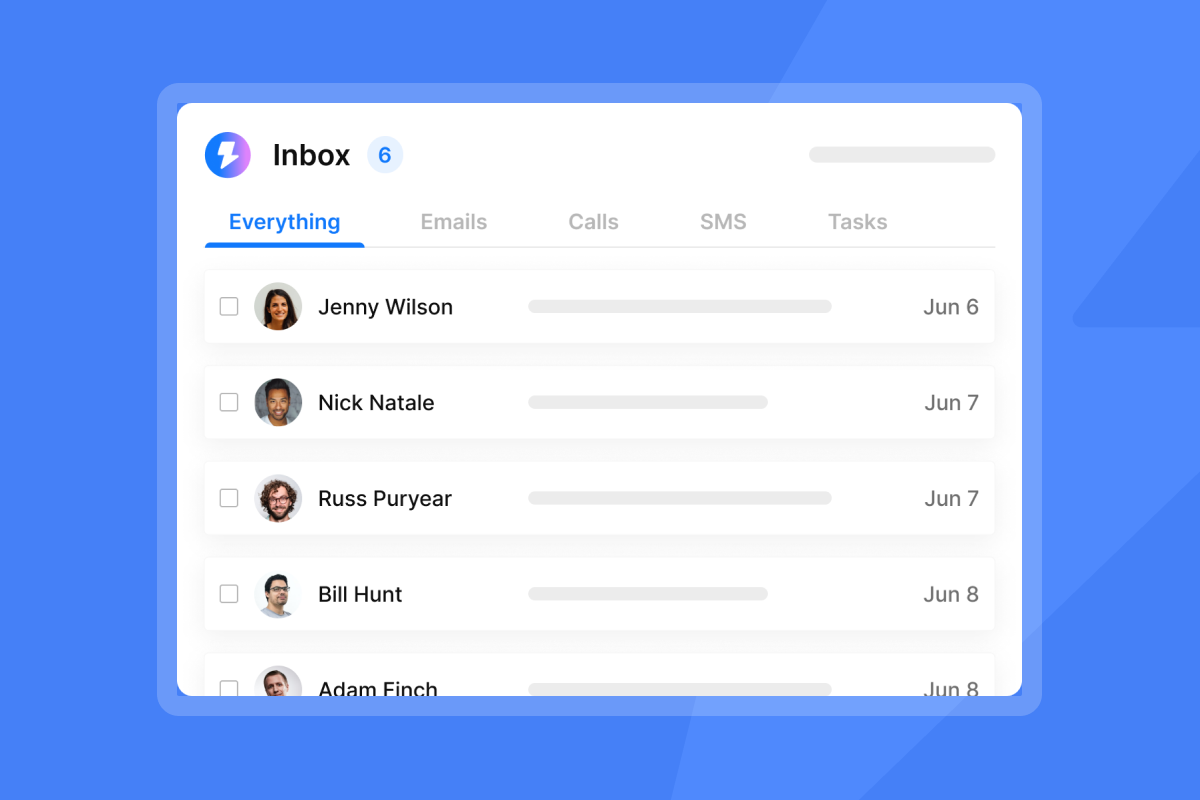
Our analytics dashboard shows sent, open rate, click rate, and reply rate at the campaign level, and you can compare performance across each sequence step to identify exactly where prospects drop off. If Step 2 replies are significantly lower than Step 1, the issue is often in the value-add content, not the timing. Adjust the copy for that step, re-run the sequence on a new cohort, and compare. Our cold email reply management guide covers how to use Unibox alongside the analytics view to manage this efficiently across multiple active proposal campaigns.
"I use Instantly for cold emailing for my company, and I really appreciate the deliverability it offers. I like the 'interested leads' feature because I get notified when somebody is interested, so I don't have to check it manually." - Laura R. on G2
A structured proposal follow-up sequence, built once and automated well, is the highest ROI activity for any lean sales operation. You stop losing deals to silence, stop wasting hours on manual tracking, and start getting the decisions you need to build real pipeline. Try Instantly free and build your first proposal follow-up sequence today.
Read Next
- Cold Email Follow-Up: How to Write
- Email Sequence Timing: Optimal Send Times and Intervals
- Reply Management for Agencies
FAQs
How many follow-up emails should I send to maximize reply rates?
Send three to four follow-ups over 14 to 21 days, then a final breakup email at day 21-25, and stop active outreach after that. According to Martal's follow-up research, 80% of sales require five or more touches, but spacing and value-add matter more than volume.
Should I send proposal follow-ups on weekends?
No. Stick to Tuesday through Thursday mornings for B2B proposal follow-ups, as weekend emails typically see lower open and reply rates in B2B contexts.
What should I do if I can see a prospect viewed my proposal but didn't reply?
Reach out promptly while engagement is fresh, send a short email referencing a specific section they likely spent time on, such as pricing or scope. Keep it to two sentences and ask one direct question to make it easy for them to respond.
How do I adjust my follow-up sequence if I receive an out-of-office reply?
Pause the sequence immediately for that contact and use the subsequences OOO feature to disable follow-ups for out-of-office leads. Resume the sequence after they return, giving them a day or two to clear their backlog before your message arrives.
Key terms glossary
Primary inbox: The default inbox tab in Gmail and Outlook where non-promotional emails land. Your goal with every follow-up is to reach this tab, not the Promotions or Spam folders.
Sender reputation: A score that email providers assign to your domain and IP address based on sending patterns, bounce rates, engagement, and spam complaint rates. A damaged sender reputation causes future emails to route to spam, even for prospects who want to hear from you.
Unified inbox (Unibox): Our centralized reply management interface that consolidates responses from all your connected email accounts into one view. It auto-categorizes replies as "Interested," "Meeting booked," "Objection," or "Not interested" so you can manage all active proposal conversations without logging into multiple accounts.
Warmup: The process of gradually increasing daily send volume from a new inbox over 30 or more days to build sender reputation before running full sequences. Skipping warmup on a new domain is one of the fastest ways to land in spam permanently.
Send window: The specific days and hours during which your automated sequence sends emails. Configuring this to match a prospect's local business hours is one of the simplest ways to improve open and reply rates without changing your copy.


