


Getting emails out of Promotions is about earning trust over time. Domain age, proper authentication, gradual warm-up, consistent volume, and real replies matter more than subject lines ever will.
Cold emails land in Primary when Gmail sees human behavior, not broadcast patterns. Treat deliverability as part of your workflow, test placement regularly, and optimize for conversations for the best outcomes.
Cold emails aren’t marketing emails. They’re short, direct, and written for one person. So when Gmail shoves them into Promotions, it feels both annoying and expensive.
Most deliverability advice misses the point. Cold emails already avoid images, HTML, and flashy language. Yet they still get filtered, sometimes overnight, without any obvious change. That’s because Gmail decides placement long before it reads your copy.
And the problem is getting worse: since late 2024, some senders have seen inbox placement shift from a 50/50 split to roughly 25/75 Primary vs. Promotions.
Inbox placement is shaped by sender behavior, including how new your domain is, how you ramp volume, how recipients interact, and whether Gmail trusts your infrastructure at all.
This guide breaks down why cold emails end up in Promotions despite “doing everything right,” and what actually moves them back into Primary.
Why Do Cold Emails Land in Promotions Even when They Follow Best Practices?
This question from a Reddit user captures a common frustration: following all the standard advice, achieving great open rates for weeks, and then suddenly landing in Promotions without changing anything.
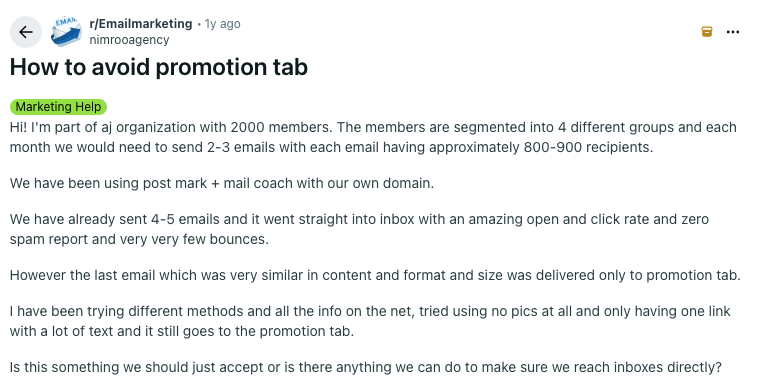
Gmail builds a profile of sending behavior over time. A new domain, inconsistent sending volume, or low engagement from recipients can trigger the Promotions filter, even when the email itself looks like a personal message.
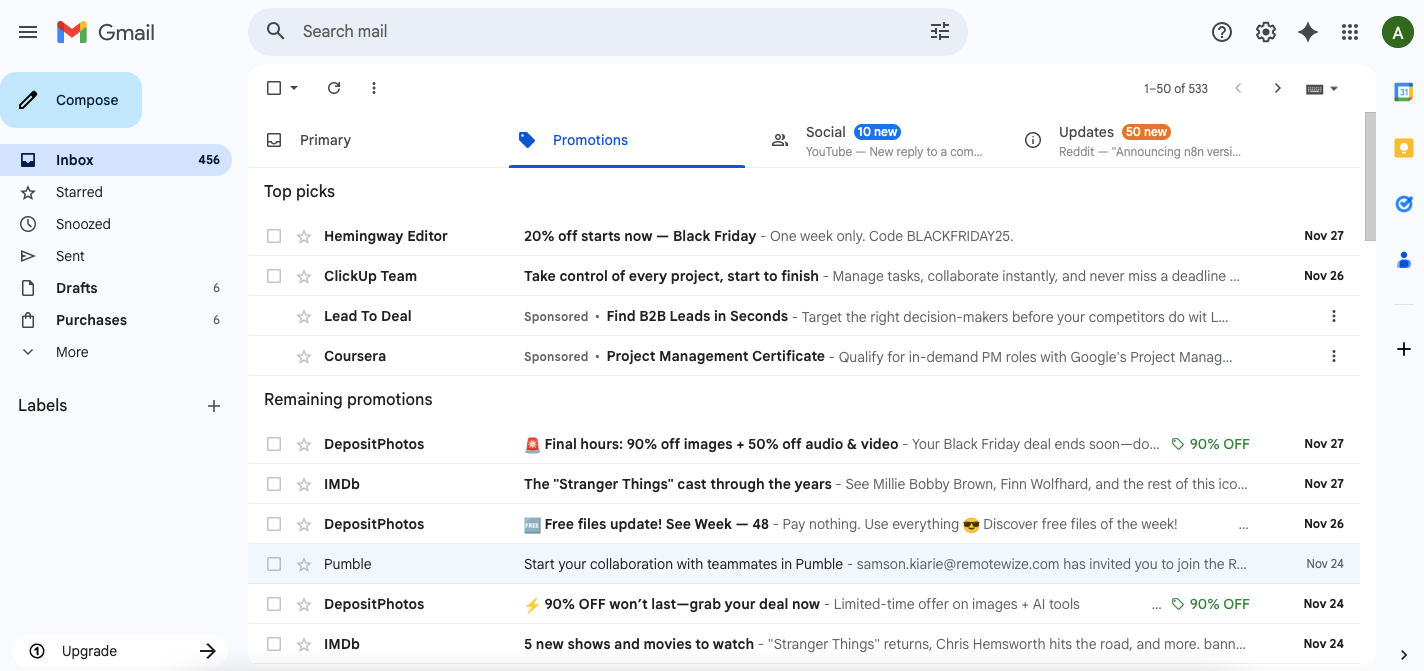
The algorithm considers signals like:
- Domain and email account age
- Daily sending volume and consistency
- Recipient engagement (opens, replies, deletions)
- Authentication records (SPF, DKIM, DMARC)
- Sending infrastructure and IP reputation
A cold email can tick every content box and still get filtered based on these backend factors.
The Cold Emailer's Checklist for Reaching Primary
Getting out of Promotions requires a layered approach: domain health, authentication, sending patterns, and content all play a role. Here's what to prioritize.
Authentication Records: Boring but Essential
SPF, DKIM, and DMARC are not exactly a thrilling dinner conversation. But these authentication records tell Gmail that your emails actually come from the domain they claim to come from. Without them, you're asking Gmail to just trust you. Gmail doesn't do that.
And as of 2024, Gmail made this official: bulk senders must have proper authentication in place. So, it's no longer a best practice, but a requirement.
The good news: setting these up is a one-time task, and most cold email platforms walk you through it. The bad news: if they're misconfigured (or missing entirely), everything else you do to improve deliverability is fighting an uphill battle.
Without proper setup:
- Emails may fail verification checks
- Domain reputation suffers over time
- Inbox placement rates drop across all campaigns
If you're switching email providers or setting up new domains, double-check these records before sending anything. A few minutes in your DNS settings now saves a lot of headaches later.
Warm Up or Get Filtered
Most cold emailers know domain warm-up is important. Fewer actually do it properly (or at all).
Gmail tracks how new domains behave from day one. Send 200 cold emails from a fresh domain right out of the gate, and Gmail sees bulk outreach, not personal communication. The filtering starts almost immediately.
Domain warm-up is exactly what it sounds like: gradually increasing sending volume while generating positive engagement signals (opens, replies, emails pulled out of spam). This builds trust with email providers over several weeks. Skip it, and you're starting every campaign at a disadvantage.
Instantly.ai automates this process with its warm-up network, sending and receiving emails from real inboxes to establish domain credibility before outreach begins. Set it up once, and it runs continuously in the background, even while campaigns are active.
Want to see the setup in action? This video covers how to get warm-up running in Instantly:
The Daily Send Limit Nobody Agrees On
There's no universal number, but sending more than 50 cold emails per day from a single inbox is risky for newer domains. Gmail watches for sudden spikes in volume, and a domain that sent 10 emails yesterday and 200 today looks a lot like spam. Not a great first impression.
The good news is you don't need to guess your way through this. A few principles hold true across the board:
- Start with 10-20 emails a day and increase gradually
- Spread sends across multiple inboxes and domains
- Keep daily volume consistent rather than sending in bursts
- Use inbox rotation to distribute the load
If you're managing multiple inboxes manually, Instantly's inbox rotation can take that off your plate. It spreads across accounts automatically, so volume scales up without any single inbox getting overloaded.
Content Still Counts (Just Less Than You Think)
Here's the paradox: content matters less than sender reputation for cold email, but certain patterns will still get you filtered. Gmail scans every email, and some things raise red flags regardless of how good your domain health is.
Gmail watches for:
- Multiple links (even two or three can trigger filters)
- Promotional language ("limited time," "exclusive offer," "buy now")
- Generic greetings without personalization
- Unsubscribe footers formatted like marketing emails
- Tracking pixels from email tools
The safest approach for cold outreach is plain text with minimal links, ideally none in the first email. Save the link(s) for follow-ups after a reply establishes the conversation. At that point, Gmail has already learned that this is a two-way exchange, not a broadcast.
Personalization is important too, but not the way most people think. Adding a first name isn't enough; Gmail has seen that trick a million times. Referencing a recipient's company, recent news, or specific role signals genuine research. It tells Gmail (and your prospect) that this email was written for one person, not pulled from a template and blasted to 500.
If you're wondering how to pull this off without spending hours on each email, this walkthrough breaks it down:
Why "Move Me to Primary" Doesn't Work Here
If you've spent any time in email marketing circles, you've probably seen this advice: ask your subscribers to drag your emails to Primary. It works for newsletters because the recipient already knows you and wants your content. They signed up for it.
Cold email is a different game. Asking a stranger to whitelist an email they didn't request feels a bit like asking someone to hold your parking spot before you've even introduced yourself. It's presumptuous, and it can hurt response rates more than help them.
A better approach: focus on generating replies. When recipients respond to an email, Gmail learns that this is a real conversation between two people. Future emails from that address are more likely to reach Primary, not because you asked, but because Gmail saw genuine engagement.
This means writing emails that invite a response. Ask a specific question. Reference something relevant to the recipient's work. Make it easy for them to hit reply with a quick answer. The goal isn't just a reply for the sake of deliverability, but starting an actual conversation. The inbox placement benefits are a bonus.
Inbox Placement Testing: Skip It at Your Own Risk
You can do everything right (warm up your domain, authenticate your records, write clean copy) and still have no idea where your emails are actually landing. That's the frustrating part about deliverability: it's invisible until you test it.
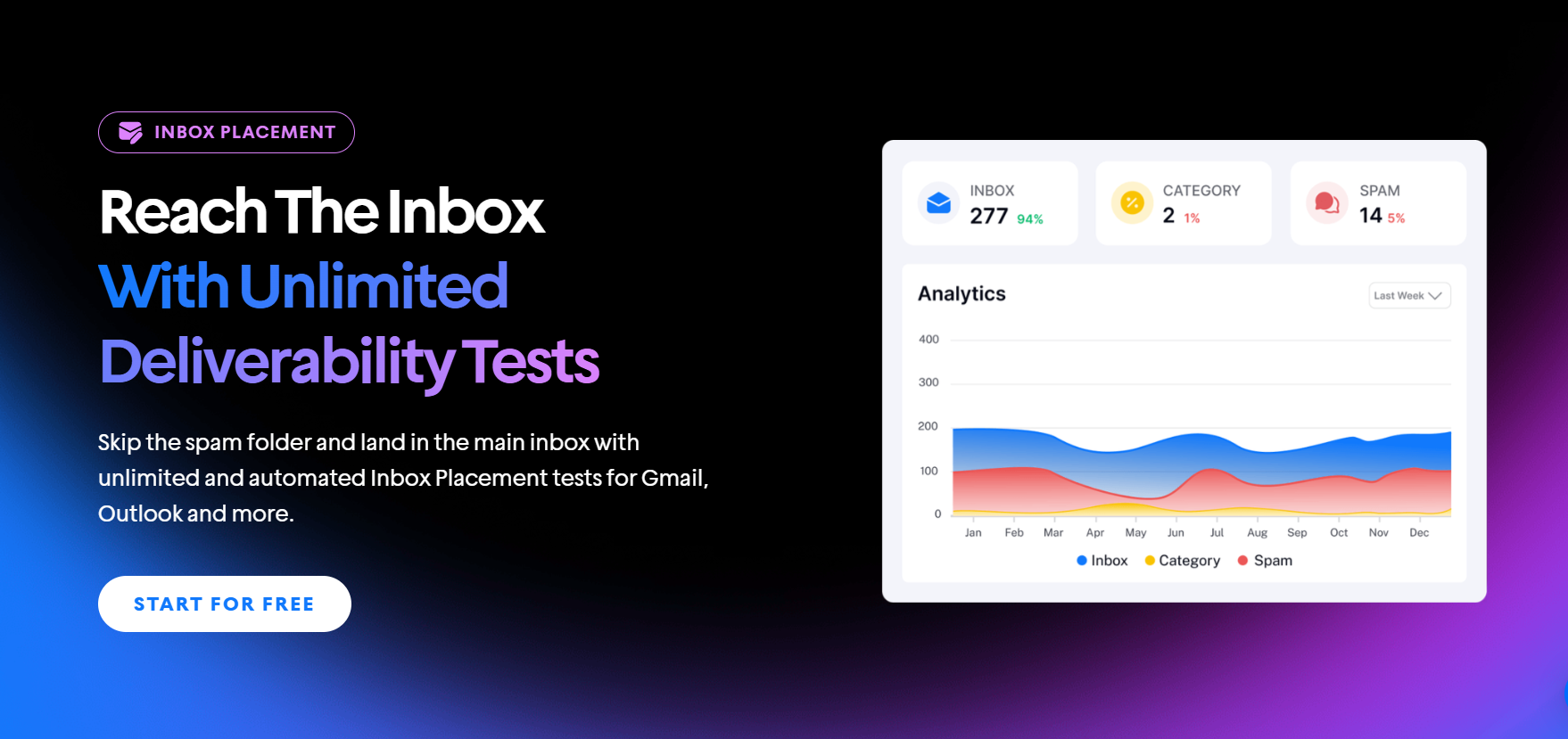
Inbox placement tools show you exactly where your emails end up across different providers before you hit send on a full campaign.
Instantly.ai includes inbox placement testing as part of the platform. Run a test after warming up a new domain, and again periodically during active campaigns; deliverability isn't static, and catching a shift early beats diagnosing a tanked campaign later.
A few other signals worth monitoring:
- Open rates dropping suddenly (possible Promotions or spam placement)
- Bounce rates increasing (list quality or domain reputation issues)
- Reply rates declining (content or targeting might need a refresh)
Key Takeaways
Gmail's algorithm looks at the full picture, including your domain history, sending patterns, authentication, and how recipients interact with your emails. The cold emailers who consistently land in Primary are the ones treating deliverability as a vital part of their workflow.
Now that you know what's filtering your emails and how to fix it, it's time to put it into practice. Instantly handles warmup, inbox rotation, and placement testing in one platform, so you can focus on writing emails that get replies. Start your free trial today and get your first campaign out of Promotions.


