

Outbound sales software works best when each tool solves a specific bottleneck: deliverability, data quality, personalization, sequencing, or follow-up. The strongest stacks combine clean lead sourcing, enrichment, and controlled outreach with clear pipeline visibility.
Tools like Instantly centralize this flow, while others specialize in data, CRM, or engagement. The goal is fewer gaps between first touch and booked meeting.
An effective outbound sales campaign needs quality, validated leads that fit your ICP, value propositions that resonate with your leads, and a delivery system that helps emails land in the primary inbox. You get all these with the right outbound sales stack.
The essentials include a lead finder, verification, enrichment, lead management, and outreach automation. However, with the numerous tools available, finding one that suits your needs can be challenging.
This guide breaks down what an effective outbound stack includes and which outbound sales software is worth using when scale becomes non-negotiable.
What Should be Included in an Outbound Sales Software Stack?
Sales fundamentals haven’t changed one bit. Outbound sales software just accelerated, automated, and scaled the process.
If you want to stay competitive and have a chance at edging out the competition, your outbound sales stack should include the following tools:
Outbound Delivery Infrastructure
Before adding more leads to your pipeline and automating outreach, ensure that your messages reach your prospects. That starts with a solid outbound delivery or cold email infrastructure. For this, you’ll need tools that help you:
- Purchase and configure alternate domains (fast setup for SPF, DKIM, DMARC)
- Warm up new inboxes and maintain healthy sending patterns
- Rotate inboxes and control daily send limits to avoid spikes
- Monitor deliverability signals (bounces, spam placement, reputation)
- Keep lists clean with validation so you’re not sending to dead addresses
Lead Sourcing and Prospecting
Once deliverability is handled, the next bottleneck is lead qualification. If your list is off, the best copy in the world can turn into polite silence. Lead sourcing tools help you consistently attract the right people and companies, so your outreach begins with relevance rather than chance.
With the right lead sourcing setup, you can:
- Find leads that match your ICP using filters like role, industry, revenue, and size
- Build targeted lists fast without relying on manual scraping or one-off spreadsheets
- Layer in buying signals like tech stack, recent hiring, funding events, or job changes
- Export clean lists into your outreach platform so leads flow straight into campaigns
Enrichment and Personalization Data
Good outbound needs context to hit the right pains. And the best personalization comes from accurate, fresh lead data. Enrichment helps you keep lead records up-to-date and detailed, so your segmentation is tighter, and your personalization isn’t stuck at {{first name}}.
The essentials here are tools that help you:
- Enrich missing fields like job title, LinkedIn URL, company name, website, and location
- Append firmographics and technographics (industry, headcount, revenue range, tech stack) so you can tailor your angle by segment
- Keep data accurate and fresh by updating roles, company info, and key fields before you launch campaigns
- Standardize your data so variables stay clean and consistent (first name, company formatting, role naming)
Outreach Automation and Sequencing
This is where strategy meets volume. Outreach tools turn outreach into a managed pipeline. You can run multiple segments at once, track what’s working, and keep inbox health stable while you increase output. You’ll want tools that help you:
- Scale volume with deliverability controls, such as inbox rotation and smart scheduling
- Organize campaigns by segment and angle
- Personalize at scale using variables, dynamic snippets, and structured fields
- Run multi-step sequences with a purpose where follow-ups add a new reason to reply
- Auto-stop and route replies so active conversations are handled by a sales rep ASAP.
Lead Management and Follow-up Automation
Outreach gets expensive when you lose track of who was contacted, who replied, and who needs a timely response. Lead management tools help keep your pipeline organized, reduce repeat outreach, and ensure consistent follow-ups across campaigns and inboxes.
You’ll want tools that help you:
- Centralize lead status (new, contacted, replied, booked, not interested) so nothing falls through
- Automate follow-up rules based on behavior (no reply, clicked, replied, bounced)
- Stop outreach on reply and route conversations to the right person
- Prevent duplicates and over-contacting with suppression lists and deduping
- CRM reporting and analytics that help teamopportunity leads get more insights on campaigns
Best Outbound Sales Software To Scale Campaigns
In this section, we’ll go over the best outbound sales software from lead finders to outreach automation and lead management. You can use this as a menu to mix and match tools based on your budget and how much volume you plan to run.
Instantly: Best Full Stack Cold Outbound Sales Email Tool
G2 Rating: 4.8/5 ⭐ from 3,952 reviews
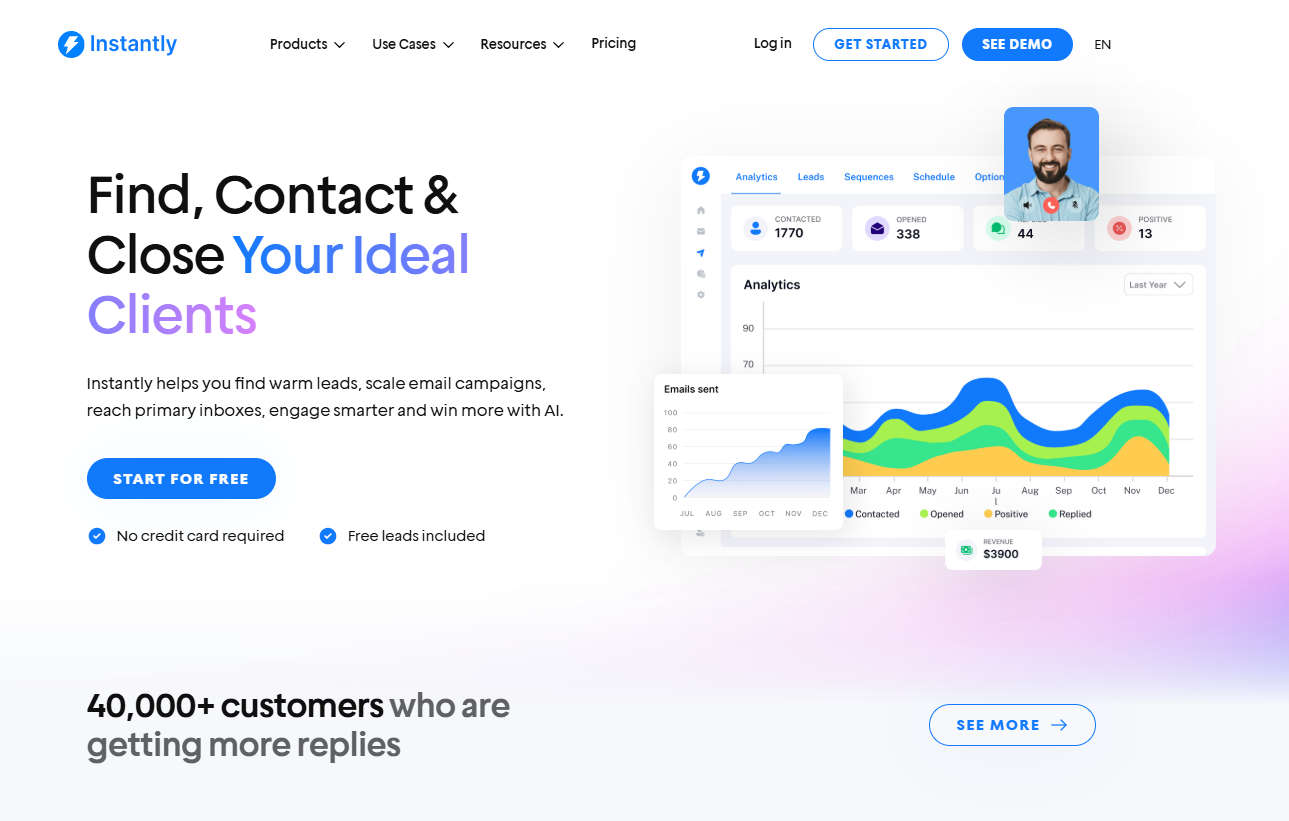
Instantly is the best outbound sales software for cold email marketing. It’s perfect for both small businesses trying out cold email and scaling teams. You get everything from email infrastructure setup to automated campaign optimizations.
Get Authenticated High-Quality Google Domains
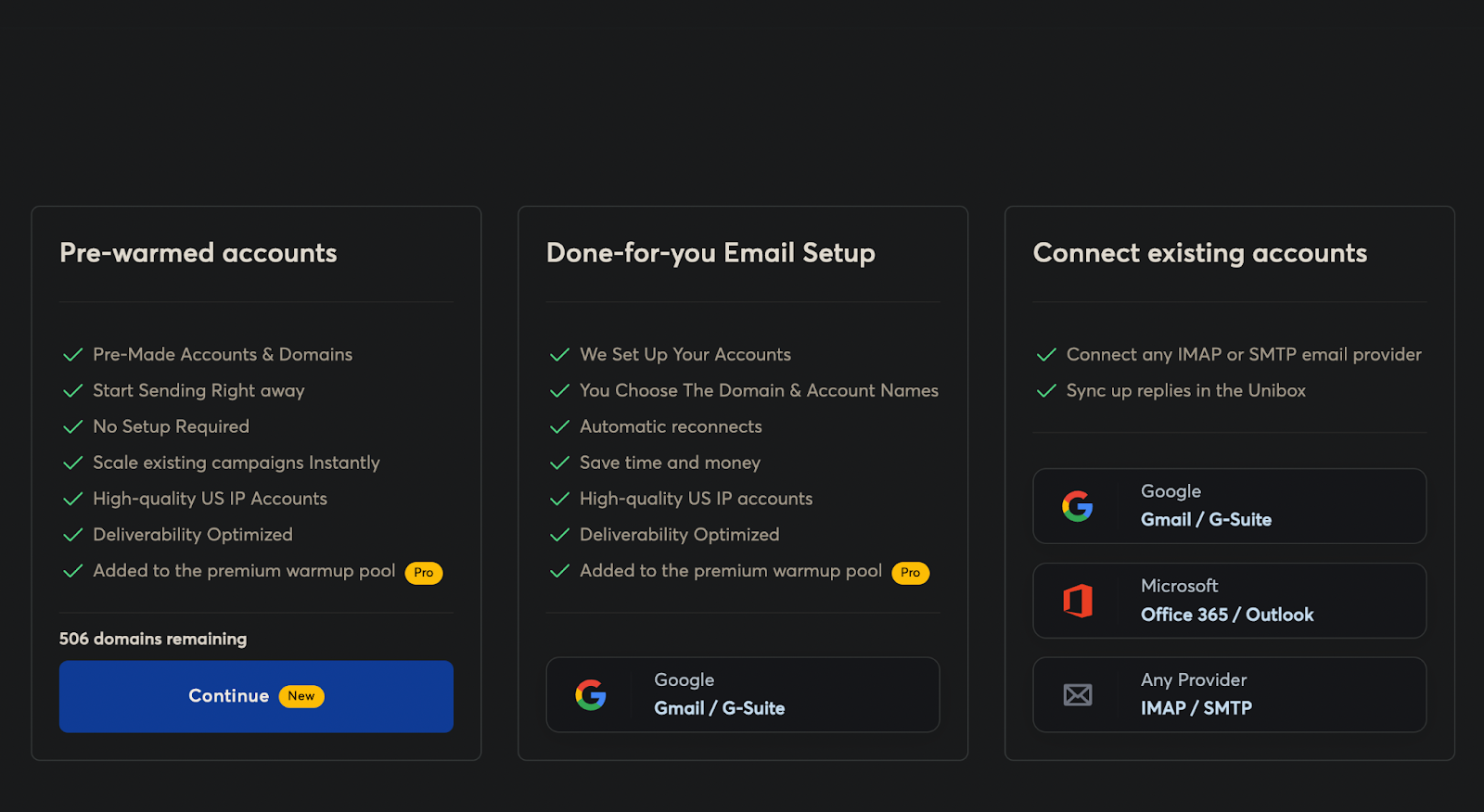
With Instantly, you can access pre-warmed accounts to run campaigns immediately. Alternatively, select the Done-for-You Email Setup. Instantly handles all the DMARC, DKIM, and SPF setups, and the domains are added to our premium warmup pool.
Find Pre-Verified B2B Leads + Enrichment
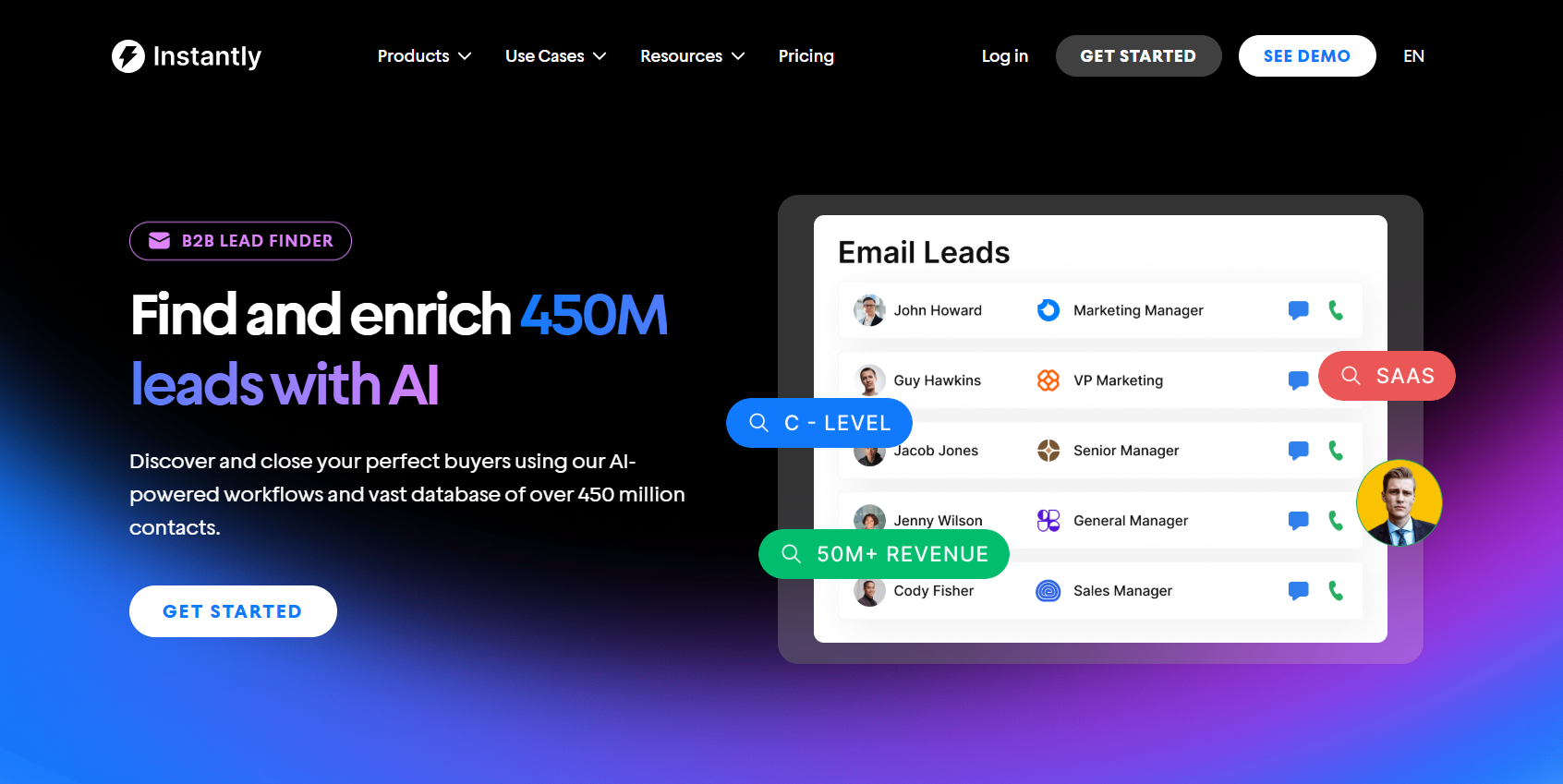
One of the most time-consuming tasks in the sales process is prospecting. You have to find leads, validate contact details, and enrich lead lists before adding them to campaigns. SuperSearch lets you do this in minutes.
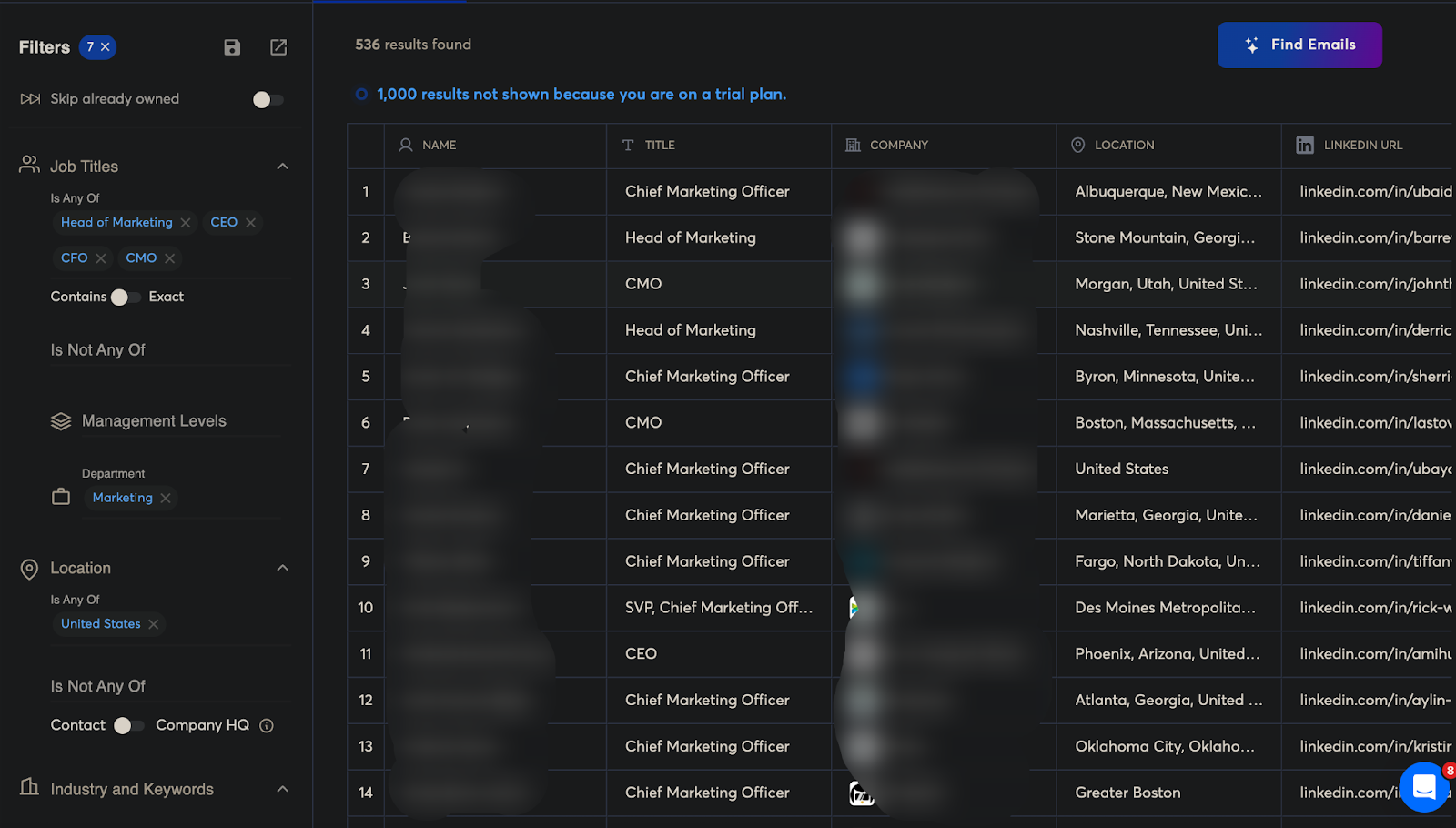
You can use any of our 13+ advanced lead filters to find leads who use specific tools in their tech stack, businesses that reached milestones, or companies actively hiring. Alternatively, use the AI search filter and lookalikes to find leads that are similar to existing clients.
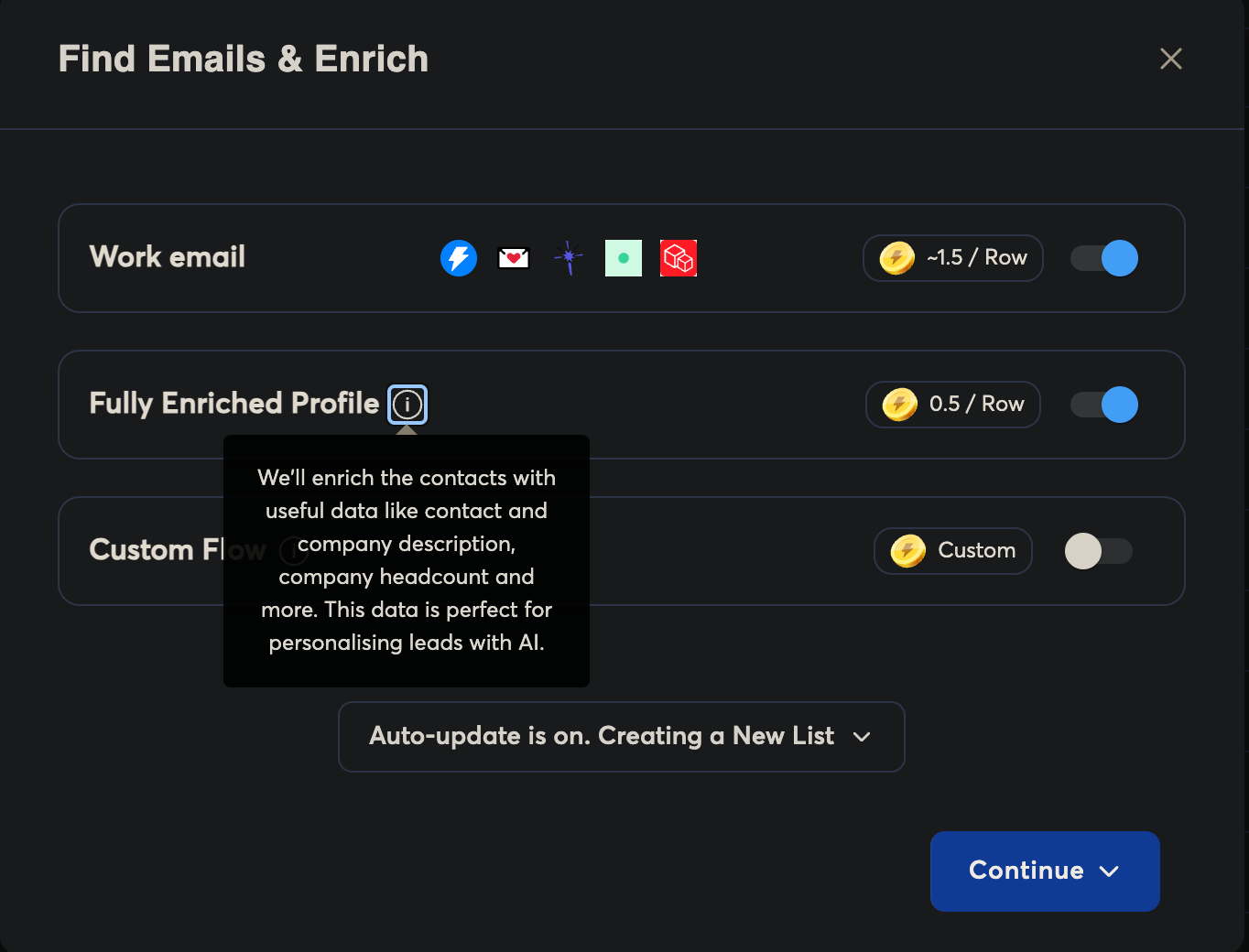
Then, all that’s left is to find emails and enrich lead data. SuperSearch uses Instantly Credits to find and enrich leads for you. You can either choose to spend Credits on work emails or have your lists enriched, which gives you the data you need to automate personalization at scale.
Personalize sales emails at scale
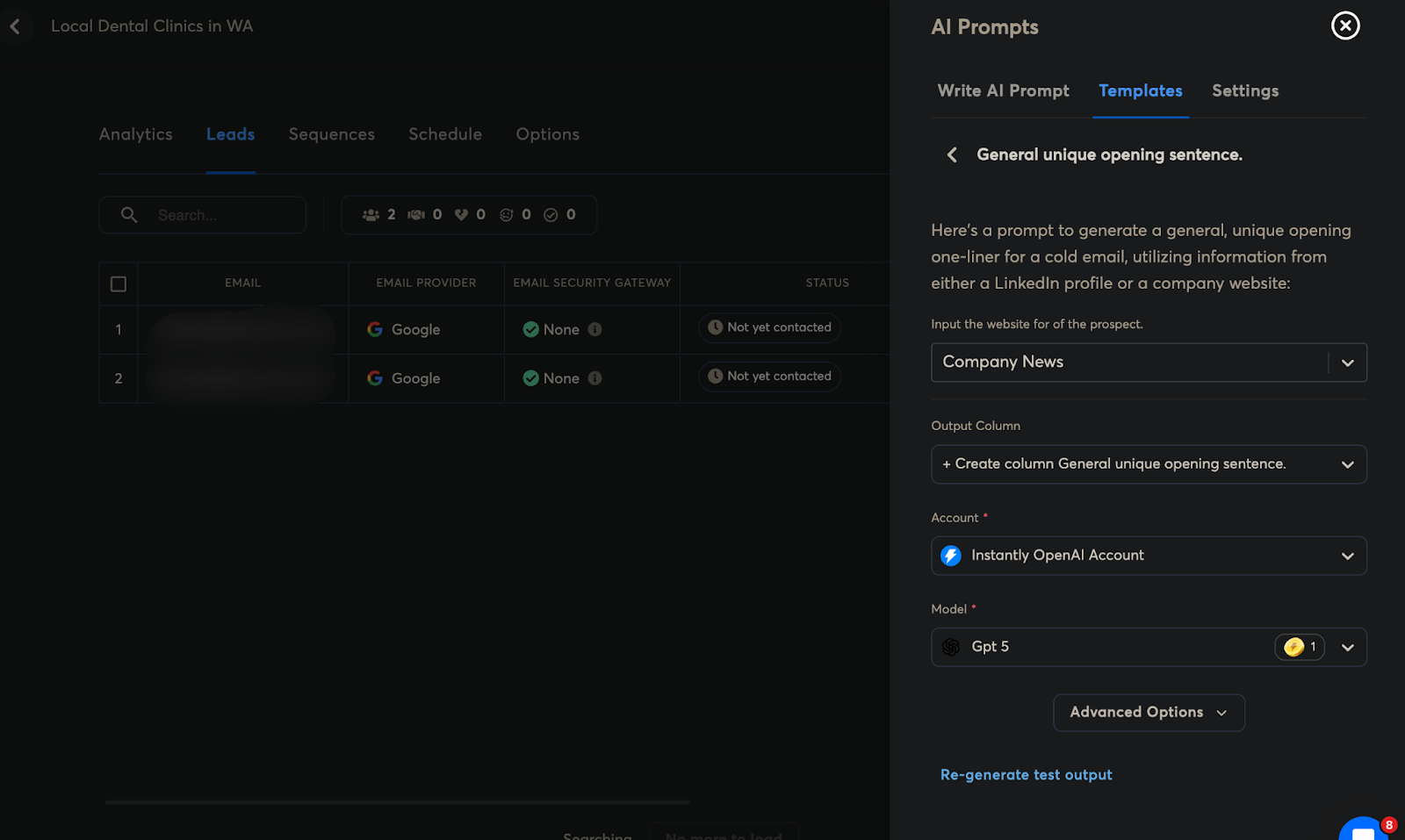
Personalization starts with lead data. With Instantly, you can leverage your lead data and AI prompts or community templates to create {{custom variables}} in the email editor.
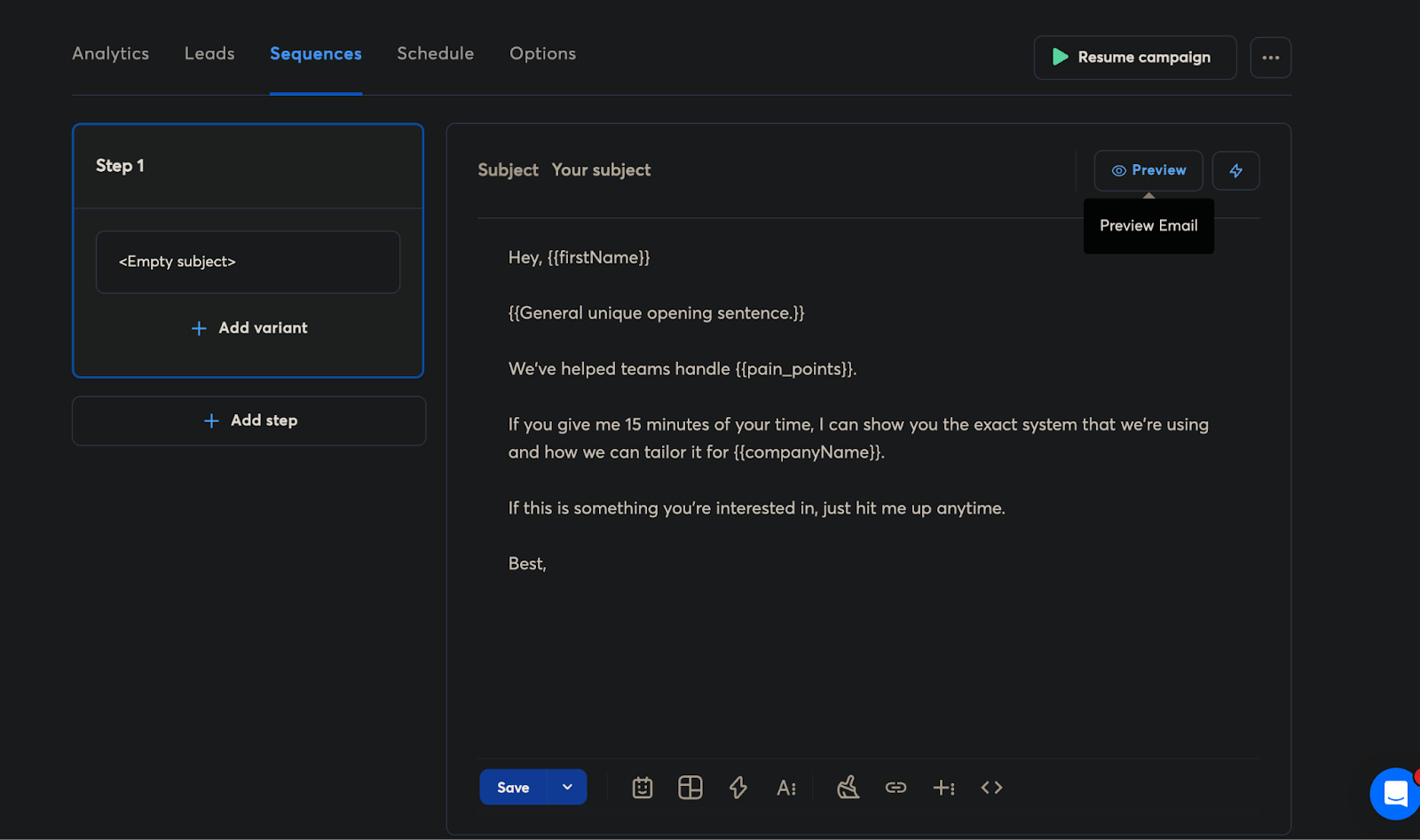
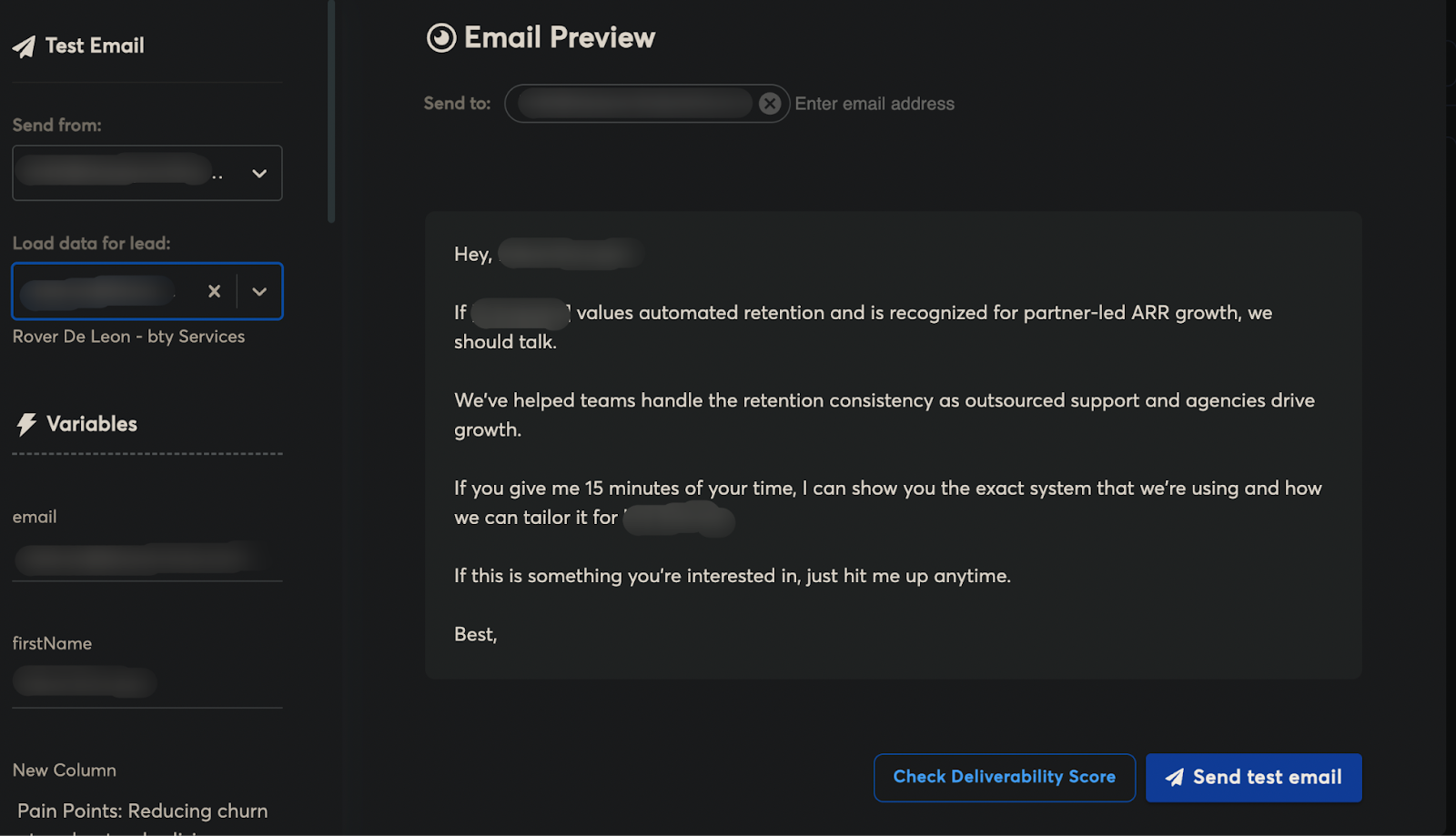
Here’s the sample output:
Generate Full Campaigns From Scratch With Copilot
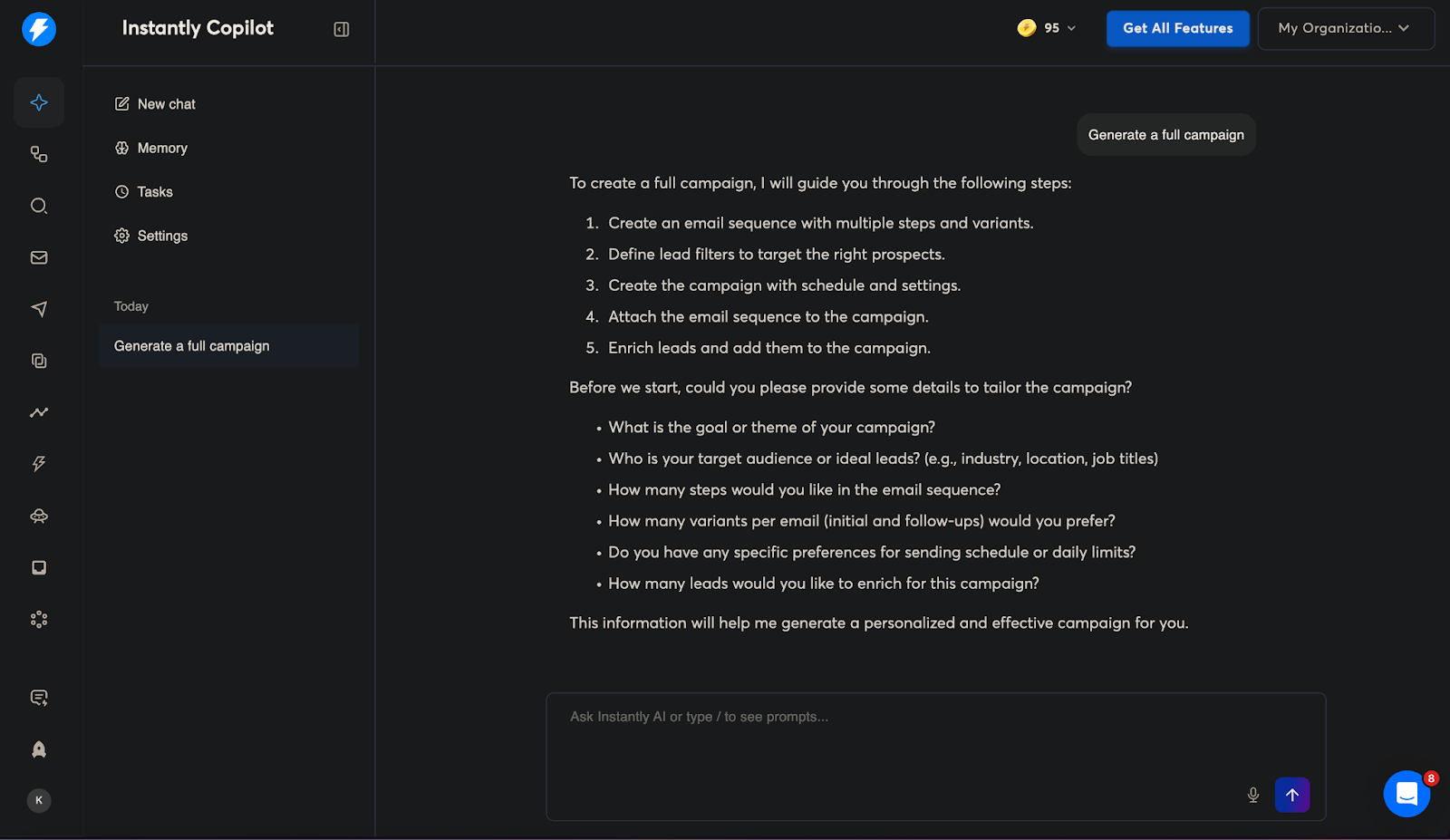
If you want to streamline the campaign creation process, Instantly Copilot can create full campaigns for you. It’ll ask you for specific details that will help create personalized campaigns. Copilot can also:
- Audit your workspace
- Access every Instantly feature through conversational commands
- Find ideal target audience & leads
- Write full email sequences with follow-ups
- Suggest campaign ideas for your business
- Set recurring tasks (daily, weekly, monthly)
Manage Leads and Get Website Visitor Data
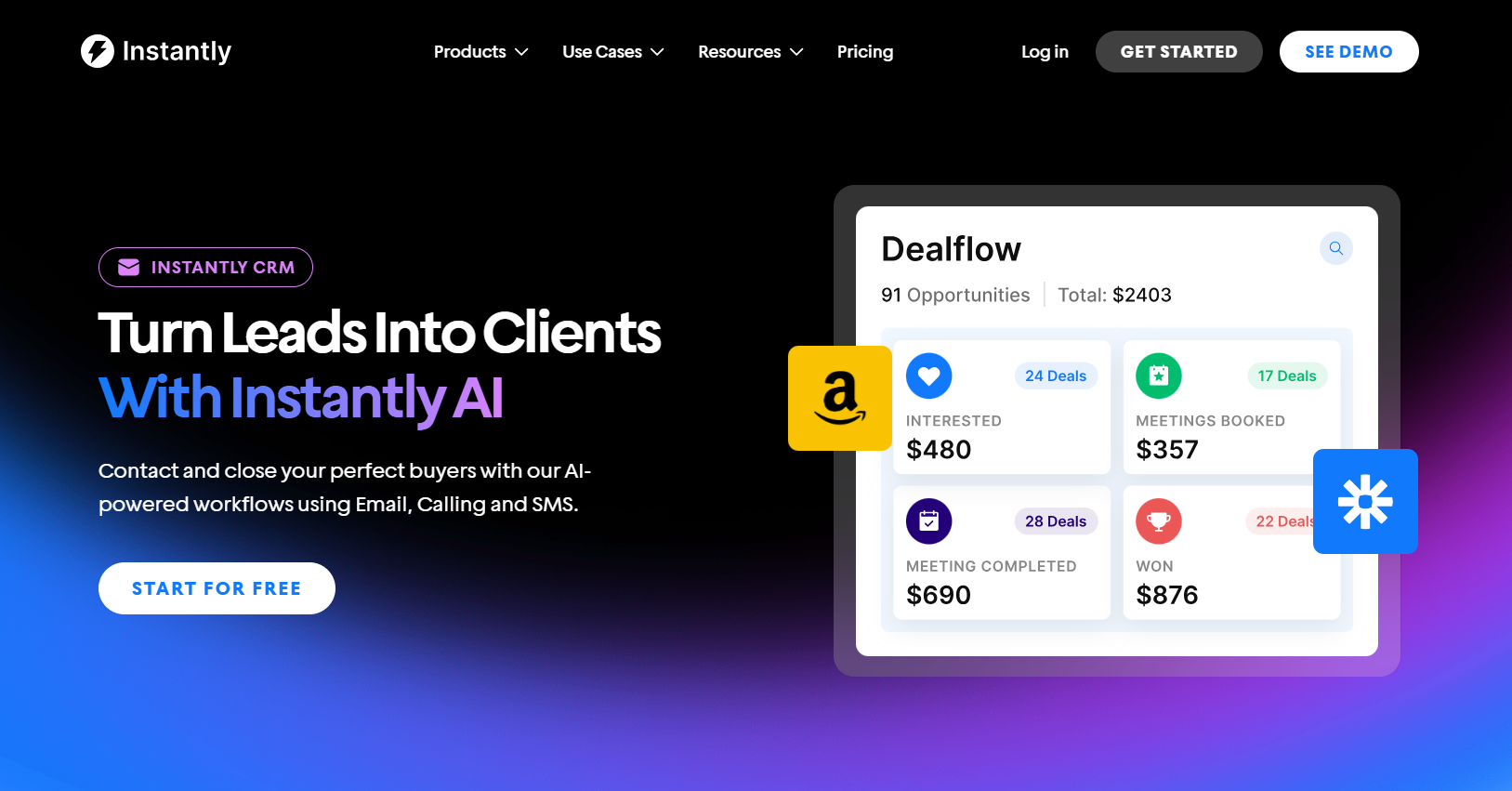
Instantly CRM is built for cold email teams who want to manage outreach and pipeline in one place, across email plus other channels like calls, SMS, tasks, and LinkedIn. It includes a unified inbox that organizes activity into tabs (Emails, Calls, SMS, Tasks).
We also have an opportunity management feature, so you can track lead status (interested, meetings booked, won, or custom) while updating stages, owners, priority, and value.
What's more, you get AI-assisted messaging with company insights, conditional sales flows, reporting with goals, and the ability to book meetings directly inside the platform.
Overloop
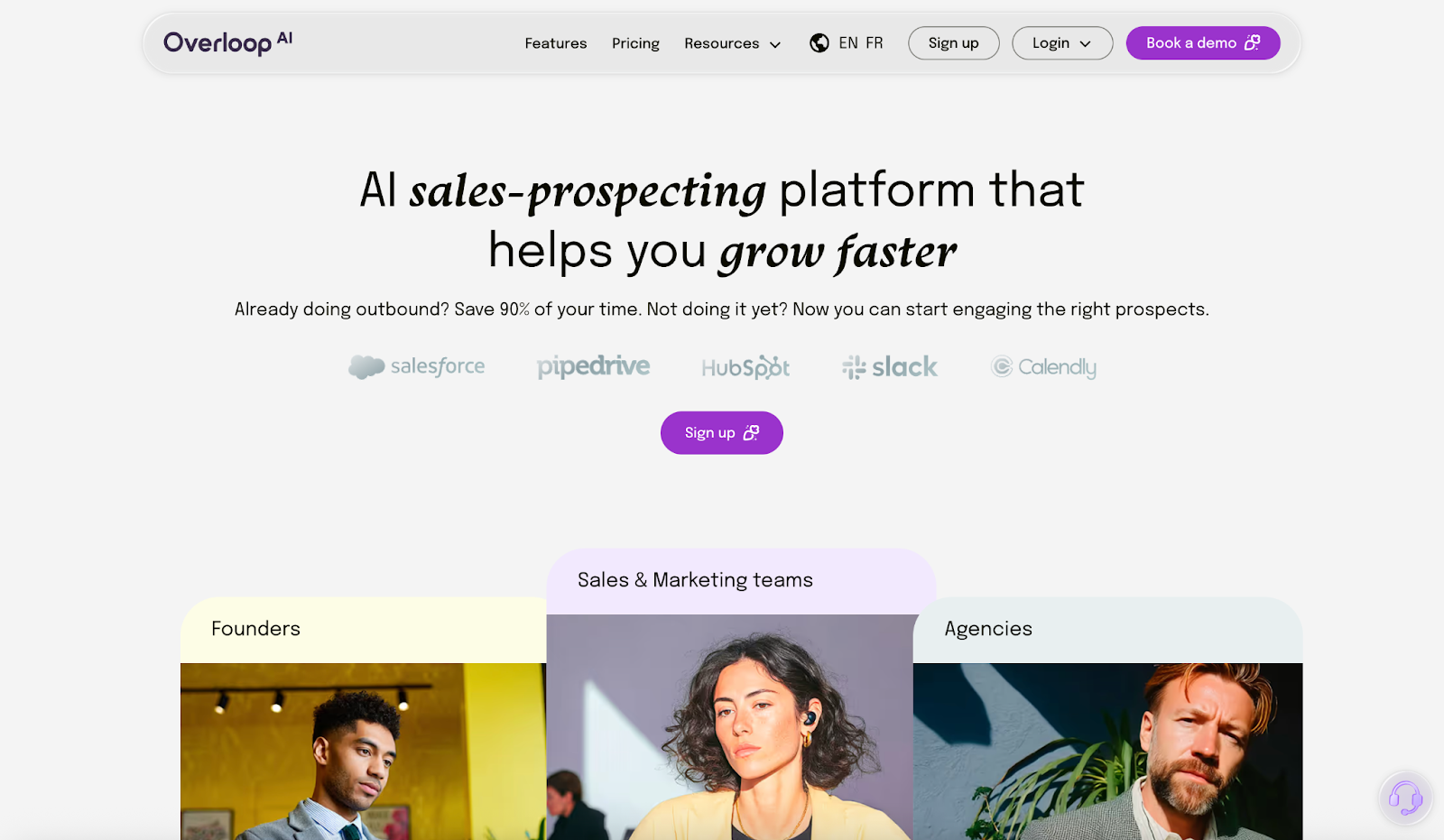
Overloop is an AI-powered sales prospecting and outreach platform built to put outbound on autopilot. You define your ICP, and it can source prospects, find verified emails, and launch multi-channel sequences that mix cold email + LinkedIn.
Key Features
- 450M+ prospect database for lead sourcing
- AI-generated sequences with optimized steps, timing, and follow-ups
- AI writes personalized emails using the prospect's website and social context
- Centralized conversations inbox for replies
- Integrations like Slack, Chrome Extension, Zapier, Calendly
Pricing
- Starter: $69/user/month (250 credits/user/month)
- Growth: $99/user/month (500 credits/user/month)
- Enterprise: Custom (1000 credits/user/month)
CallRail: Best for Local services + Google Ads + Fast Setups
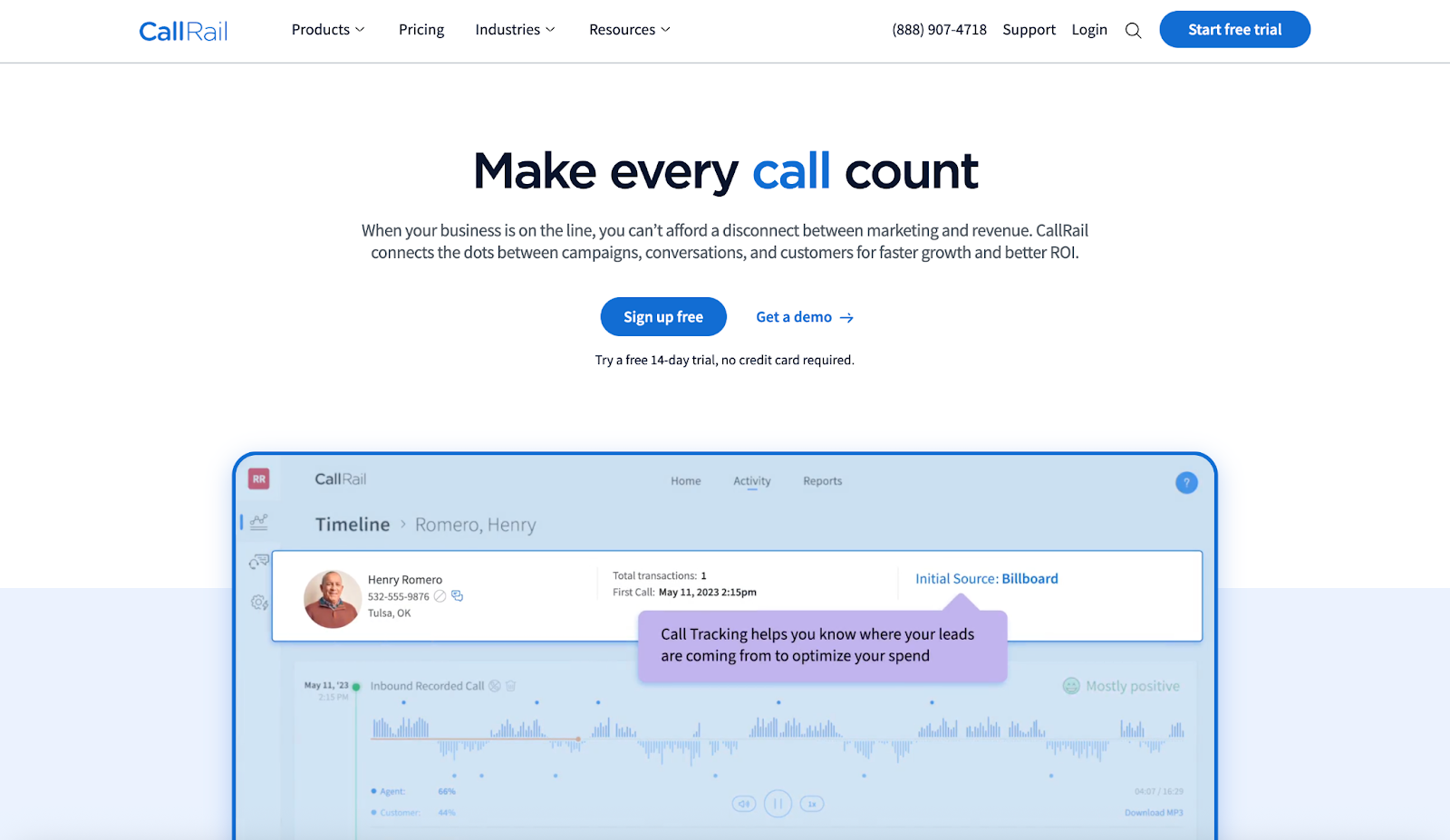
CallRail is a call tracking and conversation intelligence platform built for teams that generate leads through phone calls. It helps connect inbound calls (and other lead actions) back to the exact source, like Google Ads, SEO, landing pages, or offline campaigns.
A big reason CallRail works well for local services, multi-location businesses, and PPC-heavy teams is its use of Dynamic Number Insertion (DNI), which swaps phone numbers on your website based on a visitor’s source so calls can be attributed accurately.
Key Features
- Track calls, texts, and form fills,, and connect them back to ad spend
- Push offline actions (like calls) back into ad platforms so you can optimize campaigns
- Dynamic Number Insertion (DNI) to tie calls to sources, campaigns, and visitor paths
- AI-powered analysis to help you understand what happened on calls and spot patterns
- Lead-level tracking and reporting so marketing and sales can review performance
Pricing
CallRail’s pricing is structured around plans + add-ons + usage. Their pricing page notes that plans can include Call Tracking as an add-on, and “starting at” an additional $50, and other AI features (like Voice Assist) are priced separately by plan and usage.
Copper
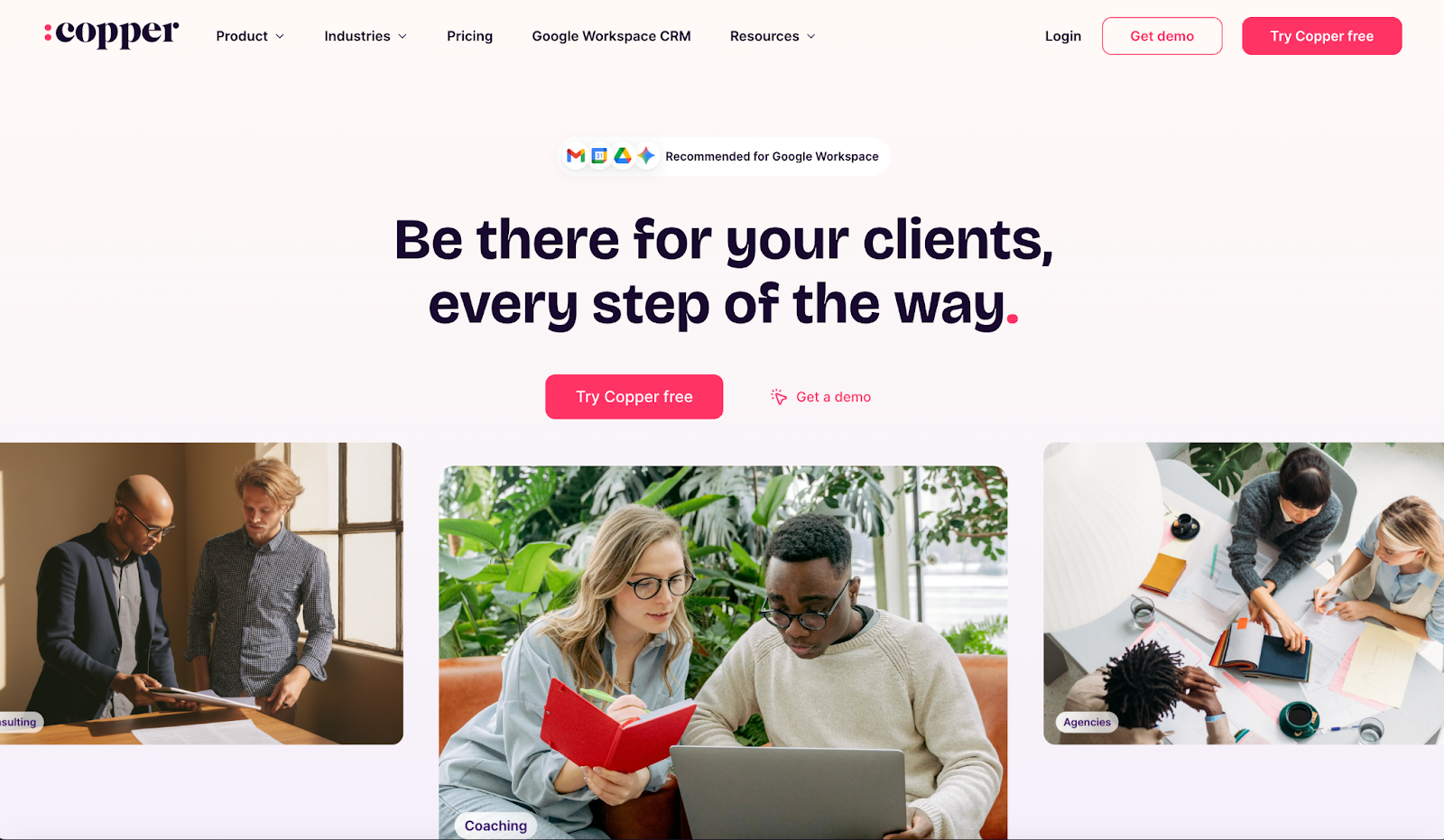
Copper is a CRM built for teams that live inside Google Workspace. If your outbound workflow already runs through Gmail + Google Calendar + Google Drive, Copper is designed to sit right there with you.
For outbound sales, it’s a strong CRM-first option when you want your team to track leads, manage pipelines, and follow up consistently.
Key Features
- Google Workspace-Native CRM
- Lead and Pipeline Management
- Reporting for pipeline metrics, team activity, and revenue tracking (plan-dependent)
- Integrates with common tools (Mailchimp, Slack, Dropbox, plus Zapier)
Pricing
Copper is priced per user, with tiers that scale from a lightweight Google-first CRM setup to more robust automation and reporting for teams. Pricing (paid annually, per seat):
- Starter $9/mo
- Basic $23/mo
- Professional $59/mo (higher tiers cost more)
HubSpot Sales Hub
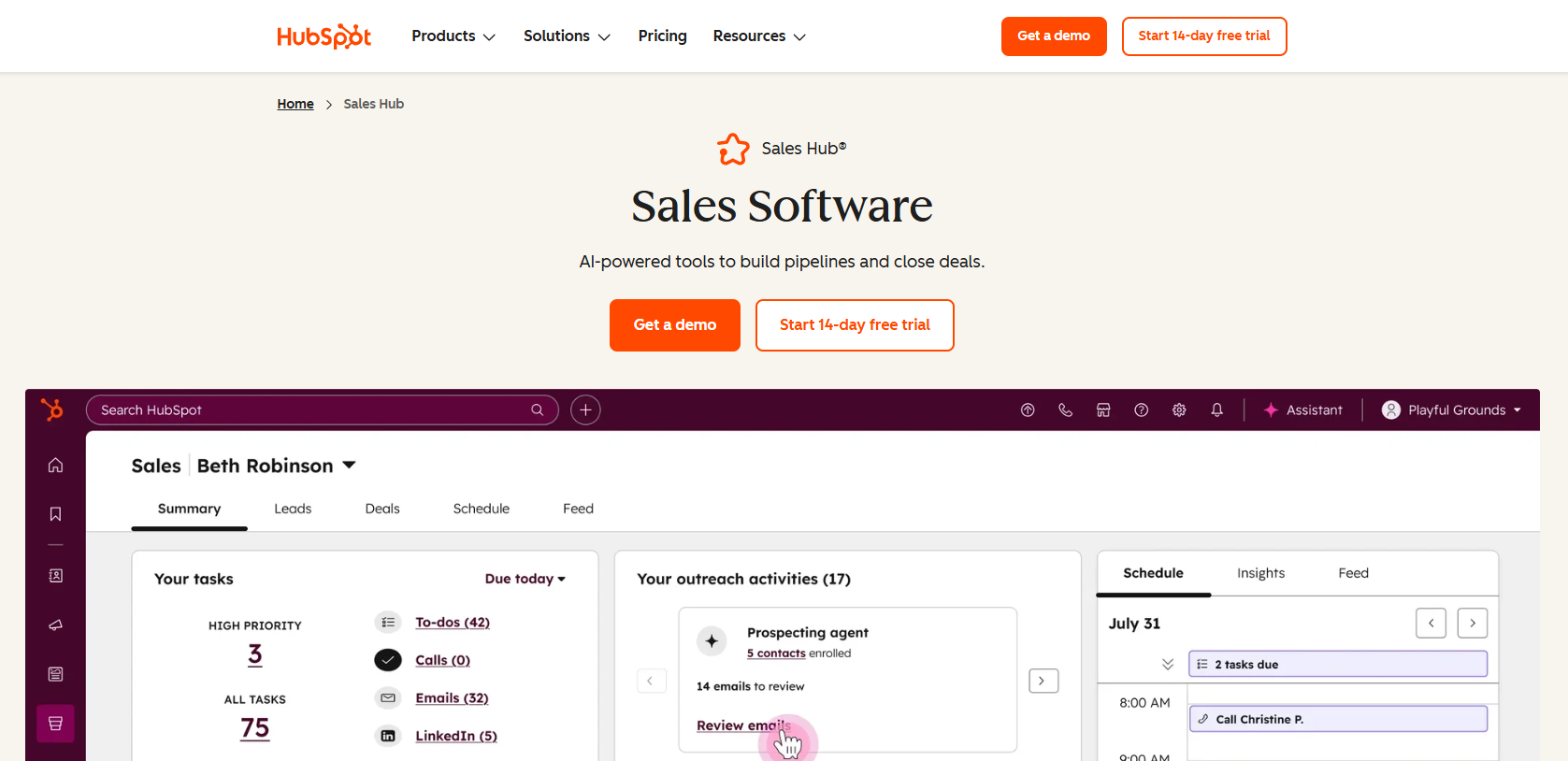
HubSpot Sales Hub is a CRM-first lead management system built for teams that want outbound to run on rails: clean pipeline tracking, consistent follow-up, and visibility from first touch to closed-won.
It’s especially strong when you want your CRM, sales engagement, and reporting to live in one place instead of duct-taping 5 tools together.
Key Features
- Visual pipelines and stage tracking for standardizing handoffs from lead to opportunity
- Sequences for follow-ups and task creation (available on Professional and Enterprise)
- Built-in meeting scheduling links with calendar sync
- Workflow automation scales by tier (Professional and Enterprise go much deeper)
- Playbooks for consistent sales motions and training
Pricing
HubSpot can start light, but costs scale quickly because it’s priced per seat, and the higher tiers often include one-time onboarding fees.
- Free: $0 (up to 2 seats)
- Starter: $9/seat/month billed annually (or $15 billed monthly)
- Professional: $90/seat/month billed annually (or $100 billed monthly) plus a $1,500 one-time onboarding fee
- Enterprise: $150/seat/month billed annually plus a $3,500 one-time onboarding fee
Note: If you have 10 reps on Professional, you’re roughly at $900/month (annual billing) before add-ons, and onboarding is separate.
Clay: Best for Enrichment & Research Automation
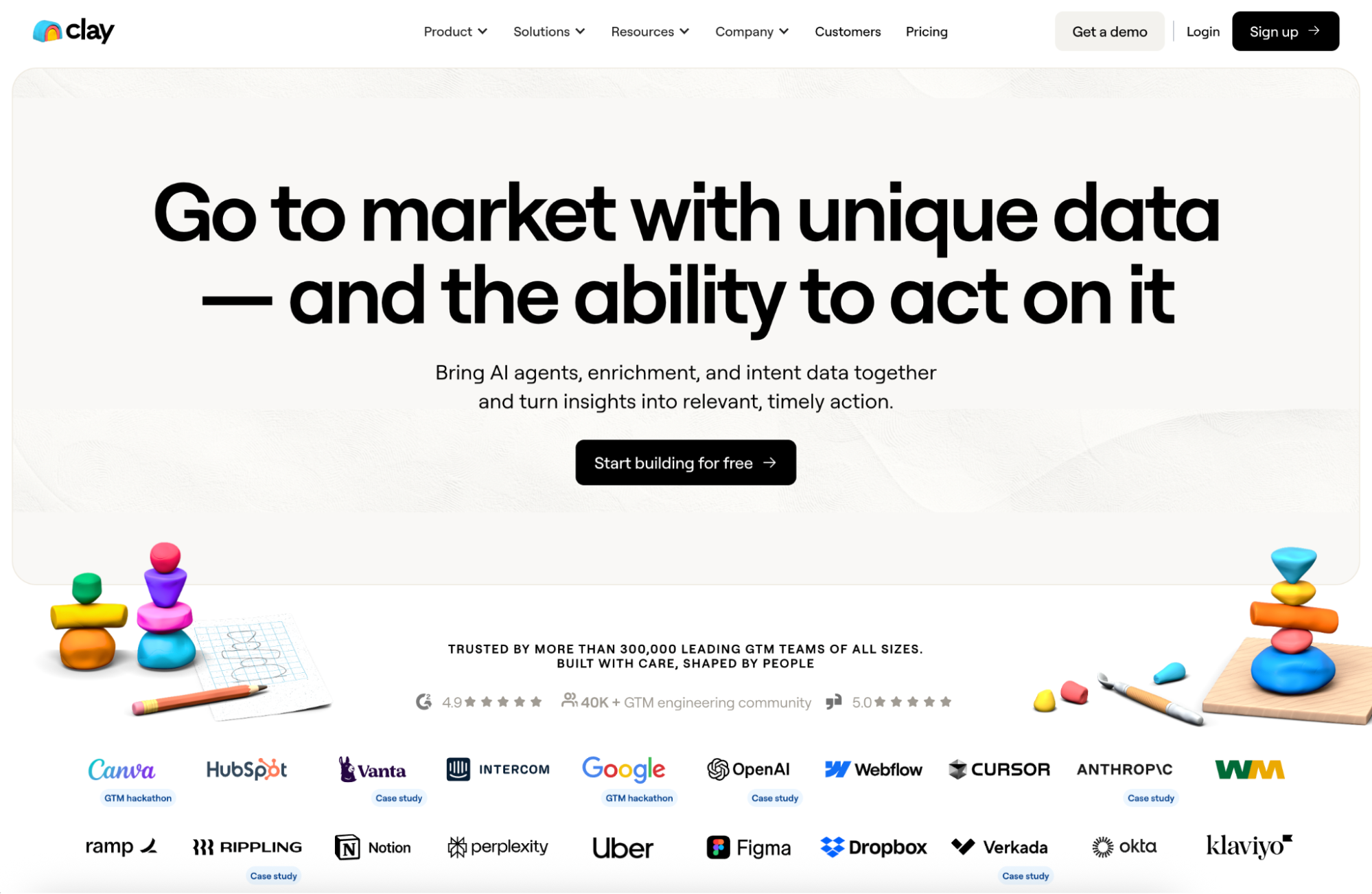
Clay is built for the part of outbound that usually eats your week: turning a rough lead list into clean, outreach-ready records with real context. It gives you a flexible workspace to enrich contacts, pull company signals, and research accounts at scale.
Key Features
- Waterfall enrichment to improve match rates by checking multiple providers in sequence
- Table-based workflows for cleaning, scoring, segmenting, and tagging leads
- Access to 100+ data providers and a growing integration library
- Claygent AI research agent that can visit a list of domains, find specific info, and return structured answers into your table
Pricing
Clay is credit-based, with tiers that scale based on how many enrichments and research actions you run each month.
- Free: $0, 100 credits/month
- Starter: $134/month
- Explorer: $314/month
- Pro: $720/month
- Enterprise: Custom pricing
Relevance AI: Deploy AI Sales Agent at Scale
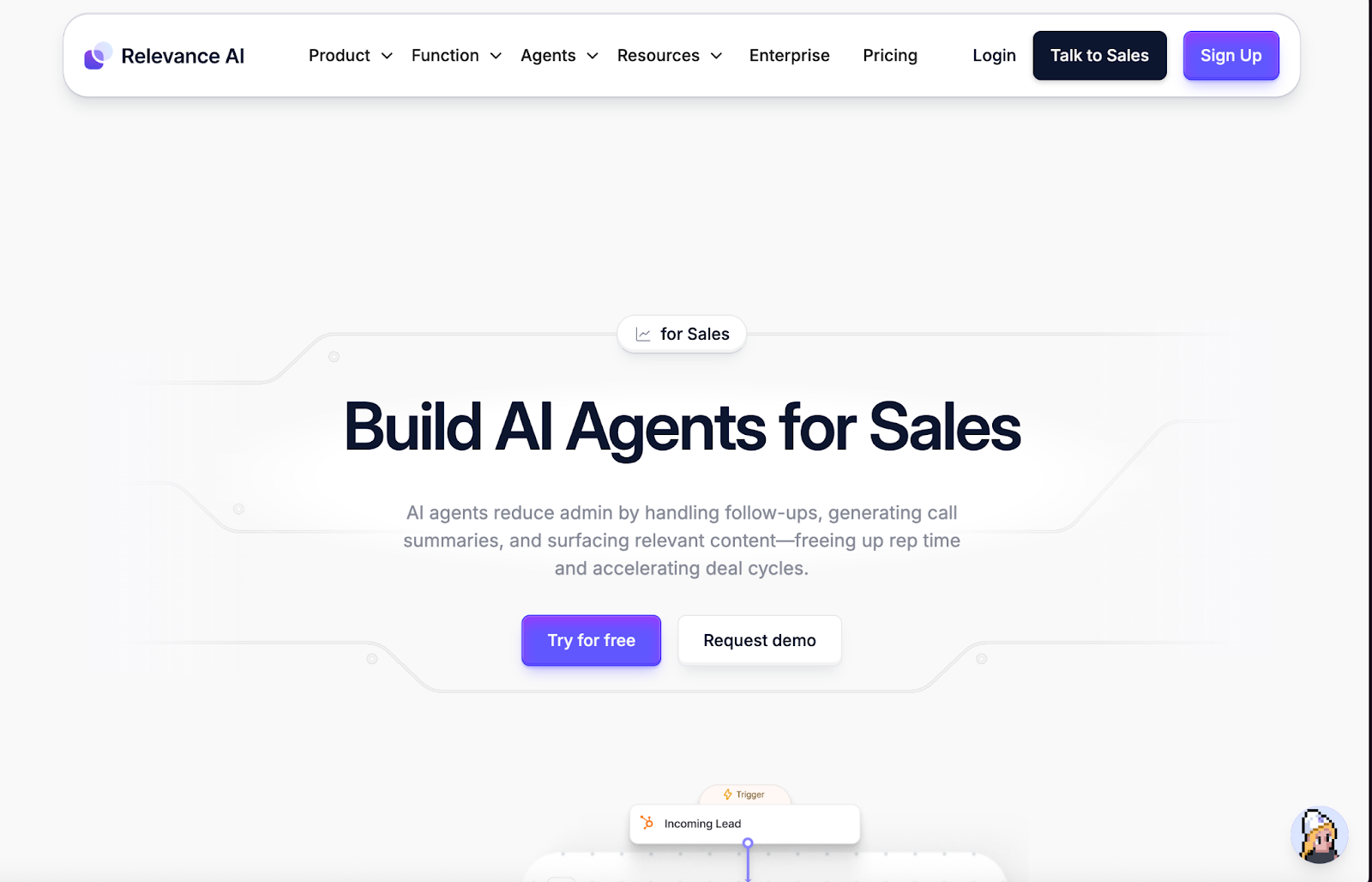
Relevance AI is an “AI Workforce” platform where you build AI agents and equip them with tools to handle repeatable work across your stack, from research and ops tasks to sales workflows. It’s a strong fit for outbound teams that want agents to do the heavy lifting, like:
- Account research
- List cleanup
- Routing
- Updating CRM fields
Key Features
- AI Agents and Multi-Agent Systems
- Build tools and connect agents to your existing apps and systems
- Schedule tasks and run agents on a timer for ongoing workflows
- Marketplace access for pre-built templates and community resources to speed up setup
Pricing
Relevance AI pricing is based on Actions (usage) plus vendor credits for model/tool costs:
- Free: $0/month, 200 actions/month (+ bonus vendor credits)
- Pro: $29/month, 2,500 actions/month (+ vendor credits)
- Team: $349/month, 7,000 actions/month (+ vendor credits)
- Enterprise: Custom pricing and custom limits
ZoomInfo
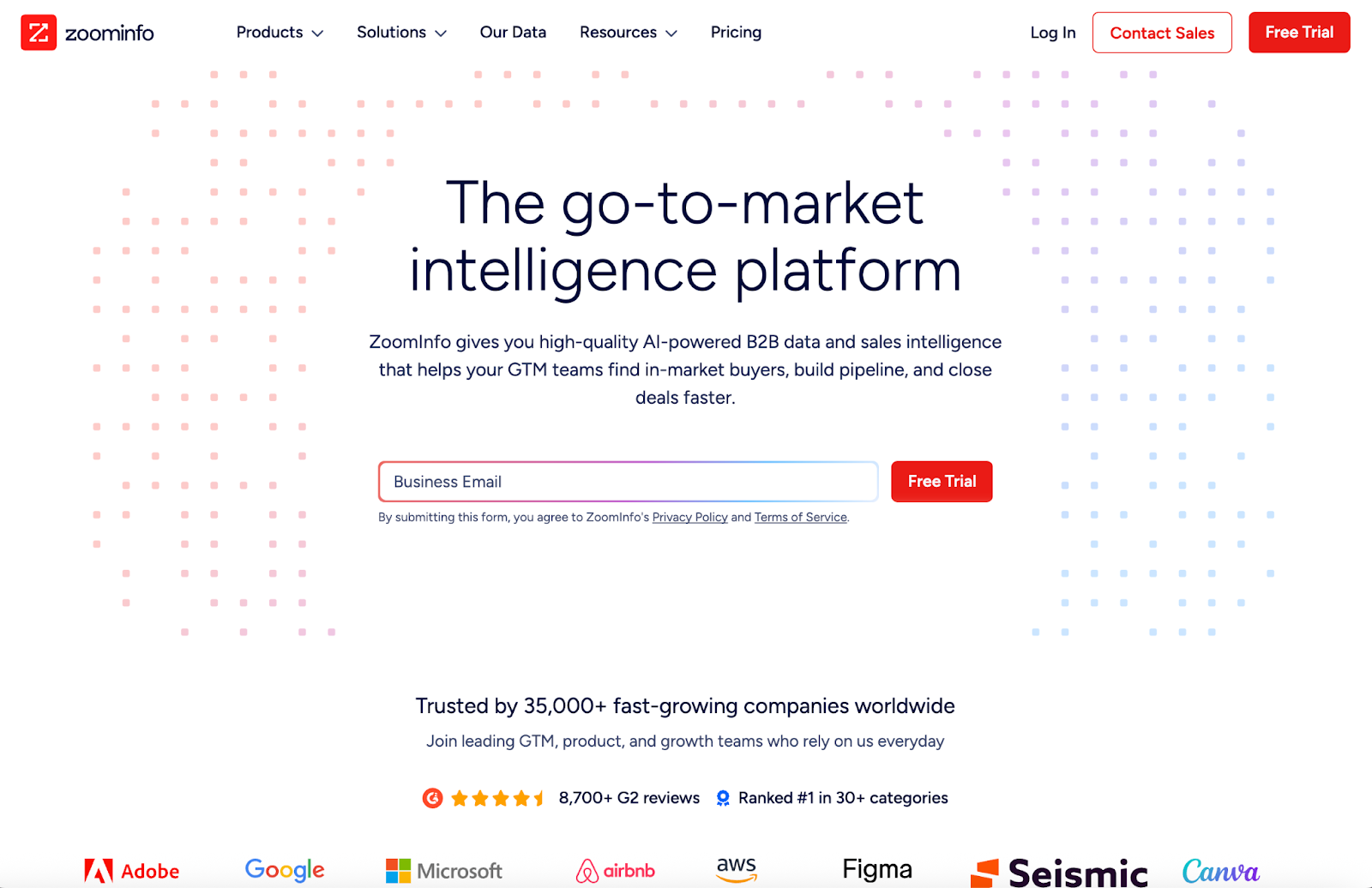
ZoomInfo gets a lot of mixed reactions from sales teams, but it’s still one of the most widely used platforms for outbound sales. If you need large-scale prospecting, deep account insights, and signals that help you prioritize who to reach out to first, ZoomInfo might be a fit.
It’s positioned as a premium data and intelligence platform, so pricing can get expensive fast. For teams that value speed, coverage, and better targeting, the cost can make sense. For smaller teams that only need occasional lists, it can feel like overkill.
Key Features
- Large contact + company database for outbound list building
- Filters to narrow by role, seniority, industry, headcount, location, and more
- Enrich contacts/companies and keep records from going stale
- Optional modules for things like outreach workflows and conversation intelligence
Pricing
ZoomInfo is usually quote-based, and it can get pricey once you add seats and modules. Most teams end up paying for it when they’re at the point where time saved + better targeting is worth more than the subscription.
Salesloft
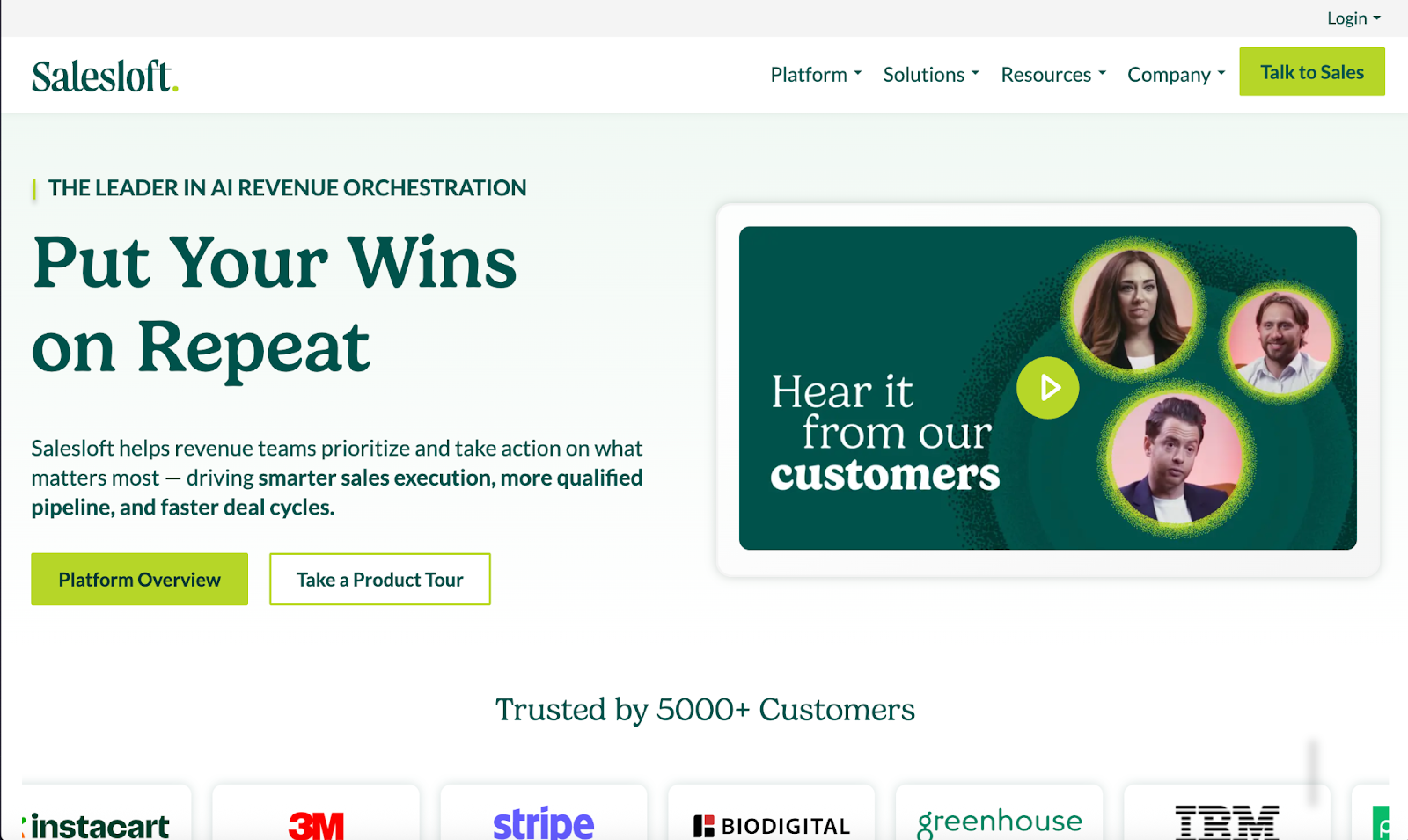
Salesloft is a sales engagement platform that helps teams run outbound through structured cadences and a shared workflow. It works best when you already have lead sources in place, and you need a system that turns those leads into consistent activity, replies, and meetings.
Key Features
- Create different cadences for different ICP segments and motions
- Automated task creation from cadence steps and prospect actions
- Call recording, transcription, and coaching workflows
- Sync activity and outcomes back to your CRM
- Identify which steps drive replies and meetings so you can iterate faster
Pricing
Salesloft is usually quote-based and often priced for teams rather than solo users. It tends to make the most sense when multiple reps need shared cadences, reporting, and coaching.
Seismic
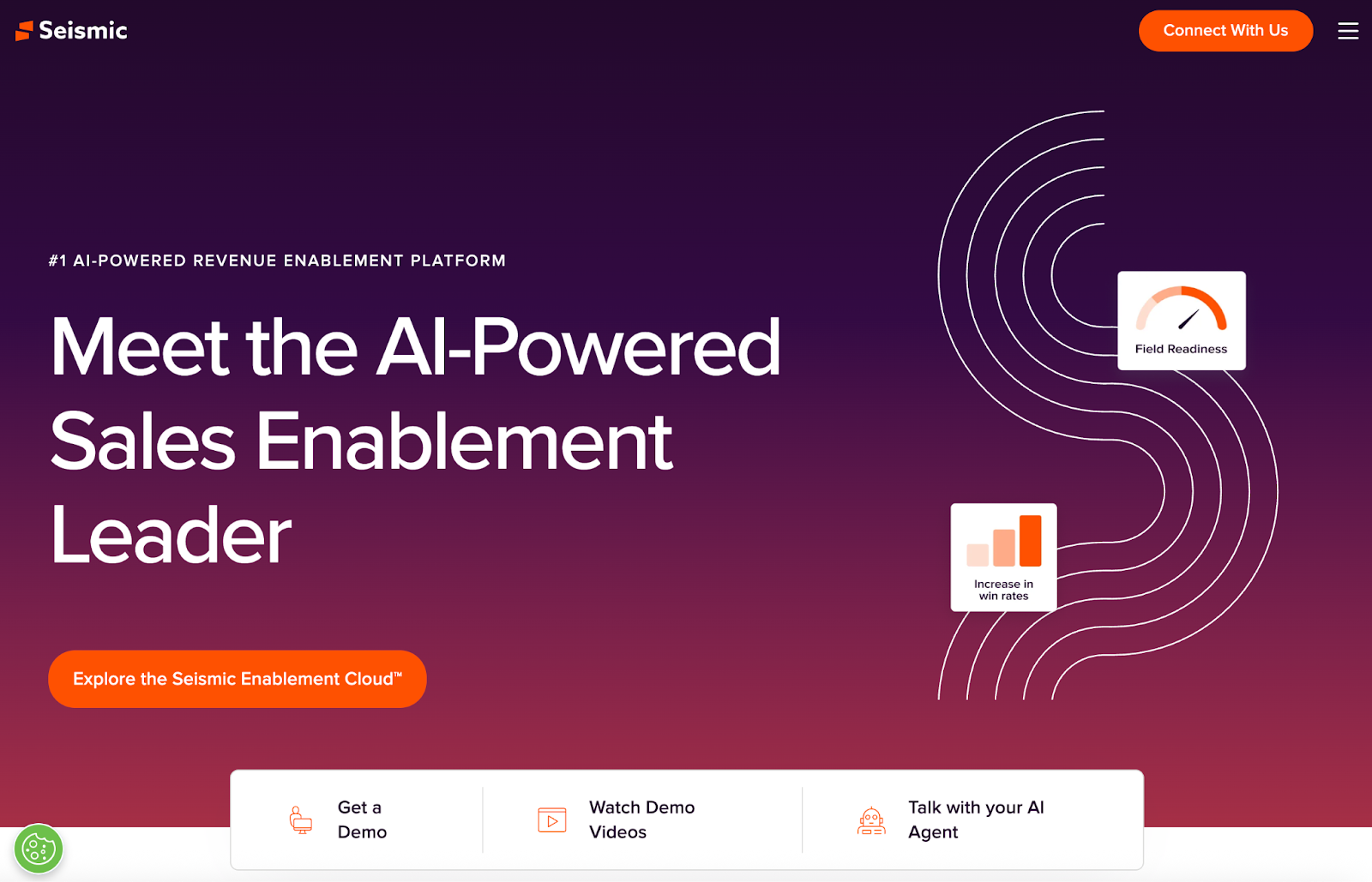
Seismic is a sales enablement platform for teams that already have outbound motion running, but need better control over what reps send and say. It centralizes sales content, helps reps find the right asset fast, and supports content personalization at scale (especially with LiveDocs).
Key Features
- Content Management and Sales Content Delivery
- LiveDocs Personalization
- Training, Coaching, and Readiness
- Analytics and Buyer Engagement Insights
- Integrations with GTM tools (Salesforce, Microsoft 365, Google Workspace)
Pricing
Seismic is typically quote-based, and it’s often positioned as a premium enablement platform, so costs can climb as you add seats, modules (like coaching), and enterprise requirements.
Key Takeaways
Outbound sales software accelerates what already works for your sales team. As a quick recap, you want outbound sales software that can automate and streamline personalization, lead sourcing, enrichment, and lead management.
If you want everything under one roof without any fluff, Instantly becomes the best tool for the job. Get domains, find leads, and automate outreach at scale. Try Instantly for free today.


