


Updated April 03, 2026
TL;DR: Keep your proposal email body between 50 and 125 words, targeting the 75 to 100 word range where reply rates peak. Format for a three-second mobile scan using short paragraphs, selective bolding, and a single CTA on its own line. Replace PDF attachments with cloud links to protect your sender reputation. The email body is a gateway to your proposal, not the proposal itself. Get the format right and you earn the reply. The full pitch waits for the call. Test your next proposal email on mobile before you send it, and run an Inbox Placement check to confirm it lands in the primary inbox.
Most proposal emails fail for the same reason. They treat the email body as the proposal itself, not as the gateway to a conversation. Founders spend hours crafting a 400-word pitch, attach a polished PDF, and then wonder why no one responds. The email body is not the proposal. It is the door. Your job is to make that door easy to open, especially on a phone, in under ten seconds.
This guide gives you the exact word counts, visual formatting rules, and copy-paste templates to fix your proposal emails and get busy executives to reply.
Proposal email length: Maximize response
Emails between 50 and 125 words yield the highest reply rates for cold and warm outreach alike. Industry research suggests the 75 to 100 word range performs particularly well for response rates. Our own analysis of top-performing cold email campaigns at Instantly confirms the same pattern: the best results come from emails under 80 words.
That is a tight window, but the constraint is the point. If you cannot explain the value of a conversation in 100 words, the problem is usually unclear positioning, not a missing word count. A senior decision-maker triages their inbox in batches, scanning for relevance rather than reading for detail. If your proposal email requires scrolling on a phone, you lose before you start. The Instantly cold email strategy guide reinforces this: lead with the most important information in the first two lines, because that is where attention lives.
Concise emails for fast conversions
Every sentence in a proposal email should serve one of three jobs: establish relevance, state a specific outcome, or prompt a reply. If a sentence does neither, cut it.
Common filler phrases to remove:
- "I wanted to reach out because..."
- "I hope this email finds you well..."
- "We are a leading provider of..."
- "I'd love to connect to explore synergies..."
The Instantly cold email copywriting framework that generates 400+ replies monthly is built on five principles: relevance, brevity, a single ask, proof, and a low-friction CTA. Every word you keep should map to one of those five.
When context-rich emails win more replies
The 50 to 125 word rule applies to cold outreach. When you send a proposal email after a discovery call, a LinkedIn exchange, or a warm introduction, a slightly longer email is appropriate because context earns the extra words.
Email type | Appropriate length | Why |
|---|---|---|
Cold outreach (unsolicited) | 50 to 80 words | No prior relationship to justify more |
Post-discovery follow-up | 80 to 125 words | Prior conversation context supports more detail |
Solicited RFP response | 100 to 150 words | Formal process often allows more detail |
Warm intro (referred) | 80 to 125 words | Relationship context justifies more detail |
Even in the longer scenarios, the email body should summarize, not replace, the linked or attached proposal document.
Design proposal emails for primary inbox scans
You use visual structure to control the order in which a reader processes information. A wall of text gives the reader no entry points, so they skip it. A well-structured email guides the eye from the hook to the proof to the ask in one clean pass.
Line breaks for clear messages
Keep each paragraph to one or two sentences, with a blank line between each block. That white space signals to the reader: new idea, quick read, no commitment required.
A useful test: paste your email into a notes app on your phone and read it cold. If you feel resistance at any point, that paragraph needs to be shorter or broken up.
How to use bolding for impact
Bold text draws the eye. Use it on the one metric or outcome that is most compelling to your specific prospect. One or two bolded phrases per email is enough, and more than that means nothing stands out.
Effective uses for bold:
- A single outcome metric: "booked 12 meetings in 30 days"
- A recognizable reference: "similar to how we helped [Company they know]"
- The CTA line itself, if you want it to stand out from the body
Avoid bolding entire sentences or multiple phrases in a row. It reads as aggressive and can trigger spam filters that penalize heavy HTML formatting, as covered in the Instantly HTML email sequence guide.
Structure your email for fast scans
Your subject line is the first formatting decision you make. Keep it under 50 characters and reference something specific to the recipient. Boomerang's analysis found subject lines with 3 to 4 words earn the highest response rates, and personalized subject lines improve open rates.
Effective proposal subject line examples:
- "Ideas for [Company]'s Q3 pipeline"
- "[Name], quick question about [pain point]"
- "15 min to discuss [specific goal]?"
- "Saw your [recent news/hiring/post]"
Testing variants is where Instantly's A/Z testing removes guesswork. You run A through Z variants against your list and let reply rate, open rate, or click rate determine the winner automatically. The 225 subject lines video from the Instantly channel walks through what actually converts.
When to use bullets vs. paragraphs
Use a short paragraph for your opening hook and context. Use bullets when you have three or more parallel items, such as deliverables, outcomes, or next steps. Avoid bullets for a single item or flowing narrative.
Good use of bullets in a proposal email:
What we'd cover in 15 minutes:How [specific process] is costing you [estimated waste]One approach that's worked for [similar company] to reduce that wasteWhether there's a fit worth exploring further
If there is only one item, it belongs in a sentence, not a bulleted list.
Mobile optimization for proposal emails
You cannot afford to ignore mobile rendering. Roughly 50 to 60% of email opens now happen on mobile devices, and mobile users show an 11% click-to-open rate compared to 21% on desktop. That gap exists partly because poorly formatted emails are harder to interact with on small screens.
Mobile readers scan rather than read linearly. They read across the first line, scan down the left edge, and pick up fragments at the start of each paragraph. The practical implication: the most important words in your email must appear in the first two lines and at the start of each paragraph. Your hook cannot be buried after two sentences of setup.
Shorten text for mobile readability
The Instantly AI Sequence Writer, available on Growth plans and above, drafts and condenses email copy directly inside the platform. You paste a verbose draft and get a tighter version back, or generate variants from a brief description of your offer and audience. The AI Rephrase tool, also built into the sequence editor, rewrites individual lines for concision without rebuilding the email from scratch.
"I use Instantly for outreach via email, and it has saved me a lot of time by automating my lengthy email sending processes." - Levent Y. on G2
For cold proposal emails, avoid heavy HTML, multi-column layouts, and embedded images. They create rendering problems across mobile clients and often perform worse in deliverability tests. Stick to plain text or minimal HTML, clean hyperlinks using descriptive anchor text, and no background colors or custom fonts.
Where should your call-to-action links go?
You need to ask for one action, not two or three. Multiple CTAs split attention and reduce the probability that the reader takes any of them. Choose the single most valuable next step and build the email around earning that click or reply.
Place your primary CTA on its own line at the bottom of the email, after your value statement, and keep the copy to two to five words or a direct question that requires only a one-word reply.
Examples:
- "Does Tuesday 2pm or Thursday 10am work?"
- "Worth a 15-minute call this week?"
- "[Link to proposal] - happy to walk through it."
The Instantly cold email follow-up strategy reinforces this: a CTA should demand the smallest possible commitment from the reader.
For calendar links, offer a specific time first, then follow with the calendar link as a fallback. This gives the reader two easy paths and signals you are accessible.
Attachments or inline: Maximize reply rate
Your choice to attach or link a file directly impacts whether your email lands in the primary inbox. For cold outreach, the answer is almost always the same: link, do not attach.
When you attach a PDF to a cold email, you trigger spam filters more often than with almost any other single formatting choice. The combination of an unverified sender and an attachment is a high-risk signal for most mailbox providers, and it damages your sender reputation over time.
Linking to your proposal through Google Drive or DocSend keeps your email lightweight, protects your sender reputation, and gives you engagement data. DocSend, for example, shows you which pages a prospect spent time on, which tells you where their interest sits before the call. That data helps you skip the generic discovery phase and open with the topic they actually care about.
"The email warm-up works flawlessly, making the whole process a bit safer, as I don't have to worry about ending up in the spam folder." - Lukas R. on G2
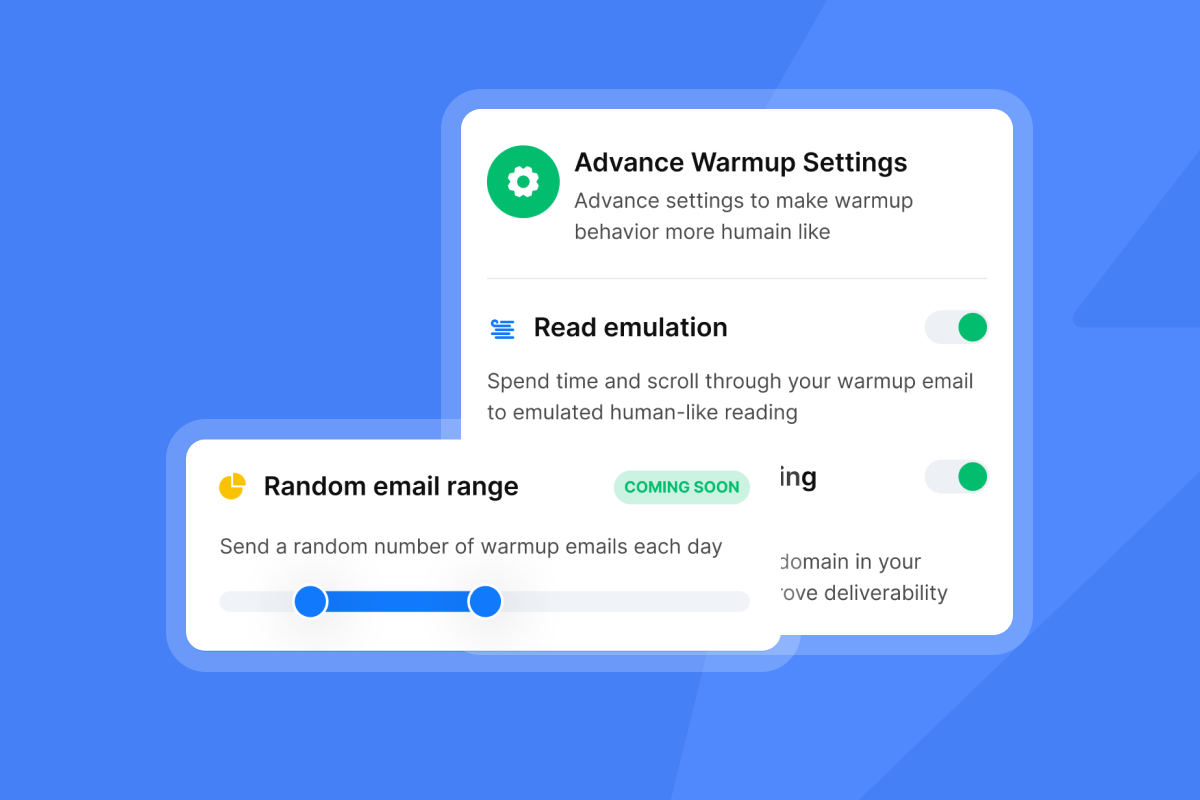
Instantly's Inbox Placement feature runs automated placement tests to show you whether your emails land in the inbox, promotions tab, or spam folder before you scale a campaign. It monitors 400+ blacklists, detects spam triggers, and verifies SPF, DKIM, and DMARC authentication across Gmail, Outlook, Yahoo, and other major providers. Run this check after any formatting or template change to catch issues before they compound.
"Instantly also has an inbox placement feature that helps test if emails land in the inbox or spam. These features help me quickly identify what's working and optimize campaigns accordingly." - Pradeep T. on G2
Proposal email structure: SaaS template and key rules
SaaS buyers open email on mobile, triage fast, and respond to specificity over volume. Brevity wins with this audience. The 1 million cold emails study consistently points to concise, personalized outreach as the pattern that converts. For 600 copy-paste templates to adapt for your own campaigns, the Instantly template library is a practical starting point.
SaaS proposal email template (under 100 words):
Hi [Name],
Noticed you're expanding into [Market]. We've helped [Similar Company] improve their [process time] with a leaner outreach setup.
Given [Company]'s current growth stage, there may be a similar lever here.
Does Thursday at 2pm work for a 15-minute call, or is there a better time this week?
[Your Name]
Structural rules to follow for every proposal email:
- First line: States the most relevant outcome or hook before any context.
- Paragraphs: One to two sentences each, separated by a blank line.
- Bolding: One to two instances maximum, on the single most compelling metric or phrase.
- CTA: One only, on its own line, as a direct question or calendar link.
- Image ratio: Keep emails at least 80% text and no more than 20% images to stay clear of spam filters, per email deliverability research.
How to handle pricing in first emails
Withhold specific pricing from cold outreach emails. Including a price in a first touch without context anchors the prospect negatively before they understand the value. Your goal in the first email is to secure a conversation, not close the deal.
When the conversation has happened and the value is established, transparent pricing helps close. In the first email, it creates noise. If a prospect asks for pricing before agreeing to a call, a direct response works: "Pricing depends on scope. Happy to give you a clear number after a 15-minute call."
Key takeaways
Use this checklist before you send any proposal email:
- Word count: Body is between 50 and 125 words. Target 75 to 100.
- Subject line: Under 50 characters, 3 to 4 words per Boomerang's data, includes one specific reference.
- First line: States the most relevant outcome or hook before any context.
- Paragraphs: One to two sentences each, separated by a blank line.
- Bolding: One to two instances maximum, on the single most compelling metric.
- CTA: One only, on its own line, either a direct question or a calendar link.
- Attachments: Replaced with a cloud link (Google Drive, DocSend, or similar).
- Pricing: Deferred to the call unless the prospect has already asked.
- Deliverability: Run an Inbox Placement test before scaling a new template.
- Subject line variants: Set up A/Z testing to let reply rate data pick the winner.
Use AI to draft concise, high-converting proposal emails
If your proposal emails are not getting replies, the problem is almost never that you said too little. It is usually that you said too much, formatted it for a desktop reader, and buried the ask under context the prospect did not need yet.
Try Instantly free and use the AI Sequence Writer to draft your next proposal email in the 75 to 100 word range. Run A/Z tests on subject lines to find the variant that earns the most replies, and use Inbox Placement to confirm your emails land where they need to before you scale.
Read Next
- How to Write Cold Emails That Get Replies
- Optimize Outreach with A/B Testing
- Email Deliverability Best Practices
FAQs
How long should a proposal email be?
Keep the email body between 50 and 125 words, with 75 to 100 words as the target range for the highest reply rates. Research into email response rates found emails in the 75 to 100 word range hit a 51% response rate, the highest point in the dataset.
Should I attach a PDF to my proposal email?
No, use a cloud link from Google Drive or DocSend instead of a PDF attachment. Attachments on cold outreach emails frequently trigger spam filters and damage your sender reputation over time.
What is the best subject line for a proposal email?
Keep it under 50 characters, aim for 3 to 4 words based on Boomerang's response rate data, and reference one specific pain point or goal. Examples include "Ideas for [Company]'s Q3 pipeline" or "15 min to discuss [specific outcome]?"
Does pricing belong in the first proposal email?
No, defer pricing to the conversation. Your goal in the first email is to earn a reply and book a call, not to present a number without context. Once the value is established on a call, transparent pricing improves acceptance.
How do I test which proposal email format works best?
Use A/Z testing in Instantly to run multiple subject line and body copy variants simultaneously. Set reply rate as your winning metric and let the algorithm determine which version performs best across your list.
Key terminology
Sender reputation: A score maintained by mailbox providers (Gmail, Outlook, Yahoo) that determines whether your emails land in the primary inbox or the spam folder. It is built over time through consistent engagement signals including open rates, reply rates, and low spam complaint volumes.
A/Z testing: The process of running multiple variants of an email subject line or body copy, labeled A through Z, to determine which version yields the highest open rate, click rate, or reply rate. Instantly's A/Z testing feature automates this process and selects the winning variant based on your chosen metric.
Call to action (CTA): A specific, unambiguous instruction that tells the reader exactly what to do next, such as replying with a time to meet or clicking a proposal link. Effective CTAs are two to five words and appear on their own line at the end of the email.
Inbox Placement: A deliverability test that checks whether your emails arrive in the primary inbox, the promotions tab, or the spam folder across major email providers. Instantly's Inbox Placement feature automates this process and flags spam triggers, blacklist issues, and authentication gaps before you scale a campaign.


