


Updated March 30, 2026
TL;DR: On mobile, where 55-60% of emails are opened, prospects see your subject line and greeting together in the preview pane. If they clash in tone or context, 69% will mark the email as spam before opening. We tested five subject-greeting combinations that consistently deliver 5-10% reply rates for B2B teams. The fix: write them as a single unit, test variants together using A/Z testing, and measure alignment through both open rate and reply rate.
Subject line and greeting alignment is the strategic consistency between the promise made in your subject line and the payoff in your first line. When these elements match in tone, context, and intent, prospects feel the email was written for them. When they clash, 69% of recipients mark your email as spam based on that first impression alone.
The preview pane effect: Why subject lines and greetings must work together
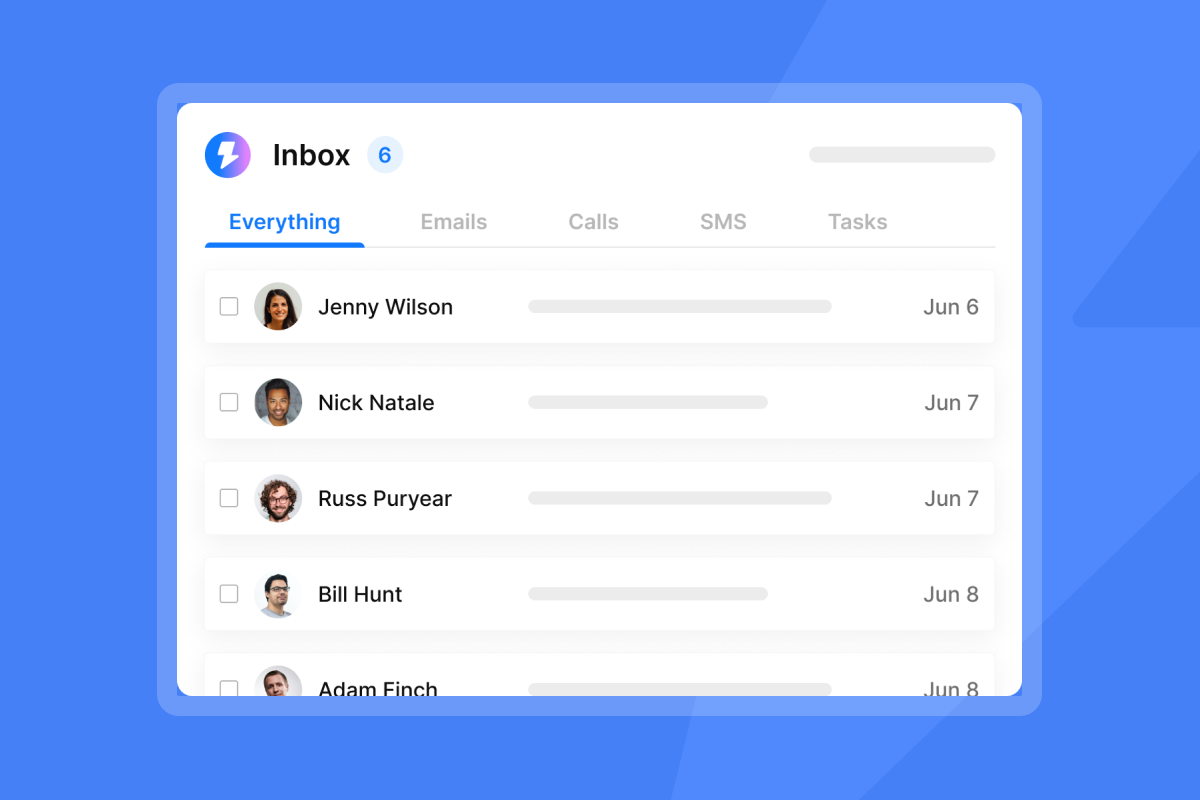
The mechanics are straightforward: 55-60% of all email opens happen on mobile devices, which changes how prospects evaluate your message. On an iPhone lock screen or Gmail mobile preview, the subject line sits directly next to your greeting or first sentence. The prospect's eye scans both at the same time. Subject line, preview text, decision.
Preview text length varies by client. Gmail displays 40-90 characters on mobile while Outlook shows 35-55. That means your greeting appears in the preview pane alongside your subject line. If the subject says "Saw your post on LinkedIn" but the greeting shows "I hope this email finds you well," the prospect knows you lied.
This misalignment directly impacts your spam rate. When the subject and greeting align, the email feels personal. When they don't, it triggers the mental spam filter even if it lands in the primary inbox.
The psychology of alignment: Matching tone, context, and intent
Cognitive dissonance in email occurs when subject lines clash with preview text. If your subject line says "Contract renewal deadline" but your greeting is "Hey there! Hope you're doing awesome," the tone shift feels deceptive. The prospect assumes you used urgency to manipulate them, and trust drops to zero.
Tone consistency: Formal subject lines need professional greetings. If you write "Proposal for [Company]" in the subject, start with "Hi [Name]," not "What's up?" Casual subjects need fluid openers. If your subject is "Quick idea," you can skip the greeting entirely and jump straight into the idea.
Context matching: Cold outreach subject lines need greetings that immediately validate why you are reaching out. If the subject is "Your post on [Topic]," the greeting must be "[Name], loved your point about..." Follow-up emails need greetings that acknowledge previous context.
Intent alignment: The best subject lines use 30-50 characters to stay visible on mobile, personalize with names or company details, and create curiosity without clickbait. Your greeting must support every one of those elements.
5 proven subject line and greeting combinations for sales teams
These five combinations consistently deliver open rates above 40% and reply rates in the 5-10% range for B2B cold email. Each pair aligns tone, context, and intent so the preview pane reads like a single message.
Type | Subject Line | Greeting | Why It Works |
|---|---|---|---|
Referral | "Chat with [Mutual Connection]" | "Hi [Name], [Connection] suggested I reach out..." | Both elements center on the referral, no bait and switch |
Observation | "Your post on [Topic]" | "[Name], loved your point about [Detail]..." | Proves you read their content, skip "Hi" for fluidity |
Problem-first | "Fixing [Pain Point]" | "Hi [Name], noticed you're using [Tool]..." | Names the pain and shows research in one compound hook |
Quick question | "Quick question re: [Company]" | "Are you the right person for [Function]?" | Lowers friction, sets 30-second expectation |
Growth | "Growth at [Company]" | "Saw you're scaling [Department]..." | Broad subject, specific greeting works for hiring signals |
When to use each combination:
The referral works when you have a legitimate shared connection. The observation requires published content (LinkedIn posts, blogs, podcasts). The problem-first combination needs clear evidence of the pain point through tech stack data or job postings. The quick question applies when you are routing yourself to the right contact. The growth approach works best when you see hiring signals or recent funding announcements.
Each maintains consistency across tone, context, and intent. The subject creates a specific expectation, and the greeting delivers on it within the first 40 characters visible in mobile preview.
"I like that Instantly is intuitive and everything is done in one place, from lead sourcing to writing campaigns to reaching out to them." - Verified user review of Instantly
Common pitfalls: When subject lines and greetings clash
The bait and switch: You use "Re:" in the subject line to imply an existing thread, but the greeting starts with "Hi [Name], I wanted to introduce myself..." The prospect feels tricked. Spam trigger words like "Re:" or "Fwd:" work only if the rest of the email supports the context.
The robot: You personalize the subject line but use a generic greeting. Subject: "Question for [Name]" followed by greeting: "Hi there," or "Hello," tells the prospect you used mail merge but didn't customize the body. Personalized subject lines can increase open rates by 50%, but only if the greeting matches.
The wall of text: You write a strong subject line, but the greeting is a long paragraph that floods the preview pane. The prospect sees a block of text next to your subject and assumes the email is too long to read. Use our preview window to check character count before sending.
Spam triggers: Generic greetings like "Dear Sir/Madam" or "Dear Friend" are calling cards of bulk email campaigns and damage sender reputation even if you don't trip the technical spam filter.
Good vs. bad subject-greeting pairs
Subject Line | Greeting | Verdict | Why? |
|---|---|---|---|
"Quick question about [Company]" | "Hi [Name], are you the right person..." | ✅ Aligned | Tone and intent match, preview flows naturally |
"Re: Contract renewal" | "Hi there, I wanted to introduce myself..." | ❌ Clash | "Re:" implies existing thread but greeting reveals cold pitch |
"Question for [Name]" | "Hello," | ❌ Clash | Personalized subject, generic greeting destroys trust |
"Your post on [Topic]" | "[Name], loved your point about..." | ✅ Aligned | Both elements reference the same specific content |
How to scale and test your email synergy
Testing subject-greeting pairs requires tooling that treats them as a single unit. Most platforms only let you A/B test subject lines, which means you change one variable but leave the greeting constant. If variant A wins, you don't know if it was the subject, the greeting, or the combination.
Step 1: Use the preview window
Before you send, check how the subject and greeting look together on mobile and desktop. You can add preheader text in our campaign editor, which controls what appears in the preview pane. If you don't set this, email clients pull random text from your email body, often "View in browser" or "Unsubscribe" links, which destroys alignment.
Step 2: Run A/Z tests on full email variants
Our A/Z testing feature lets you test up to 26 variants of the entire email, including subject line, greeting, and body. Instead of "Subject A vs. Subject B," you test "Subject A + Greeting A + Body A" vs. "Subject B + Greeting B + Body B."
The platform auto-optimizes based on the metric you choose. Reply rate is the clearest signal that your message reached the primary inbox and prompted a human response. Run tests for at least 200 sends per variant before you make a call.
Step 3: Use variable insertion consistently
If you personalize the subject line with {{firstName}} or {{companyName}}, do the same in the greeting. Our personalized lines feature lets you insert custom variables across both fields.
Checklist before you send:
- Read the subject and greeting out loud as a single sentence. Do they flow?
- Check the preview pane on mobile. Does it fit in 40 characters?
- Confirm tone consistency. Formal subject means professional greeting. Casual subject means fluid greeting.
- Verify personalization. If the subject uses a variable, the greeting must too.
- Set the preheader text manually. Don't let the email client guess.
"I like the inbox rotation feature, which spreads sends across multiple inboxes to reduce risk. I also like the blacklist monitoring and spam assassin analysis, along with SPF DKIM and DMARC checks, which help diagnose inboxing problems." - Gangadhar M. on G2
Testing constraints: Subject-greeting alignment requires volume. Run at least 200 sends per variant. Below that threshold, the data is too noisy. If you send fewer than 500 emails per week, focus on one proven combination rather than testing multiple variants.
Measuring success: The metrics that prove alignment works
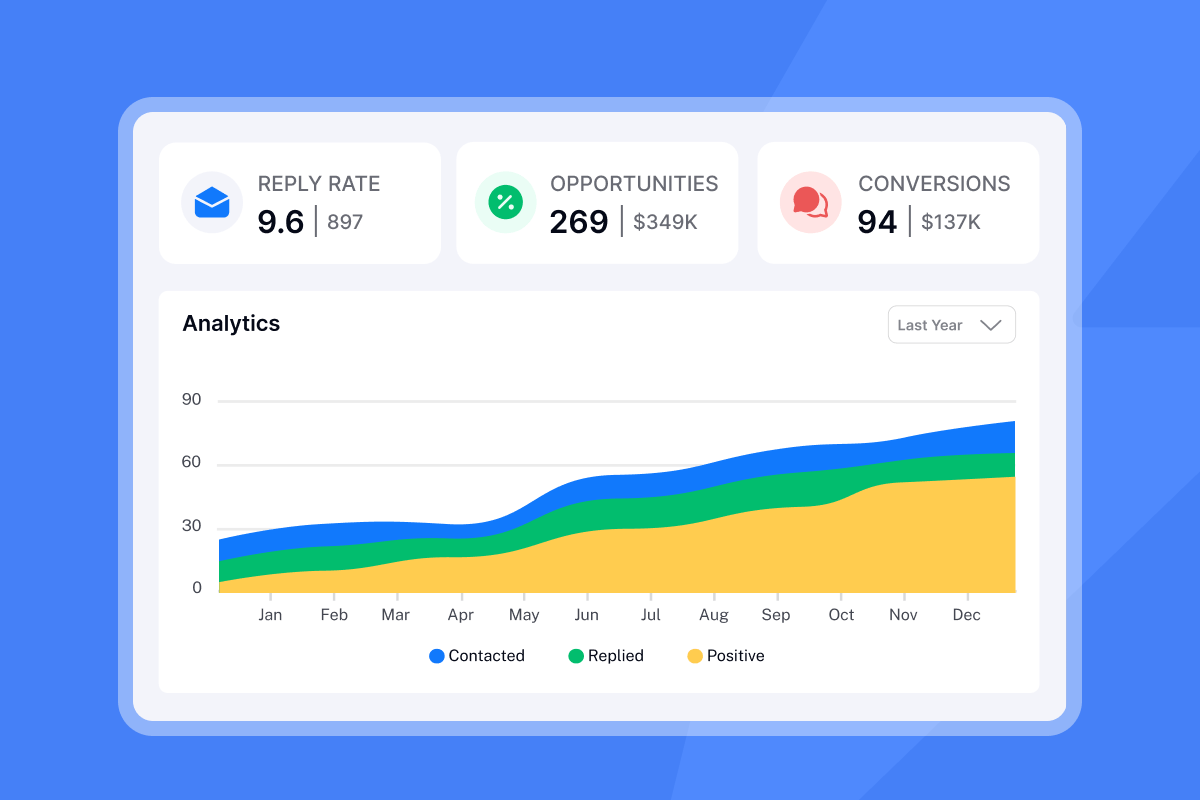
Open rate is the primary metric. For B2B cold email, 40-50% is excellent, and anything above 30% is decent. If you are below 30%, the subject-greeting pair is the first place to audit.
Reply rate is the secondary metric. A good cold email reply rate is 5-10% for most B2B teams, with top performers hitting 15%+ on focused campaigns. If your open rate is high but replies stay low, your alignment might be clickbait. The subject and greeting earned the open, but your body didn't deliver value.
Spam complaints tell you when alignment feels deceptive. If this metric spikes, your subject-greeting pair is likely misleading. Re-read the combination and ask if the greeting delivers on the subject's promise.
Track these metrics weekly using our analytics dashboard and adjust based on what the data shows. If open rates drop, test new subject-greeting combinations. If reply rates stay flat, the alignment is fine but the offer or call to action needs work.
Ready to test these combinations? We give you unlimited email accounts on a flat fee, built-in warmup, and A/Z testing across subject lines, greetings, and full email bodies. Preview how each variant looks on mobile and desktop before you send. Try Instantly free and run your first subject-greeting test this week.
For a deeper walkthrough of cold email copywriting, watch the Anatomy of a Cold Email masterclass on our YouTube channel. You can also explore 600+ templates for your cold emails and learn the cold email copywriting framework we use to get 400+ replies monthly in our help center.
"Instantly is the best cold email sequencer. It has many features that have helped in improving the deliverability of my email accounts. They have the best support." - Ronika Kashyap on Trustpilot
Frequently asked questions
Should I use "Hi" or "Dear" in B2B cold email greetings?
Use "Hi" for most B2B outreach. "Dear" signals you don't know the recipient and triggers spam filters unless you are in traditional industries like law or finance.
How long should my subject line be for mobile visibility?
Aim for 30-50 characters, with the most critical message in the first 33 characters to ensure full visibility across all devices.
Can I skip the greeting entirely and jump straight to the message?
Yes. No-greeting emails work well if the subject line is casual and the first sentence flows naturally. Test this against a standard greeting to see which performs better.
Does personalization in the subject line actually improve open rates?
Personalized subject lines increase open rates by 50% when matched with personalized greetings, according to industry research on email engagement.
What happens if I don't set preheader text manually?
Email clients will pull random text from your email body. Set it manually in your campaign editor to control what appears in the preview pane.
Key terminology
Preview text: The snippet of text (35-90 characters depending on the email client) displayed next to or below the subject line in an inbox, pulled from the email body or preheader code.
Preheader: The HTML code element in your email template that defines what text appears in the preview pane, often hidden from view in the email itself.
A/Z testing: A method of comparing multiple versions of an email (including subject, greeting, and body) simultaneously to identify the highest-performing combination based on opens, replies, or clicks.
Reply rate: The percentage of recipients who respond to your email, considered the clearest signal that your message reached the primary inbox and prompted engagement.
Cognitive dissonance: The mental discomfort people feel when they encounter contradictory messages, such as a formal subject line paired with a casual greeting.


