


Updated December 09, 2025
TL;DR: Stop attaching video files to cold emails. Most email providers cap attachments at 20MB to 25MB, and large files trigger spam filters that destroy your sender reputation. The winning system uses a dedicated video platform (Vidyard, Loom, Sendspark, BombBomb, Dubb, Hippo Video, or Covideo) to host and track engagement, then embeds a clickable thumbnail or link in your email. To scale video outreach without landing in spam, you need a cold email engine like Instantly that handles inbox rotation, warmup, and spintax. Raw file transfers (WeTransfer, Google Drive) work for one-off sharing but lack the analytics and deliverability controls that sales teams need to book meetings.
Video is one of the highest-converting assets in cold outreach. Sales teams using personalized video messages see reply rates increase significantly compared to text-only emails. But most sales leaders hit the same wall when they try to scale video outreach. Reps attach a 50MB file, the email bounces, or worse, it lands in spam and burns domain reputation for weeks.
Compression software and bigger attachment limits will not fix this problem. The fix requires treating video email as a system with two distinct components: a hosting platform that stores the video and tracks viewer behavior, and a delivery engine that ensures the email containing the video link lands in the primary inbox.
This guide compares the top seven video email platforms for agencies and founders, breaks down the technical constraints that kill deliverability, and shows you how to build a scalable video outreach system using Instantly's unlimited sending accounts and automated warmup.
Why you cannot email large video files (the 20MB limit)
Engineers never designed email to move video files. The technical architecture of SMTP, the protocol that routes messages between servers, treats attachments as encoded text blocks that bloat message size and consume server resources. Most email providers impose hard limits to protect their infrastructure and prevent abuse.
Gmail caps attachments at 25MB, while Outlook enforces a 20MB limit. Apple Mail Drop allows up to 5GB, but the file is hosted on iCloud for 30 days, not delivered as a traditional attachment. When you exceed these thresholds, the email bounces back with a "message too large" error, or the provider strips the attachment entirely and delivers a broken message.
Attaching large files also triggers spam filters. Email security systems flag oversized messages as potential malware vectors or bulk sending attempts. Your sender reputation takes a hit, and future emails from your domain will land in spam more often, even if they contain no attachments at all. For sales teams running cold outreach campaigns, a single batch of bounced video emails can destroy months of email warmup work.
You must keep your bounce rate at 1 percent or lower to maintain good deliverability. If you send 100 emails with large video attachments and 5 bounce due to size limits, you have already exceeded the safe threshold by 5x. Email providers interpret repeated bounces as a signal that you are sending to invalid addresses or scraping contact lists, and they throttle or block your sending domain.
Even when a large attachment technically delivers, the recipient's experience suffers. The email takes minutes to download on a mobile connection. Corporate firewalls often block or quarantine messages with large attachments as a security precaution. The video file sits in the recipient's inbox, eating up storage quota, with no way for you to track whether they opened it or watched it.
For these reasons, attaching video files directly to cold emails is a technical failure point that kills both deliverability and conversion. Host the video externally and embed a link or animated thumbnail in the email body.
Quick comparison: 7 video email platforms at a glance
| Tool | Best For | Free Plan | Key Analytics | Starting Price |
|---|---|---|---|---|
| Vidyard | Enterprise sales with deep CRM integration | 5 videos/month, 30-min limit | Advanced (engagement timelines, CTA tracking) | $59/user/month |
| Loom | Quick async updates and internal comms | 25 videos, 5-min limit | Basic (views, watch time) | $15/user/month |
| Sendspark | Personalized outreach at scale | 30 videos | Yes (views, clicks, engagement) | $39/seat/month |
| BombBomb | Relationship-based sales | 14-day free trial | Yes (real-time notifications, tracking) | $36/month |
| Dubb | Video sequencing and automation | Yes (25 SD videos) | Advanced (percentage viewed, CTA clicks) | $42/month |
| Hippo Video | Deep analytics and interactive elements | Yes (basic) | Advanced (polls, forms, heatmaps) | $20/user/month |
| Covideo | Improving response rates | Free trial only | Yes (views, CTA analytics) | $69/month |
Top 7 video email tools compared
1. Vidyard: Best for enterprise sales teams with deep CRM integrations
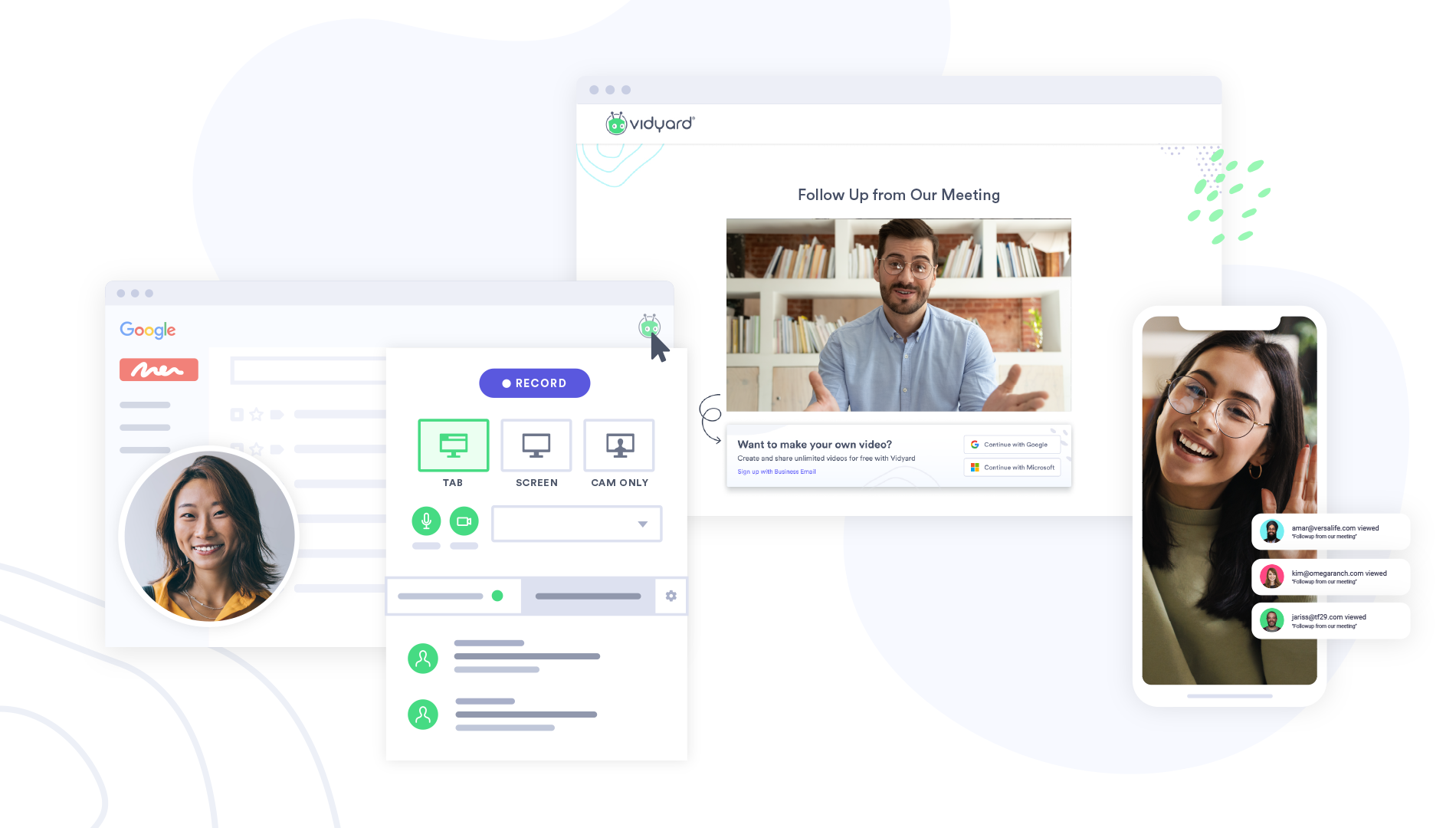
Vidyard is built for B2B sales teams that live in Salesforce and HubSpot. Pricing starts at $59 per month for individuals and scales to custom enterprise contracts. The platform excels at in-video CTAs and engagement timelines that log directly to CRM records. Some users report that video links occasionally fail to load, and integration add-ons can cost $2,400 to $4,800 annually. The free plan allows up to 5 videos with a 30-minute recording limit, making it ideal for testing before committing to paid tiers. Choose Vidyard if you have 10+ reps and need CRM-integrated analytics to track which prospects are engaging at each pipeline stage.
2. Loom: Best for quick, asynchronous updates and internal communication
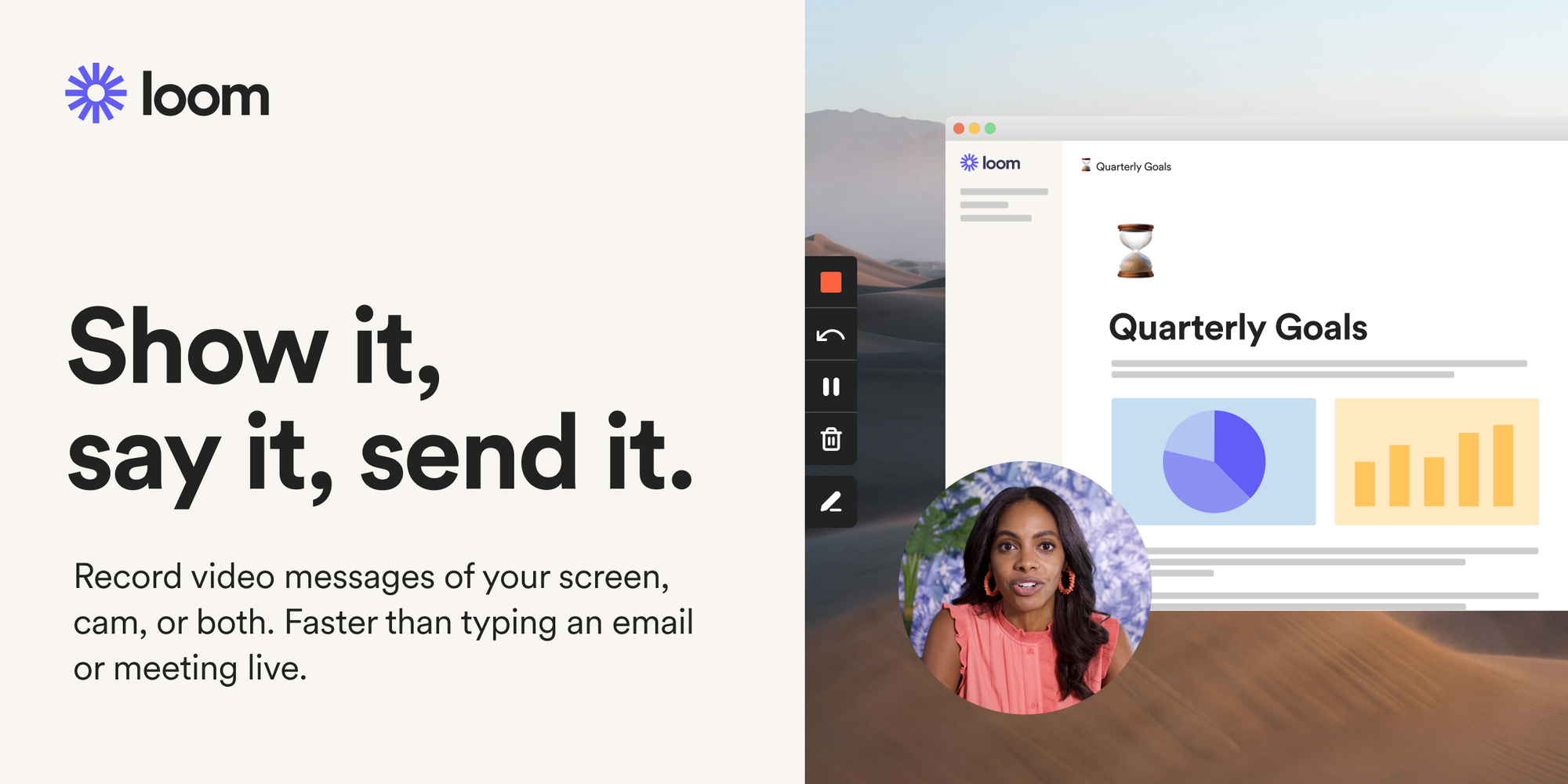
Loom dominates the async communication space with instant recording and zero setup friction. The Business plan costs $15 per user per month and removes all recording limits. The free Starter plan offers 25 videos with a 5-minute limit, enough for most early-stage teams. The platform's speed and simplicity make it the default choice for founders who need to record quick demos or explain features to customers without enterprise complexity.
3. Sendspark: Best for personalized video outreach at scale
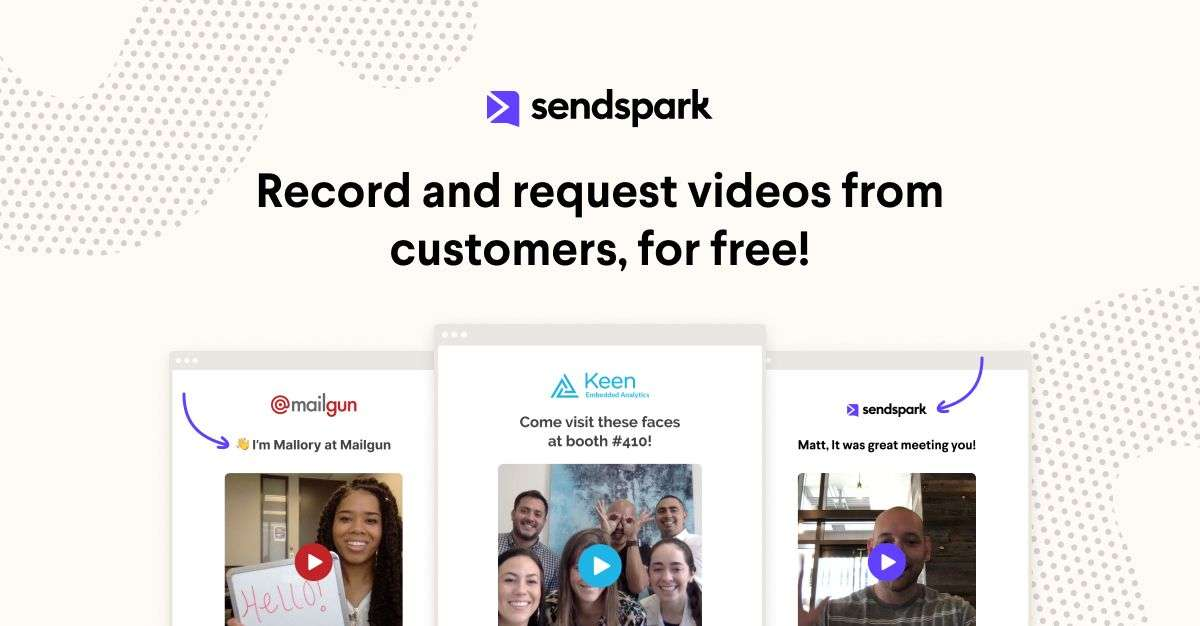
Sendspark allows you to record one video and dynamically insert prospect names and company details at scale. Pricing starts at $39 per seat per month. The platform integrates with LinkedIn and email clients, making it a strong choice for SDR teams running personalized video campaigns. Additional charges apply if you exceed dynamic video minute limits. Choose Sendspark if you need to send personalized video messages to hundreds of prospects without recording each one individually.
4. BombBomb: Best for relationship-based sales and real estate
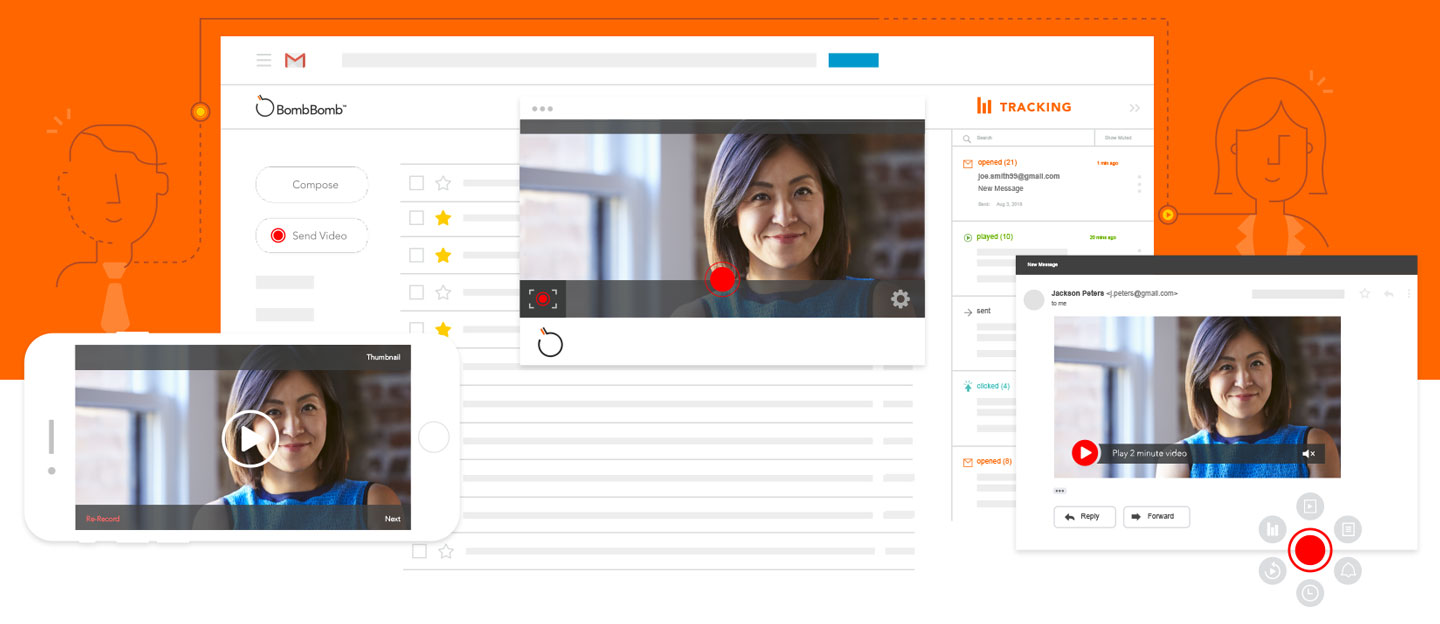
BombBomb focuses on adding a human touch to every email. Plans start at $36 per month with unlimited video recording and sending. The platform offers automated closed captions in 100+ languages and real-time notifications when prospects watch your video. Choose BombBomb if you are in real estate, insurance, or relationship-driven sales where personal connection matters more than complex automation.
5. Dubb: Best for sales teams focused on video sequencing and automation
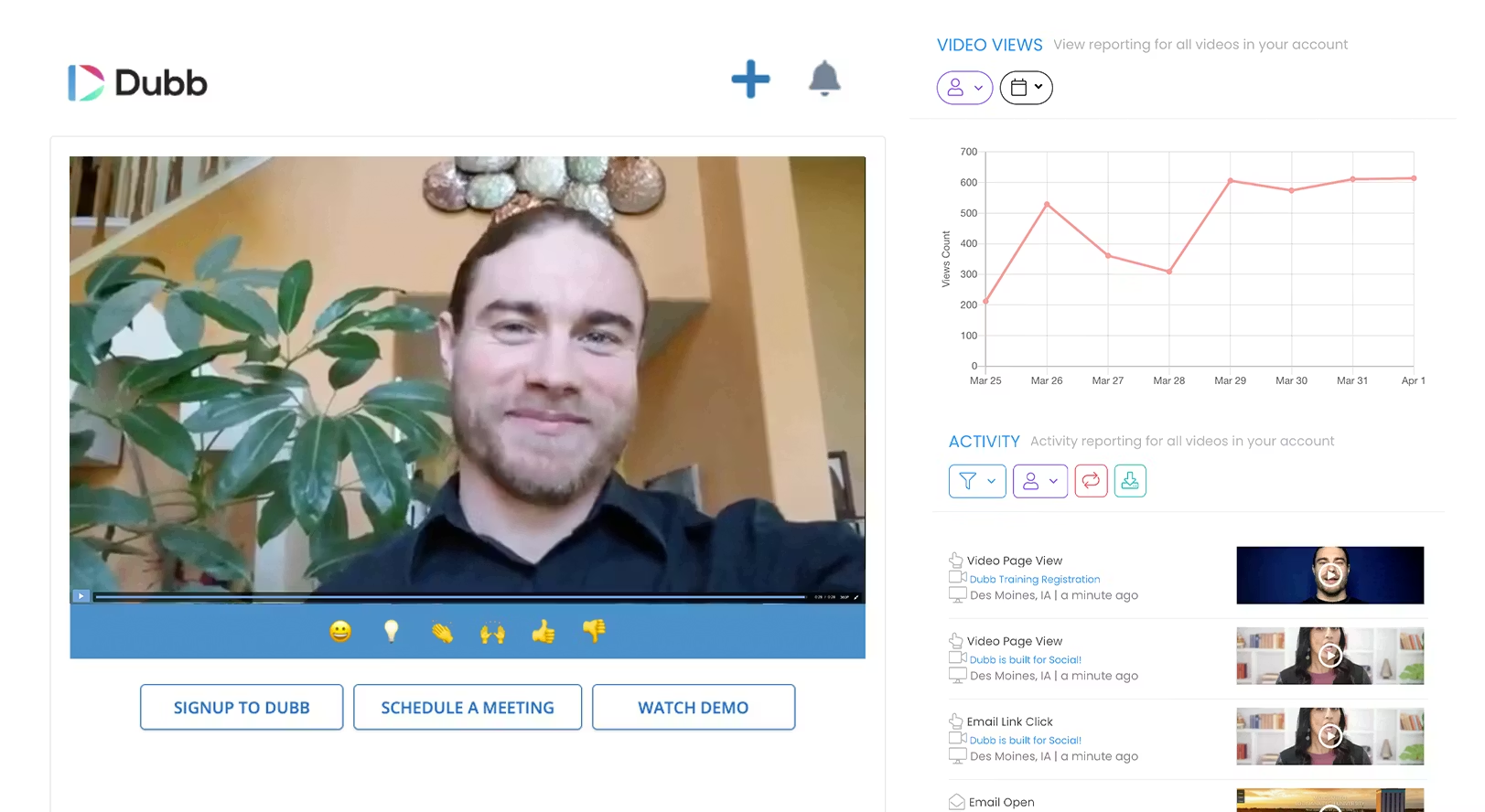
Dubb offers video email sequencing that automates follow-ups based on viewing behavior. Pricing starts at $42 per month. The platform tracks detailed activity including percentage viewed and CTA clicks. Some users report videos getting stuck during upload. The mobile app includes teleprompter support, making it easier to record professional videos on the go. Choose Dubb if you want to build automated video sequences for lead nurturing with strong analytics to identify hot leads.
6. Hippo Video: Best for teams needing deep analytics and interactive elements

Hippo Video stands out with interactive polls, forms, and quizzes embedded directly in video players. The Pro plan costs $20 per user per month and includes advanced editing and analytics. The platform integrates with over 1,300 apps and includes subtitle support and keyboard navigation for better accessibility. Add-ons for personalization and testimonials can increase costs quickly. Choose Hippo Video if you run marketing campaigns that need embedded forms to capture lead data directly from the video player.
7. Covideo: Best for businesses focused on improving response rates
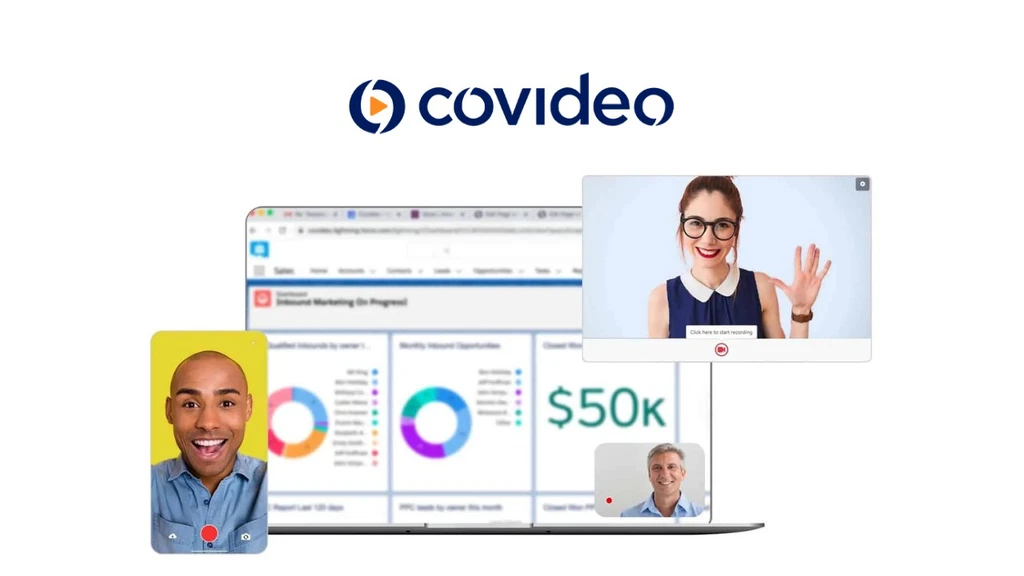
Covideo targets small to mid-sized businesses with straightforward video email and training support. The Individual plan costs $69 per user per month (billed annually) and includes unlimited video storage and training webinars. Choose Covideo if you want training and support to help your team adopt video as a core communication channel.
How to send video emails at scale (the Instantly system)
Choosing a video platform solves half the problem. You now have a hosted video with tracking and a shareable link or thumbnail. But sending that link to 1,000 cold prospects without landing in spam requires a dedicated cold email engine. Instantly fits into your video outreach system here.
We built Instantly as the delivery engine that ensures your email containing the video link reaches the primary inbox, not the spam folder.
"I love Instantly's deliverability tools, which are the best I've encountered. Having used Salesloft, Apollo, and other tools, Instantly gives me the highest reply rate by far." - Customer review on G2

Here is the step-by-step system for scaling video outreach:
1. Record and generate your video thumbnail
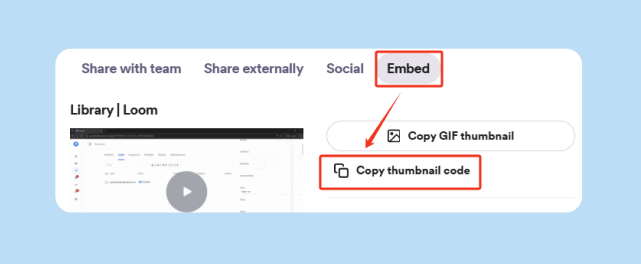
Use one of the seven platforms above to record your video. Generate an animated GIF thumbnail or grab the shareable link. If you are using dynamic personalization (inserting the prospect's name into the video), set up the merge fields in your video platform before exporting the thumbnail.
2. Insert the thumbnail or link into your Instantly campaign
Create a new campaign in Instantly. In the email body, insert the video thumbnail as an image with a hyperlink to the video landing page, or paste the video link as plain text. Use merge tags to personalize the intro text above the video.
3. Use spintax to vary the email copy
Spam filters flag emails that look identical across hundreds of sends. Use spintax (spin syntax) to create multiple variations of your email text while keeping the video link constant. Instantly supports spintax natively, so each recipient gets a slightly different version of the email, which improves deliverability and keeps your sender reputation clean.
4. Enable inbox rotation and warmup
Instantly allows you to connect unlimited email accounts and rotate sends across all of them. Instead of blasting 500 emails from a single inbox (which triggers spam filters), you distribute the volume across 10 to 20 inboxes, each sending 25 to 50 emails per day. Before you send any cold emails, warm up each inbox for at least 30 days using Instantly's built-in warmup tool. As one customer review on TrustPilot noted:
"The warmup feature is really awesome that I loved the most as it helps my emails to land directly into the inbox." - Customer review on TrustPilot
5. Monitor click rate and reply rate in the unified inbox
Instantly's unified inbox (Unibox) aggregates replies from all your sending accounts in one place. Track the click-through rate on your video link and the reply rate to your campaign. The video platform shows you who watched the video and for how long. Instantly shows you who replied and booked a meeting. Together, these two data streams give you a complete picture of which prospects are engaging.
6. Automate follow-ups based on engagement
Set up a follow-up sequence in Instantly that triggers 3 to 5 days after the initial send. Video platforms alone cannot deliver this level of automation, which is why pairing a video tool with a cold email engine is the only way to scale video outreach.
Checklist: Before you hit send
Technical setup:
- Verify that the video link is publicly accessible (not behind a login wall).
- Test the video thumbnail on desktop and mobile to confirm it renders correctly.
- Confirm that your sending domains have SPF, DKIM, and DMARC records configured.
- Run all sending inboxes through at least 30 days of warmup before starting cold outreach.
For a deep dive on deliverablity checkout our masterclass on deliverability in 2025 below:
Content and messaging:
- Keep the video under 2 minutes. Viewer retention drops sharply after 90 seconds.
- Write a 1 to 2 sentence intro above the video that explains why you made it for them.
- Use a clear subject line that mentions video (for example, "Quick video for you, Name").
- Include a single call-to-action below the video (book a meeting, reply with questions, etc.).
Compliance and campaign settings:
- Confirm that your prospect list is verified and bounce rate is at or below 1 percent.
- Include an unsubscribe link in the email footer to comply with CAN-SPAM and GDPR.
- Set the send window to 8:30 a.m. to 10:30 a.m. in the recipient's local time zone.
- Cap daily sends at 30 emails per inbox during the first two weeks, then ramp to 50.
Ready to scale video outreach without burning your domain?
Video is a powerful tool for cutting through noise and building trust in cold outreach. But sending video emails at scale requires more than a video platform. You need a cold email engine that protects your sender reputation, rotates sends across unlimited inboxes, and automates follow-ups based on engagement.
Start your free trial with Instantly and use the ramp template and warmup system to launch your first video campaign in 48 hours.
FAQs
How do I send a video that is too large for email?
Use a cloud storage service like Google Drive or a video platform like Vidyard, upload the video, and paste the shareable link into your email. The recipient clicks the link to view the video on a landing page, bypassing email attachment size limits.
Can I send a YouTube video in email?
Yes, paste the YouTube link into your email. Most email clients will generate a preview thumbnail automatically, or you can insert a custom thumbnail image linked to the YouTube URL.
What is the size limit for email attachments?
Gmail allows up to 25MB, Outlook caps at 20MB, and Apple Mail Drop allows up to 5GB via iCloud. Exceeding these limits causes bounces or triggers spam filters.
Which video platform has the best analytics?
Vidyard and Hippo Video offer the most detailed analytics (view-through rates, engagement timelines, CTA clicks) and integrate with CRMs to log video activity in prospect records.
Do video emails hurt deliverability?
Attaching large video files hurts deliverability. Embedding a link or thumbnail from a hosted video platform improves deliverability because the email remains small and does not trigger spam filters.
How long should a sales video be?
Keep videos under 2 minutes. Viewer retention drops sharply after 90 seconds. For cold outreach, aim for 45 to 60 seconds.
Key terms glossary
Cloud storage: Online space to store files (Google Drive, Dropbox) with shareable links for access.
Mail Drop: Apple's feature to send files up to 5GB via iCloud, hosted for 30 days.
WeTransfer: A file transfer service for sending large files (up to 3GB free, 300GB on paid Starter plans) without an account.
Video email platform: Software that hosts videos, tracks viewer analytics, and provides branded landing pages for sharing.
Sender reputation: A score assigned by ISPs that determines if your email lands in the inbox or spam folder.
Deliverability: The ability to land emails in the recipient's inbox without bounces or spam folder placement.
Bounce rate: The percentage of emails that fail to deliver. Keep at or below 1 percent to maintain good sender reputation.
Spintax: Spin syntax that generates multiple variations of email text to avoid spam filters detecting duplicate messages.
Unified inbox (Unibox): A centralized dashboard that aggregates replies from multiple email accounts in one place.
Inbox rotation: Distributing email sends across multiple sending accounts to stay under daily limits and improve deliverability.


