


Updated February 01, 2026
TL;DR: Follow-ups fail for three fixable reasons. First, weak domain reputation sends emails to spam before prospects see them. Fix this with email warmup and proper authentication over 14 to 30 days. Second, generic "just checking in" messages trigger decision fatigue because they demand time without offering value. Replace them with data, case studies, or specific insights. Third, poor timing and quitting after one or two emails kills reply rates. Most sales require five follow-ups, but 44% of reps quit after one. Use automated send windows and centralized reply handling to scale the right cadence.
You send a proposal. Silence. You send a follow-up. Silence. You send another. Still nothing.
Most sales leaders blame the copy or the leads, but the real problem is usually invisible. Your follow-ups are either landing in spam folders where prospects never see them, or they're boring enough that prospects delete them on autopilot. I've audited hundreds of outbound sequences, and the pattern is clear: technical health comes before clever writing, and new value beats checking in.
Why follow-up emails fail: The invisible technical barriers
Before a prospect reads your follow-up, they have to see it. Deliverability is the hidden gatekeeper that most sales leaders ignore until reply rates collapse.
Domain reputation determines inbox placement
Gmail, Microsoft, and Yahoo assign your sending domain a trust score called sender reputation. This score controls whether your emails land in the primary inbox, promotions tab, or spam folder. A cold domain that suddenly sends 500 emails per day looks suspicious to ISPs. They flag it as spam and block future sends.
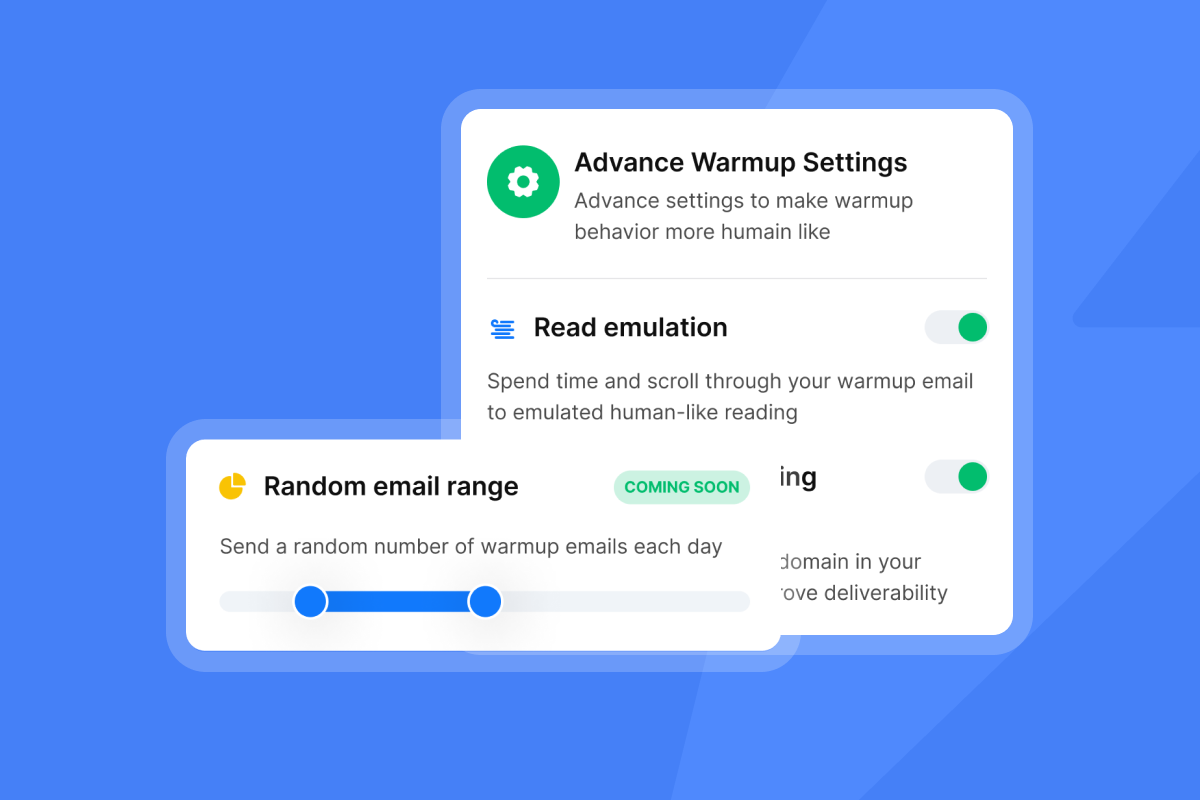
Think of warmup like pre-race stretching. Skip it and you risk a strain. Suddenly sending large volumes triggers red flags at mailbox providers. This type of behavior gets labeled as spammy and tanks your sender reputation fast.
Instantly's warmup network of 4.2 million accounts solves this by gradually building engagement signals. Your domain earns trust over 14 to 30 days before you send the first campaign. One user on G2 explained how warmup changed their results:
"I like the email warmup feature because it tracks my email health, which supports getting my emails delivered effectively." - David C. on G2
Without warmup, your perfect follow-up lands in a folder prospects never check.
Spam complaint thresholds are stricter than you think
Gmail enforces a hard ceiling for user-reported spam complaints. Keep your spam rate below 0.1% for reliable inbox placement. If you exceed 0.3%, Gmail starts routing more of your emails to spam. That means if you send 1,000 emails and three people mark you as spam, you're at the enforcement threshold.
Yahoo enforces the same 0.3% ceiling but recommends staying below 0.1%. Permanent deliverability restrictions follow when you exceed these thresholds, and they're hard to reverse.
Check your bounce rate and engagement metrics weekly. High bounce rates and low engagement tell email service providers that your emails might not be relevant. This damages your sender reputation faster than most teams realize.
Instantly's inbox placement testing shows you exactly where your emails land across Gmail, Outlook, and Yahoo before you scale. Another reviewer on G2 highlighted this feature:
"It is the Inbox placement feature which i like the most as it help us to get to know the spam score and the mails that are placed in the inbox so by this we can manage the mail ids accordingly." - Verified user on G2
Authentication and technical setup errors kill deliverability
Missing or misconfigured SPF, DKIM, and DMARC records signal to mailbox providers that your emails are suspicious. Authentication failures are one of the top reasons emails get rejected or sent to spam.
Set up proper SPF, DMARC, and DKIM records for every sending domain. Verify these records using tools like Google Postmaster or MXToolbox before launching campaigns.
Run regular deliverability audits to check for authentication issues, blacklist flags, and IP reputation problems. Fix broken records immediately because even small misconfigurations compound over time.
Apple Mail Privacy Protection skews your data
Apple's Mail Privacy Protection feature pre-fetches email images whether the recipient opens the message or not. This makes open rates artificially inflated and unreliable. Senders can't tell the difference between a real open triggered by the recipient and an automatic pre-fetch triggered by Apple's servers.
Open statistics become meaningless when a large portion of your list uses Apple Mail.
Focus on reply rates and click-through rates instead of opens. Mail Privacy Protection does not impact clicks, so clicks remain the most reliable way to measure engagement and campaign success.
Content mistakes: The psychology of "just checking in"
Even if your follow-up reaches the primary inbox, boring copy guarantees it gets deleted. Prospects are drowning in emails. Generic messages get ignored because they cost mental energy without offering a return.
Decision fatigue makes vague emails toxic
Decision fatigue hits when someone makes too many choices in a row. Their cognitive resources drain, leading to mental exhaustion, impulsive decisions, or complete paralysis.
The typical B2B buying group includes 5 to 11 stakeholders evaluating 3 to 9 vendors. Multiple people, multiple options, and endless emails create cognitive overload that makes any decision feel overwhelming.
A vague follow-up like "Just checking in, any thoughts?" forces the prospect to answer three questions: What was this about? Do I care? What should I do? That mental work gets skipped when they're already overloaded. The email gets deleted.
Simplifying the decision-making process reduces cognitive load on buyers. Present clear, concise information and focus on key benefits. A specific CTA like "Is this a priority for Q3?" reduces cognitive load, while "Thoughts?" increases it.
The "just checking in" trap adds zero value
"Just checking in" is the most overused phrase in follow-up emails. It signals that you have nothing new to say and you're asking for the prospect's time without offering anything in return.
Every follow-up must add new value. That means sharing something the prospect didn't have in the first email.
New data: Share a relevant industry statistic or benchmark specific to their sector.
Case study: Provide a specific, non-gated case study showing results for a similar company.
Competitor insight: Mention a specific recent move from their competitor and how you help teams stay ahead.
Resource: Share a helpful tool, template, or short video that answers a common objection.
Company-specific insight: Reference recent news about the prospect's company and connect it to your solution.
Replace generic check-ins with specific, helpful assets. One Trustpilot reviewer described how Instantly helped create relevant campaigns:
"The UI is clean, campaigns are easy to set up, and deliverability controls are clearly built by people who actually understand cold email." - Linus Friis on Trustpilot
Browse 600 templates to see how value-based follow-ups perform better than check-ins.
Subject line mistakes kill open rates before the email loads
Using "Follow up" or "Checking in" in your subject line is a double mistake. It triggers spam filters and bores prospects at the same time.
For warm, ongoing conversations, threading messages in the same conversation maintains context. For most cold sequences, however, use a fresh subject line for each follow-up that leads with value.
Thread messages: Use "Re: [original subject]" to keep context in warm conversations.
Lead with value: "Q1 data for SaaS retention rates" beats "Following up."
Be specific: "Quick question about your ops stack" beats "Touching base."
Avoid spam trigger words like "free," "guarantee," "limited time," and "act now." These phrases hurt deliverability and make your message look like a sales template instead of a relevant conversation.
Strategic errors: Timing, frequency, and channel reliance
Even with great deliverability and strong copy, poor timing and giving up too soon will tank your reply rates. Strategic mistakes compound over time and leave money on the table.
The timing paradox: Too fast annoys, too slow gets forgotten
Space your first follow-up 2 to 3 days after the initial email. Add 4-day gaps up to email four, then 5 or more days after that. Send on Tuesday or Wednesday to avoid Monday overload and Friday chaos, with total sequence duration of 10 to 25 days.
Use Instantly's campaign time gaps to automate spacing based on prospect behavior. Set send windows that align with each prospect's time zone for better open rates.
Recommended spacing guidelines:
First to second follow-up: 2 to 3 days
Subsequent follow-ups: 4 to 7 days
Later sequence emails: 7+ days
Adjust based on industry norms and your campaign data. High-urgency industries like recruiting may need tighter spacing, while enterprise sales may need longer gaps.
Giving up too soon is the most common mistake
Research shows that 80% of sales require at least five follow-ups before a deal closes, but 44% of salespeople give up after just one attempt. That means nearly half of your team is leaving pipeline on the table because they quit before the prospect is ready to engage.
Only 2% of sales are made on the first contact, while 80% require 5 to 12 follow-ups. The math is clear: persistence wins, but it has to be respectful and valuable.
Build sequences with at least five touchpoints. Use inbox rotation to spread sends across multiple accounts and reduce risk. This keeps your domain reputation clean while maintaining consistent outreach volume.
One G2 reviewer highlighted how Instantly's automation made scaling sequences simple:
"Deliverability tools that actually move the needle: warmup, inbox rotation, and smart sending windows help us land in Primary instead of Promotions/Spam." - Anthony V on G2
Watch this walkthrough on the best follow-up strategy to see proven cadences in action.
Single-channel reliance limits your reach
Relying only on email means you miss prospects who prefer other channels. Multi-channel sequences that combine email, LinkedIn, and phone calls get higher reply rates because they meet prospects where they are.
Add LinkedIn connection requests or profile views between email steps. Use calling to follow up on high-intent replies or when a prospect opens multiple emails but doesn't respond. Instantly's Hyper CRM includes calling and SMS features for teams that need unified outreach.
Multi-channel sequence example:
- Day 1: Send first email
- Day 3: LinkedIn connection request
- Day 6: Second email with new value
- Day 9: LinkedIn message referencing email
- Day 12: Third email with case study
- Day 15: Phone call to high-intent opens
Coordinate channels through your CRM or Zapier integrations. Avoid bombarding prospects across every channel at once. Space touchpoints strategically so each channel adds value instead of creating noise.
How to write follow-up emails that get replies (The fix)
Fixing follow-ups requires a system, not just better copy. Apply this five-step framework to diagnose problems and build sequences that convert.
Step 1: Audit your technical health first
Check your deliverability health before you write a single word. If your domain reputation is weak, perfect copy won't save you.
Deliverability audit checklist:
- Verify SPF, DKIM, and DMARC records: Use MXToolbox or Google Postmaster to confirm proper setup.
- Check bounce rates: Keep hard bounces below 1%. High bounce rates destroy sender reputation.
- Monitor spam complaint rates: Stay below 0.1% to avoid Gmail and Yahoo enforcement.
- Run inbox placement tests: Use Instantly's inbox placement tool to see where emails land.
- Review engagement metrics: Focus on reply rates and clicks, not just opens.
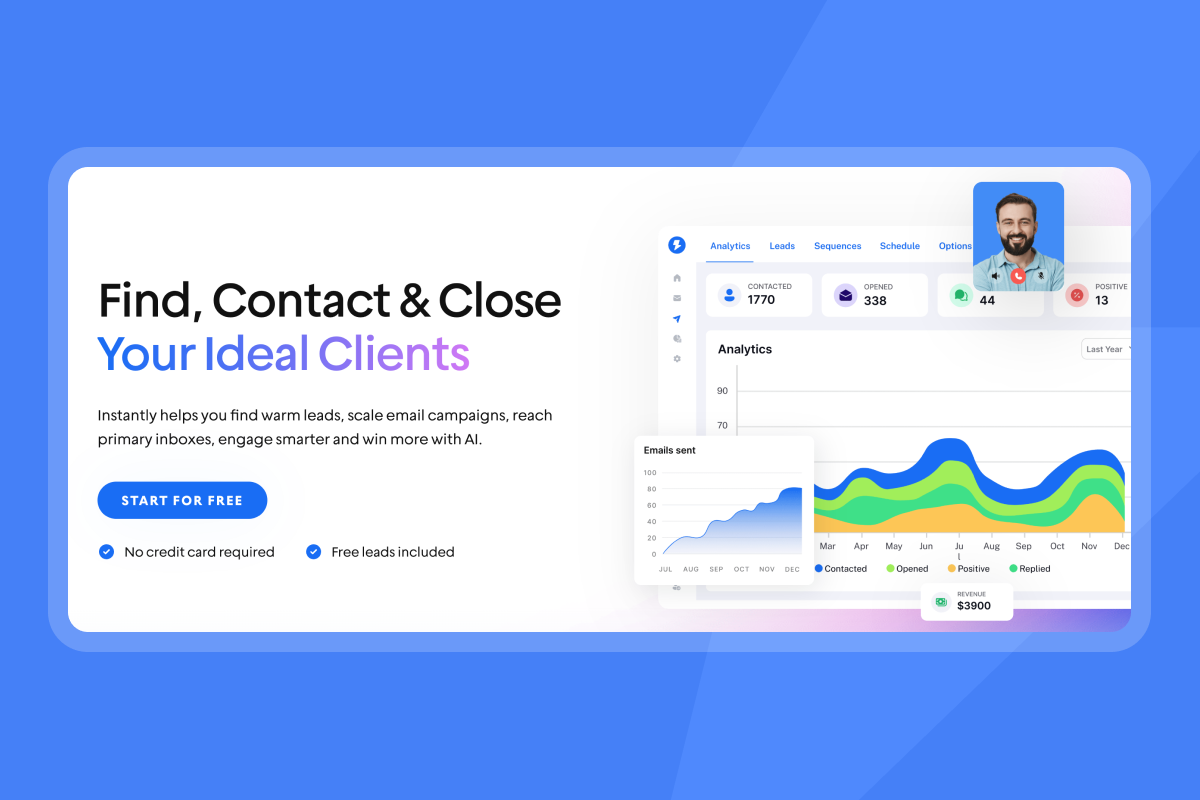
Instantly's analytics dashboard shows bounce rates, reply rates, and inbox health in real time. Fix technical issues before scaling send volume.
One Trustpilot user explained how warmup and deliverability monitoring improved their inbox placement:
"Their warm-up system helped my emails land in the inbox rather than spam, and whenever I face any problem, their support system is always there to help me." - Ronika on Trustpilot
Step 2: Apply the "new value" framework to every follow-up
Every follow-up must offer something new that wasn't in the previous email. This gives prospects a reason to re-engage instead of deleting your message.
Template 1: Share relevant data
Subject: Re: [original subject]
Hi [Name],
Saw this recent benchmark on [specific challenge] in [industry]. Thought it might be relevant given your focus on [priority].
Happy to share the full report if helpful.
[Your name]
Use personalized variables to insert dynamic data like industry, company name, or recent news. Instantly's AI can suggest personalization based on your lead data. Here's how different scenarios translate to value-driven follow-ups:
| Scenario | Subject Line | Body Hook | Value Offer |
|---|---|---|---|
| Share relevant data | Re: [original subject] | Saw this recent benchmark showing [insight] in [industry] | Happy to share the full report if helpful. |
| Reference competitor move | Re: [original subject] | Noticed [Competitor] just launched [feature]. A few of your peers asked how we help teams stay ahead on [challenge]. | Would a quick 10-minute call next week make sense? |
| Offer specific asset | Re: [original subject] | Putting together a 2-page breakdown of how [similar company] cut [metric] by 40% in Q4. | Want me to send it over? |
Step 3: Use personalization at scale with variables and AI
Personalization doesn't mean writing each email by hand. Use dynamic variables to insert custom data points automatically.
Scalable personalization tactics:
Company name: {{company}} shows you researched the prospect.
Industry: {{industry}} lets you reference relevant trends.
Recent news: {{recent_news}} proves you pay attention.
Job title: {{title}} helps you tailor pain points.
Instantly's AI email writer adapts copy based on the most relevant data points for each lead. This ensures every email feels tailored without manual work.
One G2 user explained how personalization features helped maintain high reply rates at scale:
"I really appreciate how Instantly helps me find leads effectively by allowing me to search based on specific titles, locations, and industries, which makes it incredibly user-friendly for targeted lead finding." - adnan k. on G2
Browse Instantly's copywriting framework for templates that balance automation with personal relevance.
Step 4: Write specific, low-friction CTAs
Replace vague CTAs like "Thoughts?" or "Any interest?" with specific, easy asks that reduce decision fatigue.
Priority check: "Is this a priority for Q1?"
Asset offer: "Should I send the case study?"
Meeting request: "Does Tuesday at 10 a.m. work for a quick call?"
Value delivery: "Want the 2-page breakdown?"
Make the next step obvious and easy. The less the prospect has to think, the more likely they are to respond. Specific CTAs also help you qualify intent because the answer tells you exactly where the prospect stands.
Step 5: Close the loop with a professional break-up email
A break-up email is your last follow-up. It closes the conversation respectfully and leaves the door open for future engagement.
Three-part break-up framework:
- Acknowledge the silence: "I haven't heard back, so I'm assuming you're exploring other options or priorities have shifted."
- Restate value briefly: "If [specific pain point] becomes urgent, we've helped teams like yours solve it in under 30 days."
- Leave the door open: "Feel free to reach out anytime. I'll close your file for now."
Break-up emails create urgency without pressure. Prospects realize it's their last chance to engage, which can prompt action. Use subject lines like "Permission to close your file?" and include a final resource like an ebook or case study.
Checklist: The ultimate follow-up quality control
Use this checklist before launching any follow-up sequence. Share it with your SDR team to standardize quality across campaigns.
Technical health:
- Domain warmed up for 14 or more days
- SPF, DKIM, and DMARC records verified
- Hard bounce rate below 1%
- Spam complaint rate below 0.1%
- Inbox placement tested across Gmail, Outlook, Yahoo
Copy and content:
- Subject line free of "Follow up" or "Checking in"
- Body offers new value (data, case study, insight, or asset)
- CTA is specific and low friction
- Personalization variables inserted (company, industry, news)
- No banned spam words (free, guarantee, limited time)
Timing and strategy:
- Follow-ups spaced 2 to 7 days apart
- Sequence includes at least 5 touchpoints
- Send windows aligned with prospect time zones
- Break-up email included as final step
- Multi-channel touchpoints considered (LinkedIn, phone)
Systems and tracking:
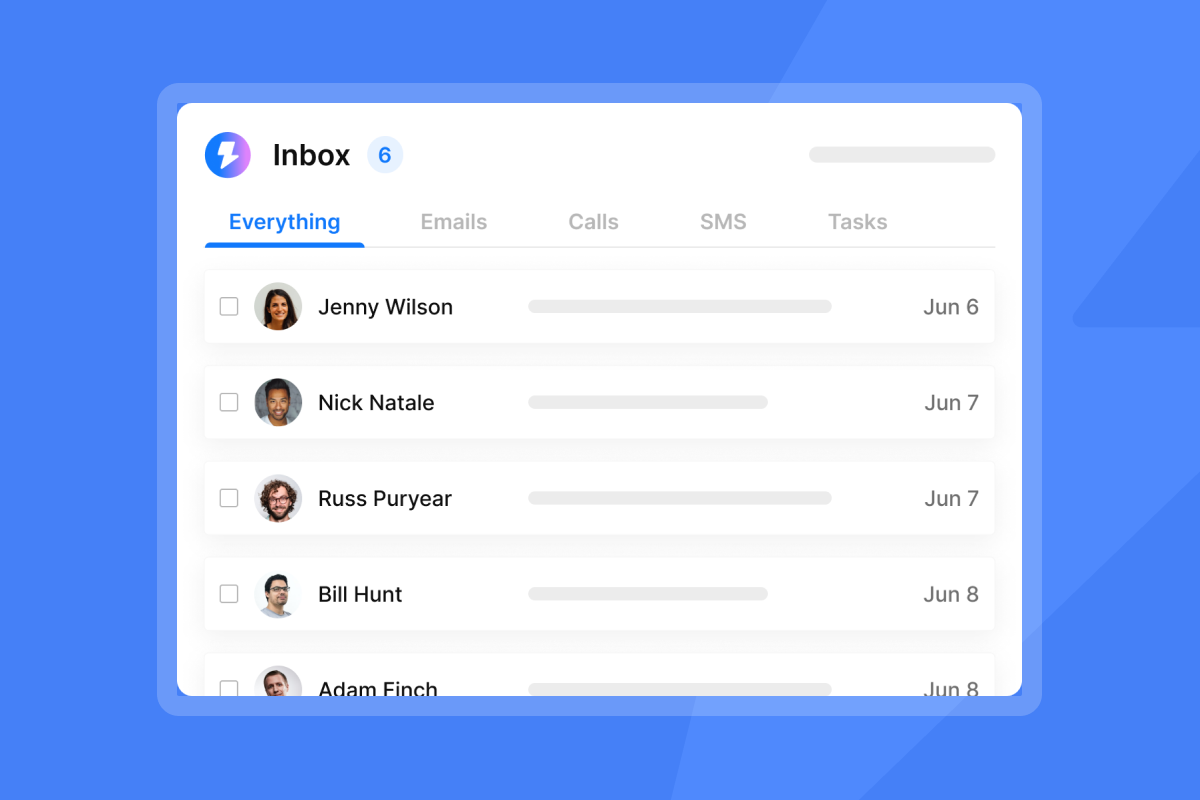
- Replies routed to centralized inbox (Unibox or CRM)
- Analytics tracking reply rate, not just opens
- Inbox rotation enabled for accounts over 30 sends per day
- Global blocklist active to prevent duplicate sends
Download this cold email campaign setup guide to implement these checks in your workflow.
Frequently asked questions about follow-up emails
How many follow-up emails should I send?
Aim for 3 to 5 follow-ups in a sequence. Stop if you get no reply, but recycle the lead after 60 to 90 days with a fresh angle.
What is the best time to send a follow-up?
Mid-week (Tuesday through Thursday) and mid-morning (9 a.m. to 11 a.m.) in the prospect's time zone usually work best. Test your specific industry to confirm.
Should I use the same subject line for follow-ups?
For warm, ongoing conversations, thread messages to maintain context. For most cold sequences, use fresh, value-driven subject lines for each follow-up.
How do I know if my emails are going to spam?
Run an inbox placement test to see where your emails land across Gmail, Outlook, and Yahoo.
What should I do if my bounce rate is high?
Pause your campaign immediately, verify your email list to remove invalid addresses, and re-authenticate your domain before resuming sends.
How long should I wait before sending the first follow-up?
Wait 2 to 3 business days after the initial email. This avoids seeming pushy while keeping your message fresh in the prospect's mind.
Key terms glossary
Mail Privacy Protection (MPP): Apple feature that pre-fetches email images and masks IP addresses, making open rates inflated and unreliable for senders.
Sender reputation: A trust score that ISPs assign to your email domain based on engagement rates, spam complaints, bounce rates, and authentication setup.
Decision fatigue: The psychological state where a prospect ignores an email because processing it requires too much mental effort without clear value.
Primary inbox: The main Gmail tab where personal and important messages land, as opposed to Promotions or Spam folders.
Bounce rate: The percentage of emails that fail to deliver, either permanently (hard bounce) or temporarily (soft bounce).
Ready to fix your follow-up system? Try Instantly free and use warmup, inbox rotation, and Unibox to turn ignored emails into booked meetings. Apply the checklist and watch reply rates climb.1


