.svg)
%20(1).svg)


Latest Update: January 05, 2026
Complexity is the enemy of consistency. The most user-friendly email outreach tools strip away the enterprise bloat, so you can launch personalized campaigns and automate follow-ups in minutes.
By focusing on intuitive interfaces and essential automation (like warmups and smart scheduling), platforms like Instantly let you build a predictable revenue engine without needing a PhD in software engineering.
So you need a simple email outreach tool. You want to learn cold email outreach the right way. You do a quick search, and of course, every single one claims to be "easy to use." But when you test them, it feels like you're looking at a fighter jet's cockpit. It’s overwhelming and completely kills your momentum.
When we say easy, we don't mean just a clean design. We mean a tool that gets you from "I have an idea" to "my campaign is running" without a 3-day training course.
It means the important things (like protecting your sender reputation) are handled automatically in the background, not buried in advanced settings you'll never touch.
A truly easy tool removes friction, not power. It lets you focus on your message and your audience, while quietly handling the technical guardrails that keep you out of trouble. Finding the best bulk sender means looking beyond the surface. Let's look at what that means and which tools get it right.
Why "Easy to Use" Matters In Email Outreach
Most software companies slap "easy to use" on their homepage because it sounds good. But when you're evaluating email outreach tools, ease of use is less about pretty interfaces and more about how fast your team can go from signup to sending campaigns that work.
Here's what matters:
- Speed to first campaign: Can someone on your team launch their first sequence in under an hour? Or does setup require DNS configuration, API keys, technical documentation, and a call with support? The best tools handle the complex stuff in the background. You connect your email. Upload your leads. Write your message. Hit send.
- Simple Yet Powerful Automation: Some platforms make you build elaborate if-then workflows just to send a follow-up when someone doesn't reply. That's not automation. Real ease of use means behavioral triggers work automatically. Someone opened your email three times? They get a different follow-up than someone who ignored it. The tool handles the logic. You just define the messages.
- Personalization without manual research: If your tool makes you manually insert custom variables for every prospect, it's not saving time. Look for platforms that pull data automatically. Company info. Recent news. Job titles. Pain points. The system enriches your leads and personalizes at scale without you touching each record.
- Built-in deliverability management: Deliverability is complicated. You'll have to consider SPF records, DKIM authentication, warmup, domain reputation, sending limits, etc. If your tool dumps all of this on you, it's not easy to use. The best platforms handle warmup automatically, distribute sends across multiple accounts, and monitor reputation in real time so you stay out of spam.
- Crystal Clear Reporting: Some tools give you 47 different email metrics across five dashboards. Others show you exactly what matters: open rates, reply rates, conversion rates, broken down by campaign and sequence step. Easy to use means you can see what's working without needing a data analyst to interpret the numbers.
- Speedy Support: When your sequences stop sending at 9am on Tuesday, "easy to use" means you can reach someone who fixes it within the hour. Not three days and four ticket escalations later.
Easy to use is far from dumbing things down. It's about making powerful features accessible without requiring a technical background.

What to Look for in User-Friendly Email Outreach Tools
Every platform promises automation and personalization. Here's how to separate tools that actually deliver from tools that look good in demos.
- Intuitive interface that matches how you think: You shouldn't need a tutorial to find basic features. Campaigns should be where you expect them. Settings should be organized logically. If you're clicking through five menus to schedule a follow-up, the tool isn't intuitive.
- Real automation: Scheduling sends emails at set times. Automation responds to behavior. Someone clicked your pricing link? Your rep gets notified. Someone opened your email three times but didn't reply? They automatically enter a nurture sequence. The tool should watch what prospects do and react accordingly.
- Behavioral triggers without complexity: You shouldn't need to build flowcharts to create simple rules like "if no reply after 3 days, send follow-up." The best platforms let you define sequences visually. Drag and drop. Simple conditions. No coding required.
- Personalization that scales: Custom variables are table stakes. But truly easy-to-use tools go further. They pull company data automatically. They integrate with enrichment sources. They let you create variations using spintax (Spin Syntax) so every email reads slightly different, even when you're sending to hundreds of prospects.
- Built-in warmup and deliverability: Your tool should handle email warmup automatically with gradual send increases, engagement simulation, and reputation monitoring. You shouldn't need a separate warmup service or manual intervention to keep your domains healthy.
- Native integrations with your stack: Your outreach tool needs to talk to your CRM, your enrichment tools, your calendar, and other essential apps. Native integrations are best because they're built to handle edge cases. Zapier works as a backup but adds latency and failure points.
- Scalability without complexity: Adding 10 more sending accounts shouldn't require reconfiguring your entire setup. Scaling from 500 emails daily to 5,000 should be a pricing change, not a platform migration.
- Clear analytics focused on outcomes: You need to see open rates, reply rates, and conversion rates. Broken down by campaign, by sequence step, by message variant. If the analytics require interpretation, they're not clear enough.
How Instantly Compares With Other Tools
Email outreach often requires separate tools for finding prospects, researching leads, sending campaigns, managing replies, and tracking opportunities. Instantly brings these workflows together in one platform, reducing the need to move between disconnected tools.
| Feature | Traditional CRM | ChatGPT / Claude | Instantly |
|---|---|---|---|
| Build prospect lists with a B2B Lead Finder | × | × | ✓ |
| Research prospects with AI Sales Agents | × | Limited | ✓ |
| Personalize emails with AI Sales Agent software | × | Manual | ✓ |
| Send and automate cold email outreach | × | × | ✓ |
| Manage responses with an AI Reply Agent | × | × | ✓ |
| Improve sending reputation with email warmup | × | × | ✓ |
| Track leads and opportunities with an AI CRM | ✓ | × | ✓ |
Top 4 Easy-to-Use Email Outreach Tools
These platforms balance simplicity with power. You can start fast, but you won't outgrow them when you need to scale.
Instantly.ai
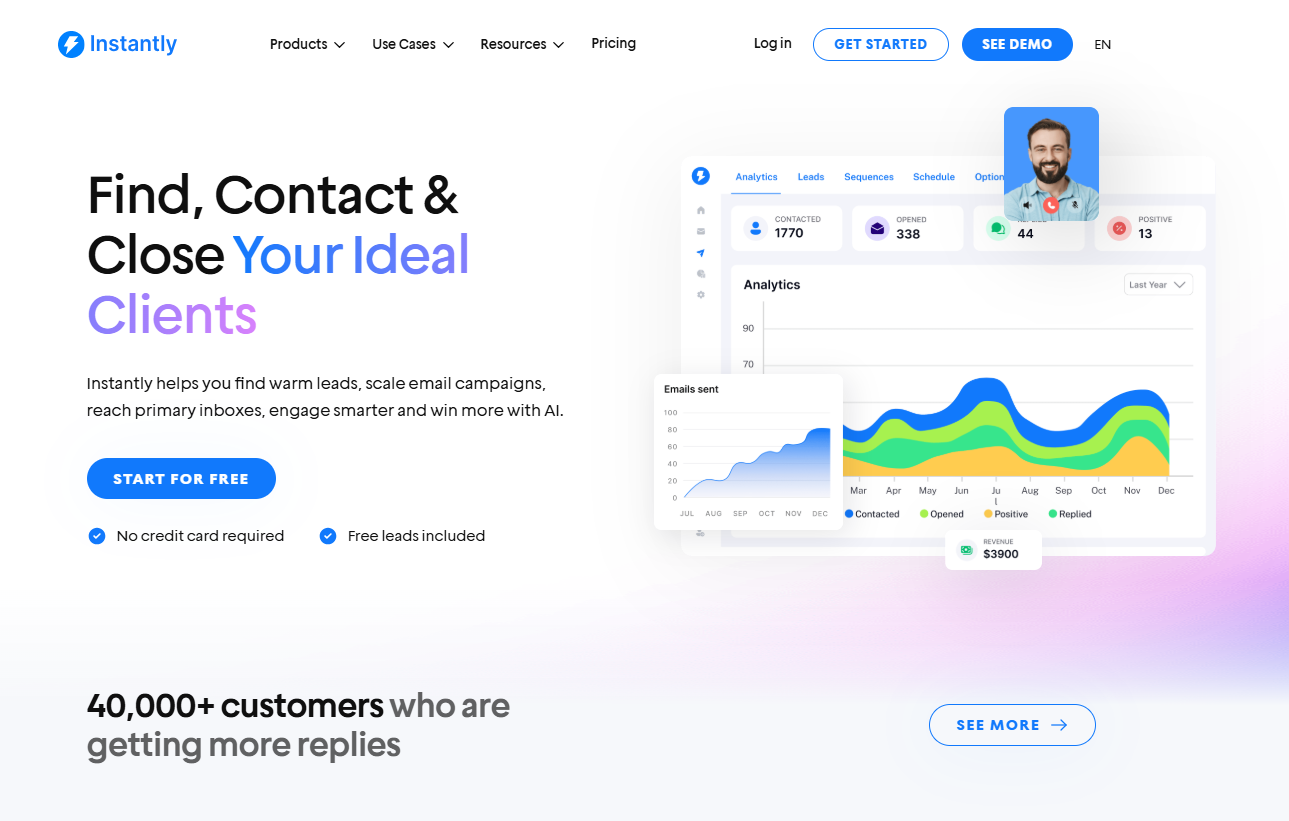
G2 Rating: 4.8/5 ⭐ from 3,939 reviews
Best For: Unrivaled deliverability and "set it and forget it" scaling.
Instantly is built specifically for cold email at scale, without the usual complexity that slows teams down.
Setup is fast, the UI is clean, the lead database houses over 450 million verified contacts, and you can connect unlimited sending accounts without jumping through hoops. That alone removes some of the biggest friction points in outreach.
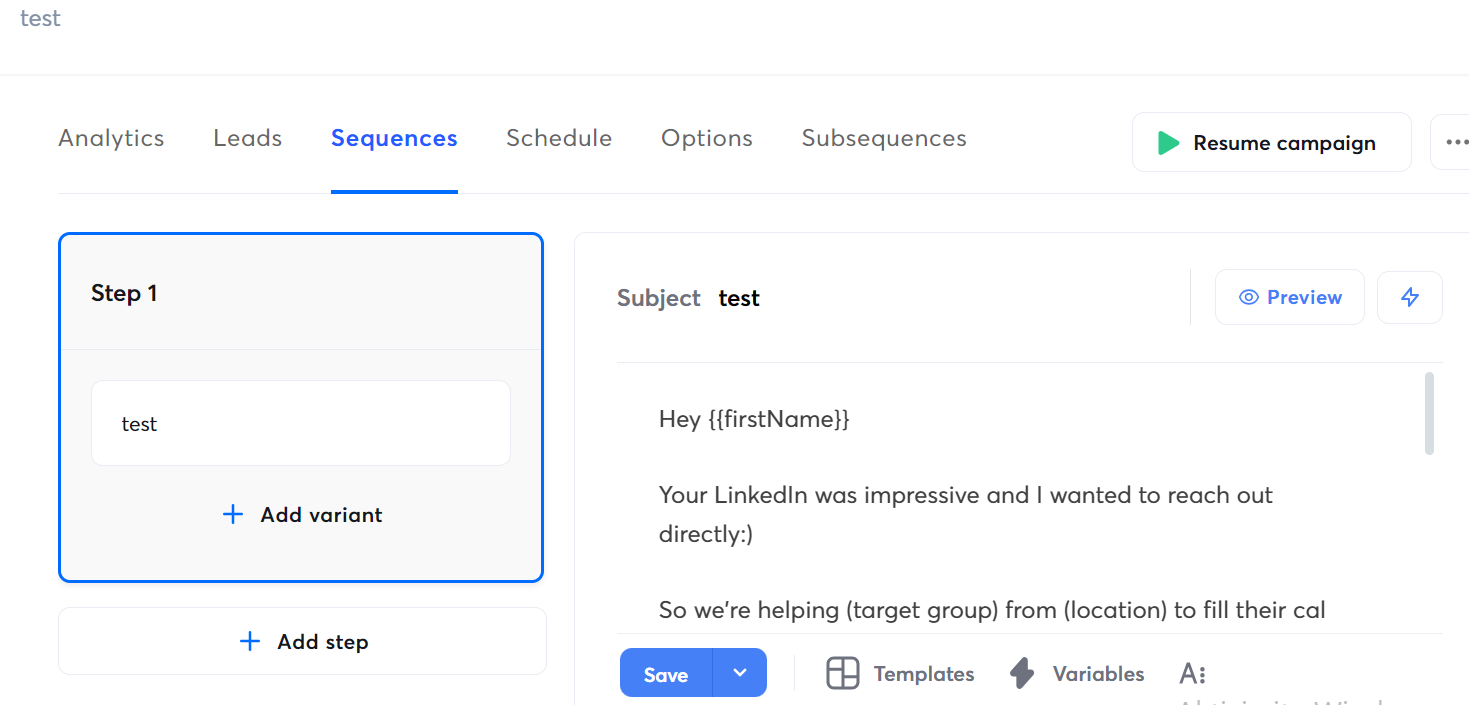
Where Instantly really stands out is in deliverability. Unlimited warmup, inbox rotation, smart sending limits, and automatic reply detection are baked in by default.
Campaigns are almost effortless to personalize, and analytics focus on what moves the needle: sends, replies, and conversions. It’s a strong fit for founders, agencies, SDR teams, and freelancers who want results without micromanaging infrastructure.
The cherry on top? Where most tools punish you for growth by charging per email account, Instantly lets you connect unlimited inboxes for one flat price. This single feature makes it the most stress-free option for founders who just want to scale without calculating monthly seat costs.
GMass
G2 Rating: 4.8/5 ⭐ from 1,258 reviews
Best For: Solopreneurs who prefer to work directly inside Gmail.
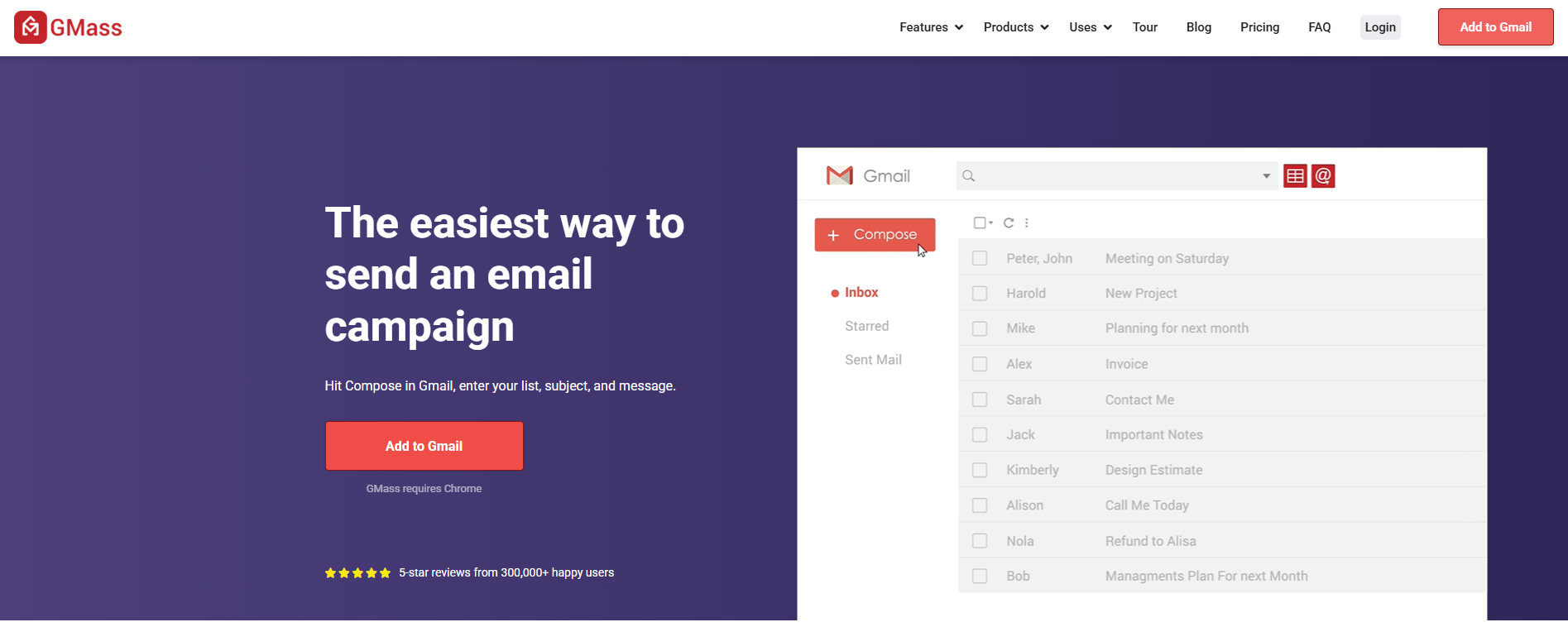
If you'd rather not learn a new email outreach software, GMass is your answer. It's a Chrome extension that lives directly inside your existing Gmail account.
You compose emails in the standard "Compose" window you’ve used for years, but with a powerful red "GMass" button next to "Send." You can connect a Google Sheet to GMass, and it will automatically pull personalized fields (First Name, Company, Industry) into your email draft.
Thanks to the Auto Follow-Ups features, you can also set simple rules like: "If no reply in 3 days, reply to the previous email with: 'Just bumping this up.'" It mimics human behavior well because it sends from your actual Gmail account.
Mailshake
G2 Rating: 4.7/5 ⭐ from 349 reviews
Best For: Sales teams that need a linear, mistake-proof workflow.
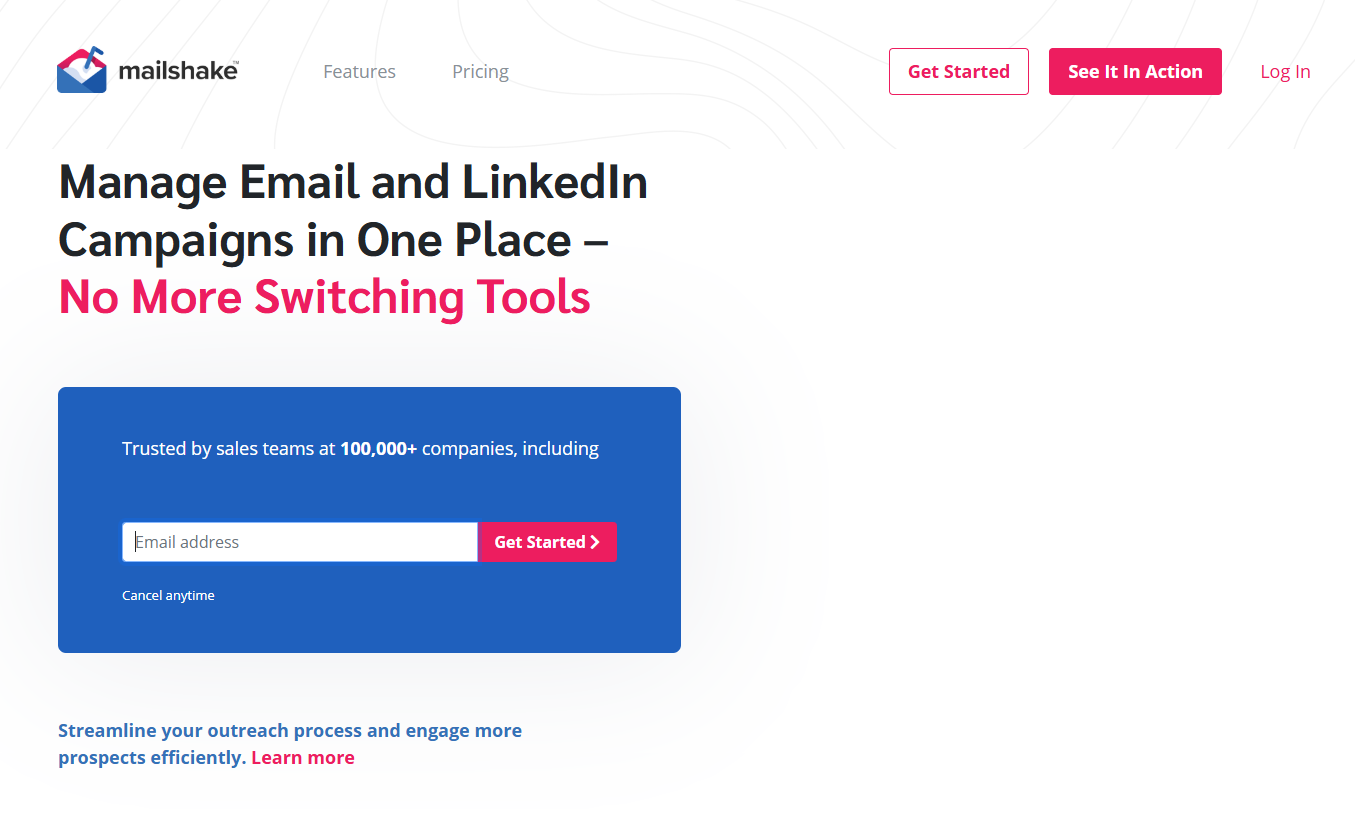
Mailshake is designed for the non-technical salesperson. It’s easy to onboard, campaigns are quick to build, and follow-ups are intuitive. You won’t find endless configuration layers, which is exactly the point.
Among its many great features, the "SHAKEspeare" AI feature (a built-in AI writer) goes beyond text generation to analyze subject lines and email copy against thousands of successful campaigns, giving you a "deliverability score" and suggesting edits to avoid spam filters.
While it doesn’t offer the same depth of inbox rotation or warmup automation as other heavy-hitting platforms, it remains a solid choice for teams running straightforward email sequences without heavy technical needs.
Apollo (Email Outreach Only)
G2 Rating: 4.7/5 ⭐ from 8,838 reviews
Best For: All-in-one efficiency (Data + Sending).
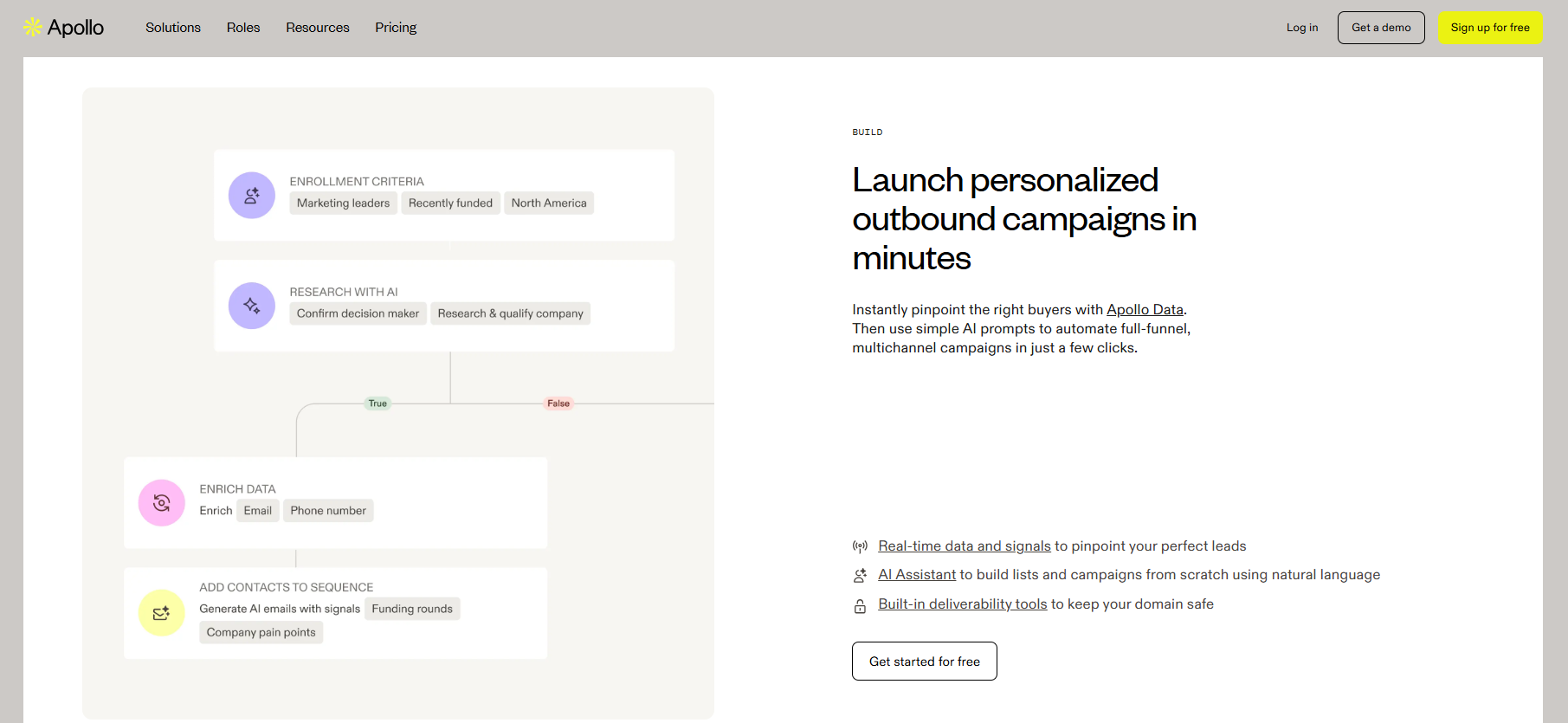
Apollo is often known as a lead intelligence platform ( with 210 million global contacts and 35 million global companies), but its email outreach component has become significantly easier to use in recent years.
If you’re already sourcing leads inside Apollo, launching basic email sequences directly from the platform can reduce tool sprawl. You can filter for "CEOs in New York," select 50 of them, and add them directly to a sequence in just a few clicks.
Apollo also flags companies that are actively researching your solution, so you can prioritize the "easy wins" first. That said, the platform is best used for simple outbound. Once you need advanced deliverability control or higher volumes, dedicated outreach tools are usually a better fit.
Making the Right Choice for Your Team
Easy to use doesn't mean the same thing for every team.
- If you're a solo founder testing cold email for the first time, interface simplicity and clear documentation are most important.
- If you're running an agency managing campaigns for 10 clients, you need client separation, white-label reporting, and the ability to scale without doubling your workload.
- If you're a growth team sending 10,000+ emails weekly, you need bulletproof deliverability and behavioral automation that doesn't require constant babysitting.
Start by defining your primary use case. Cold email at volume? Multi-channel sequences? Creative visual personalization? Then prioritize based on your constraints.
If cold email at scale is your motion, Instantly handles the technical complexity while keeping the interface simple. Built-in warmup, unlimited accounts, behavioral automation, and clear analytics without requiring a technical background.
Start your free Instantly trial and see how fast you can launch campaigns that actually reach inboxes and drive replies.

Further Reading
- Email Outreach Templates – Get practical outreach email templates and learn how to write emails that generate responses.
- AI Sales Automation – Explore how AI can automate prospecting, outreach and follow-up across your sales process.
- AI Sales Agent – Learn how AI sales agents can find prospects, research leads and support personalized outreach.
- How to Generate More Sales Pipeline – Learn how to turn prospecting, outreach and follow-up into qualified sales opportunities.
- How to Improve Email Deliverability – Learn how to improve inbox placement and protect your sender reputation as your email outreach scales.


