


Email delivery tools help businesses maintain high inbox placement as they scale sending volume. Prioritize features like email warmup, verification, reputation monitoring, spam testing, and authentication management for the best outcomes.
Our top email delivery platforms include Instantly (full-stack deliverability with SISR), EasyDMARC (DMARC analysis), Google Postmaster/Microsoft SNDS (provider insights), ZeroBounce/Kickbox (verification), GlockApps (content testing), MXToolbox (monitoring), and Validity Everest (placement testing).
You can start with basics at low volumes, then add advanced features as you exceed 100k emails monthly.
Scaling cold outreach requires more consideration than most businesses realize. You add new domains and increase sending volume, only to watch your deliverability plummet as emails are rerouted to spam or promotions folders. The culprit? Your sending infrastructure.
Email delivery tools are the engineered solution to this exact problem. They are the essential systems that monitor your sender reputation, authenticate your domains, warm up your inboxes, and proactively address the issues that keep you out of inboxes. Without them, scaling looks a lot like systematic self-sabotage.
As cold emailers ourselves, we have quite a bit of experience with these issues. And it's why we built a complete deliverability engine directly into Instantly, from automated email warmups to advanced Server & IP Sharding and Rotation (SISR) for elite-scale senders.
But owning the tools is only half the battle. True scaling requires understanding the mechanics behind the magic.
Why Are Email Deliverability Tools Essential for Scaling Teams
Let’s say you started small, sending a couple thousand emails monthly. You find a good system and decide it’s time to scale. But when you add new alternate domains and leads to campaigns, you quickly realize how deliverability rates drop.
The issue is that email service providers learn from user engagement. If emails start landing in the promotions page, ESPs will slowly categorize the rest as promotions.
Worse, if ESPs categorize emails as spam, you have domains could be potentially blacklisted. Email deliverability tools prevent these by:
- Warming up new inboxes and alternate domains
- Rotating mailboxes and throttling send volumes
- Verifying and cleaning lead lists
- Suppressing role accounts and likely spam traps
- Skipping high-risk recipients using bounce data
- Blocklist and global suppression management
- Scoring spam risk in the subject, body, and links
- Managing unsubscribes and complaint feedback loops
- Monitoring domain, IP, and mailbox reputation
- A/b testing subject lines and templates
- Provider-aware rate limits for Google and Microsoft
- Team-wide sending policies, alerts, and guardrails
When Do You Need Email Deliverability Tools?
If you’re using Instantly, you get essential email deliverability tools integrated into the platform. And it's so intuitive that even email outreach beginners can get high deliverability rates.
Meanwhile, senders who'd like to scale their sending volume to hundreds or thousands of emails monthly can simply access premium email deliverability features.
So, how do you know if it's time to consider email deliverability seriously? The answer is always. If there’s something to get obsessed with when doing cold emails, it’s deliverability. Start with the essentials on day one, then add the necessary features as your volume and risk grow.
| Category | Indicators & Recommendations |
|---|---|
| Early Signals You Need Help Now |
|
| Volume Milestones that Require Advanced Deliverability Features |
|
Best Email Deliverability Tools for Scaling Teams
If you want cold email marketing campaigns to not only have high deliverability rates but also high primary inbox placements, here are the tools that can help you get the job done:
Instantly: Full Stack Email Deliverability Tools in One Platform
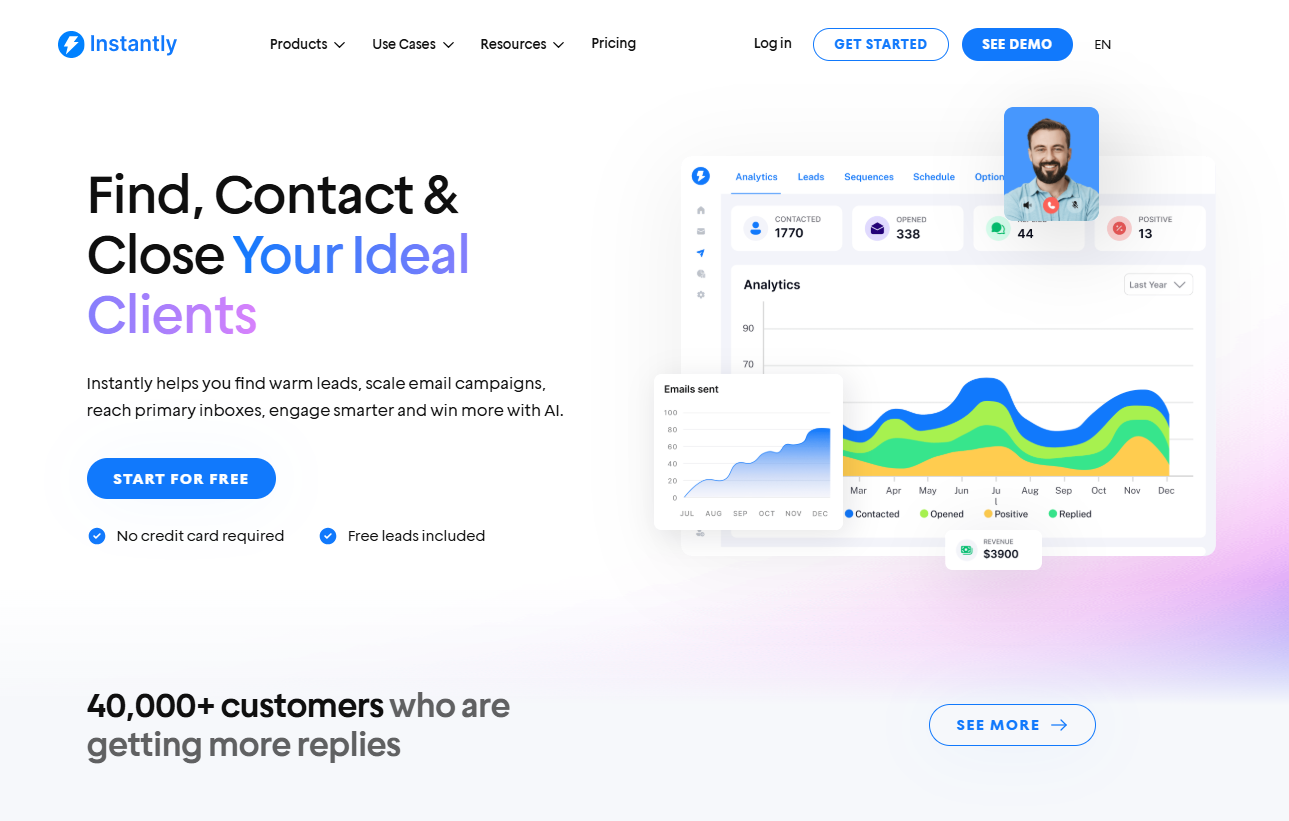
G2 Rating: 4.8/5 ⭐ from 3,822 reviews
With Instantly, you get every essential and advanced email deliverability tool that you need to scale sending volume.
The best part is that most of these tools work behind the scenes, so once they’re set up, campaign settings adjust depending on the deliverability performance.
Key Features
Advanced Deliverability (automatic, workspace-wide)
If you configure these once in Instantly, they apply across all campaigns. Set these controls at the workspace level, and all campaigns follow. You can still override settings per campaign:
- AI Lead Filtering: Identifies leads unlikely to respond and can skip them or send them last.
- ESP Matching: Matches your sending ESP to each recipient’s ESP across campaigns to improve inbox placement.
- Always Send First Email as Text-Only: Sends the first touch as plain text to improve deliverability.
- Disable Open Tracking: Workspace toggle to remove tracking pixels and avoid potential deliverability issues.
High-Volume Deliverability (SISR, IP pools, and more)
Purpose-built for large senders who need consistent inboxing at scale.
- SISR System (Server and IP Sharding and Rotation)
- Automatically assigns dedicated or private server and IP blocks as you grow:
- No need to purchase private servers or proxies
- Dedicated IP pools reduce reputation risk from other campaigns
- Flagged IPs are replaced immediately to maintain high deliverability
Dynamic IP Pool Management
Hundreds of rotating proxy IPs managed by usage and reputation
- High-reputation IPs stay in rotation, while underperforming ones are removed
- Proactive blocklist monitoring and IP replacement
- Location-independent deliverability
Additional High-Volume Tools
Email Verification to keep lists clean
- AI spam words checker to remove problematic content before sending
- Inbox placement testing with spam filter scoring
- Custom tracking domains to improve sender reputation
Pricing
If your team is ramping up sending volume, Instantly’s HyperGrowth plan offers many powerful features. However, if you need more advanced features, like the SISR system, you can choose the Light Speed plan.
- HyperGrowth Plan: $97/month: 125,000 emails monthly, 25,000 contacts
- Light Speed Plan: $358/month: 500,000 emails monthly, 100,000 contacts
EasyDMARC: DMARC analyzer with MTA-STS/TLS-RPT and BIMI Helpers
As your volume grows, reputation, authentication, and list quality all compound. You need simple ways to see what works, fix what is not, and keep your domain trusted. EasyDMARC helps on all three fronts.
It gives you an easy view of domain health and flags issues before they snowball. EasyDMARC also includes inbox placement testing, so you can send a sample to mailboxes and see if your emails land in spam, promotions, or the primary inbox.
Key Features
- DMARC Dashboard & Report Analyzer: Clear view of sources, pass/fail rates, and spoofing attempts.
- SPF/DKIM/DMARC Record Tools: Generators, validators, and instant checks.
- BIMI Setup Helper: Record guidance and VMC readiness so your logo can show in inboxes.
- MTA-STS & TLS-RPT Management: Enforce secure delivery and get human-readable TLS reports.
- Inbox Placement Testing: Seed-list tests to see Inbox/Promotions/Spam placement before big sends.
Pricing
EasyDMARC sells to in-house teams and service providers:
- Businesses & Enterprise: For one organization managing its own domains. Plans scale by monthly DMARC email volume, number of domains, data history, and feature tier (DMARC analyzer, EasySPF, TLS-RPT/MTA-STS, BIMI, health scans, alerts).
- MSPs & MSSPs: For providers managing many client domains. You get a multi-customer console with org/domain grouping, access controls, and flexible/pay-as-you-go pricing aligned to domains and volume.
For their Business & Enterprise model, pricing starts at $44.99/monthly, which includes two domains, 100,000 emails, and three months of data history.
Google Postmaster Tools & Microsoft SNDS
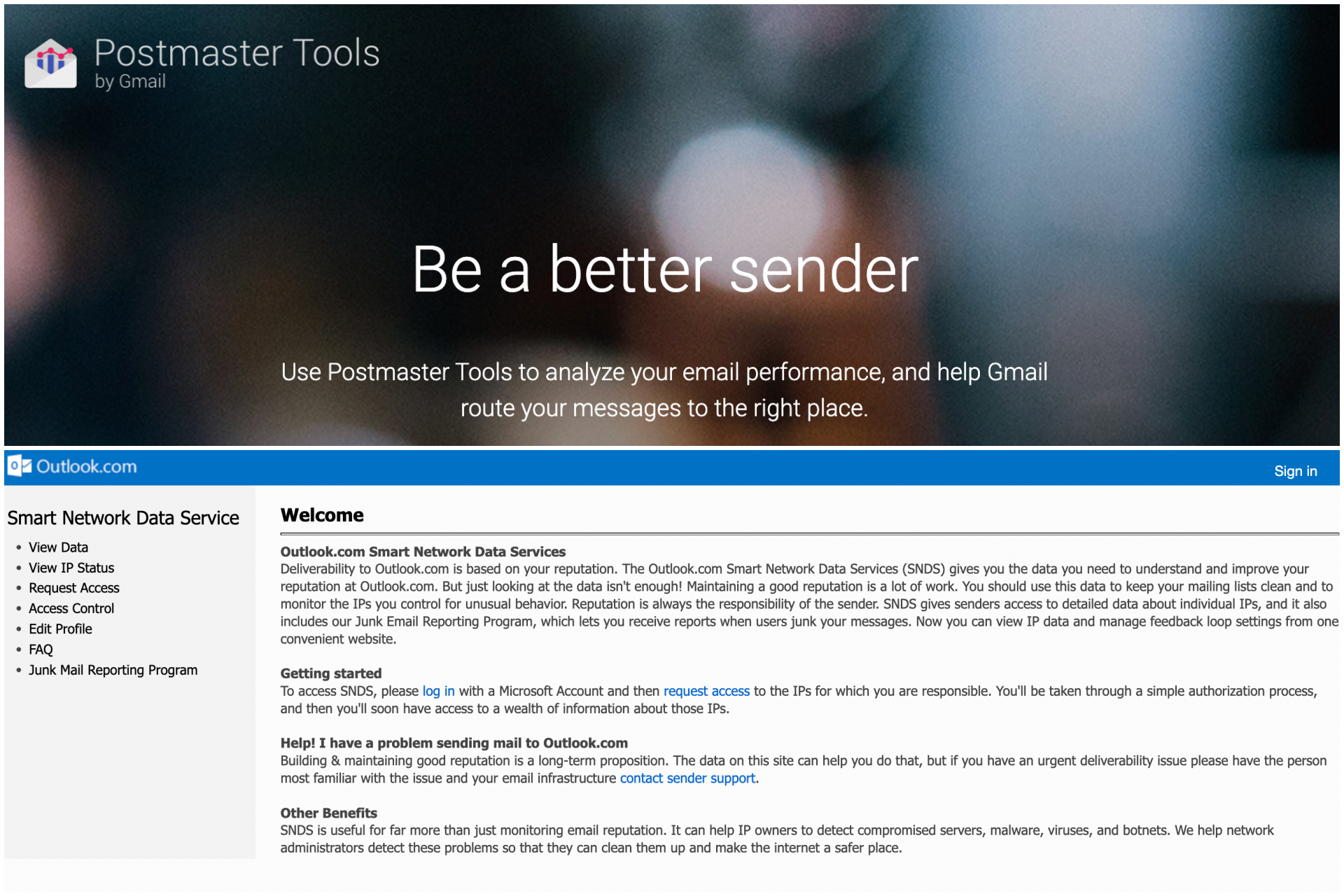
As sending volume increases, you need provider-side visibility to catch issues early and keep your emails landing in primary inboxes. Two must-haves are Google Postmaster Tools and Microsoft SNDS.
- Google Postmaster Tools: Gmail’s dashboards show your domain and IP reputation, spam rate, authentication health, and delivery errors, so you can see how Gmail perceives your mail and fix problems before they snowball.
- Microsoft SNDS: SNDS gives IP-level visibility into Outlook/Hotmail delivery: filter results, block status, complaint rate, and spam-trap hits. Use it with Microsoft’s JMRP feedback loop to capture complaints and auto-suppress.
Key Features
Google Postmaster Tools
- Reputation dashboards: Track domain and IP reputation trends over time.
- Spam rate: See how often Gmail users mark your messages as spam.
- Auth & encryption health: Percent of mail passing SPF/DKIM and delivered over TLS.
- Delivery errors: Surface error types and rates to fix issues quickly.
- Feedback loop data (for qualified high-volume senders): Aggregate signals tied to campaigns/templates.
Microsoft SNDS
- IP-level reputation view: Per-IP volume and reputation (green/yellow/red).
- Complaint rate: Fraction of messages reported as junk.
- Spam-trap hits & filter results: Indicators of risky data and SmartScreen filtering.
- Block/permit status: Whether an IP is blocked or throttled.
- Works with JMRP feedback loop: Copies of complaint messages to suppress and tune targeting.
Pricing
Both Google Postmasters and Microsoft SNDS are free. All you need to do is verify your domains, and you’ll be good to go.
ZeroBounce and Kickbox: List Quality and Targeting
How you generate leads and the data quality you get directly affect deliverability. So, it pays to always run campaigns with a fresh lead list through email verification tools before launching campaigns. Two of the best ones on the market are ZeroBounce and Kickbox.
If you'd prefer everything to be on the same platform, Instantly offers a dedicated email verification service to help you confirm the quality of your list before you add them directly to any campaign.
You can also automate the lead generation process after setting up your filters. However, if you already have a lead source, both ZeroBounce and Kickbox offer the following:
Key Features
- Bulk and real-time verification with API.
- Catch-all handling and confidence scoring.
- Detection for disposable, role, and abuse-prone emails.
- Activity and quality signals to prioritize the best contacts.
- Integrations for common CRMs, ESPs, and forms.
Pricing
ZeroBounce
- Free: 100 validations.
- ZeroBounce ONE: $99/month with 25,000 validations included.
- Pay-as-you-go: $45 for 2,000 credits ($0.009 per validation).
Kickbox
- Free trial: 100 free verifications.
- Pay-as-you-go: $10 for 1,000, $40 for 5,000, $80 for 10,000, $400 for 50,000, $1,500 for 250,000 verifications.
GlockApps Inbox Insight: Content and Template Hygiene
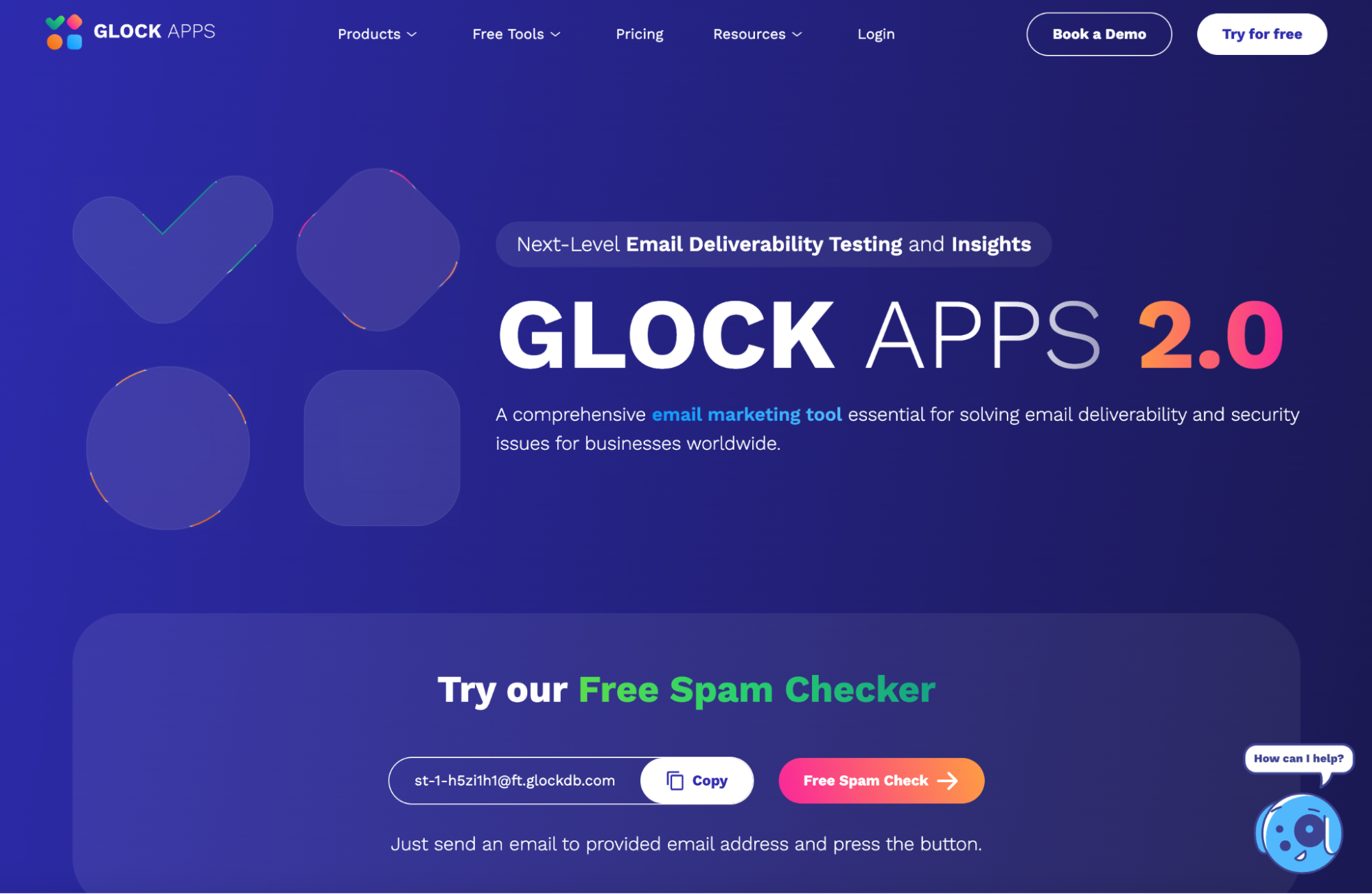
As you scale, good copy fails if the template, links, or headers trigger filters. GlockApps Inbox Insight gives you a quick health check before big campaigns.
You get to see where your email lands (Inbox/Promotions/Spam), what content elements look risky, and what to fix.
Key Features
- Inbox placement & spam score tests: Seed-list testing across major providers plus SpamAssassin-style scoring.
- Domain/IP health & blocklists: Surface blocklist status and infrastructure issues fast.
- Content & HTML checks: Flags risky phrases, malformed HTML, broken/blacklisted links, and image issues.
- Header/auth validation: Highlights SPF/DKIM presence and common header problems.
- Automation & API: Schedule recurring tests, export white-label/PDF reports, and integrate via API.
Pricing
- Free ($0/mo): 2 spam-test credits, 1 sending account, and 10,000 DMARC messages
- Essential ($59/mo): 360 credits, 1 sending account, and 600k DMARC messages
- Growth ($99/mo): 1080 credits, 10 sending accounts, and 1.2M DMARC messages.
- Enterprise ($129/mo): 1800 credits, 20 sending accounts, and 12M DMARC messages
MXToolbox Monitoring: Monitoring, Alerts, and Remediation
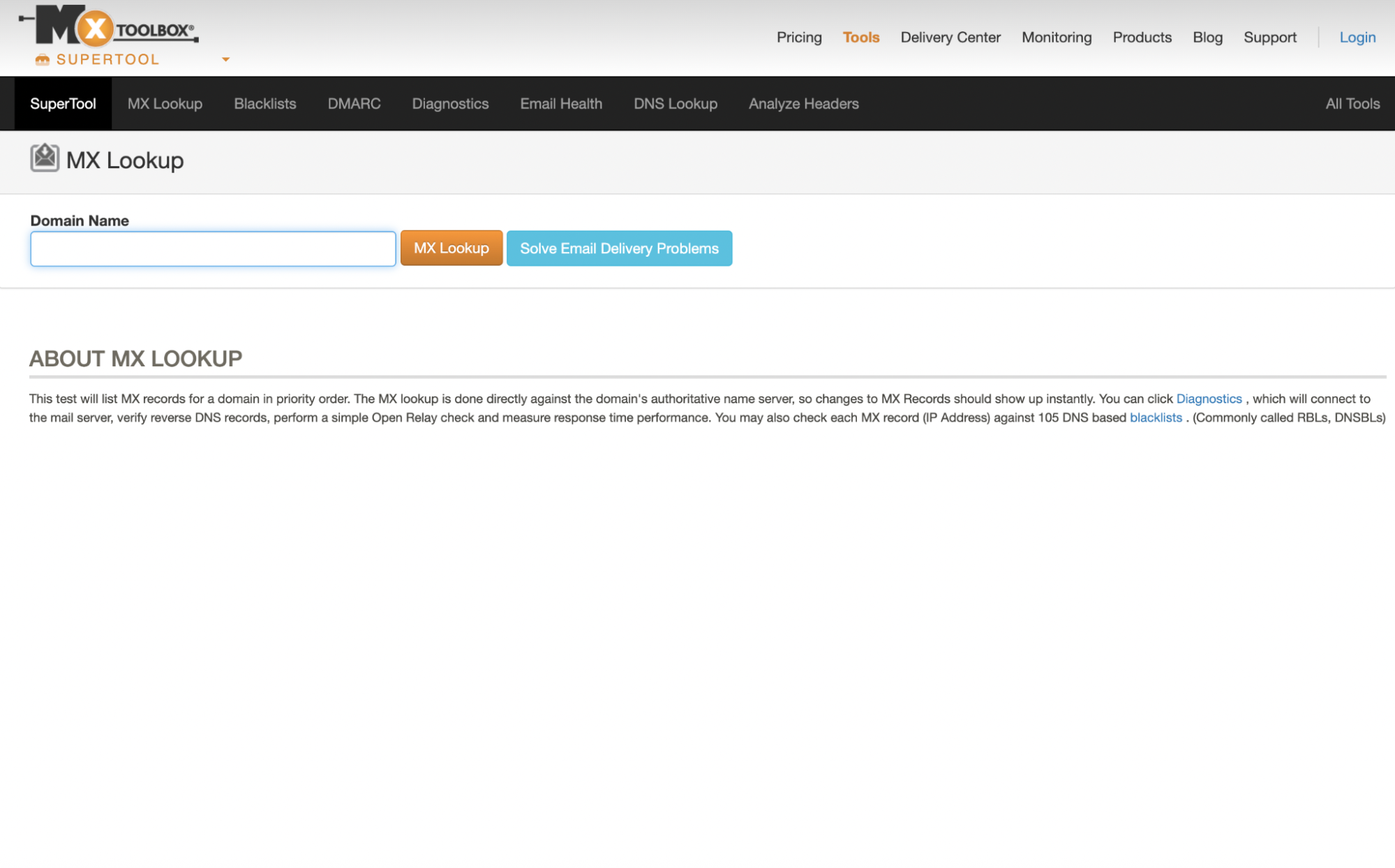
MXToolBox stands out because it is so easy to use. You start with a single search bar, enter a domain, IP, or hostname, and then get MX, SPF, DKIM, DMARC, blacklist, and SMTP tests in seconds.
You only need to pay for MxToolbox when you move from ad-hoc checks to always-on monitoring and deeper analytics.
Key Features
- More than one monitor (free is limited).
- Continuous alerts and delivery analytics (Delivery Center).
- Mailflow monitoring (inbound/outbound latency, queues, response times).
- DMARC reports parsing into readable dashboards (instead of raw XML).
- Team features and API automation for scheduled tests and integrations.
Pricing
- Free: 1 domain with weekly blacklist monitoring; on-demand lookups remain free.
- Delivery Center ($129/mo): Up to 5 domains and 500,000 messages; includes inbox placement analysis, complaint reporting, delivery/config analysis, adaptive blacklist monitoring, inbound/outbound mailflow monitoring, and domain impersonation protection.
- Delivery Center Plus ($399/mo): Up to 5 domains and 5,000,000 messages; everything in Delivery Center plus advanced delivery-threat tools and SPF flattening.
Validity Everest: Inbox Placement and Email Copy Quality Assurance
Validity tests your email copy's performance and where it’ll land once campaigns are live. It also shows an in-depth view of your engagement analytics, sender reputation, and competitors’ sending practices.
Key Features
- Inbox placement insights (by provider): See if emails land in the primary Inbox, Promotions, or Spam.
- Pre-send content tests: Check messages before sending to catch problems that trigger filtering (spam-filter checks, header/auth validation, blocklist flags, risky links).
- Design and rendering previews: Preview how emails appear across devices and clients, verify HTML quality (size, images, links), and get actionable fixes.
- Dashboards and alerts: Central views of placement trends and deliverability signals, with notifications so teams can act before issues snowball.
- Seed-testing workflow support: Clear step-by-step instructions show you how to add test addresses to your real campaigns and explain the results in plain language.
Pricing
Everest prices by edition (Elements, Elements Plus, Professional, Enterprise) and monthly email volume / included test credits. Lower tiers bundle “deliverability essentials”; higher tiers add design/render tests, deeper analytics, and larger volumes.
- Vendor/market listings show an entry plan in the ~$20/mo range for tiny volumes.
- Mid-tier (“Elements/Elements Plus”): Official pages have shown $525/mo bundles, including 20k monthly emails, inbox placement tests, and list verifications; naming and inclusions can vary by bundle and date.
- Custom pricing for enterprise and email marketing professionals
Key Takeaways
Email deliverability is a metric derived from holistic email campaigns. How you write email copy, find and segment leads, and build your email infrastructure affects deliverability rates. That’s why it’s essential to have the right email deliverability tools at arm's reach.
Instantly integrates fundamental and advanced email deliverability tools into its platform, so you can test before campaigns start, pinpoint potential deliverability issues, and iterate strategies on the spot. Start your free trial today.


