


Updated March 05, 2026
TL;DR: Personalized subject lines consistently outperform generic ones. The gap between effective personalization and "creepy" comes down to one rule: use public professional data (company name, job title, recent funding) and avoid anything that signals you've been investigating someone's personal life. Clean your data before inserting a single variable, set fallbacks so you never send "Hi {{firstName}}," and use Spintax to create thousands of unique variations from one template. Instantly's campaign editor handles all three natively, so you can send at scale without compounding costs or broken merge tags.
CEOs receive hundreds of cold emails daily. Almost every one opens with "Hi {{firstName}}" or, worse, a broken placeholder. The 1% that get opened share one trait: relevance to the reader's business context.
Why dynamic subject lines outperform static text
When you send generic subject lines like "Question for you," you're competing on luck. Dynamic ones like "Question about Acme's lead gen" compete on relevance, and relevance is measurable.
Personalized subject lines see 46% open rates versus 35% without personalization, and reply rates jump from 3% to 7% with personalization, a 133% increase. That difference compounds across thousands of contacts because the psychology of pattern interruption is real: your prospect's brain filters out anything that looks like a mass blast within milliseconds, so a subject line that includes their company name, role, or a relevant business signal breaks that filter and earns the click.
The Cold Email Copywriting Masterclass on personalization covers this psychology in depth, and campaign monitor data confirms that personalized subject lines are 26% more likely to be opened than non-personalized ones across email categories.
The takeaway: static subject lines are a tax on your open rate. Every campaign you run without dynamic variables leaves measurable pipeline on the table, the right cold email software makes implementing them straightforward at any send volume.
The fine line between personal and creepy
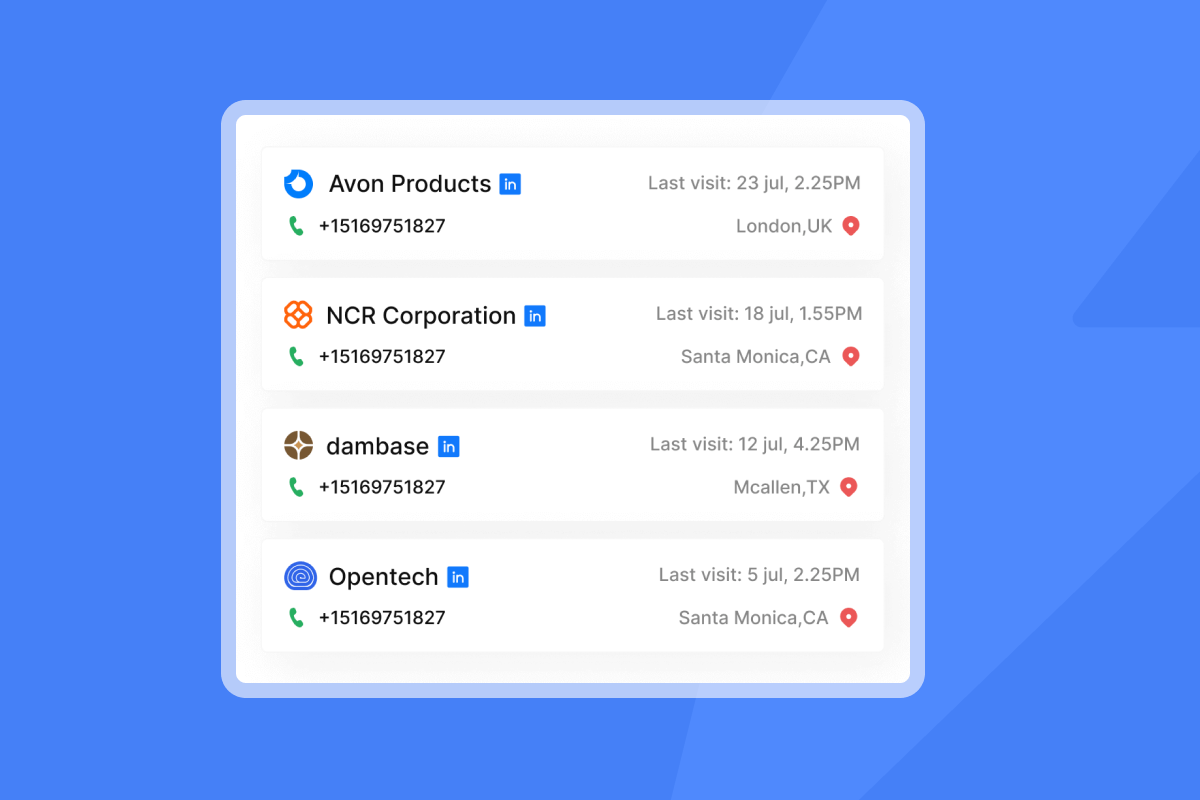
"Creepy" isn't a matter of taste. It's a functional category that damages deliverability and client reputation, so understanding the boundary clearly is the first step to scaling personalization safely.
Creepy personalization uses private data, feigns familiarity that doesn't exist, or makes the prospect feel surveilled. Examples include referencing personal travel, family situations, or non-professional social media activity. Research on cold email personalization shows this type of over-personalization reads as trying too hard and backfires even when the data is accurate.
Relevant personalization uses publicly available professional context that a competent peer would reasonably know. Use this simple test: if you could find it in 30 seconds on LinkedIn or their company website, it belongs in a professional email. If it required digging through personal accounts or hiring someone to investigate, it doesn't.
Here's a practical "Do This, Not That" comparison:
Do this (relevant) | Not that (creepy) |
|---|---|
"Question about Acme's outbound stack" | "Saw you were in Miami last week" |
"Re: your Series B" | "Noticed you follow [personal influencer]" |
"Idea for the VP of Sales at Acme" | "How was the trip with your family?" |
"Thoughts on your HubSpot setup?" | Mentioning their home city as a personal detail |
"Acme's hiring 3 SDRs, wanted to share something" | References to non-work social posts |
Stick to relevant business or industry-related personalization and avoid unnecessary details. If it would feel awkward to mention in a first face-to-face meeting, cut it.
For agencies running campaigns across multiple client verticals, this boundary also protects client domains. One complaint spike from recipients who feel surveilled can accelerate blacklisting. Professional relevance at scale is the safer path, and dynamic variables make it repeatable.
Consistently warmed inboxes absorb complaint spikes better than cold ones. Instantly's warmup network runs across 4.2M+ accounts and is included on all plans, so reputation recovery after a bad batch is faster than on external warmup tools.
Instantly's AI personalization mistakes guide covers how over-personalization and unreviewed AI output both backfire at scale, including which signals to watch in your spam rate and bounce data that indicate a variant has crossed the line.
5 types of personalization variables that scale
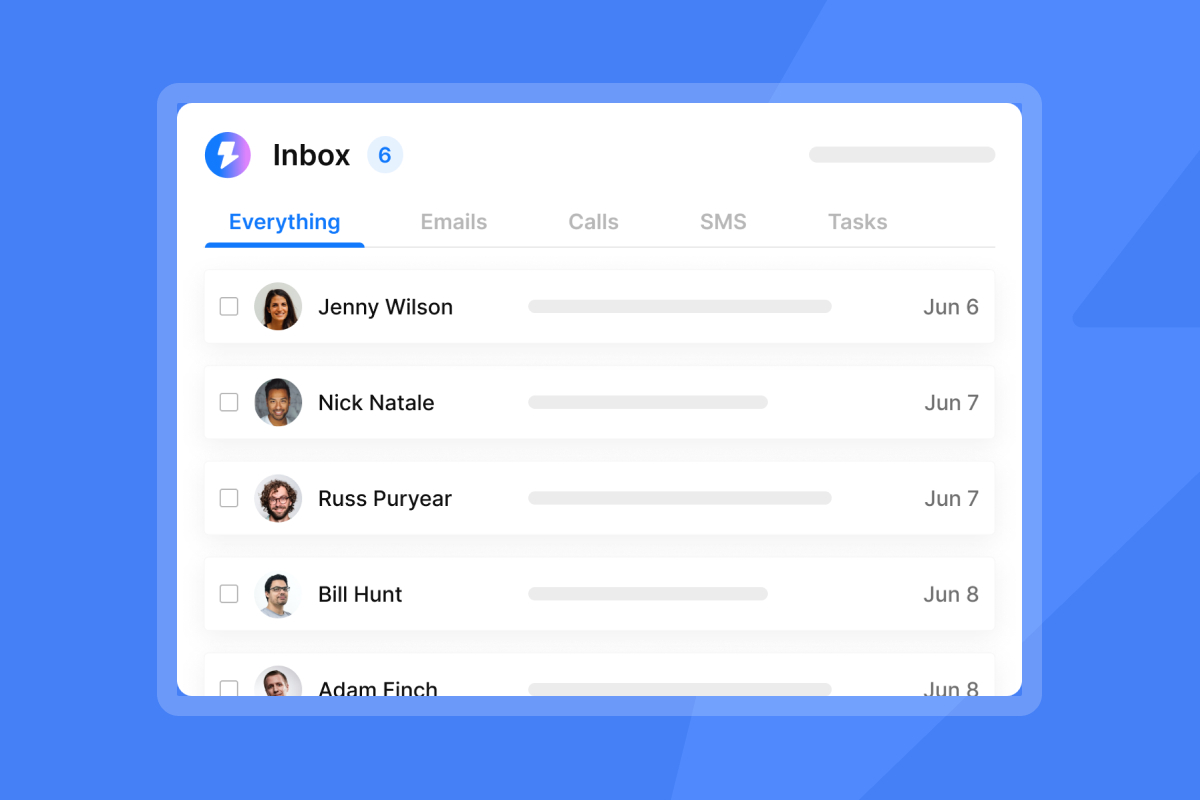
Each of the variable types below can be inserted into your subject lines using standard merge tag syntax, as long as you clean the data before sending.
1. Identity variables: {{firstName}} and {{companyName}} are the foundation. The step most agencies skip is cleaning company names before upload. Raw data often includes "Apple Inc.", "Widget Co., LLC", or "ACME CORP" with legal suffixes and inconsistent casing, so Datablist's guide on cleaning company names recommends removing suffixes like LLC, Inc, Corp, Ltd, and GmbH, standardizing to Title Case, and stripping punctuation before the data touches your campaign. The Instantly clean company names prompt walks through this using AI to normalize your data at scale.
2. Role-based variables: {{jobTitle}} adds specificity without extra research. "Idea for the VP of Sales at Acme" performs better than "Idea for a sales leader" because it mirrors how the recipient identifies professionally. For broad ICP segments, you can map job titles into categories so any "Head of Sales," "Sales Director," or "VP of Sales" maps to a shared variable, and your copy stays relevant even when titles vary.
3. Tech-stack variables: These reference the tools or platforms a prospect already uses. A subject line like "Thoughts on your HubSpot setup?" anchors the conversation in something the prospect cares about daily. Competitor and tool-reference angles generate strong engagement when the data is accurate.
4. Location variables: {{city}} often works well for event-based outreach or genuinely local campaigns. "Coffee in Austin next week?" performs at conferences or regional pushes. If you use location broadly without context, it feels forced, so keep this variable for campaigns where geography is a legitimate hook.
5. Trigger event variables: Recent funding rounds, new hires, published case studies, and executive changes are public signals that give you a timely, relevant angle. "Re: Acme's Series B" or "Noticed you're hiring 3 SDRs" connects your outreach to a moment the prospect is already thinking about. The research and data collection masterclass episode covers how to build systems for capturing these signals at scale.
Instantly's founder personalization guide goes deeper on mapping titles to ICP categories and using if-then logic so one template stays relevant across contacts with varying seniority.
How to set up dynamic personalization in Instantly
This four-step process takes you from raw data to a live personalized campaign. Instantly's help article on adding variables and the merge tags guide cover the technical details in full.
Step 1: Clean your data. Before uploading your CSV, remove legal suffixes from company names, standardize capitalization, and verify contact records. For external lists, run a company name cleaning pass before upload. Keep bounce rates at or below 2% to protect sender reputation.
Step 2: Insert variables in the campaign editor. In the Instantly campaign editor, click the personalization icon in the subject line field. Predefined variables you can use include {{firstName}}, {{lastName}}, {{jobTitle}}, {{companyName}}, {{website}}, and {{location}}. For custom fields from your CSV, use {{columnName}} syntax where the column name matches your spreadsheet header exactly.
Step 3: Set fallbacks for every variable. Instantly supports fallback syntax using a pipe separator inside the merge tag. The format is {{variable | fallback text}}. Apply this to every variable where data might be missing:
Variable | Fallback syntax | Result if data missing |
|---|---|---|
First name | `{{firstName | there}}` |
Company name | `{{companyName | your company}}` |
Job title | `{{jobTitle | team}}` |
City | `{{city | your area}}` |
"I also enjoy using my leads to personalize both the email subject and body, which enhances the effectiveness and authenticity of my campaigns, preventing them from appearing AI-generated." - Verified user review of Instantly
Step 4: Add Spintax for variation. Spintax (spinning syntax) lets you generate multiple versions of a phrase from one template by wrapping alternatives in curly braces with a pipe separator. The format is {Option A|Option B|Option C}. In subject lines, this means each recipient sees a different version, which reduces the content fingerprinting risk that email providers use to classify bulk sends.
Instantly's Spintax deep-dive covers the full syntax, how the AI Spintax Writer generates and validates variations automatically, and how it integrates with merge tags so your custom variables and spinning variations work together in the same subject line.
Example: {Quick question|Thought|Idea} about {{companyName | your company}}
Spam filters flag identical messages sent in bulk, so Spintax breaks that pattern and protects sender reputation at scale. The rotating IPs and sending algorithms guide explains how this works alongside inbox rotation to maintain deliverability at volume.
"Instantly makes it genuinely easy to run outbound at scale without feeling overwhelmed by complexity. The inbox rotation, sending controls, and campaign setup are all intuitive, which means you can go from idea to live campaign quickly." - Curtis S. on G2
15 personalized subject line examples to copy
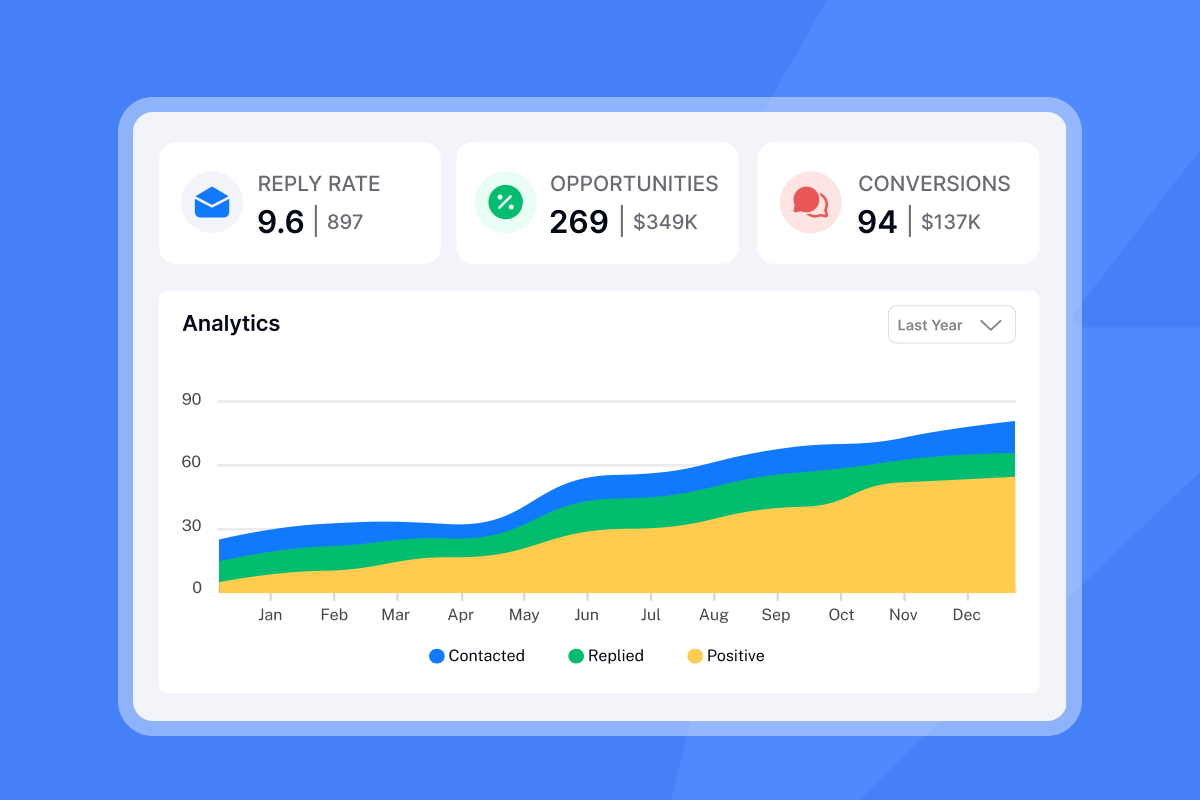
Each example below shows the template code version and the final rendered version after variable substitution.
The competitor angle
These work because they anchor your message in a known context the prospect uses daily.
- Code:
Replacing {{competitor}} at {{companyName}}?Final: "Replacing HubSpot at Acme Corp?" - Code:
Alternative to {{competitor}}?Final: "Alternative to Salesforce?" - Code:
Noticed you're using {{competitorName}}Final: "Noticed you're using Mailchimp" - Code:
{Thoughts|Quick question} about your {{competitorName}} setupFinal: "Thoughts about your ActiveCampaign setup" - Code:
FYI: {{prospectCompetitor}} just {{recentWin}}Final: "FYI: TechCorp just hit 50% growth"
The problem angle
These reference a business challenge the prospect already feels. Problem-framed subject lines often resonate in B2B outreach because they align with the recipient's immediate concerns.
- Code:
{{companyName | Your company}}'s lead genFinal: "Acme's lead gen" - Code:
Fixing {{companyName | your company}}'s churnFinal: "Fixing TechStart's churn" - Code:
Idea to improve {{painPoint}}Final: "Idea to improve email deliverability" - Code:
Quick question about {{companyName | your}}'s outreachFinal: "Quick question about Acme's outreach" - Code:
{Idea|Thought|Resource} for the {{jobTitle | team}} at {{companyName}}Final: "Idea for the VP of Sales at Acme"
The trigger event angle
These use public signals to open a timely, relevant conversation.
- Code:
Re: {{companyName}}'s recent fundingFinal: "Re: Acme's Series B" - Code:
Noticed {{companyName}} is hiring {{roleType}}Final: "Noticed Acme is hiring SDRs" - Code:
Congrats on the {{recentAchievement}}Final: "Congrats on the Series B" - Code:
{{connectionName}} suggested I reach outFinal: "Sarah Chen suggested I reach out" - Code:
{Quick thought|Idea} from {{eventName}}Final: "Quick thought from SaaStr Annual"
The Instantly template library includes 600 ready-to-use templates you can adapt with your own variables. The cold email copywriting framework explains how to select angles based on ICP and vertical.
How to A/B test your subject lines in Instantly
You can't know which angle works until you test it. Differences above 5% in open rate often signal a real behavioral preference you can act on.
The testing process uses Instantly's A/Z testing feature, which is available exclusively on the Hypergrowth plan and above, not on lower-tier plans like Growth:
- Create your campaign and set up Step 1 of your sequence.
- Add Variant A (your first subject line template) and Variant B (your second).
- Set your sample split and let both variants run simultaneously so external factors like day of week don't skew results.
- Wait for sufficient data. Aim for at least 1,000 recipients per variant before drawing conclusions, and let your test run across at least 48-72 hours of normal sending days.
- Read the analytics dashboard. Open rate is the primary metric for subject line tests, and reply rate is the secondary confirmation.
According to Instantly's cold email benchmarks, a B2B open rate above 40-50% is excellent. If your winning variant still falls below 20% for B2B open rates, check your list quality or inbox placement before testing more copy variations.
Instantly's subject line A/B testing guide covers how to structure your hypothesis before the test, what sample size thresholds to use by campaign volume, and how to interpret open rate vs. reply rate when the two metrics point in different directions.
"I like how easy Instantly makes scaling outbound reach without sacrificing deliverability or personalization... I appreciate the real-time visibility into opens, replies, and engagement, which makes it simple to quickly understand what's working and how to optimize accordingly." - Verified user review of Instantly
The future of cold email (2026) shows that systematic testing is now the minimum standard for agencies competing for primary inbox placement, and the gap between tested and untested campaigns continues to widen.
Run an Inbox Placement test before scaling the winner. It confirms whether your personalized subject lines are landing in primary across Gmail, Outlook, and Yahoo, or whether a deliverability issue is suppressing open rates independently of copy quality.
Personalization at scale isn't about knowing every prospect's personal life. It's about using clean professional data, dynamic variables, and systematic testing to show you understand their business context. Start with the five variable types above, set fallbacks for every field, add Spintax for variation, and test two angles against each other before scaling volume.
For agencies managing 10 to 150+ inboxes, Instantly's flat-fee pricing includes unlimited sending accounts with no per-seat tax as you scale clients, backed by an account deliverability network of 4.2m+ accounts. The Lead Finder gives you 450M+ verified contacts filtered by job title, company size, industry, and tech stack, so your personalization variables start with accurate data. Try Instantly free, use the variable and Spintax features inside the campaign editor to send your first personalized campaign this week.
For agencies standardizing personalization across multiple clients, Instantly's agency subject line playbook covers how to build a shared pattern library by vertical, enforce variant rotation across client accounts, and run weekly placement checks without per-seat overhead.
Frequently asked questions about cold email subject lines
How long should a cold email subject line be?
2-4 words drive highest opens according to Twilio SendGrid data. Keep it under 50 characters to avoid cut-off on mobile, where over 50% of emails are opened.
**Do emojis help open rates in B2B cold email?**Generally no. B2B subject line data shows emails without emojis achieve 42.23% open rates versus 37.5% with emojis. Test with your specific audience, but avoid them as a default in professional cold outreach.
What is a good open rate for a B2B cold email campaign?
40-50% is excellent for B2B in 2025. Below 20% signals either a deliverability problem (check SPF, DKIM, DMARC) or a targeting issue with your list.
What happens if a personalization variable is empty?
Without a fallback, you send "Hi {{firstName}}" to that contact. With Instantly's fallback syntax, {{firstName | there}} renders as "Hi there" instead. Set a fallback for every variable before launching.
How many Spintax variations should I create per subject line?
Two to four alternatives per variable slot breaks content fingerprinting patterns without overcomplicating your setup. {Quick question|Thought|Idea} gives you three openers, and combined with name and company variables, produces hundreds of distinct combinations per campaign.
Key terms glossary
Merge tag: A placeholder code in your email template, formatted as {{variableName}}, that gets replaced with specific data from your lead list when the email sends. Also called a personalization field or substitution string.
Spintax: A formatting technique that generates multiple text variations from one template using curly braces and pipe separators, for example {Hi|Hello|Hey}. It creates unique email versions that reduce spam filter flagging and make each send feel individually written.
Deliverability: The ability of your email to land in the recipient's primary inbox rather than spam or promotions. Key factors include SPF, DKIM, and DMARC authentication, sender reputation, bounce rates (keep at or below 2%), and spam complaint rates (keep well below 0.3%).
Fallback value: The default text that fills a merge tag when the data field for a contact is empty. Set using pipe syntax inside the tag, for example {{companyName | your company}}.
Send window: The scheduled time range during which Instantly sends your campaign emails. Matching send windows to business hours in your prospect's timezone puts your email at the top of the inbox during active hours, which improves open rates and reply rates.


