


TL;DR: Lemlist excels at visual personalization and multichannel sequences, but its per-seat pricing and mailbox caps can raise total cost as you scale. Instantly uses a flat fee with unlimited email accounts and warmup, a private deliverability network with SISR on higher tiers, and a 450M+ B2B lead database. If your priority is safe scale, predictable cost, and consistent inbox placement, Instantly is the stronger pick for agencies, founders, and sales leaders.
Updated October 13, 2025
This review compares Lemlist and Instantly across features, deliverability, pricing, and fit by use case, so you can choose the platform that matches your pipeline goals.
Feature showdown: Lemlist vs. Instantly head-to-head
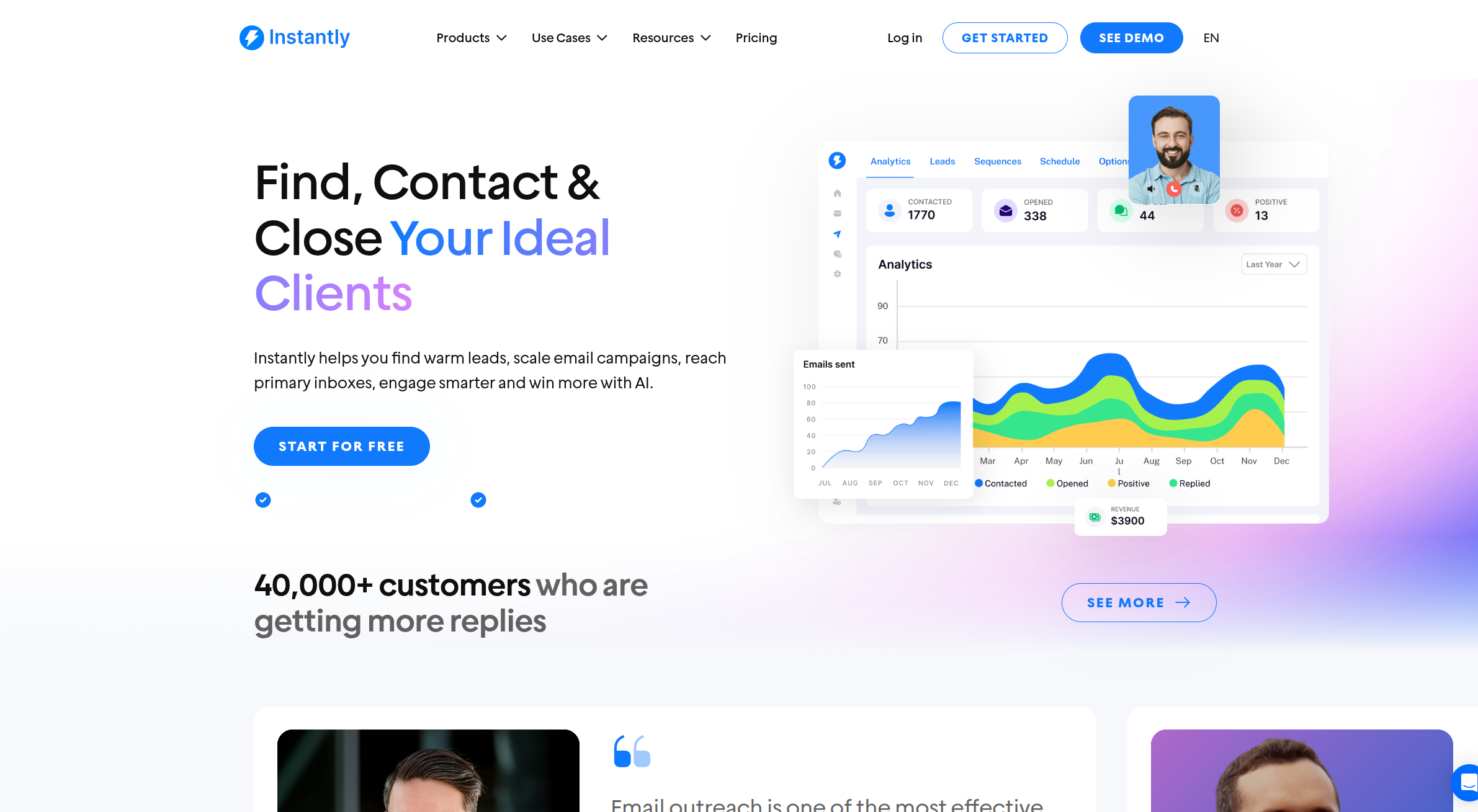
Instantly stands out for unlimited accounts, integrated data, AI automations, and deliverability automation. Instantly also has a higher G2 review score compared to Lemlist with more reviews. 4.8 with a total of 3,815 reviews.
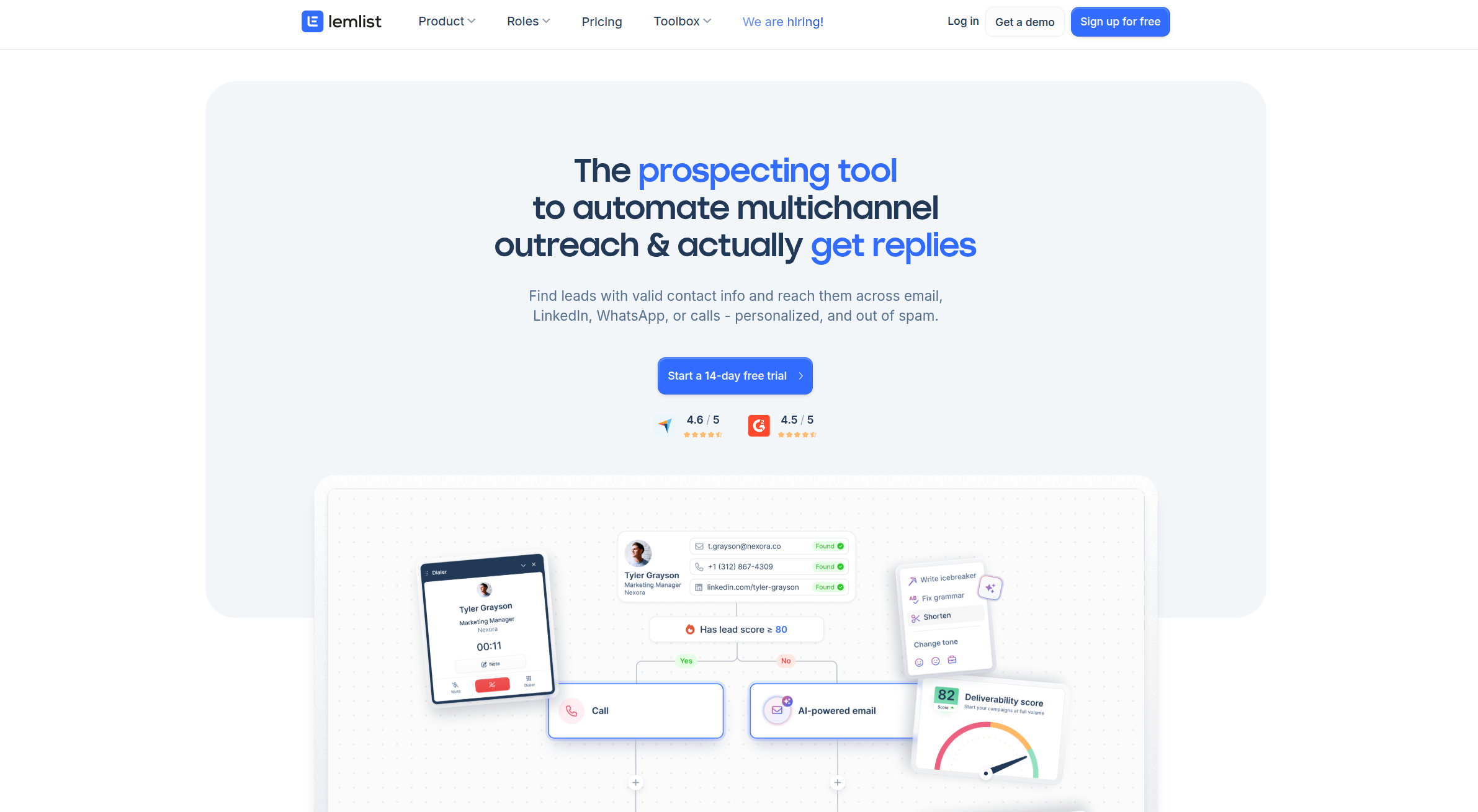
Lemlist stands out for image and video personalization plus multichannel steps. With an overall score of 4.5 on G2 out of 576 reviews.
Email sequences and personalization
Instantly
A/Z testing, spintax, send windows, and advanced scheduling are available on higher outreach tiers. AI helps write sequences and variations through AI Copilot. AI Reply Agent can triage replies with human-in-the-loop controls, described in the AI Reply Agent guide.
Lemlist
Strong personalization, including dynamic images and landing pages which depending on your strategy and ICP can be good engagement drivers.
Multichannel sequence builder with email, LinkedIn, and call steps for one-UI orchestration.
Lead generation and enrichment
Instantly
SuperSearch taps 450M+ contacts, runs waterfall enrichment across multiple providers. Each plan has allocated lead credits which can be found in our SuperSearch guide. Instantly's tiers all offer more credits vs Lemlist, about 3-4x on the Growth, Supersonic and Hyper plans.
Watch how to generate verified, enriched leads with Instantly in our tutorial below:
Lemlist
Plans bundle find and verify credits that align with outreach tiers, with less credits compared to Instantly tiers, limiting usage.
AI capabilities: drafting, personalization, and reply triage
Instantly
AI Copilot researches targets, drafts full campaigns, and sets recurring tasks. AI Reply Agent can respond to inbound emails quickly with configurable guardrails in the AI Reply Agent guide.
See Instantly's Copilot in action:
Lemlist
Reviews often mention AI-assisted personalization for icebreakers and custom lines that feed into sequences.
CRM integrations and workflows
Instantly
Teams connect CRMs, enrichment, and workplace apps through native and partner-built syncs in the integrations library.
Instantly also has its own CRM to reduce costs and tool sprawl for your team.
Lemlist
Common integrations with HubSpot, Salesforce, and Pipedrive, and expand with Zapier or Make for complex flows are available.
Multichannel outreach
Lemlist
Email plus LinkedIn actions and call steps live in one sequence, which many teams prefer when they want a single UI. However many users report issues with their Linkedin integrated tools:
"LinkedIn and email limits which slowdown campaigns." - Lemlist user Jean-Yves A. on G2
"Missing CRM features, I would like to manage tasks and deals." - Verified lemlist user on G2
Instantly
Email-first outreach in the core product. Many teams coordinate other channels via iPaaS to avoid risky browser automations.
Deliverability and performance: Landing in the primary inbox
Both platforms offer warmup and sender reputation support. Instantly adds automated placement testing and blacklist monitoring through Inbox Placement. SISR on higher tiers shards and rotates servers and IP pools to isolate risk at scale.
Warmup and deliverability
Instantly
- Unlimited warmup on outreach plans and a private deliverability network reported at 4.2M+ accounts that simulate human-like engagement, as outlined in the plans comparison.
- Automated tests show inbox vs promotions vs spam, run on schedules, and can trigger protective actions, explained in the Inbox Placement automated tests guide.
- The Light Speed plan includes SISR, which shards and rotates servers and IP pools to isolate risk and keep throughput safe under load.
Watch our tutorial on setting up warmup in Instantly in less than 5 minutes:
Lemlist
- Some teams report use Lemwarm to help new inboxes ramp before production sends, but its 20K network has limited warmup benefits compared to Instantly's advanced network.
Checklist: Deliverability best practices
- DNS and alignment. Set SPF, DKIM, and DMARC on every domain.
- Safe ramps. Start at 20 to 30 emails per inbox per day. Scale only after passing placement tests, as explained in this ROI analysis for agencies.
- List hygiene. Keep hard bounces at or below 1 to 2 percent, based on the ZeroBounce benchmark.
- Send windows. Stick to local business hours and avoid bursts.
- Variants. Test 2 to 3 subjects and copy variations per step.
- Placement gates. Require passing results before increasing volume using the workflow in the Inbox Placement automated tests guide.
- Global block list. Suppress risky or unsubscribed contacts across campaigns.
- Microsoft caution. Expect tighter filtering. Expand slowly on new domains.
- Unified monitoring. Track bounces, replies, spam flags, and blacklist events daily.
Pricing models: Per-seat vs flat-fee economics
Lemlist’s per-seat plans and mailbox caps can increase TCO as you add senders and clients. Instantly’s flat fee with unlimited accounts keeps costs predictable for agencies and lean teams.
Lemlist’s pricing structure
Per-user pricing, with plan-based sending email caps and find or verify credits. Independent coverage lists Email Pro near 69 dollars per user monthly and Multichannel Expert near 99 dollars, with included sending emails and credits per tier in Mailmeteor’s pricing overview.
Instantly’s pricing structure
One monthly fee per workspace for outreach. All outreach plans include unlimited email accounts and warmup, with throughput tiers and features outlined in the plans comparison.
Add-ons and usage-based items keep costs transparent, with details in add-on pricing.
Cost implications for agencies, startups, and sales teams
Example: 5 reps with 25 sending inboxes.
- Lemlist: Per-seat costs plus mailbox add-ons and more credits as volume grows.
- Instantly: One outreach plan covers unlimited inboxes. Add lead or AI credits only when needed.
Example: Agency with 60 inboxes across clients.
- Per-seat pricing can force multiple licenses and shrink margins as client count grows.
- Flat-fee unlimited accounts keep software cost linear while placement tests govern safe throughput.
Who is it for? Use case suitability
Pick Instantly if you need safe scale, AI automation efficiency gains, unlimited inboxes and predictable cost.
Pick Lemlist if you need multichannel steps and visual personalization in one UI.
Instantly: Ideal users and scenarios
- Agencies managing many clients and inboxes without per-seat penalties.
- Founder-led sales and SDR teams that prioritize primary-inbox placement and fast reply handling.
- Teams that want leads, outreach, and replies in one stack, covered in the SuperSearch guide.
Checklist
- You need unlimited email accounts on a flat fee.
- You want automated placement tests and blacklist monitoring before scaling with Inbox Placement.
- You prefer a built-in 450M+ database with waterfall enrichment in the SuperSearch guide.
- You want AI to triage replies in minutes, with human review when needed, as shown in the AI Reply Agent guide.
Lemlist: Ideal users and scenarios
- Teams that value image or video personalization at scale.
- Outbound motions where LinkedIn and call steps are central.
- Orgs that like credits for data bundled into outreach tiers
Checklist
- You want dynamic visuals and landing page personalization.
- You need LinkedIn steps and call reminders in one flow.
- You keep mailbox counts modest per user license.
- Your budget fits per-user pricing plus credit overages
Pros and cons of each platform
Both are capable. Your decision comes down to scale economics, deliverability controls, and channel breadth.
Instantly: Advantages and limitations
- Pros
- Flat fee with unlimited email accounts across outreach plans in the plans comparison.
- Deliverability stack with automated Inbox Placement tests and blacklist monitoring through Inbox Placement.
- 450M+ lead database with waterfall enrichment in the SuperSearch guide.
- AI-driven reply handling via the AI Reply Agent guide.
- Cons
- Multichannel beyond email relies on CRM modules or iPaaS. With many 1 click integrations available.
Lemlist: Advantages and limitations
- Pros
- Good personalization including personalized images and landing pages.
- Multichannel steps that include LinkedIn and calls in one UI.
- Cons
- Per-seat pricing and mailbox caps can increase TCO for agencies and high-volume teams.
- Some user feedback mentions missing CRM features and channel limits.
- Often requires an additional leads data tool given its limitations.
Making your choice
If you want multichannel steps and visual personalization in one sequencer, Lemlist remains a credible pick. If you need safe scale, AI automation efficiency gains, measurable inbox placement, and predictable economics across many inboxes and clients, Instantly is purpose-built for that job. Run a short pilot with real domains, strict ramp rules, and pass criteria for placement, reply rate, and cost per meeting.
Try it and measure the difference
Start free with Instantly. Connect two warmed inboxes, import 400 verified contacts, run two variants, and require passing inbox placement before scaling. For a step-by-step walkthrough, watch the Full Instantly.ai Tutorial 2025 or see a third-party take in this Instantly AI review for 2025.
FAQ:
- Is Lemlist a good tool for cold outreach?
- Yes. Independent reviewers highlight advanced personalization and multichannel steps, though cost and limits require planning.
- Which is better for agencies: Lemlist or Instantly?
- Instantly. Unlimited accounts on a flat fee, automated placement testing, blacklist monitoring, SISR on Light Speed, and a 450M+ database support multi-client scale, as discussed in the deliverability and multi-account playbook.
- How many cold emails should I send per inbox per day?
- Cap early sends at 20 to 30 per inbox per day. Increase only after passing inbox placement tests and keeping bounces in the 1 to 2 percent range. The Inbox Placement automated tests guide explains test gates.
- Does Instantly really include unlimited email accounts?
- Yes. Unlimited email accounts and warmup are included on outreach plans in the plans comparison.
- Does Lemlist include warmup?
- Yes on paid plans. Many plan overviews note Lemwarm as part of the offer and a key deliverability booster, but only with a limited 20K warmup network.
Key terminology glossary
- Deliverability: Likelihood emails reach the primary inbox.
- Warmup: Gradual sending that builds sender reputation safely.
- Sender reputation: Trust score for your domain and IP.
- List hygiene: Verifying emails and removing risky contacts.
- Spintax: Text variations to reduce repeats.
- Send windows: Time ranges when campaigns send.
- A/B test: Compare two variants to improve results.
- Unified inbox: One place to manage all replies.
- SuperSearch: Instantly’s 450M+ B2B lead database.
- Waterfall enrichment: Multiple providers enrich a record.
- Credits or throughput: Units that meter data and AI usage.
- Primary inbox: The folder most contacts read.
- Promotions or spam: Secondary folders that reduce visibility.
- Booked meetings: Meetings scheduled from replies.
- Reply rate: Replies divided by emails sent.
- Cost per meeting: Total cost divided by meetings.
- Ramp plan: Daily send caps that increase over time.
- Domain health: Technical and reputation status.
- Blacklist monitoring: Watching for IP or domain blocks.
- AI Copilot: Instantly’s AI for campaign creation.
- AI Reply Agent: AI that triages and sends replies fast.
- SISR: Server and IP sharding and rotation.


