.svg)
%20(1).svg)


Updated February 24, 2026
TL;DR: Scheduling delays hurt client relationships and signal operational chaos. Effective scheduling emails include a clear subject line referencing the meeting purpose, a specific value proposition (what you'll accomplish), and a low-friction CTA (either two to three specific time slots or a calendar link as backup). For existing clients, use a warm but direct tone like "Does Tuesday at 2 PM EST work to review Q1 campaign metrics?" rather than vague requests like "Let's touch base soon." Use Instantly's Unibox to track all client replies across your accounts in one view so no scheduling request slips through the cracks.
According to Notta's meeting statistics analysis, scheduling coordination consumes 7.5% of employees' total work time. When you're managing dozens of client accounts, that friction compounds into a reputation risk. If you're hard to schedule with, you signal you're hard to work with. This guide covers the exact tone, formats, and templates to book QBRs, project updates, and strategy sessions without the back-and-forth.
What is a client meeting scheduling email?
A client meeting scheduling email makes it easy for your client to reply with yes, no, or an alternative time. You eliminate ambiguity by proposing specific times or providing a direct booking link, reducing the decision fatigue that causes people to default to familiar options when mentally depleted.
The key difference between scheduling with existing clients versus cold email outreach to new prospects lies in trust and context. Cold outreach requires more preparation and personalization when you don't have an existing relationship. The emails should be personalized, specific, concise, and useful. With existing clients, scheduling takes less effort because you've already built relationship capital. You can reference past wins, use a warmer tone, and assume good intent when they're slow to respond.
For agencies, efficiency in scheduling signals operational competence. When you manage 20 clients and each requires a monthly QBR or project sync, that's 20 potential email chains. The right cold email software consolidates all of those threads into one place so nothing slips through. Employees average 17.1 meetings per week, making scheduling a bottleneck that kills momentum.
Key components of effective scheduling emails
Build every scheduling email with four elements: a searchable subject line, a clear purpose statement, a low-friction call to action, and confirmation essentials.
Subject line architecture
Your subject line needs to be urgent enough to open but specific enough to find later. Use this pattern: [Meeting Type] - [Client Name] or [Outcome] - [Date/Timeframe].
Strong examples:
- "Q1 Strategy Review - Acme Corp"
- "Campaign Metrics Deep Dive - Feb 10"
- "Time sensitive: Renewal discussion"
Weak examples:
- "Quick sync"
- "Touching base"
- "Meeting request"
When reaching out to C-suite decision-makers, standard subject lines won't cut it. See these executive meeting templates for subject line formats that get opened at the senior level.
The purpose statement (your "why")
Never ask for time without stating the output. Clients prioritize meetings based on value, not your convenience. Frame the purpose around what they gain or what decision gets made.
| Vague request | Specific request | Why it works |
|---|---|---|
| "Let's touch base sometime" | "Can we meet for 25 mins on Thursday at 10 AM EST to approve the Q2 budget?" | Reduces cognitive load by providing a concrete decision point |
| "When are you free next week?" | "I have Tuesday at 2 PM or Wednesday at 11 AM to finalize the landing page copy. Which works?" | Creates a default option rather than requiring them to scan their entire calendar |
| "We should schedule a call" | "Let's schedule 30 minutes on Feb 10 to review January's reply rates and adjust targeting. Here's my calendar link: [link]" | Anchoring provides a starting point that frames the decision |
The principle behind specificity is simple. When you ask "Would you like to meet about this?" you're forcing a yes/no decision. When you propose specific times like "August 7th at 10 AM," you're changing the question from "Do you want to meet?" to "When do you want to meet?" The psychological shift increases acceptance rates.
The call to action structure
You have two options for CTAs. RevenueGrid's scheduling research found that a hybrid approach combining both options works best. Proposing two to three specific time slots shows initiative and makes it easy for the recipient to choose. Always include a line like "If none of these work, please let me know what times are best for you" to demonstrate flexibility.
For more CTA formats and copy approaches that consistently generate meeting email replies, see the full template breakdown covering different prospect types and seniority levels.
Option A (Specific times):
"Are you free Tuesday Feb 11 at 2 PM EST or Thursday Feb 13 at 10 AM EST?"
Option B (Calendar link):
"Feel free to grab a 30-minute slot here: [calendar link]"
Hybrid (Best):
"I'm available Tuesday at 2 PM or Thursday at 10 AM. If neither works, grab any slot here: [calendar link]"
Avoid vague proposals like "sometime next week." Offering multiple time slots or calendar booking tools shows you respect their time and speeds up confirmations.
Confirmation essentials checklist
Once they agree, confirm these details in one message:
- Date and time (include time zone)
- Duration (25 mins, 30 mins, 60 mins)
- Location (Zoom link, Google Meet, phone)
- Agenda (2-3 bullet outcomes)
- Pre-work (optional: "Please review the dashboard before we meet")
This eliminates the "wait, when was that again?" follow-up email.
Best practices for scheduling with existing clients
Tone calibration for relationship maintenance
Your tone should be professional but warm. You are a partner, not a vendor. Use their name, reference recent wins, and avoid formal stuffiness that creates distance.
Strong: "Hi Sarah, the January campaign crushed it with 6.2% reply rates. Let's lock in 30 minutes next week to discuss scaling for February. Does Tuesday at 2 PM work?"
Weak: "Dear Ms. Johnson, I would like to schedule a meeting at your earliest convenience to discuss matters pertaining to our ongoing engagement."
The goal is to sound like someone they'd grab coffee with, not someone reading from a compliance script.
Structure and the one-click rule
Keep emails under 150 words using this structure: one sentence of context (reference recent work), one sentence stating purpose (what you'll accomplish), one sentence with your CTA (specific times or link), and one sentence prompting confirmation. Make it possible for them to say "Yes" in a single reply.
Bad: "Let me know when you're available and we can discuss some ideas I have."
Good: "Does Tuesday Feb 11 at 2 PM EST work for a 25-minute Zoom to review Q1 results? Reply with 'Yes' or suggest another time."
According to Spaceship's email timing analysis, the best time to send B2B emails is between 9 to 11 AM or 1 to 2 PM, especially on Tuesdays and Wednesdays. These time slots align with when decision-makers are reviewing reports and preparing for meetings.

5 client meeting scheduling email templates
Copy these templates and adjust the variables in brackets.
1. The Quarterly Business Review (QBR) request
Subject: Q1 Review - [Client Name]
Hi [Name],
We're coming up on the end of Q1 and I want to lock in time to review performance against your goals and plan Q2 strategy. We'll cover reply rates, meeting volume, cost per lead, and three optimization recommendations based on what we learned.
I'm available:
- Tuesday, March 4 at 10 AM EST
- Thursday, March 6 at 2 PM EST
Does one of those work for a 45-minute Zoom? If not, grab a slot here: [calendar link]
Looking forward to it.
[Your Name]
2. The quick sync for project blockers
Subject: Quick sync - [Project Name] blocker
Hi [Name],
The landing page copy is ready for review but I need your input on the CTA placement before we can launch. This is a 15-minute decision call.
I'm free today at 3 PM EST or tomorrow at 10 AM EST. Does either work? If not, text me at [number] and we can knock this out in five minutes.
[Your Name]
3. The renewal or upsell discussion
Subject: Renewal conversation - [Client Name]
Hi [Name],
Your annual agreement renews on March 15 and I want to connect before then to discuss results and options for the next 12 months. Over the past year we've booked [X meetings], generated [Y qualified leads], and improved reply rates by [Z%].
Let's spend 30 minutes reviewing what's working and whether you want to scale up, adjust targeting, or keep the current approach.
I'm available:
- Monday, Feb 24 at 11 AM EST
- Wednesday, Feb 26 at 2 PM EST
Does one of those work? Reply with your preference or grab a slot here: [calendar link].
Thanks for a great year.
[Your Name]
4. The strategy shift proposal
Subject: Strategy adjustment - [Client Name]
Hi [Name],
I'm seeing a pattern in the January data that suggests we should shift targeting from [Current ICP] to [New ICP]. Early tests show better engagement with the new segment.
Let's spend 20 minutes walking through the data and deciding whether to pivot for February. I'm free Tuesday at 9 AM EST or Thursday at 1 PM EST. Does either work?
[Your Name]
5. The automated follow-up sequence
Use Instantly's campaign builder to automate follow-ups when clients don't respond to the initial request.
Day 1 (Initial request):
"Hi [Name], let's lock in 30 minutes next week to review Q1 performance. I'm free Tuesday at 2 PM or Thursday at 10 AM EST. Does either work?"
Day 3 (First follow-up):
"Hi [Name], just bumping this up in your inbox. Still hoping to connect before the end of the month to review Q1 results. Tuesday at 2 PM or Thursday at 10 AM EST still work, or I can send you my full calendar."
Day 7 (Second follow-up):
"Hi [Name], wanted to check if you saw my note about scheduling our Q1 review. I know things get busy. If email isn't the best way to coordinate, feel free to text me at [number] or grab a slot here: [calendar link]."
According to Martal's follow-up email research, wait 3 business days before following up, then send one or two more over the next two weeks, adding something helpful each time.
How to automate scheduling with Instantly
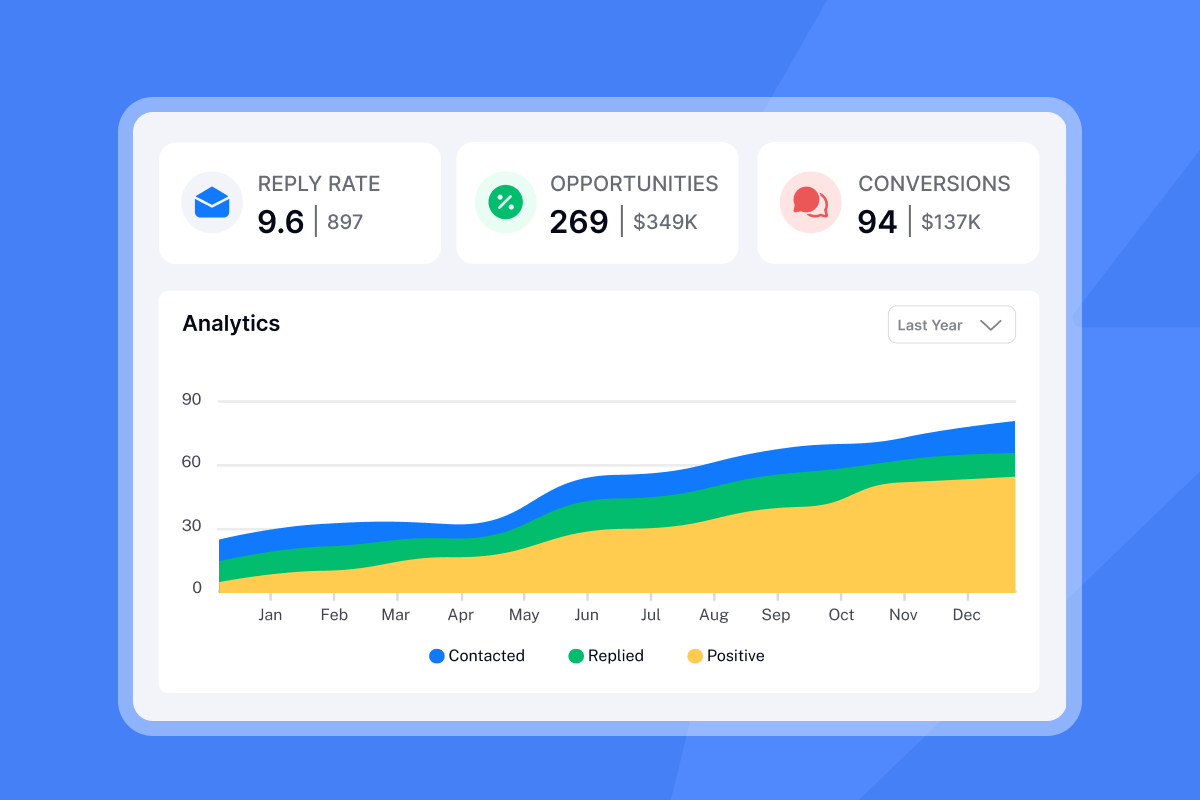
Managing scheduling requests across 20 or 50 client accounts creates context-switching chaos. Instantly's platform consolidates the workflow into one dashboard.
Unified Inbox for centralized reply management
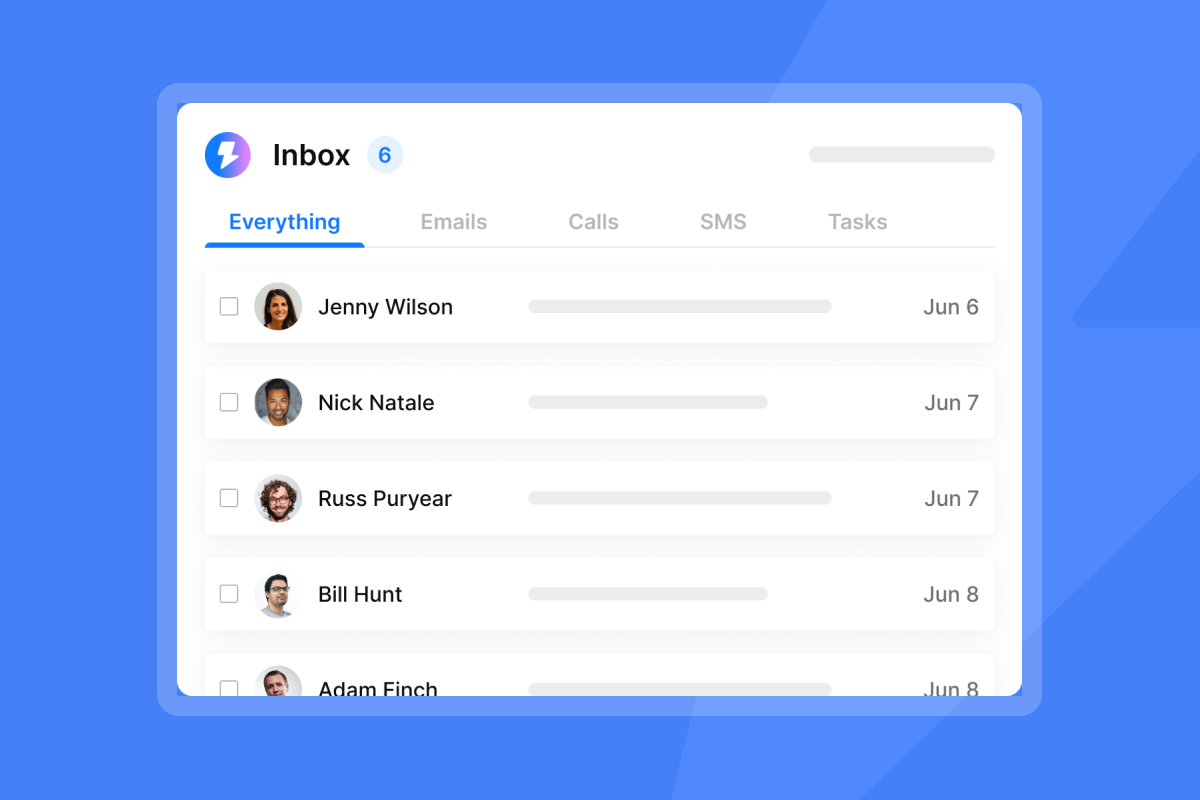
Instantly's Unibox V2 allows you to access all emails instead of logging in to your email provider for each account or setting up forwarding for each account to your main inbox. The system shows replies from non-leads in the "Others" folder, and if a reply comes from a lead that exists in any of your campaigns or lists within your current workspace, it appears in the Primary folder.
With Unibox, you can manage hundreds of inboxes simultaneously, allowing you to mark leads, forward or respond to emails, and book meetings from one unified view. The platform includes AI-powered sentiment analysis using LLM/GPT-4 for better insights into reply sentiment.
"I love how easy Instantly is to set up, which significantly reduces the time I spend managing my B2B email marketing for my AI automation agency." - Thomas D. on G2
Before scaling volume, make sure your infrastructure is solid, follow these scheduling email best practices to protect deliverability and ensure your requests land in the primary inbox.
AI Reply Agent for scheduling logistics
The AI Inbox Manager feature allows automatic scheduling of email replies from your Unibox. By default, emails are sent out 5 minutes after receiving a lead's first reply, ensuring timely responses even when you are not actively managing your inbox and helping you convert positive replies into booked meetings.
The AI Reply Agent reads incoming emails from leads and can draft responses in minutes, routing to humans when needed. This is particularly useful when a client replies "Yes, Tuesday works" and you need to send a confirmation with Zoom link and agenda. The system can handle that administrative step automatically. The AI Reply Agent can also schedule confirmation emails to send during your client's business hours, preventing awkward 11 PM sends when you're working across time zones.
CRM integration for tracking meeting status
Instantly's CRM provides a Unified Inbox that allows you to view all incoming emails, calls, SMS, and tasks in one main inbox view. The Opportunity Management feature lets you track different stages of lead statuses such as interested, meetings booked, completed, won, and custom stages.
For agency operators, this means you can identify clients who haven't booked their monthly check-in and proactively reach out before they become at-risk accounts. The CRM includes lead tracking to keep tabs on interactions, follow-ups, and deal stages, notes and tags to add context to each lead for personalized communication, and pipeline visualization that helps you see where each lead stands in your sales process.
"I love the automation features of Instantly, especially the automatic email scheduling. It saves me time by sending emails at optimal times." - Arshad M. on G2
For a full walkthrough of turning interested leads into meetings, check Instantly's help documentation. Watch this cold email copywriting walkthrough from Instantly's channel to see how the same principles of clarity and specificity apply to client communication.
Common pitfalls to avoid
The "whenever you're free" trap: This sounds polite but it's lazy. It forces the client to do cognitive work you should have done. Instead of "Let me know when you're free," say "I'm free Tuesday at 2 PM or Thursday at 10 AM. Which works better?"
Asking without context: "Can we schedule a call?" makes them wonder why. Always state the purpose first. "Can we schedule 20 minutes to finalize the Q2 content calendar?" gives them a reason to prioritize.
Not confirming after they accept: When they reply "Yes, Tuesday works," send a confirmation with the meeting link, agenda, and any pre-work within 30 minutes. Don't make them wonder if it's official. Always include the time zone in your proposal to avoid confusion.
Stop chasing emails across 50 tabs
Clear communication builds trust. Vague scheduling requests signal operational chaos. When you make it easy for clients to meet with you, you demonstrate the same competence they hired you for.
The systems described here work at scale. Use specific times, state clear outcomes, confirm immediately, and track everything in Instantly's Unibox so no request slips through the cracks. Your clients don't have time to play scheduling ping-pong, and neither do you.
Ready to centralize your client communication? Try Instantly free and let the Unibox handle reply tracking while you focus on delivering results.
Frequently asked questions
Should I use a scheduling link or propose specific times?
Propose two to three specific time slots to reduce decision fatigue, then include your calendar link as a backup. The hybrid approach shows initiative while maintaining flexibility.
How many times should I follow up with an unresponsive existing client?
Wait 3 business days before your first follow-up, then send one or two more over the next two weeks. After three email attempts, switch to Slack or SMS.
What time should I send a scheduling request?
Send between 9-11 AM on Tuesday or Thursday. These time slots align with when decision-makers are reviewing reports and preparing for meetings.
How long should a scheduling email be?
Under 150 words maximum. Include context, purpose, specific times, and a clear CTA.
What if the client never responds to scheduling requests?
Try different channels, reference urgency tied to their goals, or ask directly if email is the best way to coordinate. Persistent non-response may signal deeper account health issues.
Key terms glossary
Decision fatigue: The deteriorating quality of decisions after a long decision-making session, causing people to default to familiar options when mentally depleted.
Unibox: Instantly's unified inbox feature that consolidates replies from multiple email accounts into a single dashboard with AI-powered sentiment analysis.
QBR (Quarterly Business Review): A formal meeting between agency and client to review performance metrics, strategic alignment, and plans for the next quarter.
Hybrid CTA: A call-to-action that proposes specific meeting times while including a calendar link as backup, reducing friction while showing initiative.



