.svg)
%20(1).svg)


Updated February 24, 2026
TL;DR: Reminder emails drive 49% higher reply rates than single-touch campaigns, but only if the subject line earns the open. Generic "just checking in" lines kill conversions. This guide provides multiple, tested subject line examples across meeting, payment, event, and cold outreach categories, plus the exact A/Z testing framework to identify your highest-converting variants using Instantly.
Most reminder emails fail before the recipient reads a single word. Research shows 80% of sales require at least five follow-ups, yet nearly 48% of sales reps give up after one attempt. The bottleneck is not persistence. It is copy that earns attention in a crowded inbox. A solid cold email campaign guide gives you the foundation, but subject line optimization is where the compounding gains actually come from.
I treat subject lines as data points to optimize, not creative exercises to perfect. You need examples that work right now and a testing system that proves which variant performs best for your specific audience.
Why reminder email subject lines determine campaign success
Reminder emails bump your message back to the top of the inbox and prompt action on a previous touchpoint. The subject line determines whether that happens or whether your email joins the graveyard of unread messages.
Your open rates will follow a predictable decay curve in multi-step sequences. Reply rates jump 49% after the first follow-up, then response rates drop 20% by the third email, and later follow-ups see diminishing returns as recipients move on to other priorities. A strong reminder subject line reverses this decay by reintroducing relevance and urgency. A cold email solution with built-in A/Z testing lets you systematically reverse that decay by testing new subject line angles at each step rather than running on intuition.
"Previously, when I used other software, my emails often ended up in the spam box, which was a major hassle. However, since I started using Instantly, everything is sorted out, and my emails are delivered directly without falling into spam, making the whole process much smoother." - Ubed K on G2
Small businesses see open rates start at 9.2%,drop to 8% on the first follow-up, then rebound to 8.4% on the second when subject lines introduce new angles rather than repeating tired phrases. Your reminder subject line must do three jobs: earn the open, set the right expectation for the email body, and increase the chance of a reply or click that moves the deal forward.
Core principles of high-converting reminder subject lines
Psychology drives open rates more than clever wordplay. Three principles consistently outperform generic reminders: urgency, curiosity, and relevance.
Leveraging urgency and scarcity without panic
Research shows that FOMO can be a powerful psychological trigger in marketing, making time-sensitive language one of the most effective tools in email. Email subject lines that include words implying time sensitivity like "urgent," "breaking," or "important" can increase open rates, but overuse triggers spam filters and destroys trust.
Good urgency references real timelines your recipient can verify. "Invoice #1234 due today" gives a clear reason to open now. "Meeting starts in 15 minutes" creates immediate action. "Final chance to register" works when registration actually closes. Bad urgency relies on fake scarcity. "Last chance ever!!!" signals desperation. "Urgent response needed" on a routine check-in erodes credibility.
Using curiosity gaps to drive opens
Humans are naturally curious. Subject lines implying valuable information without revealing everything create an information gap. The brain craves closure, and clicking is the only way to fill that gap.
The best curiosity-driven subject lines leave one specific question unanswered. "Thoughts?" makes the recipient wonder what you are referring to. "Quick question about {{companyName}}" hints at relevance without details. "FYI: [Prospect's competitor] just [achieved X]" teases information the recipient wants.
Watch the subject line breakdown from our team to see how curiosity gaps work across different sequence steps. Avoid clickbait that overpromises. "You won't believe this" signals low value. Use curiosity when you have something specific to deliver in the body. For a deeper breakdown of the structural patterns behind subject lines that get replies across different campaign types, see the full cold email subject line guide.
Personalization beyond just the first name
Personalized subject lines can lead to a 50% higher open rate compared to generic subject lines, but dropping in {{firstName}} is table stakes. Advanced personalization references pain points, competitors, trigger events, or specific details from prior conversations.
Try variables like {{painPoint}}, {{competitor}}, or {{recentAchievement}} to show you did your homework. "Idea for {{companyName}}" works better than "Idea for you." "Congrats on the funding" beats "Checking in." "re: your SDR team's ramp time" demonstrates specific relevance.
"I also enjoy using my leads to personalize both the email subject and body, which enhances the effectiveness and authenticity of my campaigns, preventing them from appearing AI-generated." - Cyril T on G2
The cold email copywriting framework from our help center explains how to build personalization tokens into your sequences for scale without sacrificing relevance.
For subject lines specifically built around scheduling requests rather than confirmations, see the full breakdown of meeting scheduling email subject lines that drive booking rates.
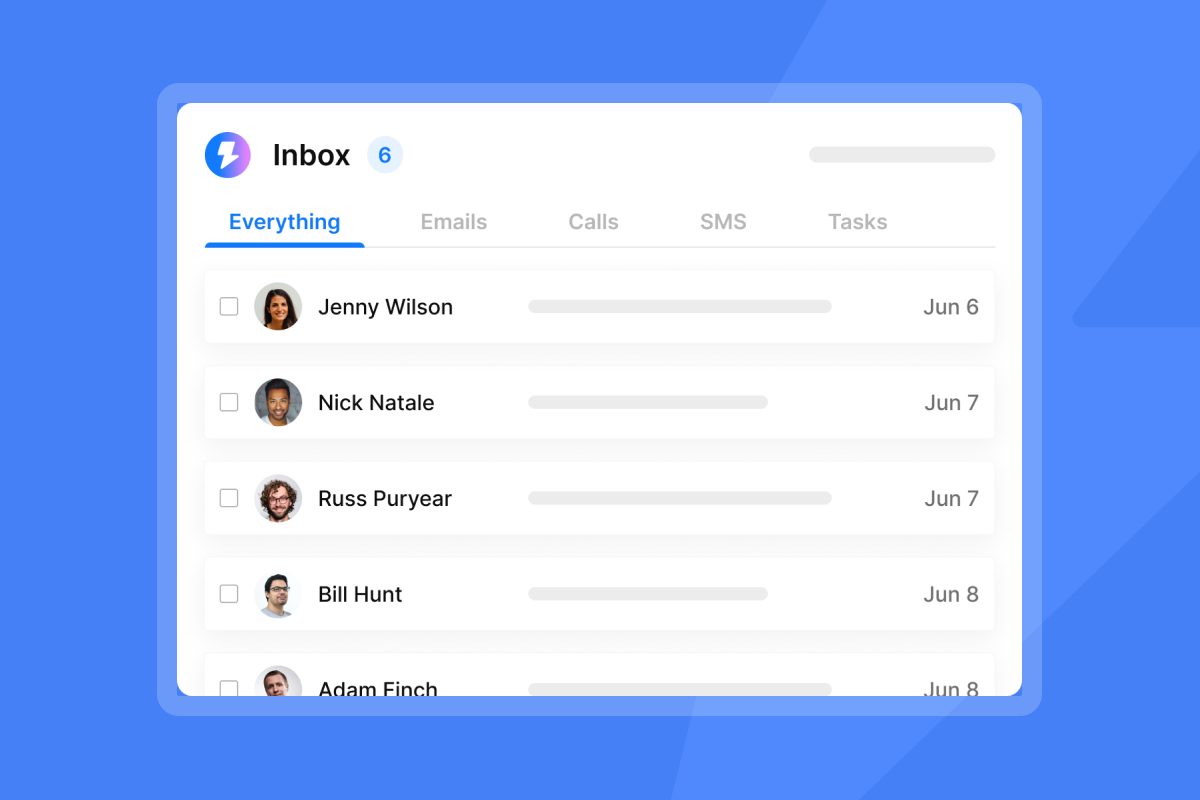
Weak versus optimized subject lines
Before you copy examples, understand what separates a winning subject line from one that gets ignored. Here is the difference:
Weak Subject Line | Optimized Subject Line | Why It Works |
|---|---|---|
"Following up" | "Quick question about {{companyName}}" | Personalization + curiosity gap |
"Checking in" | "Thoughts?" | Brevity implies prior context |
"Urgent!!!" | "Invoice #1234 due today" | Real deadline vs fake panic |
"Just wanted to see if you got my email" | "Permission to close your file?" | Creates urgency through action threat |
"Touching base" | "FYI: [Competitor] just [achieved X]" | Teases valuable information |
A winning subject line does three jobs: it earns the open, sets the right expectation, and increases the chance of a reply or click that creates pipeline.
100+ reminder email subject line examples by category
Copy these examples as starting points, then test variants to find what works for your audience. Each category addresses a different use case with distinct psychological triggers.
Meeting and appointment reminder subject lines
Meeting reminders balance urgency (the meeting is happening soon) with confirmation (you are expected). Time-specific language creates immediate action while referencing the meeting topic provides context that earns trust.
The following examples draw from meeting reminder best practices and professional templates proven to drive confirmation rates above 80%.
- "Ready for our 2pm chat?"
- "Confirming: Your call with [My Name]"
- "Reminder: [Meeting topic] tomorrow"
- "Don't forget! Meeting with [Name] at [Time] on [Date]"
- "Gentle reminder - Team meeting tomorrow"
- "Your appointment with [Your name] on [Date] at [Time]"
- "Meeting with [Name] starts in 15 minutes"
- "Tomorrow: [Meeting Name] at [Time]"
- "Confirming your meeting at [Time] on [Date]"
- "Project Kickoff - March 10, 10AM"
- "Just a quick reminder about our meeting tomorrow"
- "See you at [Event Name]"
- "Meeting Tomorrow | Register today"
- "We'll be waiting for you [Date]"
- "Your interview with [Name] is starting soon"
- "Reminder: RSVP for [Meeting topic] by today"
- "[Recipient's Name], book your place at [Event Name]"
- "Reminder: [Meeting name] on [Date] at [Time]"
- "One day until our webinar"
- "T-minus 1 hour until our webinar"
Payment and invoice reminder subject lines
Payment reminders require a different psychological approach than meeting confirmations. Early reminders stay friendly and helpful. Later reminders introduce consequences and urgency without aggression. Reference the specific invoice number and deadline to provide clear context.
These examples draw from payment reminder templates and late payment messaging strategies used by finance teams to maintain cash flow without damaging relationships.

- "Invoice #123 is due today"
- "Reminder: Invoice [Number] is due soon"
- "Overdue: Invoice [Number] for {{company Name}}"
- "Action Required: Your account with [My Company]"
- "Quick payment link for Invoice [Number]"
- "Payment Reminder: Invoice #1234 Due on [Due Date]"
- "Friendly Reminder: Invoice #12345 is Due in One Week"
- "Your Upcoming Payment is Due: Invoice #12345"
- "7 Days Until Invoice #12345 is Due"
- "Payment Due Today: Invoice #12345"
- "Invoice #123 Reminder/Follow up"
- "Invoice #123 is two weeks overdue"
- "Invoice #123 from March 20 is overdue; please submit payment ASAP"
- "Payment reminder: past due [invoice ####] for [business name]"
- "Overdue Payment reminder from [Your Business] - Due [Date Due]"
- "Following up on our previous conversation regarding Invoice #123456"
- "Payment Required ASAP - Invoice #[Invoice Number] is 60 Days Overdue"
- "Reminder: Invoice #10101 Past Due – Please Take Action"
- "Immediate Attention Required: Invoice #10101 30 Days Past Due"
- "Invoice [Invoice Number] Due Today"
For subject line formats specifically optimized for sales conversations rather than collection, see these sales email subject lines that balance urgency with professionalism.
Event and webinar reminder subject lines
Event reminders fight calendar overload in crowded professional calendars. Your subject line must remind recipients why they registered and create urgency around start time. Reference the event name, speaker, or unique value to trigger recall.
These subject lines combine webinar email strategies and event reminder tactics proven to improve attendance rates.
- "See you tomorrow at [Webinar Name]?"
- "[Webinar Name] starts in 1 hour"
- "We're live! Join [Webinar Name] now"
- "Get your questions ready for [Guest Speaker]"
- "Don't Miss Out! Your Webinar Starts Tomorrow – [Topic]"
- "Join the [topic]: Register for our webinar now"
- "⏳ Early bird prices are ending: Register for our webinar now"
- "Just a few seats left for next month's webinar"
- "How to [Webinar subject] Webinar [date and time]"
- "Reminder: Event Submission Deadline is Dec. 2nd for #SMWNYC"
- "Registration is almost closed for [Event Name], save your spot"
- "Event Tomorrow | Register today"
- "Meet the speakers at [Event Name]"
- "Great to see you yesterday"
- "Your issues related to [webinar subject], solved"
- "Reminder: Upcoming Event on [date]"
- "Get Ready: Your Awaited Event is Just Around the Corner"
- "Mark Your Calendar: [Event Name] is Coming Up"
- "Don't Forget: [Event Name] Happens Tomorrow"
- "Reminder: You're all set for [Webinar Title]"
Cold outreach follow-up subject lines
Cold outreach follow-ups must re-engage attention without sounding desperate. The best lines either add new value, reference something specific, or create curiosity about what happens next. These B2B cold email subject lines and response-driving strategies help top performers achieve 5-10% reply rates, with the best campaigns reaching 15%+ on focused lists.
- "Thoughts?"
- "Any updates on this?"
- "A resource for {{companyName}}"
- "re: our conversation about [Topic]"
- "Permission to close your file?"
- "Quick question"
- "Following up"
- "Idea for {{companyName}}"
- "{{firstName}} - quick question"
- "Worth 15 minutes?"
- "Congrats on [recent achievement]"
- "FYI: [Prospect's competitor] just [achieved x]"
- "Something a lot of [job title]s are asking right now"
- "[CompanyName] + [Your Company]?"
- "Quick thought for your team"
- "Saw your post about [topic]"
- "strategic acquisition discussion"
- "conversion rates"
- "reply rates"
- "How [Competitor] increased [metric] by X%"
- "10 mins - [date]?"
- "Let's rethink your strategy"
- "Great to meet you at [Event]"
- "Are you still interested?"
- "Closing your file"
For more templates, explore our library of 600+ cold email templates organized by industry and use case.
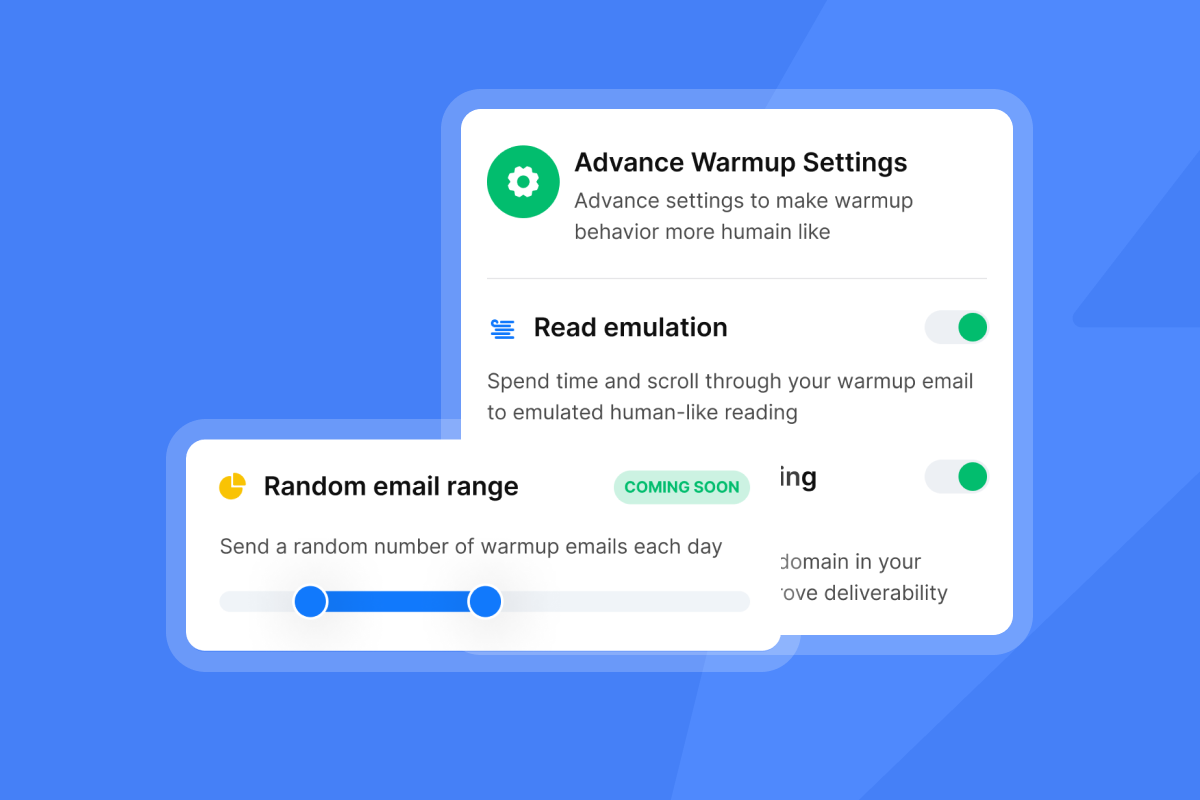
How to A/B test subject lines for maximum open rates
Copying templates gives you a starting point. Testing proves what actually works for your audience. A/B testing means comparing two variants to find a winner; A/Z testing means comparing many variants in one test.
Use open rate as a key metric for subject line performance alongside reply rate and click-to-open rate. While open rate alone does not tell the full story, it is the primary indicator of whether your subject line earned attention. A subject line that drives 60% opens but 1% replies loses to one that drives 40% opens and 5% replies, because the second line sets better expectations and attracts more qualified engagement.
Setting up A/Z testing in Instantly
We support up to 26 subject line variants in a single campaign step, which allows you to test multiple psychological angles simultaneously rather than running sequential A/B tests that take weeks to reach significance.
Step-by-step setup:
- Create a campaign: Navigate to Campaigns and click Create Campaign.
- Add a sequence: Go to the Sequences section and add a sequence step.
- Find the subject field: Locate the Subject field in your step editor.
- Add variants: Click the "Add Variant" button to create fields A, B, C, etc.
- Input subject lines: Enter different subject line copy into each variant field.
- Enable variants: Use the toggle to enable variants you want to test (blue means enabled, grey means paused).
The A/Z testing help article walks through the full interface with screenshots showing exactly where to click.
One user described how this streamlined their workflow:
"I really like Instantly for its ability to facilitate email outreach and email promotions with efficiency. The email sequence feature is what I appreciate the most; it saves me a significant amount of time, especially when drafting emails." - faisal K. on G2
Auto-optimize feature: When you enable auto-optimize in your A/Z test, the algorithm analyzes variants automatically to determine which version performs best based on your defined winning metric (reply rate, click rate, or open rate). Once the system identifies the highest-performing variant, it automatically deactivates the other, less effective versions.
Watch the complete cold email follow-up strategy video to see A/Z testing applied across an entire sequence with specific examples of winning subject lines.
Analyzing open rates vs. reply rates
Open rate tells you whether your subject line earned attention. Reply rate tells you whether your message delivered value. A winning subject line does both.
Run your test until you reach at least 100-200 recipients per variant as an absolute minimum to establish statistical significance. Larger sample sizes of 1,000+ per variant let you detect smaller performance differences with confidence. Campaign Monitor's personalization research cites a 26% lift in opens from personalization, but you need volume to confirm the pattern holds for your specific audience.
Compare these metrics:
Metric | What It Measures | Why It Matters |
|---|---|---|
Open rate | Did the subject line earn the click? | Primary indicator of subject line effectiveness |
Reply rate | Did the email body deliver on the promise? | Shows if subject line attracted qualified engagement |
Unsubscribe rate | Did the subject line attract the wrong audience? | Signals misalignment between promise and content |
If Variant A has 50% opens and 1% replies while Variant B has 35% opens and 4% replies, Variant B wins because it sets accurate expectations and attracts qualified engagement. Test one input at a time for clean reads.
The cold email deliverability guide explains how inbox placement affects open rates and why testing subject lines matters less if your emails land in spam.
Common mistakes that trigger spam filters or ignores
Spam filters have become increasingly sophisticated at detecting promotional language and pressure tactics. Words like "Free!!" or "Urgent" can send emails straight to promotions or junk folders, andeven ALL CAPS subject lines or multiple exclamation marks lower sender reputation over time.
Specific triggers to avoid:
- Money words: "Free," "Cash," "Make money fast," "$$$," "Earn"
- Urgency words: "Act Now," "Urgent," "Limited time" (when overused)
- Formatting: ALL CAPS, excessive punctuation (!!!), multiple emojis
- Deceptive tactics:Using "Re:" on a new email thread signals manipulation
- Technical issues:Mismatched sender name and email address
Use our Inbox Placement test to check where your emails land before launching a campaign at scale. The test sends your email to multiple mailbox providers (Gmail, Outlook, Yahoo) and reports whether you hit the primary inbox, promotions tab, or spam folder.
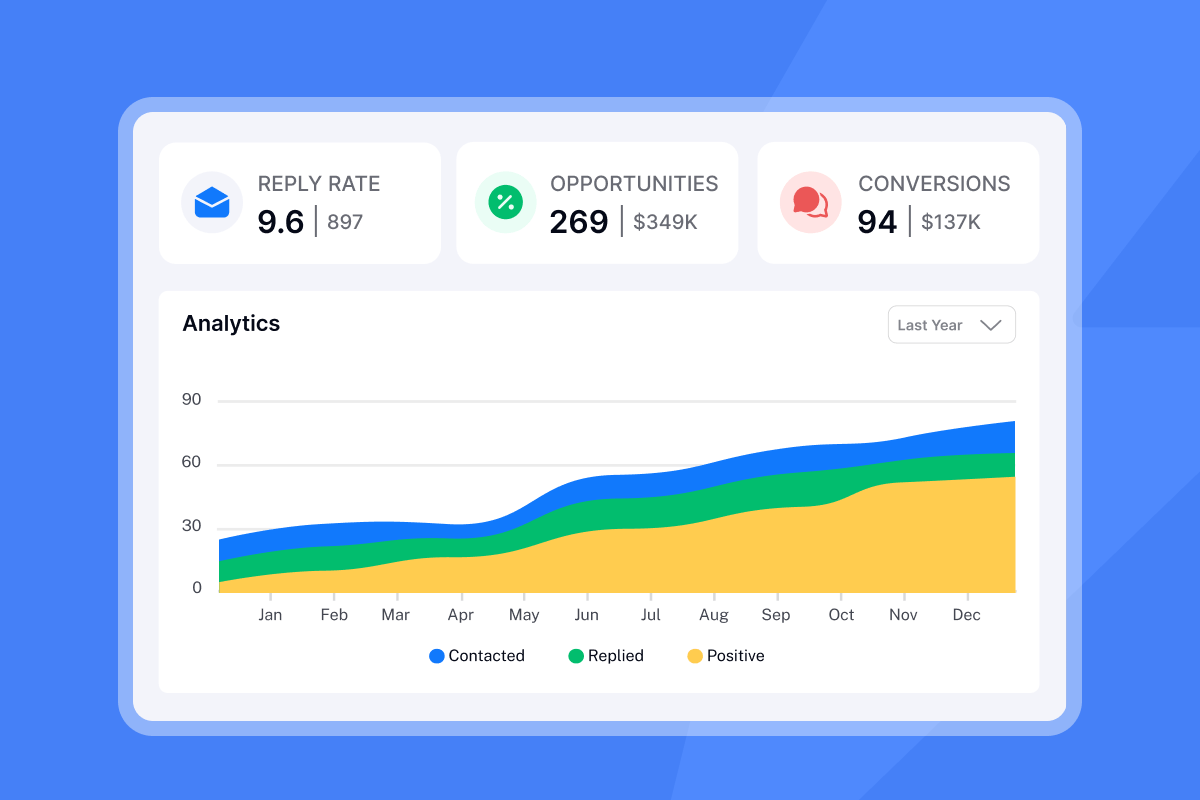
The delivery optimization guide in our help center explains how to send emails as text-only to avoid formatting triggers that hurt deliverability.
How to use AI to generate infinite subject line variations
Drafting dozens of subject line variants manually takes hours. AI accelerates the brainstorming process, allowing you to test more angles in less time.
Our AI Copilot generates on-brief variants from your hypothesis, tone, and trigger. It suggests segment-specific versions using firmographic or intent data. The tool summarizes results and proposes iteration paths to tighten your testing loop. Use AI Copilot to spin subject lines, write preview text, and set up tests in one place, pairing Copilot suggestions with real-time analytics and Auto-optimize for faster iteration.
How it works:
Set your parameters: Input your email body or a prompt describing your ICP, offer, and tone.
Generate variants: AI produces multiple subject line variations (typically 10 options per generation based on industry-standard AI subject line generators).
Select and test: Review suggestions, select variants to test, and load them directly into your A/Z test setup.
The AI remembers past winners and incorporates patterns from high-performing campaigns across the platform. The AI prompts documentation shows how to structure your input for better output quality.
For a complete workflow demonstration, watch the AI-powered cold email tutorial that shows AI generating subject lines, email body copy, and follow-up sequences in under 10 minutes.
"I love the comprehensive capabilities of Instantly, which have significantly streamlined my operations by replacing about 5 or 6 other technologies I used to rely on. This tool is a powerhouse for lead scrubbing, lead mining, research, outreach, launch strategy, and idea generation." - Heather O on G2
The AI reply suggestions feature extends this capability to inbound messages, drafting responses based on context from the conversation history.
Your best subject line is not in this list
Your best subject line is not in this list. It is the variant that drives replies for your specific audience, and the only way to find it is testing.
Run your first A/Z test this week. Pick three angles from the examples above, load them into Instantly, and analyze the data after 100-200 recipients per variant. The winning subject line earns more meetings. The losers get replaced with new variants. Repeat every week.
Your next 50 meetings depend on the seven words in your subject line. Test them like you mean it.
Start your free Instantly trial and launch your first A/Z subject line test today.
FAQs
What is the ideal length for a reminder subject line?
30-50 characters (3-9 words maximum). Most email clients show 30-60 characters depending on device, with shorter lines performing better on mobile.
Should I use emojis in B2B subject lines?
Use one emoji maximum, placed at the end rather than the beginning. Excessive emoji use increases spam risk.
How many follow-up emails should I send?
3-5 follow-ups after the initial email. Data shows 80% of sales require at least five follow-ups. Space the first three touches 2-3 days apart,then extend to 5-7 days for touch four and beyond.
How do I know if my subject line is triggering spam filters?
Run an Inbox Placement test before launching at scale. Avoid trigger words like "Free," "Urgent," and ALL CAPS formatting, then test delivery across Gmail, Outlook, and Yahoo.
What is the difference between A/B testing and A/Z testing?
A/B testing compares two variants simultaneously. A/Z testing compares many variants simultaneously, allowing you to test up to 26 subject lines in one campaign and reach conclusions faster.
Key terms glossary
A/Z Testing: Testing multiple subject line variants simultaneously (up to 26 variations) to identify the highest-performing option based on open rate, reply rate, or click rate.
Open Rate: Percentage of email recipients who opened your message. Key metric for evaluating subject line performance alongside reply rate and click-to-open rate.
Reply Rate: Percentage of email recipients who responded to your message. Measures whether the email body delivered on the subject line's promise.
Spin Syntax: Format using curly braces and pipes (e.g., {Hi|Hello|Hey}) that rotates through different words to create unique email variations and improve deliverability.
Curiosity Gap: Psychological principle where subject lines hint at valuable information without revealing details, compelling readers to click to close the information gap.
Inbox Placement: Metric showing whether emails land in the primary inbox, promotions tab, or spam folder across different mailbox providers.



