.svg)
%20(1).svg)

Latest Update: January 12, 2026
An effective sales email software lets you send the right emails, from the right accounts, at the right time, without burning your domain or your patience.
The best tools handle deliverability, follow-ups, personalization, and tracking in one place. Choose software that scales with your volume, protects your sender reputation, and gives you clear answers about what’s working.
Sales email works because it's boring in the best possible way, and the best email marketing software makes it even more effective. Just a message landing in someone's inbox, asking a clear question and offering a real solution built on a proven cold email framework. Case in point, several agencies and SMBs in our Email Masterclass group have gone from $0 to $25,000+ in revenue in just 40 days.
But the days of firing off a few emails and hoping for replies are long gone. Deliverability rules are stricter, buyers are busier, and inboxes are ruthless about what gets ignored.
Sales email software handles the unglamorous parts that decide meaningful outcomes. Things like inbox placement, timing, follow-ups, personalization at scale, and knowing what’s working before you burn a domain.
This guide breaks down what sales email software entails in 2026, how to choose the right one for your use cases, and which tools are worth your time.
Sales Email Software Fundamentals
Sales email software helps you automate email marketing, from cold emails to follow-ups. It connects to your email service provider, acting as a vehicle for customizing campaigns.
Most of these work the same way - you connect your sending accounts, upload a lead list, and then send an email sequence with automated follow-ups. But these are standard.
If you want to run a profitable campaign, choose a sales email software with enough advanced features to help you scale campaigns safely and sustainably. Here’s what to look out for.
How to Choose The Right Sales Email Software
If you’re hunting for email software that streamlines tasks for both marketing and sales, we recommend going for one that fits your budget, has the right features, has an intuitive learning curve, and helps you scale.
Consider Your Budget-Fit
Your budget ultimately decides what you can go for. Many free options exist for businesses trying to dip their town into email marketing. But don’t expect too much.
We can’t always have nice things for free. Instead, try software that offers a freemium model or a free trial. Gotta spend some money to make money, right?
The next thing to consider is payment. Most software has a recurring pricing model, either monthly or annually. Annual payments can save you up to 20%, sometimes more.
Look For Basic & Advanced Email Marketing Features
First things first, your sales email tool must have warm-up capabilities. In a nutshell, warmups signal email providers that your sending accounts are legitimate and weren’t made for spam.
Consistent warmups protect domains from the harmful effects of cold email outreach and ensure the highest deliverability rates in any email campaign.
An analytics dashboard should also be complete with every important email marketing benchmark, A/B testing features, and automation.
This means automated sequences, follow-ups, warmups, personalization, and A/B testing optimization. Meanwhile, some nice-to-have features include:
- AI-writing assistants
- Built-in templates
- Access to an email marketing community
- Spintax (Spin Syntax)
- Built-in CRM or sales tracking tool
Prioritize Intuitive Design and Easy Set Up
Depending on the features, sales email software goes from simple to complex real fast. You must also consider the technical setups required to start email marketing.
Choose software that can connect to your sending accounts with just a few clicks. Also, consider how quickly you can learn and effectively utilize critical features.
That’s where sales enablement comes in. A robust library of guides, FAQs, and how-tos should be available to the user that’s consistently updated to help users go from 0 to 100.
Consider How Easy Scaling Is
Learning how to use an email tool effectively takes time. It wouldn’t make sense for you to suddenly switch to a new one when you’ve grown big enough to scale operations.
So, choose a tool that can grow with you. This usually includes flexible pricing options, tier upgrades, or custom plans.
The features should also be advanced enough to help you fine-tune campaigns for maximum optimization as your lead lists grow.
Now that we know what to look for in sales email software, let’s look at some of the best ones we’d recommend in 2026.

Top Sales Email Software for 2026
The tools below are selected based on capabilities that matter for modern selling: deliverability, personalization at scale, automation, analytics, and how well they support actual sales outcomes (replies, meetings, pipeline growth). Let's take a look.
Instantly.ai
G2 Rating: 4.8/5 ⭐ from 3,939 reviews
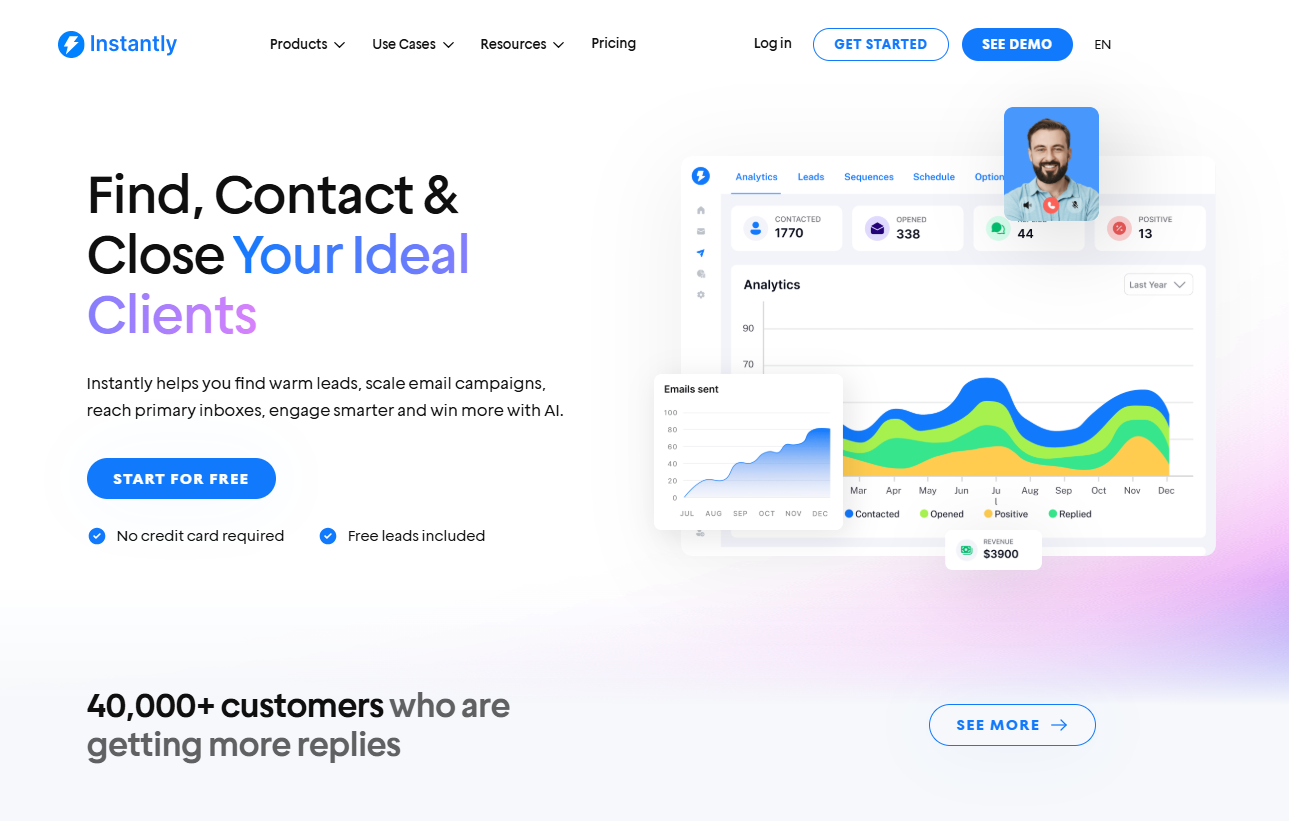
Instantly is an email tool built by cold emailers for cold emailers. It combines deliverability infrastructure, outreach automation, and built-in lead data so teams can execute outbound reliably without piecing together half a dozen tools.
To that end, Instantly actively protects sender reputation through automated email warmup, inbox rotation, bounce shielding, and reply-aware pacing, all without manual setup.
It also includes a 450 million+ B2B Lead Finder with verified contact data and advanced filters that align with your ICP, so you’re not chasing bad leads. Once leads are in, you can:
- Build sequences with relative timing (e.g., day 1 → day 3 → day 7) rather than rigid timestamps
- Run unlimited A/Z tests with multivariate variations of subject lines, bodies, and CTAs
- Personalize at scale using dynamic tags and automated token mapping
- Centralize replies from every account in Unibox, eliminating inbox fragmentation
- Track not just opens and clicks, but opportunity momentum (replies, booked meetings, and pipeline signals)
In short, Instantly combines prospecting, outreach, and analytics into a unified workflow. That makes it an outbound operating system for sales teams focused on performance at scale.
Pricing:
Instantly offers a free trial to let users test before committing. Our plans are structured to provide flexibility for both email outreach and lead access:
- Growth ($37/month): Unlimited email accounts & warmup, 1,000 uploaded contacts, 5,000 emails monthly, chat support
- Hypergrowth ($97/month): Unlimited email accounts & warmup, 25,000 uploaded contacts, 100,000 emails monthly, premium live support
- Light Speed ($358/month): Everything in Hypergrowth + 500,000 emails monthly, 100,000 uploaded contacts, SISR System (Server & IP Sharding and Rotation)
Engage Bay
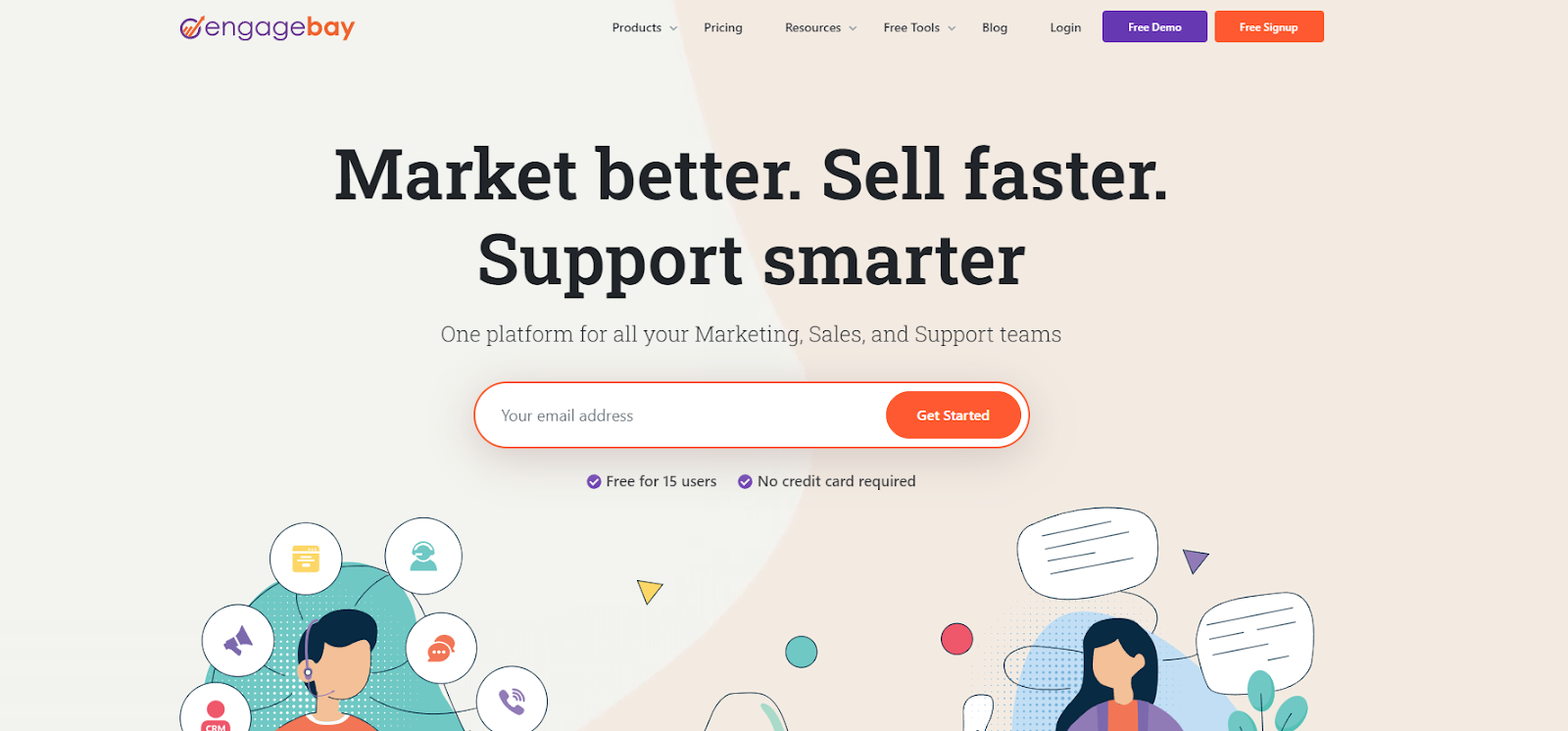
Engage Bay is one of the most unique email tools on the market. Its drag-and-drop feature allows users to build email campaigns. Think of it as the Canva of email marketing.
There’s a text editor block, multiple design elements, images, and social share buttons. We recommend this if you’re running a newsletter that focuses on design.
When you upload a lead list, Engage Bay can segment it using filters such as location and qualification. Users can use Engage Bay’s CTA optimization feature to help convert leads.
It’s also a tool you can leverage if you’re into a multi-channel approach to your sales cadences. That’s because the tool can also track SMS and phone calls on top of your emails.
Pricing:
- Basic - $12.74/month
- 500 contacts
- 3,000 emails
- Growth - $55.24/month
- 5,000 contacts
- 25,000 emails
- Pro - $101.99/month
- Unlimited contacts
- 50,000 emails
GMass

GMass is a sales email software that transforms your Gmail account into an outreach powerhouse. It’s simple to use and set up, requiring only a Chrome extension download.
Build your lead lists and upload them to a Google Sheets file or CSV. Then, connect that to your GMass. From there, you can send personalized cold emails straight from your Gmail.
It can personalize your emails, automate drip emails, and has solid email tracking and analytics features. Metrics from your campaign can be found under “CAMPAIGNS” in your sidebar.
With Zapier, Salesforce, and HubSpot CRM integrations, sales tracking becomes a breeze. Unfortunately, Gmail imposes strict restrictions regarding sending limits.
So, you can’t go overboard with your cold emails, requiring you to switch between several accounts to run decent campaigns.
Pricing:
- Standard - $25/month
- Premium - $35/month
- Professional - $55/month
Overloop
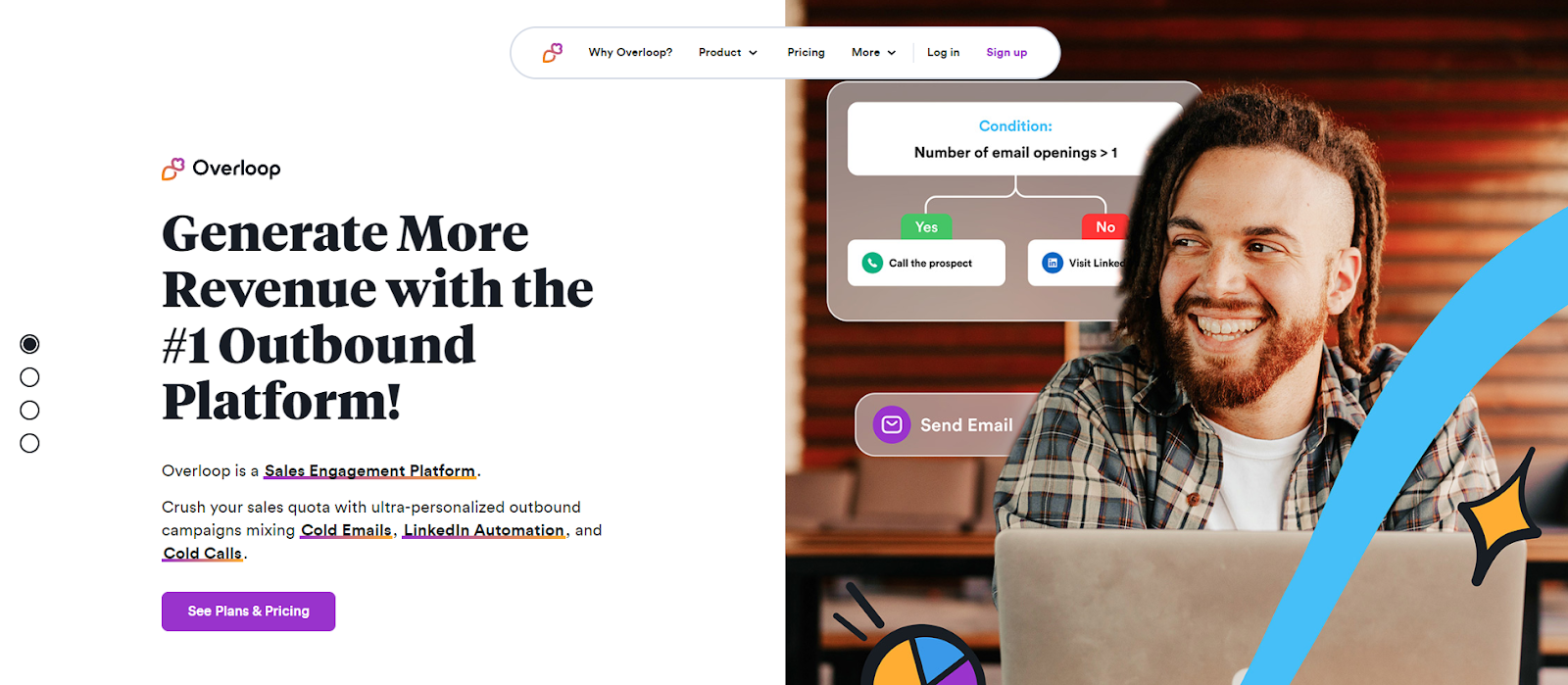
Overloop (formerly Prospect.io) combines lead generation and email automation, making it great for sales. Like most lead finders, it works on a credit system when finding leads.
You don’t have to use another verification tool to verify emails. It has that built-in. Once you get your lead list, you can create drip sequences and personalized campaigns with a few clicks.
The issue is that your credits don’t roll over next month. But it makes up for it with integrations to CRMs like Salesforce, Hubspot, and Zapier. It even has LinkedIn enrichments.
Overloop also has no sending limit. But remember, Google does. Standard Gmail accounts have a daily sending limit of 500 emails. So, to ensure deliverability, Overloop implemented a limit of 1,500 per day. Sending is possible, but it will be delayed.
Pricing:
- Startup - $42/month
- 100 lead credits
- 3 running campaigns
- Growth - $82/month
- 250 lead credits
- 25 running campaigns
- Enterprise - $125/month
- 500 lead credits
- Unlimited campaigns
Outreach
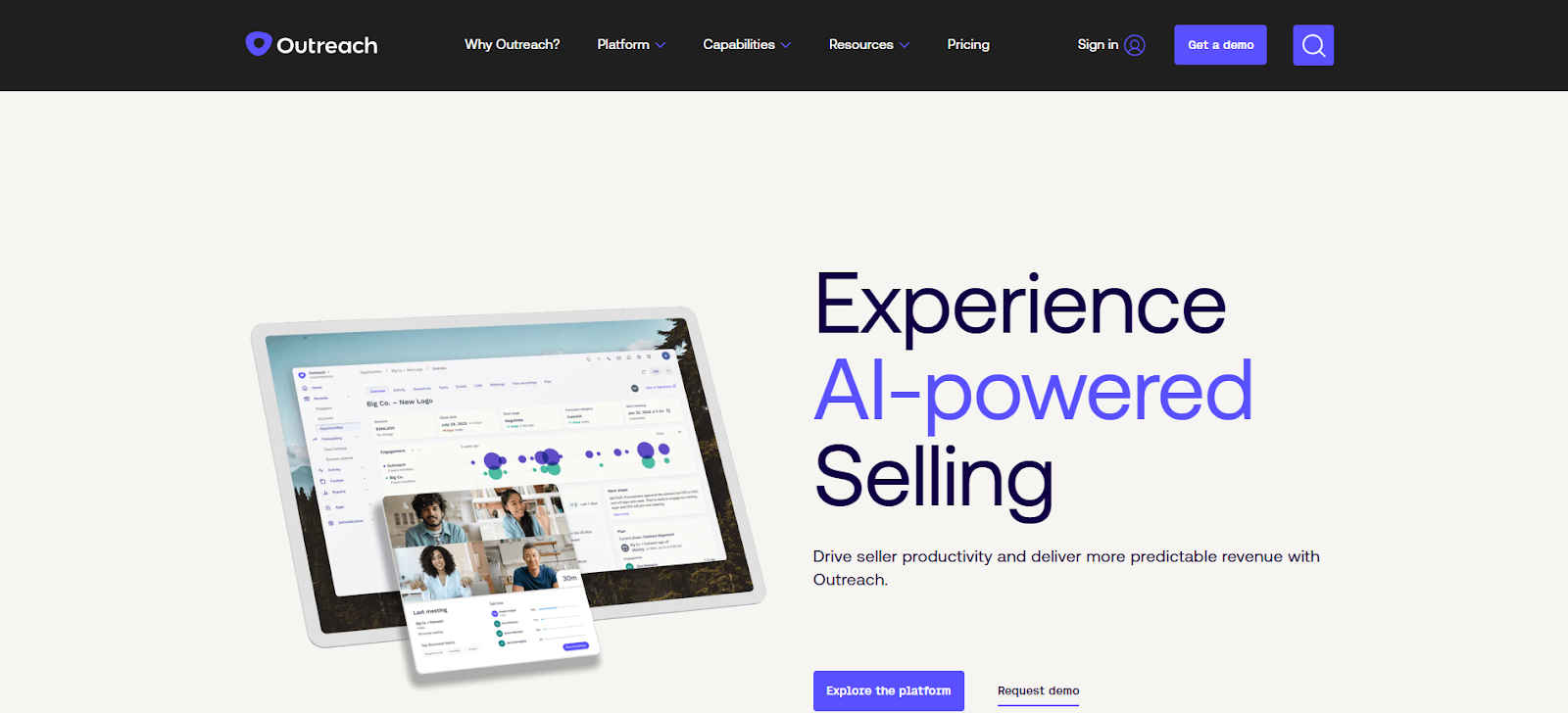
Outreach is a sales email tool for enterprise-level businesses looking to scale operations. It has robust features built for enterprises, such as sales forecasting, pipeline management, and conversation intelligence.
However, it’s not the most optimal tool for cold sales outreach. It doesn’t have warmups and email verification. Instead, it’s more of a sales engagement platform built to help SDRs close deals.
It does have multi-channel sales engagement. You can do email outreach and cold calling, gain access to in-call transcription assistants, and much more. Many tools can land deals, but you can’t try them for free.
You must send a request on their pricing page to see their pricing lists for their features.
Mailtag.io
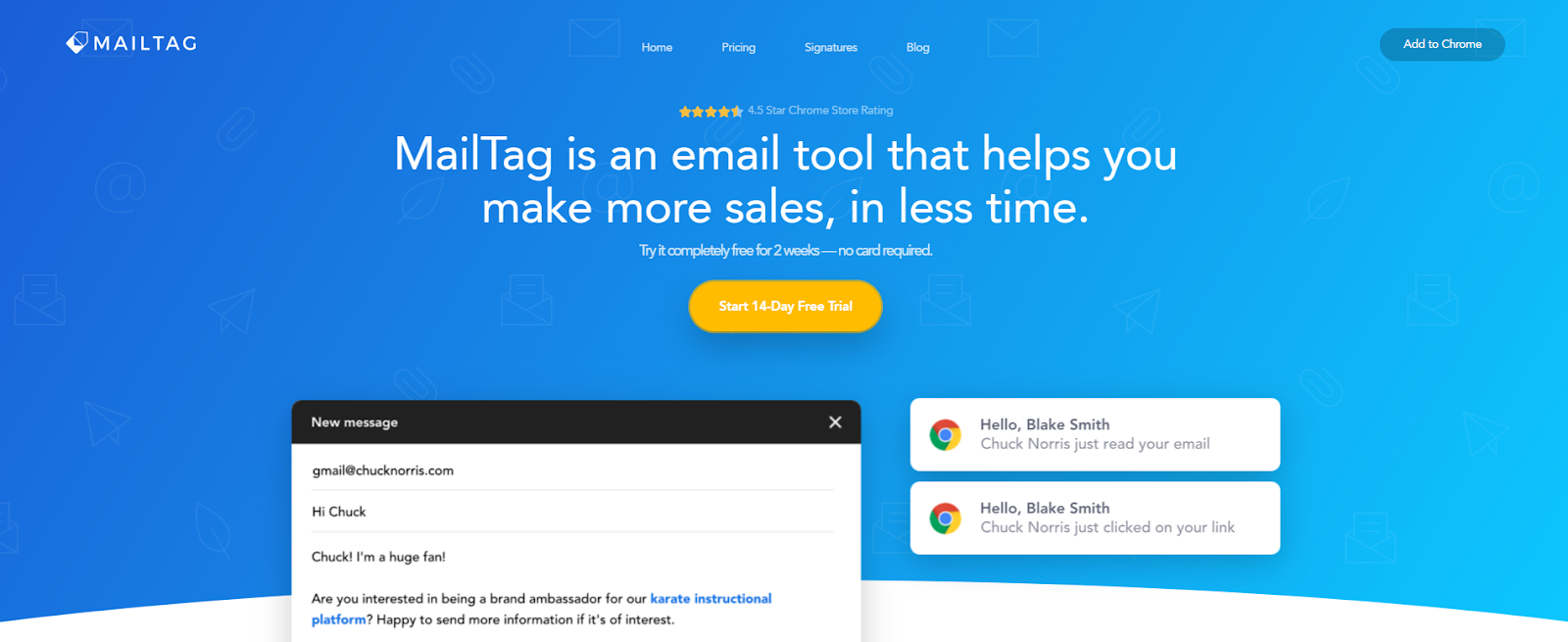
Mailtag is a Chrome extension that connects to Gmail. It has the basic features needed to run a sales email campaign but lacks the advanced features of most email tools.
Users get email scheduling, automated follow-ups, open tracking, and link tracking. All of these metrics can be found in an intuitive dashboard.
It’s a simple tool that’s easy to use and convenient to set up, perfect for trying out email marketing for the first time. However, it only works with Gmail.
Because it works with Gmail, sending limits are capped. If scalability is a primary deciding factor, consider a different sales email software.
Pricing:
- Free Trial - 14 Days
- Monthly Plan - $12.99/month
- Yearly Plan - $9.99/month
Sales Email Best Practices
Remember, your sales email software is just a medium to connect with prospects. With sales email fundamentals, campaigns could succeed, regardless of the software used. So, before running campaigns, consider the following sales email best practices:
Verify Leads Before Adding Them to a Campaign
Leads are at the heart of any sales campaign. Without a verified list, your deliverability rates can take a nose dive. Use email verification tools or find a quality lead source.

Besides an in-built email verification tool, Instantly also provides database of 450 million+ verified contacts ready to be filtered and imported into targeted campaigns. You only need to pay for verified leads. After finding leads that fit your ICPs, you can immediately run campaigns.
Segment and Qualify Leads
SDRs should focus their time on leads with high buying intent. After building your email list, segment them based on demographics or qualifications. This makes it easier to personalize cold emails.
Personalize Sales Emails
Personalization is vital in every sales email campaign. Instantly lets you personalize your emails at scale with just a few clicks. It also has a built-in spintax feature that can make variations of your initial emails, making each one unique.
Key Takeaways
Sales email software allows businesses to scale outreach campaigns. Most of what you find in the market can automate follow-ups, track emails, or have an analytics dashboard.
Some even have automation features that can run email campaigns on autopilot. But before choosing your following sales email software, consider the following:
- Your budget dictates what sales email software you can afford.
- Choose a sales email software flexible enough to handle your business’ growth.
- Find a tool with an intuitive learning curve for its features.
You can find all of this and much more with Instantly.ai. Start your free Instantly trial.



