


Updated January 31, 2026
TL;DR: 80% of sales require five or more follow-up touches, yet 48% of reps never follow up. The templates below give your team proven copy for consistent messaging, the structure to persist without triggering spam, and when you run them through Instantly, deliverability protection while the Unibox centralizes every reply so nothing slips.
Your reps ghost prospects after one email. Not because they are lazy, but because they do not know what to say after "Just checking in." That single gap costs you meetings, pipeline, and quota attainment every quarter.
Research shows that only 2% of sales happen on first contact, while 80% require five to twelve touches. Meanwhile, 44% of salespeople give up after the first follow-up. Your competitors who systematize follow-ups book the meetings your team leaves behind.
This guide gives you 50 battle-tested follow-up templates organized by context, plus the system to automate delivery while protecting sender reputation. Copy the templates, adapt the hooks, and run them through Instantly's campaign builder to turn persistence into predictable pipeline. The platform spaces sends across warmed accounts, monitors bounce rates, and pauses campaigns automatically when health signals dip.
The strategic purpose of following up
Follow-ups don't check in. You nurture, educate, and bubble up priority when timing shifts. Most buyers are not ready on day one. Budget cycles, internal approvals, competing projects, and simple inertia delay decisions for weeks or months. Your follow-up sequence keeps your solution top of mind until the moment they are ready to act.
60% of customers say no four times before saying yes, which means the first "no" is data, not a verdict. A well-designed sequence adds value at each step by sharing a case study, answering an objection, or offering a new insight, so every touch earns attention instead of burning goodwill.
The best sequences operate like a drip system. Space touches 2-5 days apart to stay fresh without overwhelming inboxes. Research confirms that waiting three days between emails results in a 31% increase in replies compared to daily sends. Run your sequence for three weeks, cap it at six to eight touches, then pause and let the prospect come back when their timing aligns.
"I love how simple Instantly is to use... The ability to schedule emails at specific times and zones is incredibly convenient, especially for cold outreach in multiple regions... I find the analytics provided by Instantly extremely valuable as they lead to a well-informed follow-up strategy." - Verified user on G2
Key elements of an effective follow-up email
Every high-performing follow-up you send needs four components. Miss one and your reply rate drops.
1. Subject line strategy (threading vs. new)
For cold outreach where the prospect ignored your first email, test both approaches. Many experts recommend fresh subject lines for each follow-up to increase open rates when prospects never opened the original message. For warm leads who already replied or attended a call, threading with the same subject line works well because you are continuing an active conversation.
2. The hook (context)
Open by referencing the previous email or conversation so the recipient knows why you are back. Add context without forcing the reader to search. For example, "Following up on the deliverability audit I shared last week" is better than "Circling back" because it jogs memory and re-establishes relevance.
3. The value (why now?)
Every email should add genuine value by giving prospects something useful or telling them something they do not know. Share a relevant case study, answer a question they raised, or flag a deadline that creates urgency. Value-driven follow-ups earn opens because readers learn something new instead of hearing the same pitch repeated.
4. The CTA (low friction)
End with a single, clear call to action. Ask for a 15-minute call, confirm a time, or request feedback on a proposal. Focus on one thing instead of offering three options that paralyze decision-making. Low-friction CTAs like "Does Thursday at 2pm work?" convert better than open-ended "Let me know when you are free."
"I like the automation features in Instantly because they save me a lot of time and effort... especially in setting up multiple campaigns and email sequences in a personalized way with follow-ups." - Faisal K on G2
Cold outreach follow-up templates
Cold outreach follow-ups fight inbox noise and low trust. Your first email introduced the problem and hinted at the solution. Follow-ups prove you understand their world, add social proof, and lower the friction to reply. Below are 20 template frameworks organized by intent, each designed to fit a specific moment in the sequence.
The quick bump
Best for: Step 2 (1-2 days after first email)
Why it works: Brings your message back to the top of the inbox without adding pressure. Works when the first email was strong and just needs visibility.
Timing: 24-48 hours after initial send
Use with caution: These ultra-short bumps work only when your first email was strong and personalized. If your initial message was generic, a bump won't help. Add value or skip to Template 4.
Template 1: Top-of-inbox nudge
Subject: Re: [Original subject]
[First Name], any thoughts on this?
Template 2: Simple re-surface
Subject: Re: [Original subject]
[First Name], wanted to make sure this didn't get buried.
Template 3: Single-line check
Subject: Re: [Original subject]
Worth a quick look?
Learn how Instantly's campaign steps automate these bumps with precise time delays so reps never manually track who needs a nudge.
The value add
Best for: Step 3 (3-5 days after first email)
Why it works: Adds a resource, insight, or case study that educates the prospect and justifies the re-engagement.
Timing: 3-5 days after initial send
Template 4: Case study share
Subject: [Company] cut reply time 40%
[First Name], I put together a short case study showing how [Similar Company] cut their reply time by 40% using [your solution]. Thought it might be relevant given [specific pain point you mentioned].
[Link to case study]
Worth 10 minutes this week?
Template 5: Relevant article
Subject: Thought of you - [industry trend]
[First Name], saw this article on [industry trend] and thought of our conversation. It covers [specific challenge] you mentioned.
[Link]
Does this align with what your team is seeing?
Template 6: Tool or template
Subject: [Free resource] for [use case]
[First Name], here is a [template/calculator/checklist] we built for [specific use case]. No strings attached.
[Link]
Let me know if you want to discuss how [Company] applies this.
Use Instantly's library of 600+ email templates as your starting point. Customize the value-add hooks with merge fields for industry, pain point, or recent company news, then deploy across your team in minutes.
The pattern interrupt
Best for: Step 4 (5-7 days after first email)
Why it works: Breaks the monotony of standard follow-ups by asking a question, acknowledging the silence, or shifting the frame.
Timing: 5-7 days after initial send
Template 7: Wrong person?
Subject: Should I talk to someone else?
[First Name], should I be talking to someone else on your team about [specific outcome]?
Template 8: Timing check
Subject: Priority check
[First Name], is this a priority right now, or should I check back in Q2?
Template 9: Bad timing acknowledgment
Subject: Timing question
[First Name], I know [industry/role] is slammed this time of year. If now is not the right time, when should I follow up?
The competitor mention
Best for: Step 3-4 when you know they are evaluating alternatives
Why it works: Positions you as informed and confident, not desperate.
Timing: 3-7 days after initial send
Template 10: Competitor evaluation
Subject: Evaluating [Competitor]?
[First Name], saw you might be looking at [Competitor]. Happy to share a quick comparison on [key differentiator] if that helps your decision.
Template 11: Competitive differentiation
Subject: How we're different from [Competitor]
[First Name], most teams evaluate us alongside [Competitor]. The biggest difference is [specific capability or approach].
Worth a 10-minute comparison?
The breakup email
Best for: Final step (after 5+ touches with no reply)
Why it works: Creates loss aversion and gives the prospect a clear exit or reason to re-engage. Breakup emails see a 33% response rate when executed well.
Timing: 10-14 days after initial send, following 5+ touches
Template 12: Permission to close the loop
Subject: Closing my file
[First Name], I have not heard back so I am guessing this is not a priority right now. I will close my file unless you want to keep the conversation open.
If timing changes, here is my calendar: [Link]
Template 13: Final resource
Subject: Last note from me
[First Name], last note from me. Here is a guide on [relevant topic] in case it helps down the road.
[Link]
Feel free to reach out if [specific outcome] becomes a focus.
Template 14: Helpful opt-out
Subject: Take you off my list?
[First Name], I don't want to clutter your inbox. Should I take you off my list, or would you like me to check back in [timeframe]?
Map this template to your final step and track whether it outperforms earlier touches in Instantly's step-by-step analytics.
Social proof and credibility
Best for: Mid-sequence (Step 3-4)
Why it works: Reduces perceived risk by showing that similar companies trust your solution.
Timing: 3-7 days after initial send
Template 15: Peer reference
Subject: How [Similar Company] solved [problem]
[First Name], we recently helped [Similar Company] solve [specific problem]. They saw [specific result] in [timeframe].
Does [related challenge] sound familiar?
Template 16: Industry traction
Subject: Update: [Number] companies in [industry]
[First Name], quick update: [Number] companies in [industry] are now using [solution] to [outcome]. Thought you would want to know given [context].
Worth a conversation?
Template 17: Testimonial share
Subject: What [Client] said
[First Name], one of our clients said this recently: "[Short testimonial about specific outcome]."
Is [related pain point] something your team is tackling?
"I love Instantly's deliverability tools, which are the best I've encountered... Instantly gives me the highest reply rate by far." - Verified user review of Instantly
The mutual connection
Best for: When you discover a shared contact or connection
Why it works: Borrows credibility and creates social proof.
Timing: Any step when you discover the connection
Template 18: Mutual contact
Subject: [Mutual Contact] suggested I reach out
[First Name], [Mutual Contact] mentioned you are working on [initiative]. We helped them with [similar outcome] last quarter.
Worth comparing notes?
Template 19: Referral follow-up
Subject: [Referrer] recommended we connect
[First Name], [Referrer] thought we should talk about [pain point]. Here is what we did for them:
[Brief result]
Does that sound relevant?
Template 20: LinkedIn connection
Subject: Saw your post on LinkedIn
[First Name], your recent post on [topic] resonated. We work with [similar companies] on [related challenge].
Would love to share what we are seeing.
Watch the best cold email follow up strategy tips from the Instantly team for a full walkthrough of sequencing logic and template selection.
Post-meeting and warm lead templates
Warm leads already know you. They attended a demo, replied to your outreach, or downloaded a resource. These follow-ups focus on momentum, next steps, and pulling in decision makers. Your tone shifts from education to facilitation because trust is established. The goal is to remove friction and prevent deals from stalling in procurement, legal, or internal consensus loops.
The recap and next steps
Best for: Immediately after a call or demo
Why it works: Confirms what was discussed, assigns clear actions, and keeps the deal moving.
Timing: Within 2 hours of the meeting (set a calendar reminder to automate this habit)
Template 21: Meeting summary
Subject: Quick recap from our call today
[First Name], thanks for the time today. Here is what we covered:
- [Pain point discussed]
- [Solution approach agreed]
- [Next steps]
I will [your action]. Can you [their action] by [date]?
Let me know if I missed anything.
Template 22: Action item follow-up
Subject: Re: [Meeting topic]
[First Name], following up on [specific action item you committed to]. Attached is [resource/proposal/demo recording].
Next step: [specific ask]. Does [day/time] work to discuss?
Template 23: Stakeholder summary (forwardable)
Subject: Overview for your team
[First Name], here is a one-page summary of our conversation you can share with [stakeholder/team]:
- Challenge: [Brief description]
- Proposed solution: [Your approach]
- Expected outcome: [Specific result]
- Next steps: [Clear actions]
Let me know if you need anything else to move this forward.
The resource share
Best for: Answering a question raised during the call
Why it works: Shows you listened and deliver on promises.
Timing: Same day or next business day
Pro tip: Save the resources your team promises most often (ROI calculators, case studies, comparison guides) in a shared folder so reps can grab links without hunting.
Template 24: Promised material
Subject: [Resource] you asked for
[First Name], as promised, here is the [case study/ROI calculator/technical doc] on [topic you discussed].
[Link or attachment]
Does this answer your question, or should we set up time to walk through it?
Template 25: Additional insight
Subject: Thought about our conversation
[First Name], after our call I remembered [relevant insight/data point] that relates to [challenge they mentioned].
[Brief explanation or link]
Worth discussing on our next call?
Template 26: Competitive comparison
Subject: How we compare to [Competitor]
[First Name], you mentioned evaluating [Competitor]. Here is a side-by-side on [key criteria]:
[Table or bullet comparison]
Happy to dive deeper on [specific differentiator].
The stakeholder loop-in
Best for: When you need to bring a decision maker into the conversation
Why it works: Gives your champion an easy way to introduce you upward.
Timing: 2-3 days after initial call
Template 27: Executive intro request
Subject: Looping in [Stakeholder Name]?
[First Name], based on our conversation, it sounds like [Stakeholder] would want to weigh in on [decision/budget/timeline].
Would you mind introducing us? I can send a short blurb you can forward.
Template 28: CFO-ready business case
Subject: Business case for [Stakeholder]
[First Name], here is a one-pager with the financial impact of [solution] that you can share with [CFO/VP]:
- Investment: [Cost]
- ROI: [Return in months/quarters]
- Payback period: [Timeframe]
Let me know if they have questions.
Template 29: Technical deep-dive offer
Subject: Technical review with [Stakeholder]
[First Name], happy to set up a 30-minute technical walkthrough with [CTO/IT lead] to cover [integration/security/architecture].
Does [day/time] work for them?
Instantly's Unibox centralizes replies from all your warm leads in one dashboard so your team can respond fast and keep deals moving.
Momentum maintenance
Best for: Keeping deals alive when internal processes slow things down
Why it works: Gently nudges without creating pressure.
Timing: 5-7 days after last touch
Template 30: Gentle check-in
Subject: Re: [Project/Proposal]
[First Name], wanted to check where things stand with [next step]. Anything blocking progress on your end?
Template 31: Deadline reminder
Subject: [Deadline] approaching
[First Name], just a heads-up that [discount/offer/timeline] closes on [date]. Let me know if you need anything to finalize by then.
Template 32: Internal advocate support
Subject: How can I help move this forward?
[First Name], I know internal buy-in can take time. Is there anything I can provide (data, references, demo for another team) to help you build the case?
Check out below for insights on maintaining deal momentum without burning bridges.
Proposal and closing follow-up templates
You sent the proposal. Now silence. These templates nudge decision makers, surface blockers, and create urgency without sounding desperate. The goal is to move the deal to yes or no so your team can forecast accurately.
The proposal review check-in
Best for: 2-3 days after sending the proposal
Why it works: Confirms receipt and opens the door to questions.
Timing: 48-72 hours after proposal send
Template 33: Proposal confirmation
Subject: Did you get a chance to review?
[First Name], wanted to confirm you received the proposal I sent on [date]. Any initial thoughts or questions?
I can walk through [key section] on a quick call this week if that speeds your decision.
Template 34: Specific section highlight
Subject: Re: Proposal - [Key Section]
[First Name], I know proposals can be dense. The key section to focus on is [page/section] which covers [specific outcome].
Does that align with your priorities?
Template 35: Question invitation
Subject: Questions on the proposal?
[First Name], proposals often raise questions. What is your biggest concern or question right now?
Let me address it before our next call.
The closing nudge
Best for: Near end of month/quarter when timing creates urgency
Why it works: External deadlines accelerate decisions without pressure.
Timing: 5-7 days before deadline
Tone check: Urgency works when tied to external deadlines (quarter-end pricing, pilot slots, peak season). It fails when it sounds like you need the deal more than they do. Frame urgency around their benefit, not your quota.
Template 36: Quarter-end offer
Subject: [Discount/Benefit] expires [date]
[First Name], if we close by [date], I can include [specific benefit/discount]. After that, pricing moves to standard.
Can we finalize this week?
Template 37: Pilot program
Subject: Pilot option to de-risk
[First Name], if a full commitment feels premature, we can start with a [timeframe] pilot at [reduced scope/cost].
Would that make it easier to move forward?
Template 38: Risk-reversal close
Subject: 30-day trial with no obligation
[First Name], what if we did a 30-day trial? If it doesn't deliver [specific outcome], you walk away. No obligation.
Does that work?
Use Instantly's campaign analytics to track which proposal follow-up step books the most closing calls so you can double down on what works.
The paperwork blocker
Best for: When legal, procurement, or security is holding up the deal
Why it works: Surfaces the real blocker so you can address it.
Timing: 7-10 days after proposal send with no movement
Template 39: Legal review status
Subject: Legal review holding things up?
[First Name], is the proposal stuck in legal? I can connect our team to answer security, compliance, or terms questions directly.
Template 40: Procurement timeline
Subject: Procurement approval timing?
[First Name], what is the typical procurement timeline on your end? If I can provide [specific document/vendor form], would that speed things up?
Template 41: Security questionnaire
Subject: Security/compliance questions?
[First Name], I know security reviews can slow deals. We have SOC 2, GDPR compliance docs, and a standard vendor questionnaire ready to go.
Should I send those over?
"I really like the straightforward nature of Instantly's warm-up feature for email accounts... This functionality is essential for our operations... I appreciate the better deliverability with Instantly in comparison to other tools." - Ashish T on G2
Objection handling and re-engagement templates
Objections are not rejections. They are requests for more information, proof, or a different frame. These templates address the most common objections (timing, budget, authority) and re-engage leads who went dark months ago.
The timing objection
Best for: When the prospect says "Not right now"
Why it works: Confirms future interest and schedules the next touch.
Timing: Immediately after objection
Template 42: Define "later"
Subject: When should I check back?
[First Name], no problem on timing. When should I follow up? [Month/Quarter]?
I'll put it on my calendar.
Template 43: Placeholder value
Subject: In the meantime
[First Name], understood that now is not the time. In the meantime, here is [resource] to keep on file for when [triggering event] happens.
Template 44: Trigger-based follow-up
Subject: Re: [Your solution]
[First Name], you mentioned Q2 might be better timing. It's Q2 now. Should we revisit?
The budget objection
Best for: When cost is the stated barrier
Why it works: Reframes cost around ROI or offers alternatives.
Timing: Immediately after objection
Template 45: ROI reframe
Subject: Cost vs. ROI
[First Name], I get it. The investment is [price]. But if it delivers [specific outcome], the payback is [timeframe].
Does that math work for you?
Template 46: Scaled-down option
Subject: Smaller starting point?
[First Name], what if we started with [reduced scope] at [lower price]? You get [core outcome] without the full commitment.
Template 47: Budget timing
Subject: When does budget open up?
[First Name], when do budgets get set for next [quarter/year]? I'll make sure we are in the plan.
The re-engagement hail mary
Best for: Leads who went cold 6+ months ago
Why it works: Assumes context changed and offers a fresh reason to engage.
Timing: 6-12 months after last contact
Template 48: New feature announcement
Subject: New [Feature] for [Use Case]
[First Name], we just launched [new feature] that solves [problem you discussed last year].
Worth a fresh look?
Template 49: Industry change hook
Subject: [Industry Event/Change]
[First Name], with [recent industry development], I thought of our conversation about [pain point].
Is this creating urgency on your end?
Template 50: Simple re-introduction
Subject: It's been a while
[First Name], we talked [timeframe] ago about [topic]. Lot has changed since then on our end.
Worth a 15-minute catch-up?
"Deliverability tools that actually move the needle: warmup, inbox rotation, and smart sending windows help us land in Primary instead of Promotions/Spam." - Anthony V. on G2
For advanced re-engagement tactics, watch our expert from Instantly give sage advice.
Common follow-up mistakes to avoid
Your templates will fail if you repeat these errors. Each one tanks reply rates or burns sender reputation.
1. Starting with "Just checking in"
Starting with "just following up" without any value will not help outperform your first email. Your prospect does not care that they have not replied. Add value or skip the send.
2. Over-following up like it is a sport
If your sequence looks like 10 unanswered emails in a row, that's not nurturing a lead, that's training them to ignore you. Cap sequences at six to eight touches over three weeks. After that, pause and wait for timing to shift.
3. Ignoring deliverability and sender reputation
Keep spam complaint rates below 0.1% as ISPs recommend. Every extra email sent to an uninterested recipient increases the risk they will report it, and providers like Google may start blocking your emails if you exceed a 0.3% spam complaint rate. Use Instantly's warmup and inbox placement tests to monitor health.
4. No personalization or value differentiation
The most damaging follow-up mistake is not personalizing your message enough. When creating templates and inserting merge fields, do not count job title and company name as personalization. Add specific insights about their company, recent news, or a pain point they mentioned.
5. Giving up too soon
48% of sales representatives never follow up at all, and giving up too soon will put you behind. If you don't receive a reply to your first email, you have a 21% chance of getting a reply to the second one. Run the full sequence.
6. Using guilt or desperation language
Never guilt the prospect with questions like "Why aren't you calling me back?" This repels and looks hungry. Keep the tone helpful and professional.
For a deeper dive into mistakes, read 9 common follow-up email mistakes and tips to avoid them.
How to systemize and scale your follow-up process
You can't scale templates without a system to deliver them consistently, track results, and manage replies. Running follow-ups manually burns out reps and creates inconsistency. Here is how to turn these templates into a repeatable engine.
Standardizing templates across the team
Instantly's campaign builder lets you save templates, define time delays between steps, and add variants for A/Z testing. Build one master sequence for each use case (cold outreach, post-demo, proposal follow-up), test it for two weeks, then roll it out to the full team. This eliminates rogue messaging and ensures every rep sends consistent, high-quality follow-ups that protect your domain reputation.
Users can save templates by typing the template name and clicking Add Template, which can then be found in the Templates view where admins control access, usage, and version updates. Access Instantly's library of 600+ email templates to jumpstart your template library with proven copy across industries.
Automating sequences with Instantly
Instantly's "Stop sending emails on reply" setting can be enabled to automatically pause sending follow-ups to any lead who replies. You define how many days to wait before sending the next step in the sequence, and in the Schedule tab of the campaign, you adjust the days of the week and the timing to send campaign emails.
You remove the manual burden of tracking who got which email and when. Your reps focus on live conversations while the platform handles the nurturing.
The platform supports unlimited follow-up steps, though best practices recommend 3-4 steps for optimal engagement. Map your templates to specific steps and set delays that match research findings: 2-5 days between touches for cold outreach, tighter windows for warm leads.
For follow-up strategies, we've a full walkthrough of sequence setup and timing optimization.
Measuring follow-up success
Instantly's analytics feature helps understand how campaigns perform over time, giving insight into various email and campaign metrics including emails sent, opens, replies, and link tracking. Core views include reply rate, meetings booked, bounce rate, stage conversion, win rates, and forecast snapshots.
Track which step in your sequence generates the most replies. If Step 3 (the value-add template) books more meetings than Step 2 (the quick bump), you know to invest more effort in sourcing case studies and resources. If your breakup email outperforms earlier steps, you know urgency and loss aversion work better for your audience than education.
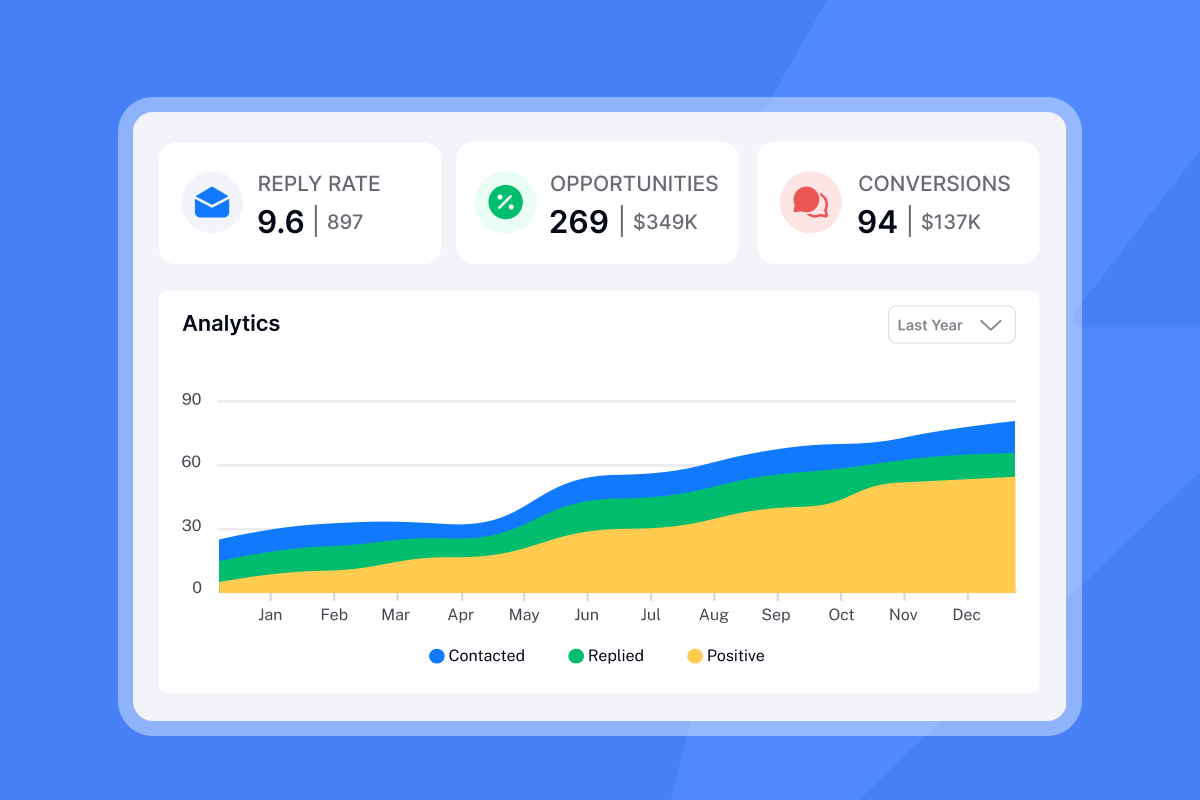
Users can track campaign performance beyond vanity metrics with reporting on Opportunities, Pipeline, Conversions, and Revenue driven. This gives you defensible data when the CFO asks which campaigns justify the investment, allowing you to pause campaigns that need work and scale the ones that drive real business growth.
Managing replies with Unibox
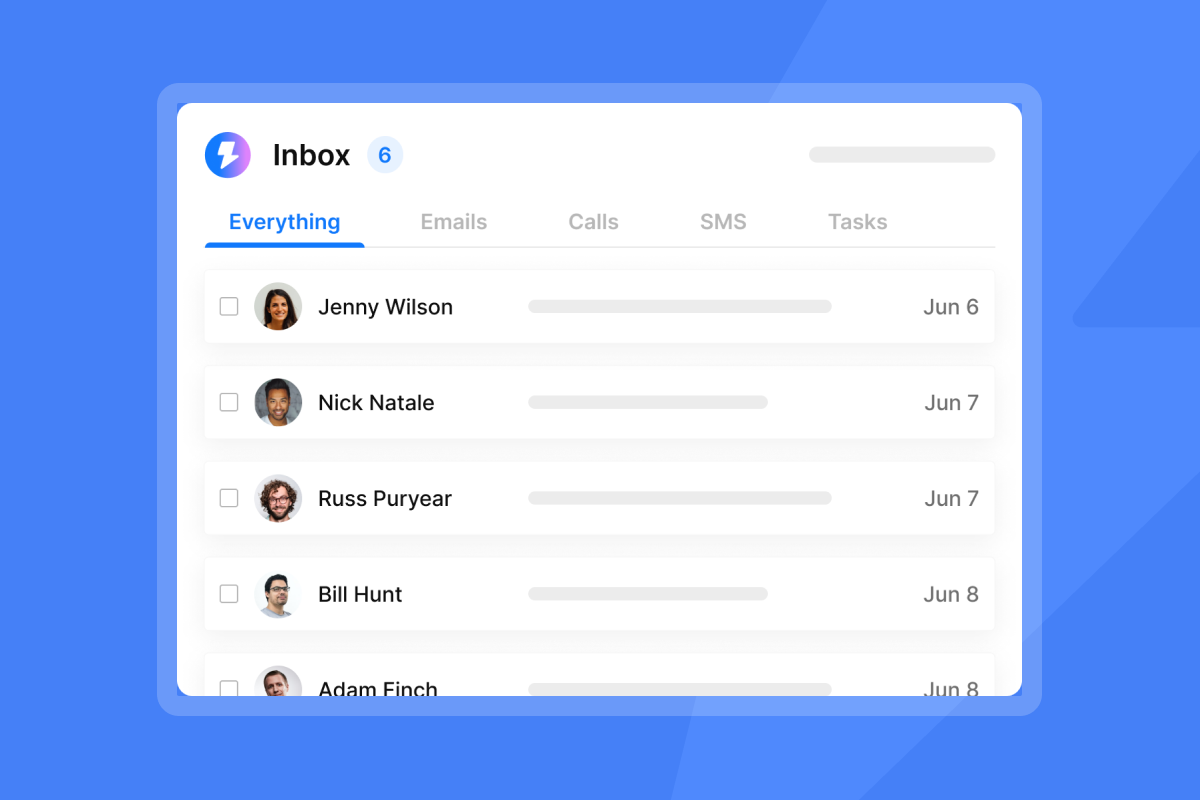
In Unibox, users can see all conversations in one clean, unified dashboard where they can view, filter, and respond to conversations from all sending accounts in one place. Managing 1 inbox is easy, but with Unibox you can manage tens or hundreds of inboxes simultaneously, marking leads as positive or negative, forwarding or responding to book meetings and close deals from one simple inbox.
AI automatically categorizes responses so teams can focus on moving the outbound pipeline forward. Reply classification includes Interested, Meeting booked, Not interested, and Out of Office, helping teams coach and act fast. Unibox centralizes replies so nothing slips.
"The ability to send emails as text only, without HTML, significantly boosts deliverability, especially after Google's updates concerning image display and spam filtering. I also appreciate Instantly's excellent warming tools." - Josh G on G2
Check out Instantly's campaign help center for step-by-step setup guides and best practices.
Frequently asked questions about follow-up emails
How many follow-up emails should I send before stopping?
Send 4-9 follow-ups over 2-3 weeks. Research shows 80% of sales require 5+ touchpoints, yet 44% of salespeople quit after one attempt. Most experts recommend at least 5 touches before sending a breakup email.
What is the ideal time gap between follow-ups?
Waiting three days results in a 31% increase in replies. The optimal time between a cold email and follow-up is 2-5 days. Touchpoints 2-3 days apart create the best engagement.
Should I change the subject line for each follow-up?
It depends. For cold prospects who never opened your first email, test fresh subject lines to increase open rates. For warm leads who already replied, keep the same subject line to maintain threading.
When should I stop following up?
Stop after your full sequence (6-8 touches) with no engagement, or immediately if the prospect explicitly asks you to stop. Wait 3-6 months before attempting a fresh outreach sequence.
How does Instantly improve follow-up deliverability?
Instantly provides unlimited email account warmup, inbox rotation, and automated inbox placement tests to ensure your follow-ups land in the primary inbox instead of spam. This protects your domain reputation during aggressive follow-up sequences so you avoid the deliverability crashes that kneecap monthly targets. Monitor health in real time and pause campaigns automatically when bounce rates spike.
Key terms glossary
Deliverability: The ability of an email to land in the primary inbox and avoid spam folders, influenced by sender reputation, authentication (SPF, DKIM, DMARC), content quality, and engagement metrics.
Primary inbox: The main Gmail tab or Outlook folder where important messages land, as opposed to Promotions, Social, or Spam folders. Landing in Primary drives higher open and reply rates.
Threading: Replying to a previous email so the conversation is grouped in one chain within the recipient's inbox. Threading effectiveness varies by context (cold vs. warm outreach).
Bump: A short, quick follow-up email designed to bring a previous message back to the top of the recipient's inbox without adding substantial new content.
Breakup Email: A final message sent as an attempt to salvage a sale. When executed well, sales teams see a 33% response rate to their breakup emails.
Your team now has 50 template frameworks, the research backing every timing decision, and the system to automate delivery while protecting sender reputation. You don't need more effort to hit quota. You need consistency. Start your free trial of Instantly and turn these templates into booked meetings this week.


