


A business email finder tool only works if accuracy and verification come first. A modern business email finder acts as a validation engine, using "waterfall enrichment" to cross-reference data from multiple providers.
Manual prospecting is a dead end. Whether you need the pre-verified safety of Instantly SuperSearch or the granular workflows of Clay, the right tool turns cold data into actionable revenue.
Business email finder tools offer instant access to millions of potential leads—your entire ICP at the tip of your fingers. Instead of hours of manual research, the prospecting process is cut down to mere minutes. Having one feels like a cheat code.
If this sounds too good to be true, you’re right, it is (in a sense). In reality, all you get with email finder tools is data. Remember, data can be outdated, incorrect, or made up on the spot. And oftentimes, you’re trading volume for quality.
That’s why we created Instantly SuperSearch. Each B2B lead you get is pre-verified, accurate, and updated. You get complete control over the type of data you’re getting. Plus, you gain research and enrichment features that enable reps to personalize cold emails for each lead.
However, we understand that there are hundreds of business email finder tools on the market. Some of them better suit your needs. We curated a list of the best options to help you decide which email finder tool to choose and why.
What Type of Business Email Finder Tools Should You Choose?
Every business has its own criteria for what makes a tool a worthwhile investment. But when it comes to B2B email finders, the fundamentals stay. If you’re shopping for a business email finder tool to add to your outreach stack, ensure that it has the following:
Seamless Integrations With Your Existing Tech Stack
One of the first things you must consider when choosing a business email finder is whether it integrates well with your existing tech stack. The last thing you want to do is spend hours manually moving data around from one app to another.
The best-case scenario is an email finder tool that integrates seamlessly with your outreach tool, CRM, and your favorite AI tool. This setup enables you to launch outreach campaigns fast, utilize lead data to automate personalization, and manage leads without interruption.
High Quality & Updated Lead Database
A lead finder tool could have millions in its database. However, data gets old fast. People change job positions, move to different companies, or update their email. You need a way to ensure that the contact emails you pull are as fresh as possible.
Instantly, SuperSearch has Waterfall work email enrichment with over seven providers, ensuring you get the most up-to-date contact information. And if you need extra information, you can use the AI web research tool to enrich your lead data.
Built-In Email Verification + Risk Scoring
Deliverability is arguably the most crucial metric for ongoing outreach campaigns. One of the easiest ways to compromise deliverability is to use unverified lead lists. It could contain role-based emails, outdated contact information, and catch-all addresses.
A good email finder should include verification and clearly label leads as Verified, Risky, or Invalid so your outreach tool can skip the sketchy ones. If your business email finder tool doesn’t have built-in verification, ensure that it can integrate with a third-party verification tool.
Best Business Email Finder Tools That Streamline Outreach
Below are 12 of the best business email finder tools you can get on the market. We’ll review their key features, use cases, and determine the type of team it’s best suited for. Find what resonates and try them out for yourself.
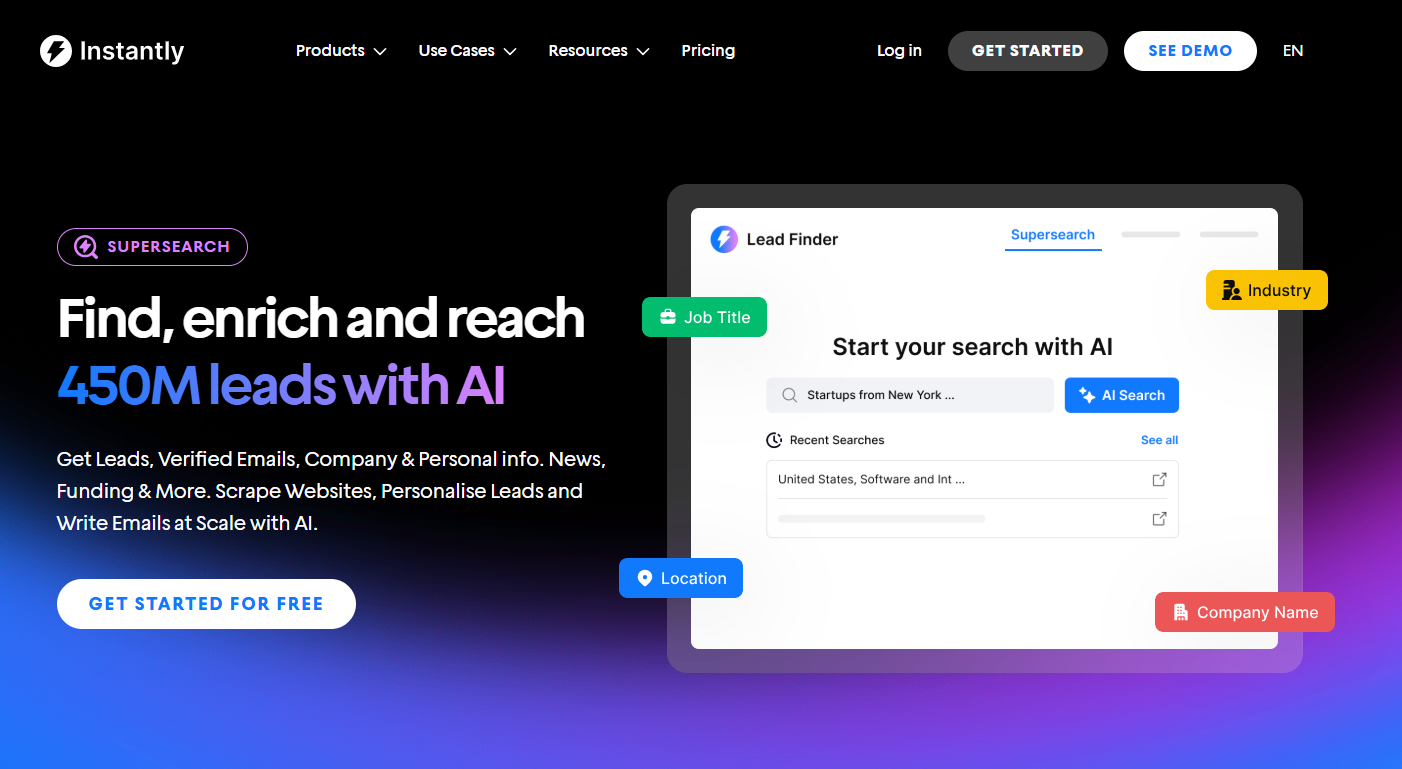
Instantly SuperSearch: Best Business Email Finder For Cold Outreach
G2 Rating: 4.8/5 ⭐ from 3,780 reviews
Instantly SuperSearch has everything you need to scale cold B2B outreach campaigns. It’s best for teams who want to go from idea to execution fast.
After creating your list, you can add it to any new or existing Instantly campaign, as every lead you find is already pre-verified.
Key Features
- 13 advanced search filters, including technologies, job listing, news, and revenue.
- Waterfall enrichment from 7+ providers, ensuring we get every email that can be found.
- AI search features. Just write what you’re trying to find in plain English.
- Lookalike domain search to find leads similar to your existing clients.
- Find leads and automate outreach and personalization with one platform.
Pricing and Trials
If you just want to find business emails with SuperSearch, you can do so without paying for Instantly’s outreach plan.
The good news is you can try both SuperSearch and Instantly for free. The free trial gives 100 Instantly Credits, which you can use to find, verify, or enrich lead info.
How Instantly Credits Work:
- 1 credit for emails found by Instantly
- 2+ credits for emails from partner providers
- Average: 1.5 credits per verified work email
- AI enrichment: 0.5 credits per lead
- Lead verification: 0.25 credits per lead
- Complete profile enrichment: 0.5 credits per row
Basic Plans:
- Nano: $9/month for 150 credits
- Growth 1: $47/month for 1,500 credits
- Growth 2: $77/month for 2,000 credits
Mid-Tier Plans:
- Supersonic 1: $97/month for 5,000 credits
- Supersonic 2: $147/month for 7,500 credits
High-Volume Plans:
- Hyper 1: $197/month for 10,000 credits
- Hyper 2: $300/month for 20,000 credits
No matter what plan you get, you can still use all of SuperSearch’s features. The only time you’d need to upgrade is when you’re ready to scale prospecting campaigns further.
ContactOut: Best for Finding Top Talents and Sales Prospects
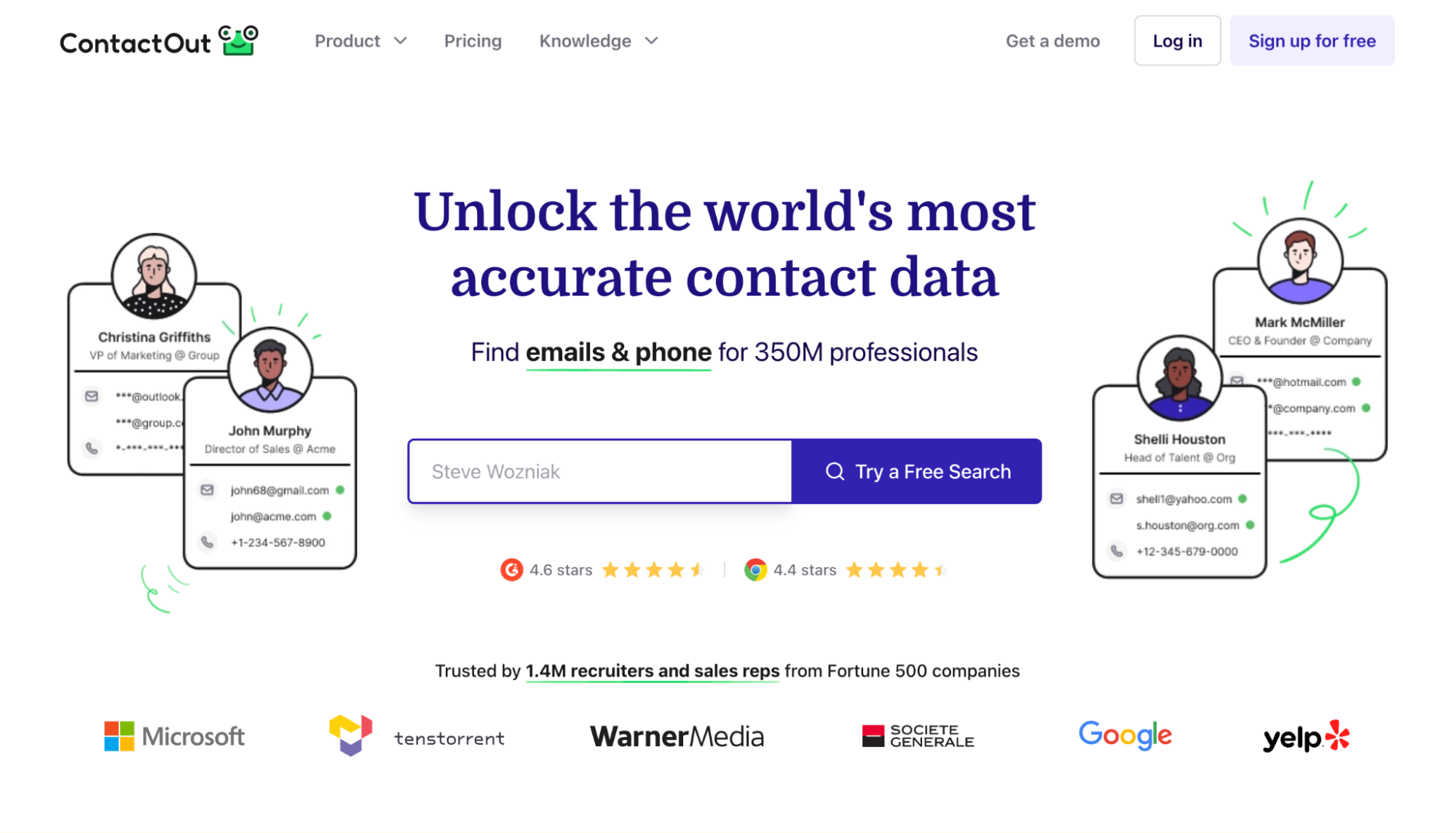
ContactOut helps you find both sales prospects and top talent. Its database has over 350 million professionals from 40 million companies. You also get both prospecting and outreach in one tool. They also claim that each lead is accurate and up-to-date.
Key Features
- Triple-verified, 99% accurate B2B data.
- 20+ search filters
- Direct integrations with LinkedIn and Sales Navigator
- All-in-one prospecting and outreach tool
- AI personalization
Pricing and Free Trials
ContactOut’s pricing ties in both outreach and prospecting for talent and sales leads. To utilize more advanced features, you will need to upgrade to a higher-tier plan. Their pricing is also separated into two: Include and Exclude US/UK data.
Includes US/UK Data Pricing (Doesn’t include US/UK contacts):
- Email: $99/month. Includes 300 exports monthly.
- Email + Phone: $199/month. Includes data enrichment, AI writer, and 600 exports.
If you'd like to try ContactOut, a free trial is available with limited features. You receive five exports, emails, and phone calls daily. And, you get to try out their premium features as well.
Minelead Best For Affordable Prospecting
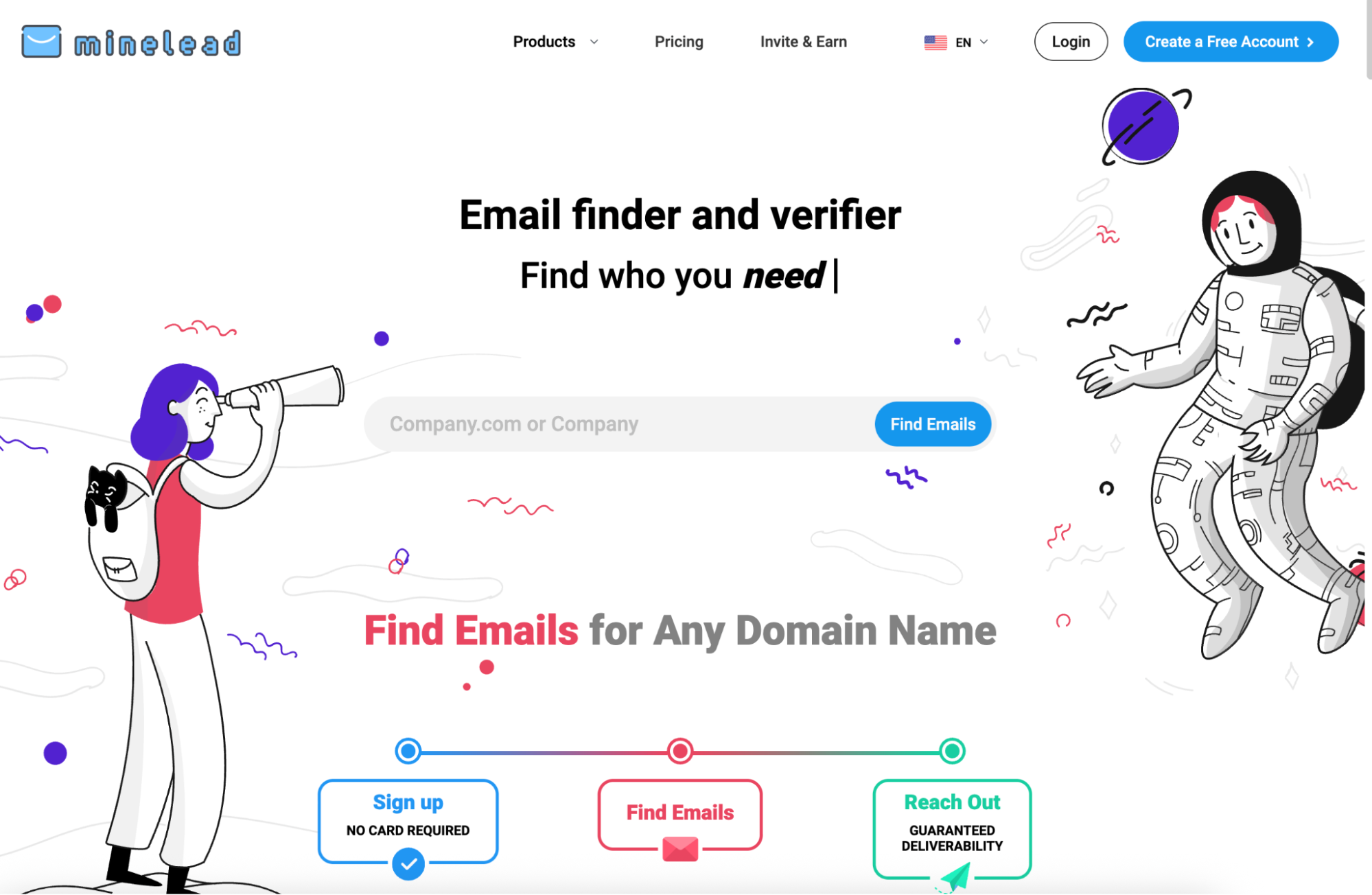
Minelead is great for teams on a budget. But even at this price range, Minelead’s features pack a punch. You get an email verifier, lead finder, company email search, and Google Maps email finder. It also features a browser extension, allowing you to find leads while browsing.
Key Features
- Business and company email finder.
- Detects catch-all, temporary, and throw-away emails.
- YouTube email finder (finds companies from YouTube channels).
- Integrations with email platforms and tools.
- Google Maps email finder.
Pricing and Free Trials
Minelead has a Forever Free account. However, this plan only provides access to basic features and five leads per month. The good news is that Minelead offers several plans for teams just starting and large players who require thousands of leads monthly.
Monthly plan tiers:
- Starter: $39/monthly for 1,000 credits
- Pro: $69/monthly for 10,000 credits.
- Business: $149/monthly for 50,000 credits.
- Enterprise: $299/monthly for 200,000 credits.
DropContact: Best for GDPR-Compliant Contact Enrichment
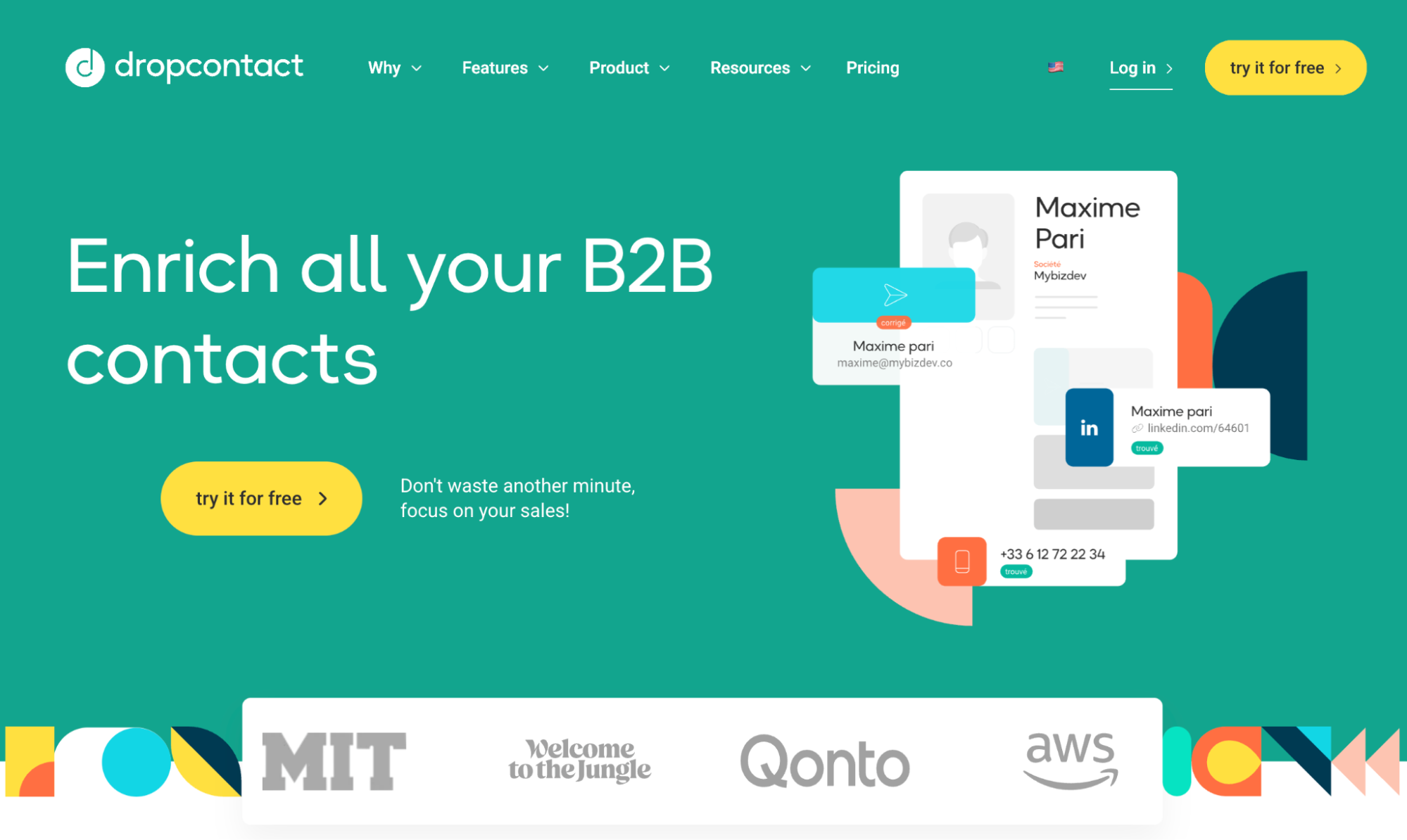
Business email finder tools are large databases. That’s great for volume, until you remember where those emails came from, how old they are, and whether they’ll comply with GDPR. Dropcontact takes a different approach.
Instead of selling you a static list, it generates and verifies B2B emails in real time, then enriches your existing records with details like job titles, company info, and LinkedIn profiles, all while positioning itself as 100% GDPR-compliant and not storing/reselling personal data.
Key Features:
- Email finder + verification
- Contact + company enrichment
- Deduplication + CRM cleaning
- CRM + API integrations
Pricing and Trials
Dropcontact pricing depends on whether you’re doing list enrichment or CRM enrichment.
Email Finder & Enrichment (credits-based):
- Free plan: 25 credits/month.
- Basic plan: €24/month, 500 to 1,000 credits depending on tier/source.
Clay: Best for Building Hyper-Targeted Lists + Enrichment at Scale
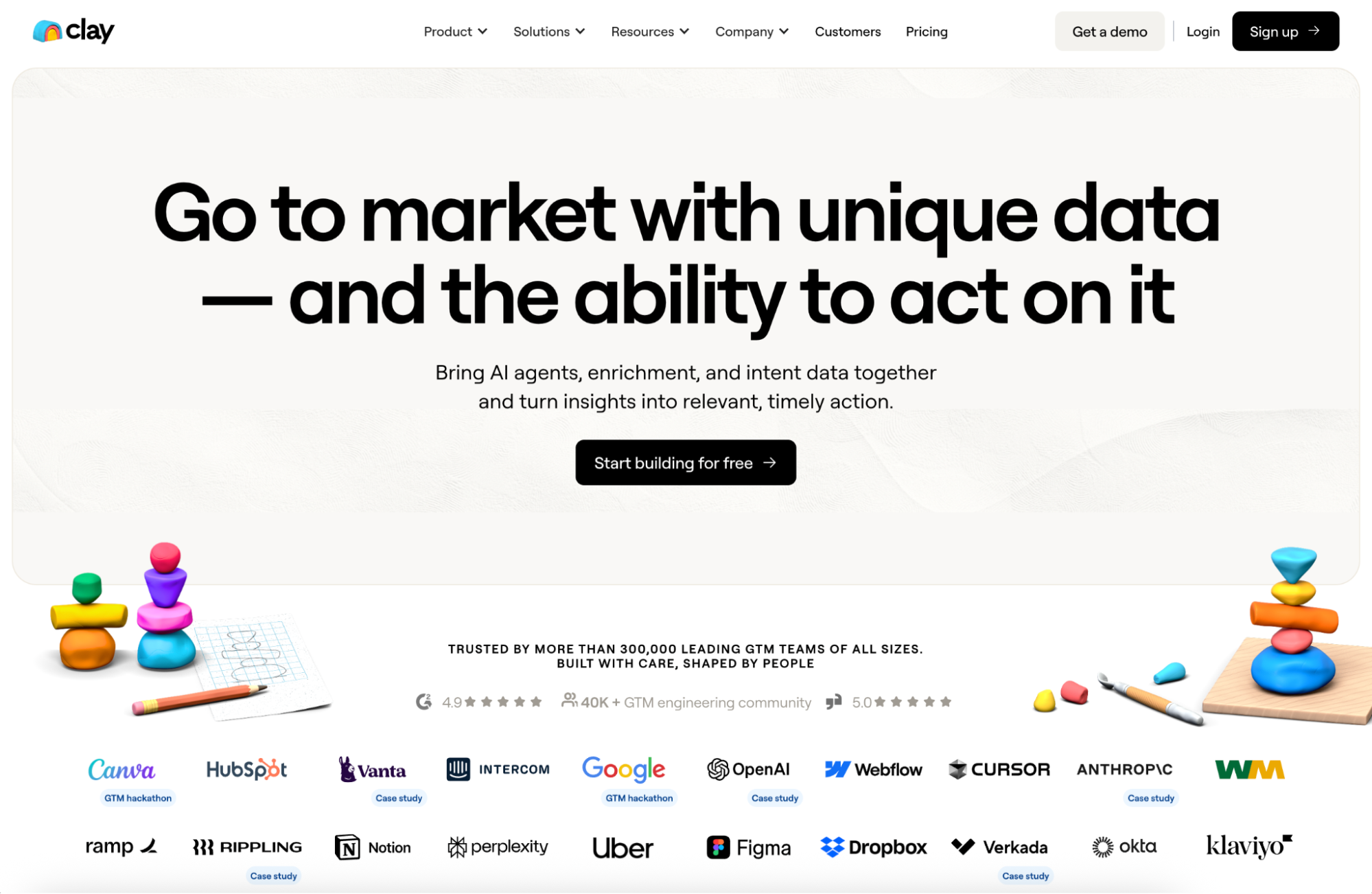
Most prospecting tools give you a database and a search bar. Clay gives you a table and a toolbox. You can build lists from sources like LinkedIn and Google Maps, then enrich those rows with work emails, firmographics, signals, and “last-mile” research.
The big win is that Clay can “waterfall” through multiple providers to find the best available match instead of betting your whole list on one data vendor. If you like systems, automations, and repeatable outbound ops, Clay could be for you.
Key Features
- Waterfall enrichment (email + phone + more).
- Claygent AI research (can research companies and people using public web data).
- Use AI with multiple models (run workflows for research, classification, and message).
- Integrations with top CRM and outreach tools like Instantly through APIs and webhooks.
Pricing and Trials
Clay uses a credits model. You can build lists for free, and then spend credits when you enrich those rows (such as finding emails or pulling firmographic data).
- Free trial: 14-day Pro trial, no credit card required, includes 1,000 credits.
- Paid plans: Clay states paid plans start at $149/month.
Hunter: Best for Fast Domain Lookups
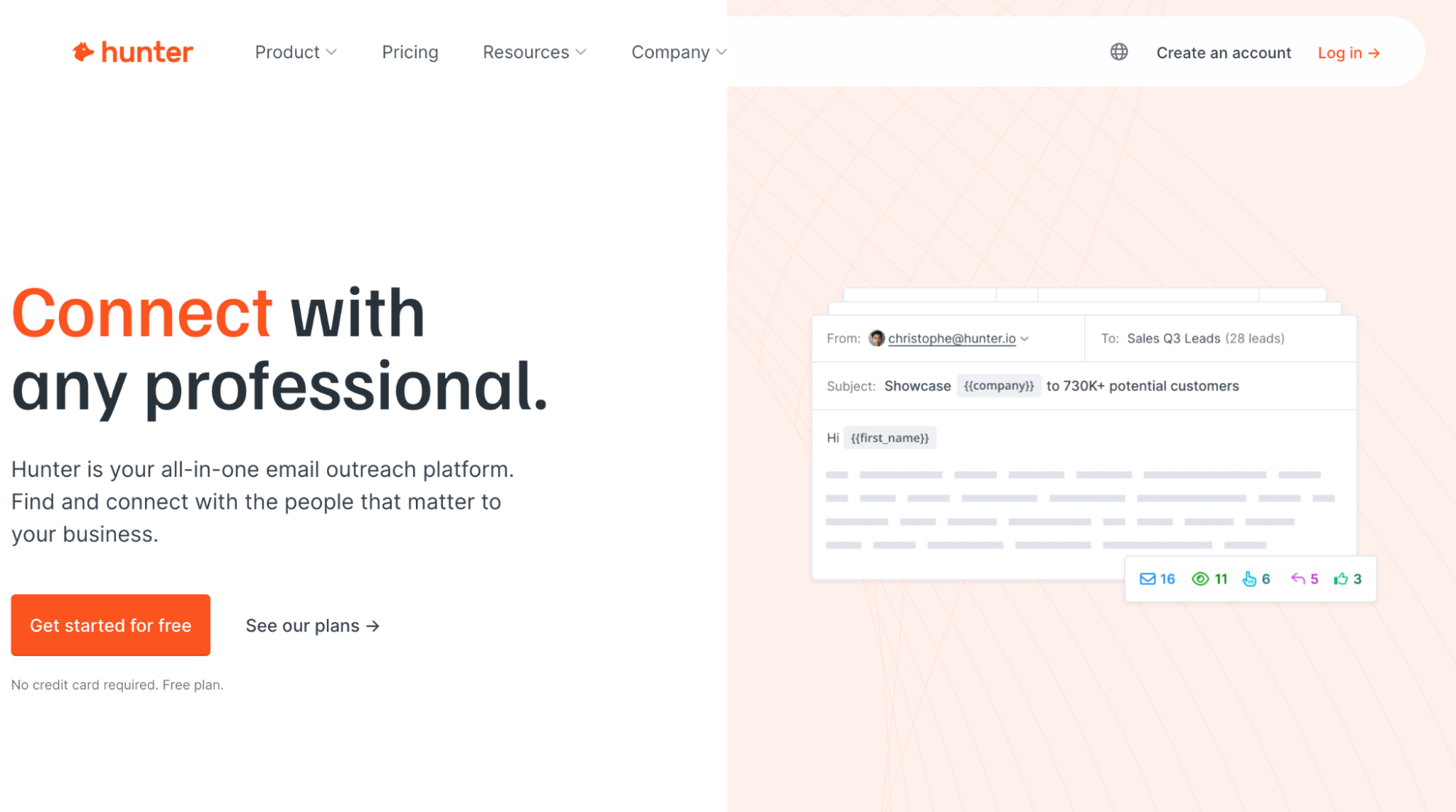
Hunter is a strong pick if you want quick domain-based discovery + verification without a heavy setup. If your workflow requires deep contact context, rich enrichment, and massive volume at scale, Hunter is the “utility tool” you keep open, but not the only engine you run.
Coverage can be limited for “less common” addresses or smaller businesses, and limits can feel restrictive for high-volume outreach. That’s why many marketers also look for Hunter alternatives. And Hunter can “deduce” emails, which means email verification is a must.
Key Features
- Domain Search (pulls publicly available emails tied to a domain).
- Business Email Finder (find emails using name + company/domain).
- Email Verifier (checks syntax, domain info, and server response).
- Chrome extension for one-click domain lookup while browsing a website.
Pricing
Hunter uses a credits model across Email Finder, Domain Search, and verification. Their free trial offers 50 credits/month, connects one email account, and allows up to 500 recipients per sequence.
Hunter’s paid pricing tiers:
- Starter: $49/month, 2,000 credits/month, connect three accounts.
- Growth: $149/month, 10,000 credits/month, connect 10 email accounts.
- Scale: $299/month, 25,000 credits/month, connect 20 email accounts.
How Hunter spends credits:
- Domain Search: 1 credit per email found, and Bulk Domain Search is one credit for up to 10 emails found. If no emails are found, no credits are used.
- Email Finder: If it fails to find an email, it’s free (no credits used).
Anymail Finder: Best for Finding
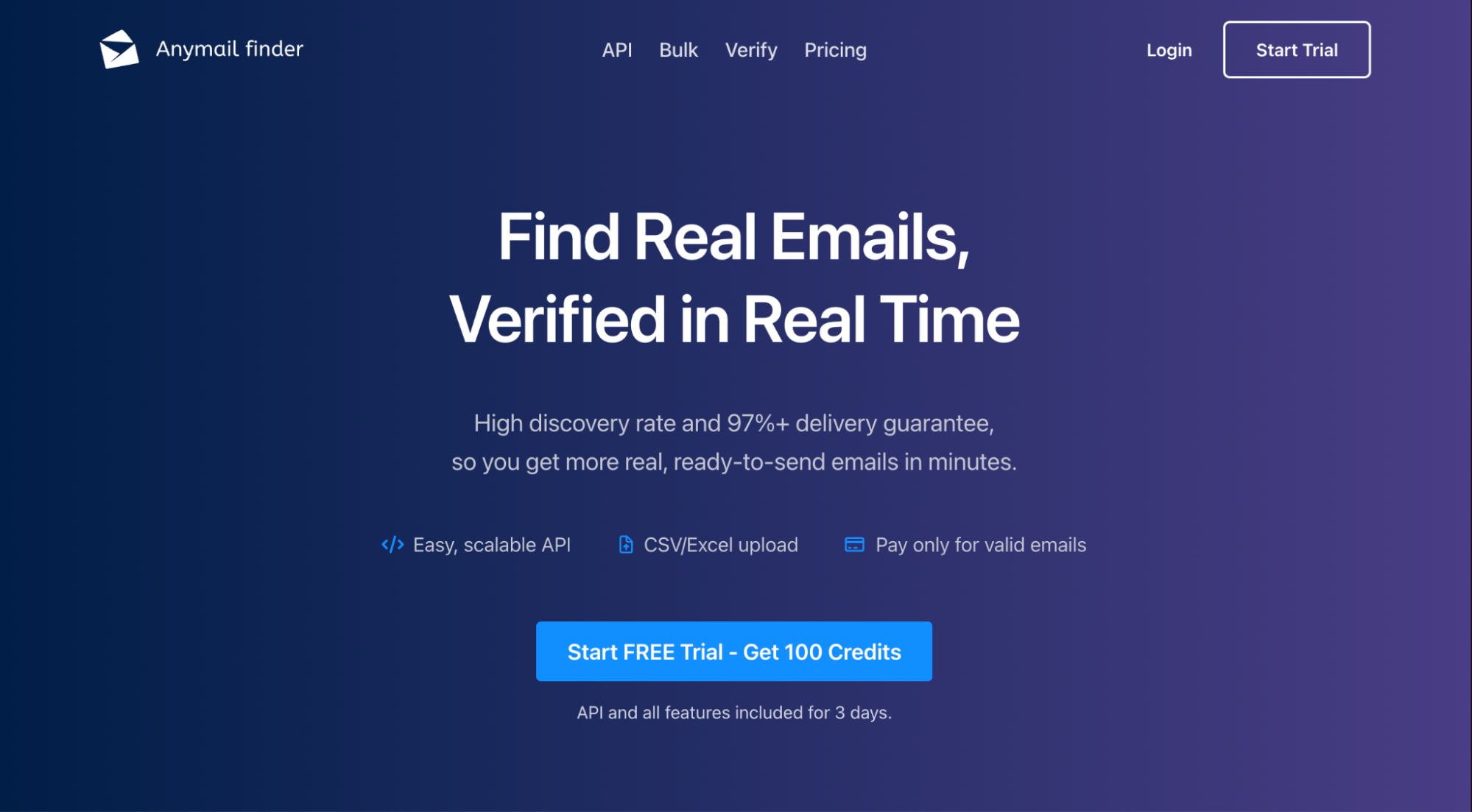
Most email finder tools charge you for whatever they return. Verified, risky, “maybe,” and “good luck.” That’s how you end up paying for volume while your deliverability pays the price.
Anymail Finder’s pitch is simple: you only spend credits when it finds a Valid (verified) email. If it can’t find a valid email, the search is free. Risky results are also free, and duplicates within a month don’t incur an extra cost.
Key Features
- Email Finder (name + company/domain).
- Company/Domain search.
- Decision Maker + LinkedIn URL search.
- Email verification.
- Bulk + API: Bulk finding, a REST API with bulk endpoints + webhooks.
Pricing and Trials
Anymail Finder pushes a 3-day trial on any plan (72 hours). If you pass fraud checks, you’ll get up to 100 trial credits to test the product, and you can cancel before you roll into the paid plan. You can also choose between two credit limits for each plan.
Anymail Finder monthly pricing tiers:
- Starter: $14 for 50 credits or $29 for 400 credits
- Standard: $49 for 1,000 credits or $89 for 2,000 credits
- Scale: $149 for 5,000 credits or $199 for 10,000 credits
- Ultimate: $299 for 25,000 credits or $499 for 50,000 credits
How Anymail Finder uses its credits:
- Email Finder (by name): 1 credit per search (when 1 valid email is found)
- Email Finder (by company name): 1 credit per search (up to 20 valid emails found)
- Email Finder (by domain): 1 credit per search (up to 20 valid emails found)
- Decision Maker search: 2 credits per search (1 valid email found)
- LinkedIn URL search: 2 credits per search (1 valid email found)
- Email Verifier: 0.2 credits per verification
Key Takeaways
Business email finder tools help your team scale outreach by automating and streamlining the prospecting process. To recap, you want to invest in a business email finder with advanced search filters, waterfall enrichment, CRM, outreach integrations, and verification.
Instantly SuperSearch has all of the above under one roof. Build your ICP, get access to over 450 million pre-verified leads, use enriched data as personalization points in cold emails, and scale faster than ever. Try SuperSearch for free today.


