


This article was last updated on July 4, 2025
So, your perfect pitch is ready. Your prospect research is complete. You've identified the decision-maker who needs your solution. But you're missing the one thing that makes or breaks your outreach efforts: their email address.
It’s not on LinkedIn. It’s not on the company website. It’s not anywhere. This is precisely where a personal email finder proves to be an absolute necessity for modern sales and outreach.
These tools scan millions of data points to find the exact email address you need in seconds, and get your message in front of real decision-makers—faster and with less guesswork.
In this guide, we’ll break down the best personal email finder tools available today, what makes them different, and how to use them to sharpen your outbound strategy.
Why Use A Personal Email Finder Tool?
Finding the right person’s email can make or break your cold outreach sequences. Whether you're pitching a product, requesting a meeting, or trying to rekindle a business relationship, a personal email finder gives you a fast, accurate way to reach decision-makers without wasting time on guesswork.
More specifically, these tools offer the following advantages:
- Bypassing Gatekeepers for Direct Outreach: Your perfectly crafted cold email is meant for a specific decision-maker. Spending valuable time guessing email formats or navigating layers of "contact us" forms wastes effort. An email finder gets you straight to the person who needs to see your message, dramatically improving your chances of initiating a conversation.
- Expanding Your Network with Purpose: Whether you're seeking strategic partners, industry influencers, or potential hires, direct email access fosters genuine connection. An email finder helps you build meaningful professional relationships beyond casual social media interactions.
- Ensuring Professional, Timely Communication: When you need to have a serious business conversation, finding the correct, direct email instantly projects professionalism and efficiency. It avoids the embarrassment of bounces or generic inquiries that get lost in the shuffle.
- Maximizing Outreach Efficiency: Manually searching for emails is a time sink. An email finder automates this tedious process, freeing up your team to focus on crafting compelling messages and nurturing relationships, rather than endless research. This means more effective outreach in less time.
It's worth noting that personal email finders don’t invade privacy. They simply automate what you’d otherwise do manually: piecing together publicly available data to make a clean connection.
Top 13 Personal Email Finder Tools
Here's our curated list of the best 13 personal email finder tools that are most likely to deliver the addresses that you're searching for (in no particular order):
Skrapp
G2 Rating: 4.2/5 ⭐ from 166 reviews
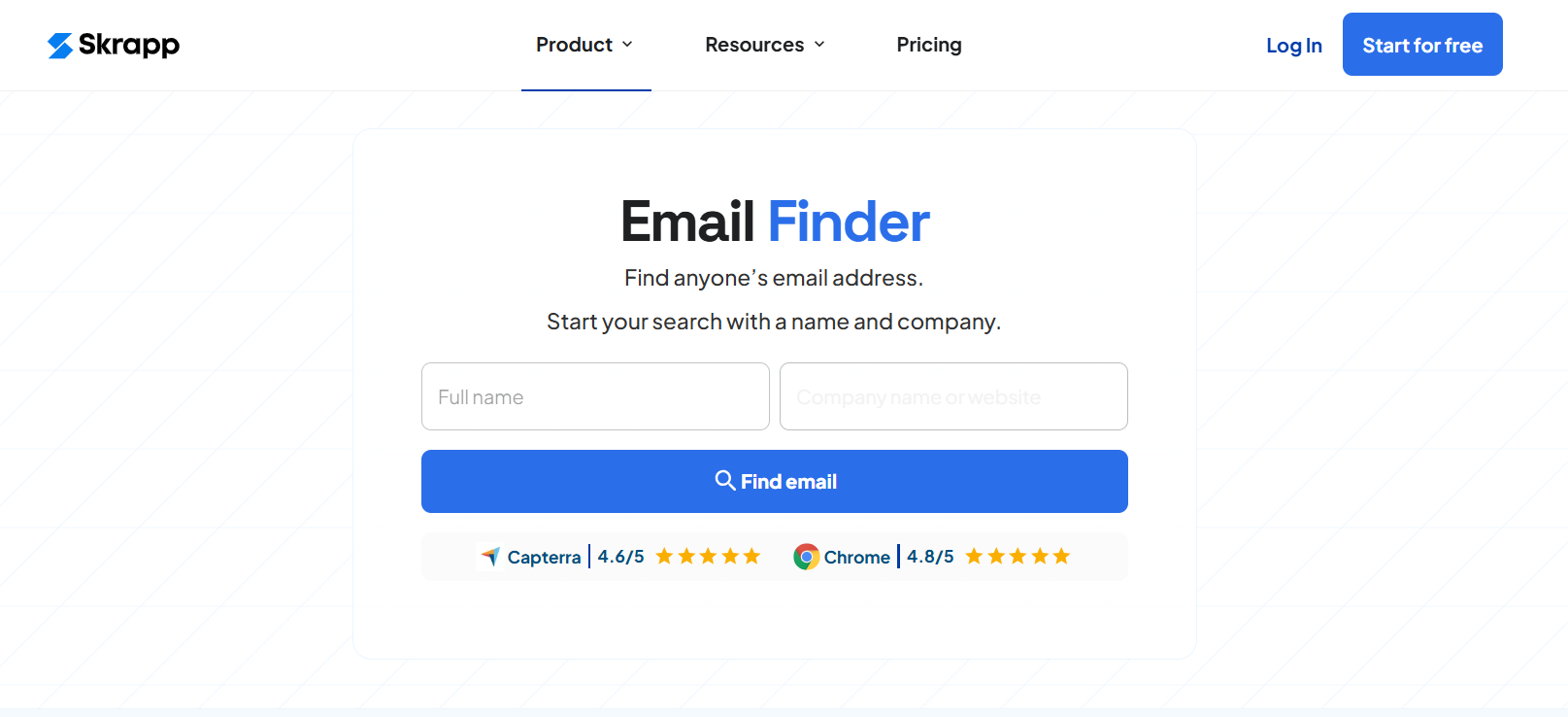
Skrapp is a little unusual in the way it works. Rather than accessing a database or freely accessible data, it uses algorithms to, essentially, guess what a correct email will look like. It looks at typical email patterns and then suggests what the email could be. This works fine if you’re willing to try a few variations.
It’s straightforward to install, being a Chrome extension, and you can get started very quickly indeed. When you’re ready to get started, you can search for individual emails, search in bulk, or search for all related to a specific domain. Then you can simply download the data as an Excel or .csv file.
Price: You can grab your first 50 email addresses for free, so it’s worth a try. Beyond that, Skrapp starts at $49 a month per 1000 emails a month.
LeadGibbon
G2 Rating: 4.3/5 ⭐ from 11 reviews
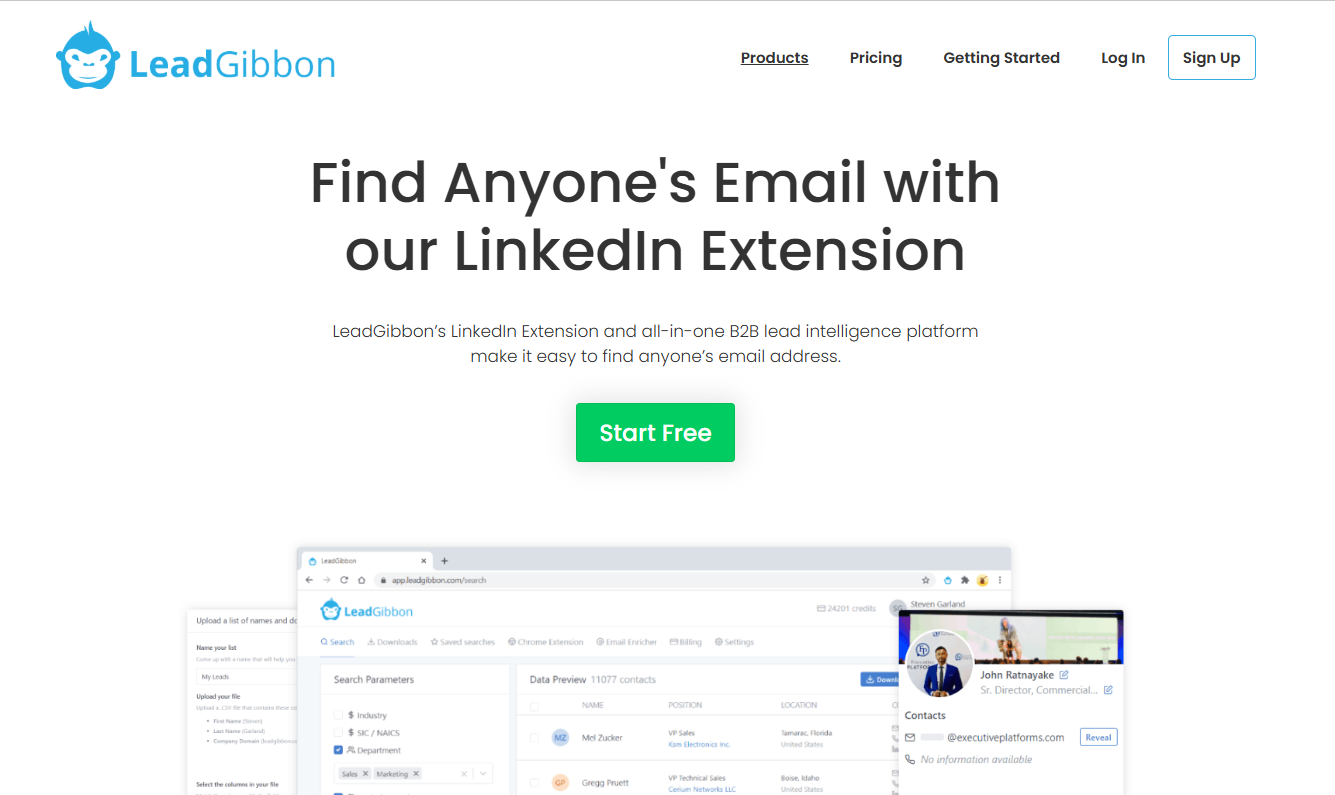
Another Chrome extension, LeadGibbon allows you to scrape LinkedIn data for email addresses, filter as you wish, and then automatically import it into your choice of CRM.
The extension also adds buttons to LinkedIn, which means integrated, quick searching. Once addresses are collated, some are verified automatically, and those that aren’t give you the option to verify before launching an email campaign.
Alongside the information, you’ll also be presented with a column outlining the email address's source, which allows you to make a call on how accurate you feel it is.
Price: You can create a free account with 15 credits per week. After that, LeadGibbon's basic plan costs $39 a month.
Wiza
G2 Rating: 4.5/5 ⭐ from 706 reviews
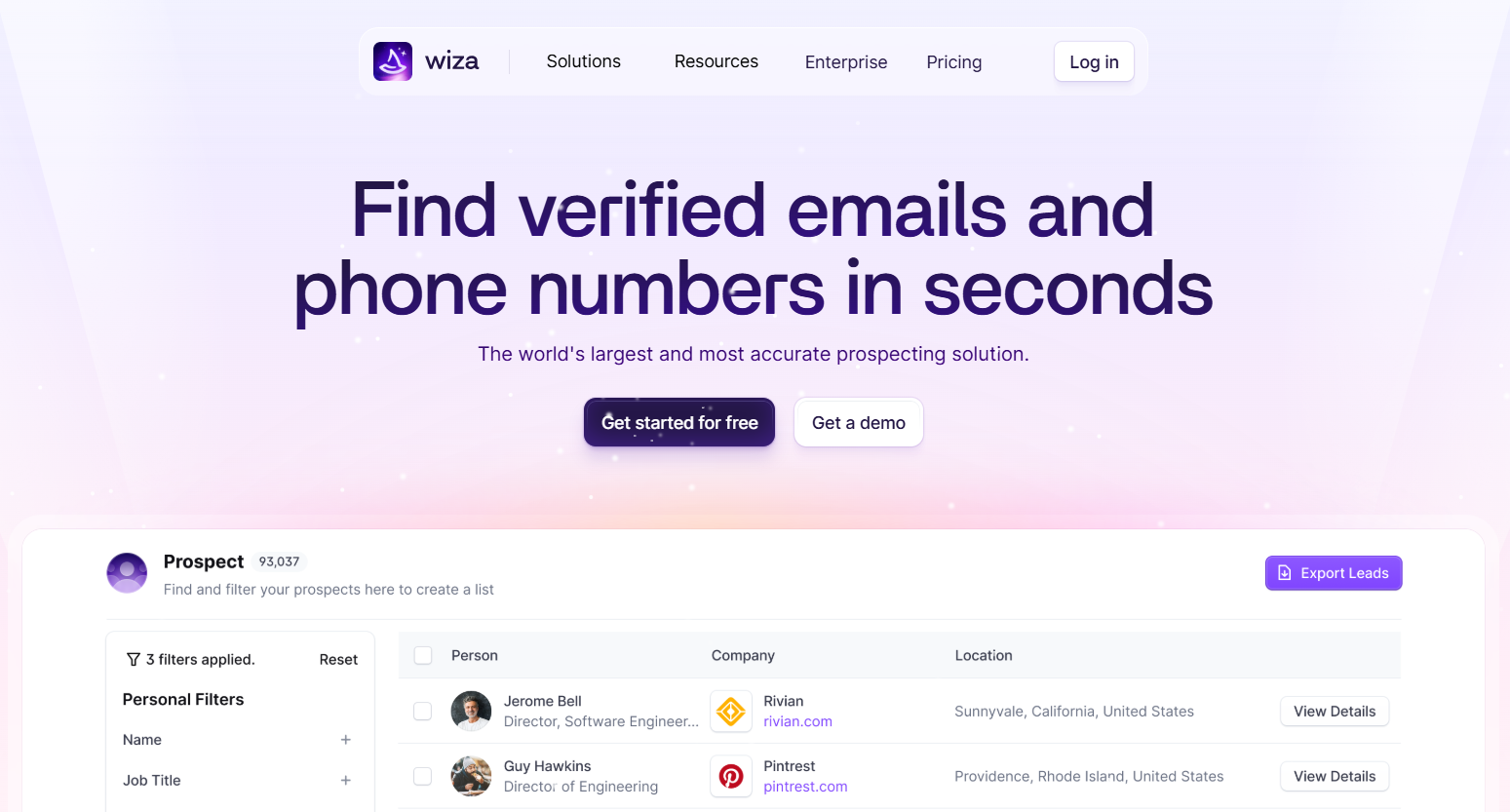
Wiza is an email finder that works to track down both email addresses and phone numbers for your sales prospecting needs. Similar to LeadGibbon, Wiza's Chrome extension adds a new button to your LinkedIn searches with a “Get Email” button.
Clicking this reveals the prospect’s email address and adds it to a central bank. If you’re looking for a bigger haul of email addresses, simply paste a LinkedIn search URL into Wiza, run the system, and you’ll be presented with lots of email addresses.
Once a search is complete, Wiza handily emails you the spreadsheet so that you can easily forward it on to other team members.
Price: Wiza's free plan offers 20 emails and five phone numbers per month. Paid plans start at $49/month for 100 email credits (1 credit = 1 verified email address) with a $0.15 charge per email over that.
ContactOut
G2 Rating: 4.5/5 ⭐ from 106 reviews
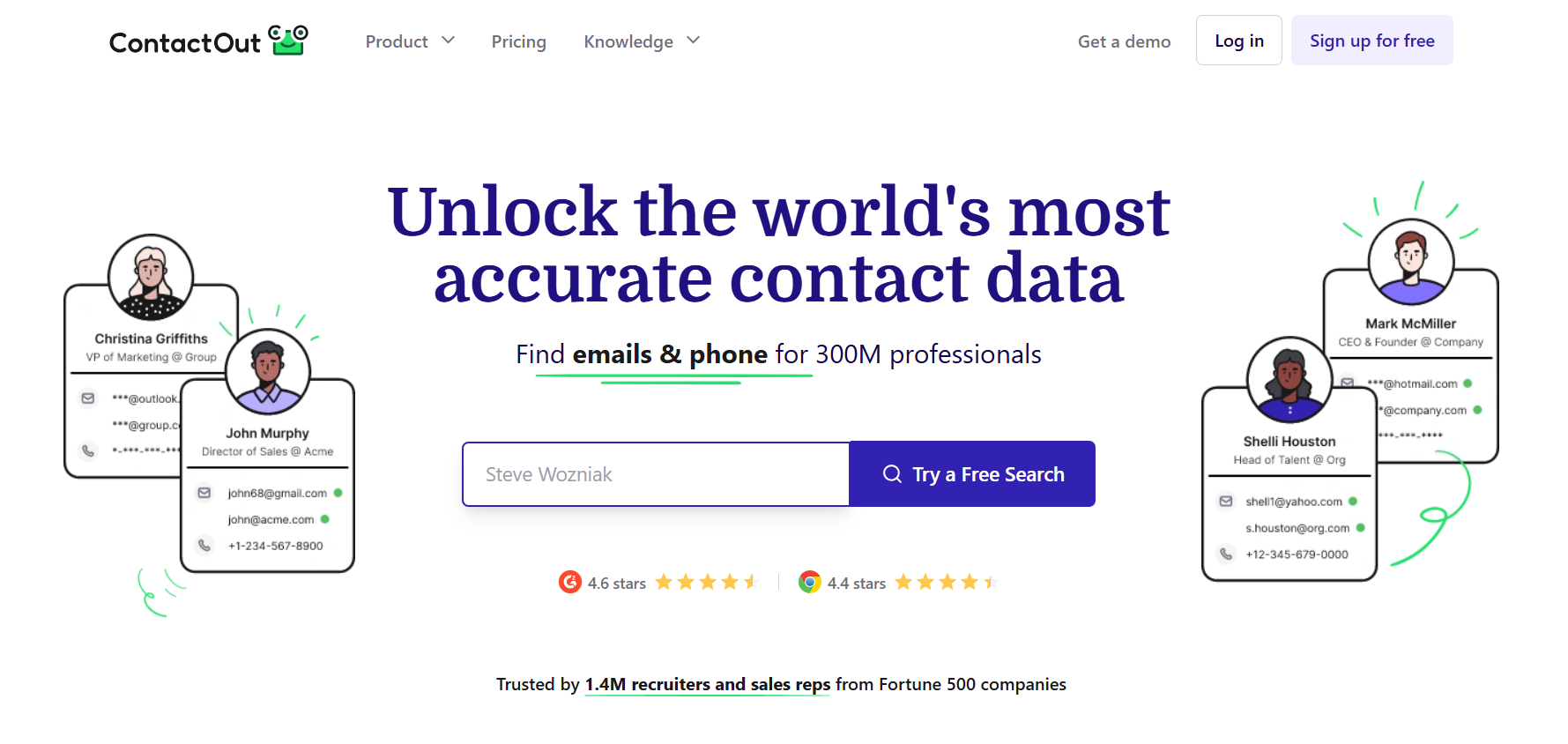
ContactOut has access to a vast database of email addresses. In fact, they claim that they have access to one billion addresses. That’s huge. That’s 75% of business professionals working in the West. So you might argue that chances are the email you’re looking for is in this database.
The AI system not only verifies that an email is accurate but also triple-verifies it with a reported 99% guarantee of accuracy. ContactOut might be a particularly interesting option for those looking for an integrated CRM system that allows you to access contacts from a dashboard, organize them into lists, and send emails all in one.
Price: ContactOut offers a free-forever plan for small-scale prospecting. Paid plans start at $49 per month for unlimited email addresses (subject to ContactOut's fair use policy).
Adapt.io
G2 Rating: 4.6/5 ⭐ from 2,784 reviews
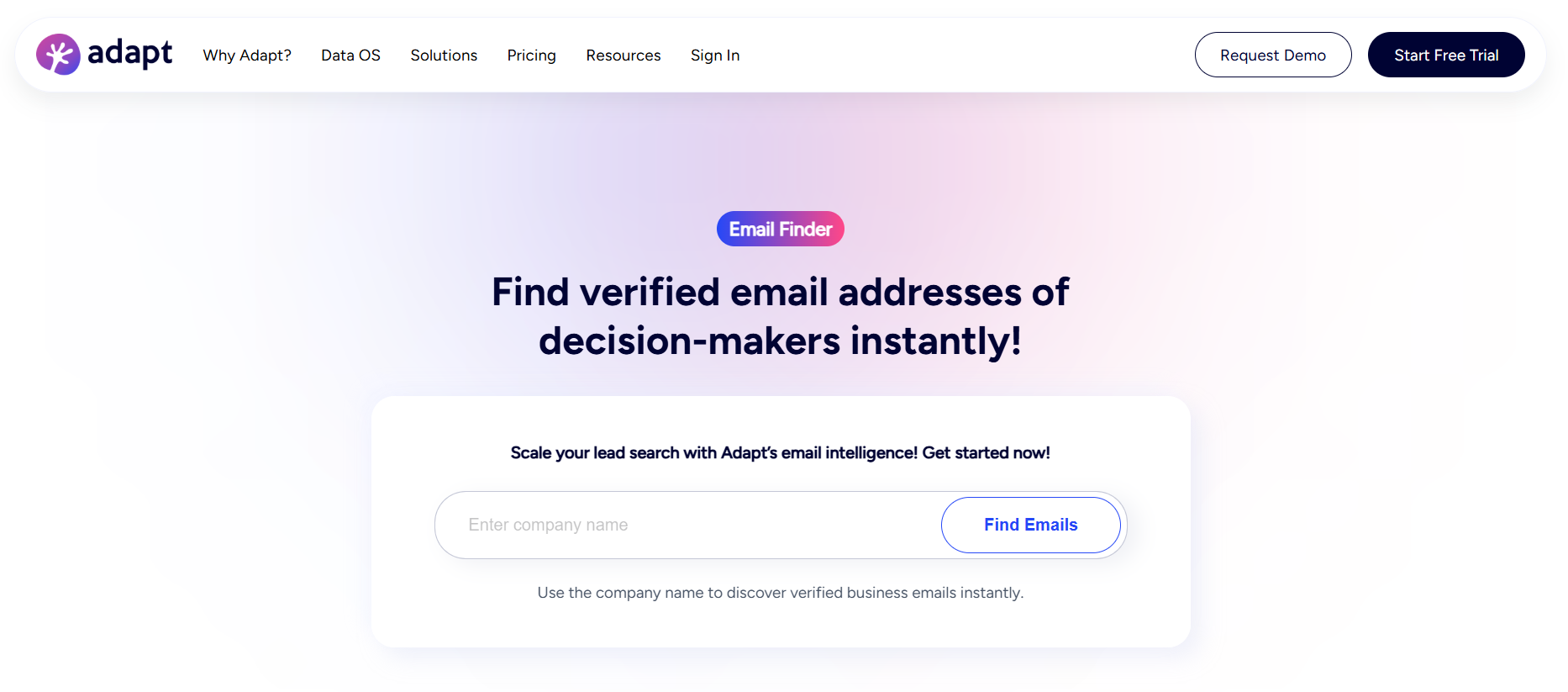
Adapt.io joins the gang of LinkedIn-focused Chrome extensions. You’ll get a button embedded into LinkedIn that allows you to “Get Email” at the click of a mouse.
Once collated, you can then easily export to your choice of CRM, such as Salesforce, Zoho, or Pipedrive. This makes prospecting an incredibly simple process.
Price: There’s a free version of Adapt.io that gives you 25 email credits per month; paid plans start at $49/month for 500 email credits.
RocketReach
G2 Rating: 4.4/5 ⭐ from 917 reviews
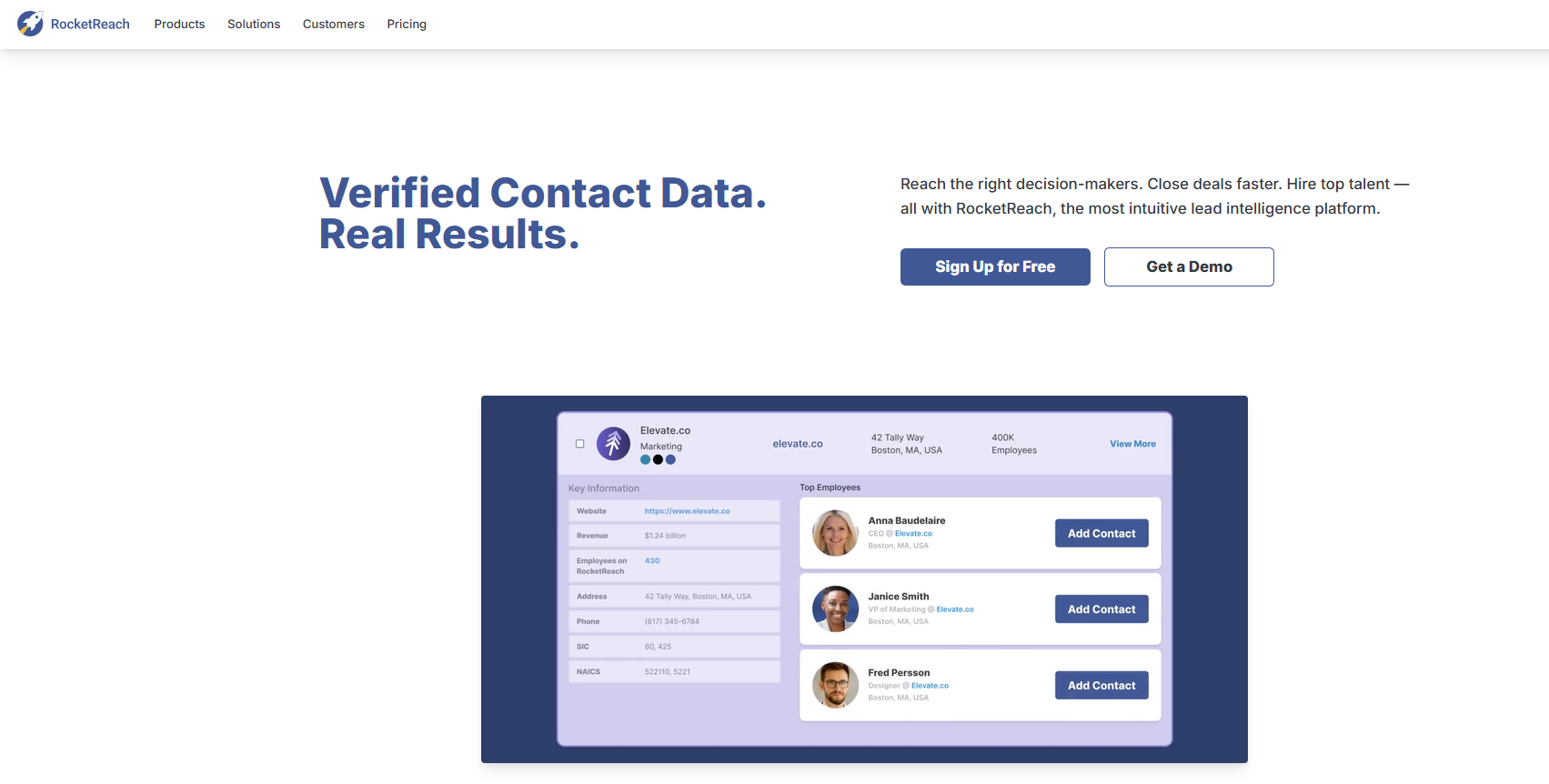
RocketReach is an API that attaches as a Chrome extension. It has a huge verified data pool, including upwards of 450 million business email addresses across 17 million verified businesses.
The filtering system is a nice touch when prospecting, allowing you to filter by keywords, location, and company position. Bulk email search is straightforward, and via the API, you can connect easily to HubSpot, Salesforce, and more.
Price: Starting at $49 a month when billed annually, you’ll receive unlimited personal and professional emails.
VoilaNorbert
G2 Rating: 4.6/5 ⭐ from 84 reviews
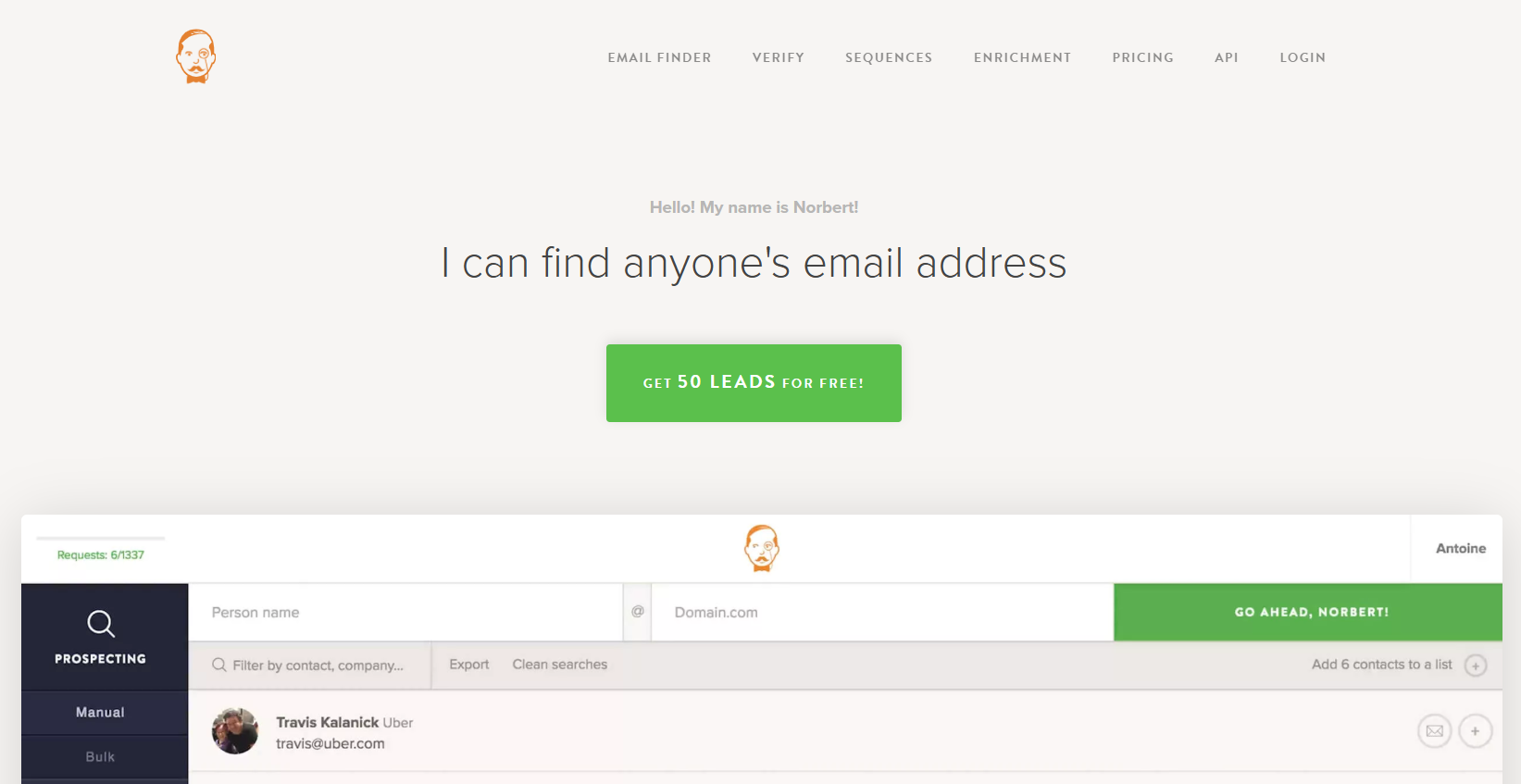
VoilaNorbert is a simple, easy-to-use email finder tool that comes as a Chrome extension. It's especially useful if you’re working in a team, given the team account option. The platform has excellent search features, including domain search, bulk domain search, searching for emails just using names, and digging into LinkedIn.
Voila Norbert is slightly different in that it markets itself as more than just an email finding tool and more of a virtual assistant that provides you with prospects’ contact details. Verification is quick and simple, in fact, it’s in real-time, which hugely helps with deliverability and bounce rates.
Price: You can get started for free (some sources state up to 50 emails), but the paid options starting at $49 a month get you 1000 leads a month, including searches in bulk and adding unlimited team members.
Apollo
G2 Rating: 4.7/5 ⭐ from 8,890 reviews
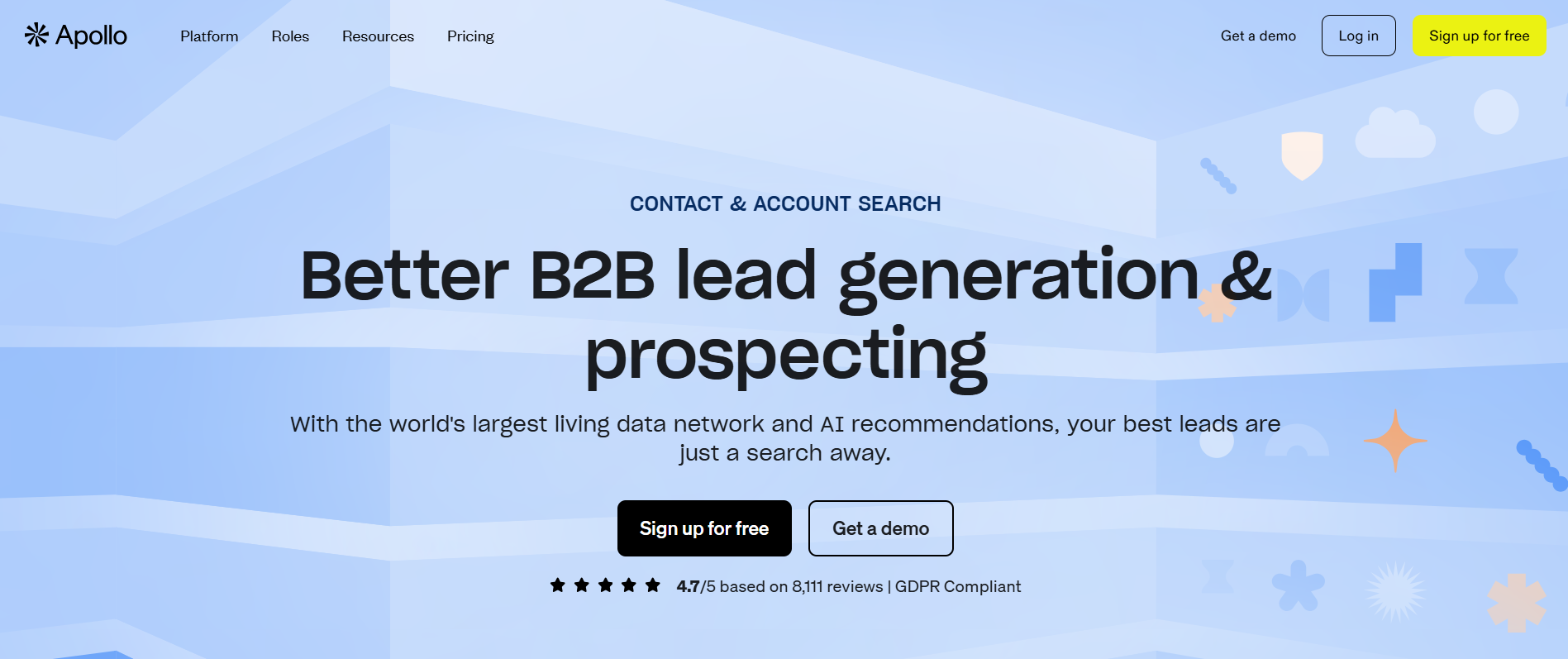
Apollo is both a database that scrapes LinkedIn data and a simple Chrome extension that allows you to export email addresses at the click of a button. You’re able to search within LinkedIn or from Apollo’s dashboard, where you can filter as you wish.
A nice addition to Apollo is the ability to automatically add people’s email accounts to an already created email sequence or simply save them to your list.
Price: The free version allows you to grab 100 credits per user/month. Paid plans start at $59 for 2,500 credits per user/month.
Vocus.io
G2 Rating: 4.3/5 ⭐ from 15 reviews
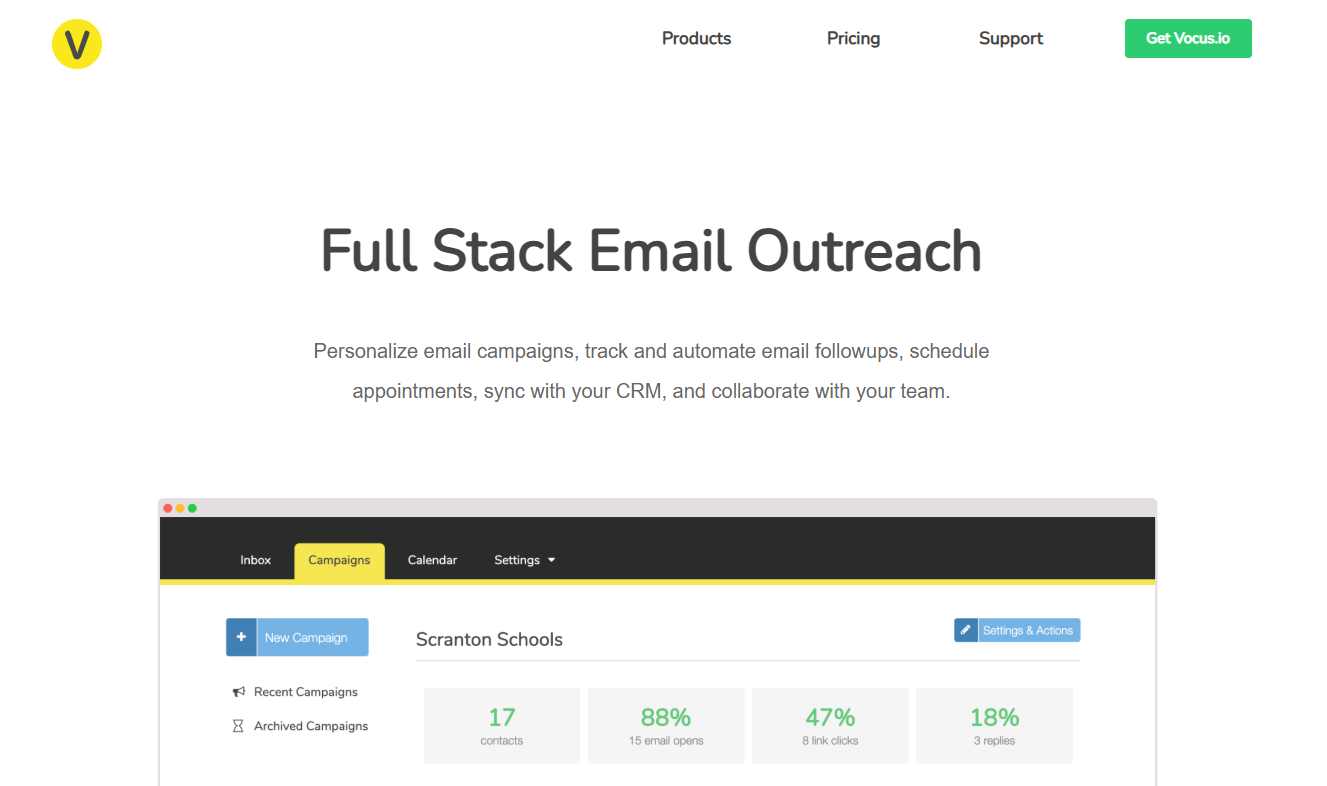
A Chrome extension with a difference, Vocus.io embeds into your email provider and allows you to type in a person’s name, search, and try to find their address. You can add the company website domain for a higher likelihood of success.
You can then quickly verify which emails are legitimate and choose which is going to be the correct address. Alongside the email finder option, Vocus allows you to schedule, set reminders, and send follow-ups all from within your inbox.
Price: Monthly paid program (no-contract) starting from only $5 a month.
LeadFuze
G2 Rating: 4.6/5 ⭐ from 117 reviews
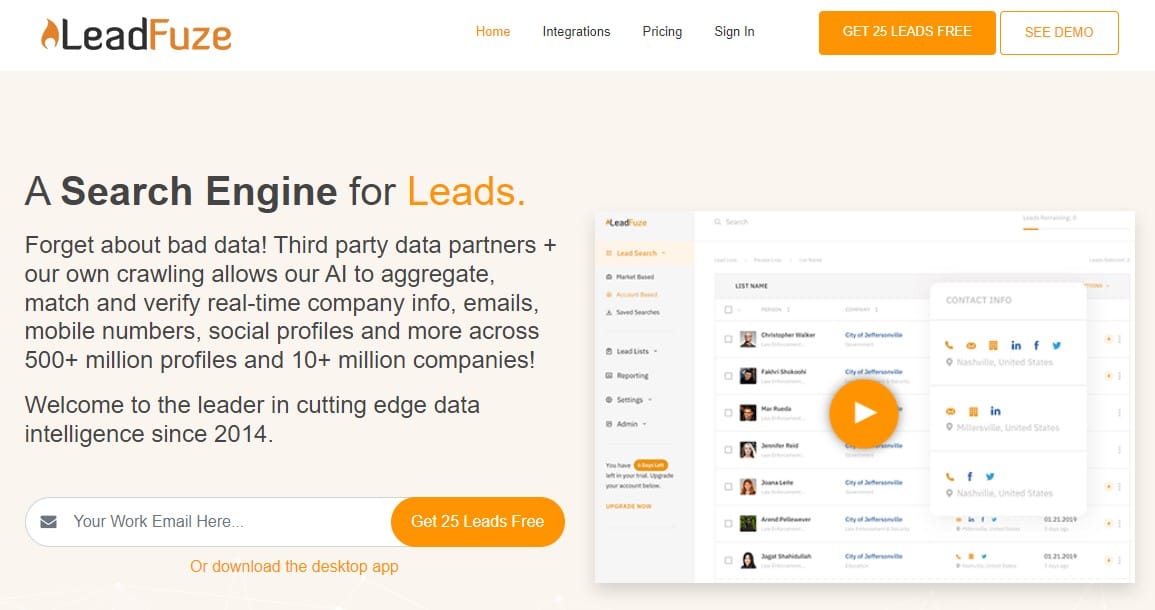
LeadFuze is a standalone piece of software within which you can search using information such as company name, position within the company, name, or company domain.
The useful integration with social media allows you to not only find prospect email addresses but also linked social media profiles. Emails are verified using AI and checked in real-time against over 500 million different profiles.
Price: 500 Lead Credits a month will set you back $132.30 a month, but this does include more features than a simple email finder tool. You’ll also receive 25 leads free as a sign-on bonus.
AeroLeads
G2 Rating: 4.0/5 ⭐ from 62 reviews
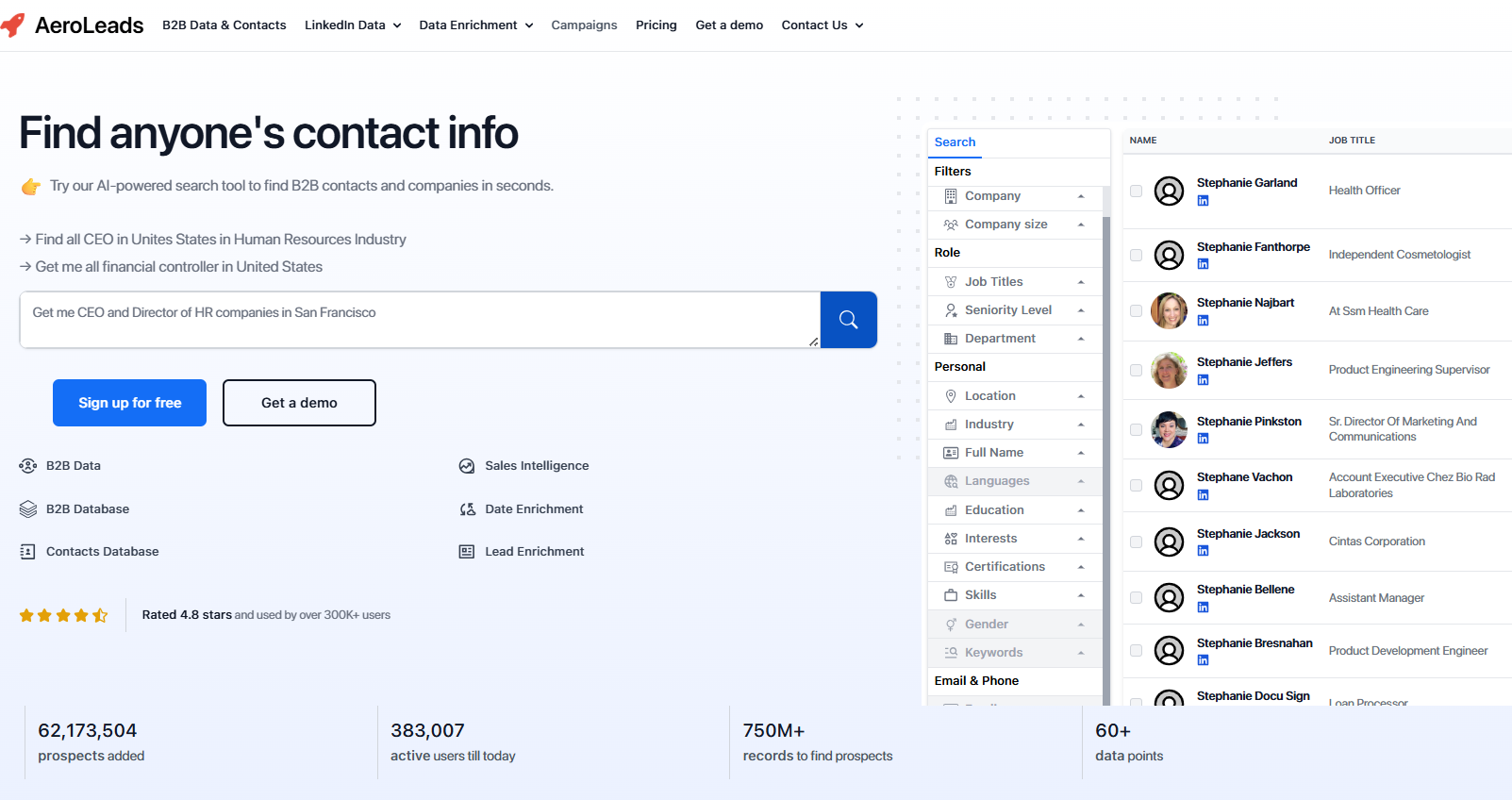
Aeroleads is confident enough in its ability to find leads that it shows Bill Gates on its front page as a potential prospect. It's another Chrome extension that pulls information from LinkedIn using an on-screen button, but can also access AngelList and Xing.
You can access an intuitive dashboard that then holds all of your information in one place, with the option of exporting it to a CRM.
Price: Free trial followed by a starting price of $49 per month, which gets you 2000 credits/month (1 credit gets you 1 record)
FindEmails
G2 Rating: 3.7/5 ⭐ from 11 reviews
FindEmails leans heavily into scoring and a percentage chance of accuracy based on stats such as Mailserver score, Name score, MX records score, uniqueness, and more. You can get hyper-specific by searching on name and company, or you can widen your search across roles or whole organizations.
Price: Pricing starts at $29 per month for 1000 credits.
FindThatLead
G2 Rating: 4.0/5 ⭐ from 90 reviews
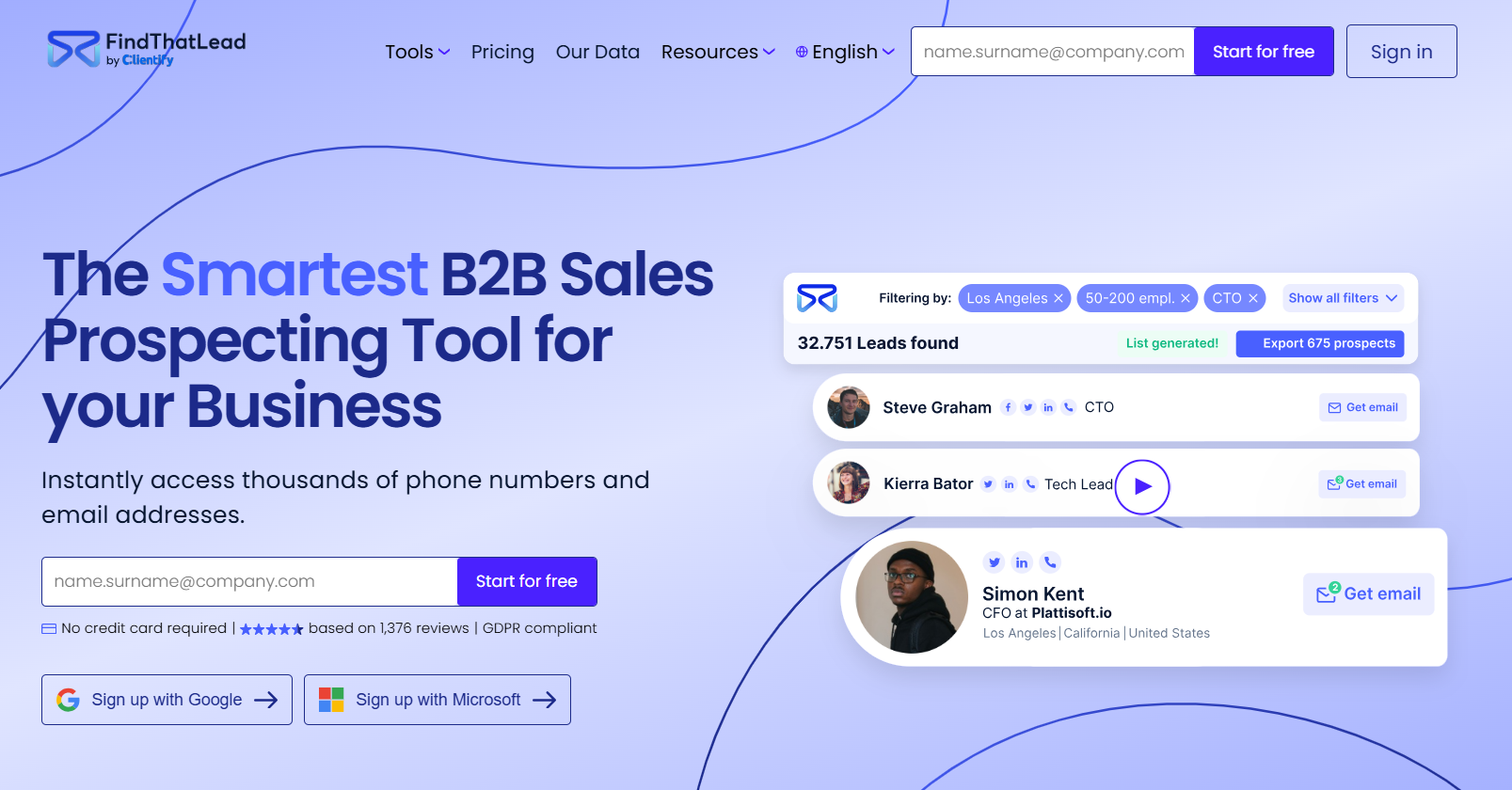
A single-click formula from a web application, FindThatLead, allows you to trial their software from their website by searching any domain that you like before presenting you with a list of all people within that company (or at least all searchable people).
There’s the option of searching by the company and then revealing all emails within it. There’s also a handy Chrome extension to use on any website, Twitter, or Linkedin.
Price: A 7-day free trial comes with 50 credits. Paid plans start from $49 per month for 2,000 email credits per user/month.
How Instantly Supports Your Sales Prospecting and Cold Outreach Efforts
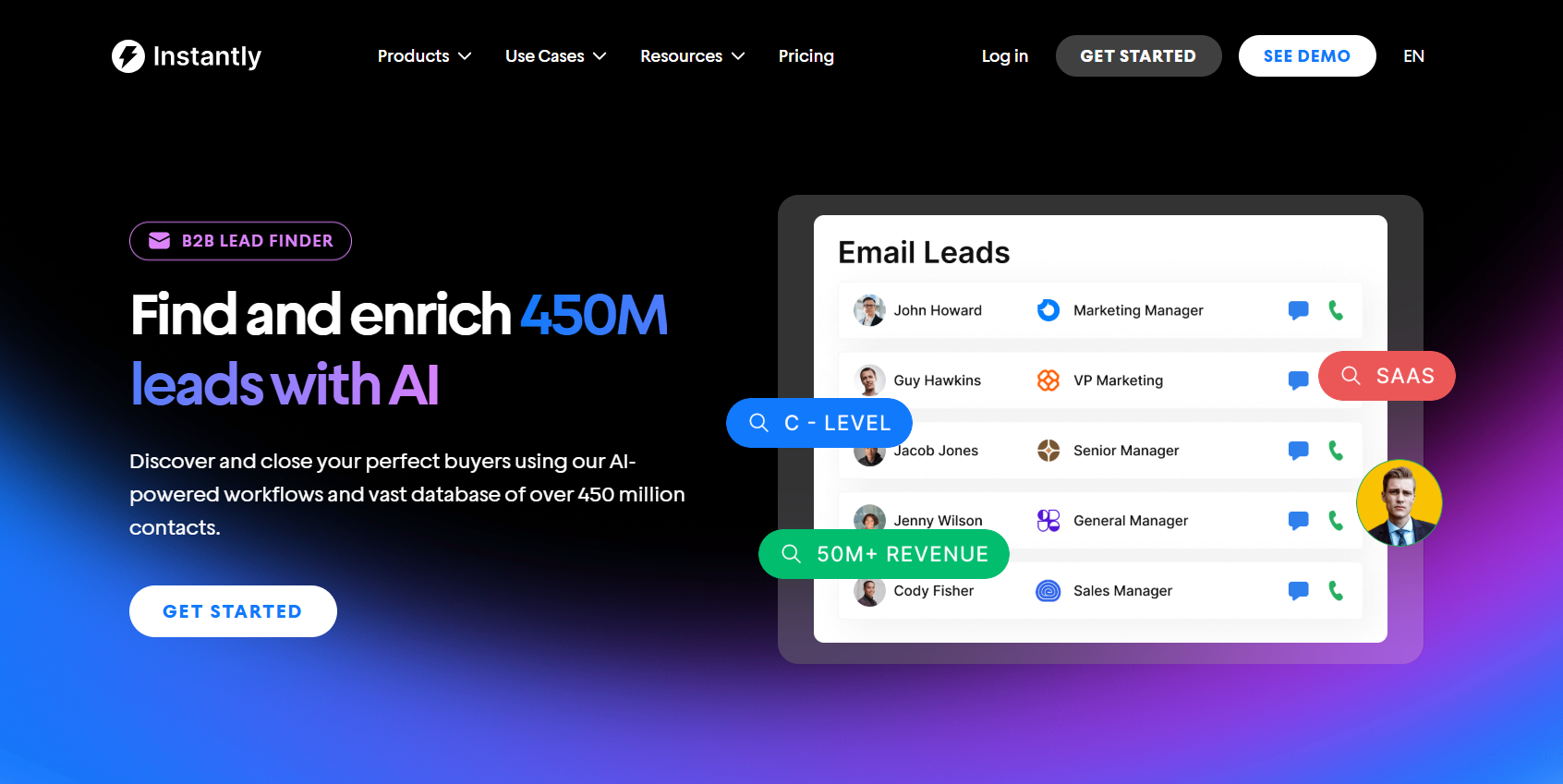
While Instantly.ai doesn’t offer a standalone email finder, it makes up for it in powerful, practical ways. Instantly gives you access to a massive B2B lead database with over 450 million verified contacts, helping you skip the hunt and go straight to high-quality prospects. Every contact is ready for outreach with no guesswork required.
To ensure your emails actually land, Instantly also includes built-in email verification and deliverability tools like warmup sequences and a specialized sender reputation network.
Combined with its automated cold email campaigns, CRM, and Done-For-You (DFY) email account setup services, Instantly offers one of the most complete outreach systems available for B2B teams that care about precision and scale.
Key Takeaways
Using a personal email finder tool is one of the smartest ways to level up your outbound strategy. Let’s recap:
- Choose a tool that aligns with your prospecting goals and workflow.
- Ensure smooth integration with your CRM and existing outreach systems.
- Bonus features like email warmup, verification, and deliverability optimization matter. Don’t overlook them.
And if you want to go beyond finding emails to running entire cold outreach campaigns from start to finish? Try Instantly for free today. With verified leads, smart automation, and deliverability built in, it's the easiest way to turn prospects into replies at scale.


