.svg)
%20(1).svg)


Updated February 24, 2026
TL;DR: Track reply rate and meetings booked as your north star metrics. Open rates only diagnose deliverability problems. Measure time-to-completion and reply latency to see how reminders shorten sales cycles. Without step-level analytics linking specific reminder steps to revenue, your A/B tests become guesswork. 80% of sales require five or more follow-ups, yet most marketers only measure the first email.
80% of sales require five or more follow-ups to close, yet 48% of salespeople never send a single reminder after initial outreach. If you run growth marketing for a B2B startup and your pipeline depends on cold email, you cannot improve what you do not measure. Effective cold email outreach requires measuring every step in your sequence, not just the first send. The data from follow-ups is where most of the optimization opportunity lives. Tracking specific reminder email metrics, beyond vanity open rates, is the difference between a stagnant pipeline and a predictable revenue engine.
This guide breaks down the exact KPIs to track, the benchmarks to aim for, and how to use data to optimize your follow-up strategy.
What is a reminder email and why track it?
In B2B cold outreach, you send a reminder email after an initial contact to maintain engagement, nurture leads, and guide prospects through the buying process. Common use cases include bumping proposals that have gone silent, re-engaging leads who opened but did not reply, following up after event conversations, and automatically sending reminders when prospects do not respond after a set interval.
You track these metrics because they connect directly to business goals: increasing conversion rates, shortening sales cycles, and building a repeatable outbound system. Without measurement, you are flying blind. With it, you can run disciplined experiments that move reply rate and meetings, as detailed in Instantly's cold email copywriting framework.
Email outreach automation with step-level analytics built in removes the guesswork, giving you the data to know exactly which reminder is driving pipeline and which is burning your list.
Core engagement metrics for reminder emails
Track three layers of engagement to diagnose what works:
- Delivery and open rates: Did your email reach the inbox and get noticed?
- Reply rates: Did the recipient engage with a response?
- Click-through rates: Did links drive action (when included)?
Each metric serves a different diagnostic purpose. Here is how to measure and interpret them. For a broader reference on how these metrics connect across your full outreach stack, see this boost email metrics guide covering the complete set of performance indicators beyond reminder-specific KPIs.
Open rate vs. delivery rate
Low open rates often signal deliverability problems, not bad subject lines. If your opens dip below 15%, run an Inbox Placement test to check whether you land in Primary, Promotions, or Spam.
Open rates for cold B2B campaigns typically range from 15-25%. Recent benchmarks put average open rates around 21.5% across industries, with B2B campaigns slightly lower at about 19.2%. Delivery rates for B2B hover around 98.16%, but the average email deliverability rate stands at 84.6% when accounting for spam placement. This gap matters. A 98% delivery rate means nothing if 40% land in Promotions.
Instantly's automated Inbox Placement tests show exactly where your emails arrive, helping you diagnose deliverability issues before they crater your campaign.
"The campaign analytics dashboard is another feature I appreciate, as it gives clear insights into open rates, reply rates, and overall performance. Instantly also has an inbox placement feature that helps test if emails land in the inbox or spam." - Anthony V. on G2
Reply rate benchmarks and tracking
A good cold email reply rate is 5-10% for most B2B teams, while top performers hit 15%+ on focused, well-timed campaigns with verified contacts and strong inbox placement. The challenge: not every reply is meaningful. An out-of-office auto-responder is not the same as "Tell me more."
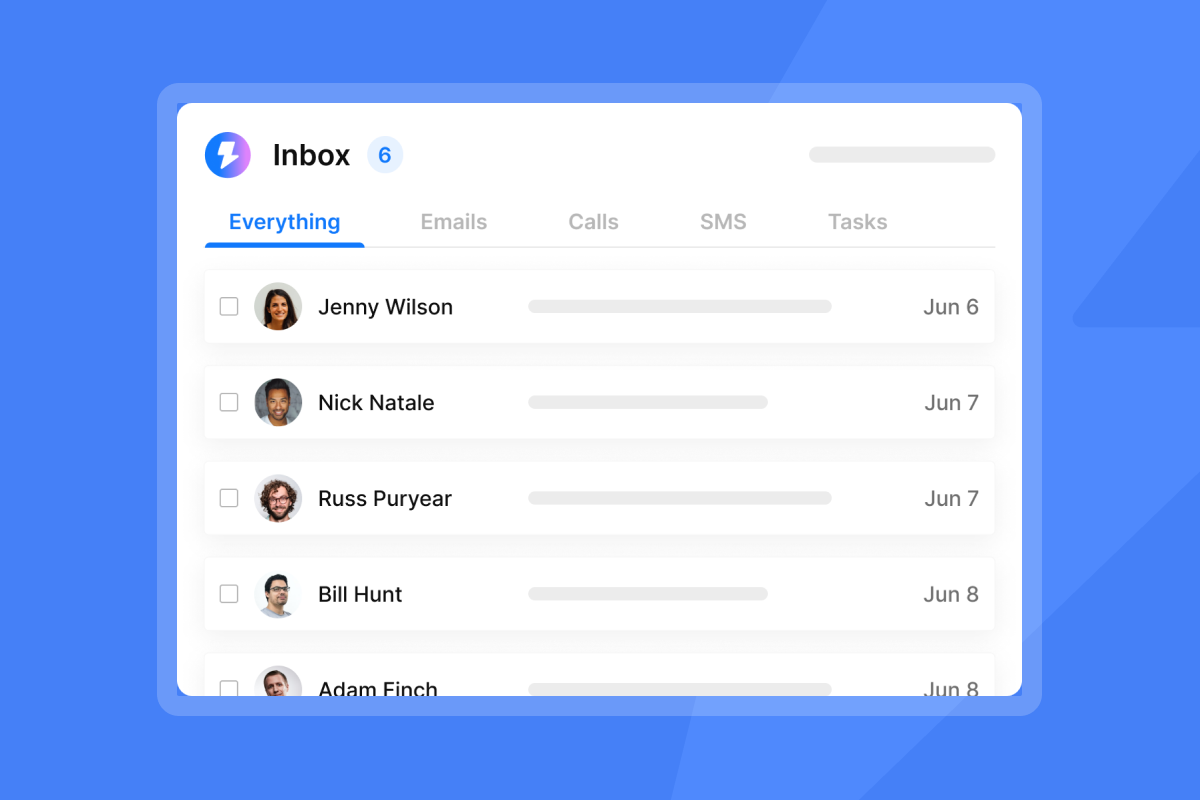
Instantly's Unibox filters replies by AI-powered sentiment analysis, letting you tag responses as "Interested," "Meeting Booked," "Not Interested," or "Out of Office." This categorization is critical for accurate reporting. Step-level analytics show exactly which reminder generated the reply, allowing you to treat email sequences like scientific experiments.
If Step 1 gets 6% replies and Step 3 gets 2%, you know your third reminder needs a rewrite. Track these at the step level to optimize what works and cut what drags performance down.
Metric | Average | Good | Top Performer |
|---|---|---|---|
Open Rate (Reminder) | 15-19% | 22-25% | 30%+ |
Reply Rate | 3-5% | 5-10% | 15%+ |
Positive Reply Rate | 0.5-2% | 2-5% | 5%+ |
Click-Through Rate | 2% | 3.2% | 5%+ |
Conversion Rate (Meeting Booked) | 0.2% | 0.5-1% | 1.5%+ |
Bounce Rate | <2% | <1% | <0.5% |
For a practical walkthrough of improving reply rates, watch Best Follow Up Strategy from Instantly's channel.
Click-through rate (CTR)
Click-through rate measures the percentage of recipients who click a link in your email. The average CTR for B2B is 3.18%, with a broader benchmark of 2.00% across industries.
Cold sales emails are not primarily aimed at getting link clicks. The main goal is a reply or meeting. But CTR still matters when you link to:
- Case studies or social proof
- Personalized video content (Loom recordings)
- Calendar booking pages
- Relevant blog posts that add value
Instantly's Link Clicks Tracker shows which links get engagement and at what step. If your Step 2 reminder includes a case study link and CTR is 4.5%, you know the content resonates. If it is 0.8%, swap the asset or remove the link.
Strategy: Use links sparingly. One calendar link or one case study per email maximum. Multiple links dilute focus and increase spam scores.

Revenue and outcome metrics
How metrics map to business goals:
Metric | What It Measures | Business Goal |
|---|---|---|
Reply Rate | Engagement quality | Pipeline generation |
Conversion Rate | Meetings booked | Revenue growth |
Reply Latency | Urgency and interest | Sales cycle speed |
Bounce Rate | List and deliverability health | Domain reputation |
Time to Completion | Sequence efficiency | Throughput optimization |
For context on how these reminder metrics connect to downstream meeting performance, see the breakdown of meeting email metrics to track covering reply-to-booking conversion and cost per meeting.
Conversion rate and meetings booked
Conversion rate is the ultimate metric: the percentage of reminder emails that result in a calendar invite.
Formula:
Conversion Rate = (Total Meetings Booked / Total Unique Recipients Sent Reminders) × 100
Step-level formula:
Step 4 Conversion Rate = (Meetings Booked Attributed to Step 4 / Total Step 4 Emails Sent) × 100
If you send 1,000 Step 4 reminders and book 8 meetings, your Step 4 conversion rate is 0.8%. Compare across steps to allocate effort. If Step 2 converts at 0.3% and Step 5 converts at 0.9%, your late-stage reminders are working harder.
"I really enjoy using Instantly for a variety of reasons. Its simplicity in managing inboxes and campaigns stood out immediately, making it a clear choice over other tools I had used before. The onboarding process was smooth, reducing any initial frustrations. One of the strongest aspects of Instantly is its ability to streamline the management of multiple campaigns, significantly saving me time and resources." - Nathan D. on G2
Track meetings booked, not just replies. A 10% reply rate means nothing if zero meetings materialize. Use Instantly's Unibox tagging to classify which replies convert to scheduled calls.
Time to completion and reply latency
Reply latency is the time elapsed between sending a specific reminder email and receiving a reply. Time to completion is the total time from the first email sent in a sequence to the desired outcome like a meeting booked.
Track median reply latency per step. If Step 2 has a median latency of 6 hours and Step 4 has 3 days, Step 2 is driving urgency. Replicate the approach. Shorter latency correlates with better urgency in copy and faster sales cycles.
Why it matters: If your average time to completion is 21 days and you book 10 meetings per month, optimizing latency by 5 days can increase throughput by 25%, unlocking more meetings from the same list size.
For technical setup to improve response speed, review Instantly's delivery optimization guide.
Attribution: Linking reminders to revenue
Attribution is the mechanism that ties a closed deal back to the specific email step that generated the reply. Without it, you cannot calculate ROI or optimize spend.
Use last-touch attribution: track the lead's journey from the specific email reply through your CRM to closed deal. If a prospect replies to Step 4, tag that lead "Step 4 origin" in your CRM. When the deal closes, you attribute revenue to Step 4.
How to set it up: In your CRM, create a custom field called "First Reply Source" and populate it with the email step number when a lead replies. When the deal closes, you attribute revenue to that step. If you use Instantly with a CRM integration, tag leads by step in Unibox, then sync tags to your CRM pipeline.
Revenue formula:
Revenue per Recipient = (Total Revenue from Campaign / Number of Recipients)
If you sent 2,000 reminders across Steps 2-5 and closed $120,000 in pipeline, your revenue per recipient is $60. Compare this to your cost per recipient (tool cost + list cost + labor) to calculate true ROI.
How to optimize reminder email performance
A/B testing subject lines and send windows
A/B testing (or A/Z testing in Instantly) means sending multiple variants of the same email to different segments and measuring which performs better.
Test concept 1: Short vs. Long subjects
Email subject lines should contain no more than 9 words and around 60 characters.
- Short: "Quick follow-up"
- Long: "Following up on our conversation about reducing CAC"
Test concept 2: Question vs. Statement
- Question: "Any thoughts on the proposal?"
- Statement: "Proposal for review"
Test concept 3: Personalization vs. Generic
Use merge tags to personalize with recipient name or company.
- Personalized: "{{FirstName}}, circling back on our conversation"
- Generic: "Following up on our conversation"
Instantly's A/Z testing interface allows you to test multiple variants simultaneously, not just A vs. B. Run three subject lines in Step 3 and measure reply rate, CTR, and conversion by variant.
For a detailed walkthrough, watch this cold email campaign guide, which demonstrates campaign setup and variant testing. Once you know which steps are performing, build a structured reminder email workflow with proper triggers, delays, and deliverability controls to scale what's working.
Improving deliverability to boost metrics
Deliverability directly impacts every metric. If 40% of your reminders land in Spam, your open rate, reply rate, and conversion rate all collapse.
Bounce rate is the percentage of emails that fail to deliver. A bounce rate below 2% is acceptable, and below 1% is ideal. Rates higher than 2% trigger red flags for email service providers like Gmail and Outlook, harming sender credibility.
Hard bounce: Email permanently fails (invalid address, blocked sender).
Soft bounce: Temporary failure (full inbox, server issue).
Track both. If hard bounces exceed 1%, your list quality is poor. Run verification before uploading leads.
Troubleshooting steps:
- List hygiene: Nearly 60% of email senders clean their lists to remove invalid addresses. Clean lists improve deliverability.
- Authentication: Verify SPF, DKIM, and DMARC records using Instantly's DNS setup guides.
- Domain reputation: When bounce rate climbs past 2%, Gmail and Outlook become skeptical. Pause sends and diagnose.
- Inbox rotation: Use multiple sending accounts to distribute volume and protect domain reputation.
Instantly's warmup feature gradually increases sending volume from new domains, building sender reputation over 30 days.
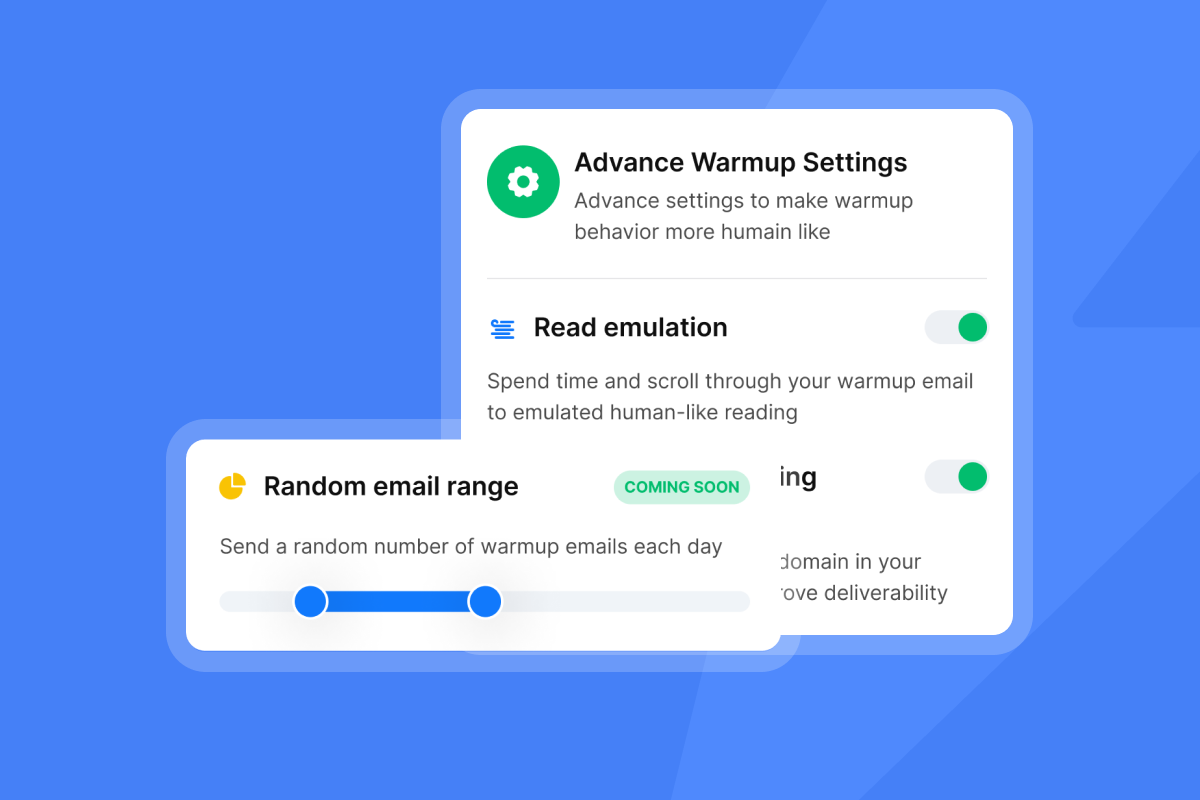
"I really like the straightforward nature of Instantly's warm-up feature for email accounts. It's incredibly easy to use with just one click, enabling us to warm up unlimited email accounts without any worries about usage limits." - Ashish T. on G2
For a comprehensive guide, watch Cold Email Deliverability Guide.
Segmentation strategies
Segment your prospects by engagement level and send different reminders to each group.
Strategy 1: Behavioral segmentation
Separate "Opened email #1 but did not reply" from "Never opened." Send a value-add reminder to the first group (they are engaged) and a subject-line retest to the second group (they missed it).
Strategy 2: Firmographic segmentation
Segment by industry, job title, or company size to tailor the value proposition. A CFO cares about ROI, while a VP of Sales cares about quota attainment. Customize Step 3 accordingly using merge tags and conditional logic.
Best practices recommend modular templates instead of rigid scripts. One marketer described the workflow efficiency:
"I like that instantly can handle large scale email campaigns without worrying about deliverability. the automation for inbox rotation, warm up and sending limits makes outreach very smooth and saves a lot of manual work." - Anjali T. on G2
Common pitfalls in reminder email analytics
Pitfall 1: Obsessing over open rates
Apple's Mail Privacy Protection (MPP) automatically preloads email content for Apple Mail users, even if they never open the email. Apple Mail commands 48-53.67% of email opens globally, and open rates went up 18 points after MPP launched, skewing data.
Takeaway: Use open rates as a diagnostic indicator for deliverability, not a success metric. If open rates drop suddenly, investigate spam placement. But do not celebrate a 35% open rate if your reply rate is 1%.
Watch how to fix a cold email campaign, which demonstrates troubleshooting analytics.
Pitfall 2: Ignoring churn rate (unsubscribes)
Churn rate is the percentage of recipients who unsubscribe or mark your email as spam per reminder. Track unsubscribes per step. If Step 5 has 3X the unsubscribe rate of Step 3, you have crossed the line from helpful to annoying. Cut Step 5 or rewrite it as a breakup email offering value without an ask.
The 4th follow-up (5th email) triples unsubscribe rates and more than triples spam complaint risk, suggesting that 3-5 follow-ups strike the ideal balance for most campaigns.
Pitfall 3: "Set and forget" automation
Automation scales, but measurement keeps it profitable. Review step-level analytics weekly. If Step 3 reply rate drops from 4% to 1.5% over two weeks, investigate. Did your list quality change? Did a spam filter update flag your copy? Did you stop warming accounts?
Ethical considerations
Respect opt-outs immediately. Every reminder should include an unsubscribe link, and Instantly's global blocklist ensures opted-out contacts never receive another email. Avoid spam triggers like ALL CAPS, excessive punctuation, and misleading subject lines. Compliance protects your domain reputation and your brand.
Conclusion
Tracking reminder email metrics turns follow-ups from annoying noise into a predictable revenue engine. Reply rate and meetings booked are your true north star, while open rates diagnose deliverability. Time to completion and reply latency show whether your reminders shorten sales cycles. Step-level analytics and clean attribution link specific reminders to closed deals.
Most marketers obsess over the first email. The pros know 80% of sales happen between the 5th and 12th contact, and the money is made in the reminders you measure correctly.
Which of your reminder steps is booking the most meetings? If you do not know, you are leaving pipeline on the table.
Ready to see exactly which follow-up is booking your meetings? Try Instantly in a free trial to track step-level performance, automate warmup, and optimize your reminders for revenue.
For additional strategies, watch Starting Cold Email.
Frequently asked questions about reminder metrics
How often should I send reminder emails?
After the first follow-up, wait 3, 7, and 14 days for subsequent reminders. Most B2B sales cadences work best when they run 17-21 days, building relationships naturally without pushing too hard.
What is a good reply rate for a follow-up reminder?
A good cold email reply rate is 5-10% for most B2B teams, with top performers hitting 15%+ on focused campaigns. Positive response rates range from 0.5-2% for cold B2B campaigns, with exceptional campaigns achieving 5% or higher.
How do I calculate the ROI of a reminder campaign?
ROI = [(Campaign Revenue - Campaign Costs) / Campaign Costs] × 100. The average email ROI is $36 for every $1 spent, but track your specific revenue per recipient and compare to tool cost, list cost, and labor.
What bounce rate is acceptable?
A bounce rate below 2% is acceptable, and below 1% is ideal. Rates higher than 2% trigger red flags for Gmail, Outlook, and Yahoo, harming sender credibility.
Key terms glossary
Reply latency: The time elapsed between sending a specific reminder email and receiving a reply from the prospect. Shorter latency signals stronger urgency and interest.
Time to completion: The total time from the first email sent in a sequence to the desired outcome like a meeting booked. Optimizing this metric shortens sales cycles.
Conversion rate: The percentage of reminder emails that result in a calendar invite or desired action. Formula: (Meetings Booked / Reminders Sent) × 100.
Bounce rate: The percentage of emails that fail to deliver. Hard bounces are permanent failures, while soft bounces are temporary.
Step-level analytics: Campaign reporting that breaks down performance (open rate, reply rate, conversion) by each individual email step in a sequence. Critical for identifying which reminders drive results.
List hygiene: The process of cleaning email lists to remove invalid addresses, duplicates, and opted-out contacts. Maintains deliverability and sender reputation.
Engagement scoring: A method of ranking leads based on interaction level (opens, clicks, replies) to prioritize follow-up and segmentation.



