.svg)
%20(1).svg)


Updated February 24, 2026
TL;DR: Automated reminder emails recover lost leads and unpaid invoices without manual effort. To work effectively, they need precise timing, personalization, and strong deliverability. The strategy is a 3-step sequence (Day 3, Day 7, Day 14) with spin syntax to avoid spam filters. For tools, HubSpot is great for inbound but expensive, Mailchimp is for newsletters, and Instantly offers unlimited accounts and AI optimization for sales-focused reminders. The fix is to not just schedule sends. Use AI to rewrite copy variants and monitor inbox placement to ensure your reminders are actually seen.
Automated reminder workflows solve the consistency problem, but most marketers get the technical setup wrong. This guide covers the exact triggers, delay logic, and deliverability settings needed to build a reminder system that scales without landing in spam.
What is an automated reminder email?
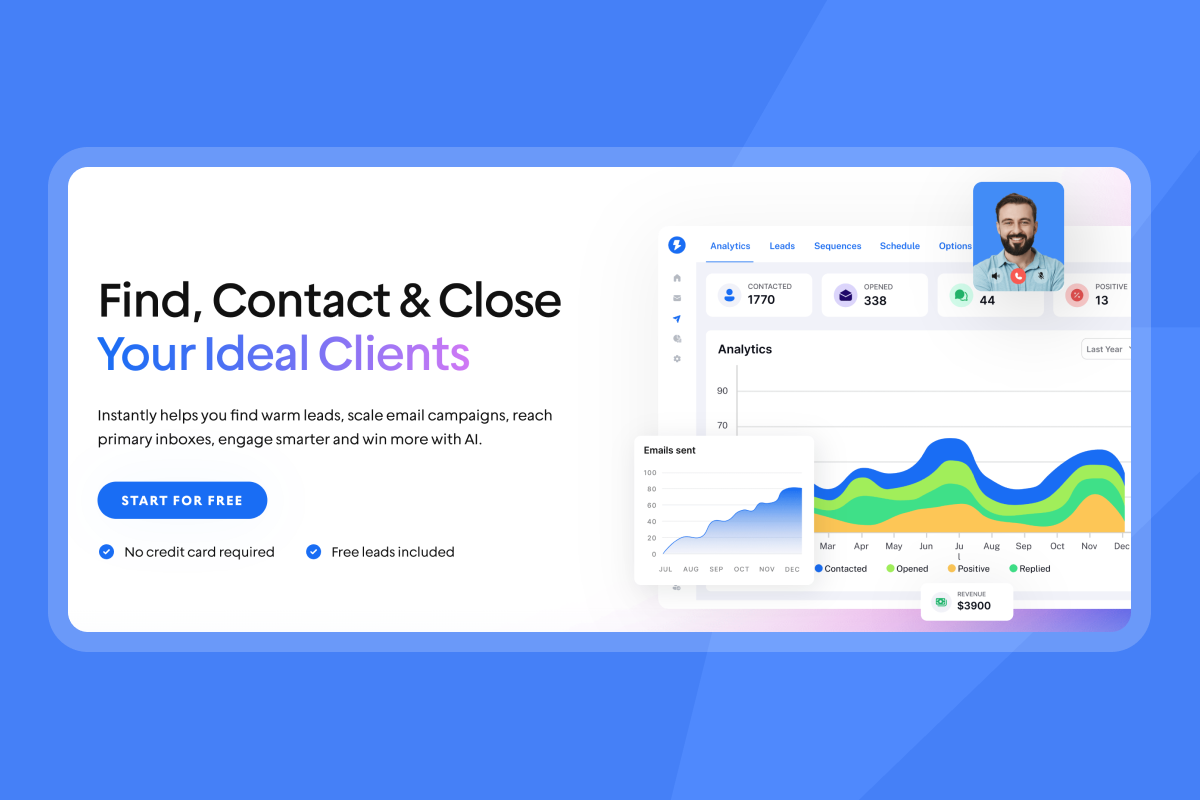
An automated reminder email is a pre-scheduled message triggered by a specific event or lack of action. You can set the trigger to be time-based (three days after proposal sent) or behavior-based (user downloaded whitepaper but didn't book demo).
The core purpose is simple. Nudge the recipient about appointments, unpaid invoices, unread proposals, or cold outreach follow-ups without manual work. 70% of reps only send one email to prospects, meaning consistent follow-up helps you beat the competition before they even start.
Automated reminders deliver three measurable benefits:
- Consistency: You never miss a follow-up.
- Time savings: One person can manage hundreds of sequences.
- Data integrity: Automated systems log every send, open, and reply, unlike manual sends that disappear into personal outboxes.
Why automation beats manual follow-ups
You can't manually follow up with 500 leads running cold email follow-up sequences at scale. Automation hits the inbox at the exact optimal window. Research shows optimal send times produce the highest open and reply rates. Manual sends also create data blind spots. You forget who you followed up with, when, and what you said.
"I love how Instantly has significantly eased the process of outreach and service delivery for the past two years... By sending an impressive volume of 1 million emails monthly, Instantly facilitates efficient lead generation which we then convert through sales calls." - Daksh K. on G2
The first follow-up email brings about 40% higher reply rates compared to the initial email. Yet without automation, most teams never send it.
Key considerations for effective reminder emails
Tone shifts from salesy to helpful
Your reminder should sound like a project manager checking in, not a desperate salesperson. Cut phrases like "just checking in" or "circling back." Instead, reference the specific trigger. "Since I sent the proposal on Tuesday, I wanted to make sure you had everything you need to review it."
Timing windows matter more than you think
Don't send reminders at 3 AM or on Sunday evening. Use Instantly's schedule settings to define send windows. Optimal delays are 3-5 business days for the first follow-up, then 5-7 days for subsequent touches. Next-day follow-ups reduce replies, while waiting three days results in a 31% increase.
Personalization beyond first name
Going beyond {{firstName}} makes reminders feel relevant. Reference the proposal date, the specific product discussed, or a pain point mentioned in the initial conversation. Instantly's personalized lines feature lets you add custom fields for deeper context.
One clear call-to-action
Give recipients one specific ask. "Can you review section 3 by Friday?" beats "Let me know your thoughts." Clear CTAs reduce decision paralysis and increase reply rates.
"I appreciate Instantly's seamless setup process... The platform's AI capabilities were a significant upgrade and have been incredibly useful... I also value the suggested email replies, which help me maintain a fast workflow." - Verified User on G2
How to set up an automated reminder workflow
This six-step checklist works across platforms but I'll show you how Instantly makes each step faster, here's how to set up automated email campaigns that actually convert.
1. Define your trigger and conditional logic
Start with the event that launches the sequence. Common triggers include no reply after three days, proposal sent but not opened, invoice due in 48 hours, or webinar registration without attendance.
Instantly's campaign options let you set triggers based on time delays, link clicks, or email opens. For complex workflows, use conditional logic to create branching paths. If a prospect clicks a pricing link, route them to a demo-booking sequence. If they don't open after two attempts, switch to a different subject-line variant. Advanced users can build multi-path workflows using webhooks and API integrations.
2. Select your tool based on volume and infrastructure
If you send under 200 emails per day from a single inbox, basic tools work. If you send thousands per week across multiple campaigns, you need deliverability infrastructure.
HubSpot Sales Hub Professional costs $500/month for five users plus a $1,500 onboarding fee. Mailchimp Standard starts around $60-100/month but is designed for marketing emails, which land in Gmail's Promotions tab rather than the primary inbox.
Instantly's Hypergrowth plan is $97/month flat with unlimited email accounts, automated warmup, and 100,000 emails per month. For agencies, Light Speed at $358/month adds SISR (dedicated IP rotation) for maximum deliverability, making this feature ideal as an email outreach management tool built for sales teams sending at volume.
| Feature | Instantly Hypergrowth | HubSpot Sales Pro | Mailchimp Standard |
|---|---|---|---|
| Monthly cost (5 users) | $97 (flat fee) | $500 + $1,500 setup | $60-100 |
| Email accounts | Unlimited | Limited by seats | Limited to plan |
| Warmup included | ✓ Automated | ✗ | ✗ |
| Monthly send limit | 100,000 | Varies by plan | Based on contact tier |
| Plain-text optimization | ✓ Built-in | ✓ Available | ✗ Marketing-focused |
| Spin syntax | ✓ Native | ✗ | ✗ |
| AI copy tools | ✓ Included | ✓ Limited | ✗ |
| Stop on reply | ✓ | ✓ | ✓ |
3. Draft plain-text content
[Plain text emails] achieve approximately 42% higher open rates in certain contexts because they look like personal, one-to-one messages. HTML templates signal marketing content and trigger more spam-filter scrutiny.
Keep your reminder between 50-100 words. Use short sentences. One idea per paragraph. Instantly's delivery optimization tool sends emails as text-only by default, removing hidden tracking pixels that trigger spam flags.
4. Set delay intervals
Use this proven cadence for cold outreach reminders:
- Initial email: Day 0
- First follow-up: 3-5 days after initial
- Second follow-up: 5-7 days after first
- Final breakup: 10-14 days after second
Optimal follow-up timing with increasing intervals show srespect for the recipient's time and prevent follow-up fatigue.
5. Enable Stop on Reply
This is the most critical setting. Instantly's campaign options include a "Stop on Reply" toggle that removes contacts from the sequence as soon as they respond. Without this, you risk sending reminder 3 while they're already replying to reminder 2.
Instantly's OOO pause feature automatically pauses sequences when it detects out-of-office replies, then resumes when the recipient returns. This prevents wasted sends and annoyed prospects.
6. Test before launch
Send yourself a test using Instantly's preview function. Check that all variables populate correctly (no {{firstName}} placeholders), links work, and formatting displays properly on mobile.
Run a pilot sequence on a small segment of your list. Monitor reply rate, bounce rate, and spam complaints. If bounce rate exceeds 2%, pause and clean your list. If reply rate is under 5%, rewrite your copy.
"I love how easy Instantly is to set up, which significantly reduces the time I spend managing my B2B email marketing for my AI automation agency. The platform allows me to efficiently get in touch with hundreds, if not thousands, of business owners daily, offering them my services." - Thomas D. on G2

Advanced strategies for growth marketers
If you're testing sequences, optimizing for conversion, and measuring attribution, these tactics move the needle.
A/Z testing for subject lines
Most platforms cap A/B tests at two variants. Instantly's A/Z testing allows unlimited variations and automatically scales the best performers.
Test these angles for reminder subject lines:
- Short bump: "Re: [original subject]"
- Question format: "Still interested in [specific outcome]?"
- Value add: "Quick resource for you"
- Breakup: "Should I close your file?"
Watch reply rate, not open rate. Open rates are vanity metrics while reply rates show real engagement.
Spin syntax to avoid spam filters
Spintax adds variability to every email so platforms like Gmail don't see identical messages going out in bulk. You write {option 1|option 2|option 3} and Instantly randomly selects one option per send.
Example:
Subject: {Quick follow-up|Checking in|Following up}

{Hi|Hello|Hey} {{firstName}},

{I wanted to follow up|Just checking in|Reaching out} on the {proposal|document|information} I sent {last week|a few days ago|on Monday}.

{Have you had a chance to review it?|Did you get a chance to look it over?|Were you able to take a look?}

{Best|Cheers|Thanks},
[Your Name]
Repeating the same template makes emails appear as spam. Spintax increases variations, ensuring each email appears unique, thereby avoiding spam flags and ensuring higher deliverability.
AI optimization for copy variants
Instantly's AI tools include an AI Sequence Writer, AI Rephrase tool, and AI Spam Words Checker. If your first sequence underperforms, highlight the text and use the AI Rephrase function to generate three new variations.
The AI Spam Words Checker scans for phrases that trigger filters (free, guarantee, limited time, act now) and suggests replacements. This is faster than manually testing every send.
Track reply rate by sequence step
Don't just measure overall campaign performance. Break down reply rate by step. If step 1 gets 8% replies but step 3 only gets 2%, your delay timing or copy needs adjustment.
Reply rate is your north star. A good reply rate is above 15%, with top performers hitting 40-50%. Average cold email response sits between 1-5%, so consistent testing helps you beat benchmarks.
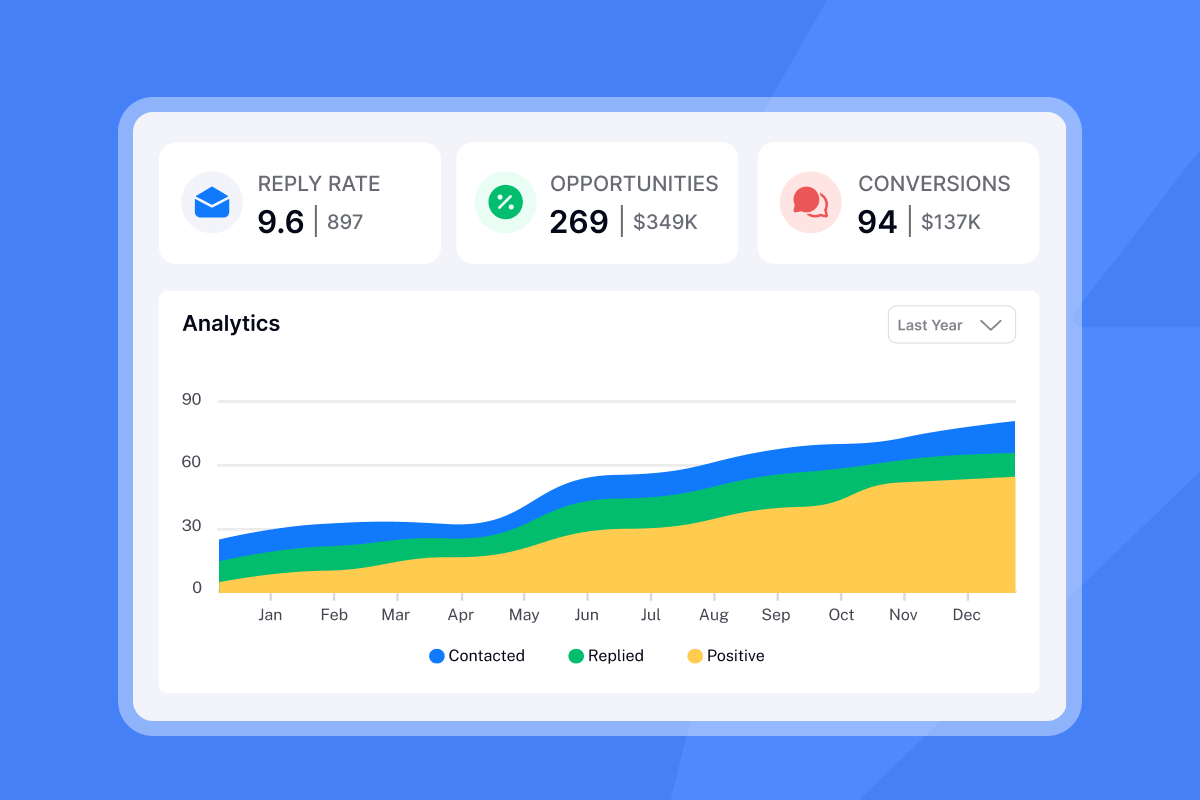
Use Instantly's campaign analytics to filter by positive replies, negative replies, and neutral replies. Track which reminder step converts interested leads into booked meetings. This tells you if your messaging attracts qualified leads or just generates noise.
Common pitfalls to avoid
Over-sending and weak copy destroy results
Daily reminders annoy people. If you see unsubscribe rates climbing above 0.5% per campaign or spam complaints above 0.1%, your cadence is too aggressive.
Generic phrases like "just checking in" waste automation. Add value in every reminder. Share a case study, reference a recent industry trend, or ask a specific question about their current process. Use Instantly's sequence templates as starting points, then customize with discovery-call details. The fix is knowing when and how to follow up on no response emails without annoying your prospects.
Broken personalization variables destroy credibility
"Hi {{Name}}" in a live email looks unprofessional and kills trust instantly. This happens when CSV data has blank cells or mismatched column headers.
Clean your list before uploading. Fill all required fields. Check for extra spaces and special characters. Send a test email to yourself before launching the full campaign.
Ignoring deliverability kills your results
Sending from a cold domain without warmup is the fastest way to land in spam. Without warmup, Gmail and Outlook flag new senders as suspicious, resulting in 0% inbox placement.
Instantly's warmup network includes 4.2M+ accounts that participate in automated warmup, creating authentic engagement signals that build trust with email service providers. Warmup typically takes 14 days with automated tools and 3-4 weeks manually.
"What sets Instantly apart is the Easy DFY Mailbox Setup. It's incredibly straightforward to get mailboxes up and running with the correct settings like DMARC, DKIM, and SPF applied automatically. This technical 'Done-For-You' approach... saves hours of manual work." - Roberk B. on G2
For high-volume senders, Instantly's SISR system on the Light Speed plan automatically assigns dedicated IP pools and swaps flagged IPs, so a single blocklist doesn't stall your entire quarter.
Measuring the success of your reminders
Reply rate shows real engagement
Reply rate shows how many recipients responded out of emails sent. Track positive reply rate separately. Distinguish between positive replies (booking demo or call) and negative replies (not interested).
Open rate tests subject lines
Use open rate to test subject lines and monitor deliverability, but track replies and conversions. Privacy changes (Apple Mail Privacy Protection) make open tracking unreliable.
If open rate drops suddenly across all campaigns, check your sender reputation. Run Instantly's Inbox Placement test to see where emails land (primary inbox, spam, promotions).
Conversion rate measures actual outcomes
Conversion rate metrics tell you whether emails lead to meaningful actions, not just opens. Average cold email conversion is 1-5%, with B2B closer to 1.7-5%. Measure conversion by the action that matters: meeting booked, invoice paid, document signed, demo scheduled.
Deliverability metrics protect your infrastructure
Monitor these health indicators weekly:
- Bounce rate: Keep under 1-2%. Higher indicates bad data.
- Spam complaint rate: Keep under 0.1%. Higher indicates targeting or messaging problems.
- Inbox placement rate: Target 90%+ in primary inbox for strong deliverability.
Instantly's automated warmup helps you distribute volume across multiple inboxes, keeping individual sender reputation high.
"I love how Instantly has revolutionized my email marketing efforts... The AI reply agent is a standout feature for me; it efficiently drafts responses... Additionally, the supportive and responsive customer support team has made the setup and use of Instantly straightforward and hassle-free." - Sachin J. on G2
The right tone depends on who you're emailing, see reminder email templates for different recipients to match your message to your audience.
3 automated reminder email templates to copy
These templates incorporate spin syntax, personalization fields, and plain-text formatting for better deliverability.
Template 1: The quick bump
Subject: Re: {{originalSubject}}

{{Hi|Hello|Hey}} {{firstName}},

{Bumping this up|Moving this to the top} in case it got {buried|lost in your inbox}.

{Were you able to|Did you get a chance to} {review|look at} the {proposal|information} I sent on {{date}}?

{{Best|Cheers|Thanks}},
[Your Name]
This template works for day 3 follow-ups. It's short, references the original thread, and gives a clear ask. Keep it under 50 words.
Template 2: The value add
Subject: {Thought this might help|Quick resource}

{{Hi|Hey}} {{firstName}},

I know you're {busy|swamped|juggling a lot}, so I wanted to share something {helpful|relevant} while you {review the proposal|consider our conversation}.

{Here's|I found} a {case study|article} showing how {companies like yours|similar teams} tackled [specific challenge you discussed]:

[Link to resource]

{Still interested in discussing|Want to explore} how we could help with [specific outcome]?

{{Best|Talk soon|Cheers}},
[Your Name]
This works for day 7 follow-ups. It adds value without pushing. The case study or article should be genuinely relevant, not generic marketing content.
Template 3: The breakup
Subject: {Should I close your file?|Is this still relevant?}

{{Hi|Hey}} {{firstName}},

I haven't heard back, so I'm {guessing|assuming} {now isn't the right time|this isn't a priority|you've gone in a different direction}.

I'll {close your file for now|stop reaching out}, but if anything changes or you'd like to {revisit this|pick this back up}, just reply to this email.

{Wishing you all the best|Good luck with everything|All the best},
[Your Name]

P.S. {Would it help if I followed up in|Should I check back in} [Q3/6 months/next quarter]?
This is your day 14-21 final touch. Most sales require multiple follow-ups, but breakup emails give prospects permission to close the loop. Many reply saying "not now, but circle back in three months," giving you a clear re-engagement date.
"I've been using instantly.ai for my cold email outreach, and it has completely changed the way I run campaigns. The platform is super intuitive, and I was able to get up and running in minutes. Deliverability has been excellent, and the automation features save me countless hours each week." - James M. on G2
Ready to build your first workflow?
The best reminder is one that looks like you wrote it 30 seconds ago. Automation saves time, but logic wins deals. Use the checklist above to audit your current process, apply spin syntax to keep emails unique, and measure reply rate by sequence step to optimize over time.
Try Instantly free and use the AI sequence writer to draft your reminders in seconds.
Frequently asked questions about reminder automation
How many reminder emails should I send?
Three to four is standard: day 3, day 7, day 14. More than five without a reply signals the lead isn't interested.
What's the best time to send a reminder?
Mid-week (Tuesday-Thursday) between 9-11 AM in the recipient's local time zone consistently performs best.
Can I automate reminders in Gmail?
Yes, but it's manual and lacks analytics. Tools like Instantly offer warmup, spin syntax, A/Z testing, and unified reporting for better scale.
What's a good reply rate for reminder emails?
Above 15% is good. Top performers hit 40-50%. Average is 1-5%, so consistent testing and optimization help you beat benchmarks.
How do I prevent reminders from going to spam?
Warm up domains for 2-4 weeks, use plain-text formatting, and keep sends at or below 30 per inbox per day. Distribute volume across multiple accounts and use spin syntax to vary copy.
Key terminology
Spin syntax: A format used to create random variations of text (e.g., {Hi|Hello}) to improve deliverability by making each email unique.
Warmup: The process of gradually increasing email sending volume from a new inbox over 2-4 weeks to build sender reputation with email service providers.
SISR: Server and IP sharding and rotation that distributes email sending across multiple dedicated servers and IP addresses to improve deliverability and isolate reputation risk.
Reply rate: The percentage of sent emails that receive a reply, calculated as (replies ÷ delivered emails) × 100. More reliable than open rate for measuring engagement.
Stop on Reply: A campaign setting that automatically removes a contact from a sequence when they respond, preventing redundant follow-ups.



