.svg)
%20(1).svg)


Updated April 22, 2026
TL;DR: Buying a B2B email list looks fast on day one, but purchased lists routinely carry bounce rates of 10-20%, compared to the 0.96% industry average for verified lists. The resulting sender reputation damage can stall a quarter of pipeline in weeks. Building in-house using a unified platform with waterfall enrichment, real-time verification, and built-in warmup is now just as fast to launch and far safer. A starter stack on Instantly.ai costs around $141 per month for outreach, a 450M+ lead database, and a CRM, all under one flat fee with no per-seat penalties.
Most sales teams obsess over email copy while ignoring the fact that their purchased lead list is sending them straight to the spam folder. When you work with B2B email list providers, contact data decays between 22.5% and 70.3% annually, with email addresses changing at roughly 3.6% per month as of late 2024. Buy a static list today and a meaningful share of it is already stale before your first send.
Foundational differences: Buy vs. build lists
B2B email list providers and in-house builders share the same goal: a targeted, deliverable prospect list. The difference lies in who controls data quality, how fresh the records stay, and how much risk lands on your domain.
The B2B list provider process
Traditional B2B list providers source contacts through web crawling, data partnerships, community-contributed inputs, and proprietary algorithms. They package those records into static exports that you download and upload to your sending tool. The fundamental problem is that you have no visibility into when those records were last refreshed, which sources contributed each contact, or how many other buyers have already emailed the same list.
Business contacts experience meaningful changes within 12 months at a rate of 70.8%, including job title shifts, phone number changes, and email address updates. That rate of change means lists sourced from brokers carry significant inaccuracy that compounds with every passing week, and there is typically no way to audit that freshness before signing a contract.
Components of an in-house list build
Building a list in-house requires four functional components working together:
- A lead database: A filterable index of B2B contacts you can query by ICP criteria, such as industry, company size, job title, and location.
- A verification engine: A tool that confirms each address is syntactically valid, the domain resolves, and the mailbox accepts messages.
- An enrichment layer: A system that fills missing fields using multiple data providers.
- A sending and CRM layer: The platform that runs campaigns, manages replies, and pushes qualified conversations into your pipeline.
Our SuperSearch combines all four layers in one place. The database holds 450M+ B2B contacts, waterfall enrichment queries 5+ providers to find a verified field, and you can push confirmed contacts directly into an active campaign without switching tabs.
Our 450M+ contact database in SuperSearch combines all four layers in one place. Waterfall enrichment queries 5+ providers to find a verified field, and you can push confirmed contacts directly into an active campaign without switching tabs.
AI-assisted enrichment closes most of the speed gap between buying and building. Our waterfall enrichment chains multiple providers in sequence until a verified email is found, which produces higher match rates than any single vendor delivers alone. The result is a list that assembles as fast as a purchased one, but with verification baked in before a single message goes out. This is also a useful framework for what we cover in our email deliverability for sequences guide.
Predictable costs: Avoiding billing surprises
The sticker price of a purchased list rarely reflects the true cost. Understanding the full financial picture requires looking at what happens after the download.
Decoding B2B list provider costs
Enterprise list providers carry pricing structures that can surprise teams without procurement experience. ZoomInfo's Professional plan starts at approximately $14,995 per year for three seats, with Advanced and Elite tiers reaching $24,995 to $39,995 or more annually. Per-seat models mean every rep you onboard adds a proportional cost, and minimum contract lock-ins often require annual commitments before you have validated data quality.
Beyond the license fee, you will also pay for:
- A standalone verification tool (ZeroBounce runs around $99 per month for 10,000 verifications)
- A separate sending platform if the list provider does not include one
- Manual ops time to clean, deduplicate, and segment the export before use
Hidden costs of building in-house
Building in-house with five disconnected tools creates its own cost problem. A fragmented stack that includes a data provider, a verification tool, a sending platform, a CRM, and an inbox management tool adds software cost on top of the time required to keep data synced across systems.
Our analysis of email tracking pricing models shows that per-seat or per-inbox models create compounding costs as volume scales, whereas flat-fee platforms keep cost fixed regardless of how many accounts or inboxes you add.
Email list ROI: The full financial picture
Cost-per-meeting (CPM) is the metric that matters most. The formula is straightforward: divide total monthly spend by meetings booked. According to SalesHive CPM data, $300-$500 per meeting indicates efficient outbound operations for internally generated SDR meetings.
A flat-fee model changes the math structurally. As meetings increase on a fixed spend, CPM falls. On a per-seat model, adding inboxes to scale safely adds proportional cost, and CPM stays flat or worsens.
Approach | Data accuracy | Deliverability risk | Compliance | Pricing model |
|---|---|---|---|---|
Purchased list (broker) | Low (decays 3.6% per month) | High (10-20% bounce rate) | High risk (no consent chain) | Per lead or annual contract |
Per-seat data platform | Moderate (vendor-dependent refresh) | Medium (mailbox caps limit safe scaling) | Varies by provider | Per seat, scales with team |
In-house build (unified platform) | High (real-time verified) | Low (built-in warmup, pacing) | Low risk (documented LIA) | Flat fee, unlimited accounts |
Approach | Data accuracy | Deliverability risk | Compliance | Pricing model |
|---|---|---|---|---|
Purchased list (broker) | Low (decays 3.6% per month) | High (10-20% bounce rate) | High risk (no consent chain) | Per lead or annual contract |
Per-seat data platform | Moderate (vendor-dependent refresh) | Varies by implementation | Varies by provider | Per seat, scales with team |
In-house build (unified platform) | High (verified before send) | Low (built-in warmup, pacing) | Low risk (documented LIA) | Flat fee, unlimited accounts |
Speed is the most common argument for buying a list. It is also the argument most likely to stall your quarter.
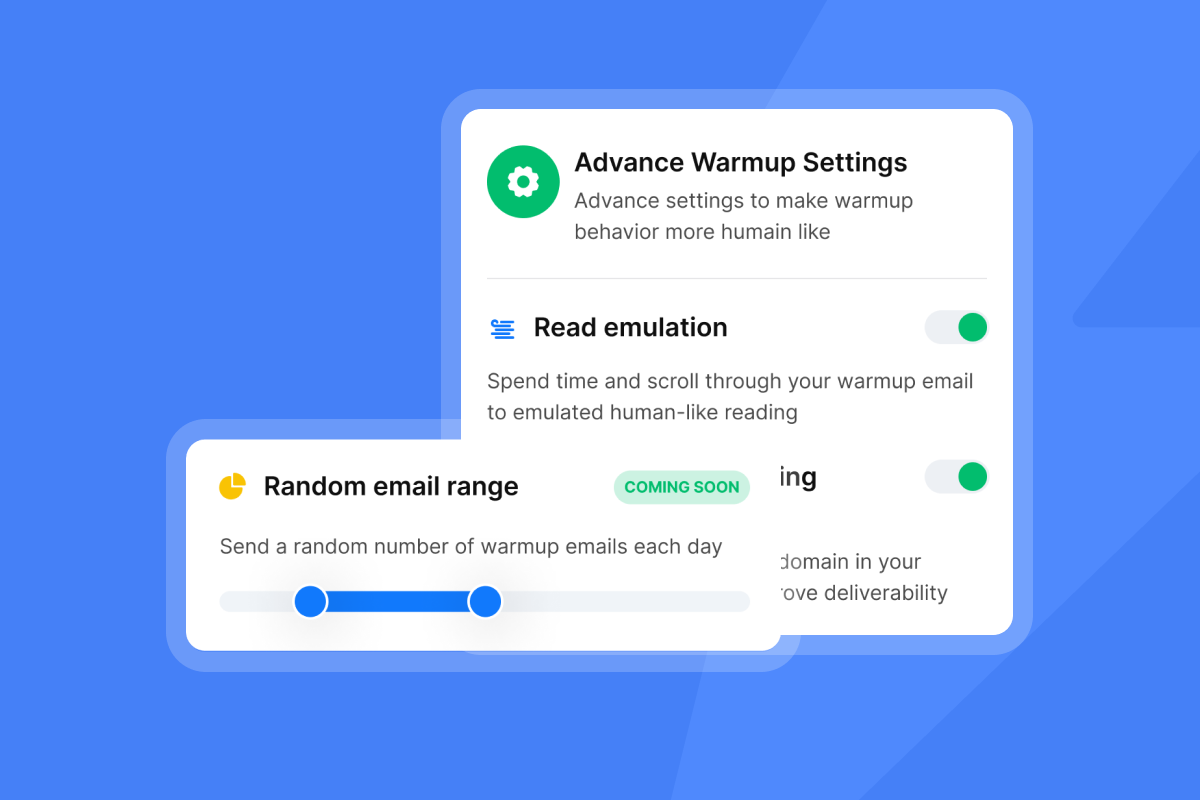
Purchased list deployment timeline
Downloading a purchased list takes minutes. Making it campaign-ready takes considerably longer. Before any broker export is ready to send, you must:
- Run every address through a verification tool to remove hard bounces
- Deduplicate against your existing CRM to avoid re-contacting known accounts
- Segment by ICP fit, because bulk exports rarely match your exact buyer profile
- Manually remove role-based addresses (info@, sales@) that inflate bounce and spam rates
This process typically adds one to three days of ops work, and it still does not resolve the underlying data freshness problem.
This process adds ops work before any messages can go out, and it still does not resolve the underlying data freshness problem.
A well-structured in-house build using a unified platform follows these steps:
- Define your ICP: Set filters by industry, company size, geography, and job title. The more precise your filter, the higher your relevance and reply rate.
- Filter and export: Query the database for contacts matching your ICP. With our 450M+ B2B contacts in SuperSearch, most ICPs return thousands of results in seconds.
- Verify before import: Run waterfall enrichment and confirm each address before it enters a campaign. Flag catch-all domains for a separate, lower-volume sequence.
- Push to campaign: Load verified contacts into your sending sequence with warmup active across all connected inboxes.
Our cold email strategy guide covers how to configure send windows and ramp schedules from day one.
The cost of fast B2B lists
The time saved by skipping verification is borrowed, not saved. Gmail's bulk sender guidelines require bulk senders to keep spam rates below 0.10% and hard bounces consistently below 2%. Accounts that exceed those thresholds face deferral and eventual domain-level blocking. Recovering a damaged domain takes weeks and can wipe out an entire month of pipeline, which is exactly the outcome a sales leader working to hit plan cannot afford.
The time saved by skipping verification is borrowed, not saved. Mailbox providers require bulk senders to keep spam rates below 0.10% and hard bounces consistently below 2%. Accounts that exceed those thresholds face deferral and eventual domain-level blocking. Recovering a damaged domain takes weeks and can wipe out an entire month of pipeline, which is exactly the outcome a sales leader working to hit plan cannot afford.
Data quality is not a one-time check. It degrades continuously, and your sending infrastructure reflects it in real time.
Provider data hygiene process
Legacy B2B list providers typically refresh their databases on quarterly or semi-annual cycles, and some rely on community-contributed updates that lag reality by months. B2B email addresses change at 3.6% monthly, which means a list refreshed 90 days ago has already drifted by approximately 10% on emails alone. Providers rarely disclose their exact refresh cadence before purchase, making it difficult to audit data quality before signing a contract.
In-house data validation process
A verified in-house list uses multiple layers of checks before any contact reaches a campaign:
- Syntax validation: Confirms the address format is structurally correct (no missing @ symbols, no invalid characters)
- Domain validation: Confirms the domain exists and has a valid MX record that can receive email
- Mailbox ping: Attempts a non-sending connection to verify the specific mailbox exists
- Catch-all detection: Flags domains that accept all incoming mail regardless of whether the specific prefix exists, because these carry elevated bounce risk and require lower send caps
Verified data for inbox placement
Our verification layer runs inside SuperSearch before contacts are pushed to a campaign. We check each address against our multi-provider enrichment stack and flag catch-all domains separately so you can assign them to a lower-throughput sequence. This means every contact in your active campaign has passed a verification gate, not just a bulk export filter. Our email outreach plans comparison guide covers how verification interacts with sending limits at each plan tier.

Legal pitfalls of email list acquisition
Compliance is not a legal team problem. A data breach or regulatory fine disrupts pipeline just as effectively as a spam block, and it carries reputational damage that is harder to repair.
Your B2B GDPR consent strategy
GDPR permits direct marketing using legitimate interest as a lawful basis, provided you can document that your outreach is genuinely relevant to the recipient's professional role and that you honor opt-out requests immediately. Purchased lists create a documentation gap: the original consent (if any) was given to the list vendor, not to you. Under GDPR, the data subject's consent does not transfer with the data.
Purchased lists create a documentation gap: the original consent (if any) was given to the list vendor, not to you. Under GDPR, the data subject's consent does not transfer with the data, and buying third-party email lists often lacks proper consent or legitimate interest documentation that can result in serious breaches. Our email tracking privacy and compliance guide covers how to structure a Legitimate Interest Assessment (LIA) for outbound B2B email in the US and EU.
CCPA requires that California residents be informed about data collection and given the right to opt out of sale or sharing. If you purchase a list that includes California contacts and cannot demonstrate proper data sourcing, you expose your company to complaints and fines. Building your own list with documented sourcing and a clear opt-out mechanism creates an audit trail that protects you in both jurisdictions.
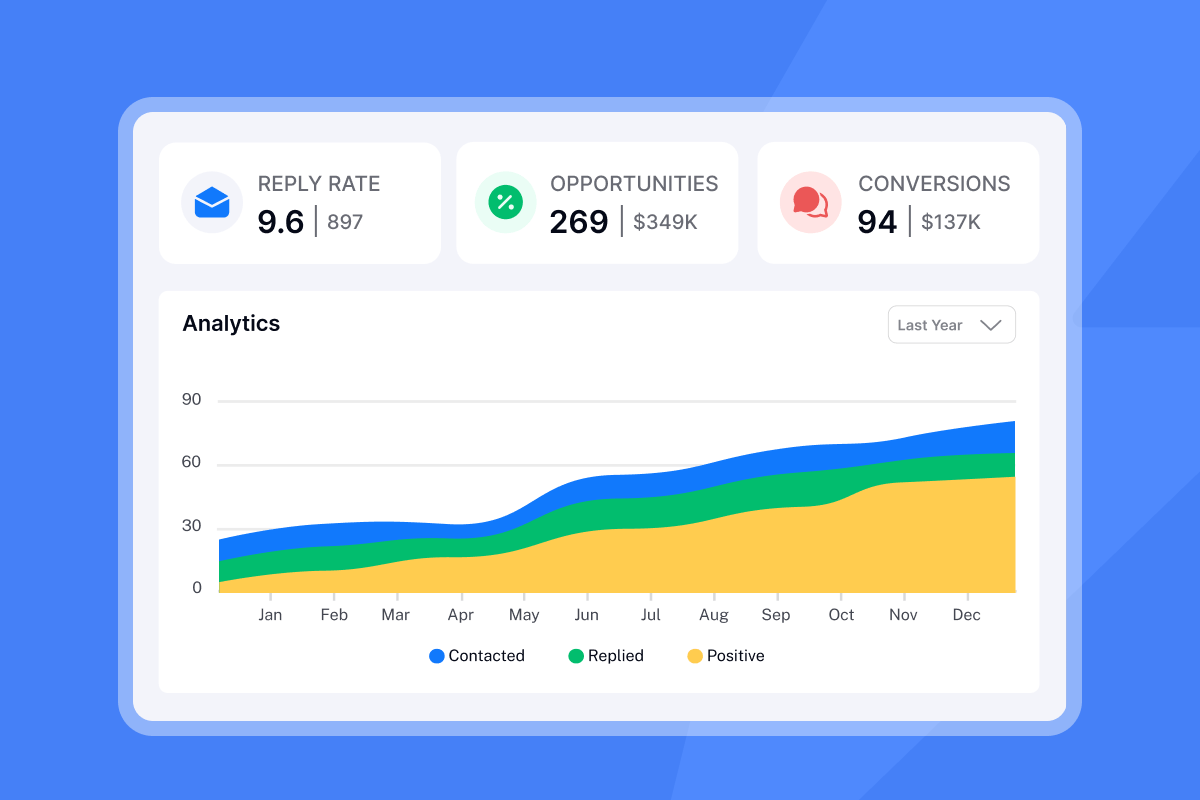
Safeguarding your brand & domain health
The reputational cost of a data complaint often exceeds the legal cost. Public backlash from a perceived privacy violation damages brand trust with exactly the accounts you are trying to win. Building lists through verified, documented processes means your outreach reflects the same professionalism as your product, and gives your legal and compliance teams a defensible position if questions arise.
Which approach boosts inbox placement?
Deliverability is where the buy-versus-build decision produces the sharpest contrast in outcomes.
The deliverability risk of bought B2B lists
Bounce rate research on purchased lists shows they routinely exceed 10% to 20%, compared to the 0.96% average for verified B2B campaigns. That gap is not a minor performance difference. Mailbox providers track sender reputation by domain, not by individual email, so a high-bounce batch poisons every future send from that domain. Under Gmail's bulk sender requirements, hard bounces persistently above 2% result in delivery deferral, and anything above 5% triggers active account review.
"Being able to connect as many inboxes as you need without a per-user fee is a game-changer. And the Unibox makes managing all those accounts effortless." - Alla L. on G2
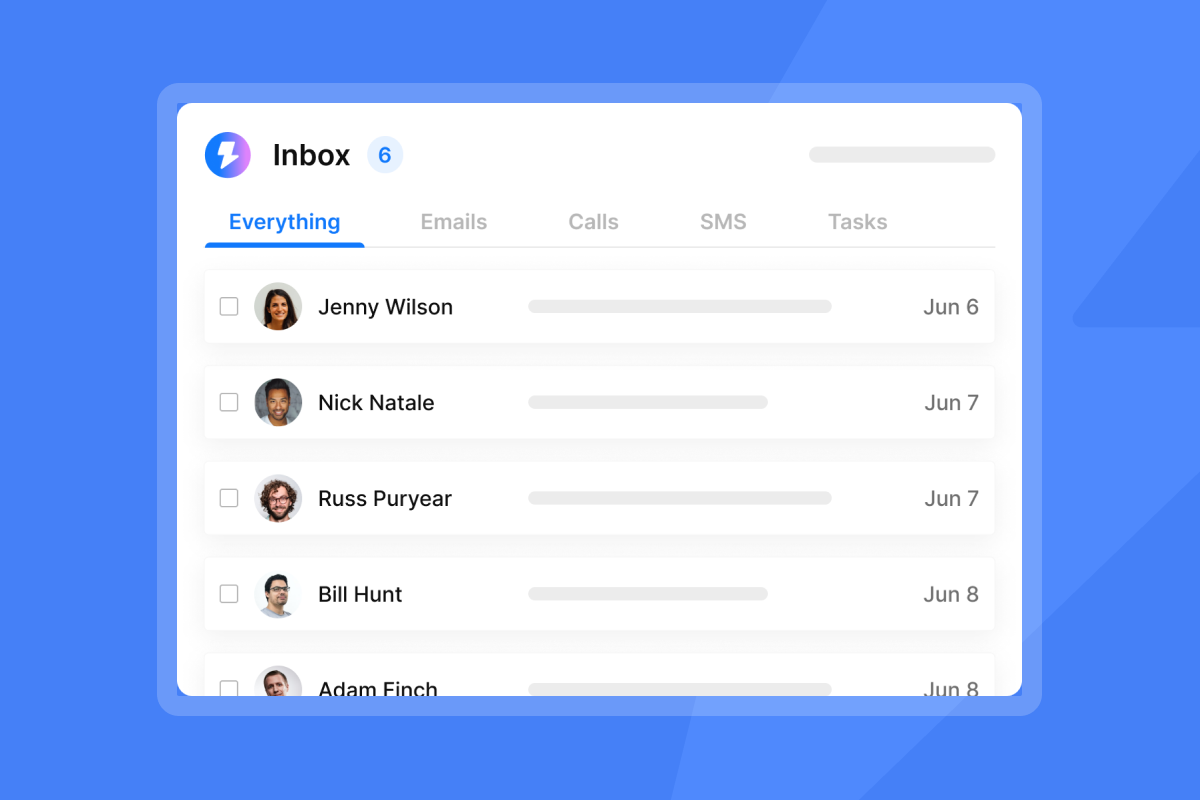
In-house control for top inbox placement
Inbox placement at scale requires a system, not a one-time setup. The core components are:
- Warmup: New inboxes ramp from 5 to 15 to 30 sends per day over 30 days before you scale campaign sends. Our guide to scaling with secondary sending domains covers how to structure domain architecture for safe volume growth.
- Pacing: Cap individual inboxes at 30 emails per day. Spreading sends across multiple inboxes and domains protects each sending identity.
- Monitoring: Track hard bounces per campaign. A rate between 0.5% and 2% is a caution range that warrants list hygiene review. Pause any sequence that crosses 2% and re-verify the affected segment before resuming.
Inbox placement at scale requires a system, not a one-time setup. The core components are:
- Warmup: New inboxes ramp from 5 to 15 to 30 sends per day over 30 days before you scale campaign sends. Our guide to scaling with secondary sending domains covers how to structure domain architecture for safe volume growth.
- Pacing: Cap individual inboxes at 30 emails per day. Spreading sends across multiple inboxes and domains protects each sending identity.
- Monitoring: Track hard bounces per campaign. A rate below 2% is healthy. Anything between 2% and 5% is a warning level that warrants list hygiene review. Pause any sequence that crosses 5% and re-verify the affected segment before resuming.
"The inbox rotation, sending controls, and campaign setup are all intuitive, which means you can go from idea to live campaign quickly." - Salam Karam on Trustpilot
Unclean lists & spam trap triggers
Our Inbox Placement automated tests send probe messages from your domain to a seed list covering major mailbox providers and surface whether your emails are landing in the primary inbox, promotions tab, or spam. Running this test before a major campaign launch is the operational equivalent of a pre-flight check. If placement degrades, you catch it before thousands of messages go out, not after your bounce rate has already climbed. The cold email deliverability guide from our YouTube channel walks through the full monitoring setup in video format.
Optimize your outbound email operations
The right approach depends on your ICP, volume, team size, and risk tolerance. Here is a framework for making the decision with clarity.
Situations favoring email list providers
There are narrow scenarios where a specialized broker makes sense:
There are narrow scenarios where a specialized broker makes sense:
- Hyper-niche segments: Trade show attendee lists or specialized industry databases not available in general B2B contact platforms.
- Time-sensitive tests: A 4 to 8 week proof-of-concept where you need a small, highly targeted set of contacts and lack time to build a filtered list from scratch.
Even in these cases, the broker's export still needs verification before it enters a campaign. Treat broker data as a starting point, not a ready-to-send list.
Mitigating list provider risks
If you do use a list provider, apply this checklist before signing:
- Ask for their data refresh cadence in writing and the date of last verification
- Request a sample and run it through a verification tool before purchasing the full list
- Confirm they have a bounce-back credit policy (most do not without negotiation)
- Verify that data sourcing complies with GDPR and CCPA for your target geographies
- Check their contract for auto-renewal clauses and cancellation notice periods
List operations work best when one RevOps or ops-aligned person owns the data layer: sourcing, verification, segmentation, and hygiene cadence. SDRs own sequence copy and reply handling. Keeping data operations separate prevents reps from cutting corners on list quality to hit activity metrics, and it keeps your domain health defensible during audits or rep turnover.
Team & budget allocation
For a team of 3 to 15 SDRs, list operations work best when one RevOps or ops-aligned person owns the data layer: sourcing, verification, segmentation, and hygiene cadence. SDRs own sequence copy and reply handling. Keeping data operations separate prevents reps from cutting corners on list quality to hit activity metrics, and it keeps your domain health defensible during audits or rep turnover.
Scaling your outbound email volume
The safest way to scale send volume is to add verified inboxes rather than increasing per-inbox daily send limits. Capping each inbox at 30 emails per day and spreading sends across 5 to 10 inboxes gives you 150 to 300 sends per day without triggering spam filters. We offer unlimited email accounts across all outreach plans on a flat fee, which means this architecture does not add cost as you grow. Per-seat platforms impose a proportional cost increase for every inbox you add, creating a direct financial disincentive to do the right thing operationally.
"Instantly makes it genuinely easy to run outbound at scale without feeling overwhelmed by complexity. The inbox rotation, sending controls, and campaign setup are all intuitive, which means you can go from idea to live campaign quickly." - Curtis S. on G2
Actionable advice for outbound success
Here is how to build and maintain a list-building system that compounds over time rather than degrading month over month.
Blending purchased & built lists?
Mixing dirty data with clean data is the most common mistake teams make when transitioning away from list brokers. Even a small percentage of invalid addresses from a purchased export will raise your bounce rate above safe thresholds if blended into a verified campaign. Treat list hygiene like a water filter: dirty input contaminates the output regardless of how pure the rest is. Run any externally sourced data through full verification before it touches your primary sending domains. If you cannot verify it, send it from a separate, lower-priority domain with a stricter daily send cap.
Auditing your email list data
Run verification immediately before any campaign launch, not on a fixed calendar schedule. Given that B2B email addresses change at 3.6% monthly, a list built 45 days ago has already drifted meaningfully. For active contact databases, a quarterly full re-verification is the minimum maintenance standard. Apply a sunset policy for contacts that have not opened or replied in 90 to 180 days: run a short re-engagement sequence, then suppress anyone who does not respond. Our cold email subject line pre-send checklist includes data hygiene checks as part of the pre-launch QA process.
Tech stack for B2B list creation
A starter stack that covers data, sending, and reply management without software bloat:
- Instantly Outreach (Growth): $47 per month. Unlimited sending accounts, built-in warmup, A/Z testing, AI Sequence Writer, and advanced warmup controls.
- Instantly SuperSearch (Growth): $47 per month. 450M+ B2B contacts, waterfall enrichment from 5+ providers, 1,500 to 2,000 verified credits per month.
- Instantly CRM (Growth): $47 per month. Unibox for centralized reply management, opportunity pipeline, and unlimited seats.
Total: approximately $141 per month on month-to-month pricing with no annual lock-in required to get started. Scale to Hypergrowth Outreach at $97 per month when you consistently approach 5,000 sends per month and need higher contact limits.
A realistic ramp from zero to first qualified meetings typically takes 2 to 3 weeks when you follow a structured warmup and verification process:
- Week 1: Connect inboxes, authenticate domains (SPF, DKIM, DMARC), and enable warmup. Build and verify your first ICP list in SuperSearch. Warmup starts at low daily volumes per inbox and builds gradually.
- Week 2: Export verified contacts and set up a sequence with 2 to 3 copy variants for A/Z testing. Launch campaigns at 15 sends per day per inbox. Monitor bounce rate and inbox placement daily.
- Week 3: Ramp to 30 sends per day per inbox as sender reputation builds. Review reply rates, book first meetings, and refine copy based on A/Z test results.
A realistic ramp from zero to first qualified meetings takes 14 to 21 days when you follow a structured warmup and verification process:
- Days 1 to 3: Connect inboxes, authenticate domains (SPF, DKIM, DMARC), and enable warmup. Warmup starts at low daily volumes per inbox and builds gradually.
- Days 4 to 7: Build and verify your first ICP list in SuperSearch. Export verified contacts and set up a sequence with 2 to 3 copy variants for A/Z testing.
- Days 8 to 14: Launch campaigns at 15 sends per day per inbox. Monitor bounce rate and inbox placement daily. Pause any sequence where hard bounces move into the caution range and re-verify before resuming.
- Days 15 to 21: Ramp to 30 sends per day per inbox as sender reputation builds. Review reply rates, book first meetings, and refine copy based on A/Z test results.
"It's a place where you can buy emails, warmup + send outreach. Up until now it always goes to primary inbox (no spam) so it's great!" - Diellor H. on G2
Building a verified B2B email list in-house is no longer the slower option. Our platform combines a 450M+ lead database, real-time waterfall enrichment, built-in warmup across a 4.2M-account deliverability network, and unlimited sending inboxes on a flat monthly fee. The speed advantage of purchased lists has disappeared. What remains is the compliance risk, the bounce rate damage, and the billing trap.
Start a free trial of Instantly and build your first verified list in SuperSearch today. To calculate cost-per-meeting savings from a flat-fee model, review our outreach plan pricing comparison and run the numbers against your current stack.
FAQs
What is an acceptable bounce rate for a B2B email list?
Keep hard bounces below 0.5% per campaign for a healthy sending profile, and treat anything between 0.5% and 2% as a caution range that requires list hygiene review. Under Gmail's bulk sender requirements, hard bounces persistently above 2% result in delivery deferral and rates above 5% trigger active account review.
How much does it cost to build a B2B list in-house?
A starter stack using Instantly's Growth plans for Outreach, SuperSearch, and CRM costs $141 per month total. This covers unlimited sending accounts, 1,500 to 2,000 verified lead credits, and a unified reply inbox with no per-seat fees.
How often should I clean my B2B email list?
Verify your data immediately before every campaign launch, since B2B email addresses change at 3.6% monthly. For active databases, run a full re-verification quarterly and apply a sunset policy to contacts inactive for more than 90 days.
Are purchased email lists GDPR compliant?
Usually not, because the data subject's consent was given to the vendor, not to you, and GDPR guidance explicitly warns that purchased lists often lack proper consent or legitimate interest documentation. Building your own list with a documented Legitimate Interest Assessment provides a far safer compliance foundation.
Can I use a purchased list alongside a verified in-house list?
Only if you run the purchased data through full verification first and send it from a separate domain with lower daily send caps. Mixing unverified broker data with your verified list raises bounce rates across the entire campaign and damages sender reputation on your primary domains.
Key terms glossary
Sender reputation: A score assigned to your sending domain by mailbox providers based on bounce rates, spam complaints, and engagement signals. High bounce rates from unverified lists lower this score and route your emails to spam folders.
Waterfall enrichment: A process that queries multiple data providers in sequence until a verified email address or data field is found. This produces higher match rates than any single provider delivers on its own.
Spam trap: A hidden email address used by blocklist operators to identify senders using scraped or purchased lists. Hitting a spam trap can result in immediate domain-level blacklisting.
Catch-all domain: A server configuration that accepts all incoming email regardless of whether the specific mailbox prefix exists. Contacts on catch-all domains require lower send caps and separate verification workflows because deliverability cannot be fully confirmed in advance.
Legitimate Interest Assessment (LIA): A documented process under GDPR that establishes a lawful basis for contacting prospects without prior opt-in, by demonstrating that the outreach is genuinely relevant to their professional role and that their interests do not override yours.
Inbox placement test: A diagnostic send that routes probe messages from your domain to a seed list of known mailbox addresses to confirm whether your emails are landing in the primary inbox, promotions tab, or spam folder before a full campaign launch.



