.svg)
%20(1).svg)


Updated March 12, 2026
TL;DR: Most sales teams test subject lines the wrong way: individual reps run small, uncontrolled experiments that produce statistically meaningless data and quietly damage domain health. A valid testing framework requires one variable at a time, 1,000+ sends per variant, and reply rate (not open rate) as the deciding metric. We built A/Z testing and unlimited sending accounts into Instantly so you can run high-volume, statistically valid tests without burning your primary domain.
When a rep "tests" a subject line on 50 leads and declares a winner, they have not tested anything, they have guessed with extra steps. The real problem is that ad-hoc experimentation running at different times across different reps using different lists produces noise that looks like signal. Teams react to it, update their templates based on it, and gradually drift toward whatever sounds clever rather than whatever converts.
Effective subject line testing is not a creative exercise. It is an operational system that demands strict variable isolation, adequate sample sizes, and a focus on the metrics that actually build pipeline. This guide covers how to build that system, govern it across a rep team, and run it inside Instantly without compounding costs or deliverability risk.
Why ad-hoc testing hurts domain health and data accuracy
The core problem with letting every rep run their own experiments is that cold email performance has too many confounding variables. Time of day, list quality, sender reputation, inbox warmup status, and even the day of the week all affect open and reply rates. When reps test in parallel using different accounts, different lists, and different send windows, you cannot isolate what caused a result.
This creates three compounding problems:
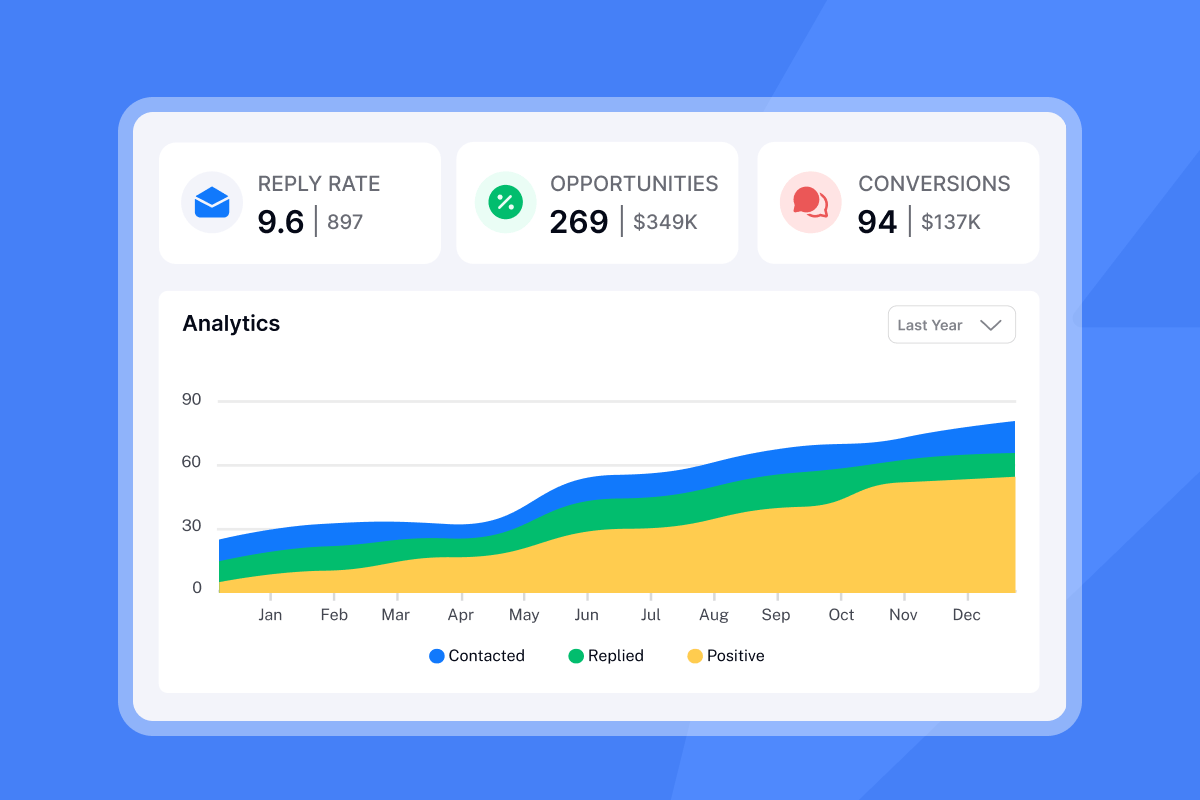
- Data fragmentation and false positives: A test showing a 13.25% vs. 12.5% open rate difference may look like a winner, but without sufficient volume that gap falls far below the 95% confidence threshold needed to act. Small samples amplify random variation, and only large sample sizes smooth out the noise.
- Domain reputation damage from clickbait testing: When reps experiment with high-urgency or deceptive subject lines, the risk extends beyond their own inbox. Gmail and Yahoo now require keeping spam complaint rates under 0.1%, and exceeding 0.3% can lead to messages being rejected or delivered to spam folders across the domain. One rep testing a fake "Re:" prefix or an alarm-style subject line can push the entire team toward the spam folder.
- Wasted pipeline: Good B2B cold email reply rates run between 5-10% for solid teams. Burning high-quality, verified contacts with untested messaging that generates spam complaints means those prospects are gone permanently.
The fix is not to restrict testing. It is to standardize it.
How to structure a valid A/B testing framework
Defining the hypothesis and isolating variables
Every valid test starts with a single, falsifiable hypothesis: "A subject line framing X will produce a higher reply rate than framing Y when sent to the same list segment, from the same inbox type, at the same send time."
The rule is strict: change only one element per test, keeping the email body, sender account type, send window, and lead segment identical between variants. This is the Control vs. Challenger model. The Control is your current best-performing subject line. The Challenger is the new hypothesis you are testing against it.
Changing two variables at once (say, subject line and first sentence) makes it impossible to attribute any difference in performance to either change. This is the most common failure mode in team-level testing, and it produces a library of "winners" that no one can actually replicate. You can see this single-variable discipline applied in the A/Z testing setup guide in our help center.
Determining sample size and statistical significance
The math here is non-negotiable. Aim for 1,000+ sends per variant for reliable results. As an absolute floor, 100-200 per variant is the minimum, but at that volume you can only detect very large performance differences, not the 1-2% reply rate gaps that actually matter for pipeline decisions.
Statistical significance means the probability that your result is not due to random chance. The standard threshold is 95% confidence, corresponding to a p-value of 0.05 or lower. This is the practical standard for making rollout decisions on template changes.
What this means operationally: if you send 30 emails per inbox per day across three inboxes (90 sends/day), reaching 1,000 sends per variant takes about 11 days per test. Add more warmed inboxes to accelerate the timeline. Cap each inbox at 30 emails per day and let the test run to your predetermined sample size before reading results.
Which metrics actually measure subject line success?
The trap of optimizing for open rates
Open rate feels like the obvious metric for a subject line test. The subject line controls whether someone opens the email, so optimize for opens, right? This logic breaks down in two ways.
First, Apple's Mail Privacy Protection (MPP), introduced in September 2021, preloads email content through Apple proxy servers before the recipient opens the message. The tracking pixel fires regardless of whether a human actually read the email. Apple accounted for 49% of email opens in January 2025, meaning nearly half of all "opens" in your analytics may reflect automated preloading rather than real human attention. Litmus data confirms that over 50% of email opens now happen on devices with MPP activated, making open rates unreliable for performance measurement.
Second, high open rates with low reply rates often signal a deliverability problem in the making. Clickbait subject lines drive opens by triggering curiosity, but when the body fails to deliver, recipients mark the message as spam. That engagement signal damages your sender reputation and reduces inbox placement for future campaigns.
Tracking positive reply rates and revenue impact
The North Star metric for subject line testing is positive reply rate: the percentage of sent emails that received a reply showing genuine interest, not an unsubscribe or an out-of-office. This is the only metric that directly predicts pipeline.
The funnel works like this: the subject line earns the open, the open gives your body copy a chance to generate a reply, and the reply creates a potential meeting. Testing at the subject line level means you are optimizing the first gate in that funnel.
Metric | What it measures | Reliability | Verdict |
|---|---|---|---|
Open rate | Subject line curiosity | Low (MPP inflates) | Directional only |
Reply rate | Message resonance | High | Primary success metric |
Positive reply rate | Genuine pipeline interest | Highest | North Star metric |
Meetings set | Revenue impact | Highest | Final validation |
According to Instantly's 2026 cold email benchmark report, the overall average reply rate is 3.43%, with top performers exceeding 10%. Positive reply rates for cold B2B campaigns typically land between 0.5-2%. Any variant that moves positive reply rate upward by a durable margin is a real win.

How to execute subject line testing in Instantly
Setting up A/Z testing with unlimited accounts
We built A/Z testing to support up to 26 variants within a single campaign step, so you can test a full range of hypotheses without creating parallel campaigns and splitting your reporting.
Here is the step-by-step setup:
- Create your campaign. Open the Campaigns tab and create a new campaign or open an existing one.
- Add your leads. Upload a verified, deduplicated lead list with consistent segment composition across variants to control for list quality.
- Write Variant A (Control). In the Sequences editor, write your current best-performing subject line and email body. This is your baseline.
- Add Variant B (Challenger). Click "Add variant" in the sequence editor. Change only the subject line, keeping the email body, sender signature, and send window identical.
- Enable even distribution. We distribute A/Z testing variants evenly across the campaign's lifetime by default, balancing send volume across variants automatically.
- Configure Auto-Optimize (optional). Navigate to Campaign Options, then Advanced Options, then Auto-optimize A/Z testing. Select reply rate as the winning metric and save. Our system will analyze variant performance and automatically pause under-performing variants once a clear winner emerges.
Unlimited accounts make this safe at scale. Our flat-fee Outreach plans include unlimited email sending accounts on every tier, backed by a deliverability network of 4.2M+ accounts, which means you can spread test volume across 20 or 30 warmed inboxes to hit the 1,000+ sends per variant threshold without putting any single inbox at risk. Per-seat models like Outreach.io or Apollo charge for every additional inbox, discouraging the multi-inbox approach that makes safe, high-volume testing possible.
"I really like the unlimited email accounts feature because it allows me to scale outreach safely and efficiently without hitting the sending limits, which is crucial for consistent lead generation." - Pradeep T. on G2
For a full walkthrough of the sequence editor from scratch, this campaign setup video covers the complete flow.
Monitoring the campaign analytics dashboard
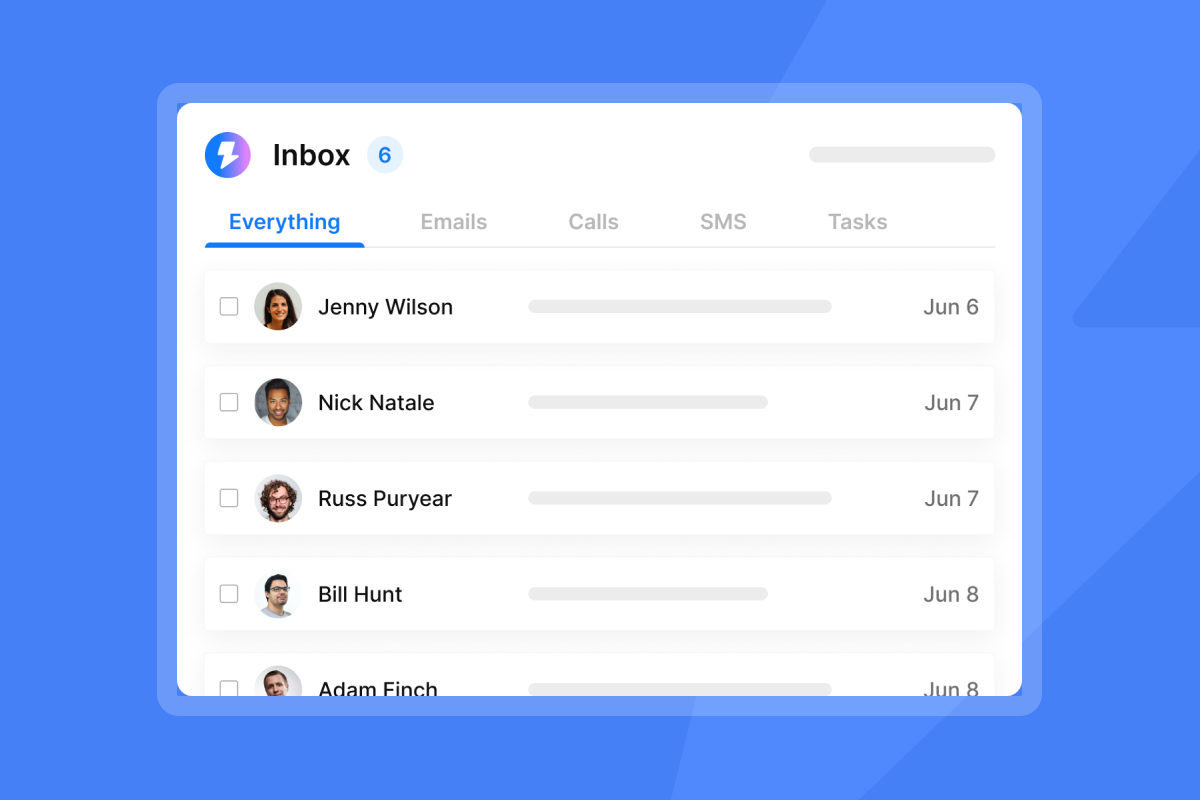
Once your test is running, our Analytics tab shows per-variant performance side by side. The key columns are Sent, Opened, and Replied. Focus on reply rate by variant, not the raw open rate.
Here is what to watch across four metric categories:
- Primary metrics: Reply rate per variant (your decision metric)
- Quality metrics: Positive replies and meetings set
- Health metrics: Bounces at or below 1%, spam complaints at or below 0.3%
- Trend metrics: Week-over-week change to catch seasonality effects
Declare a winner only when the reply rate gap between variants is durable across multiple days of data and your predetermined sample size is reached. Choose reply rate as your single winning metric for cold outreach and call the winner only when the gap is stable, which prevents false positives from skewing your template library.
"I like the campaign analytics feature of Instantly. It feels like a three-dimensional tool that provides information on how many emails are sent and the replies received. It even tracks how many emails are opened, putting everything in one place." - Saral S. on G2
For a deeper walkthrough of deliverability health monitoring alongside your analytics, the Ultimate Guide to Cold Email Deliverability covers how to read health signals alongside performance data.
Operationalizing the winner: how to scale results across the team
Once you reach 95% confidence and a clear reply rate winner, the next step is rollout. The key discipline here is to run tests to your predetermined sample size, not to stop early the moment you see a gap, since early results reflect noise more than signal and can produce false winners.
The rollout process works in three steps:
- Document and communicate. Screenshot the analytics comparison, note the winning variant, record the metrics, and log the send dates and list segment. Share the specific result with SDRs and AEs so they understand why the template changed. Teams that understand the reasoning behind a template update are far more likely to use it correctly.
- Update master templates and establish the new control. Promote the winning subject line into the team's shared sequence library. Every rep's next campaign launch will use the new control. That winning variant is now Variant A in your next test, with a new hypothesis built on what you learned. For example, if a shorter subject line won, your next test might compare a personalized short line vs. a non-personalized short line.
- Maintain testing cadence. Run one hypothesis per week and target a small, repeatable lift. Three 8% relative lifts in reply rate, stacked over three tests, compounds into a meaningful gain without requiring you to swing for a home run on any single experiment.
"...the consistent deliverability and the strong support team enhance the overall experience, while the reliability and ease of use make the process from campaign setup to results straightforward." - Nathan D. on G2
For a complete view of how composable campaign management works across multiple rep accounts, the Instantly platform demo walkthrough shows sequence governance in practice.
Common testing pitfalls that ruin deliverability
Running a proper testing process means actively guarding against the tactics that look like testing but actually degrade your infrastructure.
Testing "Re:" or "Fwd:" prefixes. Filters analyze message headers for legitimate reply chains. A subject line with "Re: Our conversation" that lacks proper In-Reply-To headers fails header validation, and the CAN-SPAM Act prohibits deceptive subject lines. Beyond the legal risk, these tactics drive spam complaints at a rate that can trigger deliverability damage with as few as one complaint per 1,000 sends, per Gmail's bulk sender standards.
Testing too many variants simultaneously. Splitting 500 sends across five variants gives you 100 sends per variant, which is statistically meaningless, so keep active variant count to two (or at most three) per test run. This ensures each variant accumulates volume fast enough to produce reliable data within a reasonable timeframe.
Stopping tests before hitting your sample size. A gap that appears after 200 sends often disappears or reverses at 800 sends. Commit to your predetermined sample size before reading results, since early data in email testing reflects noise more than signal.
Testing on your primary domain. Use secondary sending domains for exploratory tests. Your primary domain carries your brand reputation, so run experimental variants from warmed secondary domains to keep any reputation impact isolated.
Reacting to open rate spikes. A subject line that dramatically increases opens but does not move reply rate is not a winner. It is either MPP inflation or a mismatch signal. Check your inbox placement tests before attributing an open rate spike to subject line quality.
How we make systematic testing operational
Instantly is built around the infrastructure requirements for valid, safe testing at team scale. Three capabilities stand out for sales leaders who need to govern testing across a rep team.
Unlimited accounts on a flat fee. We include unlimited email sending accounts and warmup on every Instantly Outreach tier. The Growth plan starts at $47/month, and adding ten more inboxes for testing does not increase your bill. This is the structural opposite of per-seat models where each inbox adds cost and discourages the volume required for statistically valid tests.
A/Z testing with auto-optimize. Our auto-optimize feature removes the manual step of declaring a winner by monitoring reply rate (or your chosen metric) across variants and automatically pausing lower-performing ones. You define the rules once and the system enforces them, covered in detail in the A/Z testing help article.
Unified analytics for team-level reporting. Our Analytics dashboard surfaces per-variant performance in a single view, making it straightforward to run a CFO-level review of which subject line investments drove meetings and pipeline. As one user put it:
"I really like the analytics dashboard, which gives me clear insights into opens, clicks, and replies so I can adjust my campaigns quickly." - Shiv C. on G2
Ready to run your first governed subject line test? Try Instantly free and set up an A/Z test inside the Campaigns tab using the steps in this guide.
Frequently asked questions about subject line testing
What is a good open rate for B2B cold email in 2026?
A good cold email open rate is above 45% for B2B. Treat open rate as directional only due to Apple MPP inflation, and do not use it as a test winner metric.
How many emails do I need to send per variant for a valid test?
Target 1,000+ sends per variant for detecting meaningful performance differences reliably. The absolute floor is 100-200 per variant, but at that level you can only detect very large gaps. Run tests for at least 3-7 days to account for day-of-week variance.
How long should I run a subject line test before calling a winner?
Run until you reach both your predetermined sample size and 95% statistical confidence, typically 1-2 weeks depending on daily send volume. Do not stop early just because you see a gap, since early results are highly susceptible to random variation.
Should AI write my subject line variants?
AI tools are effective for generating candidate subject lines quickly. Human review is required before any variant goes live to check for deceptive framing, spam triggers, and brand alignment. Use AI to generate the hypothesis pool, then test which one wins.
What is a realistic positive reply rate target for cold B2B email?
Positive reply rates for cold B2B campaigns run between 0.5-2%, with top performers hitting above 2%. This is the metric that predicts whether a subject line change actually moves pipeline, not just opens.
Key terminology
A/Z testing: Testing multiple variants of an email component (subject line, body copy, CTA) simultaneously within a single campaign. We support up to 26 variants per sequence step in Instantly.
Statistical significance: The probability that a performance difference between variants is not due to random chance. The standard threshold for acting on email test results is 95% confidence (p-value of 0.05 or lower).
Control group: The current best-performing variant used as the baseline for comparison. Every new challenger is measured against the control's reply rate.
Positive reply rate: The percentage of sent emails that received a reply indicating genuine interest, excluding unsubscribes, out-of-offices, and negative responses. This is the North Star metric for subject line testing.
Mail Privacy Protection (MPP): Apple's feature, introduced September 2021, that preloads email content through proxy servers, causing tracking pixels to fire regardless of whether a human opened the message. This inflates open rates and makes them unreliable as a performance metric.
Sender reputation: A score assigned by inbox providers (Gmail, Outlook, Yahoo) based on engagement signals including reply rate, spam complaints, and bounce rate. Subject line choices directly affect spam complaint rates, which affect sender reputation for the entire domain.



