.svg)
%20(1).svg)


Updated May 11, 2026
TL;DR: Pre-send email list validation is a non-negotiable quality gate that protects your domain health, reduces bounce rates, and prevents your sending accounts from landing on blocklists. The core checks are format validation, duplicate detection, MX record verification, and SMTP mailbox checks. B2B email databases decay at 22.5% per year, meaning any list older than a few months carries serious risk. Running these checks at the point of upload, before a single email goes out, costs far less than repairing a burned domain. Instantly.ai automates every check and gives you access to a 4.2M+ accounts deliverability network through SuperSearch, so your campaigns start clean by default.
If you manage outbound campaigns for a sales team or agency, this guide covers the validation process your upload workflow needs. Most sales teams obsess over email copy while ignoring the dirty data their reps upload every morning. Your deliverability problem often has nothing to do with subject lines. It starts the moment you click upload, and the bad data that slips through into your sequence.
This guide shows you exactly how to build strict validation checkpoints at the upload stage, covering format checks, duplicate detection, domain and MX verification, and SMTP mailbox checks, so every campaign starts with data you can defend.
Why validation at upload protects domain health
Your sender reputation depends directly on what you send and to whom. When a campaign goes out to invalid addresses, the bounce signals tell inbox providers your sending domain is untrustworthy, a verdict that compounds fast.
Domain health risks of dirty email lists
B2B email databases decay at 22.5% per year, according to DemandScience research, which works out to approximately 2.1% of your list going stale every month on a compounded basis. A list you purchased or built six months ago already carries a meaningful percentage of dead addresses.
The consequences fall into three categories:
- Bounce rate: Keep bounce rates at or below 2%. Anything above that threshold signals poor list hygiene to inbox providers. Rates climbing toward 20% risk account suspension and put your domain on the path to blacklisting.
- Spam traps: Pristine traps are addresses that were never valid and exist purely to catch senders with poor hygiene. Even a small number of pristine trap hits can cause serious damage to your inbox placement rates and trigger blacklist flags.
- Blocklists: Repeated sends to non-existent addresses increase the probability of hitting a spam trap and landing on a blocklist, blocking your emails across major providers overnight.
For a deeper look at how deliverability connects to sequence design, see the guide on email deliverability for sequences.
How pre-send checks prevent blacklisting
Catching bad addresses before you send keeps your domain off blocklists and your campaigns running. Sending to invalid addresses generates no pipeline and significant reputation damage. A domain repair process can take weeks and costs pipeline. Catching errors at upload costs seconds.
Pre-send validation tools typically run multiple checks before campaign launch. Format and list quality sit at the top for a reason: content and timing improvements produce marginal gains when the underlying data is broken.
Cap your daily send volume at 30 emails per inbox per day, and pair that discipline with strict upload validation. That combination gives you the best chance of maintaining primary inbox placement across all your sending accounts.
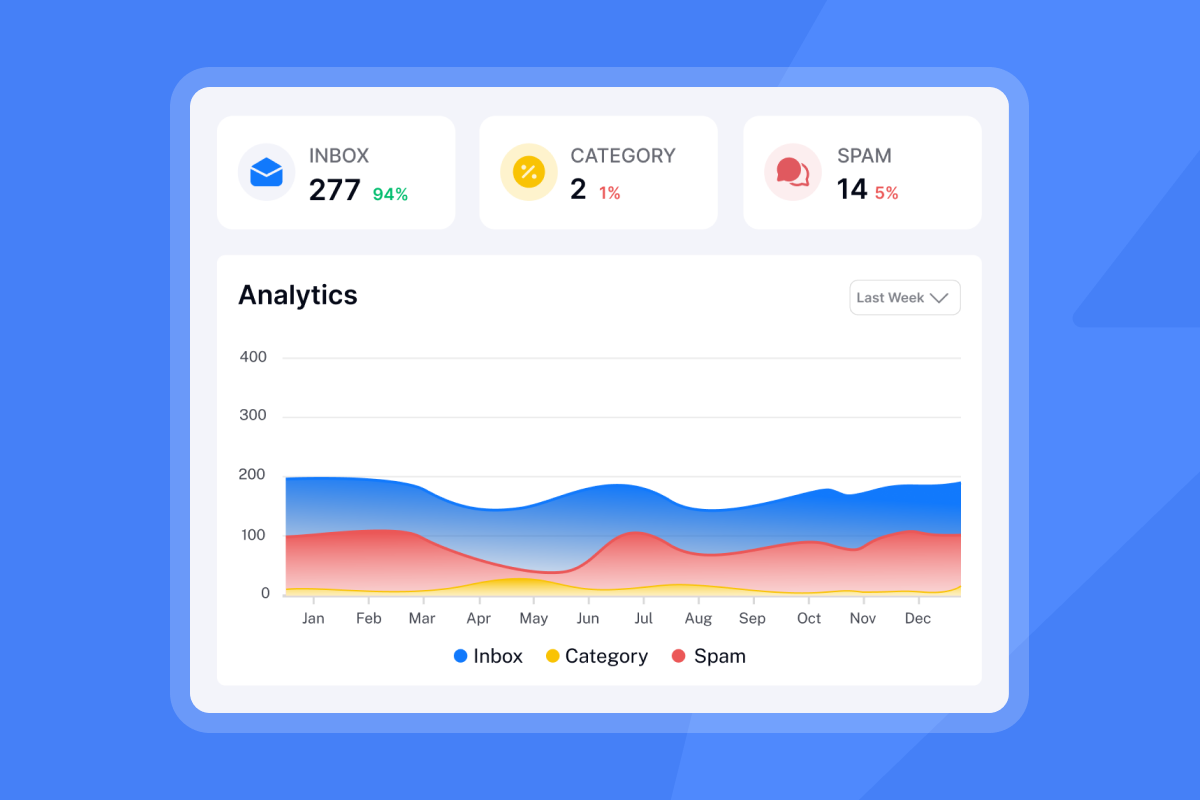
Mandatory quality gates for email list uploads
Every contact must pass five validation checks before it enters a sequence, with no exceptions. For new lists, complete validation before upload and again at the start of your ramp period if more than two weeks pass between upload and first send. For existing campaign lists, re-run validation if the list is older than 30 days, if the campaign has been paused for more than two weeks, or if your bounce rate has climbed above 1% mid-campaign. Re-validation is also recommended any time you merge two lists from different sources. Here is what each check does and why it matters.
Validating email address structure
Syntax validation catches formatting errors that make an address undeliverable before you attempt to send. Common failures include:
- Missing "@" symbol (e.g.,
johndoeexample.com) - Consecutive periods (e.g.,
user..name@domain.com) - Addresses starting or ending with a period (e.g.,
.username@domain.com) - Invalid characters such as spaces or HTML tags (e.g.,
user @domain.com) - Missing or invalid top-level domains (e.g.,
user@domain)
A proper syntax checker identifies missing "@" symbols, invalid characters, misplaced dots, and other formatting issues that make an email address undeliverable. For B2B outbound purposes, syntax validation is the first step, not the final one. Many addresses pass format checks and still fail to deliver because the mailbox does not exist or the domain is inactive. Pair syntax checks with MX record and SMTP verification to confirm an address can actually receive email. Syntax checks add negligible processing time to your upload workflow.
Stop duplicate sends across lists
Duplicates skew your reply rate metrics, annoy contacts who receive the same email twice, and waste sending capacity. Most validation tools include free deduplication, which means this check costs nothing to run and you should apply it before every upload.
Deduplication compares email addresses as the primary key. When the same address appears in two lists, in two rows of the same CSV, or in both a new upload and an existing campaign, keep only one instance and remove the duplicates.
Confirm recipient domain & MX status
An MX (Mail Exchanger) record identifies which mail server receives email for a domain. Cloudflare's DNS documentation explains that without a valid MX record, a domain cannot receive email. Checking MX records at upload confirms the destination domain is operational before you attempt delivery.
This check catches company domains that have shut down, rebranded, or changed mail providers without updating their DNS, and it flags bulk-purchased list entries where the domain was never configured to receive email at all.
Scoring email health for inbox placement
SMTP verification is the deepest mailbox-level check available without sending an actual email. It connects to the receiving mail server, steps through the SMTP handshake, and reads the response codes the server returns. A 250 response to the RCPT TO command indicates the server accepted the recipient address. A 550 response indicates the mailbox is unavailable, which typically means it does not exist, though it can also reflect policy restrictions on the recipient's server.
During this verification handshake, no email message reaches the recipient's inbox. Depending on the recipient server's configuration, the connection may also leave a log entry. Some mail servers also identify the interaction as a verification attempt by examining message structure, since empty or near-empty messages are a known signal of callback verification checks.
"The built-in warmup features and safety checks also ensure that I don't risk burning my domains." - Verified user review of Instantly
For more on keeping emails out of spam filters, see the Instantly deliverability guide.
Role-based & disposable email filtering
Three categories of addresses require special handling even when technically valid:
- Role-based addresses (info@, sales@, support@, admin@): These route to departments, not individuals. They generate spam complaints at higher rates and rarely produce direct replies to cold outreach, which makes them high-risk for any sequence.
- Disposable addresses: Providers like Mailinator, Guerrilla Mail, and 10MinuteMail issue addresses that expire within minutes or hours. These pass syntax checks but bounce when your campaign sends.
- Catch-all servers: These servers accept all inbound email for a domain regardless of whether the specific mailbox exists, then handle delivery internally. Run catch-all detection before upload, because a server that accepts all inbound email tells you nothing about whether the specific mailbox you're targeting actually exists.
Purpose-built validation tools detect more than 30 email address types in a single pass, covering all three categories above. Filtering these out before upload reduces complaint rates and improves the signal quality of your reply rate data.

How to set up validation workflows in Instantly
Follow these five steps to build a repeatable validation gate that any SDR can execute before launching a campaign.
Step 1: Customize email list criteria
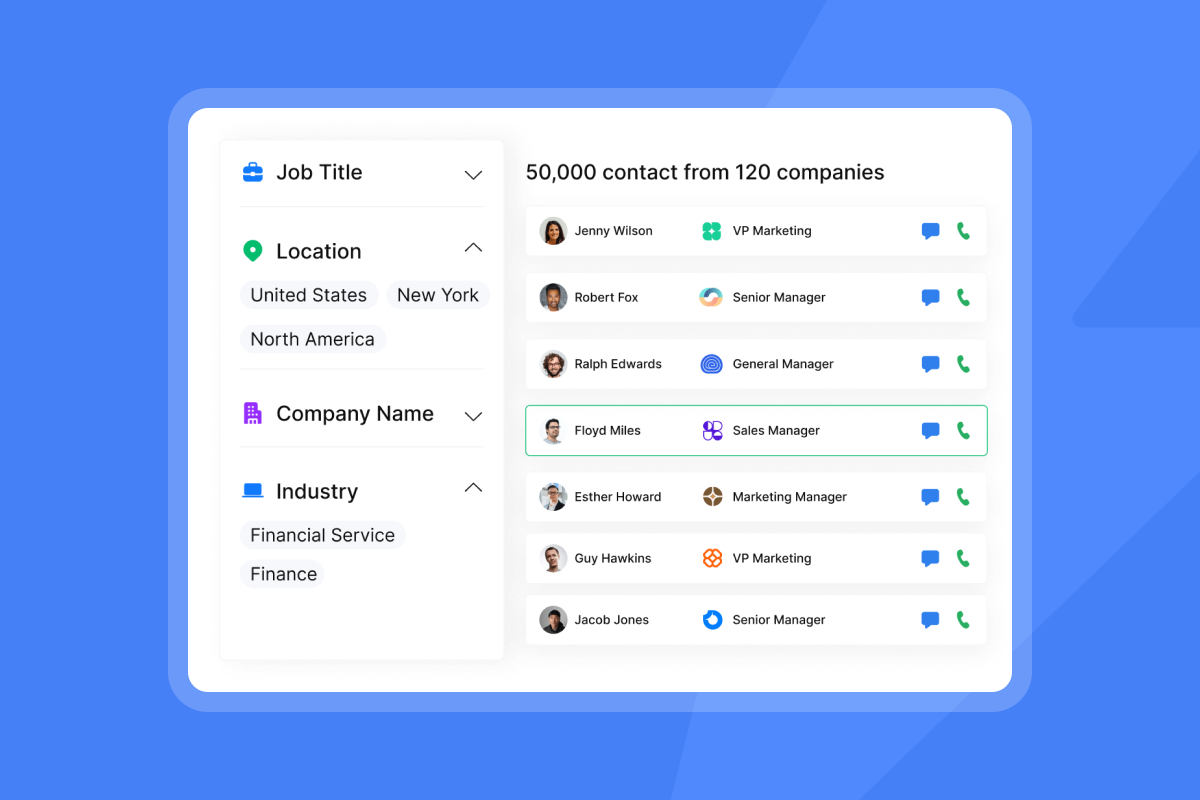
Define what makes a contact acceptable before you source or upload any list. In Instantly SuperSearch, you filter a large B2B lead database by job title, industry, company size, location, and technology stack. SuperSearch applies multi-layer waterfall enrichment to every contact, so each record carries a verified status before it reaches your list.
For externally sourced lists, write your criteria: require verified email status, reject catch-all flags and role-based addresses, confirm the company domain has active MX records.
Step 2: Set list acceptance criteria
Establish numeric thresholds that trigger a hold on any list upload. A practical baseline:
- Bounce rate threshold: Flag any list with a predicted bounce rate above 2% for cleaning before upload.
- Verification coverage: Treat any list where a significant portion of addresses lack verification status as a hold until you can run them through a validation tool.
- Role-based address concentration: Manually review lists with a high proportion of role-based addresses before importing them into active sequences.
These thresholds give SDRs a clear pass/fail signal and remove the judgment call that leads to "we'll send it anyway" decisions. The Instantly bounce troubleshooting guide covers the root causes and remediation steps when bounces do occur.
Step 3: Implement data entry checkpoints
When SDRs upload CSVs, the mapping screen is your last manual checkpoint before automation takes over. Train reps to confirm:
- Email field maps correctly to the email column (not "Company" or "Name")
- No blank rows or merged cells that corrupt field mapping
- Complete the suppression list check (previous bounces, unsubscribes, DNC contacts)
Cross-reference every new upload against your existing campaign lists to prevent the same contact from entering multiple active sequences simultaneously.
Step 4: Assess contacts for deliverability
After upload, use Instantly's lead verification feature to run automated checks on your contacts directly inside the platform. The verification process applies layered checks and flags risky addresses in the results.
Review the verification report before activating the campaign. Remove contacts flagged as invalid or risky, or move them to a review queue. Never send to flagged addresses.
Step 5: Ensure list quality & deliverability
Before the campaign launches, run a test using Instantly's Inbox Placement tool to check where your emails land across major inbox providers before any real contact receives them.
If placement scores are low despite a clean list, the issue is likely sender reputation or authentication (SPF, DKIM, DMARC), not data quality. See the secondary sending domains guide for scaling strategies that protect your primary domain.
Wasted budget: The cost of invalid contacts
Launch-blocking data issues
High bounce rates trigger campaign pauses, and inbox providers interpret that signal as a hygiene failure. Every email sent to an invalid address consumes sending capacity, credits, and SDR time with zero pipeline return. A single spam trap hit signals poor list hygiene to inbox providers and can trigger blacklist flags that affect every campaign you send from that domain going forward, and the indirect cost multiplies across every future campaign sent from that domain.
Isolating & cleaning bad email data
Email list cleaning covers the full process: running validation checks, flagging bad addresses, removing duplicates, and filtering risky address types. The output is a contact file where every row has passed syntax, domain, MX, and SMTP checks.
According to HubSpot's email marketing research, around 23% of emails on a typical B2B list are invalid. Running a bulk validation pass before upload catches this percentage before it damages your sender reputation.
Team decisions for bad data
When contacts fail validation, you have three options:
- Delete: Remove hard-invalid addresses (permanent failures, non-existent mailboxes) from your working list entirely.
- Research: For contacts that flag as catch-all or unverifiable but are strategically important, assign manual research to confirm the correct email format.
- Hold: Temporarily remove risky addresses (role-based, disposable) from the active sequence and revisit when better contact data is available.
Building validation into your team process
If you manage a team of SDRs, validation only protects you when every rep, every list source, and every campaign follows the same process.
Define SDR data hygiene rules
Write a short checklist that every SDR completes before uploading any list:
- CSV format check: Confirm no extra columns, corrupted entries, or merged cells.
- Required field check: Verify that first name, last name, company, and email columns are present and correctly mapped.
- Personal email removal: For B2B campaigns, most of your contacts should already be on business domains. If personal Gmail, Yahoo, or consumer Outlook addresses appear in your list, treat them as a data quality signal rather than a targeting decision. Google's sender enforcement rules apply to personal Gmail accounts, not Google Workspace, so a high count of personal addresses suggests your source data needs review.
- Suppression list cross-reference: Run the file against your DNC list and previous bounce records.
The cold email subject line pre-send checklist covers the QA steps that complement list hygiene.
Defining email validation rules
Validation also protects you from compliance exposure. Anti-spam compliance frameworks are clear that sending to invalid or non-consented addresses creates risk under regulations including CAN-SPAM and GDPR. For more on compliance framing for your outbound program, see Instantly's email tracking privacy guide.
Define your validation rules in writing and store them in your team's onboarding materials so new SDRs follow the same process from day one.
Logging validation for defensible data
Log which lists you validated, when, with which tool, and what the rejection rates were. This log gives you defensible data when a CFO or legal team asks why a campaign paused or why a domain reputation dropped. It also lets you track reject rates by list source over time, which is the foundation for vendor quality scoring.
Keeping your B2B list clean long-term
Validation at upload is a point-in-time check. Ongoing maintenance extends the value of your contact data between campaigns.
Tracking reject rates by source
Record the percentage of invalid contacts returned by each data provider you use. A provider with a 25% invalid rate costs you more in wasted sends and reputation damage than a provider priced 30% higher but delivering 97% valid contacts. The math favors quality data at almost every price point.
Evaluating ongoing list quality
Here is a comparison of the major email validation tools for lists sourced outside of Instantly's SuperSearch:
Tool | Key features | Accuracy claim | Starting price |
|---|---|---|---|
Instantly SuperSearch | Pre-verified contacts with multi-layer waterfall enrichment, syntax, MX, and SMTP checks built in, Inbox Placement tests, 4.2M+ accounts deliverability network | Multi-layer verified | From $47/mo (SuperSearch Growth) |
Bulk validation tools | Syntax, DNS/MX, and | 99%+ | Pay-as-you-go from $0.003/email |
Real-time API validators | Address-level checks at the point of data capture. Best for form submissions and | 99%+ (varies by tool) | Usage-based pricing; free tiers available |
Domain-level prospecting tools | Syntax, MX, SMTP, and confidence scoring tied to domain search. Best for building and | Varies by tool | Free tiers available; paid plans from $34/mo |
When you source leads directly from Instantly's SuperSearch, multi-layer verification is already applied before the contact reaches your list. Syntax, MX, and SMTP checks run as part of the enrichment process, and every contact carries a verified status before you upload. The tools above are best suited for cleaning externally sourced lists that arrive without a verification layer attached.
How to prepare your email lists
Use this final checklist before activating any campaign:
- Run syntax validation on every address in the CSV.
- Remove duplicates across all active lists and the new upload.
- Confirm MX records are valid for all recipient domains.
- Complete SMTP mailbox checks and remove hard-fail addresses.
- Filter role-based addresses, disposable addresses, and catch-all flagged contacts.
- Cross-reference against your suppression list (previous bounces, unsubscribes, DNC).
- Run an Inbox Placement test before the first send.
- Cap sending at 30 emails per inbox per day during the ramp period.
For how validation connects to broader campaign performance, see email tracking software for bulk outreach and subject line testing governance.
How fast is email list validation?
Speed depends on list size and the depth of checks performed. Most validation tools process small lists in real time and batch larger files in bulk jobs. If your list comes from SuperSearch, verification status is already attached to every contact record, so no additional wait is required before upload.
Managing email validation overrides
Occasionally, a strategically important contact will fail validation. In those cases:
- Confirm the address format manually against the company's website or LinkedIn profile, and check whether the company uses a catch-all server (common in enterprises) rather than a broken mailbox.
- If the address is worth sending to, create a single-contact test send before adding it to a live sequence.
Never override in bulk. Individual overrides based on confirmed research are defensible. Mass suppression of validation warnings is not.
Disposition of invalid B2B leads
For contacts that fail and cannot be corrected:
- Archive them with a status tag ("invalid - bounced", "role-based - removed") rather than deleting them permanently. This supports suppression list matching for future uploads.
- If the contact is high-value (right title, right company), route them to a manual research queue for phone or LinkedIn verification.
- When the company domain is entirely inactive (MX records absent), flag the company record in your CRM to block future uploads from the same source.
Prevent send delays with validation
Keeping bounce rates at or below 2% reduces the risk of ISP throttling and supports consistent inbox placement across your sending accounts. Understanding campaign pause triggers is easier when your list is clean, because you know the data is not the problem. That makes troubleshooting faster and keeps SDR productivity on track.
Try Instantly free to access built-in list validation and our 4.2M+ accounts deliverability network in SuperSearch. Let automation handle data hygiene while your SDRs focus on converting replies into meetings.
FAQs
What is B2B email list validation?
B2B email list validation checks every email address on a contact list for format accuracy, domain validity, MX record status, and mailbox existence before you send a campaign. It removes invalid, duplicate, and risky addresses to protect sender reputation and reduce bounce rates.
How do MX record checks work during email validation?
An MX record check queries the DNS system for the recipient domain to confirm a mail server can receive email. When no valid MX record exists, the domain cannot receive email, and you should flag the address as undeliverable regardless of whether the format is correct.
What bounce rate threshold should I enforce before uploading a list?
Keep your bounce rate at or below 2%. Industry deliverability guidelines treat anything above 2% as a signal of poor list hygiene, and rates approaching 20% risk account suspension with your sending platform. Flag any list with a predicted bounce rate above 2% for cleaning before upload.
How do SMTP checks verify a mailbox without sending an email?
SMTP checks initiate a handshake with the recipient's mail server and read response codes without completing message delivery. A 250 response to the RCPT TO command indicates the server accepted the recipient address. A 550 response indicates the mailbox is unavailable. This process creates a server log entry but no email message reaches the recipient's inbox during this check.
Does Instantly validate email lists automatically?
Yes. Instantly includes lead verification tools that run syntax, domain, and mailbox checks on your contacts before you add them to a campaign. You can verify leads directly in the platform and use Inbox Placement tests to confirm where your emails land before the campaign activates. SuperSearch also delivers pre-verified contacts from our deliverability network, reducing the need for separate cleaning tools.
Read Next
- How to Build a Cold Email List: Sourcing, Verification, and List Management
- SPF, DKIM, and DMARC Setup: Email Authentication Guide for Cold Outreach
- Email Domain Reputation Mistakes And How to Fix Them
Key terms glossary
Bounce rate: The percentage of sent emails that fail to deliver. Hard bounces indicate permanent failures (invalid address or domain). Keep total bounce rate at or below 2%.
MX record: A DNS record specifying which mail server handles incoming email for a domain. Missing or invalid MX records mean the domain cannot receive email.
SMTP check: A mailbox-level verification that initiates a connection with the receiving mail server to confirm a specific address exists, without sending an actual message.
Catch-all server: A mail server configured to accept all emails addressed to its domain, regardless of whether the specific mailbox exists. Validation tools flag addresses on catch-all servers as risky because the server's acceptance masks invalid mailboxes.
Spam trap: An email address used by inbox providers and blacklist operators to identify senders with poor list hygiene. Pristine traps were never valid. Recycled traps are abandoned addresses reactivated for detection purposes.
Sender reputation: A score assigned to a sending domain and IP address by inbox providers based on bounce rates, spam complaint rates, and engagement signals. Low sender reputation reduces primary inbox placement rates.
Role-based address: An email address tied to a department function rather than an individual (info@, support@, sales@). These carry higher spam complaint rates. Avoid them for cold outreach.
List hygiene: The ongoing process of removing invalid, duplicate, and risky contacts from a B2B email list to maintain sender reputation and deliverability rates.



