.svg)
%20(1).svg)


Updated February 24, 2026
TL;DR: The difference between a helpful nudge and an annoying nag lies in adapting your tone, timing, and format to match your relationship with the recipient. External reminders need a formal, value-driven approach to protect professional relationships and drive conversions. Internal reminders work best when you stay direct and action-oriented, but adjust tone based on hierarchy. Most sales require five or more follow-ups, yet 44% give up after one. We built Instantly to help you maintain consistency, test what works, and manage replies without the manual busywork.
Copying the same "just checking in" template, whether you are nudging a colleague about a budget approval or following up with a prospect about a demo, usually has one result. Low reply rates, damaged relationships, and missed conversions.
The fix is simpler than you think. Effective reminders are not about pestering people. They are about removing friction. This guide breaks down the exact tone, format, and timing differences between internal and external nudges so you can get the reply you need without burning bridges. Sales email outreach software with sequence automation handles the timing mechanics, so you can focus on getting the tone and format right for each recipient relationship.
The psychology of the nudge: Why reminders work
Your recipients are busy, not malicious. Your email is competing with dozens of other priorities, not being deliberately ignored.
The "recency effect" explains why reminders succeed. When you send a follow-up, you move your request back to the top of someone's inbox and mental queue. Only 2% of sales happen on the first contact, but persistence pays off when you combine it with the right approach.
Position your reminder as a helpful prompt rather than pressure. If you want to learn cold email outreach fundamentals before applying them to follow-up sequences, the same principles of value-first messaging and precise timing apply directly. External recipients need to see immediate value. Internal colleagues need clear action steps.
Internal vs. external reminders: Key differences at a glance
Relationship equity determines your approach. You can have high equity but require less formality in internal communications within established organizational relationships. External communications involve variable equity and demand higher polish because you are protecting your professional reputation with every send.
Attribute | Internal | External |
|---|---|---|
Purpose | Coordinate activities, meet deadlines | Drive conversions, advance deals |
Tone | Direct, casual (peers), formal (upward) | Professional, value-driven |
Format | Bullets, Slack-style brevity | Structured with context, clear CTA |
Timing | Frequent as deadlines approach | Strategic 2-5 day spacing |
External communication builds organizational image, manage public relations, and nurture customer relationships. Internal communication focuses on coordination, policy updates, and culture building.
How to write external reminder emails that convert
Timing and frequency best practices
A three-day delay increases replies compared to shorter delays. The optimal spacing is 2-5 days, with many experts recommending a 2-day delay between emails one and two, then 4-day delays between subsequent messages.
Tuesday-Thursday performs best for B2B professionals. This mid-morning window captures B2B marketers' best results because it hits during peak productivity hours.
A secondary window opens between 1pm and 2pm for recipients who clear their inbox after lunch.
Automate these precise delays using campaign sequences, which ensures you never send too early or forget a follow-up entirely. One reviewer noted the platform makes it "super easy to handle the many variables in my emails and to create and follow a lot of campaigns" through its user-friendly interface. For sequences specifically built around confirmed meetings rather than general follow-ups, see these meeting reminder email templates with timing frameworks proven to cut no-show rates.
Tone and phrasing for clients and vendors
Shift from "checking in" to "adding value." Effective value-add follow-ups share specific examples like "Here is a case study where a company similar to yours cut onboarding time by 30% using the workflow we discussed" rather than generic "Did you see my email?" prompts.
Use these external reminder phrases:
- "I wanted to send over this one-pager that recaps how our solution addresses the [specific pain point] we discussed."
- "Based on our conversation, here are three quick wins you could see in the first 30 days."
- "I know timing matters. Is [original deadline] still realistic, or should we adjust?"
Pain point before-after bridge creates urgency without pressure. The tone stays professional and solutions-focused rather than apologetic or pushy. For a full set of copy frameworks proven to generate responses across different outreach contexts, see these reminder email templates that drive replies organized by scenario and tone.
Legal and compliance considerations
CAN-SPAM requirements mandate that you avoid deceptive subject lines, provide a clear opt-out mechanism, and include a valid physical postal address in every email. You can send B2B commercial messages without prior consent under CAN-SPAM, but your "From," "To," and routing information must stay accurate.
GDPR and ePrivacy require consent for marketing emails, though legitimate interest may apply for certain B2B contexts. We recommend explicit consent as the safer path. You must honor unsubscribe requests immediately and maintain transparent data practices.
Stay compliant with built-in unsubscribe handling and list management features that automatically remove opted-out contacts from future sends.

How to write internal reminder emails that get action
Adjusting tone for hierarchy and teams
You must adapt your email tone based on your relationship with the recipient. Use formal tone for executives and casual phrasing for peers.
Peer-to-peer reminders: Use Slack-style brevity. "Hey, can you review the budget doc by EOD Thursday? I need to submit Friday morning. Let me know if you hit any blockers." This tone works because you share equal standing and high relationship equity.
Upward reminders (to managers or executives): Lead with Bottom Line Up Front (BLUF). "The Q1 campaign needs final approval by Feb 10 to launch on schedule. I have attached the revised deck with your feedback incorporated. Please confirm by Feb 9 so we can brief the team." Busy executives want the ask, the deadline, and the context in that order.
Downward reminders (to direct reports): Stay supportive but clear on expectations. "Quick reminder that the client presentation draft is due tomorrow at 3pm. You mentioned needing feedback on the pricing slide. Happy to review that this afternoon if you send it over by 2pm." This approach balances accountability with offers of help. Email tone varies between casual messages to peers and formal communication with management.
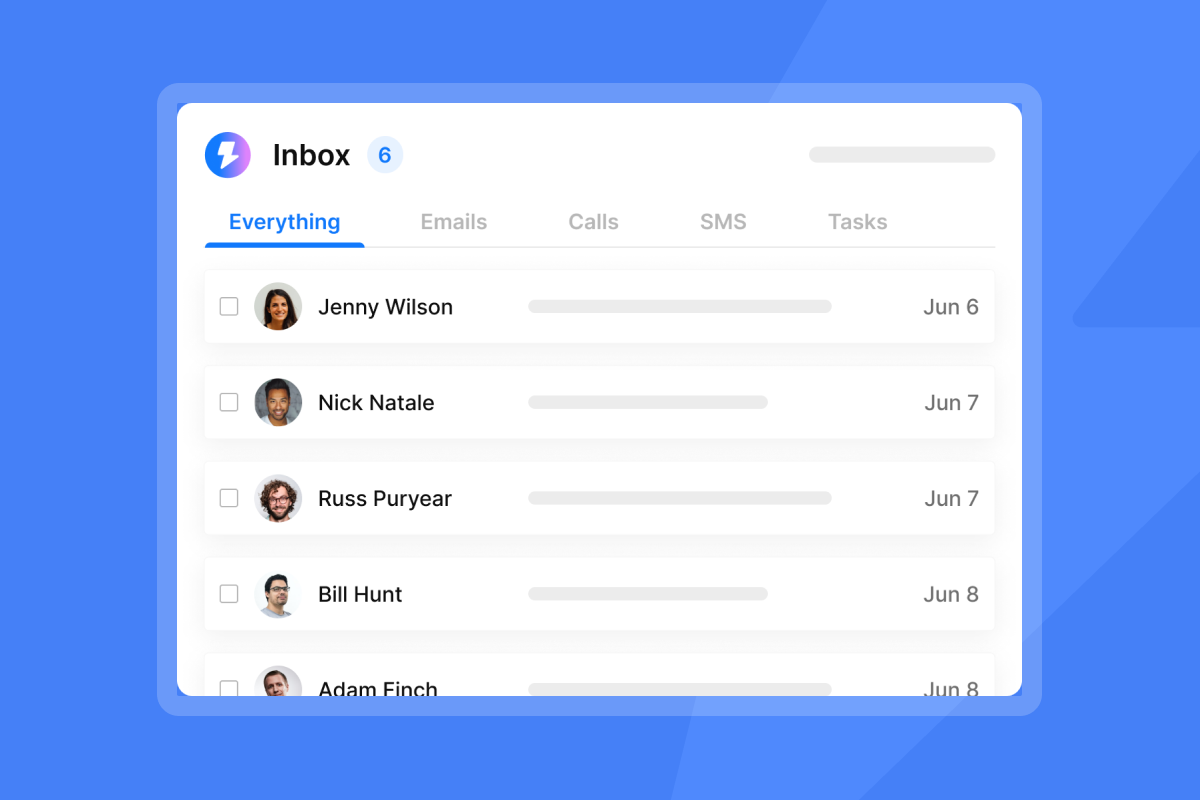
Our Unibox centralizes campaign replies so you can track internal and external follow-ups in one place. Also set reminders within Unibox to ensure timely responses without letting threads slip through.
Advanced strategies: A/B testing and personalization
Testing subject lines and send times
8.4% from one email, with performance declining steadily with each follow-up. A/B testing helps you identify which reminder subject lines and send windows maintain engagement through multiple touches.
Test subject line formats like "Quick question on [Project Name]" versus "Following up: [Project Name] next steps" or "Re: Our [Date] conversation" versus "Adding context to our [Date] discussion."
Our built-in A/Z testing lets you split test email variants and track open rates versus reply rates in the analytics dashboard. One user reported that they "use Instantly for cold emailing, and it helps me in getting clients. I like the AI features, which are useful for diagnosis" when optimizing campaign performance.
Watch reply rate, not just open rate. A 40% open rate with 2% replies loses to a 30% open rate with 6% replies. The conversion matters more than the initial attention.
Using spin syntax for dynamic reminders
Spin syntax creates natural variations in your copy to avoid repetitive messaging that triggers spam filters. Our AI Spintax Writer automatically adds on-brand variations to your emails, preventing external reminders from looking like obvious templates.
Example spin syntax structure:
{Hi | Hello | Hey} {{firstName}}, {just a quick note | wanted to reach back out | following up} on {our conversation | the proposal I sent | my previous email} about {{company}}'s {growth plans | expansion strategy | hiring needs}.
This single template generates dozens of unique combinations. You show each recipient a slightly different version, which improves deliverability reduces fingerprint that email providers flag as bulk sending.
Our spin syntax feature works within the campaign editor. You write your baseline copy, add spin syntax where you want variations, and we handle rotation automatically.
5 copy-paste reminder email templates
1. External gentle nudge (client)
Subject: Re: [Project Name] proposal
Hi {{firstName}},
I wanted to circle back on the proposal I sent last week for {{company}}'s [specific project]. I know your team is evaluating options right now.
Two quick items that might help your decision:
- [Specific benefit or case study result]
- [Timeline or pricing detail that removes friction]
Does [original date] still work for your timeline, or should we adjust? Happy to jump on a quick call if that's easier.
Thanks,
[Your Name]
2. External value-add follow-up (prospect)
Subject: Quick resource for {{company}}'s [pain point]
Hi {{firstName}},
I know inbox overload is real. Rather than "just checking in," I wanted to share a one-pager we built on [specific challenge you discussed].
[Link to resource or brief 2-3 sentence summary of relevant insight]
If [original ask] makes sense, I can set up a 15-minute call this week. If not, no worries at all.
Thanks,
[Your Name]
3. Internal deadline approaching (team)
Subject: [Project Name] deadline Thursday 3pm
Team,
Quick reminder that [deliverable] is due Thursday, Feb 6 at 3pm so we can submit to [stakeholder] by Friday morning.
Outstanding items:
- [Task 1] (Owner: [Name])
- [Task 2] (Owner: [Name])
Reply here if you need anything unblocked. Otherwise, see you at the finish line Thursday.
[Your Name]
For external event contexts requiring attendance-focused copy, see these event reminder email templates built specifically to reduce no-shows and re-engage registrants.
4. Internal approval needed (executive)
Subject: Final approval needed: Q1 campaign launch (by Feb 9)
Hi [Name],
The Q1 outbound campaign needs final approval by Feb 9 to launch on schedule Feb 12. I have attached the revised deck with your feedback from our Jan 30 meeting incorporated.
Key changes:
- Updated budget to reflect [specific adjustment]
- Revised targeting to focus on [segment]
Please confirm by EOD Feb 9 so we can brief the team and start sequences. Let me know if you need any additional context.
Thanks,
[Your Name]
5. External break-up email (final attempt)
Subject: Last note on [topic]
Hi {{firstName}},
I have reached out a few times about [topic], but I have not heard back. I know timing is not always right.
I will take the silence as a "not now" and close the loop on my end. If anything changes, feel free to reach out. My contact info is below.
Thanks for your time,
[Your Name]
For more templates, explore our library of cold email templates and proven copywriting frameworks that drive reply rates above 5%.
How to automate reminder sequences with Instantly
Manual follow-ups do not scale. You forget sends, miss optimal timing windows, and waste hours copying names into templates. We built Instantly to automate your entire reminder sequence with precise delays and personalization.
Create a new campaign and name it by audience or goal (e.g., "Q1 Client Renewals"). Write your email sequence, add steps with delays (e.g., 3 days for external, 2 days for internal), and add personalization with merge tags like {{firstName}} and {{company}}. Use spin syntax to create variations that keep each send unique.
Connect your sending accounts and configure send windows. Our unlimited accounts and warmup let you scale without per-seat penalties. Upload your lead list or pull contacts from SuperSearch, our lead database with millions of B2B contacts and waterfall enrichment. Launch the campaign. We handle the sending schedule, track opens and replies, and move contacts through your sequence automatically.
When replies arrive, Unibox consolidates all responses across your campaigns and accounts into a single interface. You can classify leads, assign conversations to team members, and schedule replies during optimal windows.
"Very smooth tool with great features and strong deliverability. Easy to use, well designed, and backed by a responsive support team." - Christophe Gaisor on Trustpilot
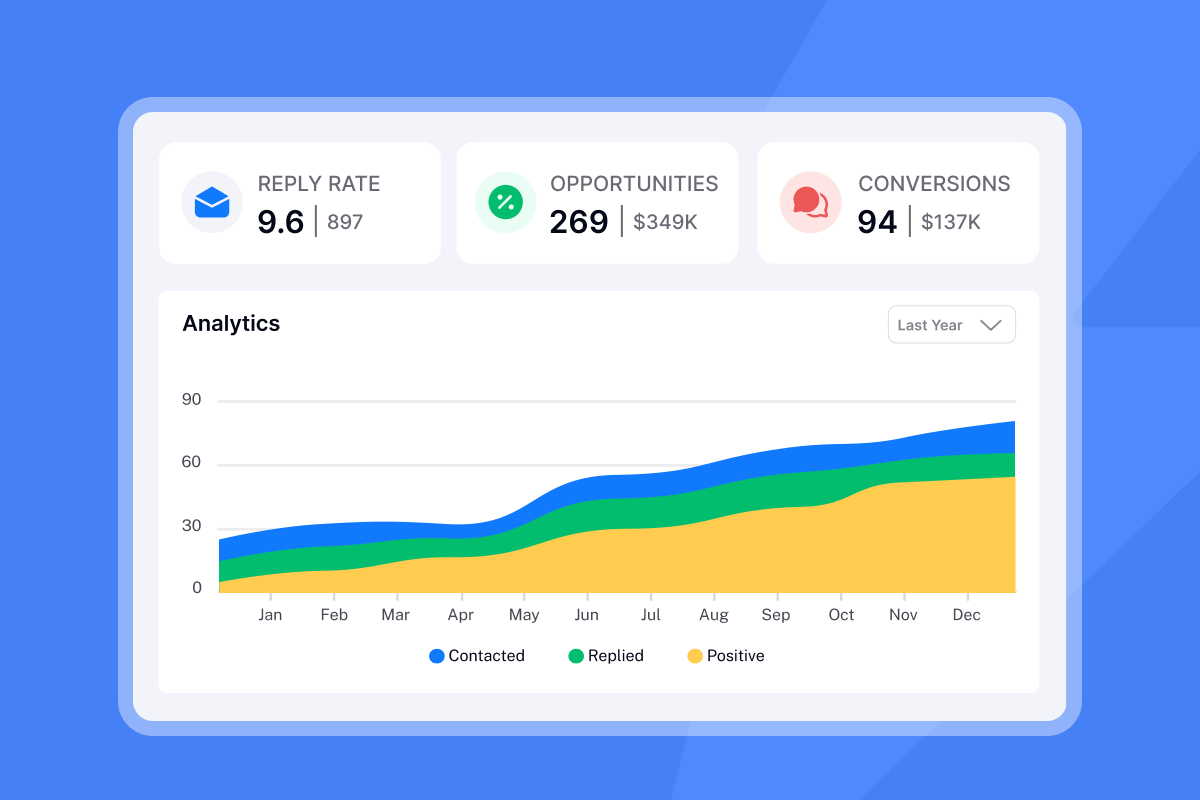
Track which reminder step converts best using our analytics dashboard. You can see sends, opens, replies, and conversions by step, then optimize underperforming follow-ups. This data-driven approach to sequences beats guesswork every time.
Start writing reminders that actually get replies
The difference between helpful nudges and annoying nags is not magic. It is strategy.
Use the templates above as starting points, test variations with A/B splits, and watch your reply rates. The data tells you what works. Your job is to listen and iterate.
Ready to automate your reminder sequences and let AI handle the follow-up grind? Try Instantly free and use the campaign builder to set up your first sequence.
Frequently asked questions about reminder emails
How many reminder emails are too many?
For external contacts, send three follow-ups maximum before the break-up email. For internal stakeholders, context matters more than count. Diminishing returns after four touches.
What is the best time to send a reminder email?
Tuesday-Wednesday 10am-12pm performs best for B2B, with a secondary window from 1pm to 2pm.
Should I use humor in reminder emails?
Humor is subjective and you risk misinterpretation without tone or facial expressions. Avoid humor in professional emails unless you know the recipient well and are confident they will appreciate it.
How long should I wait between reminder emails?
2-5 day delay optimal for external reminders, with 3 days between the first and second email being a common best practice. Internal reminders can follow shorter cycles as deadlines approach.
Do I need explicit consent to send B2B reminder emails?
CAN-SPAM B2B consent rules do not require prior consent for commercial messages, but GDPR typically expects opt-in consent for marketing. When you follow up on an existing conversation or transaction, you stand on solid ground under both frameworks.
Key terms glossary
Spin syntax: Markup that creates copy variations like {Hi | Hello} to reduce repetitive patterns that spam filters flag. Our AI Spintax Writer generates these automatically.
A/B testing: Comparing two email versions to measure which drives higher reply rates. Test subject lines, send times, or value propositions systematically.
Follow-up sequence: A series of automated emails sent at scheduled intervals, typically spanning 10 to 25 days total. Our campaigns support multiple sequence steps with recommended best practices of 3-4 steps for most cold outreach.
Unibox: Our unified inbox that consolidates replies from all campaigns and sending accounts, allowing you to classify, assign, and respond without switching tools.
BLUF (Bottom Line Up Front): Email structure that leads with the conclusion or request, then provides supporting context. Common in military and executive communications.



