.svg)
%20(1).svg)


Updated May 25, 2026
TL;DR:
A well-maintained CEO contact list is only as good as your last verification run. According to MarketingSherpa, via Span Global Services, B2B contact data decays at roughly 22.5% annually, so a list from last quarter is already partly stale. Unverified contacts raise bounce rates, damage your domain reputation, and kill primary inbox placement. Centralizing CEO contact list building, verification, and outreach in one platform prevents reps from using unsafe tools and keeps every send auditable. Keep bounce rates under 1% and re-verify active segments every 90 days.
Most sales leaders obsess over email copy while leaving CEO contact list hygiene to individual reps. That trade-off is costly. The best copy cannot fix a bounce rate above 2%, and a bounce rate climbing toward 10% signals list hygiene problems that damage your sender reputation and kill primary inbox placement.
This playbook covers how to build, verify, and maintain a CEO contact list that protects your domain health and produces predictable pipeline.
Why CEO contact list hygiene matters for pipeline
Contact list hygiene is the ongoing process of verifying, updating, and removing records so your outreach only reaches real, reachable people. Verified contact management means every lead passes a format check, a domain check, and a catch-all validation step before you add it to a campaign.
Optimizing meeting-to-SQL rates
Verified lists improve the ratio of meetings set to SQLs because your reps spend time with real decision-makers, not bounced addresses or outdated contacts. Teams that re-verify quarterly avoid no-shows caused by stale job titles and wrong email domains. Accurate data at the top of the funnel compounds at every stage, from first reply through to closed-won.
The cost of bad data on team productivity
B2B contact data decays at roughly 22.5% per year on average, and some sectors like technology see decay well above that rate as executives change roles frequently. For a CEO list of 2,000 records, that means 450 or more contacts become stale every 12 months without a maintenance routine. SDRs waste time on dead addresses while bad records erode the analytics your team uses to forecast meetings and SQLs.
Unverified contacts and domain reputation
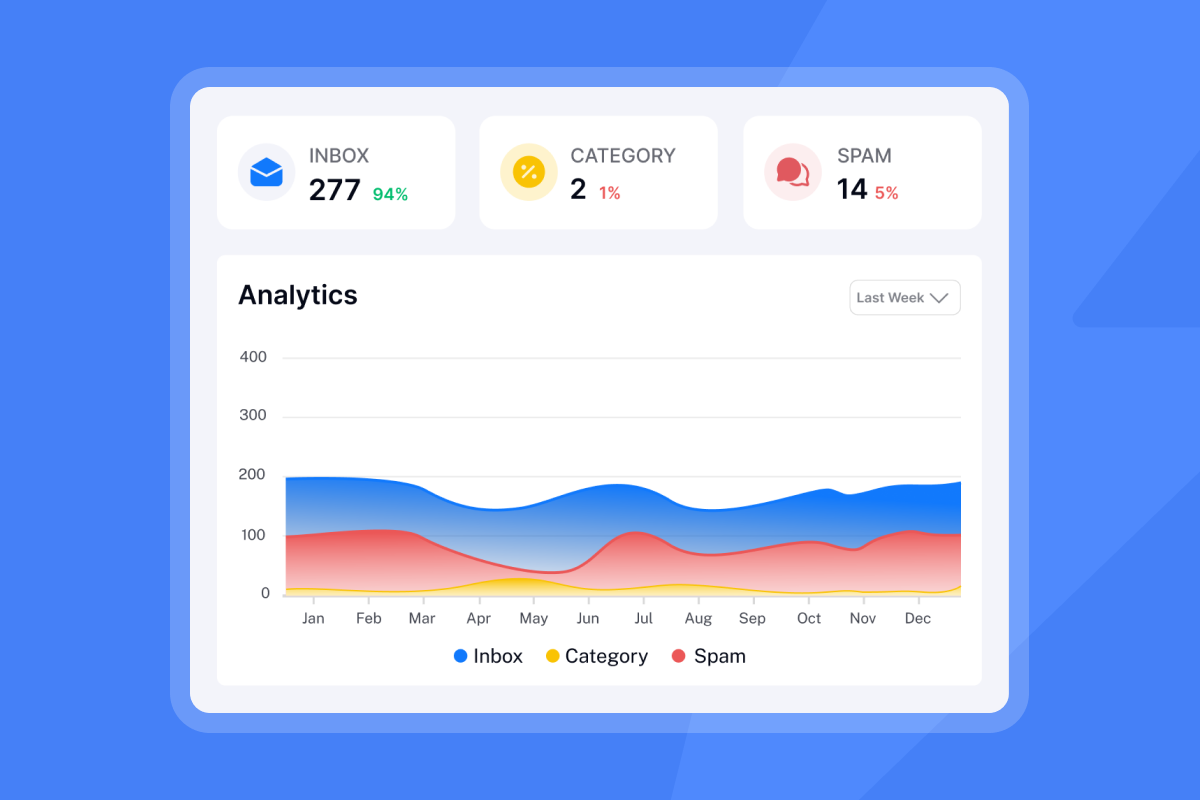
Every hard bounce tells ISPs your list quality is low. When your bounce rate climbs past 2%, providers like Google and Microsoft throttle your delivery. Past that threshold, your domain risks landing on blocklists, and inbox placement collapses. Keep hard bounces under 1% on every campaign, and under 0.5% for new domains still building sender reputation.
The Instantly.ai Inbox Placement tool runs automated placement tests so you catch deliverability problems before they compound across an active campaign.
Building accurate CEO contact lists
Building from scratch is slower but produces cleaner data than buying an aged list. Purchased lists can carry stale records that no verification badge corrects, so you still need to verify before every campaign. Here is how the main sourcing methods compare:
Method | Cost | Data currency | Best for |
|---|---|---|---|
Manual research (LinkedIn, company sites) | Free | Current at time of research | Targeted outreach to high-value accounts |
Public filings and registrations | Free | Quarterly to annual (filing schedules) | Regulated industries, public data |
B2B databases (Apollo, ZoomInfo, Cognism) | $200+/mo | Variable, verify before sending | Teams needing large-scale volume |
Waterfall enrichment | Usage-based | Verified at point of enrichment | Accuracy-focused, high-velocity teams |
Instantly SuperSearch (450M+ leads) | From $47/mo | LLM-assisted, multi-provider enrichment | Teams that want data and outreach in one platform |
Manual research is free but does not scale past a handful of accounts per week. Paid databases vary in freshness and still require pre-send verification. Waterfall enrichment queries multiple data providers in sequence, stopping when it finds a valid result, which can improve per-record accuracy across large lists.
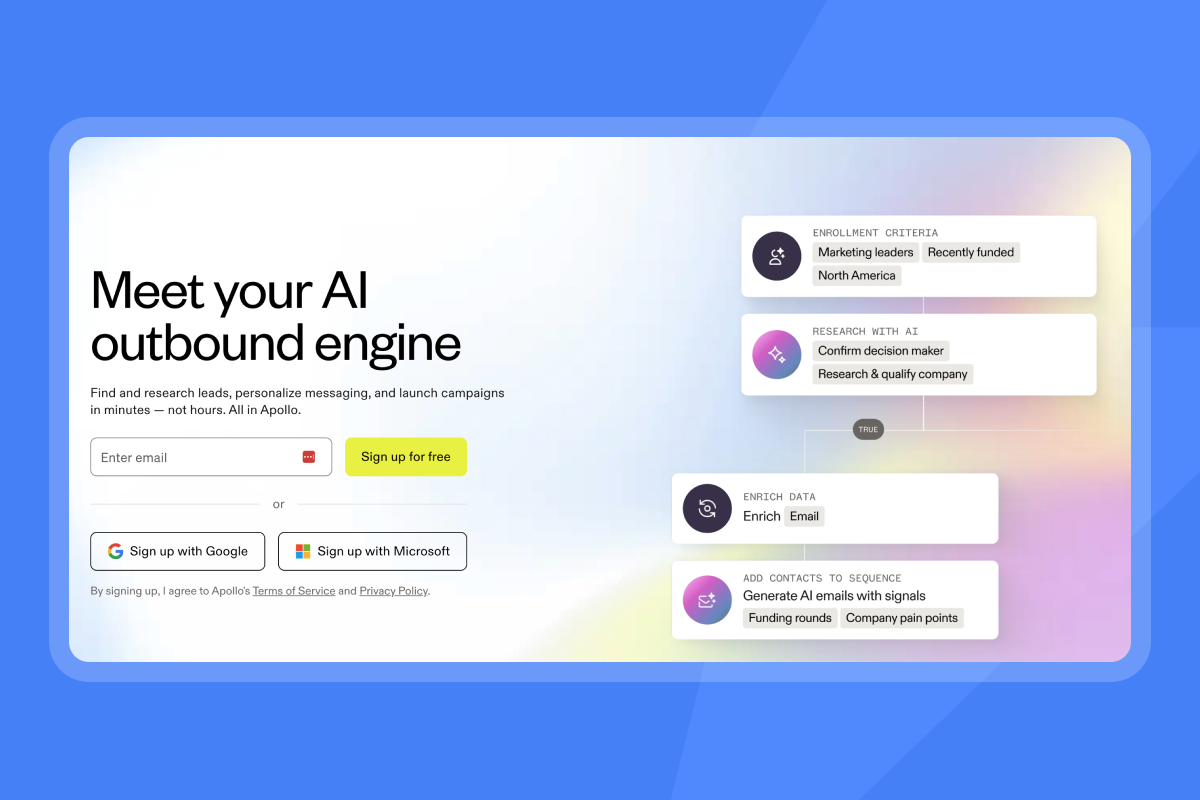
Instantly's SuperSearch combines 450M+ B2B contacts with LLM-assisted enrichment and five-plus providers, backed by a 4.2M+ account deliverability network, so you source, verify, and launch campaigns inside a single workflow rather than three separate tools.
Ensuring CEO contact data accuracy
Running leads through a structured validation flow before sending is what separates a clean list from a liability.
Syntax, domain, and catch-all checks
Validation has three core layers:
- Syntax check: Confirms the email format is valid (no missing "@" or domain extension). This step catches typos that cause immediate hard bounces.
- Domain (DNS/MX) check: Confirms the domain is configured to receive email. Expired or misconfigured domains fail here before any message is sent.
- Catch-all detection: A catch-all domain accepts every email sent to it regardless of whether the specific mailbox exists. Catch-all verification uses behavioral signals to score whether an address on such a domain is likely real. This approach can recover 300 to 400 additional valid contacts from every 1,000 leads rather than discarding them as unverifiable. The Instantly lead verification guide walks through the full upload-to-campaign flow.
Maintaining contact data over time
Verification is not a one-time event. Data decays continuously, so maintenance needs to be a scheduled, repeatable process.
Quarterly re-verification schedule
Re-verify active segments every 90 days and any list older than six months before reuse. Use this checklist:
- Export all contacts active in the last 90 days from your CRM.
- Run verification with catch-all handling to score the full segment, not just obvious invalids.
- Segment results into Valid, Invalid, and Risky/Catch-All.
- Remove invalid records from your CRM and all active sequences.
- Tag risky contacts for low-priority campaigns only.
- Archive inactive contacts where there has been no reply, no open, and no engagement for 180 days or more to protect sender reputation without losing the data.
- Log the run with the date, sample size, and percentage cleaned for your ops review.
Tracking executive career moves
Job changes are the single biggest driver of data decay at the CEO level. Review your active CEO list against company news and update any contact where the title, company, or domain has changed. Route those contacts through the verification flow before the next campaign cycle.
Managing do-not-contact lists
Your global block list should live in your outreach platform. Instantly's global block list feature prevents any rep from accidentally emailing an opt-out or flagged domain, which is non-negotiable for teams running simultaneous campaigns across multiple sequences.

Managing access to your CEO list
Unsupervised list exports create deliverability risk. When an SDR loads a list into a personal Gmail account or a browser automation, you typically lose audit visibility and any deliverability damage becomes harder to trace and contain. Use a three-step governance framework to prevent this:
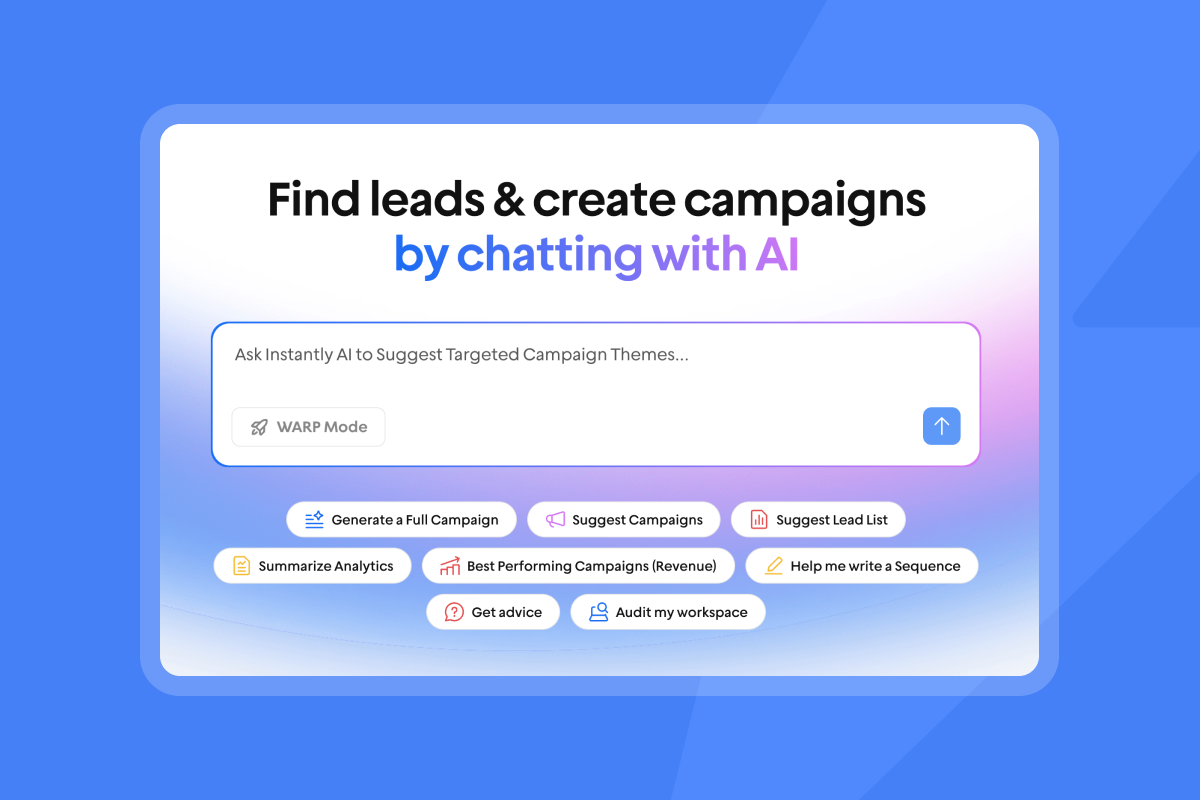
- Centralize sourcing: All leads enter through a single, team-accessible platform. With Instantly, reps search and filter inside SuperSearch rather than pulling CSVs from external sources.
- Require list approval: Any new list from a trade show, referral, or partner source needs sign-off and a documented verification date before it loads into a campaign.
- Enforce duplicate checks on import: Run a duplicate lead check on every import to prevent the same CEO from appearing in two active sequences and triggering a spam complaint.
Syncing verified contacts with CRM and sales tech
Keeping your CRM in sync with your outreach platform is what makes a CEO contact list auditable at scale. Without a reliable sync, bounce data stays siloed in your sending tool, AEs work from stale records, and ops teams spend time on manual reconciliation instead of process improvement. Instantly offers two integration paths for HubSpot and Salesforce, and choosing the right one depends on how much activity data your CRM needs to reflect.
Choosing between native import and OutboundSync
The native one-way import pulls contact lists from your CRM into Instantly. It works for teams that want to send from existing CRM segments without building a new list, but it does not write activity back. Sends, replies, bounces, and status changes stay inside Instantly and do not update the originating CRM record. This means your CRM quickly falls behind on engagement data, which creates gaps in reporting and makes it harder to hand off warm replies to AEs with full context.
OutboundSync streams sends, replies, bounces, and status changes into CRM records in near real-time, so your CRM stays the auditable system of record. For teams running simultaneous sequences across multiple domains, this is the option that keeps pipeline reporting accurate and reduces the risk of reps working from contradictory data. If your CFO or VP of Sales needs a single source of truth on outreach activity, OutboundSync is the correct path.
Configuring field mapping for clean data handoffs
Field mapping covers role and title, lead source, phone, and any custom properties you use for routing SQLs to AEs. Map these once during setup, and every Instantly event writes back correctly without manual cleanup after each campaign. The sync engine handles common edge cases including duplicate detection, stage progression, and contact ownership reassignment. This means your operations team can focus on process design rather than fixing data inconsistencies that surface at the end of each month, which saves considerable ops time over a full quarter.
Poorly mapped fields are one of the most common reasons CRM reports diverge from outreach platform reports. Check each field against your CRM's required properties before activating the sync to avoid partial writes on key contact records.
What happens when a CEO replies
When a CEO replies, the timestamp, message content, and reply content and engagement data can flow directly into your CRM via integrated webhooks, giving AEs full context before they get on a call. This removes the common handoff problem where an AE opens a CRM record and finds no record of the outbound conversation that generated the reply. The sync can also capture bounce events at the record level, meaning your CRM reflects invalid contacts automatically rather than waiting for a manual list clean. Replies flagged as out-of-office, referrals to another contact, or unsubscribes each trigger the appropriate status change in the CRM, keeping your pipeline data clean without additional admin steps. For full sync configuration steps, the Instantly CRM integration documentation covers CRM, webhook, and workflow setup in detail.
Privacy compliance basics for CEO lists
Three regulations cover most B2B outreach scenarios:
- CAN-SPAM (US): Requires accurate sender identification, a valid physical address, and an opt-out mechanism. Honor unsubscribe requests within 10 business days. Each separate email in violation is subject to penalties of up to $53,088, so non-compliance can be costly.
- GDPR (EU): Requires a documented Legitimate Interest Assessment (LIA) for outreach to EU contacts. The responsibility for completing and documenting the LIA sits with you as the controller. You must also sign a Data Processing Agreement with any vendor handling EU contact data. Penalties reach €20 million.
- CCPA (California): Grants California consumers the right to opt out of data sale and request deletion of their personal information. Respond to opt-out requests within 15 business days. Document the source of every contact batch and the date it was verified. When a contact submits a removal request, remove them from all active sequences and add them to your global block list.
For a detailed compliance walkthrough, the GDPR and CCPA sales guide covers lawful outreach under Legitimate Interest.
Budgeting for executive lists and maximizing ROI
The cost-per-meeting (CPM) formula keeps list spending accountable:
CPM = (tool costs + allocated SDR time) / meetings booked in the period
A realistic small-team example: one SDR at $600/month of allocated outreach time, Instantly Hypergrowth at $97/month, and SuperSearch at $47/month totals $744/month. At 10 meetings booked, CPM is $74. The B2B email list pricing guide covers ROI calculation in more detail, including how flat-fee sourcing compares to per-seat data providers as your team scales.
Track these KPIs to keep your dashboard CFO-ready:
- Bounce rate: Target under 1%. Pause any campaign that exceeds this threshold.
- Reply rate: According to Instantly's 2026 cold email benchmark data, the overall average is 3.43%. A rate above 5.5% puts you ahead of most B2B senders and indicates strong list and copy quality.
- Meetings set: The absolute count that drives pipeline coverage.
- List completeness: Percentage of records with key contact fields populated, including name, company, and role. Aim for the highest completeness possible to improve personalization and deliverability.
- Data age: How recently your records were last verified, with quarterly re-verification as the practical minimum. Regular re-verification improves campaign performance and protects sender reputation.
A verified CEO contact list built on a flat-fee platform like Instantly keeps CPM predictable as you scale from 3 reps to 15, without per-seat penalties that inflate costs on legacy data providers. Start a free trial to run your first SuperSearch query and verify your existing list in the same workflow.
FAQs
How often should you refresh a CEO contact list?
Follow the quarterly re-verification schedule covered above, which applies to active segments every 90 days and any list older than six months before reuse. B2B contact data decays at roughly 2.1% per month, which compounds to around 22.5% annually, making quarterly verification a practical minimum for keeping your list reliable.
What bounce rate should trigger a campaign pause?
Pause the campaign if your hard bounce rate exceeds 1%. ISPs start throttling delivery above 2%, so intervening at 1% gives you time to clean the list before lasting damage occurs.
How do you source a compliant CEO contact list?
Evaluate vendors on documented data sources, refresh frequency, and the ability to export opt-out data back to your block list. For EU contacts, sign a Data Processing Agreement with the vendor and complete your own Legitimate Interest Assessment before outreach begins.
What is the correct process for handling a data privacy removal request?
Remove the contact from all active sequences immediately and add them to your global block list. Document the request with enough detail to demonstrate compliance, including the request date and the action taken, in line with GDPR's data minimization principle. CAN-SPAM gives you 10 business days to honor opt-outs. GDPR allows up to 30 days for formal erasure requests.
Can you reuse a purchased CEO list without re-verifying it?
No. Purchased lists decay from the moment of compilation, so a list bought several months ago may already carry a large share of invalid records. Run the full verification flow, including catch-all detection, before loading any purchased list into your sending tool.
Key terms glossary
Catch-all email: A domain configuration that accepts every incoming message regardless of whether the specific mailbox exists, making standard verification unreliable without behavioral scoring.
Data decay: The rate at which contact records become inaccurate over time due to job changes, acquisitions, or domain expirations. B2B data decays at roughly 22.5% per year on average.
Hard bounce: A permanent delivery failure caused by an invalid address or a non-existent domain. Hard bounces damage sender reputation immediately and need removal before the next send.
Legitimate Interest (GDPR): A legal basis under Article 6(1)(f) of GDPR that allows B2B outreach without explicit consent, provided the controller documents a Legitimate Interest Assessment and offers a clear opt-out.
Sender reputation: A score ISPs assign to your sending domain based on bounce rates, spam complaints, and engagement signals. Low sender reputation reduces primary inbox placement.
Waterfall enrichment: A methodology that queries multiple data providers in sequence, stopping when it finds a valid result for a given contact record, used to improve contact data completeness.
Read Next
- How to Warm Up Email Accounts for Cold Outreach: A step-by-step ramp plan for new inboxes that builds sender reputation before your first campaign goes live.
- Cold Email Reply Rate Benchmarks and How to Beat Them: See how your reply rates stack up against 2026 industry data and which variables move the number most.
- How to Write Cold Email Subject Lines That Get Opens: Practical subject line frameworks backed by open rate data, with examples you can test in your next sequence.



