.svg)
%20(1).svg)


Updated February 24, 2026
TL;DR: Meeting no-shows delete pipeline before a conversation happens. B2B meeting no-show research analyzing 6,428 meetings found rates ranging from 9.6% for next-day meetings to 23% for meetings scheduled 8+ days out. Calendar alerts fail because they are easy to dismiss and lack context. Treat meeting reminders as a marketing campaign with the same testing, personalization, and deliverability focus as cold outreach. Automated multi-touch sequences (24-hour + 1-hour reminders) protect revenue by reinforcing value and ensuring your message lands in the primary inbox, not spam.
You booked the meeting. You qualified the lead. You prepped the pitch deck. But if your reminder email lands in spam or gets ignored, you are talking to an empty room. Meeting reminders are the final step in your sales sequence and deserve the same deliverability focus, A/B testing discipline, and personalization tactics you apply to prospecting campaigns. This guide covers the frameworks, templates, and technical controls that ensure your prospects show up ready to convert.
Why meeting reminder emails are a revenue lever
No-shows cost more than time. B2B meeting failure statistics show that 68% of sales meetings fail to result in a meaningful next step due to poor scheduling and lack of follow-up, according to industry research. Each missed meeting represents hundreds or thousands of dollars in potential revenue lost, compounded by the opportunity cost of prep time, calendar blocks, and deals that move to competitors while you wait.
Teams averaging 15 meetings booked per month with an 80% show rate, meaning 3 meetings per month vanish before they start. For a team closing 20% of held meetings, those 3 no-shows represent lost deals that could have been saved with better reminder workflows.
Calendar alerts are insufficient because they are easy to dismiss, often buried under notifications, and provide no context about why the meeting matters. A generic "Meeting in 15 minutes" push notification does not resell the value or remind the prospect what they will gain. Reminders sent via email allow you to reinforce the agenda, provide the meeting link prominently, and test which messaging drives the highest attendance. This is the same cold email methodology, test, personalize, and optimize every touchpoint in your sequence.
The concept of "selling the meeting" in the reminder means you treat the 24-hour and 1-hour emails as micro-conversions. You are not just notifying, you are re-engaging the prospect with the value proposition that made them book in the first place. For example, a 24-hour reminder for a SaaS demo might say "Tomorrow we will walk through how [Company] cut reporting time by 40 percent. Looking forward to showing you the same workflow."
"I use Instantly for outreach via email, and it has saved me a lot of time by automating my lengthy email sending processes... the interface is really simple and user-friendly." - Levent Y. on G2
Applying that same automation discipline to reminders protects the meetings you worked hard to book.
How to write a meeting reminder email
Writing effective meeting reminders requires clarity, urgency, and context. Each element serves a specific function in driving attendance.
Subject lines that get opened
Subject lines under 50 to 60 characters optimize mobile open rates, where most prospects check email. Keep them short, specific, and action-oriented.
Use prefixes like "Reminder:" or "Confirmation needed:" to immediately signal purpose. These flags help busy recipients triage their inbox and prioritize the message. Personalization in subject lines can boost open rates 50%, so use dynamic tags like {{firstName}} or {{companyName}}.
In my experience, clear beats clever. "Meeting in 1 hour" outperforms vague options like "Catch up" because it states the urgency and action. For a sales demo, "Reminder: {{companyName}} Demo. Tomorrow 2PM EST" immediately tells the recipient what is happening and when.
Examples that work:
- "Reminder: Your interview with Jane Smith is starting soon"
- "Tomorrow: Strategy Session with {{companyName}}"
Avoid all-caps, excessive punctuation, or emojis, which hurt professionalism and can trigger spam filters. Test variants using A/Z testing to identify which styles drive higher open rates for your audience. Learn how Instantly automates this process in our guide on boosting reply rates with AI A/B testing.
Essential content and logistics
Every meeting reminder should include a standard checklist to eliminate friction. Meeting reminder best practices recommend including the event name, meeting type, date, time, location or video link, and your contact information. Missing any of these forces recipients to hunt through old emails or calendar invites, increasing the chance they skip the meeting.
The checklist:
- Date and time with timezone explicitly stated (e.g., "March 10, 2PM EST")
- Meeting duration (e.g., "30-minute session")
- Meeting link prominently placed (Zoom, Google Meet, Teams)
- Brief agenda or meeting purpose in 1-2 sentences
- Names and titles of key attendees
- Clear CTA like "Confirm your attendance" or "Review attached agenda"
One concern growth marketers raise is whether automated reminders comply with privacy regulations. For GDPR compliance, transactional emails like meeting reminders typically use "legitimate interest" as their legal basis rather than requiring explicit consent. Consent is not required for these messages when used in a lawful, fair, and transparent way. The key is to avoid adding marketing or promotional content and provide an easy way to manage communication preferences.
Tone, timing, and personalization
Tone varies by meeting type and relationship. External sales meetings require more formality and value reinforcement, while internal team check-ins can be casual and assume shared context.
External (Sales/Prospect):
- More formal and professional
- Focused on reinforcing value proposition
- Double-check logistics like timezones carefully
- Use language that respects their time: "Looking forward to showing you how [solution] addresses [pain point]"
For C-suite meetings specifically, review this email executives guide to adjust your tone and value framing before adding them to a reminder sequence.
Internal (Team Meeting):
- More casual and conversational
- Can use abbreviations or project codenames
- Focused on pre-meeting prep: "Come prepared to discuss Q4 campaign metrics"
- Assumes shared organizational knowledge: "Quick sync on the client deck"
Tone isn't the only variable, the recipient relationship also determines how formal your reminder should feel and which template structure will land best.
24-hour advance reminder data shows the highest response rates across most industries, giving recipients enough time to reschedule if needed while staying top-of-mind.
Use dynamic tags like {{firstName}}, {{companyName}}, and {{meetingTime}} to personalize at scale. Instantly makes this simple through the Campaign Options settings, where you can map custom fields to each reminder.
The call to action
Every reminder needs a clear CTA that tells recipients what to do next. Vague endings like "See you soon" miss the opportunity to drive confirmation or preparation.
Strong CTAs:
- "Confirm your attendance by replying to this email"
- "Review the attached agenda and come prepared with questions"
- "Click here to join: [meeting link]"
- "Reply if you need to reschedule"
The CTA should match your goal. For high-stakes external meetings, ask for confirmation to identify potential no-shows early. For internal sessions, direct them to prep materials. For 1-hour reminders, make the link the focal point so joining is frictionless.
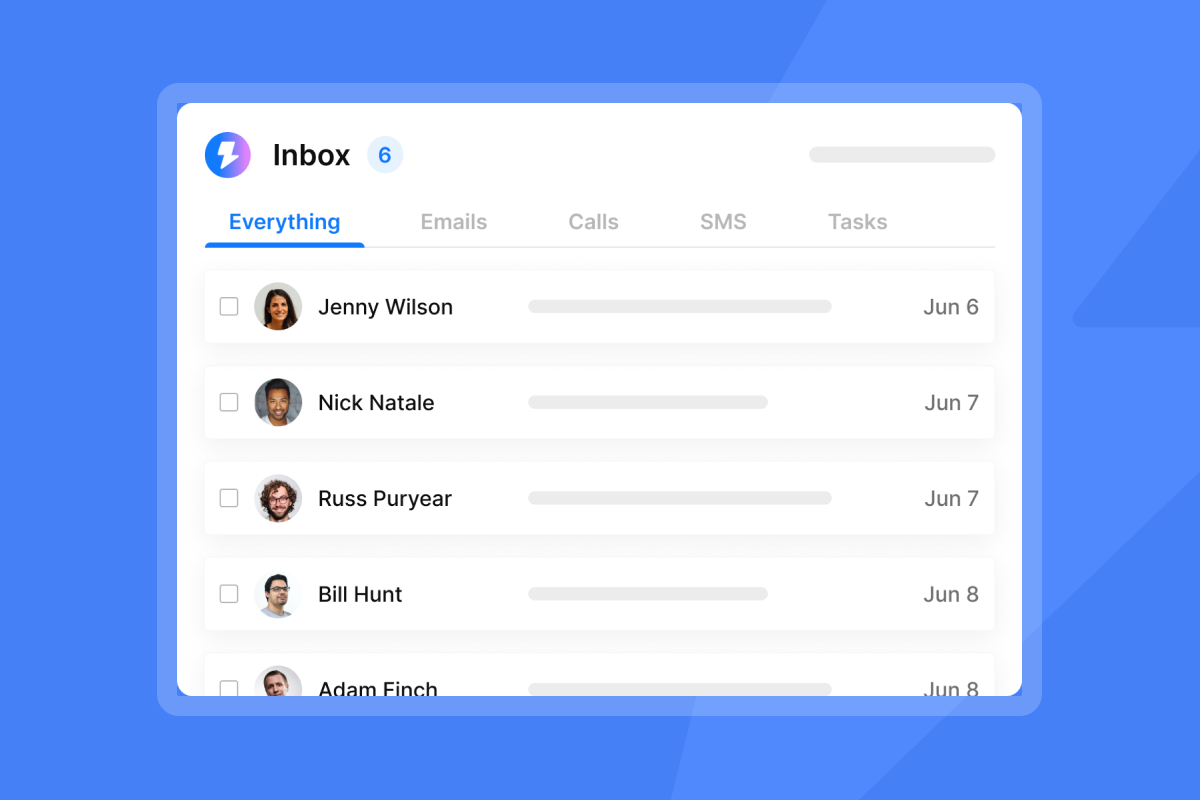
Instantly's Unibox reminder feature consolidates all replies from connected accounts into a single inbox, making it easy to track confirmations, reschedule requests, and "running late" messages without switching between tools.
The same structural principles apply beyond meetings.If you also send payment reminder email templates, you'll find the timing and tone frameworks here transfer directly."

8 Meeting reminder email templates to copy
These templates follow proven frameworks for different reminder scenarios. Customize the tone and details for your brand, but keep the structure intact.
24-hour confirmation templates
Template 1: The Value Reinforcer
This template resells why the meeting matters, combating buyer's remorse or competing priorities.
Subject: Tomorrow: [Meeting Topic] with [Your Name]
Body:
Hi {{firstName}},
Looking forward to our call tomorrow at {{time}} {{timezone}}. As a reminder, we will be discussing how [specific value proposition that addresses their pain point].
I have prepared [deliverable, e.g., a custom dashboard mockup] based on our last conversation, and I am excited to walk through how this helps [Company] achieve [specific goal].
Join here: [meeting link]
Let me know if you have any questions before we connect.
Best,
[Your Name]
Template 2: The Agenda Setter
This template increases engagement by making the recipient a collaborator, inviting them to contribute topics.
Subject: Preparing for tomorrow's meeting: [Company] x [Your Company]
Body:
Hi {{firstName}},
Our meeting is set for {{time}} {{timezone}} tomorrow. I have prepared an agenda covering:
- [Topic 1]
- [Topic 2]
- [Topic 3]
Is there anything specific you would like to add or prioritize?
Join here: [meeting link]
See you then,
[Your Name]
1-hour "starting soon" templates
Template 3: The Simple Nudge
When the goal is pure utility, this template gets them into the meeting with zero friction by putting the link front and center.
Subject: Meeting in 1 hour
Body:
{{firstName}},
Just a quick reminder! We are meeting in 1 hour at {{time}} {{timezone}}.
Join here: [meeting link]
See you soon,
[Your Name]
Template 4: The Resource Share
Provide value before the meeting with this approach, positioning yourself as a helpful expert who comes prepared.
Subject: Starting in 1 hour. Quick prep for our call
Body:
Hi {{firstName}},
We are meeting in 1 hour at {{time}}. I wanted to share [document/video/case study link] before we connect, it covers [relevant topic] and will give you context for our discussion.
Join here: [meeting link]
Looking forward to it,
[Your Name]
Reschedule and cancellation notices
Template 5: The Polite Reschedule
Send this if you need to move the meeting due to an internal conflict, offering specific alternative times to reduce back-and-forth.
Subject: Need to reschedule: [Meeting Topic]
Body:
Hi {{firstName}},
I apologize, but I need to reschedule our meeting scheduled for {{originalTime}} on {{originalDate}} due to [brief reason, e.g., an unexpected client emergency].
Would any of these times work for you?
- [Option 1]
- [Option 2]
- [Option 3]
Or feel free to suggest a time that works better. I appreciate your flexibility.
Best,
[Your Name]
No-show recovery sequences
No-show rates increase dramatically with scheduling delays, so fast recovery outreach is critical.
Template 6: The "Are you okay?" check-in
Open the door for immediate rescheduling by sending this 5 minutes after the meeting start time with a gentle, human touch.
Subject: Did we get our wires crossed? {{meetingTopic}}.
Body:
Hi {{firstName}},
We had a meeting scheduled for {{time}} today, and I did not see you join. No worries, these things happen.
Did something come up? Happy to reschedule if now is not a good time.
Let me know what works,
[Your Name]
Template 7: The Re-booking Nudge
Make rescheduling easy while interest is still relatively high by sending this 1 hour after a no-show.
Subject: Let's find a new time. {{meetingTopic}}
Body:
Hi {{firstName}},
I know calendars get hectic. If you are still interested in discussing [value proposition], I have a few open slots this week:
- [Option 1]
- [Option 2]
- [Option 3]
Let me know if any of these work, or feel free to suggest a time.
Best,
[Your Name]
Template 8: The Value-add Follow-up
Maintain the relationship by providing value even without the meeting, keeping the door open for future engagement 24 hours after a no-show.
Subject: Thought you might find this helpful. [Topic]
Body:
Hi {{firstName}},
I know we were not able to connect yesterday, but I wanted to share [resource, e.g., case study, guide, tool] that addresses [pain point we were going to discuss].
If you are still interested in exploring how [solution] can help [Company] achieve [goal], I am happy to find a new time.
Either way, I hope this is useful.
Best,
[Your Name]
Explore more copywriting frameworks in Instantly's Cold Email Copywriting guide. Copy these templates into your reminder sequences, customize the tone and timing for your audience, and start tracking which variants drive the highest show-up rates. Use Instantly's Campaign Options settings to map dynamic fields like {{firstName}} and {{companyName}} automatically.
Tools for automating meeting reminders
Different tools offer varying levels of control over deliverability, personalization, and tracking. The right choice depends on your volume, technical requirements, and integration needs.
Built-in calendar tools
Google Calendar and Outlook provide basic reminder functionality but come with significant limitations for teams running structured reminder campaigns. Outlook's automated reminder limitations, requiring manual sends or workflow tools. Google Calendar's SMS reminder limits, only emails and push notifications. Neither offers deliverability control, warmup, A/B testing capabilities, or tracking of open or reply rates. For small teams with low meeting volume, these tools work. For growth marketers managing dozens of meetings per week, the lack of automation and analytics makes them insufficient.
Dedicated scheduling software
Calendly and Chili Piper dominate the scheduling category and offer better automation than calendar tools. Calendly's Workflows feature capabilities allow users to set up multiple automated reminders per Event Type, with fully customizable subject lines, message content, timing, and dynamic fields. However, text reminders have geographic restrictions, not working in Singapore, Russia, or Iran, and some phone carriers outside the U.S. may block messages.
Chili Piper's built-in reminders include both Email and SMS options, though some users report delivery issues with automatic reminder emails. Both platforms provide good CRM integration and better automation than calendar tools, but lack dedicated deliverability features like inbox warmup and granular A/B testing capabilities. At scale, generic templates can be flagged as spam without proper sender reputation management.
Tool Type | Pros | Cons | Best For |
|---|---|---|---|
Google Calendar / Outlook | Free, integrated with existing workflows | No automation, no deliverability tracking, no A/B testing | Teams booking fewer than 10 meetings per week |
Calendly / Chili Piper | CRM integration, booking automation, customizable workflows | Limited deliverability control, no spin syntax | Mid-size teams with standard meeting flows |
Sales Engagement Platforms (Instantly) | Full deliverability control, A/B testing, spin syntax, unlimited accounts | Requires initial sequence setup | Agencies, growth marketers, teams booking 50+ meetings per week |
Sales engagement platforms
Platforms like Instantly give you the full control that calendar and scheduling tools lack, treating reminders as a campaign with the same rigor as cold outreach.
Why Instantly solves the limitations:
- Spin Syntax: Instantly's AI Spintax Writer with a single click, creating unique variations to avoid spam filters when sending many reminders. Example:
{Reminder|Just a heads up|Quick note} about our meeting {{time}}ensures each send is unique. - Deliverability Tools: Instantly's enterprise deliverability tools, customizing automated deliverability interactions, verifying every email address, and optimizing copy with AI Spintax and Spam Word Checker. Deliverability is protected by a private 4.2M+ deliverability network with automated warmup.
- Unibox: Instantly's Unibox unified inbox, letting you tag replies, assign them to team members, and track conversation stages. This solves the problem of managing "running 5 mins late" replies across multiple campaigns.
- Unlimited Accounts: Instantly's unlimited email accounts, allowing you to spread volume across many warmed mailboxes to keep bounces low. This lets teams send reminders from individual reps' accounts to improve personalization.
"I use Instantly for warming up and sending cold emails, which helps automate my outreach. I like its ease of use and the fact that the support team is there to help." - Antonio K on G2
Watch Instantly cold email setup to see how the same workflows apply to reminder campaigns.
Advanced strategies for growth marketers
Basic reminders notify. Advanced reminder systems test, optimize, and protect deliverability like any revenue-critical campaign.
A/B testing and send windows
Growth marketers run experiments on reminder timing, subject lines, and CTAs to identify what drives the highest show-up rates.
Variables to test:
- Subject lines: "Reminder:" vs. "Meeting with {{companyName}}" vs. "Starting in 1 hour"
- Timing: 24h vs. 48h before meeting
- CTA: "Confirm attendance" vs. "Review agenda" vs. "Click to join"
- Tone: Formal vs. casual
Instantly's A/Z testing with auto optimize promotes winners on reply rate and pauses underperformers, scaling learning without manual pruning. The ultimate metric is show-up rate (attended meetings divided by scheduled meetings, multiplied by 100). Secondary metrics include open rate and reply or confirmation rate.
Test one variable at a time with 300 to 500 sends per variant to get statistically significant results. For in-person meetings, best practice is to send an email reminder 24 hours before and the morning of. For online meetings, send the morning of and 1 hour before.
Learn how to calculate and track these metrics in Instantly's guide on cold email reply rate metrics.
Using spin syntax to protect deliverability
Sending 100 identical "Reminder: Meeting Tomorrow" emails triggers spam filters because mailbox providers flag repetitive content as bulk mail. Spin syntax solves this by creating unique variations of each send.
How spin syntax works:
Instantly's AI Spintax Writer automatically generates variations using a format with brackets and pipes. Every option preserves the original meaning, tone, and grammatical correctness.
Example:
{Reminder|Just a heads up|Quick note} about our meeting {tomorrow|on {{date}}}.

{Looking forward to|Excited about|Ready for} our {conversation|discussion|call}.
Each recipient receives one unique variation. Prospect A gets "Reminder about our meeting tomorrow. Looking forward to our conversation." Prospect B gets "Just a heads up about our meeting on March 10. Excited about our discussion." Prospect C gets "Quick note about our call tomorrow. Ready for our call."
Spin at the section level rather than word-by-word to preserve meaning and sentiment. Growth marketers running high-volume reminder campaigns (50+ meetings per week) should use spin syntax to protect sender reputation.
Watch this Cold Email Deliverability Guide for a deep dive into how deliverability protections apply to all email types, including reminders.
Integrating reminders with your CRM
Unified workflows trigger reminders based on lead status changes, eliminating manual work and ensuring no meeting falls through the cracks.
Integration benefits:
- Automatically send 24-hour reminder when meeting is booked
- Trigger 1-hour reminder based on meeting start time
- Log show-up status back to CRM for attribution reporting
- Track reschedule requests and update calendar events
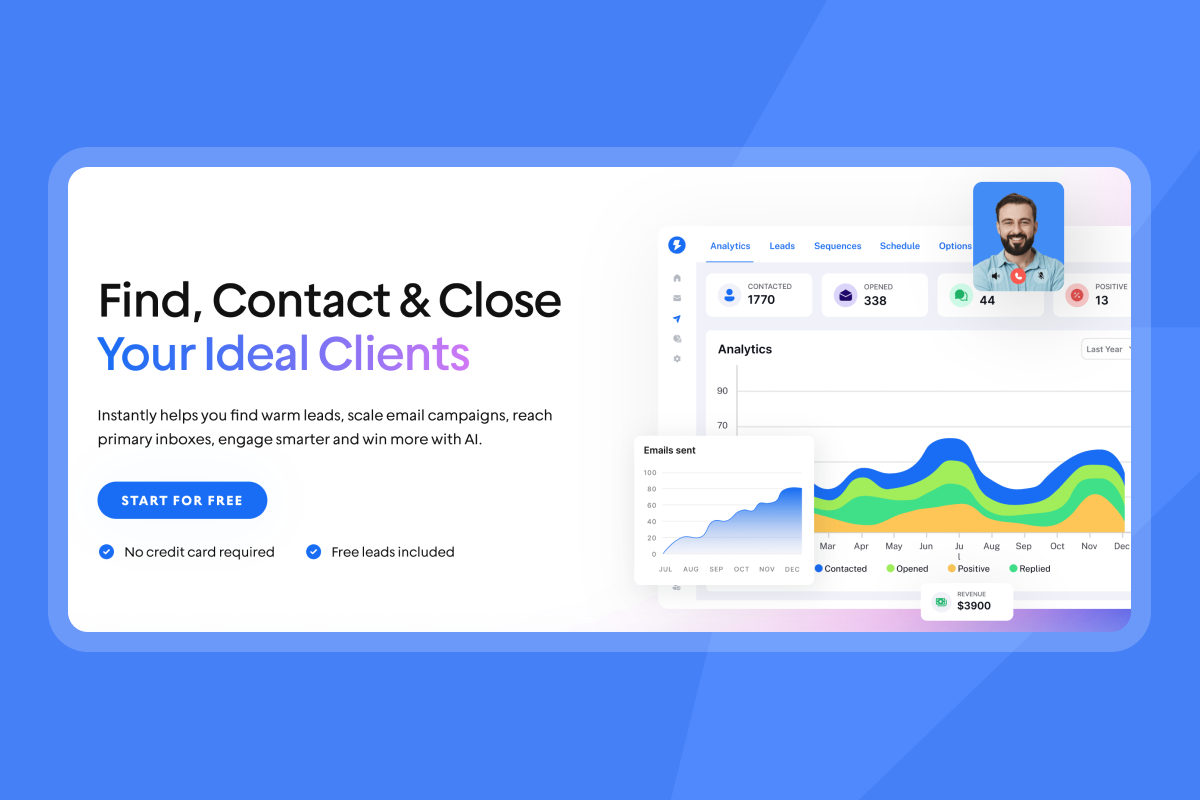
Instantly's platform integrations with HubSpot, Salesforce, Slack, Zapier, and Make allow you to build end-to-end workflows. For example, when a lead moves to "Meeting Scheduled" status in HubSpot, a Zapier trigger can add them to an Instantly reminder sequence with the meeting date and time as custom fields.
Instantly's Unibox becomes the central hub for managing replies. When a prospect replies "Can we push to 3PM instead?", you can update the meeting time in one place and the system adjusts the follow-up reminders automatically.
"Everything is really intuitive, the warmup function is great because you have full control of everything and bulk edits are a game changer. Unibox, CoPilot and AI agents are everything would could ever want." - Mathieu F. on G2
Clean interfaces and logical workflows reduce errors and save time when managing dozens of concurrent reminder sequences. Instantly is an email outreach management tool that applies the same automation discipline to reminder sequences that you already use for prospecting.
Measuring success: KPIs and attribution
You cannot improve what you do not measure. Reminder campaigns require the same metric discipline as prospecting campaigns.
Primary KPIs:
- Show-up Rate (Attendance Rate): Meeting attendance rate metrics show how many invited participants actually show up. Low attendance usually means the meeting feels irrelevant or poorly timed. Formula: (Attended Meetings / Scheduled Meetings) × 100.
- Open Rate: Measuring email open rates compares emails opened against emails delivered, indicating subject line effectiveness.
- Reply/Confirmation Rate: Percentage of recipients who reply to confirm attendance, indicating engagement and giving early warning of potential no-shows.
- Reschedule Rate: Percentage of recipients who request to reschedule via the reminder. This can be positive (proactive communication prevents hard no-shows) or negative (signal of disengagement).
Automated reminder analytics benefits track open rates, response times, and no-show rates. By analyzing these trends, businesses can identify which types of reminders yield the best results.
Attribution: Link show-up rates to revenue influenced by tracking which meetings convert to opportunities and closed deals. If your reminder optimization lifts show-up rate from 70 percent to 80 percent, and you book 20 meetings per month with a 25 percent close rate, you just added 1 deal per month.
Track these metrics in Instantly's analytics dashboard and export data for deeper analysis. Learn about cold email strategy, where the same attribution principles apply to reminder campaigns.
Start treating reminders like revenue operations
A 15-point lift in show-up rate is not a minor optimization. For a team booking 100 meetings per quarter, that is 15 more conversations, 3 more deals, and $30,000 in pipeline you did not have before. The difference is not luck or better prospects. The difference is treating reminders as a system with the same deliverability rigor, A/B testing discipline, and automation controls you apply to prospecting.
The question is not whether your prospects want to show up. The question is whether your reminder landed in the primary inbox, reinforced value, and made joining frictionless. Build reminder sequences that answer yes to all three, and you stop leaving pipeline on the table.
Try Instantly's free plan to build automated reminder sequences with deliverability controls, spin syntax, and A/B testing built in. For a full walkthrough of sequence automation, watch this cold email advice video.
"I've been using Instantly.ai for about 4 months, and I have never had an issue with using their features or a challenge with customer support. It has everything needed for sending personalized cold outreach campaigns." - Yassine Raji on Trustpilot
Frequently asked questions
How many reminders is too many?
Two reminders (24-hour and 1-hour) are standard for external B2B meetings. More than two can reduce engagement unless the meeting is high-stakes or the recipient explicitly requested extra nudges.
Should I text or email for reminders?
Email is standard for B2B. SMS works for internal teams or when the recipient opts in, but most prospects prefer email for professional communication.
What if they don't confirm attendance?
Assume they are attending unless they actively cancel. Send the 1-hour reminder regardless, and be ready to follow up 5 minutes after start time if they no-show.
Can I automate reminders without sounding robotic?
Yes. Use dynamic tags, spin syntax, and tone that matches your brand. Automation handles the timing and sending, but the copy should still feel human.
Do reminders actually reduce no-shows?
Multi-channel reminders reduce no-shows, according to Calendly's internal data across millions of scheduled meetings.
Key terms glossary
Spin Syntax: A format using brackets and pipes to create variations of a sentence, helping avoid spam filters by ensuring each email is unique while preserving meaning.
Deliverability: The ability of your emails to reach the primary inbox rather than spam or promotions tabs, critical for ensuring reminders are seen.
Unibox: A centralized inbox that consolidates replies from multiple email accounts, making it easy to manage confirmations, reschedule requests, and follow-ups.
No-show rate: The percentage of scheduled meetings where the recipient does not attend, calculated as (No-shows / Scheduled Meetings) × 100.
CRM integration: Connecting your meeting reminder system with customer relationship management software to automate workflows and track attribution from reminder to revenue.



