.svg)
%20(1).svg)


Updated April 20, 2026
TL;DR: Writing a business proposal email that feels custom-built for each prospect doesn't require manual effort on every send. The key is a four-layer data architecture feeding dynamic content blocks and conditional logic, so each recipient gets a version shaped by their company signals, role, and recent triggers. Personalization at this level drives measurably higher response rates compared to generic templates. This guide covers the exact mechanisms to build that system and scale it without losing your brand voice.
Most founders writing proposal emails face the same problem: the templates that scale feel generic, and the ones that feel personal don't scale. That tension is false. The difference between a proposal email that books a meeting and one that gets ignored almost always comes down to whether the prospect believes you understand their specific situation, not whether you spent 20 minutes researching them manually.
The solution is architectural. You build a system that pulls the right signals, maps them to the right content blocks, and assembles a custom-feeling email automatically. Here's how to do it.
The four data layers that drive personalization
You'll build effective proposal email personalization on four distinct data layers. Each one adds a dimension of relevance that generic templates can't replicate. Your goal isn't to cram all four into every email. It's to know which layer matters most for each segment and build your content blocks around that.
Company signals: firmographic and technographic data
Firmographic data covers the basics: industry, company size, revenue range, location, and growth stage. Technographic data goes deeper, surfacing the tools a company uses, their integrations, and any tech stack gaps your solution addresses.
You'll use this combination to spot whether a prospect is in buying mode. A company hiring aggressively in sales or marketing signals growth mode and a potential need for your solution. Headcount growth by department, funding history, and technology stacks are valuable data points you can pull before writing a single word.
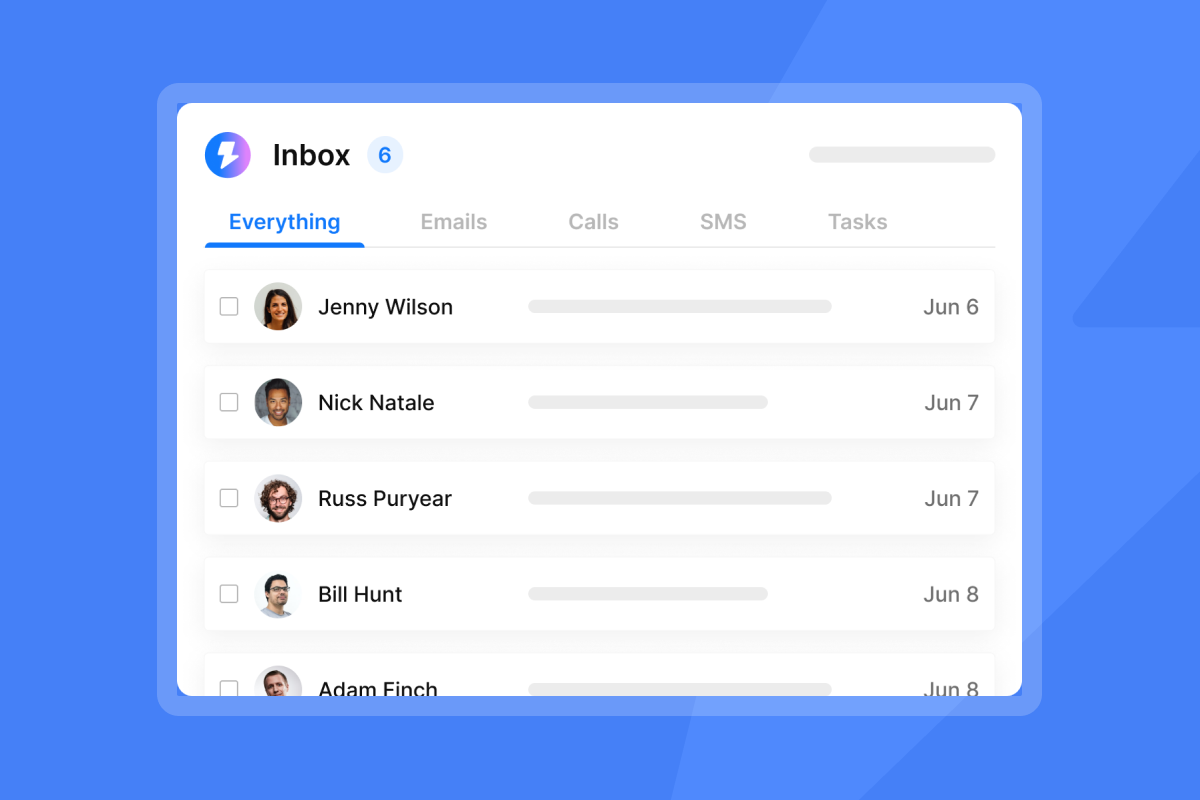
For founders sourcing this data at scale, B2B intelligence platforms aggregate firmographic, technographic, and signal data in one place, and enrichment APIs can populate these fields automatically when a lead enters your system. Instantly's SuperSearch lead finder gives you access to 450M+ B2B contacts with waterfall enrichment from multiple providers, which means you rarely need a separate enrichment tool in the stack.
Recent news and trigger events
Funding rounds, expansion announcements, leadership changes, new product launches, and layoffs all create real-time context for relevant outreach. A company that just closed a Series A has different needs than one running lean through a slow quarter. Referencing the right trigger immediately signals that this isn't a mass blast.
Real-time signals turn your enrichment pipeline into an intelligence pipeline. The practical implementation is a workflow that monitors these events and writes the signal data into a dedicated field in your list, which then maps to a corresponding content block in your proposal template.
Adobe recommends keeping dynamic elements under 20 per email to avoid performance issues. The goal is precision, not maximalism.
Mutual connections and social proof bridges
When you mention a shared connection, you establish credibility fast. A prospect who sees a familiar name is significantly more likely to engage with your message. You don't need a complex system, just a custom variable field for a mutual connection name and one conditional block that inserts it when the field is populated.
The mechanism: if the mutual connection field is not empty, render the social proof sentence. If it is empty, render your standard credibility line instead. That's conditional logic at its simplest, and it prevents a "[MUTUAL CONNECTION NAME]" placeholder from reaching an inbox.
Role-specific pain points
The most durable personalization layer is role-level relevance. Understanding what someone actually does day-to-day, not just their job title, lets you map their primary frustration to the outcome your proposal delivers.
A VP of Sales cares about pipeline velocity, a founder cares about CAC payback, and an ops lead cares about process friction. These are different people even if they're at the same company, so your proposal email should reflect that. Build a content block for each primary buyer role in your ICP and let your conditional logic serve the right one based on the title field in your list.
"I like how easy Instantly makes scaling outbound reach without sacrificing deliverability or personalization... Instantly makes it easy to tailor messaging at scale using dynamic fields and flexible sequences, allowing me to adjust copy based on persona, account type, or campaign goal while keeping things automated." - Steven M. on G2
How to build dynamic content blocks for proposal emails
You'll use dynamic content blocks as the engine behind personalized-at-scale proposal emails. The concept is straightforward: instead of writing one email and hoping it resonates, you write multiple content variants and let your platform assemble the right version for each recipient at send time.
Setting up your conditional block architecture
The setup process follows a clear sequence:
- Map your segments first. Before touching your email editor, define the rules. Which fields determine which content variant fires? Industry, company size, role, and trigger events are the most common triggers. Clean, segmented data is the prerequisite because dynamic content is only as good as the variables feeding it.
- Build one content block per variant. Inside your email editor, create a separate block for each variation tied to a rule. Label them clearly. A block labeled "FINTECH_PAIN" is much easier to manage at scale than "block_3b."
- Set the conditional logic. Your platform evaluates each recipient against your rules at send time and assembles the matching blocks. The recipient sees a clean, relevant email. They never see the logic behind it.
- Create test contacts for every combination. Before sending, create a test contact that matches each variant rule and send yourself a preview. Check rendering across Gmail, Outlook, and Apple Mail to catch any formatting issues before your list goes out.
- Watch your HTML size. Gmail clips emails over 102 KB, cutting off your CTA. When conditional HTML adds up, test the full-size render for your most complex variant before launch.
Marketo's dynamic content works at the block level, displaying unique content to each segment. ActiveCampaign's Conditional Content lets you dynamically show or hide content in emails based on contact information in your account. Mailchimp uses a similar mechanic, showing or hiding content blocks based on audience segments. For outreach sequences rather than broadcast campaigns, dedicated sequence tools like Instantly offer built-in personalization and follow-up logic designed for this use case.
The variables that matter most in proposal emails
Not all personalization variables move the needle equally. In proposal emails specifically, these fields consistently drive the highest lift:
- Company name in the opening line (table stakes, but still required)
- Trigger event reference in the first two sentences
- Role-specific pain point in the value statement
- Relevant case outcome matched to the prospect's industry
- CTA timing adjusted by time zone or inferred availability
Personalized subject lines alone increase open rates by 26%, but the real leverage is in the first 40 words of your body copy, where you establish relevance before the prospect decides whether to keep reading.
Conditional logic for segment-specific proposal emails
Conditional logic is what separates a mail merge from a true personalization architecture. Merge tags replace variables. Conditional logic controls which content exists in the email at all.
The if/then content model
The basic structure: if field X equals value Y, render block A. Otherwise, render block B. Apply this to your four data layers and you get a matrix of possible email versions assembled automatically.
A practical example for a SaaS proposal email:
- If industry equals "fintech" AND company size is over 100 employees, render the enterprise compliance pain block.
- If industry equals "ecommerce" AND the trigger event field contains "funding," render the growth scaling block.
- If role contains "founder" OR "CEO," render the CAC payback framing. Otherwise, render the pipeline efficiency framing.
Each of these is a simple rule, but combined they produce dozens of meaningfully different emails from one template. The prospect who receives the fintech compliance version and the ecommerce founder version are getting materially different proposals even though they came from the same campaign.
Opening line conditional logic:
- If trigger event field is not empty: "Saw [TRIGGER_EVENT], congrats. That usually means [IMPLICATION]."
- If role contains "founder" OR "CEO": "Most founders at [COMPANY_SIZE] stage are dealing with [FOUNDER_PAIN]."
- Default fallback: "Quick question for [ROLE] teams at [INDUSTRY] companies."
Keep conditional blocks concise. Aim for 150 to 250 words total. Short, specific, and relevant beats long and comprehensive every time for proposal email reply rates.
Preventing personalization failures
Two failure modes kill personalization at scale faster than anything else. First is empty variable fields. If a contact's company size field is blank, the conditional logic either misfires or renders nothing.
The fix is a fallback block for every conditional rule. If the primary condition can't be met, a default block renders instead. You'll avoid broken emails and visible placeholders.
The second failure mode is over-complexity. Keep your conditional rules simple enough that you can QA them manually. A rule with five nested conditions is hard to test and easy to break. Build simple rules, test them systematically, and add complexity only when simpler rules stop producing lift.
For deliverability, content variation actively protects your sender reputation. When you send identical messages to hundreds of prospects, filters detect the repetition and flag your emails as mass spam. Dynamic blocks create natural variation that reduces the repetition signal, which helps your emails land in the primary inbox rather than spam.

AI-assisted personalization that keeps your brand voice
AI tools for proposal email personalization have gotten genuinely useful, but they're only valuable if the output sounds like you. The tools that work well analyze prospect data including job role, company attributes, technology usage, and buying signals to generate opening lines and value propositions that reference real context.
How to train AI on your brand voice
Most AI writing tools let you define tone parameters and upload examples of your own writing. The process matters:
- Pull 10–15 of your highest-performing emails from your Unibox or CRM.
- Tag what made each one effective: direct opener, specific trigger reference, short CTA, and so on.
- Feed those examples into your AI tool as style anchors (most tools have a "tone" or "examples" input field during setup).
- Generate drafts and score them against your original examples before using them in production.
HubSpot's Breeze AI tools analyze your writing's personality and tone to adapt generated content to your specific communication style. The principle applies to any AI writing tool: give it your voice first, then generate at scale.
AI email coaching tools review your drafts before you send them. They plug into Gmail and Outlook to score messages on personalization, readability, and mobile formatting, giving you suggestions on subject lines, opening sentences, and CTAs while you're still writing. For founders who write most of their own outreach, this is a fast calibration loop.
AI personalization within Instantly
Instantly's Copilot handles research, lead targeting, and campaign creation, while the AI Reply Agent auto-handles lead replies in under five minutes. For proposal emails specifically, the AI Sequence Writer (included in Growth and above) generates full sequences based on your inputs, and the AI Rephrase tool adjusts copy variants while preserving your core message.
"I use Instantly to automate campaigns and utilize AI for personalization. It saves me a lot of time and helps me generate personalized introductory lines and dynamic content variations efficiently at scale." - Jethu Ram P. on G2
The key risk with AI-generated personalization is HTML complexity. AI tools sometimes generate excessively long or complex body copy that bloats email size. Keep AI-generated opening lines tight and focused: one specific trigger reference, one clear bridge to your value prop.
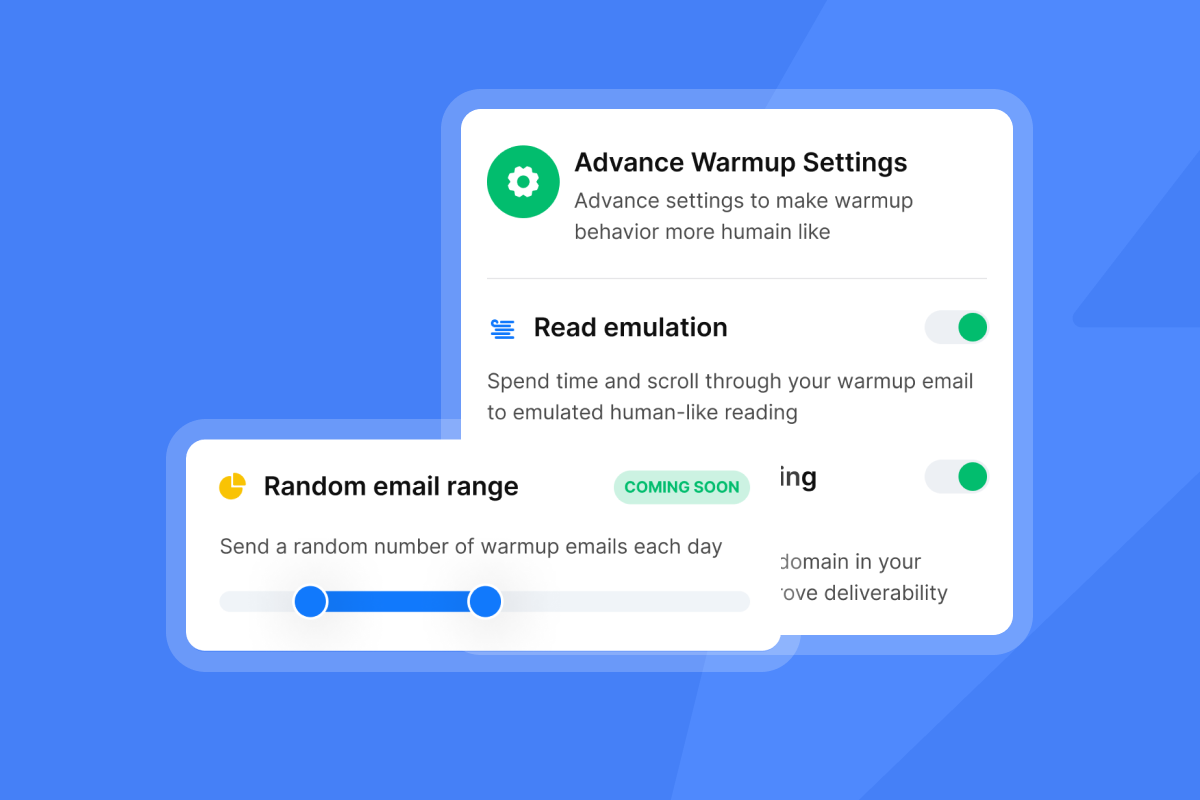
Set a hard limit of two sentences maximum for any AI-generated opening line. Configure this constraint directly in your prompt instructions or template settings, without it, AI tools will frequently expand into multi-sentence paragraphs that inflate email body size, trigger spam filters, and bury your call to action before the reader reaches it.
For scaling AI outreach from setup to live campaigns, the Instantly co-founder demo walkthrough covers the full feature set including AI tools in practice. The full 2026 feature guide from Scalesprint is worth watching for advanced conditional logic setup.
Testing and measuring personalization effectiveness
Personalization only compounds if you measure what's driving lift. The testing framework for proposal emails is straightforward, but most founders skip the minimum sample size step and draw conclusions from 40 sends. That produces noise, not signal.
Running valid A/B tests on proposal variants
A/B testing starts with a clear hypothesis: what do you think will happen if you change element X? From there, you test it and use that data to move forward with a strategy that can impact your bottom line.
The minimums that produce statistically valid results:
- 1,000 recipients per variation for email-level A/B tests
- 3-7 day test duration to account for day-of-week reply variance
- One variable changed at a time (subject, opening line, CTA, or trigger reference, but not all four at once)
- Reply rate as the primary metric, not open rate (open rates are unreliable due to Apple MPP inflation as covered in our email open tracking accuracy guide)
Businesses that A/B test every email see 37% higher ROI than those that never test. That gap is large enough to make testing a non-negotiable part of your proposal email workflow.
Instantly's A/Z testing (included in the Growth plan at $47/mo) lets you test up to 26 variants simultaneously. For proposal email testing, start with two to three subject line variants, run them on your first 2,000 sends, and scale the winner across the full list.
Metrics to track beyond open rate
The metrics that actually tell you whether your personalization is working:
Metric | What to watch for | What it signals |
|---|---|---|
Reply rate | 5%+ is healthy, 8%+ is strong; below 3% signals a messaging or targeting problem | Message-market fit |
Positive reply rate | Track the ratio of interested replies to total replies over time; a rising ratio indicates improving targeting and messaging fit, while a declining ratio suggests misalignment between your offer and audience | Intent quality |
Meeting booking rate | 1–2% is baseline, 2–3% is healthy, 3%+ is strong relative to delivered volume | CTA effectiveness |
Bounce rate | Below 2% is acceptable, at or below 1% | List hygiene |
Spam complaint rate | Below 0.1% is acceptable, below 0.05% is strong; anything above 0.3% requires immediate list review | Relevance quality |
Advanced personalization can significantly improve reply rates when your data layers are clean and your conditional logic fires correctly. Focus on relevant trigger references and role-matched value propositions to see measurable improvements in founder-led outreach.
Qualitative validation matters too. Pay attention to what prospects mention in their replies. Are they calling out the specific trigger you referenced? Are they naming the pain point you identified? These signals tell you which personalization layer is creating engagement and which is just noise.
Our guide on email click tracking and engagement covers how to measure real intent signals beyond surface-level metrics.
Governing your testing at scale
Once you're running multiple campaigns with dynamic variants, you need governance to avoid contradictory tests running simultaneously. Our subject line testing at scale guide covers strict protocols: one live test per segment at a time, minimum send thresholds before declaring a winner, and a log of what was tested and what it produced.
The cost of skipping governance is drawing a false winner from too-small a sample, then scaling a template that doesn't outperform. That costs you weeks of sending window and erodes your domain health.
Deliverability considerations for personalized proposal emails
Personalization actively helps deliverability when done right, and actively hurts it when done wrong. The mechanism is simple: relevant emails get opened and replied to, which signals to email providers that recipients want your messages and improves your sender reputation over time.
What helps and what hurts
Positive signals:
- Dynamic content that creates natural variation across sends, which reduces repetition detection
- Higher reply rates from relevant personalization, which builds sender reputation
- Lower unsubscribe rates from targeted, role-specific messaging
Negative signals:
- Excessively complex HTML from over-engineered conditional blocks
- Emails over 102 KB getting clipped by Gmail (your CTA disappears)
- Too many links per email, which can raise spam filter flags
For links, stick to one or two well-placed links per email. Use your primary domain only and avoid URL shorteners.
Send volume matters too. Sending a high volume of proposal emails immediately raises red flags for spam filters. Start with a small number of sends to your most engaged contacts and gradually increase over several weeks. Your goal is to prove to ISPs that your emails are trustworthy before scaling throughput. Cap single-inbox sends at 30 per day, which is the safe ceiling for maintaining domain health.
Our email deliverability for sequences guide covers warmup, health monitoring, and compliance in detail. Instantly's automated Inbox Placement tests let you check where your emails land before they hit your full list.
Compliance requirements for proposal emails
Personalization collects and processes prospect data, which means GDPR, CAN-SPAM, and CCPA all apply depending on your target geography.
GDPR (EU): Requires a lawful basis to contact EU residents. For B2B outreach, legitimate interest is the typical justification, but it requires a Legitimate Interest Assessment to confirm your outreach is reasonable. Non-compliance risks fines up to €20 million. For data minimization, only pull and store the fields your personalization actually uses.
CAN-SPAM (US): Permits opt-out emails but requires clear sender identification and a functional unsubscribe link in every email.
CCPA (California): Focuses on data transparency and gives California residents the right to access, delete, and opt out of data sharing.
The practical implementation: include a visible, easy unsubscribe link in every proposal email. Under GDPR, once someone unsubscribes, you must process the removal without unreasonable delay—regulators expect this within days, not weeks. CAN-SPAM requires opt-out processing within 10 business days. Our email tracking privacy and compliance guide covers the legal mechanics for each regulation in detail.
How to write a business proposal email: templates for each personalization layer
The fastest way to implement this framework is to build one base template and attach conditional blocks for each data layer. Here's the architecture:
Base template structure:
- Subject line with one dynamic variable (company name, trigger event, or role pain point)
- Opening line: conditional block (trigger event reference if available, role pain point if no trigger)
- Value bridge: conditional block by industry or company size
- Social proof: conditional block by industry (relevant case outcome)
- CTA: one question, always the same
Subject line examples by data layer (customize the bracketed variables):
- Trigger-led: "[Company] just raised Series B - quick question on [relevant outcome]"
- Role-led: "How [similar company] handled [role-specific pain]"
- Mutual connection: "[Connection name] suggested I reach out"
Opening line conditional logic:
- If trigger event field is not empty: "Saw [TRIGGER_EVENT], congrats. That usually means [IMPLICATION]."
- If role contains "founder" OR "CEO": "Most founders at [COMPANY_SIZE] stage are dealing with [FOUNDER_PAIN]."
- Default fallback: "Quick question for [ROLE] teams at [INDUSTRY] companies."
Each block stays under three sentences. The email total stays under 200 words. Short, specific, and relevant beats long and comprehensive every time for proposal email reply rates.
For a full walkthrough of setting up campaigns and sequences with personalization in Instantly, the full beginner tutorial and the step-by-step cold email guide from Instantly's own channel cover the sequence builder and dynamic field setup from scratch. You'll also want to read our cold email subject line checklist before your first campaign goes out.
How Instantly helps you scale proposal email personalization
For a lean founding team, the friction in building this system usually comes from having data, outreach, and reply management in separate tools. Context switches between a lead database, an email sequencer, a CRM, and an analytics dashboard add up to hours per week that don't produce meetings.
Instantly consolidates all four into one platform. SuperSearch gives you the lead data with waterfall enrichment across 450M+ B2B contacts. The sequence builder handles dynamic fields, variant blocks, and conditional follow-up logic natively in a single workflow, so you're not stitching together separate tools to manage personalization at the step level. The Unibox centralizes all replies across unlimited sending accounts so you handle positive responses without checking multiple inboxes. The AI Reply Agent handles initial reply triage in under five minutes, with Human-in-the-Loop approval or full autopilot depending on your preference.
The pricing structure is designed for founders. The Growth plan at $47/mo for Outreach includes A/Z testing, the AI Sequence Writer, AI Rephrase, and advanced warmup options. Stack it with SuperSearch Growth at $47/mo and Growth CRM at $47/mo for a complete lead-to-meeting system at $141/mo total, with no per-seat tax as your team grows. Instantly offers a 14-day free trial across Outreach, SuperSearch, and CRM with no credit card required, so you can test the full setup before committing.
"I've been using Instantly for my cold email campaigns and it's made a big difference... The best part is how it balances simplicity with useful features. Personalization, sequencing, and reporting are all built in without adding extra complexity." - Taylor G. on G2
The personalized proposals automation demo from Jake Bhatt shows how to wire Make + AI + Instantly into a fully automated proposal response workflow, which is worth watching if you want to extend the personalization architecture into reply handling.
Try Instantly free and use the dynamic field builder to implement the four-layer data architecture in your first campaign.
Read Next
- Email Deliverability for Sequences: Warmup, Health Monitoring and Compliance
- Cold Email Subject Lines for Follow-Ups: How to Re-Engage Without Being Pushy
- Subject Line Testing at Scale: A Governance Framework for Sales Leaders
FAQs
How do you write a business proposal email that doesn't look like a template?
Reference one specific trigger event or company signal in the first two sentences and match the value statement to the recipient's role. Personalized cold emails that name the prospect's specific situation achieve 18% response rates compared to 9% for generic emails.
What's the minimum list size needed for A/B testing proposal email variants?
Run at least 1,000 recipients per variation and keep tests running for three to seven days. Smaller samples produce statistically unreliable results, and concluding from fewer than 200 sends per variant is the most common cause of false winners.
How do you keep AI-generated proposal emails on-brand?
Upload 10-15 of your best-performing emails as style examples before generating new copy, and define tone parameters explicitly (direct, no jargon, short sentences). Tools like Lavender score drafts in real time and flag off-brand language before you send.
What compliance steps are required before sending personalized proposal emails?
Include a visible unsubscribe link in every email (required under CAN-SPAM, GDPR, and CCPA) and document your legitimate interest basis before contacting EU residents. Under CAN-SPAM, process unsubscribe requests within 10 business days; under GDPR, act without unreasonable delay—regulators expect this within days, not weeks. Only store the data fields your personalization actually uses.
How do you prevent broken personalization placeholders from reaching prospects?
Build a fallback content block for every conditional rule so that when a variable field is empty, a default block renders instead of a visible placeholder. Test every variant combination with a dummy contact before launching your campaign.
Key terms glossary
Dynamic content blocks: Email sections that change based on recipient data, assembled automatically at send time.
Conditional logic: Rules that determine which content version each recipient sees based on their profile fields.
Firmographic data: Company attributes including industry, size, revenue, location, and growth stage.
Technographic data: Information about a company's technology stack, tools, and integrations.
Trigger events: Time-sensitive company activities like funding rounds, leadership changes, or product launches that create outreach opportunities.
Waterfall enrichment: A sequential process that queries multiple data providers in order until a required field is populated, reducing incomplete contact records.



