.svg)
%20(1).svg)


Updated June 10, 2026
TL;DR:
Deploying an AI Sales Agent safely takes 30 days from domain purchase to a live, data-generating campaign. The golden rule: never exceed 30 emails per inbox per day, and warm up new domains for 14 to 30 days before sending cold outreach. This playbook gives you the exact roadmap, domain warmup schedule, and quality gates to get there. Instantly supports that process with unlimited sending accounts, a 4.2M+ warmup network, and AI Sales Agent and AI Reply Agent running from a single credit pool.
Most sales leaders focus on how fast an AI agent can write emails while ignoring the technical setup required to keep those emails out of the spam folder. That gap kills campaigns before they generate a single reply. This playbook gives you the exact systems, timelines, and metrics to deploy an AI sales agent the right way.
What to expect during AI Sales Agent implementation
A full deployment of an AI sales automation agent runs approximately 30 days from domain purchase to a live, data-generating campaign. That timeline is not arbitrary. Mailbox providers like Gmail and Microsoft judge sender reputation on behavior patterns, not just authentication records. New inboxes that suddenly send 50 automated emails per day trigger spam filters, even when SPF, DKIM, and DMARC records are correct, as Instantly's rotating IP and deliverability guide confirms.
Standard 30-day deployment roadmap
The table below maps each phase to its core activities and deliverability guardrails.
Phase | Days | Key activities | Deliverability guardrails |
|---|---|---|---|
DNS setup and early warmup | 1-7 | Buy domains, configure SPF/DKIM/DMARC, start warmup at 5 to 10 emails/inbox/day | Allow 24-48 hours for DNS propagation, complaints near zero |
Continued warmup and list prep | 8-21 | Ramp to 15 to 20 emails/inbox/day, verify contacts, build sequences, run A/Z tests | Keep bounces at or below 1%, inbox placement above 80% |
Controlled launch | 22-30+ | Activate AI Sales Agent, connect CRM, enable AI Reply Agent, full team reporting live | Cap at 30 emails/inbox/day, monitor placement weekly |
After turning on SPF and DKIM, allow up to 48 hours before enabling DMARC so authentication can fully propagate. The warmup phase does not end at day 14. It runs continuously, protecting domain health at every send volume.
Project roles for sales operations
Clear ownership prevents implementation from stalling. Define these roles on day zero:
- RevOps or IT (suggested): DNS setup, domain purchasing, SPF/DKIM/DMARC configuration, and CRM field mapping. Ownership typically sits with RevOps, IT, or a technical administrator depending on org size and structure.
- Sales leader (suggested): Sequence approval, template governance, and success metric sign-off. Ownership of these responsibilities is typically shared across sales leadership and RevOps depending on org size and structure.
- SDRs (suggested): Reply handling in Unibox, CRM logging of meetings and SQLs, and daily bounce checks. These day-to-day operational responsibilities are typically owned at the rep level but may be shared with or overseen by RevOps or a sales leader depending on org size and structure.
How to bypass deployment bottlenecks
Three issues slow most rollouts. First, slow DNS propagation (allow 24 to 48 hours per record). Second, delayed CRM mapping (configure HubSpot sync via OutboundSync before launching any sequence). Third, rep adoption resistance (consider running a small-scale pilot before a full team rollout).
Protecting reputation and inbox placement
Deliverability is a system you build and maintain, not a box you check once, as our AI Sales Agent deliverability system guide breaks down in detail. The Instantly cold email strategy guide is clear: consistent positive interactions establish your domain as legitimate, and any shortcut risks months of repair work.
Avoiding common deliverability pitfalls
Scaling too fast and using unverified lists are the two biggest risks. Target hard bounces at or below 1% on all campaigns. Anything above that signals poor list quality to mailbox providers and degrades sender reputation quickly. Run inbox placement automated tests before any volume increase to catch problems early.
Optimizing Instantly for inbox placement
Instantly's built-in warmup tool connects your inboxes to a private network of 4.2M+ accounts. The warmup process mimics natural human email conversations, building trust with mailbox providers through consistent, positive engagement signals. For teams that need dedicated IP infrastructure, the Light Speed plan at $358/month adds SISR (Server and IP Sharding and Rotation), which assigns dedicated private server and IP blocks to your campaigns. Flagged IPs rotate out quickly, which reduces the risk that one problematic send affects your broader program.
"Instantly.ai is the GOAT of cold email and a must for beginners and experts alike. There is not a better tool to scale outreach that lands in inbox like Instantly." - Joseph Elsaghir on Trustpilot
New domains require a minimum of 14 to 30 days of warmup before you send any cold outreach. Start at 5 emails per inbox per day and increase gradually based on your health signals. Only raise volume when bounces stay at or below 1% and placement tests show 80%+ primary placement. Cap every inbox at 30 emails per day, as the secondary sending domains guide explains.
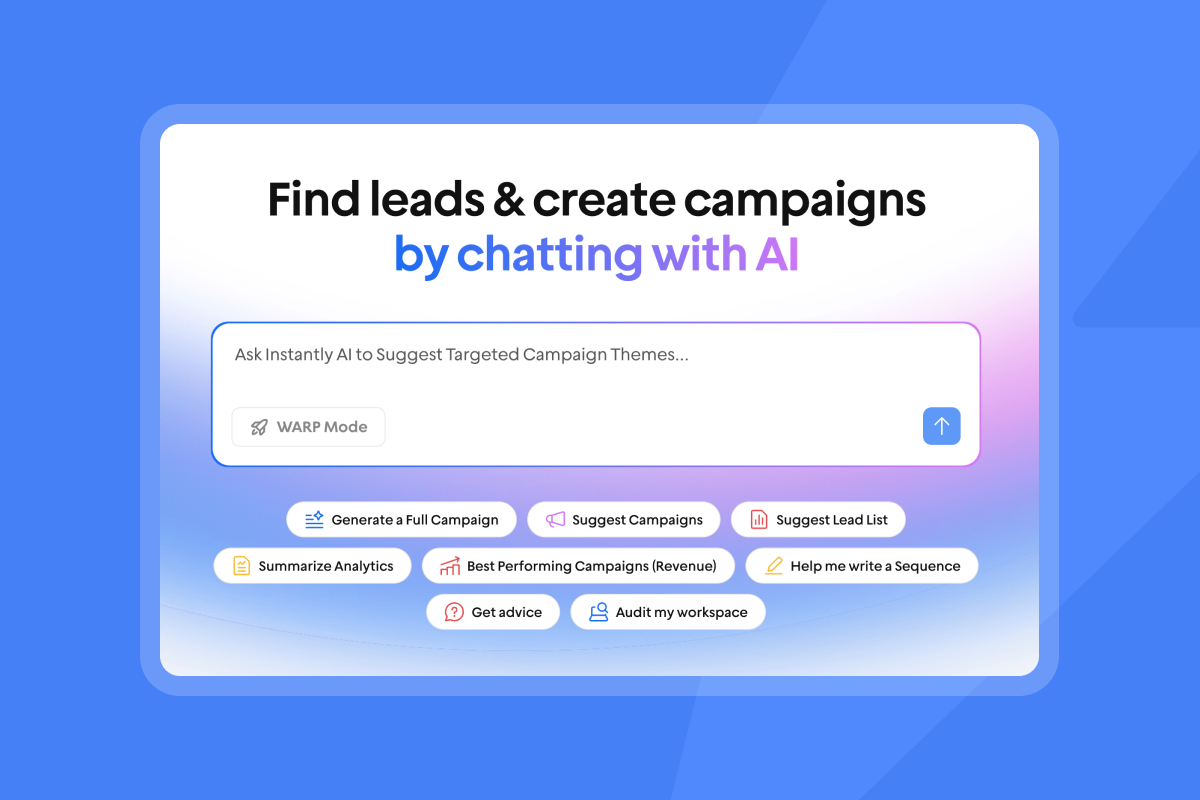
Preparing prospect data for AI outreach
Dirty data costs sales teams in three measurable ways.
- Unverified contacts drive hard bounces above 1%, triggering spam filters and degrading sender reputation across every domain you own.
- Bad data burns Instantly Credits on leads that never existed, inflating cost per meeting and making ROI impossible to justify.
- Mailbox providers like Gmail and Microsoft penalize senders who repeatedly hit invalid addresses, which means one dirty upload can damage deliverability for months.
The fix is simple but non-negotiable. Treat list hygiene like a water filter: replace it before the water tastes off, not after. Verify every contact before upload, segment by firmographic or technographic signals so the AI Sales Agent generates contextual copy, and map every send, reply, and bounce event back to your CRM so attribution stays clean from first touch to closed-won.
Verifying contacts to protect domains
Instantly's SuperSearch gives you access to 450M+ B2B leads with waterfall enrichment across 5+ providers. Contacts are verified and ready to use, which lowers the risk of hitting invalid addresses on your first send.
Segmenting leads for better AI performance
Group leads by industry, role, or technology stack before feeding them to the AI Sales Agent. Tighter segmentation helps the agent generate context-specific messages that improve reply rates and reduce the risk of sending generic copy that hurts domain reputation.
Mapping AI actions to CRM fields
Configure OutboundSync to push Instantly events, including sends, replies, bounces, and status changes, directly into HubSpot, following the same AI sales agent data integration approach for CRM mapping. Use Instantly's webhook feature to select exactly which events trigger a CRM update, giving you full-funnel attribution from first touch to closed-won.
Enforcing quality standards in email flows
The biggest concern with AI-generated outreach is off-brand or spam-like messages going out at scale. When an AI agent drafts copy without human review, three risks emerge.
- The agent may include language that triggers spam filters, such as all-caps subject lines, excessive punctuation, or banned phrases like "limited time" and "act now."
- Tone drift occurs when the AI misreads segmentation signals and sends generic, irrelevant copy that damages reply rates and signals poor sender quality to mailbox providers.
- Volume compounds every mistake. A single templating error in a traditional campaign affects one send, but an AI agent running at 30 emails per inbox per day across 20 inboxes pushes 600 bad messages before you catch it, which degrades sender reputation across every domain you own and can trigger blacklisting that takes weeks to repair.
The fix is a governance layer. Template protocols define brand-safe copy boundaries before the agent writes a single line. A/Z testing catches tone and conversion issues early so you can adjust variants before full volume. Rep usage boundaries cap send limits and restrict domain configuration changes so no single rep or AI workflow can damage shared infrastructure. The governance system covers three areas: template protocols, A/Z testing cadences, and admin controls.
Defining brand-safe template protocols
Build base templates in Instantly and use spin syntax to vary copy across sends. Emails with personalized first lines see a 2x improvement in reply rates, per Instantly's cold email copywriting framework. The AI Sequence Writer (included on the Growth plan at $47/month) drafts sequences directly inside the platform, and the AI Spam Words Checker flags risky language before anything goes live. For initial deployment, consider configuring the AI Reply Agent to send draft replies to Slack for manual approval before they send. Switch to Autopilot mode once you observe consistent accuracy in reply classification and confirm the agent's drafts match your brand standards.
Optimizing messaging with A/Z tests
Instantly's A/Z testing supports up to 26 subject line or copy variants per sequence step. Start with 2 to 3 variants per step, which gives you a meaningful comparison point without splitting volume too thin. Running more than 5 variants at once splits volume across each variant and slows the time to statistical significance. Track reply rates per variant inside the analytics dashboard before scaling to additional variants.
Enforcing rep usage boundaries
Use Instantly's admin settings to cap daily sends at 30 per inbox across all rep accounts. Consider restricting access to domain configuration and send limit settings to prevent unauthorized changes that could damage shared domain reputation.
"Instantly makes cold outreach operationally simple at scale. The interface is straightforward, setting up campaigns with multiple inboxes is fast, and the warm-up system helps maintain deliverability when sending higher volumes." - Ivar S. on G2
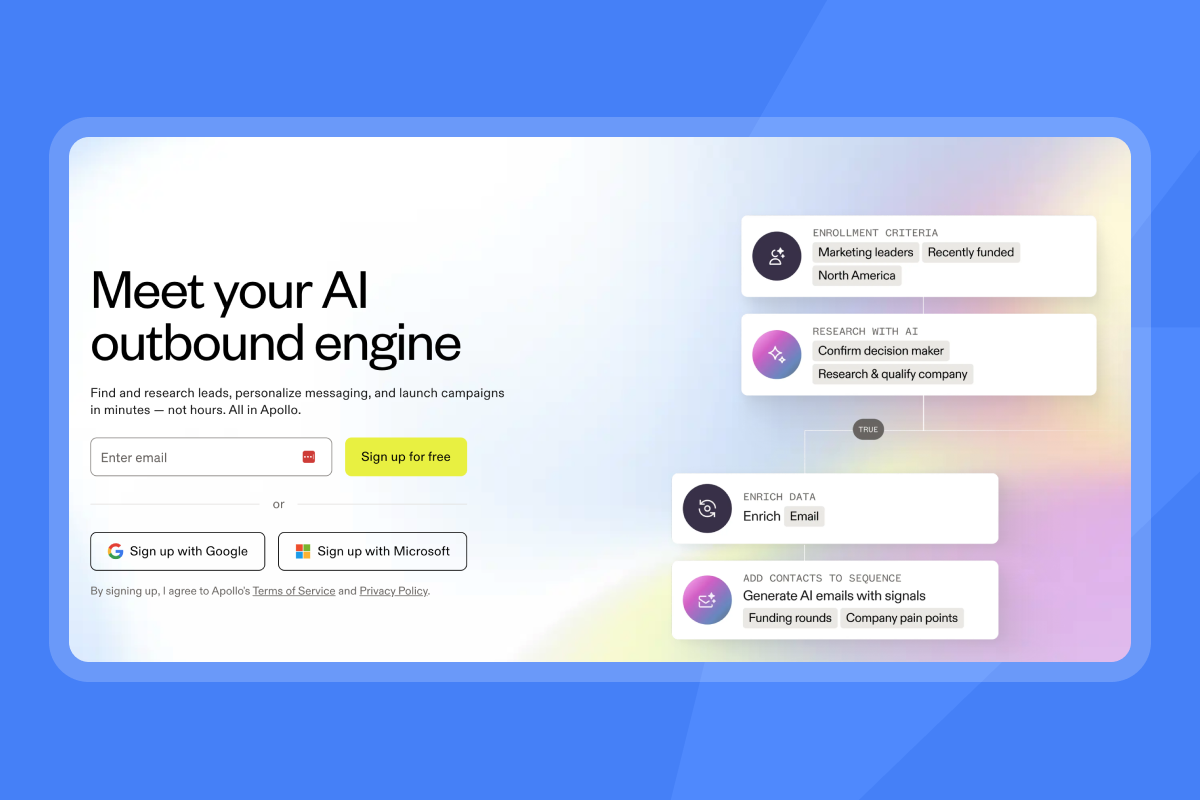

Optimizing staff onboarding for AI tools
Reps who skip or rush onboarding steps create deliverability and data hygiene risks that affect the whole team's domain infrastructure. A single rep sending from an unwarmed inbox or importing an unverified list can push bounces above 1% across shared domains, triggering spam filters that degrade sender reputation for every campaign running on those domains. That risk compounds when you add AI agents into the workflow, because the AI Sales Agent and AI Reply Agent operate at higher throughput than manual sends, which means a misconfigured inbox or a dirty contact list generates hundreds of bad signals before anyone notices.
Walk every rep through the checklist, define reply labeling logic in Settings so the AI Reply Agent classifies responses consistently, and enforce clean email hygiene protocols from day one so no single user can damage your shared infrastructure.
Onboarding walkthrough checklist
- Domain setup: Confirm SPF, DKIM, and DMARC records are active.
- Warmup activation: Enable warmup on every inbox with read emulation on.
- Send schedule: Set send windows to Tuesday through Thursday, 8 to 11 a.m. local time.
- Daily cap: Confirm 30 emails per inbox per day limit is applied.
- List import: Upload verified contacts from SuperSearch or a pre-verified CSV.
- Sequence review: Run copy through the AI Spam Words Checker.
- A/Z test setup: Start with 2 to 3 subject line variants for testing.
- AI Reply Agent: Enable Human-in-the-Loop mode for initial deployment.
- Unibox and CRM sync: Walk reps through reply labeling, Slack notifications, and confirm OutboundSync is pushing events to HubSpot.
Defining AI reply labeling logic
In Settings, enable "Automatically tag interest status in replies" under AI Automation. Select the labels you want active: "Interested," "Meeting booked," "Not interested," "Out of Office," "Referral," and "Objection." The AI Reply Agent troubleshooting doc confirms the agent processes replies in under five minutes in Autopilot mode.
Strategies for clean email hygiene
Add opted-out contacts to the global block list when they request removal and remove them from all active sequences at the same time. Industry compliance standards such as CCPA require responding to opt-out requests within 15 business days. Pause any campaign where bounce rates exceed 1%. Re-verify the list and restart at a lower send cap, then confirm inbox placement has stabilized before resuming full volume.
Executing your AI agent launch sequence
Teams that skip the ramp and go straight to full volume hand mailbox providers the behavioral signals they need to filter or block the sending domain. A single inbox sending at full volume on day one can push bounce rates above 1% and trigger spam classification that takes weeks to recover from, stalling the entire quarter's pipeline.
Safe daily send limits define the hard cap that protects every inbox you own. Ramping send capacity safely sets the week-by-week progression that builds sender trust without triggering spam filters. Aligning send cadences with prospect habits ensures your emails arrive when decision-makers are most likely to engage, which improves reply rates and signals positive engagement to mailbox providers.
Establishing safe daily send limits
Never exceed 30 emails per single inbox per day. This applies at every stage of the ramp, every day the campaign runs. The AI Sales Agent costs 5 Instantly Credits per generated lead and the AI Reply Agent costs 5 credits per reply, both drawn from your Instantly Credits pool starting at $9/month.
Ramping up send capacity safely
- Week one: Start with 5 to 10 emails per inbox per day.
- Week two: Ramp to 15 to 20 emails per inbox per day.
- Week three: Cap at 30 emails per inbox per day. Increase volume only when bounces stay at or below 1%, complaints are near zero, and placement tests show 80%+ primary inbox placement.
Aligning send cadences with prospect habits
Configure send windows in Instantly to match the prospect's local time zone. Target Tuesday through Thursday, 8 to 11 a.m. or 1 to 3 p.m. local time, and uncheck Saturday and Sunday in Settings under Schedule and Limits.
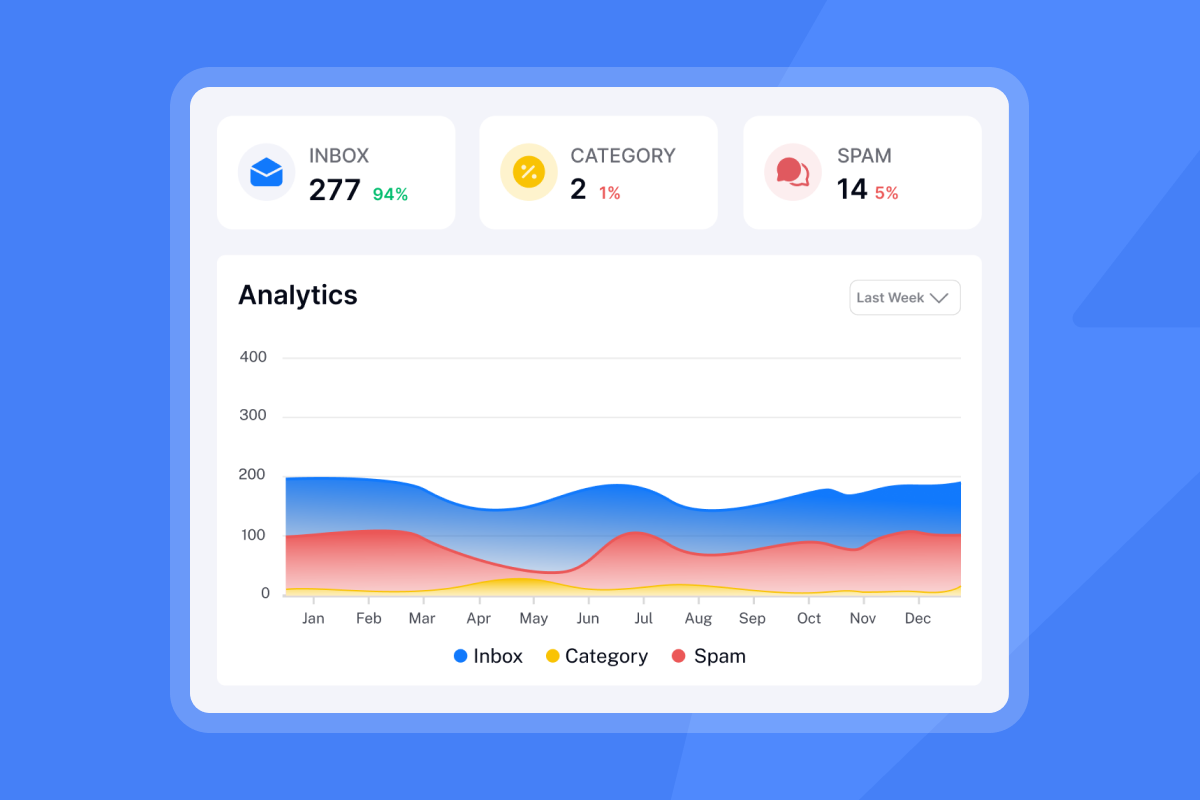
Monitoring AI agent KPIs for revenue growth
Teams that track opens as their primary KPI miss the metrics that actually predict pipeline health, a gap covered in depth in our AI Sales Agent reporting and analytics guide. Open data is unreliable because major email clients like Apple Mail preload tracking pixels automatically, which inflates open counts without confirming human engagement.
Worse, open rates say nothing about whether a reply, meeting, or SQL resulted from the send, so optimizing for opens leads to false confidence, sequences that look healthy in the dashboard but generate zero meetings, and credits burned on AI reply handling for non-replies that were never real engagement.
Track these three metrics to get a defensible view of what the AI agent actually produces at each stage of the funnel.
Optimizing for primary inbox delivery
Reply rate is the most reliable signal for primary inbox placement in 2026, because pixel-based open rate tracking is unreliable when major clients like Apple Mail preload tracking pixels automatically, as Instantly's 2026 email sequence benchmarks confirm. Target a reply rate above 5% as your primary benchmark. A reply proves a human read your email and chose to respond, which is the clearest confirmation you landed in the primary inbox.
Validating meeting and SQL attribution
Map "Meeting booked" reply labels in Instantly directly to your CRM pipeline stage via OutboundSync. This eliminates manual logging and ensures every booked meeting ties back to the originating campaign and sequence step. Track cost per meeting monthly by dividing total Instantly spend (Outreach plan fees plus Credits) by meetings generated to get a clear ROI signal.
Scaling AI with cost transparency
The Instantly Credits subscription is a single, predictable pool that powers all three AI agents. Here is the full pricing picture as of May 21, 2026:
Plan or module | Monthly price | Key features |
|---|---|---|
Outreach Growth | $47/mo | Unlimited accounts and warmup, 1,000 uploaded contacts, 5,000 emails monthly, A/Z testing, AI Sequence Writer, AI Rephrase, AI Spam Words Checker, chat support |
Outreach Hypergrowth | $97/mo | Higher send volume, premium support (all Growth features included) |
Outreach Light Speed | $358/mo | SISR dedicated IP pools, higher volume capabilities |
Credits Nano | $9/mo | 150 credits |
Credits Growth | $47/mo | 1,500-2,000 credits |
Credits Supersonic | $97/mo | 5,000-7,500 credits |
Credits Hyper | $197/mo | 10,000-200,000 credits |
A team generating 200 replies per month and automating 50% with the AI Reply Agent consumes 500 credits (100 replies at 5 credits each). Plan your credit tier before launch to avoid mid-month shortfalls.
Start with Instantly's Outreach Growth plan at $47/month and add Instantly Credits Nano at $9/month for your pilot. Scale to a higher credits tier once AI Reply Agent volume becomes predictable. For a faster start, explore Instantly's pre-warmed domains and accounts, which arrive with positive sending history already established so you can reduce the standard warmup window.
Key questions before launching AI campaigns
Most AI sales agent deployments stall or fail not because the technology is unreliable, but because teams launch without answers to the operational questions that protect domain reputation, control credit spend, and prevent unauthorized outreach to existing accounts. A missed block list setup exposes active deals to cold outreach, a miscalculated credit tier causes mid-campaign shortfalls that pause the AI Reply Agent at the worst moment, and a rushed ramp without a pilot surfaces rep training gaps only after domain reputation has already taken the hit.
The five questions below are the specific pre-launch checks a sales leader should confirm before activating any AI agent campaign, covering timeline, pilot structure, reputation recovery, account protection, and credit budgeting.
How long does setup and ramp take before the first live campaign?
Expect 30 days from domain purchase to your first live, data-generating campaign. The first week covers DNS configuration and early warmup, with list prep and sequence building running through day 21 before a controlled launch.
Should I test the AI agent with one rep before a full rollout?
Yes. Run a 30-day pilot with one or two reps and measure reply rate and meetings set before expanding, so you surface rep training gaps and sequence issues without putting your entire domain infrastructure at risk.
What do I do if sender reputation drops?
If bounces exceed 1%, pause all sends immediately, re-verify your contact list, and lower your daily send cap before resuming. If reply rates fall below 5%, investigate list quality and segmentation while monitoring bounce rates and inbox placement closely. Run an inbox placement test to diagnose which domains are affected before restarting.
How do I prevent unauthorized outreach to existing clients or active deals?
Upload current clients and active opportunities to Instantly's global block list before any campaign launches, and add domain exclusion rules for accounts already in your CRM pipeline. Use admin settings to restrict block list editing access to prevent reps from bypassing these guardrails.
What is the credit cost to run the AI agents at scale?
AI Sales Agent and AI Reply Agent each consume 5 Instantly Credits per action. Credits start at $9/month for 150 credits and scale to $47/month for 1,500 to 2,000 credits, covering moderate AI agent usage for most lean sales teams under Instantly's AI sales agent pricing models.
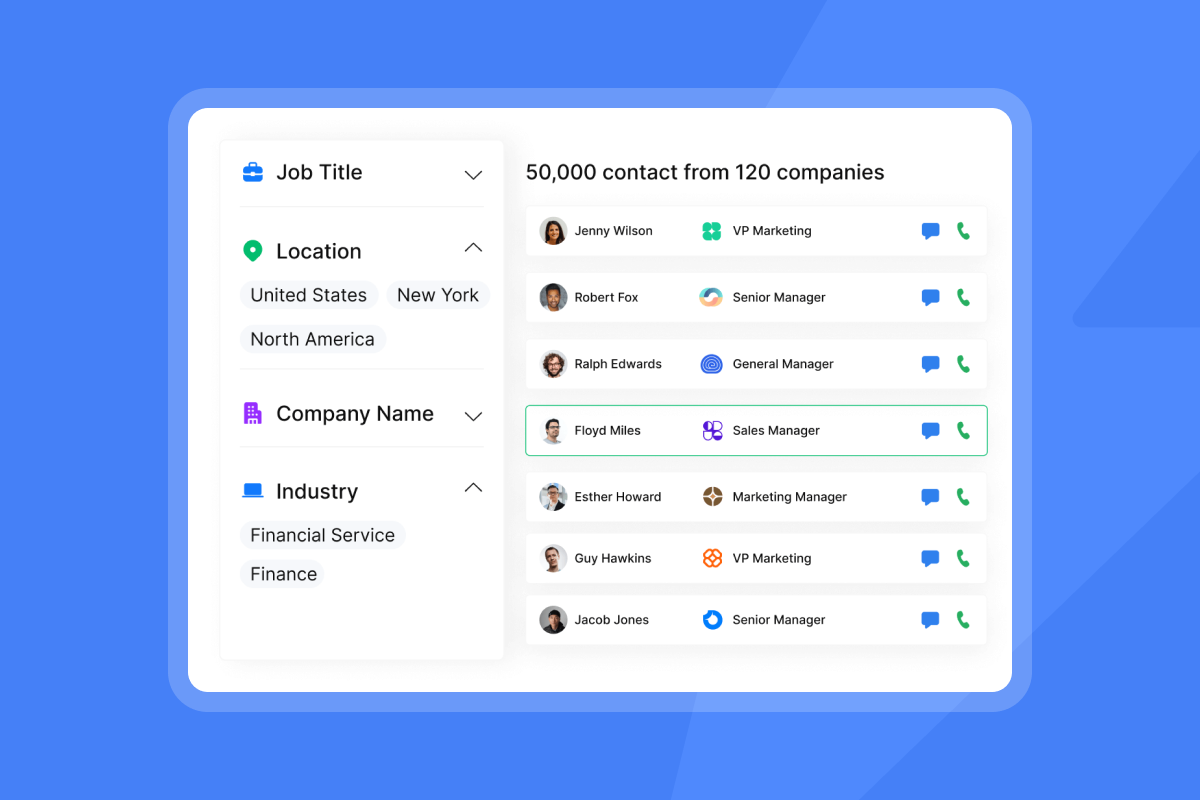
Start your AI Sales Agent ramp today
A full AI sales agent deployment takes 30 days from domain purchase to live campaign, and every phase of that timeline protects the domain reputation, data hygiene, quality governance, and KPI tracking required to generate predictable pipeline. The ramp schedule is not optional. It builds sender trust with mailbox providers so your emails land in the primary inbox where prospects actually read them, and it gives your team the runway to surface training gaps, sequence issues, and credit consumption patterns before you scale across the entire org.
The result is a system that books meetings without burning domains, wasting credits on dirty data, or pushing off-brand messages at volume. Try Instantly free, no credit card required, and use the ramp template inside the app to book your first meetings in 14 days.
FAQs
What is an AI Sales Agent?
Instantly's AI Sales Agent Software is an AI agent that generates personalized cold email leads based on your segmentation signals and campaign parameters. It costs 5 Instantly Credits per generated lead and sits upstream of your sending workflow, creating targeted prospect lists that feed directly into your sequences. The agent analyzes industry, role, and technology stack signals to produce context-specific messaging that improves reply rates compared to generic outreach and many competing AI sales agent tools.
How many emails can one inbox send per day?
Never exceed 30 emails per single inbox per day. This hard cap applies at every stage of the ramp and every day the campaign runs. Exceeding 30 sends per inbox triggers spam filters and damages sender reputation by signaling unnatural behavior to mailbox providers like Gmail and Microsoft, even when your SPF, DKIM, and DMARC records are correctly configured. The 30-email limit protects your domain infrastructure and keeps bounce rates at or below the 1% threshold required for healthy deliverability.
Do I need a separate Credits subscription to use the AI agents?
Yes. Instantly Credits is a separate subscription from your Outreach plan. The Credits subscription starts at $9/month for 150 credits and powers all three AI agents: SuperSearch lookups, AI Sales Agent lead generation (5 credits per lead), and AI Reply Agent handling (5 credits per reply). Your Outreach plan (Growth, Hypergrowth, or Light Speed) covers unlimited sending accounts, warmup, and core campaign features, but AI agent actions draw from your Credits pool. Plan your credit tier before launch to avoid mid-month shortfalls.
What is the difference between Human-in-the-Loop mode and Autopilot mode?
Human-in-the-Loop mode sends AI Reply Agent draft replies to Slack for manual approval before they send. Use this mode during initial deployment so you can confirm the agent classifies replies accurately and drafts on-brand responses. Autopilot mode sends AI-generated replies automatically without human review, processing responses in under five minutes. Switch to Autopilot once you observe consistent accuracy in reply classification and confirm the agent's tone matches your brand standards across a sufficient sample of replies.
Key terms glossary
Sender reputation: A score assigned by mailbox providers like Gmail and Microsoft that reflects your domain's email behavior patterns, including bounce rates, complaint rates, and engagement signals. High reputation increases inbox placement, while low reputation triggers spam filters.
SPF/DKIM/DMARC: Three DNS authentication protocols that verify your emails come from an authorized server (SPF), have not been altered in transit (DKIM), and specify how to handle messages that fail those checks (DMARC). All three are required for modern deliverability.
Warmup: The process of gradually increasing send volume from a new inbox to build positive engagement history with mailbox providers. Warmup prevents new domains from triggering spam filters when they start cold outreach.
Hard bounce: A permanent delivery failure caused by an invalid or non-existent email address. Hard bounces above 1% signal poor list quality and degrade sender reputation.
Inbox placement: The percentage of your emails that land in the primary inbox rather than spam, promotions, or other filtered folders. Primary inbox placement is the strongest predictor of reply rates.
Spin syntax: A templating method that rotates words, phrases, or sentence structures across sends to reduce duplicate content detection and improve deliverability at scale.
A/Z testing: A testing framework that supports up to 26 subject line or copy variants per sequence step, allowing you to identify the highest-performing messaging before scaling to full volume.
AI Sales Agent: An Instantly AI agent that generates personalized cold email leads based on segmentation signals and campaign parameters. Costs 5 Instantly Credits per generated lead.
AI Reply Agent: An Instantly AI agent that classifies and optionally drafts replies to inbound responses. Costs 5 Instantly Credits per reply. Operates in Human-in-the-Loop mode (drafts sent to Slack for approval) or Autopilot mode (sends automatically).
Unibox: Instantly's unified inbox that aggregates replies from all connected sending accounts into a single dashboard, with AI-powered labeling and CRM sync capabilities.
Instantly Credits: A single, pooled subscription that powers SuperSearch lookups, AI Sales Agent lead generation, and AI Reply Agent handling. Starts at $9/month for 150 credits and scales to custom enterprise tiers.
SISR: Server and IP Sharding and Rotation, a Light Speed plan feature ($358/month) that assigns dedicated private server and IP blocks to your campaigns and rotates flagged IPs out immediately to protect sender reputation.
SuperSearch: Instantly's B2B contact database with 450M+ leads, waterfall enrichment across 5+ providers, and automatic verification that excludes Invalid or Risky leads before upload.
OutboundSync: Instantly's integration layer that pushes send, reply, bounce, and status-change events from Instantly into HubSpot, enabling full-funnel attribution from first touch to closed-won.
SQL: Sales Qualified Lead, a prospect who has been vetted by the sales team and meets the criteria for active pipeline pursuit. Tracking AI-generated outreach to SQL conversion validates ROI and justifies credit spend.
Read next
- How to Start a Cold Email: Writing Openers That Get Replies: A practical framework for writing first lines that earn a reply, with copy examples and the structural principles behind openers that convert.
- Simplifying B2B Inbound Lead Generation: A breakdown of the channels, tools, and qualification criteria that turn inbound interest into pipeline without adding headcount.
- How to send personalized cold emails that land in the primary inbox (deliverability): A technical and copy-level guide to combining personalization signals with domain health practices so your emails reach the primary inbox consistently.



