.svg)
%20(1).svg)


Updated May 15, 2026
TL;DR
Reaching a CEO's primary inbox takes more than a verified email address. It requires a strict system built on three pillars: dedicated sending domains warmed up for 14 to 30 days, a hard cap of 30 emails per inbox per day, and continuous health monitoring to catch deliverability drops before they hit your monthly targets. Spam filters at enterprise organizations are aggressive, and a single domain reputation slip can lock out your entire sequence. This guide gives you the exact warmup, pacing, and monitoring playbook to standardize CEO outreach across your team.
Most teams focus almost entirely on finding the right CEO email address, then send their first CEO cold email from an unwarmed domain and wonder why reply rates stay flat. The real barrier is not copy. It is the corporate IT filter evaluating your sender reputation before the email ever reaches a human eye.
This playbook covers every system you need to land in the primary inbox consistently. Each section maps directly to a risk your team faces today.
Why CEO emails require a different deliverability approach
Standard batch-and-blast outreach often struggles at the executive level for two reasons. First, CEOs typically sit inside enterprise organizations that deploy stricter filtering than the SMB environments your team may be used to. Second, the standards your sequences need to meet, bounce rate, sender reputation, authentication, and pacing, leave less room for error when the target is a senior decision-maker with a protected inbox.
The table below compares five key delivery metrics, daily send volume, warmup duration, bounce rate, reply rate, and authentication requirements, across standard campaigns and CEO outreach.
Metric | Standard outreach | CEO outreach |
|---|---|---|
Daily sends per inbox | Up to 50 | 30 maximum |
Warmup period | 14 days minimum | 14–30 days |
Bounce rate limit | Below 1% target, pause at 2% | Below 1% target, pause at 2% |
Reply rate target | 3%+ | 5%+ |
Authentication | Required | Required + verified |
List verification | Best practice | Non-negotiable |
Bypassing corporate IT security filters
Enterprise organizations deploy advanced filtering solutions that quarantine suspected messages before they reach any inbox. These systems combine spam filtering, malware detection, URL scanning, and attachment analysis with machine learning models that detect phishing based on content, sender reputation, and behavioral patterns.
Both IP and domain reputation are evaluated immediately when your email arrives. IP reputation is the initial gatekeeper that determines how quickly a recipient's mail server accepts your email for processing, while domain reputation is the most heavily weighted signal for inbox placement decisions. If your domain is new, unwarmed, or missing authentication records, inbox providers have no sending history or authentication signals to evaluate, which increases the likelihood your message gets flagged or routed to spam. Our Inbox Placement testing tool lets you verify exactly where your emails land before you send to a real CEO list.
Understanding EA email filtering rules
Beyond technical filters, many CEOs rely on executive assistants who actively manage inbox rules. A domain without a clear sending history, one that triggers "unauthenticated sender" warnings, or one arriving from a free-domain address gets filtered manually or automatically before any human decision is made.
Your defense is a dedicated sending domain with clean authentication, positive engagement history, and a send pattern that mimics legitimate business communication. No sending spikes, no irregular hourly bursts, and consistent domain age all contribute to passing these filters.
Your domain's deliverability reputation
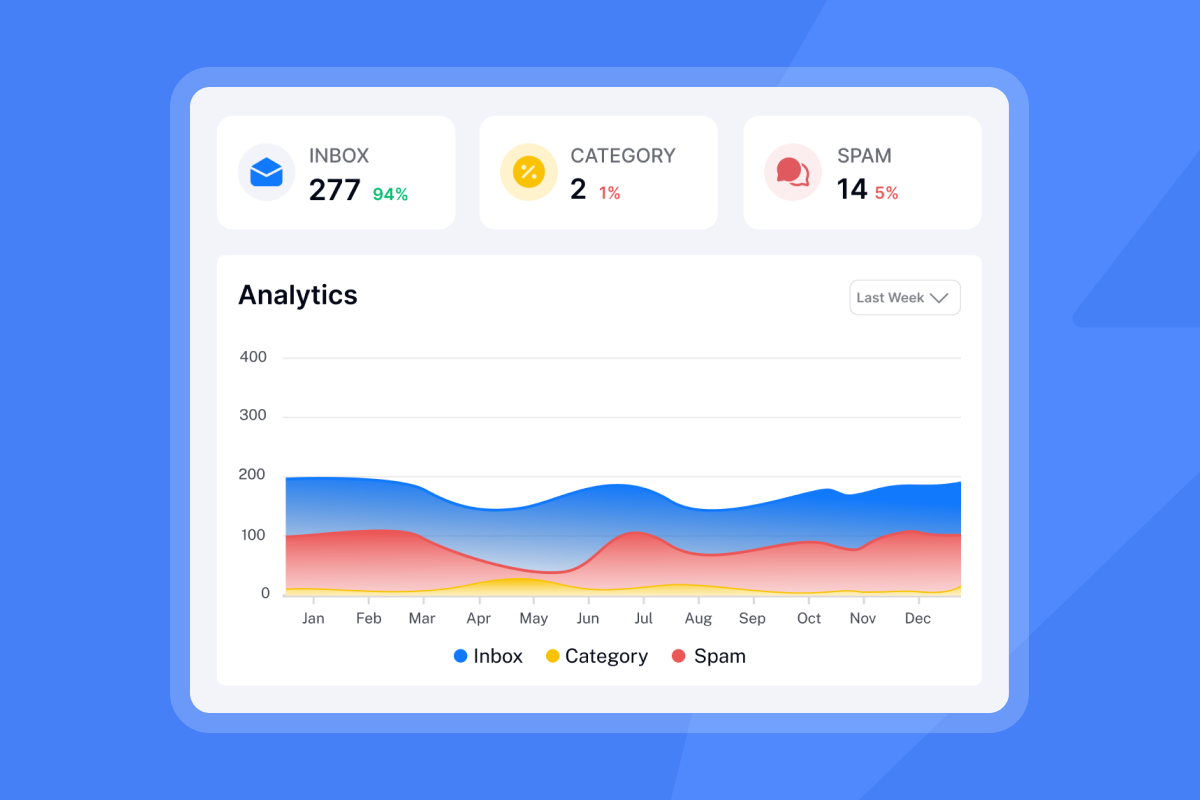
Email sender reputation is a combined score between IP reputation and domain reputation. Mailbox providers use this score to decide whether your message reaches the primary inbox, the promotions tab, spam, or gets blocked entirely.
The metrics that directly affect your score include bounce rates, spam complaint rates, engagement (opens, clicks, replies), and sending volume consistency. Best-in-class senders target a spam complaint rate of 0.1% or lower, a threshold Google's Email Sender Guidelines identify as the ceiling for maintaining inbox placement, and you should treat domain reputation as a protected business asset, not a technical footnote.
Pre-send domain warmup for executive outreach
You cannot skip warmup for CEO campaigns. It is the baseline requirement for building the domain history that corporate IT filters look for. Skip warmup and your domain has no proof of legitimate sending behavior.
Optimal warmup duration and volume
Warm every new sending domain for a minimum of 14 days, with 30 days recommended for domains targeting enterprise CEOs with strict IT filtering, in line with Instantly's cold email strategy guide. Start at 5 to 10 emails per day per inbox in week one, increase by roughly 5 per day each week, and do not exceed 30 emails per inbox per day for live cold outreach once warmup completes.
Our cold email strategy guide in the help center provides the exact ramp cadence for new inboxes. Give every inbox at least two weeks before sending a single live CEO email.
Why seed accounts matter for deliverability
Email warmup works by sending and receiving messages from a pool of real accounts that act like genuine users. These seed accounts reply, mark messages as important, move emails out of spam, and generate the engagement signals that inbox providers use to score a sender as legitimate.
We use a network of 4.2M+ real email accounts for warmup, giving new sending domains a diverse engagement base to build sending history against throughout the warmup period.
"What I like best about Instantly.ai is its ability to scale cold email outreach effortlessly. The unlimited email accounts, warm-up features, and simple campaign setup make it easy to run high-volume, personalized outreach while maintaining good deliverability." - Vasim T. on G2
Launch your CEO cold email campaigns
Once warmup completes, transition to live sends gradually. Keep 20 to 30% of your daily inbox volume running on warmup indefinitely. C-level executives reply to cold email at higher rates than non-executives when outreach is properly targeted, but ongoing warmup still provides the consistent positive engagement signals that prevent your reputation from dipping between campaigns.
Use our warmup filter setup guide to prevent warmup emails from cluttering your sending inbox while the process runs in the background.
Prevent deliverability crashes with smart pacing
Pacing is your primary risk control for CEO outreach. A single sending spike from one rep can damage a domain's reputation enough to miss the month's meetings target. Standardize pacing rules across every inbox your team uses.
Optimal daily email volume per domain
Cap live campaign sends at 30 emails per inbox per day, the upper limit Instantly recommends based on real-world deliverability constraints for cold outreach. This is not the technical limits set by Gmail or Google Workspace. While Google Workspace technically allows far higher daily volumes, sending cold outreach at those levels triggers spam filters well before you approach them.
Optimizing your email send cadence
Set your send window to 9 to 11 AM in the recipient's time zone. Studies consistently show that mid-morning is when professionals are actively managing their inboxes, making it the window most likely to generate a reply. Spread sends across a 30 to 60 minute window within that period rather than triggering all inboxes at the same time. Distributing volume this way reduces server pressure and improves actual delivery timing across recipient mail systems.
Managing multiple sending domains
Horizontal scaling is how you reach more CEOs without violating the 30-per-inbox daily cap. Register additional sending domains (for example, yourbrand-hq.com or tryourbrand.com), warm each one independently for 14 to 30 days, and distribute your CEO list across them.
Our secondary sending domains guide covers the exact registration and warmup setup. Our Growth plan at $47/month covers unlimited email accounts, so adding five new sending domains costs nothing extra. Per-seat platforms that charge per inbox make this horizontal approach financially prohibitive as your team and domain count grow.
"I appreciate Instantly for its intelligent handling of domain and mailbox rotation as well as provider matching, which is critical for ensuring that my emails land directly in the primary inbox instead of getting caught in spam filters." - Richard E. on G2


Avoiding deliverability drops mid-campaign
Active monitoring during a live CEO campaign is the difference between catching a problem early and losing a domain mid-sequence. Build a weekly health check into your team's ops rhythm.
Blacklist status verification
Check blacklist status before every new sending domain goes live and weekly during active campaigns. If a domain appears on a major blacklist (Spamhaus, Barracuda, SURBL), stop sending immediately from that domain and request delisting from the relevant authority. Monitor spam complaint rates after every volume increase. Google's sender guidelines set 0.1% as the threshold where deliverability impact begins, and Instantly recommends treating 0.08% as your internal pause trigger to give you a safety margin before that ceiling.
Safe bounce rate limits for deliverability
Keep hard bounces at or below 1% of total sends, the target Instantly's deliverability guide sets for verified lists to protect domain reputation. A bounce rate above 2% signals poor list management to inbox providers and damages sender reputation quickly, especially on a campaign domain that has not yet built deep history. Every CEO list should pass through a list verification tool before the first send. Verified contacts reduce bounces from day one and protect the domain history you built during warmup.
Our email deliverability guide for sequences covers list hygiene as part of a full deliverability system.
Track spam reports, protect deliverability
Monitor spam complaint reports through Google Postmaster Tools and Microsoft SNDS for domains sending to Google Workspace and Outlook/Exchange environments. Both give you domain-level data on complaint rates and reputation scores directly from the inbox provider.
Set up automated Inbox Placement tests in our platform to run pre-send checks on new email variants and track whether your messages land in the primary inbox, promotions, or spam across major providers.
Prevent deliverability crashes: pause points
Use this troubleshooting runbook when health metrics drop:
- Pause all sends from the affected domain immediately.
- Run a blacklist check across Spamhaus, SURBL, and MX Toolbox.
- Verify the list: Remove unengaged contacts and re-verify addresses before resuming.
- Check authentication records (SPF, DKIM, DMARC) to confirm nothing changed on the DNS side.
- Restart at a lower cap: Reduce sends to 10 to 15 per day for 3 to 5 days, then ramp back toward 30.
Watch our Ultimate Guide to Cold Email Deliverability to follow each of these recovery steps with real account examples.
Email authentication for optimal inbox placement
Authentication records are your "ID card" on the internet. Without them, inbox providers do not trust who you are, regardless of how well you warmed up the domain.
SPF, DKIM, and DMARC configuration
Set up all three records on every sending domain before warmup begins:
- SPF (Sender Policy Framework) verifies that the sending server is authorized to send on behalf of your domain.
- DKIM (DomainKeys Identified Mail) adds a cryptographic signature to each message that confirms it was not tampered with in transit.
- DMARC (Domain-based Message Authentication, Reporting and Conformance) tells receiving servers what to do if SPF or DKIM checks fail, and provides reporting on authentication results.
Google and Yahoo now require SPF, DKIM, and DMARC alignment for bulk senders. Enterprise organizations typically enforce these requirements, and any missing record increases the likelihood that your emails will be filtered or rejected. Receiving server policies determine the outcome, so results vary, but the risk of filtering rises sharply without all three records in place.
Configure your custom tracking domain
Shared tracking domains (the default in most cold email tools) carry risk from other users on the same infrastructure. If one bad actor sends spam through the shared domain, it damages your open and click tracking reputation alongside theirs. Set up a custom tracking domain on a subdomain you control, such as track.yoursendingdomain.com, to isolate your reputation and keep analytics accurate. Our bulk outreach tracking guide covers the exact DNS setup for custom tracking domains. For more on optimizing campaign performance, see our guide on how to improve cold email reply rates.
Verifying email authentication health
Run automated Inbox Placement tests before launching any new CEO campaign. These tests send a message through your configured domain to seed addresses across Gmail, Outlook, and other major providers, then report exactly where the message landed and flag any authentication failures.
"Instantly also has an inbox placement feature that helps test if emails land in the inbox or spam. These features help me quickly identify what's working and optimize campaigns accordingly." - Pradeep T. on G2
Classifying replies for actionable insights
Reaching the CEO inbox is step one. Managing what comes back determines whether your outreach converts to meetings or stalls in a rep's crowded inbox.
Boost deliverability with engaged replies
Positive engagement, particularly replies, demonstrates to inbox providers that recipients genuinely want your messages. Instantly sets 5% or higher as the reply rate benchmark for well-targeted cold outreach, based on performance data across campaigns run on the platform. Structure sequences to generate a response, even a brief one. A short, direct ask that requires minimal effort from a CEO (a single yes/no question) will generate more replies than a detailed pitch that requires composing a full response.
Efficient reply triage for CEOs
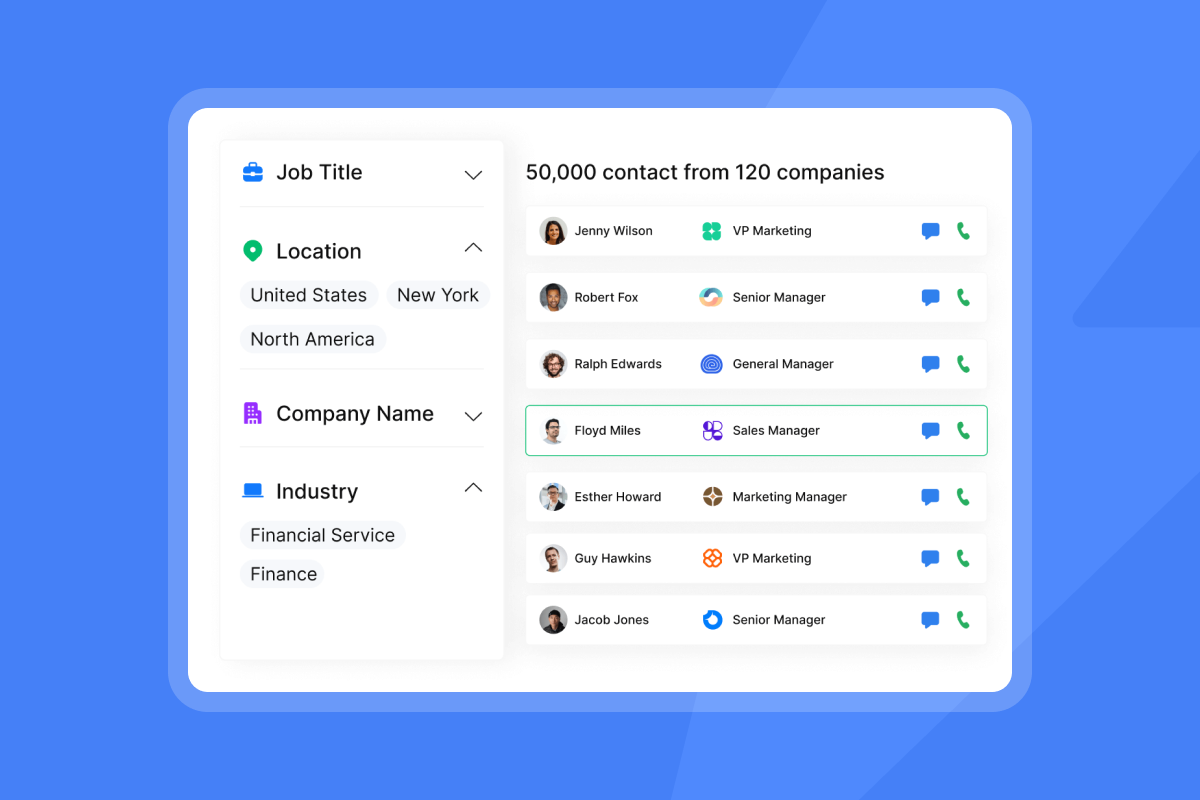
Reps monitoring multiple inboxes across several sending domains will miss CEO responses if reply management is decentralized. Our Unibox pulls all replies from every connected inbox into one interface, with labels for interested, not interested, out of office, and other reply types. Reps work from one queue instead of logging into 5 to 10 separate inboxes.
Identify and skip auto-replies
Auto-replies inflate your reply count without indicating genuine interest. Filtering them out of your analytics gives you an accurate picture of actual engagement. Mark auto-replies in your classification system and exclude them from reply rate calculations.
Avoid sending follow-ups to auto-reply addresses. If your own sequence has an auto-reply trigger active, replying to an automated sender can create a mail loop where both systems continue replying to each other, generating noise and distorting your campaign data.
Drive conversion with threaded replies
When a CEO does reply, the follow-up must arrive quickly and maintain full conversation context. Our AI Reply Agent handles initial replies in under 5 minutes and supports both Human-in-the-Loop (for high-stakes CEO responses that need rep review before sending) and Autopilot modes. For CEO outreach, Human-in-the-Loop is the safer choice: the AI drafts the response and routes it to the rep for approval before it goes out. The AI Reply Agent runs on Instantly Credits, a separate subscription starting at $9/month.
Common CEO cold email pitfalls that trigger spam filters
The most avoidable deliverability problems in CEO campaigns come from rep behavior, not platform configuration. Team-level governance prevents one rep's mistake from damaging a domain used by everyone.
What subject lines trigger spam?
Spam filters evaluate subject lines for financial language, urgency signals, and promotional phrases. Terms like "free," "guaranteed," "limited time," "earn money," and anything in ALL CAPS or with excessive punctuation will push a message toward spam before content quality matters. No single word automatically triggers spam on its own, it is the context and combination that filters evaluate.
Test subject line variants before scaling to a full CEO list. Our A/Z testing feature (included on the Growth plan at $47/month) lets you run up to 26 subject line variants per sequence to identify which patterns produce the highest reply rates without triggering filters. Our subject line pre-send checklist gives reps a QA framework for every new campaign. Watch How To Maximize Cold Email Deliverability to learn which subject line red flags trigger spam filters.
Attachment and link red flags for spam
Do not include attachments in first-touch CEO emails. Spam filters associate attachments with malicious payloads, and even a clean PDF will increase the likelihood of filtering. If you need to share collateral, use a link to a hosted page. Limit links to one per email on the first touch. Multiple links signal promotional or bulk-send behavior, so keep link count minimal until engagement is established.
Sending patterns that hurt deliverability
Batch-and-blast spikes are the fastest way to damage a domain. Sending 200 emails in an hour from an inbox averaging 20 per day triggers immediate flags. Consistent, even volume across the send window is the standard to enforce. Watch the 6 steps to better email responses walkthrough to see how consistent sending patterns improve overall campaign performance.
Getting your emails into CEO inboxes
Here is the full system in brief, structured for a quick ops review or rep onboarding session.
Optimal CEO cold email warmup
Warm every new sending domain for 14 to 30 days before live sends begin. Start at 5 to 10 emails per day and ramp by 5 per day each week. Continue warmup at 20 to 30% of daily volume indefinitely during active campaigns to maintain engagement signals.
Managing your CEO cold email bounce rate
Keep hard bounces at or below 1% of total sends. Verify every CEO list before the first touch. A paused campaign with a clean list restarts cleanly. A damaged domain reputation takes weeks to recover, if it recovers at all.
When to use separate CEO domains
Add a new sending domain any time you need to increase total daily volume beyond what your current inboxes support at 30 per inbox per day. Warm each domain independently and rotate CEO list segments across domains. Our unlimited account model means the cost of adding domains does not scale with inbox count.
"Been using Instantly for our cold email agency for a while now. Running like 24 inboxes and the warmup actually works, deliverability stays solid." - Necmeddin on Trustpilot
Verify your domain's blacklist status
Run a blacklist check before every new CEO campaign and weekly during active outreach. If a domain is flagged, stop sending, request delisting, and reroute active sequences to a clean domain. Use our automated inbox placement tests to run pre-campaign health checks before scaling sends.
If you are ready to build this system without per-seat pricing friction, try Instantly.ai free to run warmup, monitor domain health, and centralize reply triage across unlimited inboxes on a single flat-fee plan.
FAQs
What is the maximum number of cold emails I should send per inbox per day to a CEO list?
Cap sends at 30 emails per inbox per day for live cold outreach. This applies regardless of the technical limits set by your email provider, as cold outreach at higher volumes triggers spam filters before you approach those ceilings.
How long should I warm up a domain before sending CEO cold emails?
Warm new sending domains for a minimum of 14 days, with 30 days recommended for domains targeting enterprise CEOs with strict IT filtering. Start at 5 to 10 sends per day and ramp gradually throughout the warmup period.
What bounce rate will damage my sender reputation during a CEO campaign?
A hard bounce rate above 2% signals poor list quality to inbox providers, but aim to stay at or below 1% for CEO outreach by verifying every list before the first send. Remove any bounced addresses immediately after each send to protect your domain history.
Do I need SPF, DKIM, and DMARC on every sending domain?
Yes, all three authentication records are required on every domain you use for cold outreach. Google and Yahoo enforce this for bulk senders, and domains missing any of these records face a higher risk of being filtered or rejected, particularly when targeting recipients inside enterprise organizations with strict IT policies.
What spam complaint rate should trigger a campaign pause?
Pause and audit your list if spam complaints exceed 0.08% of sends. Best-in-class senders target 0.1% or lower as their ongoing benchmark, well under the 0.3% ceiling where Google may halt delivery entirely - note that inbox placement impact begins at 0.1%, which is why the article recommends 0.08% as your internal pause trigger.
Key terms glossary
Sender reputation: A combined score between your IP and domain reputation that inbox providers use to decide whether your message reaches the primary inbox or spam. It is affected by bounce rates, spam complaint rates, engagement, and sending volume consistency.
Domain warmup: The process of gradually increasing email volume from a new domain over 14 to 30 days to build the engagement history and behavioral signals that inbox providers use to classify a sender as legitimate.
Hard bounce: A permanent delivery failure caused by an invalid or non-existent email address. Hard bounces directly damage sender reputation and should be removed from your list immediately.
DMARC: Domain-based Message Authentication, Reporting and Conformance. A DNS record that tells receiving servers what to do when SPF or DKIM checks fail, and provides reporting on authentication results back to the domain owner.
Read next
How to Build a Verified B2B Email List for Cold Outreach: A step-by-step guide to sourcing, verifying, and segmenting contact lists before your first send, so bounces stay below 1% from day one.
How to clean your B2B email list: removing bounces, invalid addresses, and dead leads: A practical process for identifying and removing hard bounces, invalid addresses, and unengaged contacts before they damage your domain reputation mid-campaign.
Client Onboarding Email Template: 30-Day Review to Report Results and Plan Next Steps: A ready-to-use email template for running a structured 30-day client review, covering campaign results, deliverability health, and next-step planning.



