.svg)
%20(1).svg)


Updated June 26, 2026
TL;DR: When cold email campaigns underperform, the root cause is rarely the tool itself. AI outbound automation is a force multiplier, scaling your existing strategy whether good or bad. To fix low reply rates and protect your sender reputation, you must treat deliverability as a system. This guide outlines how to clean dirty lead data, enforce safe daily send limits, avoid robotic over-personalization, and secure your CRM handoffs using Instantly.ai's unlimited accounts and automated warmup network.
When cold email reply rates drop, the instinct to increase daily sending volume often accelerates the problem. The real culprits behind underperforming outbound automation are the systems around the tool: bad contact data fed into sequences, inboxes overloaded past safe thresholds, templated copy that spam filters flag on arrival, and positive replies that fall into the gap between tools and never reach a human rep. If you run outbound campaigns for your agency, startup, or sales team, this guide is for you. Platforms like the Instantly's AI Agent combine several of these roles into one connected system.
This guide breaks down the four most common outbound automation mistakes that cripple deliverability and pipeline output, with diagnostic checklists and specific fixes for each one. If you want the full strategic context, the guide to AI-powered outbound sales automation covers the broader system. See this breakdown of the categories of AI agents for how these roles typically divide across a stack.
Root causes of AI outbound sales errors
AI does not replace a weak sales strategy, it accelerates whatever you already have. When inputs are strong, the output compounds. When they are weak, the damage compounds just as fast. For more, see our guide to automating your SDR workflow.
One statistic defines the stakes:
Issue | Impact | Source |
|---|---|---|
Bad lead data | Over a quarter of organizations lose more than $5M annually to poor data quality, with 7% reporting losses of $25M or more |
The answer is not to abandon automation. It is to build a Human-in-the-Loop (HITL) framework. "Total Replacement," where AI runs outbound without human checks, leads to pattern fatigue, misclassified replies, and domain burns. "Operational Support," where AI handles volume and humans handle judgment calls, produces consistent results at the top of funnel.
Identifying key AI outreach failures
AI-driven outbound workflows do not hold performance indefinitely. When everyone in a niche uses similar AI-generated frameworks, structural sameness triggers both human fatigue and algorithmic filtering. Audit your top-performing sequences every two weeks, adjust the opening line structure, and run new A/Z test variants to break pattern repetition before it erodes your reply rate.
Mistake 1: Neglecting lead data hygiene
Treat list hygiene like a water filter: dirty input poisons results, and replacement must happen before performance degrades. B2B contact data decays at 2.1% per month (MarketingSherpa), which means a significant portion of any list becomes inaccurate within a year. Running active sequences against data verified six months ago means you are already working with a compromised foundation. For a step-by-step approach to building clean lists from the start, the Instantly ultimate guide to cold email outreach covers sourcing, verification, and segmentation.
A related failure mode is "robotic over-personalization": AI systems that scrape and insert irrelevant context into emails in a way that reads as intrusive. The difference is between referencing a prospect's recent funding round and referencing a three-year-old LinkedIn post they have forgotten about.
How dirty data triggers spam filters
A high bounce rate is the fastest path to a domain block. While Gmail and Outlook do not publicly share specific bounce rate thresholds, maintaining a bounce rate below 1% is excellent, and exceeding 2% puts your sender reputation at serious risk. Poor list hygiene and high failure rates contribute directly to deliverability issues across major providers. The Instantly guide to understanding email bounces explains how bounces accumulate and degrade your sender reputation score with mailbox providers over time.
How to verify your contact lists
Run every list through this multi-step verification process before uploading to any sending tool, because each step filters a different failure mode:
- Syntax check: Remove addresses with formatting errors (missing @, invalid TLDs).
- Domain validation: Confirm the sending domain is active and has valid MX records.
- Mailbox verification: Use a dedicated verifier to ping the address and confirm it can receive mail.
- Catch-all flag: Tag catch-all domains separately and send to them at a lower rate or exclude them.
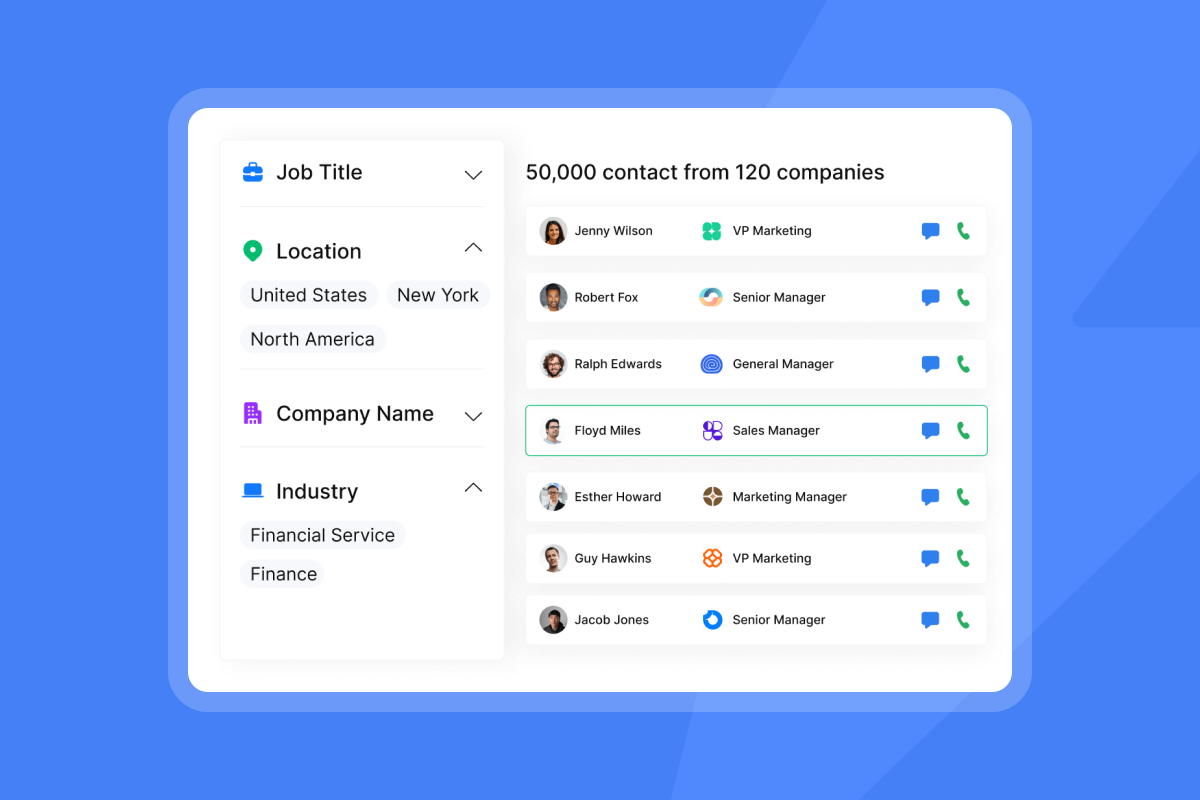
Instantly's SuperSearch runs waterfall enrichment across 5+ data providers to verify contacts before they reach a sequence. With 450M+ B2B leads in the database, you can source pre-verified contacts directly rather than importing raw lists that need post-import cleaning.
Fixing data errors in active lists
If a campaign is live and showing high bounces, pause it immediately. Export the active contact list, run it through your verification tool, remove hard bounces and invalid addresses, and re-upload only the clean segment. Do not simply filter inside the platform and restart. The initial high-bounce sends have already damaged your reputation signal, and you must give the domain time to recover before resuming volume.
Automating routine data refresh cycles
Re-verify active lists regularly to keep your working list under 1% hard bounce rate at all times. Most teams schedule verification checks every 30 days as a baseline. For high-velocity verticals where job changes are frequent, consider running more frequent checks to catch outdated contacts sooner.
"Lead management at scale: easy list import, deduplication, and automatic verification keep our lists clean and reduce bounce rates." - Anthony on G2
Mistake 2: Overloading daily send limits
This is a hard limit, not a guideline: never scale past 30 emails per single inbox per day. Sending beyond that threshold raises behavioral flags with ISPs regardless of how clean your list is or how well-written your copy is.
The correct way to scale volume is horizontal, not vertical. Add inboxes, not sends-per-inbox. The strategy guide on secondary sending domains explains the mechanics in detail. This is a math problem, not a tool limitation, and exactly why platforms that charge per mailbox seat make scaling prohibitively expensive.
Spotting early signs of inbox burnout
Watch for these three signals in your campaign dashboard before a full domain block occurs:
- Open rate drop: A significant decline over several days without a copy change.
- Bounce rate climb: Above 1% on a list that previously performed cleanly.
- Blacklist appearance: Domain flagged by Spamhaus Domain Block List or a similar DNSBL provider. Any one of these signals requires immediate investigation. All three together means you pause the campaign today.
Diagnostic checklist for send pacing
Run through this audit before launching any new campaign or scaling an existing one:
- Daily send volume per inbox is at or below 30 emails.
- Send window is set to business hours in the prospect's timezone.
- Sends from a single inbox are spaced appropriately to avoid bursts.
- New inboxes have completed at least 2 weeks of automated warmup before any campaign sends.
- Are your SPF, DKIM, and DMARC records fully verified?
- Bounce rate on the last campaign from this inbox was under 1%.
Adjusting ramp plans for deliverability
Warmup is like pre-race stretching: skip it and you risk a strain. A domain that goes from zero to 100 sends on day one will trigger spam filters before a single prospect reads the message.
Instantly's automated warmup interacts with a private deliverability network of 4.2M+ real accounts. The warmup tool exchanges real emails with this network to build sender trust gradually before campaigns launch. You can track domain health scores in real time and receive alerts before issues escalate to blocks. The Ultimate Guide to Cold Email Deliverability covers warmup mechanics in detail for teams setting up new domains. For a full breakdown of inbox setup and domain structure, the Instantly guide to cold email infrastructure walks through every technical layer.
Defining safe daily volume limits
Use this table as your baseline before scaling any campaign:
Domain age | Warmup duration | Starting volume | Max daily volume per inbox |
|---|---|---|---|
New (under 3 months) | At least 2 weeks | 5 emails/day | 30 emails/day |
Aged (over 3 months) | At least 2 weeks | 5 to 10 emails/day | 30 emails/day |
These starting volumes and warmup durations are consistent with the behavior patterns that Google Workspace and Microsoft 365 reward with primary inbox placement, and align with Instantly's warmup and deliverability guidance. Once you hit the per-inbox ceiling, the only way to grow total volume is to add more warmed inboxes.
"I really appreciate the smart campaign engine that lets me set up multi-automated emails and follow-ups, saving me a lot of time." - Said on G2

Mistake 3: Weak personalization triggering spam filters
Generic AI copy has a structural problem. AI tools trained on high-performing cold email frameworks produce outputs that converge toward the same patterns. When thousands of similar emails hit the same vertical, pattern immunity develops and spam filters flag the shared structure. Modern NLP spam detection systems can identify AI-generated outreach by analyzing sentence structure, punctuation patterns, and syntactic complexity, even when the wording changes.
This is why copy that worked in January 2026 may underperform by March with no obvious change in targeting or sending practices.
Diagnostic checklist for personalization quality
Before sending any new template, check each email against this list:
- Does the first sentence reference something specific to this prospect, not a generic industry statement?
- Is the email concise and scannable?
- Does it contain exactly one clear ask?
- Would you reply to this email if you received it?
- Does the email avoid jargon, buzzwords, and three-sentence value propositions?
- Are you running at least two copy variants so no single template dominates your sends?
Fixing low quality outreach templates
Spin syntax is your fastest fix for breaking pattern sameness. Instead of sending the same subject line to 1,000 prospects, you write multiple variants inside curly brackets and let the system rotate them. Combined with A/Z testing, this creates genuine variation at scale rather than surface-level word swaps.
Instantly's A/Z testing is available from the Growth plan, supporting up to 26 email variants per step on Hypergrowth and above, and the AI Sequence Writer generates natural language variations from a single seed template. Pair this with the custom variables tutorial to build dynamic personalization fields that pull in account-level data without sounding robotic. For a deeper look at template optimization frameworks, the Instantly cold email benchmarks guide for 2026 covers what good looks like at each stage.
"Instantly makes cold outreach operationally simple at scale... it is especially useful for testing messaging, running A/B experiments, and managing several email accounts from one dashboard." - Ivar on G2
Technical triggers for inbox placement
Three specific triggers will push you straight to spam, particularly during the early sends from a new domain:
- HTML-heavy emails with images, multiple links, and tracking pixels before the domain has established sending history.
- Multiple links in a cold outreach email on an unestablished domain.
- Missing or misaligned DMARC records, where the "From" domain does not match the DKIM
d=tag. Ap=nonepolicy is the minimum starting point, but proper authentication across all three records is critical for high-volume sending. Instantly's Inbox Placement automated tests let you check where emails land, inbox vs. spam vs. promotions, before you send to your actual list. Run a placement test on every new domain before activating campaigns.
Mistake 4: Lost leads in pipeline handoffs
A positive reply to a cold email represents the highest-value conversion point in outbound automation. Losing it between your sending tool and your CRM is a compounding failure: you paid for the data, the warmup, the sends, and the copywriting, and the lead still does not reach a human rep.
Root causes of CRM data mismatch
Automated syncs break for predictable reasons. Field mapping errors cause lead status to update incorrectly, so a positive reply logs as "opened" or triggers no CRM action at all. Sync latency means a rep checks their pipeline and sees no new activity, even though the reply came in 20 minutes ago. And reply classification errors from AI agents can mark a positive response as "not interested" because the language was indirect, cutting the lead off from follow-up entirely.
CRM data integrity audit steps
Run this audit monthly to catch sync drift before it costs you pipeline:
- Pull the last 30 positive replies from your sending tool.
- Cross-reference each against your CRM for a corresponding lead status update.
- Check timestamps: the gap between reply time and CRM update should be under 5 minutes.
- Spot-check 5 records for accurate field mapping (name, company, email, sequence stage).
- Flag any leads where no human activity is logged within 24 hours of a positive reply.
Steps to automate CRM data syncing
The CRM handoff protocol has four steps: For more, see our guide to how outbound sales automation works.
- Triage: AI Reply Agent or a human monitors Unibox for incoming replies and classifies them as positive, negative, or follow-up needed. The Instantly guide to AI Reply Agent for sales teams covers classification logic and escalation rules in detail.
- Flag and route: Positive replies trigger an automated task in the CRM assigned to the owning AE for prompt follow-up.
- Human takeover: The AE receives the context packet (conversation transcript, company profile, identified intent) and responds promptly.
- Log and close: The AE logs the outcome in the CRM and either books a call or moves the lead to the appropriate pipeline stage.
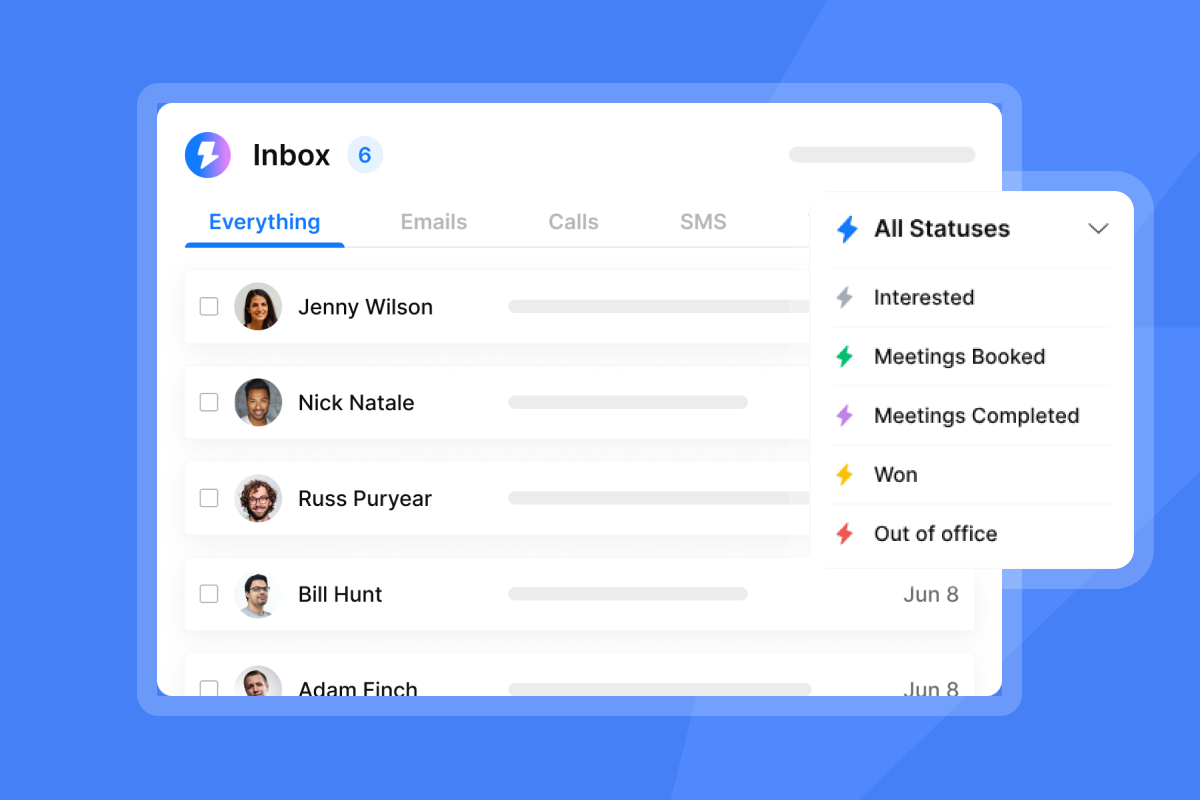
Instantly's Unibox aggregates replies from every sending inbox into a single dashboard, eliminating the scenario where a positive reply sits unseen in a rarely checked secondary inbox. For CRM sync, HubSpot integrations push reply data directly to your existing pipeline without custom development. Clay connects natively, and Pipedrive supports lead importing. Zapier and Make cover the remaining stack.
Ensuring data integrity post-sync
Set rules in your CRM to enforce handoff accountability. Any lead that moves to "Positive Reply" status should trigger an automated task assigned to the owning AE. Consider setting alerts for tasks that remain open without activity for extended periods. Most teams skip these rules and rely on reps to self-manage, which is where leads go quiet.
"The easy integration with tools like HubSpot, Clay, Airtable, and n8n enhances our workflow... I also find their customer support amazing, providing quick and really helpful responses." - Chico on G2
Implementing real time deliverability alerts
Passive monitoring catches problems too late. By the time a deliverability issue appears in your weekly report, you have already sent thousands of emails to the wrong folder and damaged your sender reputation. You need proactive signals, not retrospective reports.
Track these daily outreach signals
These four metrics give you an early warning system for your campaigns:
Signal | Healthy | Warning | Failing |
|---|---|---|---|
Open rate | Declining trend | Sharp drop | |
Reply rate | Over 5% | 3 to 5% | Under 3% |
Bounce rate | Under 1% | 1 to 2% | Over 2% |
Domain health | Green | Yellow | Blacklisted |
Note: These targets above are what well-tuned campaigns should aim for, which is why fixing these systems creates immediate competitive advantage. This video on cold emails going to spam covers the most common causes teams miss.
Spotting signs of outreach failure
A blacklisted domain shows a sharp, sudden drop in open rates, not a gradual decline. If open rates fall sharply in 48 hours with no copy or list change, run an immediate MXToolbox blacklist check, which scans multiple DNS blacklists at once, and cross-reference with the Spamhaus Domain Block List. Blacklists handle delisting requests at different speeds depending on the provider and severity of the offense. Note that not all blacklists carry the same weight: appearing on a minor list may have minimal impact, while Spamhaus can block your program entirely.
When to escalate delivery failures
Pause campaigns immediately when:
- Bounce rate spikes above 2% on an active campaign.
- Open rates drop sharply without a clear list or copy cause.
- Your domain appears on a major blacklist like Spamhaus.
- You receive a postmaster complaint or mailbox provider suspension notice.
Increase warmup and reduce volume when:
- Open rates are declining gradually (5 to 10 points over two weeks) without a clear cause.
- Bounce rate is climbing from 0.5% toward 1%.
Discard and replace the domain when:
- Delisting requests are rejected after repeated attempts.
- Recovery warmup fails to restore consistent inbox placement after six to eight weeks.
Deliverability Health Audit Checklist:
- Are your SPF, DKIM, and DMARC records fully verified and aligned?
- Is your daily sending volume capped at 30 emails per inbox?
- Have your sending domains been warming up for at least 2 to 4 weeks?
- Is your campaign bounce rate under 1%?
- Are you using a unified inbox (like Unibox) to triage replies in real time?
- Have you run an inbox placement test on every active domain in the last 7 days?
Quick fixes for sales automation bottlenecks
Protecting deliverability is direct revenue protection. Here is how to triage and fix the most common bottlenecks fast. For more, see our guide to outbound sales software features that matter.
Typical turnaround for bounce fixes
Recovering a burned domain typically takes four to twelve weeks of dedicated warmup at reduced volume, depending on the severity of the damage and how consistently you follow a recovery plan. That timeline makes prevention far more cost-effective than recovery. For teams that need to maintain send volume during a recovery period, the fastest path is to spin up new domains using Instantly's pre-warmed domain service, activate them immediately, and distribute existing contacts across the new infrastructure while the burned domain recovers.
When to halt automated outreach
Stop campaign sends immediately and do not resume until the root cause is fixed in these scenarios:
- Bounce rate exceeds 1% during an active campaign run.
- You receive a postmaster complaint or mailbox provider suspension notice.
- Your inbox placement test shows poor spam folder placement. The Instantly campaign troubleshooting guide walks through each scenario with specific diagnostic steps and resolution paths. The acceptable bounce threshold is 1%, not 2%. Anything above 1% requires an immediate pause and full list re-verification. Google and Microsoft both use bounce signals as primary spam classification triggers, and reputation damage from a single high-bounce campaign can take weeks to reverse.
Auditing your AI automation ROI
Use this monthly scorecard to measure whether your outbound automation is generating pipeline or generating noise:
Metric | Target | Action if below target |
|---|---|---|
Open rate | Over 45% | Audit domain health and send windows |
Reply rate | Over 5% | Rewrite templates, add A/Z variants |
Bounce rate | Under 1% | Re-verify list, pause and clean |
Cost per meeting trend | Flat or declining | Check deliverability, reduce volume |
Meetings booked | Week-over-week growth | Audit CRM handoff and reply triage |
The goal is not a perfect score every week. The goal is a system that flags drift before it becomes a crash. If your open rate drops from 50% to 42% over two weeks, that is a manageable correction you can address with warmup and list hygiene. If you ignore it and it drops to 28%, you are rebuilding a domain rather than booking meetings.
"I appreciate the real-time visibility into opens, replies, and engagement, which makes it simple to quickly understand what's working and how to optimize accordingly." - Steven on G2
Ready to apply these fixes across unlimited inboxes with automated warmup built in? Start your 14-day free trial of Instantly with no credit card required and set up automated warmup, inbox placement tests, and Unibox reply management from day one. To access verified B2B lead data from SuperSearch and run AI Reply Agent with human-in-the-loop controls, explore Instantly Credits starting at $9/month.
FAQs
What is the maximum safe daily sending limit per inbox?
Keep your sending volume at or below 30 emails per single inbox per day to protect your sender reputation with Gmail and Outlook. To scale total send volume, add more warmed inboxes rather than increasing the per-inbox limit.
How long should a new domain warm up before launching campaigns?
Warm up new domains for 2 to 4 weeks using an automated warmup tool before sending any cold outreach. Aged domains (over 3 months old) require a minimum of 2 weeks of warmup before ramping campaigns.
What bounce rate triggers an immediate campaign pause?
Keep your campaign bounce rate below 1% for optimal inbox placement with major mailbox providers. Above 2% signals serious list quality problems that require an immediate campaign pause and full list re-verification before resuming sends.
How do I know if my domain has been blacklisted?
Run a free check on MXToolbox, which scans over 100 DNS blacklists at once, and cross-reference with the Spamhaus Domain Block List. A sharp, sudden drop in open rates in 48 hours with no copy or list change is the clearest behavioral signal of a blacklisting event.
What is SISR and when do I need it?
SISR (Server and IP Sharding and Rotation) is a deliverability technology available on Instantly's Light Speed plan. It distributes your sending across dedicated, private IP pools to isolate reputation risk and prevent a single bad send day from affecting your entire infrastructure.
Key terms glossary
Sender reputation: A score assigned by mailbox providers to your sending domain, based on bounce rates, spam complaints, and engagement levels. Mailbox providers use this score to decide whether your emails reach the primary inbox or the spam folder.
Automated warmup: A process where a tool sends and receives emails across a network of real accounts to build domain trust gradually before you launch live campaigns.
Unibox: A centralized inbox inside Instantly that aggregates replies from multiple sending accounts into a single dashboard, so no positive reply goes unseen.
SISR (Server and IP Sharding and Rotation): A deliverability technology on Instantly's Light Speed plan that distributes outbound sends across dedicated, private IP pools to isolate sender reputation risk.
Human-in-the-Loop (HITL): A framework where AI handles volume-based tasks (sequencing, follow-ups, initial reply classification) and humans handle judgment-intensive tasks (positive reply responses, objection handling, meeting booking).
Bounce rate: The percentage of sent emails that cannot be delivered and are returned by the receiving server. A bounce rate above 1% signals list quality problems that will trigger spam filters.
Read next
- Cold email infrastructure: how to set up domains, inboxes, and warmup for scale: A technical walkthrough of the domain setup, inbox structure, and warmup sequencing that keeps high-volume campaigns out of spam.
- Email sequence benchmarks 2026: what's a good open rate, reply rate, and cost per meeting: The current performance benchmarks for cold outreach so you know exactly what good looks like at each stage of your funnel.
- AI Reply Agent for sales teams: classification logic, routing, and escalation: How to configure AI reply classification, set up human handoff rules, and make sure no positive reply goes cold.



