.svg)
%20(1).svg)


Updated April 20, 2026
TL;DR: Poor onboarding communication drives early client churn, often starting with unanswered welcome emails. Onboarding emails consistently outperform cold outreach on engagement, but only when they are short, personalized, and built around a single action. Keep each email to 75-125 words, include one CTA per message, and pace your sequence across the first two weeks with strategic gaps between touchpoints. Use spin syntax to keep messages unique across client accounts and protect sender reputation at scale. Instantly's A/Z testing, 4.2m+ account deliverability network, Unibox, and flat-fee unlimited accounts let agencies run this system across every client without compounding costs.
Most agencies delay their own revenue because clients ignore the very first onboarding email. The sequence stalls, deliverables get blocked, and by week three the client already feels disengaged before a single campaign launches.
Client onboarding sets the tone for the entire agency relationship. This guide breaks down how to write, time, and scale onboarding emails that get immediate replies, protect your deliverability, and keep every client reply visible in one place, whether you manage 10 inboxes or 150.
Mistakes killing your welcome email responses
A friendly welcome email is not enough to activate a new client. Most onboarding emails fail for the same three reasons: they overwhelm, they generalize, and they land at the wrong time. Each mistake compounds the others, and the result is silence.
Delayed activation: Momentum is highest immediately after a buying decision. Sending the first onboarding email too late lets that momentum collapse before a single result is delivered. Research on onboarding email best practices shows that a sequence of 5 to 7 emails over 2 to 4 weeks, spaced 3 days apart, maintains engagement and reduces unsubscribes by 20%. Front-load the cadence when interest is highest, then space messages further apart as the relationship builds.
Impersonal templates: Generic copy signals to a client that they are one of many rather than a priority account. HubSpot's email research consistently shows that personalization drives higher open and reply rates, while emails that lack the client's name, company context, or any reference to their specific goals read as copy-paste. Clients make a fast judgment: if the agency cannot personalize a welcome email, why would their campaigns be any different?
Wrong send times: Sending onboarding emails outside business hours is a common and avoidable mistake. Weekend sends and out-of-hours delivery consistently contribute to low engagement rates. For the first email, target Tuesday through Thursday between 8:30 and 10:30 a.m. local time for the recipient. For agencies managing global clients, Instantly's send window controls let you set time-zone-aware delivery at the campaign level so you do not have to manage this manually per inbox.
The anatomy of a high-response onboarding email
High-response onboarding emails share a consistent structure: a personalized opener that references something specific to the client, a single clear value statement, and one action that takes little effort to complete. The goal is not to inform, it is to get a reply that keeps the project moving.
A/B test your onboarding subject lines
Subject line performance varies more than most agencies expect, and the only way to know what works for your client base is to test. Instantly's A/Z testing feature lets you run up to 26 subject line variants within a single campaign and routes more sends to the winner based on reply rate or meetings booked. The subject line testing governance guide recommends isolating one variable per test, running at least 1,000 sends per variant before drawing conclusions, and using reply rate as the primary metric rather than open rate, since open rate data is increasingly unreliable due to Apple Mail Privacy Protection.
For onboarding specifically, test:
- First-name personalization vs. company name in the subject line
- A direct subject ("Your onboarding checklist, {{firstName}}") vs. a question ("Ready to kick off, {{companyName}}?")
- Short subject (4-5 words) vs. medium (7-9 words)
Watch the full subject line training from the Instantly channel for a practical breakdown of what drives opens in B2B campaigns.
Crafting first lines for client replies
The first line determines whether the client reads the next line or closes the tab. Lead with something specific: a reference to a goal they mentioned in the sales call, a result from their industry, or the exact service they signed up for. Avoid openers like "I hope this email finds you well" or "Welcome to our client family." These phrases signal a template.
Good first-line examples:
- "Your campaign setup is ready and we need one thing from you to launch."
- "We reviewed the brief from your call with [Name] and have a clear path to your first 50 leads."
- "Three things kick off your first week with us, and the first one takes under a minute."
The Instantly cold email copywriting framework applies directly here: open with the client's context, not yours. Watch the anatomy of a cold email masterclass for a deeper walkthrough of first-line construction.
Structuring the onboarding email body
Keep the body between 75 and 125 words. The original Boomerang study, based on analysis of 40 million emails, identified this range as producing the highest response rates. For onboarding emails specifically, this length signals respect for the client's time and avoids the decision fatigue that longer emails create. If you need to share more detail, link to a shared onboarding doc or a Loom video rather than expanding the email body.
Structure each email body as:
- One-line context: Why you are emailing right now.
- One-line value: What this step does for the client.
- One clear ask: Exactly what you need them to do next.
How to write action-oriented CTAs
Make the CTA effortless for the client to complete. If completing it requires extended decision-making, you have made it too complicated.
Single vs. multiple CTAs for client action
The data is clear: one ask outperforms multiple asks every time.
Approach | Effect on response rate | Why |
|---|---|---|
Single CTA | Higher reply rate | Removes decision fatigue |
Multiple CTAs | Lower reply rate | Creates friction and decision fatigue |
Research consistently shows that emails with a single, specific CTA outperform those with multiple asks. One email, one action.
Create urgency without pressure
Framing the ask around the client's outcome rather than your process creates natural urgency. Instead of "please complete the intake form," tie the action to a milestone or deliverable the client cares about. This connects the request to what the client wants, not what you need.
You can also use a soft deadline tied to a milestone, connecting your team's delivery to when they provide assets. This pattern is factual, client-centric, and drives action.
Writing high-response onboarding CTAs
Five CTAs that consistently drive replies in agency onboarding:
- "Can you reply with two time windows that work for a 20-minute kickoff this week?"
- "Reply here with your brand guide and we will set up your campaign workspace today."
- "Which of these three options works better for your first campaign focus?"
- "Can you confirm you have access to the shared folder we sent?"
Each ask is specific, low-friction, and actionable. Watch this sequence walkthrough for real examples of how well-structured asks drive client action.

Customizing emails for client responses
Personalization at scale is not a contradiction if you build the right system. The goal is to make every client feel their email was written specifically for them while you spend minimal time on customization per campaign.
Integrate enrichment data into onboarding
Before writing a single onboarding email, pull three data points for each client: the industry vertical, the primary goal they stated during the sales process, and the name of their day-to-day contact. These three variables let you write one base template that reads as custom for every client. Instantly's SuperSearch enriches contact records with company-level data including industry, headcount, and tech stack, giving you the inputs you need without manual research.
Craft unique emails with spin syntax
Spin syntax (also called spintax) creates multiple variations of a sentence or phrase so every email in a bulk send is slightly different. This protects sender reputation by reducing pattern detection from inbox providers, and it makes personalization scalable. As the Instantly Help Center explains, use the format {{RANDOM | option1 | option2 | option3}} anywhere in your subject line or body.
A practical onboarding example:
{{RANDOM | Hi | Hello | Hey}} {{firstName}}, {{RANDOM | thanks for signing on | great to have you onboard | excited to work together}}.
Add spin syntax to opening lines, sign-offs, and any phrase that could create a repetitive pattern across your client list. Watch the personalization masterclass module for a full walkthrough of how to layer spin syntax without losing coherence.
Adjust messaging by client contact type
Segment templates by the contact's seniority and role. Different decision-makers typically prioritize different information in onboarding—senior stakeholders often focus on outcomes and timelines, while implementers care more about process details. Create two or three contact-type variants instead of one universal template. The additional setup pays back in faster replies and fewer clarification threads.
Strategies for your onboarding email voice
The right tone is authoritative and direct with enough warmth to signal a real team behind the process. Avoid overly corporate ("Please find attached the onboarding documentation as per our agreement") or overly casual ("Hey! So pumped!!!").
Write like you would explain a process to a smart colleague on a video call. Use contractions, short sentences, and avoid jargon unless you define it in the same sentence. The top-performing onboarding emails feel individually written, not generated from a template. The practical test: read the email aloud. If it sounds stiff or robotic, rewrite it.
Tone checklist before every send:
- Includes client's first name and company name
- Only one CTA
- 125 words or fewer
- First line references something specific to this client
- Free of jargon, buzzwords, and corporate-speak
- Send time within business hours for client's time zone
Match tone to seniority: The more senior the contact, the shorter and more outcome-focused your email should be. C-suite contacts respond to "here is what happens next and when." Mid-level managers respond to "here is the process and what we need." Default to outcome-first language under 100 words when in doubt.
A/B test onboarding emails for higher replies
Onboarding emails to existing clients carry a significant engagement advantage over cold outreach because the recipient already knows who you are and expects to hear from you. That advantage holds only if you optimize the variables that drive it.
A/B testing subject lines and CTAs
Isolate one variable per test. Run subject line tests separately from CTA tests. If you change both at the same time, you cannot identify which variable drove the change in reply rate. Instantly's A/Z testing lets you run multiple variants simultaneously and routes sends toward the winner automatically. The follow-up subject line guide covers re-engagement testing patterns that apply directly to onboarding sequences.
"The campaign analytics dashboard is another feature I appreciate, as it gives clear insights into open rates, reply rates, and overall performance." - Pradeep T. on G2
Onboarding email performance dashboard
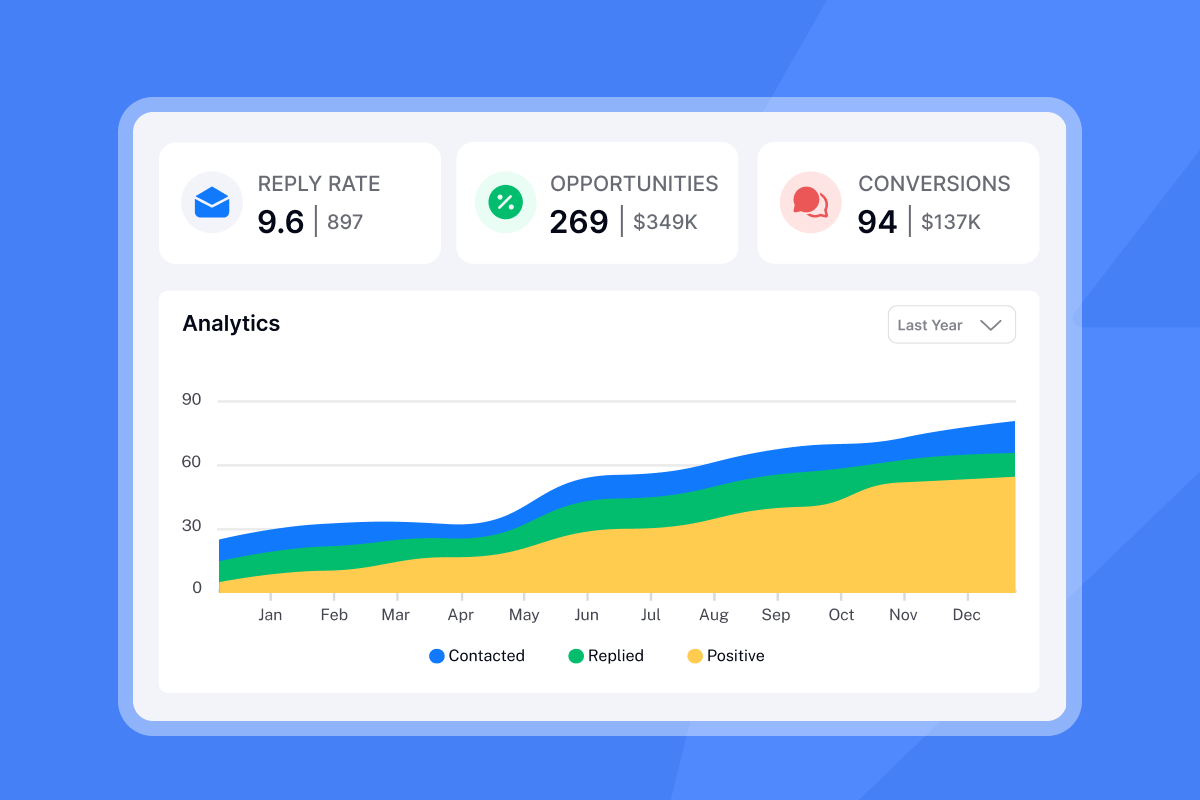
Track reply rate, time-to-first-reply, and the percentage of clients who complete the first requested action. Open rate is a useful early signal but it is increasingly unreliable as a performance metric due to Apple MPP and email client filtering. Use reply rate as your primary indicator across all onboarding campaigns.
Maintain reply rates above 5% and bounce rates below 1% to protect the sender reputation you depend on for all your client campaigns. If reply rate drops on your first email, audit the subject line, first line, and CTA before running more sends.
Metric | Action if performance drops |
|---|---|
Reply rate (email 1) | Test subject line, shorten body, simplify CTA |
Reply rate (follow-up) | Reframe the ask, add urgency tied to a milestone |
Bounce rate above 1% | Pause, verify list, run hygiene check before resuming |
Strategic send times for onboarding
A common approach for client onboarding is four emails over 14 days. This frequency maintains momentum without overwhelming a client who has already paid. Here is the structure:
Day | Email purpose | Goal |
|---|---|---|
Day 1 | Welcome + next step | Confirm activation, get first reply |
Day 3 | Example: Asset or data request | Collect inputs needed to begin work |
Day 7 | Example: Progress update | Surface questions or blockers |
Day 14 | Example: Milestone check-in | Align on near-term expectations |
Never exceed 30 emails per day per inbox. Exceeding this threshold raises spam signals and damages sender reputation, even for warm client sequences. Distribute onboarding sends across multiple sending accounts if you are managing a high volume of new clients in the same week.
"I use Instantly for outreach via email, and it has saved me a lot of time by automating my lengthy email sending processes." - Levent Y. on G2
Real-world client onboarding email examples
Each template below is built on the anatomy covered earlier: personalized first line, one value statement, one CTA, and under 125 words. Add spin syntax variations before deploying across multiple client accounts.
New client onboarding welcome email
Subject: {{firstName}}, your campaign workspace is ready

Hi {{firstName}},

Welcome to the team. We've set up your campaign workspace and reviewed
the brief from your call with [Account Manager Name].

To move forward, we need one thing from you: your brand guidelines.

Can you reply here with those or point us to where they live?

[Your Name]
[Agency Name]
Why it works: The subject line uses the client's first name and signals immediate value. The body references the sales call for continuity and asks for exactly one thing.
Getting essential client data
Subject: One quick thing before we launch, {{firstName}}

Hi {{firstName}},

To get your first sequence live by [TARGET DATE], we need three things:

1. Brand guidelines or style guide
2. Target audience profile (or ICP document)
3. Preferred contact for approvals on your team

Reply here or use the shared folder at [TODO: insert client-specific shared folder link].

[Your Name]
Why it works: Numbered lists make the ask scannable, the deadline ties to the client's outcome, and the effort required is explicit.
Next steps onboarding email template
Subject: Week one done, {{firstName}}. Here's what's next

Hi {{firstName}},

We're one week in. Here's where things stand:

- Completed: Campaign setup and inbox warmup for [DOMAIN]
- In progress: Sequence copy draft (due [DATE])
- Next: Your review and approval call on [DATE]

Any blockers or questions before then? Reply here and we'll resolve it same day.

[Your Name]
Why it works: The status update format builds confidence and accountability. The CTA is framed as optional ("any blockers?") which lowers friction and makes replies more likely.
Adapt any of the 600 email templates in the Instantly Help Center for your onboarding sequences by adjusting the first line and CTA to match the post-sale context.
How Instantly helps agencies scale onboarding
Managing onboarding emails across 10, 50, or 150 client accounts creates real operational friction, and the per-seat pricing model that most tools use makes that friction expensive. Instantly's flat-fee unlimited accounts model means you add clients without adding per-seat costs, protecting agency margins as you scale.
Three specific features make onboarding sequences more manageable at agency scale:
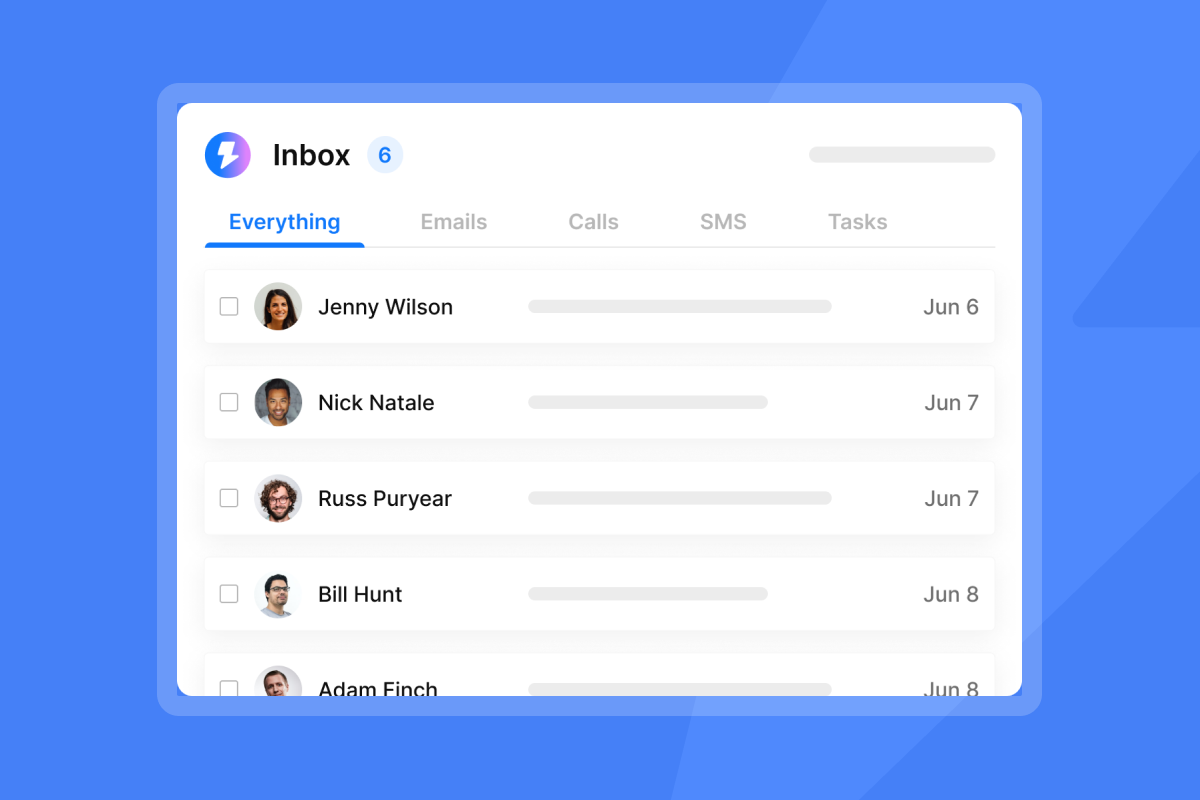
- Unibox consolidates replies from all connected sending accounts into one unified stream so no client reply gets buried across 20 separate inboxes.
- A/Z testing runs automatic subject line and CTA experiments across your onboarding sequences so you improve continuously without manual monitoring.
- AI Reply Agent handles initial replies in under five minutes on autopilot or with human review before sending, which keeps client conversations moving even when your team is in other calls.
"I appreciate Instantly for its intelligent handling of domain and mailbox rotation as well as provider matching, which is critical for ensuring that my emails land directly in the primary inbox instead of getting caught in spam filters." - Richard E. on G2
"I find Instantly easy to set up with really nice UX, making the onboarding process smooth. The platform excels in scalability, allowing me to send a large volume of emails and manage workspaces effectively for sales and marketing." - Frank S. on G2
Try Instantly free to build your first onboarding sequence, run A/Z tests on subject lines, and manage all client replies in the Unibox without adding another tool to your stack.
FAQs
What is the ideal length for a client onboarding email?
Emails of 75-125 words achieve the highest response rates, based on the Boomerang study analyzing 40 million emails. If you need to share more detail, link to a shared doc rather than expanding the email body.
When should you send the first client onboarding email?
Send the first email as soon as possible after contract signing, targeting delivery between 8:30 and 10:30 a.m. in the client's local time zone on a Tuesday through Thursday for best engagement.
How many onboarding emails should you send?
A four-email sequence spread across 14 days (days 1, 3, 7, and 14) covers the critical activation window without overwhelming the client. After day 14, move the client into your standard account management cadence.
What reply rate should you target for client onboarding emails?
Onboarding emails to warm clients significantly outperform cold outreach. Monitor your first email's reply rate closely. If it underperforms, audit the subject line, first line, and CTA before running more sends.
How does poor onboarding email engagement affect sender reputation?
Low engagement signals to inbox providers that your emails are unwanted, which reduces deliverability across all your sending domains over time. Keep reply rates above 5% and bounce rates below 1% to protect the sender reputation you depend on for all your client campaigns, as covered in Instantly's deliverability guide.
Read next
- Email deliverability for sequences: warmup, health monitoring and compliance
- Cold email subject lines for follow-ups: how to re-engage without being pushy
- Subject line testing at scale: a governance framework for sales leaders
- Read Next
- How to Write Cold Emails That Get Responses
- Cold email subject lines for follow-ups
- Email tracking myths debunked



