.svg)
%20(1).svg)


Updated April 20, 2026
TL;DR: The optimal client onboarding email sequence runs 4 to 6 emails over 7 to 14 days, with the first message sent within minutes of signup. Send during weekday windows between 9 AM and 4 PM in the client's local time, and pause sequences on weekends for all B2B clients. Space follow-ups around client actions rather than fixed daily intervals to avoid email fatigue. Protect your sending domains by running an inbox placement test before every sequence launch, and use A/Z testing on subject lines and send times to refine performance across client cohorts.
Most agency operators spend weeks refining their cold outreach timing while their new client onboarding emails land at 2 AM, get buried under a Monday pile-up, or arrive so frequently that clients learn to ignore them. Poor onboarding timing does not just hurt activation rates. It quietly damages the sender reputation of the very domains you rely on for pipeline.
This guide gives you the exact day-by-day schedule, time windows, and deliverability checks to build a client onboarding email sequence that activates clients faster and protects your domains at scale.
Timing onboarding emails: Maximize client replies
Timing is not just a courtesy for your client. It is a deliverability signal. When recipients open, click, and reply to your onboarding emails, mailbox providers treat those actions as confirmation that your domain belongs in the primary inbox, which strengthens sender reputation for every future campaign you send from that same domain. Low-engagement sends from a fresh client domain chip away at domain health and bleed into cold outreach performance across your entire agency.
For agencies managing 10 to 150+ inboxes, this compounds quickly. The solution is a repeatable timing system your whole team can follow.
Optimal send window for new clients
We recommend 9 AM to 4 PM on weekdays for B2B onboarding emails, with the strongest concentration of opens and clicks around 10 AM local time. Morning sends catch the mid-morning inbox check that professionals make when they open their email for the first time that day, having protected their early hours from communications, while afternoon sends (1 PM to 3 PM) hit the post-lunch window. Test midweek days (Tuesday through Thursday) first because inbox volume tends to be lower than Monday morning pile-up and Friday wind-down.
Our email deliverability guide covers how send-window controls interact with reputation management in depth. Morning sends (9 AM to 11 AM) target the first inbox sweep of the day, while afternoon sends (1 PM to 3 PM) catch the post-lunch check-in window. Rotating both windows across your sequence outperforms locking every email to a single time slot.
Balancing onboarding email frequency
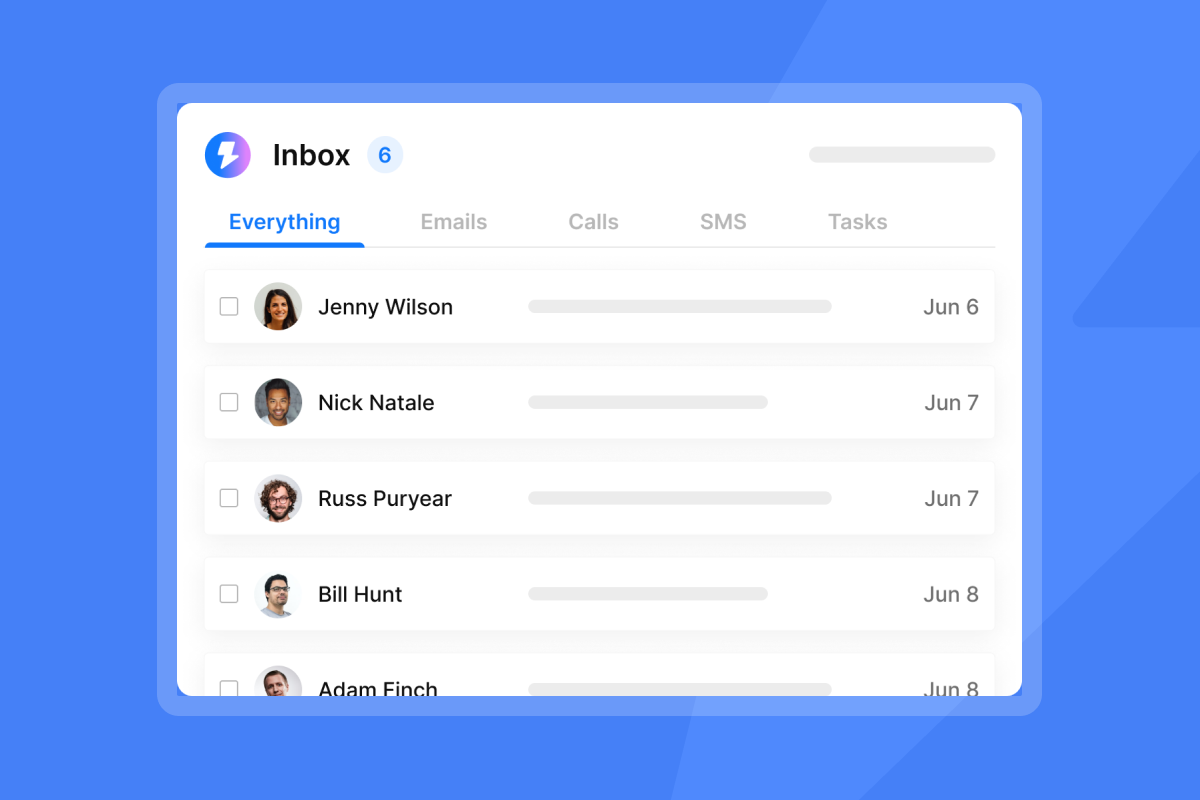
Most successful onboarding sequences deliver 4 to 6 emails over 7 to 14 days, with one to two emails per week giving clients enough time to act on each ask without feeling overwhelmed. Agencies that push daily sends during onboarding see a spike in ignored CTAs and unsubscribes. Space your sequence around client behavior (did they complete the step or not?) rather than a rigid daily drip.
Impact on sender reputation
High open and reply rates on onboarding emails signal to Gmail and Outlook that recipients trust your domain, which makes future sends from that domain land in the primary inbox more reliably. Keep bounces at or below 1%. If a sending domain's health dips during onboarding, pause that account, run a hygiene check, and restart at a lower send cap. Our guide on email open tracking accuracy explains how to read engagement signals correctly given Apple MPP and bot inflation.
When to send each onboarding email
Use the table below as your scheduling anchor, then build conditional branches for clients who do or do not complete each step.
Day | Email purpose | Example subject line | Key metric to track |
|---|---|---|---|
Day 0 | Welcome confirmation | "Welcome to [Product]" | Open rate 50-60% |
Day 1 | First action prompt | "Ready to get started?" | Click-through rate |
Day 3 | Progress check | "How's your setup going?" | Reply rate |
Day 7 | Engagement milestone check | "Your first week - quick check-in" | Open rate |
Day 14 | Re-engagement and support offer | "Need help getting unstuck?" | Reply rate |
Day 0: Welcome email (immediate)
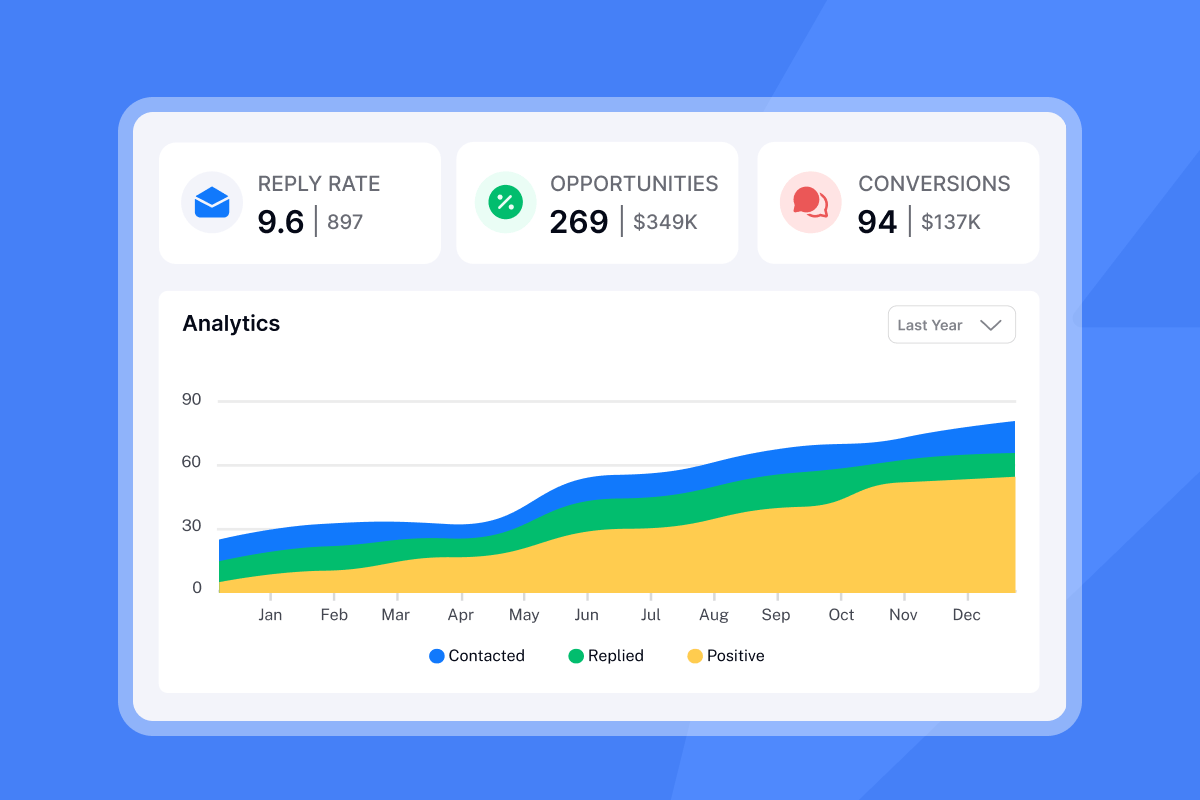
Send the welcome email within minutes of signup. Buyer intent is highest at the moment of conversion, and delays of even 24 hours cause measurable drops in open and click rates.
What the Day 0 email must do:
- Confirm the signup decision and reinforce the value the client just chose
- Set expectations for what the onboarding sequence will cover
- Include one clear next step with a single CTA
Keep the body short. One message, one action.
Domain and deliverability requirements:
The Day 0 email is also the first impression your sending domain makes on the client's mailbox provider. A poor first send on a cold or misconfigured domain can damage deliverability for the entire sequence. Before launching any Day 0 sends on a new domain, review our campaign readiness guide to confirm your domain is warmed and properly authenticated.
Day 1: Configure initial email sequence
The Day 1 email focuses on one actionable step: connect an integration, verify a domain, or upload a list. Keep the ask small and frictionless, with a CTA linking directly to the task. Single-ask emails consistently outperform multi-ask alternatives because they remove decision paralysis, as shown in our cold email strategy video. Apply the same rule here.
Day 3: Verify initial client steps
Two to three business days after the initial ask is the right interval, long enough that the client has had time to act and short enough that the task is still fresh. The Day 3 email branches based on behavior: if the client completed the step, confirm it and offer the next one; if they have not, offer help and lower the barrier.
Use Instantly's email threading to keep this check-in in the same thread as Day 1. Threading helps clients see the full conversation history in one place, which makes it easier for them to pick up where they left off.
Day 7: Check deliverability and sender health
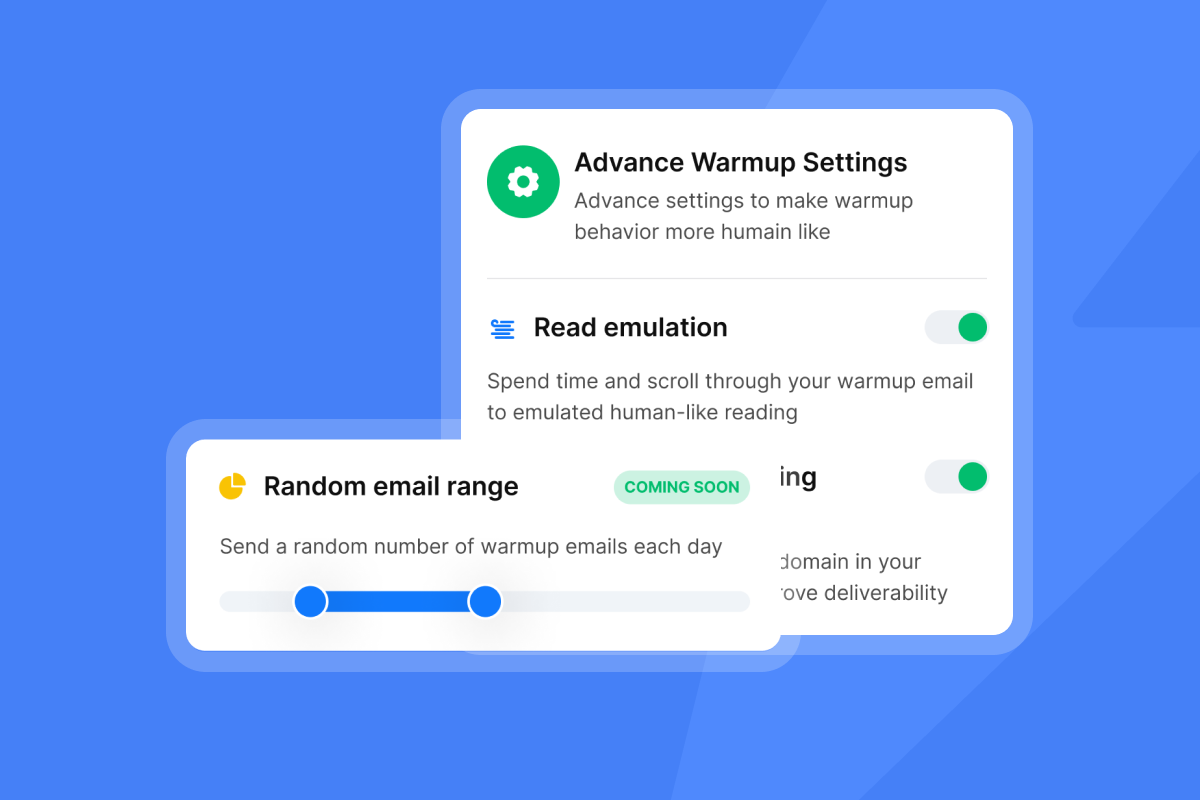
This email addresses agency onboarding needs. Consider sending a proactive Day 7 update that keeps clients informed about progress before the first campaign launches. A brief check-in on setup progress helps manage expectations and shows you are monitoring their account. Keep the update factual and focused on next steps rather than technical details.
Use Instantly's inbox placement test to generate real data for this update rather than approximating.
Day 14: Preventing onboarding roadblocks
The Day 14 email addresses common late-stage friction such as setup steps they did not understand, delays in IT access, or misaligned timeline expectations. Use this check-in to resolve blockers and help the client move from setup mode to active campaign management.
Optimizing 30-day client engagement
After Day 14, consider shifting from onboarding to a maintenance cadence. A typical rhythm includes weekly performance reports, bi-weekly strategy notes, and monthly reviews to keep clients aligned. Our 30-day email tracking rollout guide covers send ramp schedules that protect domain reputation as volume scales.

What daily send time drives most engagement?
The "best time" has two answers: general benchmarks (9 AM to 11 AM local time for B2B professionals per Salesforce and Marketers Media) and client-specific behavior you discover through A/Z testing. Use benchmarks to set your starting schedule, then let data from your early client cohorts refine it.
Choosing your morning or afternoon send slot
Morning sends (9 AM to 11 AM) perform best for initial onboarding emails because you are competing for attention when the client is orienting their day. Afternoon sends (1 PM to 3 PM) work well for follow-up emails that require a decision, catching clients during the post-lunch focus window. Our cold email follow-up video covers how alternating send times across a sequence prevents the "robot sender" pattern that trained clients learn to ignore.
No-send days: Holidays and weekends
Pause automated onboarding sequences on weekends and public holidays for all B2B clients. Engagement drops significantly on these days as professionals are offline, and low-engagement sends from a domain that is still establishing reputation do measurable harm. It also signals to the client that your agency communicates with intention, not automated blasts. Configure this in Instantly using multiple sending schedules to set exact weekday windows per campaign without manual intervention.
B2B vs. B2C onboarding send times
B2B clients operate within defined working hours and check email as part of their professional routine, while B2C audiences engage during personal time including evenings and weekends. Since the target here is agency-to-client B2B communication, keep all sequences within Monday to Friday business hours. Applying B2C timing logic to B2B onboarding actively hurts engagement metrics because the behavioral context is completely different.
Preventing timezone-related send errors
Global agencies sending from a single fixed schedule face a common problem: a 10 AM send in New York arrives at 3 PM in London and 11 PM the same day in Singapore, and those off-hours arrivals reduce engagement because recipients check email during their local working hours, not in the middle of the night.
Detecting client timezone
Capture timezone data during the sales or signup process with a simple field in your onboarding form. Feed this into your CRM and tag each contact before launching their sequence.
Schedule onboarding emails by local time
We give you advanced send window settings that configure sequences to send during each recipient's local working hours. Set the send window to 9 AM to 5 PM and mark it for local time delivery to ensure every client receives their onboarding email during their own business day, regardless of where your agency is based.
"I love the automation features of Instantly, especially the automatic email scheduling. It saves me time by sending emails at optimal times, reducing the chances of them being marked as spam." - Arshad M. on G2
For agencies running sequences across multiple continents, segment your client list by timezone region (Americas, EMEA, APAC) and create a separate sending schedule for each. Our email tracking integrations guide covers how to sync CRM timezone fields directly into your outreach workflows.
Set optimal onboarding email cadence
You need to read client signals as much as you stick to a schedule. A client who consistently opens and clicks may need fewer touchpoints than your default cadence suggests, while a client who has not opened any email by Day 5 probably needs a channel switch, not another automated send.
Warning signs of email fatigue
Watch for these signals across your onboarding sequences:
- Open rate drops: A sustained decline across consecutive emails after Day 0 may suggest the client is disengaging and warrants a manual check-in.
- No CTA clicks: Multiple emails with zero click activity suggest the ask is unclear or the content is not reaching the right contact.
- Unsubscribes or spam reports: Either signal means you stop the automated sequence immediately and reach out personally.
- No replies to direct questions: Silence on a Day 3 or Day 7 check-in is a cue to switch to a manual, personalized follow-up rather than continuing the drip.
Vary timing to prevent email fatigue
Instantly's send window settings let you define a range (9 AM to 11 AM) rather than a fixed time, spreading sends across that period. You can also use liquid syntax for dynamic copy to personalize messages based on send time or other variables.
Spotting unresponsive client cues
If a client shows zero engagement across the first several emails in your sequence, move them to a manual follow-up queue and consider trying a different message approach. If there is still no response, schedule a check-in call and do not continue automated sends to a client with zero engagement. Our follow-up subject lines guide has tested approaches for re-engaging without triggering a spam report.
Your playbook for optimal send times
The timing system only works if you track the right metrics and test consistently across client cohorts.
Data points for send timing optimization
Track these metrics for every onboarding sequence:
- Open rate per email in the sequence (Day 0 should be 50–60%)
- Reply rate to direct-question emails (Day 3 and Day 14 check-ins)
- Time-to-first-action: When clients complete their first setup step
- Sequence completion rate: What percentage of new clients reach Day 14 with all steps completed (40-60% is a good benchmark, with top performers reaching 70-80%)
Open rate tracking has known accuracy issues due to Apple MPP and security bots inflating pixel-based opens. Our email open tracking guide explains this in detail and recommends prioritizing reply rate and time-to-first-action as your primary performance signals.
A/B testing onboarding send times
Instantly's A/Z testing feature, included on the Growth plan at $47/month, lets you test morning vs. afternoon send times across the same sequence without duplicating campaigns. Set up two variants, assign each to a 50% split of new clients, and accumulate a minimum of 250 contacts per variant before drawing conclusions, as our subject line testing framework recommends at least 1,000 sends per variant for statistical confidence on subject line tests.
"Everything is really intuitive, the warmup function is great because you have full control of everything and bulk edits are a game changer. Unibox, CoPilot and AI agents are everything would could ever want." - Mathieu F. on G2
For smaller client cohorts, focus on reply rate differences rather than open rate because open rate is less reliable given inbox provider filtering behavior.
Using open rate data to refine sends
Once you have run enough client cohorts to see patterns, group results by send time. If one window shows consistently stronger performance, consider testing a shift in your schedule. Revisit timing quarterly as your client demographics evolve. Our email click tracking guide covers how to use click data to further refine which CTA placements and send windows drive action.
Optimize send windows for reply rates
Timing and content work together. A well-timed email with a spam-triggering subject line still ends up in the junk folder.
Optimizing weekend onboarding sends
Weekend sends for B2B onboarding emails are generally less optimal because business professionals tend to be unplugged, and your message may sit unopened until Monday morning. However, Yesware's analysis of over 500,000 sales emails found that email open and reply rates are actually higher on weekends. The effectiveness depends on your specific audience and content type. For most B2B clients, configure your Instantly send schedules to exclude Saturday and Sunday at the campaign level to avoid potential engagement drops during the warming phase, but test weekend sends once accounts are fully warmed and you have baseline metrics to compare.
Onboarding email spam prevention tips
Before launching any new client onboarding sequence, run an automated inbox placement test in Instantly. This shows you exactly how many test emails land in the primary inbox vs. spam across Gmail, Outlook, and other providers. If you see low placement rates, investigate the sending domain's warmup status, authentication (SPF, DKIM, DMARC), and email copy before sending to a real client.
Instantly's AI Spam Words Checker, included on the Growth plan, scans your email copy for phrases that trigger spam filters before you hit send. Common offenders in onboarding emails include "free," "guarantee," excessive capitalization, and urgency-heavy phrasing. Use this check on new templates to spot potential problems before they reach your client's inbox.
"The email moment tool...enhances my workflow but also protects my email reputation, ensuring that my outreach efforts are successful and well-received by recipients." - mohammad s. on G2
Never exceed 30 emails per inbox per day. This limit applies at every stage of warmup and beyond. Our fingerprinting and high-volume deliverability guide explains how sending patterns at volume trigger spam filters even when individual emails look clean. Violating this cap risks sender reputation damage that can take weeks to recover.
This timing playbook works when you pair it with infrastructure built for agency scale. When you build your onboarding sequence on Instantly's flat-fee Outreach plans starting at $47/month, you get unlimited sending accounts and built-in warmup, which removes the per-seat math that limits how many client sequences you can run in parallel. Start your free trial of Instantly and apply this schedule to your next client onboarding sequence, using the Unibox to manage all client replies in one place while the AI Reply Agent handles responses on autopilot.
FAQs
What is the optimal time to send a client onboarding welcome email?
Send the welcome email within minutes of signup. 74% of new clients expect a welcome email immediately after signing up, and intent is highest in this window, which drives stronger open rates and better sender reputation on new domains.
How many onboarding emails should I send to a new client?
Send 4 to 6 emails over 7 to 14 days, spaced around client actions rather than fixed daily intervals. Sending more increases unsubscribe risk.
What is the best day of the week to send B2B onboarding emails?
Open rates stay consistent across B2B workdays, generally between 46.5% and 47.5%. Friday generates the highest average open rate at 49.72%, with Monday close behind at 49.44%. Wednesday, Tuesday, and Thursday perform similarly, so focus on sending times rather than picking specific days.
How many emails per inbox per day is safe for onboarding sequences?
Do not scale past 30 emails per single inbox per day at any stage, including after warmup is complete. This limit protects domain health and prevents fingerprinting patterns that trigger spam filters even when individual emails look clean.
How do I test whether my onboarding emails will land in the primary inbox?
Run an inbox placement test in Instantly before launching any sequence. This checks real placement across Gmail, Outlook, and other providers. A score below 90% primary inbox means you need to address domain warmup, authentication, or email copy before sending to real clients.
Read next
- Email deliverability for sequences: warmup, health monitoring and compliance
- Cold email subject lines for follow-ups: how to re-engage without being pushy
- Subject line testing at scale: a governance framework for sales leaders
Key terms glossary
Sender reputation: A score assigned by mailbox providers (Gmail, Outlook) to your sending domain based on engagement history, bounce rates, and spam reports. High engagement on onboarding emails improves this score directly.
Send window: The configured time range during which your email platform sends scheduled emails. Setting a send window to 9 AM to 5 PM in the recipient's local timezone ensures B2B onboarding emails arrive during business hours.
Inbox placement: The percentage of sent emails that land in the primary inbox rather than spam or promotions folders. Measured by running a test across seed inboxes before campaign launch.
A/Z testing: A method of comparing two or more variants of an email (subject line, send time, copy) to determine which performs better. Instantly's A/Z testing supports multiple variants per campaign on the Growth plan.
Warmup: The process of gradually increasing send volume from a new email account to build a positive engagement history with mailbox providers before launching full campaigns. Instantly's warmup network covers 4.2M+ accounts across its private deliverability infrastructure.



