


Updated April 20, 2026
TL;DR: A 30-day client review email is a strategic retention tool, not a status update. Lead with hard metrics like meetings booked and reply rates, not activity counts. Use a clear data table, honest benchmarks, and a specific 30-day roadmap to show clients what worked, what did not, and exactly what you plan to do next. Instantly's Unibox and Deliverability Dashboard give you the exact numbers you need without hours of manual data pulling.
Most agency operators obsess over campaign setup while ignoring the 30-day review email that secures the renewal. Your clients do not care how many emails you sent. They care about the cost per meeting, and if you cannot show them that clearly, you lose them. This client onboarding email template guide gives you the exact data points, three copy-paste templates, and a reporting structure to prove your value and scale campaigns safely.
Secure renewals: The 30-day email impact
Agency-client relationships often fail due to poor communication gaps. Retainer agencies achieve 2.3 times better retention than project-based counterparts (18% vs 42% annual churn), and small retainer agencies (1-10 employees) experience approximately 25% annual churn, according to Focus Digital and Swydo. While a healthy churn rate stays below 5% annually, that represents an aspirational target rather than the industry standard. The first month often determines whether a client relationship strengthens or begins to fray.
If your client does not hear from you with clear proof of progress in the early weeks, they fill that silence with doubt. A structured 30-day review email closes that gap before uncertainty compounds into disengagement. Proactive reporting builds trust faster than any sales pitch, and your report cadence is a direct retention lever.
A client 30-day review email is a structured campaign performance report covering what ran, what the numbers showed, and what you plan to do next. This is distinct from an employee 30-day review, which measures a new hire's internal integration. The table below clarifies the difference:
Dimension | Client 30-day review | Employee 30-day review |
|---|---|---|
Primary goal | Demonstrate campaign ROI, secure renewal | Assess integration, identify training gaps |
Key metrics | Reply rate, meetings booked, cost per meeting | Task completion, productivity, cultural fit |
Audience | Client founder, sales leader, CMO | Direct manager, HR, internal stakeholders |
Tone | Data-driven, outcome-focused, transparent | Development-focused, coaching-oriented |
Desired outcome | Client confidence, continued partnership | Employee confidence, clear role expectations |
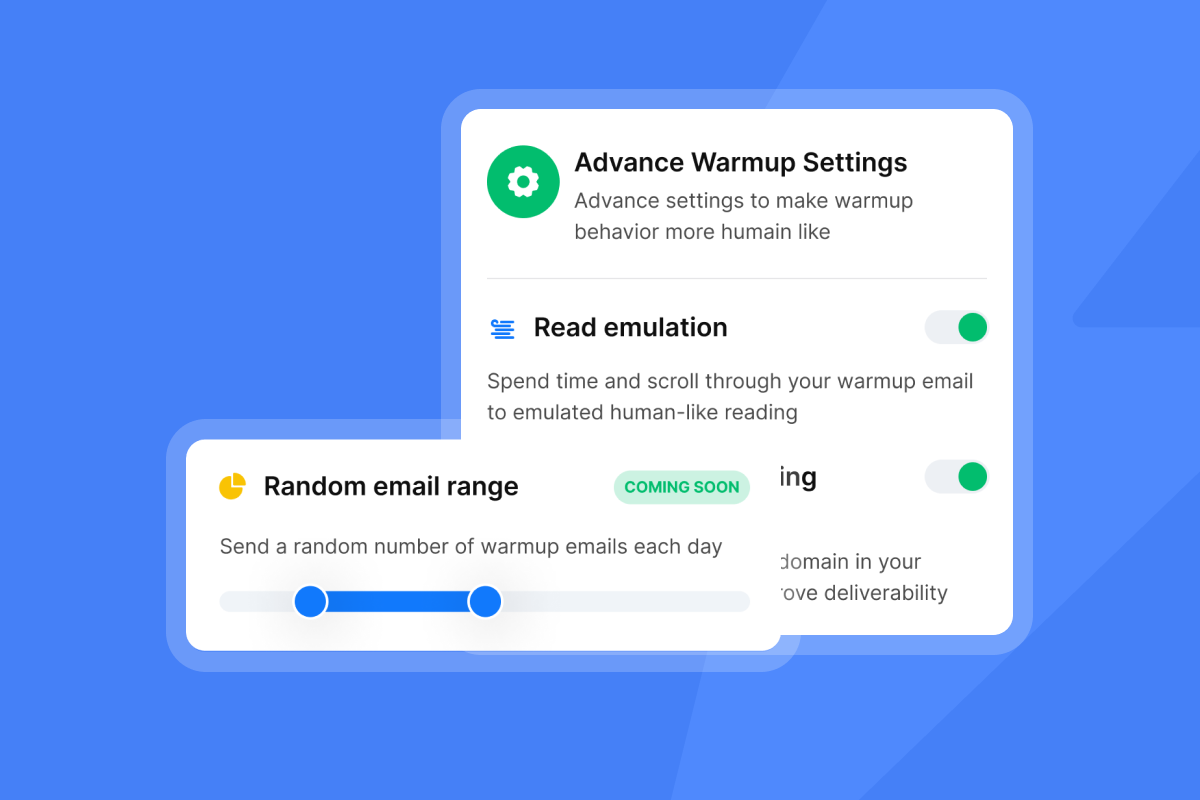
The day-30 report is your first major milestone. Done well, it resets expectations, frames the warmup period honestly, and positions month two as a deliberate scale rather than a hope.
What to include in your 30-day review email
Include these elements in your review email: a subject line that gets opened, a personalized opening, a results table, a benchmark comparison, a next-30-day plan, and a clear call to action.
Subject lines that get opened
Specificity and outcomes beat cleverness. Use these five formulas:
- Outcome-led: "[Client Name], Your [Month] Results: [X] Meetings Booked, $[Y]K Pipeline"
- Progress-framed: "[Client Name], Your [Month] Report: Here's What We're Learning"
- Problem-solution: "[Client Name], Your [Month] Campaign: What We Found (and How We're Fixing It)"
- Benchmark comparison: "[Client Name], You're Outperforming [Industry] Peers by [X]% - Here's How"
- Forward-looking: "[Client Name], Month 1 Done - Here's the Month 2 Scale Plan"
Research on cold email subject line performance shows that timeline-based hooks outperform problem-statement hooks by up to 3.4x on meeting booking rate. The same principle applies to client-facing subject lines: specificity and outcomes win.
The five KPIs worth reporting
- Positive reply rate - target 5-10% for B2B, 10-15% is excellent
- Meeting booking rate - percentage of outreach that resulted in a scheduled call
- Cost per meeting (CPM) - total monthly retainer divided by qualified meetings booked
- Inbox placement rate - percentage of emails landing in primary inbox vs. spam
- Bounce rate - keep under 2% to protect sender reputation
Always compare performance against the client's specific vertical benchmark, not a broad industry average. Generic benchmarks signal you are not paying close attention to their market. Pair your results against vertical data using resources like the email deliverability benchmarks guide to add credible context.
The next-30-day plan and CTA
The next-30-day plan separates a results email from a renewal conversation. Include three specific items: the hypothesis you are testing, the target metric and success threshold, and the change you will make if the test wins. Close with one unmissable action, such as "Can we align on this plan Thursday at 10 AM?" Multiple requests diffuse attention and reduce response rates.
Watch this walkthrough of how to pull reply rate data from the Instantly Unibox and structure it for client reports:
Highlight data your clients prioritize
Reply rate and inbox placement
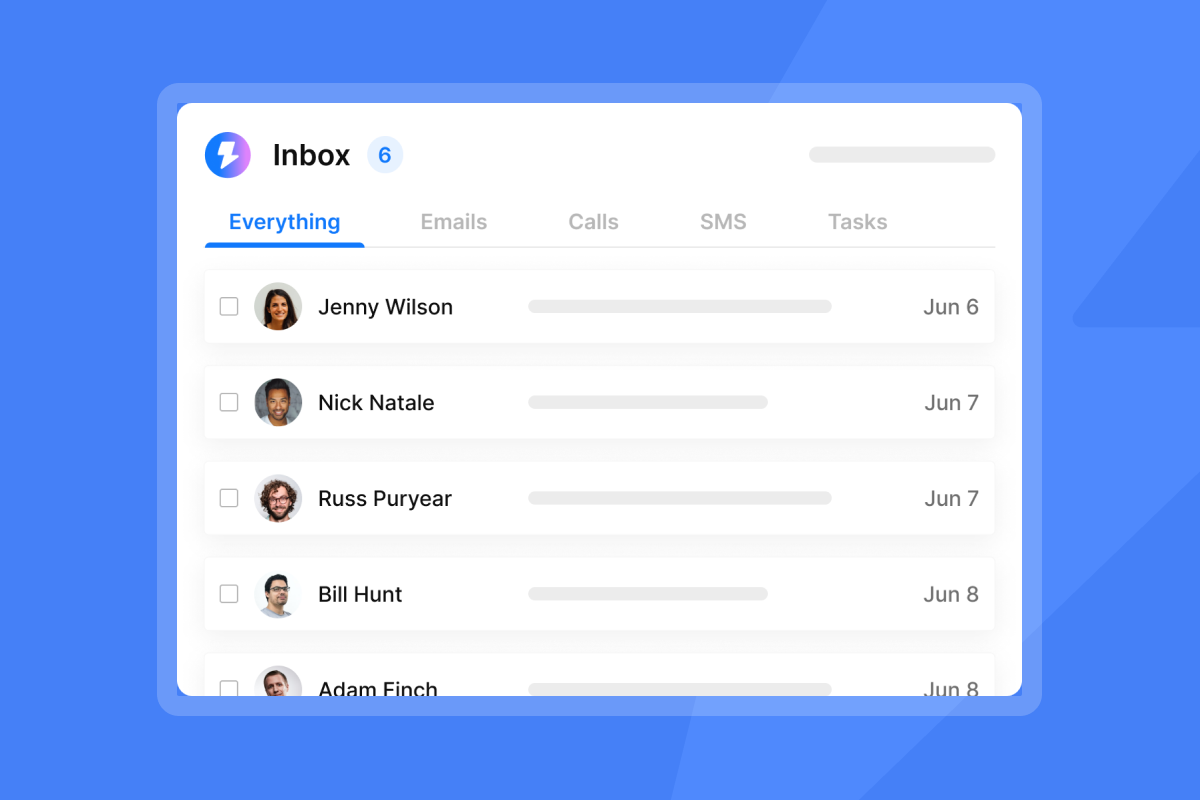
Pull reply rates directly from Instantly's Unibox, which centralizes responses from all client mailboxes into a single view. This removes the manual work of aggregating data from separate accounts and lets you classify replies consistently. Instantly's documented Unibox categories are: positive, referral, objection, not now, unsubscribe, and out of office. Your effective reply rate is positive plus qualified neutral, which tracks true engagement rather than vanity counts. The formula is: replies received divided by delivered emails, multiplied by 100.
Note that open rates are increasingly unreliable due to Apple Mail Privacy Protection, which is why reply rate is the more honest metric to report to clients.
"I love how Instantly is easy to use, as its good UX means I didn't spend a lot of time learning this tool. The excellent deliverability is a game-changer for me, as it helps us close more clients effectively." - Patrik P. on G2
Meetings booked and pipeline created
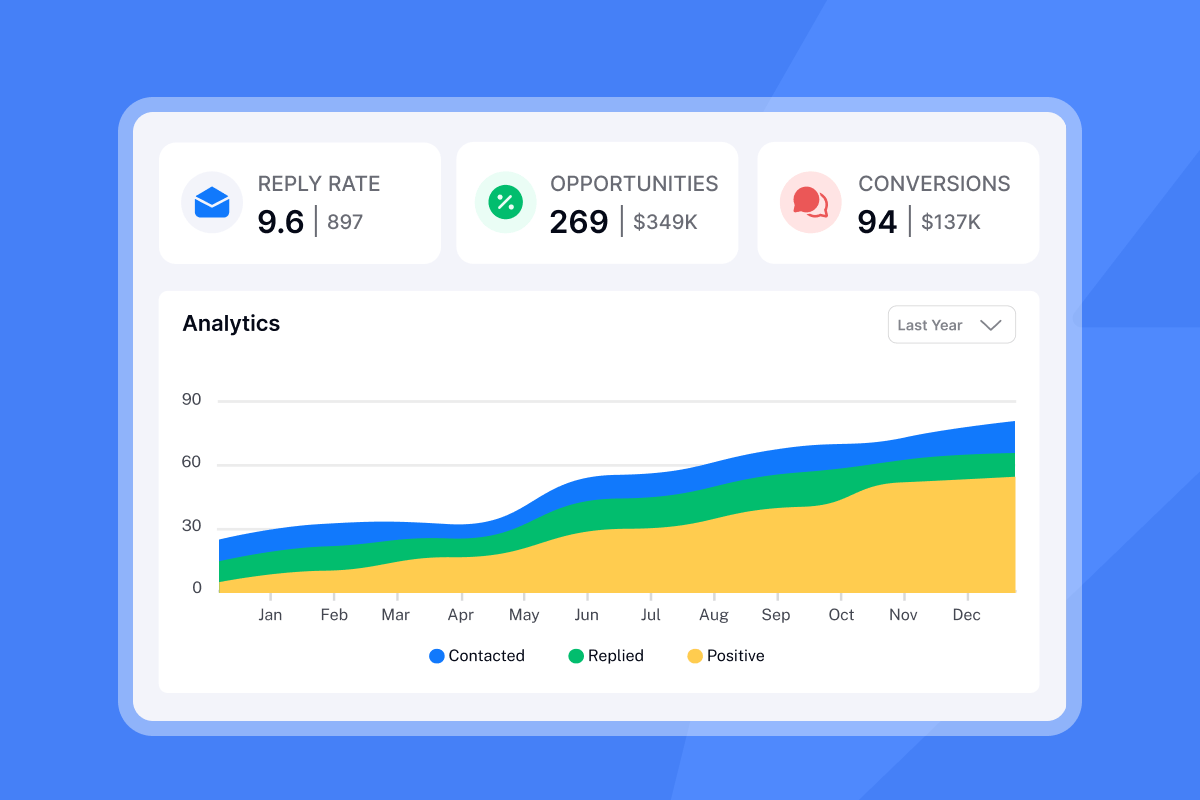
Convert reply counts into pipeline language. If you booked 8 meetings and the client's average deal size is $40,000, you created $320,000 in potential pipeline. This framing resonates with founders and sales leaders far more than a percentage. Instantly's email tracking guide covers how to track these metrics accurately at scale.
Monitor sender reputation metrics
Deliverability metrics belong in every client report. Surface them proactively, because clients who discover problems on their own lose trust fast. Key thresholds to report against:
- Bounce rate: keep under 2%
- Spam complaint rate: keep well below 0.3%
- Inbox placement rate: target 90%+
Instantly's deliverability monitoring guide details exactly what to watch and when to pause sends. If health dips, pause, run the hygiene checklist, and restart at a lower send cap for three days.
Cost per meeting formula
The CPM formula is simple and powerful:
Common formula: CPM = Total Monthly Agency Retainer / Total Qualified Meetings Booked
For example: $3,000 retainer divided by 6 meetings equals $500 per meeting. Per research on campaign ROI, if a tech startup spends $25,000 on a campaign generating 125 qualified qualified meetings, that is $200 CPM. Report this number in every review. It gives clients a concrete ROI anchor and sets a clear benchmark for month two.
The 30-day client success email playbook
Use these three templates as the foundation for every client report. Adapt the metrics to match agreed campaign KPIs. The bracketed values are placeholders you fill in from your Instantly analytics dashboard.
Template 1: Strong results
Subject: [Client Name], Your [Month] Results: [X] Meetings Booked, $[Y]K Pipeline
Hi [Client Name],
Your [Month] campaign exceeded targets. Here is the summary:
Metric | Target | Actual |
|---|---|---|
Emails delivered | [X] | [X] |
Reply rate | [X]% | [X]% |
Meetings booked | [X] | [X] |
Pipeline value | $[X]K | $[Y]K |
Cost per meeting | $[X] | $[Y] |
What drove results: Your [winning variant] outperformed [comparison variant]. [Persona/segment] responded most strongly to the [angle] approach.
Next 30 days:
- Scale the winning subject line to [new segments]
- Use A/Z testing on new opening hooks for prospects that showed intent but did not reply
- Add a follow-up sequence to capture late responders
Ready to align on the month-two plan? I am free [day] at [time].
Best, [Your Name]
Template 2: Expected / warmup-phase results
Subject: [Client Name], Your [Month] Report: Here's What We're Learning
Hi [Client Name],
Month one is on track. We are in the critical warmup phase, meaning we are optimizing targeting and messaging before scaling send volume. Here is where we stand:
Metric | Actual |
|---|---|
Emails delivered | [X] |
Reply rate | [X]% |
Meetings booked | [X] |
Cost per meeting | $[Z] |
What is working: [Top-performing segment or angle] is generating the highest reply rate. That is the segment to prioritize in month two.
Next 30 days:
- Run A/Z tests on two new subject line hypotheses
- Increase daily sends gradually, staying within safe warmup margins and capping at 30 per inbox per day
- Segment by company size to test whether messaging resonates differently by scale
Let's align on these tests in our next strategy call.
Best, [Your Name]
Template 3: Below-expectation results
Subject: [Client Name], Your [Month] Campaign: What We Found (and How We're Fixing It)
Hi [Client Name],
Your [Month] campaign ran below our 5% reply rate target. I am sharing the root cause and the fix plan now so we do not waste spend in month two.
Metric | Target | Actual |
|---|---|---|
Reply rate | 5% | [X]% |
Meetings booked | [X] | [Y] |
Cost per meeting | $[X] | $[Y] |
Root cause analysis:
- List quality: bounce rate above 2% indicates stale contact data
- Persona misalignment: engagement skewed toward a different role than targeted
- Domain warmup: new domain needs more ramp time before scaling send volume above 30 per inbox per day
The fix plan (no additional cost):
- Weeks 1-2: Re-verify the contact list using waterfall enrichment to clean contacts before restarting sends
- Weeks 2-3: Refine messaging based on engagement patterns from month one
- Weeks 3-4: Complete domain warmup before increasing send volume
Let's talk through this on [date/time].
Best, [Your Name]
Optimize month-two performance
Present A/B tests as structured plans. Instantly's A/Z testing feature lets you run up to 26 variants and declare a winner based on reply rate. A strong test proposal includes the variants you're testing, sample size per variant, how you'll measure success, and expected duration. For example: "We will test question-based openers against value-proposition openers across 1,000 contacts per variant. Success means a clear winner emerges in positive reply rate. We'll run the test for a set send period, then take a week to analyze results before declaring a winner."
Adjust send windows based on month-one data. If reply rates concentrated in a specific time block, shift the window there and cap sends at 30 per inbox per day to protect sender reputation. Frame copy changes as hypotheses, not admissions of failure. The cold email copywriting framework used internally at Instantly targets 400+ replies monthly and provides a repeatable structure.
When results justify scaling, Instantly's flat-fee unlimited sending accounts model means you add inboxes without increasing your software cost. Moving a client from 10 to 50 inboxes on a per-seat model adds significant monthly cost. On Instantly's Growth plan at $47 per month, you add inboxes without a per-seat penalty, which is a concrete value point worth including in your month-two proposal.
Why your 30-day client reviews fail
Raw data without interpretation: Sending a CSV export alone often falls short. Many clients struggle to understand what metrics mean for their pipeline without context. Consider providing a visual summary that highlights key wins, notable challenges, and clear insights explaining the story behind the numbers.
Hiding poor results: Transparency builds more trust than spin. Clients who understand why results missed target and see a credible recovery plan stay longer. Clients who receive polished-but-vague reports that bury the miss are more likely to churn.
Failing to define next steps: A report ending with "let's keep the momentum going" is a missed retention opportunity. Every review email needs a specific next-30-day plan with measurable success thresholds. Without it, clients have no frame for evaluating whether to continue the engagement.
Benchmarks that ignore context: A 5% reply rate may be strong in one vertical and underperformance in another. Always compare against the client's specific vertical, not a broad industry average. Review email tracking myths for guidance on which metrics to trust and report accurately.
Making your 30-day client review effective
Timing your 30-day client review
Follow this workflow for every 30-day review, whether sent as an email or paired with a call:
One week before:
- Review campaign data for the period and check for accuracy
- Check key metrics like reply rate, meeting booking rate, CPM, and inbox placement rate
- Look at top-performing segments by role, industry, company size, and hook type
- Consider comparing performance against the client's vertical benchmark
- Prepare the next-30-day plan with specific actions and success metrics
During the review:
- Consider leading with positive results before addressing challenges
- Provide context for key metrics beyond the numbers themselves
- Review the next-30-day plan and confirm alignment on budget, send volume, and KPIs
- Note any client action items such as approval for new messaging direction
Within 24 hours after:
- Send a recap email with agreed KPIs, next-30-day plan, and all action items
- Begin implementing approved changes to messaging, targeting, or send volume
- Schedule the day-60 review on the calendar
Handle low campaign results
When results miss target, respond systematically:
- Lead with transparency. Name the underperformance in the subject line. "Here's what we found and how we're fixing it" builds trust faster than a buried miss.
- Provide a data-backed diagnosis. Use specific metrics to isolate the problem, whether it is list quality (bounce rate), domain warmup (inbox placement score), or messaging misalignment (engagement by persona).
- Present a fix plan with timeline. Show exactly what changes in weeks one through four and the projected outcome range based on benchmark data.
- Reiterate long-term partnership. Reference what is working, confirm your commitment, and offer to adjust the month-two plan if priorities shift.
A well-structured recovery plan after a poor month often retains clients more effectively than a strong month-one result. Agencies that hold above 90% retention report outcomes over activities, communicate proactively, and treat the day-30 review as the first step in a long-term system rather than a checkbox.
Set the day-60 and day-90 review dates during the day-30 call so clients have visibility into the full reporting cadence upfront. Between official reviews, maintain regular contact to keep clients informed and prevent silence from creating doubt.
"I use Instantly for outreach via email, and it has saved me a lot of time by automating my lengthy email sending processes. My favorite part is that the interface is really simple and user-friendly, which makes it easy to handle the many variables in my emails and to create and follow a lot of campaigns." - Levent Y. on G2
Build this reporting system once and run it on every client. Try Instantly free to access the Unibox, Deliverability Dashboard, and unlimited sending accounts that give you the data you need to prove ROI every 30 days.
FAQs
What is the best subject line for a 30-day client review email?
Use an outcome-led format that includes a number and the client's name, for example: "[Client Name], Your January Results: [X] Meetings Booked, $[Y]K Pipeline." This approach outperforms generic update subject lines because it signals ROI before the client opens the email, applying the same subject line principles that drive cold outreach performance.
How do I calculate cost per meeting for a client?
Divide your total monthly agency retainer by the number of qualified meetings booked that month. For example, $3,000 divided by 6 meetings equals $500 per meeting, which ties your work directly to a concrete sales productivity metric.
What reply rate should I report as a benchmark for B2B cold email?
A reply rate of 5-10% is solid for standard B2B outreach, with 10-15% considered excellent. Always compare the client's result against their specific vertical average rather than a general industry stat to give the benchmark meaningful context.
How do I report poor campaign results without losing the client?
Lead with the diagnosis, not the defense. Name the underperformance in the subject line, provide a specific root cause analysis backed by metrics, present a fix plan with a timeline and projected outcomes, and confirm your commitment to recovery in month two.
How many sending accounts should I run per client in month two?
Cap sends at 30 emails per inbox per day during any scaling phase to protect sender reputation. If results justify adding inboxes, Instantly's flat-fee model means you scale accounts without a per-seat cost increase, unlike per-seat tools where adding inboxes multiplies your software bill.
Read Next
- Cold email subject lines for follow-ups
- Email tracking myths debunked
- Do you really need email tracking
Key terms glossary
Positive reply rate: The percentage of delivered emails that received a positive or qualified response. Calculate as positive replies divided by delivered emails, multiplied by 100. Exclude hard bounces from the denominator.
Cost per meeting (CPM): Total monthly agency retainer divided by the number of qualified meetings booked. Used to frame the direct ROI of outreach investment for clients.
Inbox placement rate: The percentage of sent emails that land in the recipient's primary inbox rather than spam or promotions folders. Target 90%+ to maintain a healthy sender reputation.
Warmup phase: The period (typically 4-6 weeks depending on domain age and send volume) during which a new sending domain ramps daily send volume gradually to build sender reputation with mailbox providers. Cap sends at 30 per inbox per day throughout this period.
Bounce rate: The percentage of sent emails that could not be delivered. Keep under 2% to avoid triggering spam filters and damaging domain health.
Sender reputation: A domain and IP-level score assigned by mailbox providers based on authentication, engagement signals, and complaint history. Monitor with Instantly's Deliverability Dashboard and act immediately if scores drop.
A/Z testing: Running multiple email variants simultaneously within a single campaign to identify which subject line, opener, or copy angle generates the highest reply rate. Instantly supports up to 26 variants per campaign.


