.svg)
%20(1).svg)


Updated July 15, 2026
TL;DR: Most AI BDR pilots fail not because the copy is weak, but because the underlying deliverability infrastructure falls apart once real send volume hits. This playbook gives sales leaders a rigorous, 30-day proof of concept (POC) framework to test deliverability as a system, verify data accuracy against your CRM, and protect your domain health before you sign an annual contract. Instantly.ai offers unlimited sending accounts, a private warmup network of 4.2M+ accounts, and transparent credit-based pricing so your team scales outreach without per-seat penalties or hidden billing traps.
Before you sign a $12,000 annual contract for an AI BDR, you need to know whether its emails will actually land in the primary inbox. The root cause is almost never the AI copy. It is bad data going in, poor deliverability infrastructure, and no defined success metrics before the test starts.
This guide gives you a step-by-step, 30-day framework to test deliverability as a system, verify data accuracy, and protect your domain health so you can make an evidence-backed decision, whether you're testing a full AI BDR platform or one of many available AI agents. If you need a primer on what an AI BDR does first, start there.
Choosing between an AI BDR trial and a POC
Whether you are testing Instantly AI BDR or another vendor, a self-serve trial and a structured POC serve different stages of confidence, and confusing the two is the first way evaluations go wrong.
A self-serve trial gives you direct platform access to test the interface, configure basic campaigns, and check support response times on your own timeline.
A structured POC involves defined timelines, specific lead lists, and concrete success metrics agreed upon upfront. This is where you test whether the AI handles complex reply trees, classifies out-of-office responses accurately, and pushes verified lead status back to your CRM, the core test for any AI sales agent.
Hands-on AI BDR trial workflows
A self-serve trial answers the basic operational questions: How long does it take to connect three inboxes? How does the UI hold up under real campaign load? How fast does support respond when something breaks?
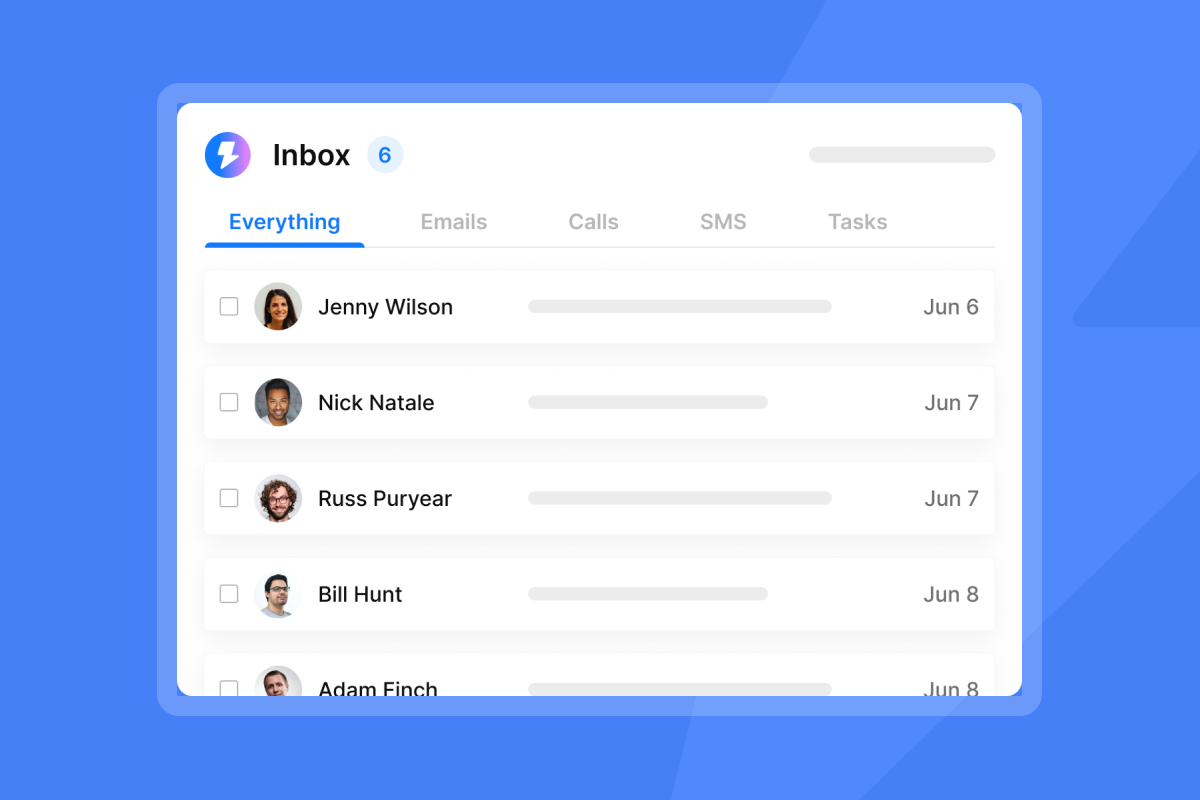
During a self-serve trial, run at least one live sequence with real contacts, not a sandbox list. Check how quickly the tool surfaces replies in a unified inbox, and note whether the interface slows down when multiple inboxes are active. One Instantly user on G2 noted:
"Instantly makes cold outreach operationally simple at scale. The interface is straightforward, setting up campaigns with multiple inboxes is fast, and the warm-up system helps maintain deliverability when sending higher volumes." - Ivar S. on G2
Structured POCs for accurate benchmarks
A structured POC is not a longer free trial. It is a controlled test with a defined lead list of verified contacts, a fixed sequence of 4 to 7 steps, and pre-agreed benchmarks for reply rate, inbox placement, and data accuracy. Testing Instantly's AI agents against these benchmarks is a good way to structure that comparison. Instantly's 2026 benchmark report puts the platform average reply rate at 3.43%, with top-quartile senders reaching 5.5% or higher. Use those numbers to anchor your POC targets before any vendor demo happens.
Aligning evaluation depth with team needs
If your team has 3 to 5 reps and limited ops bandwidth, start with a self-serve trial to test setup speed and UX. If you manage 8 or more reps with quota accountability and CRM hygiene requirements, run the full 30-day structured POC instead. See our best AI sales agents for small teams roundup if you're in the smaller bracket.
Either way, keep the pilot completely isolated from your business-as-usual operations. Run all trial sending through dedicated secondary domains, separate from your primary company email infrastructure. Mixing pilot sends with live outbound corrupts your sender reputation data and your primary inbox placement, which makes the evaluation results meaningless.
Define win criteria for your POC
Clear, numeric win criteria prevent vendors from moving the goalposts at the end of the pilot. Define these before your first kickoff call. Our AI sales agent ROI calculator can help you set realistic numeric targets.
Expected meeting volume per rep
Set a realistic meetings-set target based on market benchmarks, not vendor promises. Instantly's 2026 benchmark report shows the platform average reply rate is 3.43%, and top performers in the top 10% reach 10.7%+. Use those figures to calculate expected replies per rep and track how many convert to booked meetings against your historical baseline.
Primary inbox placement rate
Track where emails land, not just whether they send. Set a minimum threshold of 80% primary inbox placement throughout the pilot and verify it using Instantly's inbox placement tool, which runs automated tests and alerts you when placement dips. If a vendor cannot show you primary inbox placement data from inside the platform, that is a red flag on its own.
Validating sentiment detection precision
Your agentic sales agent must accurately separate out-of-office replies, unsubscribes, and genuine interest signals. During the POC, pull a sample of replies from the platform, export the raw email text, manually classify each one, then compare your labels against the platform's automated classification. If the vendor will not let you export raw reply text for this audit, classification is non-verifiable and the platform fails this test.
Instantly's Unibox NLP auto-classifies incoming replies across 50+ languages using Unibox's NLP engine, and you can refine accuracy per label through description edits and misclassification feedback. The Out-of-Office Resume feature detects OOO auto-replies, extracts the stated return date, pauses the lead, and auto-resumes sending on that date, removing a major source of manual error from reply management.
Measuring speed to first rep output
Clock how long it takes from account creation to the first email sent. A tool that takes two weeks to configure defeats the purpose of automation. Have each rep complete the basic campaign setup independently, without ops support. If setup is painful, adoption will be low and you will spend more time on training than on pipeline.
Verifying lead status in your CRM
At the end of each week, check that the AI BDR correctly updated lead statuses in your CRM. Instantly's native HubSpot integration is the reference point for CRM sync testing. B2B contact data decays at a measurable rate year over year, so demand a high verified email accuracy standard from any built-in data source to keep hard bounce rates at or below 1%.

Verifying inbox placement during your trial
Deliverability is a system, not a setting. It combines warmup, health monitoring, and send pacing, and you must test all three on live domains, not in a simulated environment.
Validate deliverability on live domains
Always test on secondary domains, not your primary company domain. The secondary sending domains guide from Instantly explains the full setup: purchase secondary domains, configure SPF, DKIM, and DMARC on each, then distribute your sending volume across multiple inboxes. Instantly includes unlimited email accounts on all plans, so you can spread send volume safely without a per-seat penalty for adding accounts.
Assess AI BDR stability through logs
During the first week, check your email sending logs daily for failed sends, delayed API calls, or sync errors between the platform and your CRM, a check covered in our AI sales agent CRM integration guide. A platform that drops sends silently or mismatches reply data between its dashboard and HubSpot is showing you something important about its reliability at scale. Ask the vendor for access to raw send logs, not just summary metrics.
Audit domain reputation and blacklists
Run a regular check on whether your pilot domains appear on any major blacklists. The Deliverability AI Agent, available on Instantly's Hypergrowth plan at $97/mo and above, monitors DNS health, blacklists, warmup scores, bounce rates, and provider balance automatically every 24 hours. It surfaces what is affected, explains why it matters, and tells you what to fix first, including direct in-platform actions like pausing campaigns and replacing risky accounts.
Verify deliverability to primary inbox
Use Instantly's automated inbox placement tests to check where your emails land across major mailbox providers before and after each send window adjustment. You can also run one-time inbox placement tests mid-campaign to confirm your warmup progress is holding. The private warmup network of 4.2M+ accounts ensures engagement signals are real, not simulated, which is what modern spam filters are built to detect.
"There are different features and filters are also available for better deliverability like inbox placement test etc." - Sachin Jha on Trustpilot
The 5 must-ask questions before your AI BDR POC
Get these answers in writing before your pilot starts, not on a sales call where verbal commitments evaporate.
Post-cancellation data retention
Ask what happens to your lead data, campaign history, and domain settings if you cancel after the trial. Can you export all campaign data and metrics as a CSV? Do you retain DNS control of your secondary domain? Vendors who cannot answer this clearly are designing the exit to be painful, one of the classic AI BDR red flags.
Testing support availability under load
Ask for the vendor's median first-response time during live campaign hours. During your trial, submit a support query on a Tuesday morning and measure time to resolution. That number is what you will get during a live campaign crisis.
Accessing and auditing platform metrics
Ask whether you can export raw campaign data and reconcile it against your CRM. If the vendor's open rate or reply count does not match what HubSpot shows, the integration is unreliable and your reporting will not withstand a CFO review. Any platform that blocks data exports during a trial will hold you hostage later.
Clarifying lock-in and renewal clauses
Ask about auto-renewal terms and opt-out windows in the master service agreement, not just the sales deck. Vendors that push annual-only commitments with no exit clauses should be disqualified from your final shortlist when choosing an AI BDR tool. Instantly operates on monthly plans starting at $47/mo for Outreach Growth, which means you scale or cancel without negotiating a break fee.
How does billing scale with headcount?
Per-seat pricing penalizes growth: the better your team performs, the more seats you need, and the higher your bill climbs. The table below shows how costs compound as you add reps, compared to Instantly's flat-fee model where the platform cost stays constant regardless of team size.
Cost comparison as team scales
Team size | Typical per-seat model (illustrative example) | Instantly Outreach Growth + Credits Growth ($94/mo flat) | Monthly difference |
|---|---|---|---|
3 reps | ~$177–$495 (est.) | $94 | ~$83–$401 (est.) |
5 reps | ~$295–$825 (est.) | $94 | ~$201–$731 (est.) |
10 reps | ~$590–$1,650 (est.) | $94 | ~$496–$1,556 (est.) |
Note: Instantly's $94/mo represents the Outreach Growth ($47/mo) plus Credits Growth ($47/mo) entry-level stack, which includes unlimited sending accounts, unlimited warmup, and access to Lead Finder's 450M+ B2B leads database. The platform cost does not increase as you add reps. Per-seat model figures in the table are a structural illustration only. They are not sourced from a specific named competitor. Actual per-seat costs vary by vendor and plan. Verify current pricing directly with each platform before making a purchasing decision.
Warning signs of unscalable AI workflows
Not every deliverability or workflow problem reveals itself in week one. The warning signs below tend to surface mid-pilot, after you have real send volume, live CRM sync, and reps actively using the platform. Catch them early, weigh AI BDR automation's benefits and challenges, and avoid locking into a contract built on a false test.
Analytics that don't match CRM records
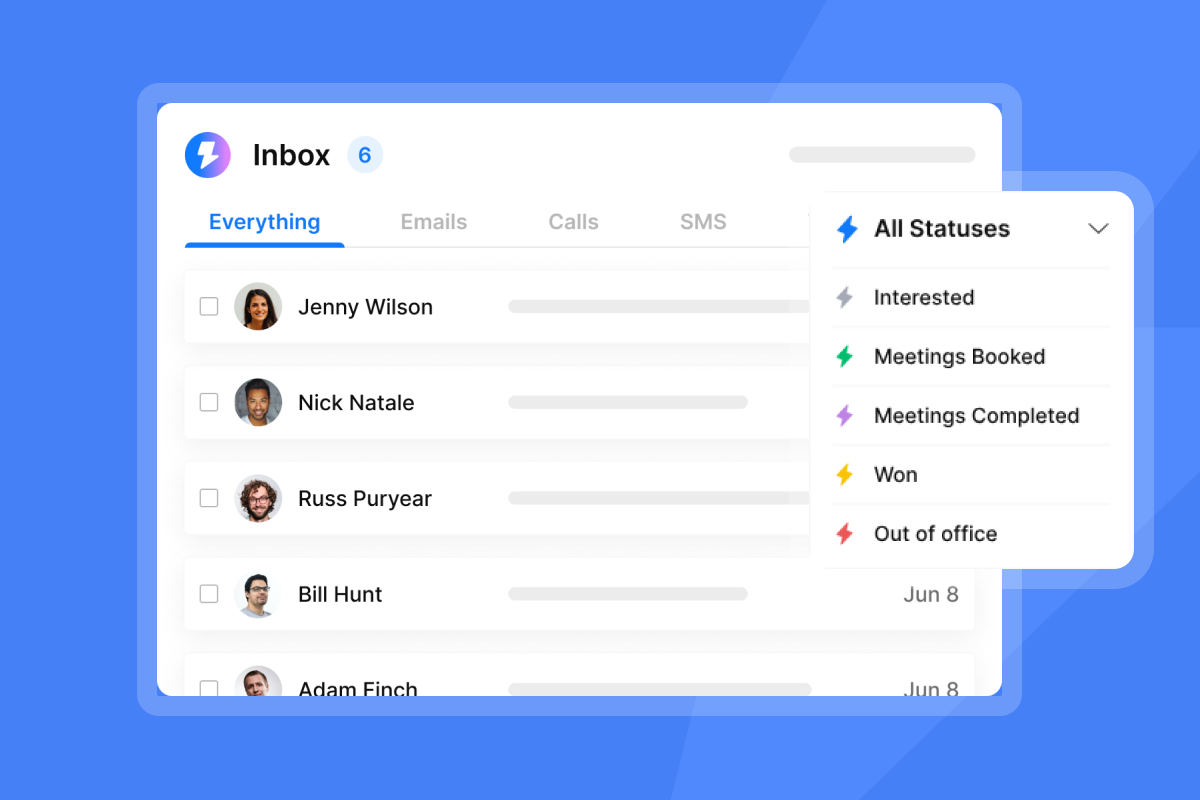
If the platform reports 47 replies in its dashboard but HubSpot shows 31 updated contacts, the integration is broken and your meetings-set data will always be wrong. Verify reply-count reconciliation in week one, not week four.
Performance lags in live campaigns
Watch for slow UI loading times, delayed email sends in the queue, or laggy reply handling inside the unified inbox. A platform that crawls under the weight of five active campaigns will not survive a team of 10 reps running concurrent sequences.
Lack of data lineage transparency
If a vendor cannot explain where their B2B contact data comes from, how frequently it gets refreshed, and what consent posture it carries, that is an AI BDR compliance risk your legal team will flag at contract review. Demand that any built-in database provider can show you their validation method, refresh cadence, and a documented accuracy standard before you upload a single contact.
Red flags in aggressive annual sales tactics
A vendor who pushes a heavy discount that expires in 48 hours before you have finished your pilot is a vendor who knows the evaluation will not go in their favor. Platforms with solid infrastructure encourage structured evaluations because they are confident in the results.
Hidden governance and audit trails
Enterprise-level evaluations require clear data residency policies, sub-processor transparency, and audit-friendly reporting. Instantly's DPA is publicly available and specifies data categories that customers must not upload, which is exactly the compliance documentation your legal and IT teams need before approval. Check that any vendor you evaluate provides an equivalent document.
Blueprint for a rigorous AI BDR trial period
Use this four-week schedule to structure your pilot. Each week has a defined focus, a set of key activities, and a measurable success metric. Complete each week in order. Skipping infrastructure setup in week one makes the data from weeks two through four unreliable.
The 30-day pilot framework
Week | Focus | Key activities | Success metric |
|---|---|---|---|
1 | Infrastructure and warmup | Purchase secondary domains, configure SPF/DKIM/DMARC, connect inboxes, start warmup at 5 emails/day per inbox, ramp to 15, then 30 over the warmup period | DNS authentication passes, warmup running on all inboxes |
2 | Live sequence validation | Launch low-volume campaigns to verified contacts (under 80 words per email, 4-7 steps), test reply classification | Reply rate above 3.43%, CRM sync verified |
3 | Domain and inbox health | Monitor bounce rates (target below 1%), adjust send windows and pacing, run blacklist checks | Primary inbox placement above 80%, bounce rate below 1% |
4 | Results vs. goals | Aggregate data, calculate cost-per-meeting, reconcile CRM records, compare against win criteria | All metrics within agreed thresholds |
Week 1: Preparing your domain for outreach
Purchase secondary domains and configure them completely before you send a single email. Each domain needs SPF (the DNS TXT record that defines which servers can send on your behalf), DKIM (a cryptographic signature that proves emails were not altered in transit), and DMARC (which aligns SPF and DKIM and tells mailbox providers how to handle failures). Start DMARC at p=none to monitor without affecting deliverability, then move to p=quarantine once you have confirmed that all legitimate senders are authenticating correctly and DMARC reports show no misaligned traffic. Begin warmup at 5 emails per inbox per day, then ramp to 15, then 30 as sender reputation builds, and monitor engagement signals daily.
Week 2: Live email sequence validation
Launch your first live sequences with a verified contact list. Keep each first-touch email under 80 words with a single call-to-action, and run at least two copy variants using A/Z testing to measure subject line performance (A/Z testing is included on Growth, and the full 26-variant capability requires Hypergrowth at $97/mo or above). Watch reply classification in Unibox closely and track whether the AI correctly handles OOO replies, unsubscribes, and positive interest signals without manual intervention.
Week 3: Protect domain and inbox health
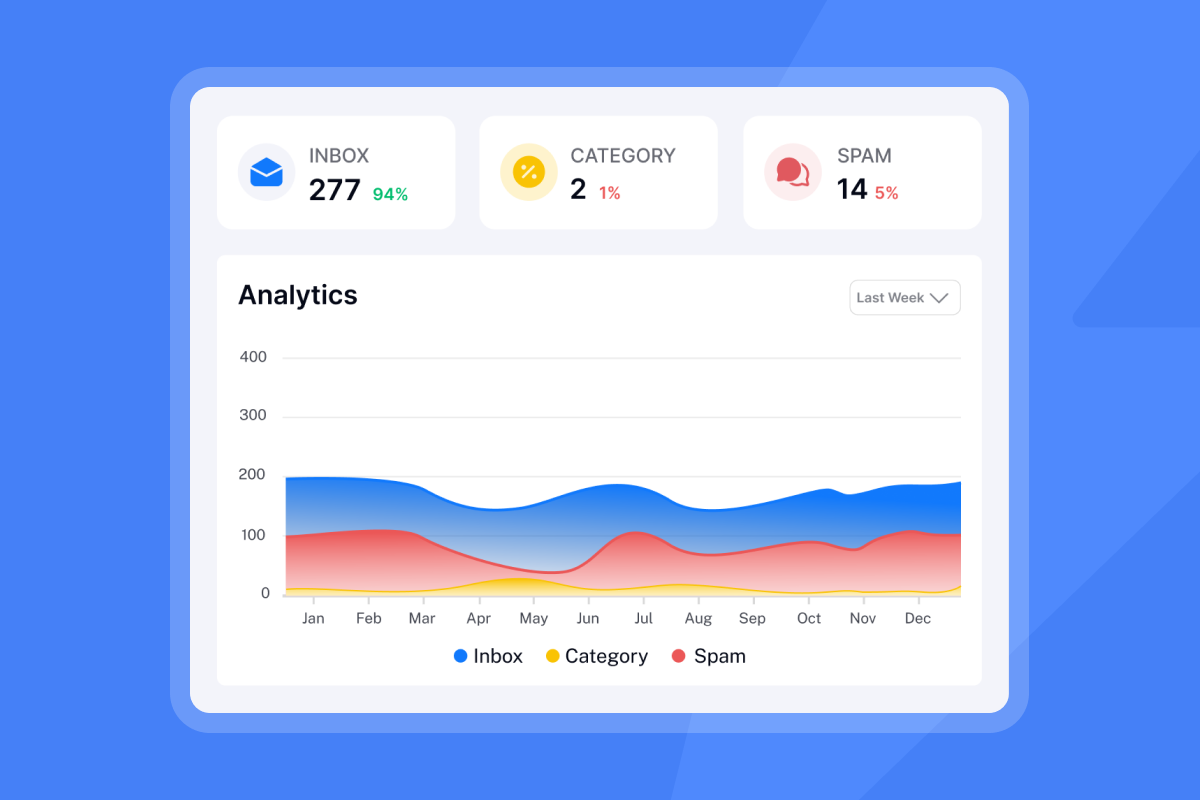
This week is your health checkpoint. Hard bounces above 1% or spam complaint rates above 0.1% demand immediate action: pause the campaign, re-verify your list, restart at a lower send cap, and monitor before resuming. For context, Google and Yahoo enforce a 0.3% spam complaint ceiling for bulk senders. Microsoft's Dynamics 365 Customer Insights applies the same 0.3% threshold as a suspension trigger for that platform's marketing-tool customers. Staying below 0.1% keeps you well inside that limit and protects sender reputation before problems compound. Use AI Blocklist Triggers, available on Hypergrowth and above, to auto-blocklist leads who unsubscribe or trigger specific reply-content keywords, which protects your sender reputation at the workspace level without manual list management.
Week 4: Compare POC results to goals
Aggregate all four weeks of data. Calculate cost-per-meeting by dividing total platform cost by the number of meetings booked. Reconcile your platform reply count against HubSpot contact records. Compare primary inbox placement, bounce rate, and meeting volume against the win criteria you defined before the pilot started. Document any gaps in writing. That record is your evidence base for a go/no-go decision and any AI BDR contract negotiation.
30-Day pilot checklist
Copy and paste this into your internal project management tool before kickoff.
Week 1: Infrastructure
- [ ] Purchase secondary domains (separate from primary domain)
- [ ] Configure SPF on each domain
- [ ] Configure DKIM on each domain
- [ ] Configure DMARC (start at p=none)
- [ ] Connect all inboxes to platform
- [ ] Start warmup at 5 emails/day per inbox (ramp to 15, then 30 across the 30-day period)
- [ ] Verify CRM integration (HubSpot sync test)
- [ ] Define win criteria in writing with vendor

Week 2: Validation
- [ ] Upload verified contact list
- [ ] Launch sequences (4-7 steps, under 80 words per email)
- [ ] Enable A/Z testing with 2+ copy variants (Growth includes A/Z testing, and the full 26-variant capability requires Hypergrowth at $97/mo or above)
- [ ] Test AI reply classification accuracy (sample of replies)
- [ ] Check CRM lead status updates daily
- [ ] Confirm support response time under 4 hours

Week 3: Health Monitoring
- [ ] Run blacklist checks on all pilot domains
- [ ] Monitor hard bounce rate (target below 1%)
- [ ] Run inbox placement test mid-week
- [ ] Check spam complaint rate (target below 0.1%)
- [ ] Review Deliverability AI Agent alerts
- [ ] Adjust send windows if placement dips below 80%

Week 4: Analysis
- [ ] Aggregate total replies, meetings booked, bounce rate
- [ ] Reconcile platform reply count with CRM records
- [ ] Calculate cost-per-meeting
- [ ] Compare all metrics against pre-agreed win criteria
- [ ] Request full data export (CSV) from vendor
- [ ] Document any integration gaps or support failures
- [ ] Make go/no-go decision with written evidence
Common objections during AI BDR evaluations
Sales teams raise similar objections at roughly the same points in every evaluation. The answers below address the most common ones, with specific guidance tied to the 30-day framework above.
Ideal duration for a cold email pilot
Thirty days is the right window because it gives you two weeks for safe domain warmup and two weeks of live sending to collect statistically meaningful performance data. A shorter window does not give warmup enough time to build sender reputation, and a decision made on seven days of data will not reflect actual deliverability at scale.
Evaluating tool access for reps
Before week two, have each rep complete the basic campaign setup independently without ops support. If the setup process creates a bottleneck, adoption will suffer and you will spend more time on training than on pipeline.
Troubleshooting domain health during POC
If domain health dips during the pilot, follow this runbook in order: pause all active campaigns, audit your bounce rate and spam complaint rate, re-verify your contact list through an email verification tool, restart warmup at 5 emails per inbox per day, and monitor before resuming live campaigns. Do not skip the re-verification step. Stale data is almost always the cause.
Managing stack conflicts during testing
If you run an existing sales engagement tool alongside the pilot, route all pilot sends through your secondary domains only and ensure the pilot CRM integration writes to a separate HubSpot pipeline or a clearly labeled deal stage. This keeps pilot data clean and prevents double-counting in your reporting.
Tracking metrics for AI BDR trials
Focus on primary inbox placement rate (above 80%), verified reply rate (benchmark at 3.43% per Instantly's 2026 benchmark report, target 5%+), and CRM status accuracy. Track all three weekly rather than monthly so you can course-correct before the trial window closes. Open rate is secondary until those three pass threshold.
If you want to test Instantly's deliverability infrastructure on real secondary domains without a per-seat penalty, start your 14-day free trial with no credit card required. Read Instantly's 2026 Cold Email Benchmark Report before you start to align your pilot targets with data from billions of real cold email interactions.
FAQs
How long should an AI BDR proof of concept last?
An AI BDR proof of concept should last exactly 30 days. This timeline provides two weeks for safe domain warmup and two weeks of live sending to gather statistically reliable performance data.
What is a safe daily sending limit per inbox during a trial?
You should not scale past 30 emails per single inbox per day during ramp-up. Exceeding this while warming up a new domain risks spam filter flags and deliverability damage before sender reputation is established.
What reply rate should you use as a pilot benchmark?
Use Instantly's 2026 benchmark report platform average of 3.43% as your baseline, with 5.5% as a top-quartile target. If your pilot reply rate falls well below the 3.43% platform average, that gap is worth investigating across three variables: list hygiene, copy quality, and inbox placement.
How to verify AI reply classification accuracy during the trial
Pull a representative sample of replies from the platform, manually classify each one as positive, negative, OOO, or unsubscribe, then compare against the platform's labels. If the vendor will not allow you to export raw reply text for this audit, do not proceed to contract.
Key terms glossary
Primary inbox: The main folder where legitimate, high-priority emails land, completely separate from the spam or promotions folders.
Warmup: The process of gradually increasing email sending volume on a new domain to build a positive reputation with mailbox providers.
SISR (Server and IP Sharding and Rotation): A feature that distributes email sending across dedicated IP pools to protect deliverability at scale, available on Instantly's Light Speed plan at $358/mo.
Unibox: A centralized inbox that aggregates replies from all sending accounts into a single dashboard for easy management, included in Instantly's CRM plans.
Unibox NLP: Instantly's Unibox NLP feature that auto-classifies incoming replies into custom labels using sentiment and context detection across 50+ languages. Custom label selection is available on Hypergrowth and Light Speed plans.
Hard bounce rate: The percentage of emails that permanently fail to deliver due to invalid addresses. Keep this below 1% during any pilot to protect sender reputation.
Read next
- Cold email deliverability: how to land in the primary inbox: a step-by-step breakdown of warmup, domain setup, and send pacing that keeps your emails out of spam and inside the primary inbox.
- Email tracking software pricing models: seat-based vs. usage-based vs. flat-fee explained: how the three main pricing structures compare on cost, scalability, and hidden billing risk as your team grows.
- How to write follow-ups for cold leads, warm leads, proposals, and objections: sequence templates and timing guidance for every reply scenario your reps will encounter during a live pilot.



